Three years ago, picking an AI art generator meant choosing between a handful of Discord bots and a lot of guesswork. Today there are dozens of options, each with its own credit system, content filter and monthly bill, and the marketing pages all promise the same thing: stunning images in seconds. The reality is messier. One tool gives you a generous free allowance but blurs the fine details. Another produces gorgeous skin and light but charges before you can even test it. A third says "no restrictions" and then quietly refuses half your prompts.
This article sorts through that noise. You will see which generators offer a real free trial, what the monthly price looks like for casual and heavy users, what "no restrictions" actually means in practice, and what kind of results to expect from each style of model. Pricing in this space moves fast and the numbers below come from recent roundups, so treat them as a solid ballpark and confirm the exact figure on the provider's page before you subscribe.
💡 Quick answer: If you want zero risk, start with a generator that lets you make images before you pay. If you want the most flexibility, pick a platform that hosts many models in one place so you are never locked into a single look.
What Counts as "Best" in 2027
"Best" is a slippery word. The generator that wins a beauty contest might be a poor choice for your budget, and the cheapest one might waste hours of your time. Before comparing names, decide what you are optimizing for.
Image quality comes first
Look at skin texture, hands, fabric, reflections and background detail. A good model renders pores, stray hairs, wrinkled linen and believable shadows without the waxy, over-smoothed look that gave early AI images away. Sharpness at 2K or 4K output also matters if you plan to print or crop.
Price per usable image
A tool that costs $10 a month but needs six attempts per good result is more expensive than a $20 tool that nails it in two. Count your keepers, not your generations.
Content rules that apply to you
Every hosted generator has a policy. Some block celebrity likenesses, some block anything suggestive, some block violence. If your work touches fashion, glamour, horror or editorial themes, read the policy first, because a refused prompt still burns your time.
| What to check | Why it matters | Quick test |
|---|
| Output resolution | Printing and cropping need pixels | Generate one portrait and zoom to 200% |
| Text rendering | Posters and logos fail on garbled letters | Prompt a short word on a shop sign |
| Prompt accuracy | Fewer retries means lower cost | Ask for three specific objects in one scene |
| Content limits | Refusals waste credits | Try a borderline but legal fashion shot |
| Speed | Faster iteration beats slow perfection | Time five generations in a row |
Free Trials Worth Your Time
Free access is the fastest way to find out whether a generator fits your taste. But "free" comes in very different flavors.
Who really gives free credits
According to recent comparisons, Midjourney has no free tier anymore. Its trial ended back in 2023, and the entry plan sits around $10 a month. That makes it the one big name you cannot test at no cost.
Leonardo AI is the most often mentioned free option. It hands out a daily token allowance, reported by different sources as roughly 150 tokens a day or around 20 images a day, and its paid plans start near $12 a month. Adobe Firefly gives a small monthly allowance, reported at roughly 25 generations, with paid tiers starting around $4.99. DALL-E is reached through ChatGPT, where the paid Plus plan runs about $20 a month. Ideogram offers a limited free credit pool and is praised for readable text inside images. Stable Diffusion can run on your own computer for nothing if your graphics card is strong enough.
On PicassoIA, you reach many of these model families from a single place. Ideogram v4 Quality and Stable Diffusion 3.5 Large are both there, so you can compare text rendering and open-model style without opening five different accounts.
How to stretch a free plan
Free allowances run out quickly if you waste them. A few habits help:
- Write one detailed prompt instead of five vague ones.
- Generate at low resolution first, then upscale only the winner.
- Reuse seeds so a good composition can be tweaked rather than rebuilt.
- Test on a hard scene such as hands holding an object, since that exposes weak models fast.
💡 Tip: Run the exact same prompt on two or three generators. Differences in skin, light and text jump out immediately, and you stop guessing which one suits you.
Pricing Compared Side by Side
Sticker prices tell only part of the story, but they are a good starting point. The table below reflects ballpark figures from recent roundups. Sources disagree on some details, so verify before you pay.
| Generator | Free access | Typical entry price | Best for |
|---|
| Midjourney | None | About $10 a month | Painterly, stylized aesthetics |
| Leonardo AI | Daily token allowance | About $12 a month | Free experimenting and game art |
| Adobe Firefly | Roughly 25 generations a month | About $4.99 a month | Commercially safer outputs |
| DALL-E via ChatGPT | Limited | About $20 a month with ChatGPT Plus | Conversational editing |
| Ideogram | Limited free credits | Varies by plan | Text inside images |
| Stable Diffusion (local) | Free, needs your own hardware | Hardware cost only | Full control and tinkering |
| Multi-model platform | Varies by model | Pay for what you use | Comparing many looks in one place |
Subscription or pay as you go
Subscriptions suit people who generate daily. If you make images in bursts, such as a batch for a client every few weeks, a flat monthly fee burns money in the quiet months. Platforms that host many models let you pick the right engine per job instead of paying for one engine you only half use.
Hidden costs people forget
- Upscaling is sometimes charged separately.
- Commercial licenses may require a higher tier.
- Private mode is often a premium feature.
- Failed generations still consume credits on some services.
No Restrictions: What It Really Means
Search for "AI art generator no restrictions" and you will find plenty of tools using the phrase loosely. Nobody offers a literal absence of rules. What differs is where the line sits and how often a harmless prompt gets caught by mistake.
Filters and why they exist
Hosted generators filter prompts to avoid illegal content, non-consensual imagery, real-person misuse and minors in any harmful context. That part is non-negotiable and you would not want it any other way. The frustration comes from over-blocking: a swimwear campaign, a moody fashion portrait or a medical illustration gets refused because a word tripped a filter.
When people say they want fewer restrictions, they usually mean fewer false alarms. Look for platforms whose models handle fashion, glamour, artistic and editorial subjects without treating every adult-themed word as a threat. Non-explicit suggestive imagery, such as beachwear or stylish boudoir photography, should be achievable without a lecture.
Open models vs closed apps
Open-weight models like Stable Diffusion run on your machine, so no company reads your prompt. The trade-off is setup time, a hefty GPU and your own responsibility for what you create. Closed apps are easier and faster but apply their own rules.
💡 Middle ground: A multi-model platform lets you switch to a different engine when one model refuses a legitimate prompt. Different models have different tolerance levels, so you keep creating instead of rewriting the same sentence ten times.
Examples: What Each Generator Does Best
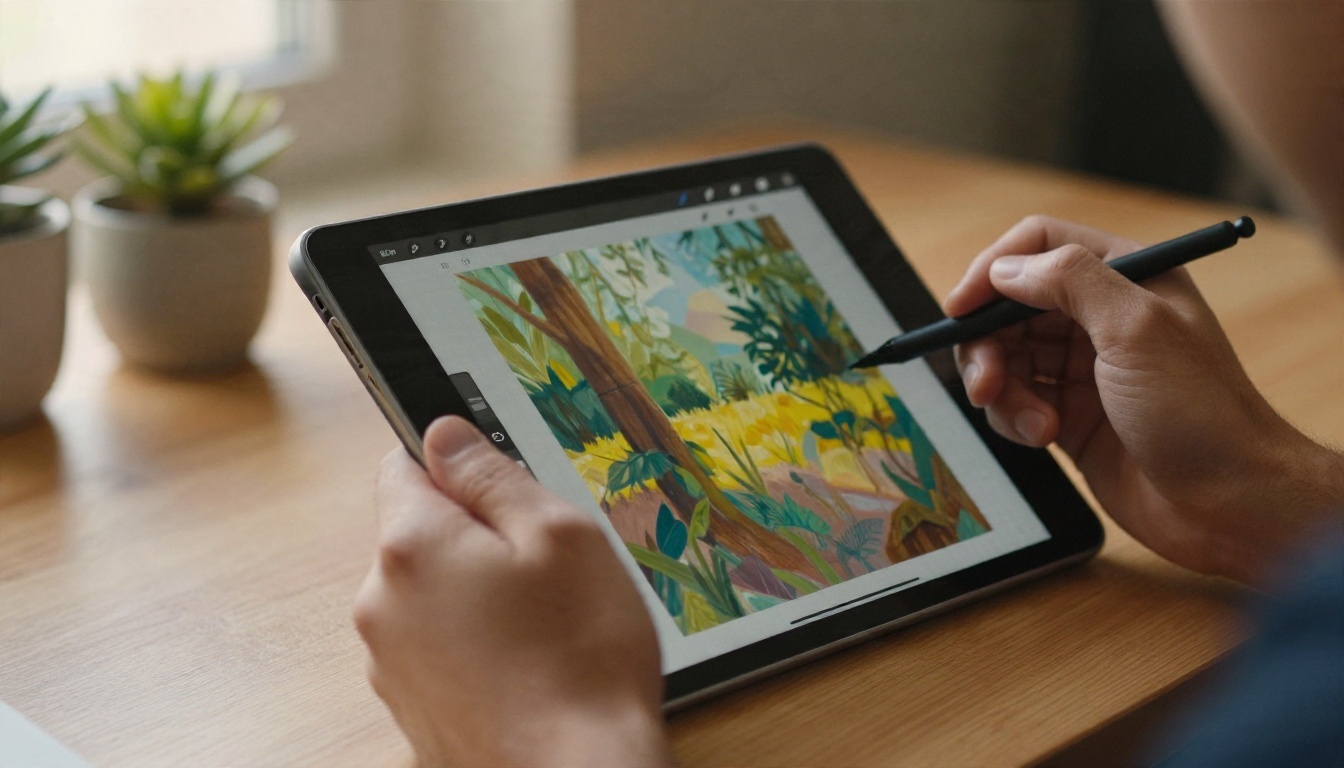
Numbers and policies only go so far. The real test is what comes out. Here is what to expect across the most common subjects.
Portraits and skin
Portraits expose weaknesses first. The best models now produce visible pores, uneven skin tone, flyaway hairs and catchlights that match the lighting in the scene. Seedream 4.5 is a strong choice here, with sharp 4K output and convincing skin. Imagen 4 leans toward clean, photographic realism with believable lenses and depth of field.
A prompt that works well for a portrait: "Close-up portrait of a woman in her thirties by a window, soft morning light from the left, 85mm lens, shallow depth of field, visible skin texture, Kodak Portra 400 grain." Naming the lens, light direction and film stock pushes any model toward a photographic look.
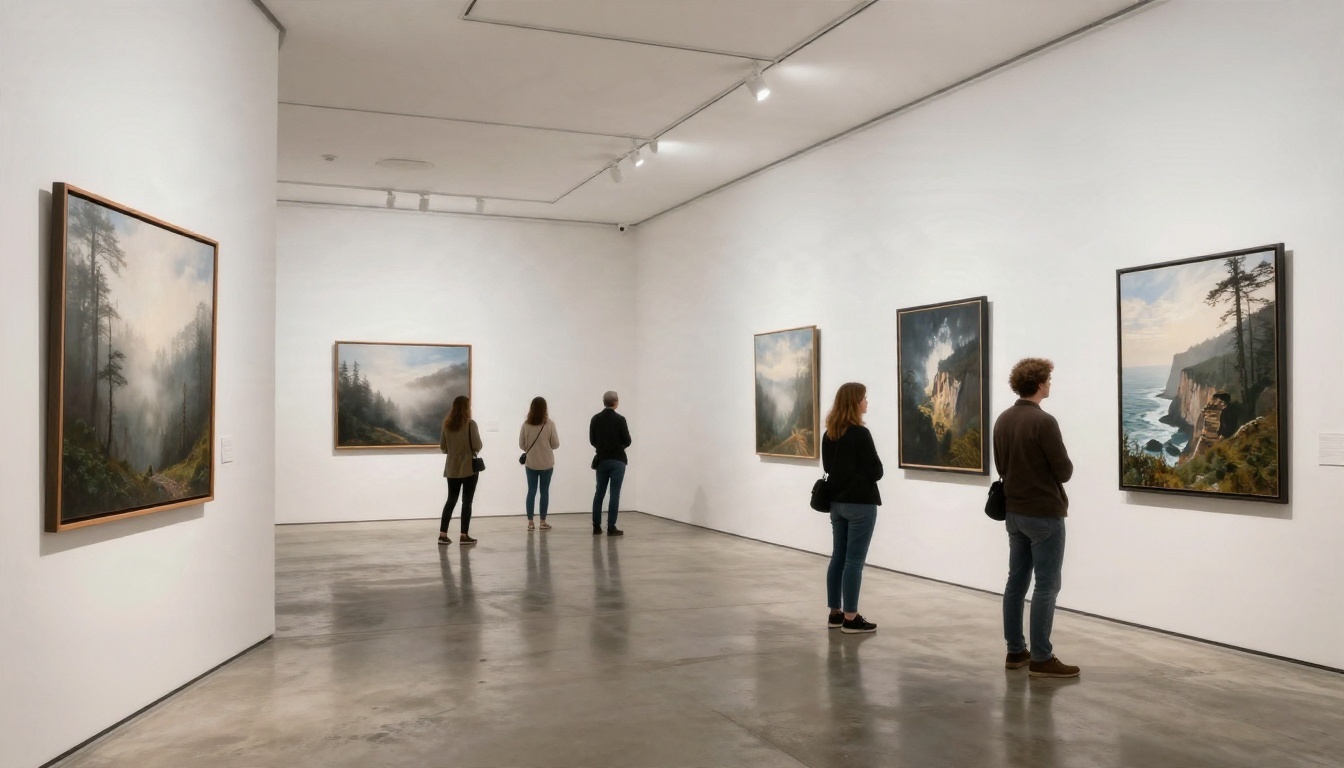
Landscapes and atmosphere
Landscapes reward models that handle mist, scale and layered light. Midjourney is famous for dramatic painterly scenes. For realism, Nano Banana Pro and Imagen 4 Ultra deliver high-detail results that hold up when printed large. Try prompts that specify time of day, weather and a focal length, such as "24mm, low sun, fog in the valley."
Text inside images
Posters, packaging mockups and storefronts need legible lettering. Ideogram built its reputation here, and Ideogram v4 Quality continues that strength. Keep the text short, put it in quotation marks inside your prompt, and limit it to one or two words for the best odds.
Models Worth Trying on PicassoIA
PicassoIA collects dozens of text-to-image models in one place, so you can test the same prompt across several engines instead of paying for each separately. Here are the ones I would try first, in order.
Seedream 4.5 for sharp, flexible output
Seedream 4.5 is the first model to open for portraits, fashion, glamour and editorial scenes. It produces crisp 4K images and follows detailed prompts closely. It is also a practical pick when other tools keep refusing perfectly reasonable fashion or beachwear prompts, because it handles non-explicit suggestive subjects gracefully.
Nano Banana Pro and Imagen 4 for realism
Nano Banana Pro is great when you want 4K detail and editing flexibility. The original Nano Banana is handy for quick edits to an existing picture. Imagen 4 rounds out the realism group with clean photographic results.
Qwen, Flux and Riverflow for variety
Qwen Image 3 and Qwen Image 3 Pro offer photorealistic output with a different visual signature, which is useful when you are tired of the same look. Flux 2 Klein 9B Base LoRA is suited to styled results and custom looks. Riverflow v2.5 Pro produces scored 4K images, handy when you want an extra quality signal on each result.
💡 Workflow idea: Draft quickly with Imagen 4 Fast, pick the best composition, then re-run that prompt on Seedream 4.5 or Nano Banana Pro for the final high-resolution version.
Pick Your Generator in Five Minutes
You do not need to test everything. Use this shortcut.
If you are a hobbyist on a tight budget: use the free allowances from Leonardo AI or Adobe Firefly for casual play, and keep a multi-model platform for the images that matter.
If you sell prints or client work: prioritize resolution and licensing. Compare 4K outputs from Seedream 4.5, Nano Banana Pro and Imagen 4 Ultra on the same prompt, then keep the winner.
If you need posters or logos: start with Ideogram v4 Quality for readable text and keep text short.
If filters keep blocking you: switch engines before you rewrite the prompt. Model tolerance varies a lot.
If you love tinkering: run Stable Diffusion locally, or try Stable Diffusion 3.5 Large online without installing anything.
A simple five prompt test
- A portrait with natural window light.
- A landscape with fog and a long lens.
- A product on a marble counter with reflections.
- A sign with one short word.
- A hand holding a coffee cup.
Run these on each generator. Score each result from 1 to 5. Add the totals and you have an objective ranking built on your own taste, not on someone else's affiliate list.
Make Your First Image Today
The best generator is the one that produces images you actually like at a price you can live with. Reading comparisons helps, but nothing beats typing a prompt and seeing what comes back.
Open PicassoIA, pick Seedream 4.5 for a portrait or Nano Banana Pro for a landscape, and paste in one of the example prompts above. Change a single detail, such as the lens or the time of day, and run it again. Then try the same prompt on Ideogram v4 Quality or Qwen Image 3 and compare the two side by side. Ten minutes of testing will tell you more than any ranking.
Ready to see everything on offer? Browse the full catalog at picassoia.com/en/all-models, choose a model, and start creating your own images today.


