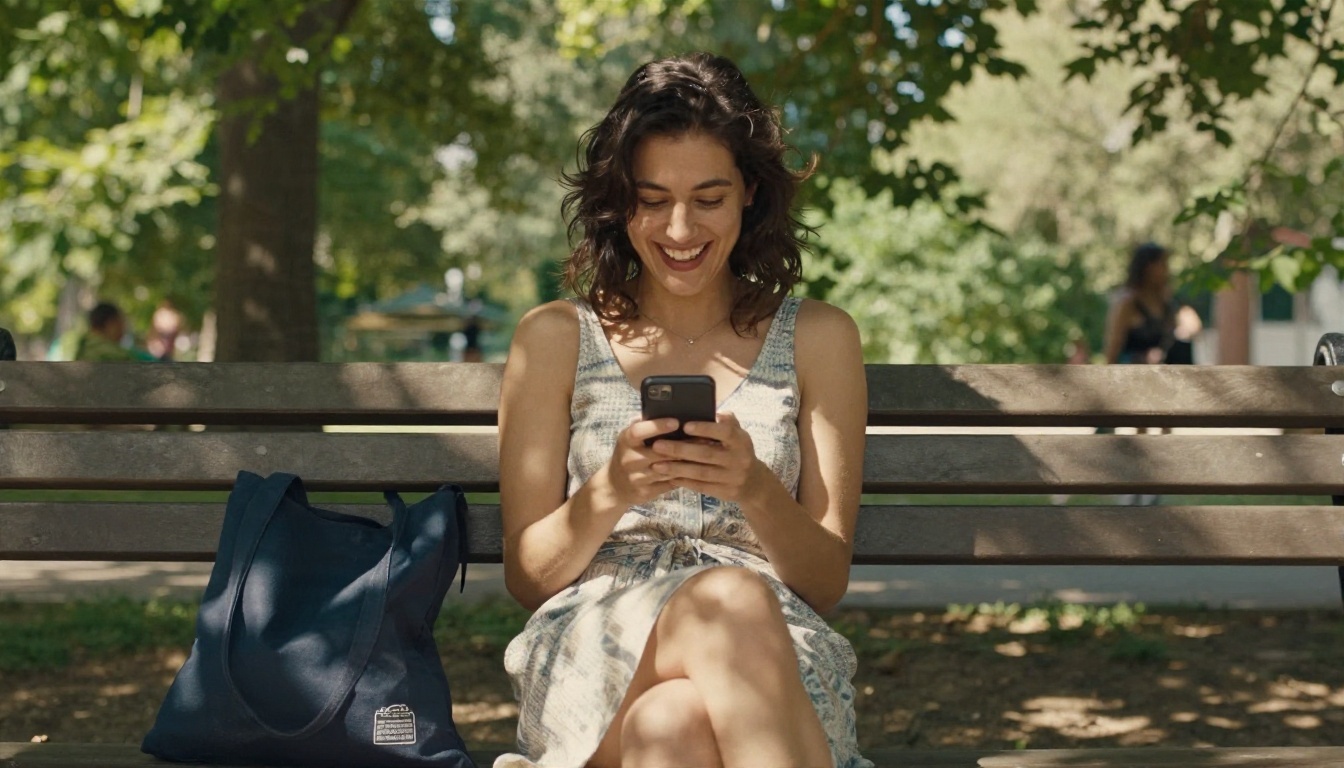
You open an app, say good morning to a character you built last week, and she answers with a selfie from a coffee shop. That small moment is why AI companions with images have become one of the fastest growing corners of consumer AI. Text chat alone gets old. A face, a place, a photo that matches the story you are telling: that is what keeps people coming back.
The catch is that the market is messy. Apps promise "unlimited photos" and then paywall them after day two. Prices differ from one review site to the next. And the pictures themselves range from sharp and believable to plastic and inconsistent. This article sorts it out: what the free tiers usually give you, what paid plans tend to cost, which features matter, and the photo prompts that get better results whichever tool you use.

What "With Images" Really Means
Not every app that claims image support does the same thing. Before comparing names, separate the three common setups.
Built in photo generation
The companion app generates pictures inside the chat. You ask for "a photo of you at the beach" and the app produces one, usually through a hidden image model. This is the easiest path and the one most apps sell. The downside: you rarely control the model, the style, or how many credits each picture burns.
Image understanding
Some companions cannot create pictures but can look at yours. You send a photo of your dinner or your dog, and the chat model describes it and reacts. This relies on a vision capable language model, and it feels surprisingly personal.
Bring your own images
The third setup is a hybrid. You chat in one place and generate pictures separately with a dedicated image model, then paste them in or keep them as a gallery. It takes a few extra minutes, but you get far better control over looks, consistency, and cost. We will come back to this approach because it is the one that scales best.
💡 Quick test before you pay: ask the companion for the same outfit in three different settings. If the face changes noticeably each time, the app has weak character consistency, and a subscription will not fix that.
The Free Options Worth Trying
Free plans exist to get you hooked, so read them as a trial and not a bargain. From the comparisons published in 2026, a few patterns repeat across the big names.
| App style | Typical free tier | Where it stops you |
|---|
| Replika | Unlimited safe for work text chat, basic avatar | Richer features and voice sit behind a paid plan |
| Candy AI | Small starter allowance, limited free messages | Image generation uses credits that run out fast |
| Nomi | Free text chat with a strong memory feel | Pricing and image limits vary, so check the live page |
| Kindroid | Free trial style access, deep customization | Video calls and extras need a subscription |
| OurDream AI, Kupid AI, MyLovely | Free to start with a small number of pictures | Daily or one time caps, then credits |
A few honest notes about that table. First, review sites that rank these apps are often affiliates, so enthusiastic ratings should be read with a raised eyebrow. Second, prices and free limits change monthly. Treat any number you read in an article, including this one, as a starting point and confirm it on the app's own pricing page before you enter a card.
What a free plan usually gives you
- A handful of generated photos, often between 3 and 10 in total or per day.
- Text chat with a message cap, sometimes reset daily.
- Watermarks or lower resolution on free pictures.
- Slower queues during busy hours.
What it almost never gives you
- Unlimited photo generation.
- Reliable consistency across dozens of pictures.
- Full privacy controls and data export.
- Video or voice features.
If your goal is simply to test whether you enjoy the experience, free tiers are fine. If you plan to build a long running character with a growing photo library, the maths changes quickly.
The Real Cost of Paid Plans
Pricing across companion apps falls into a fairly narrow band, though the exact figures disagree between sources. Here is the realistic picture based on 2026 comparisons.
| Plan type | Approximate monthly cost | What you get |
|---|
| Entry subscription | $5 to $13 | More messages, a modest image allowance |
| Mid tier | $13 to $25 | Larger image credits, voice, memory upgrades |
| Top tier | $25 to $70 | Heavy image use, video, priority speed |
| Annual plans | Often 40 to 60 percent less per month | Same features, paid upfront |
| Credit packs | $5 to $20 per bundle | Pay per picture, no recurring plan |
One review put Candy AI as low as $5.99 per month on an annual plan, while another listed a range from about $12.99 to $69.99 depending on tier. Both can be true: the cheapest figure is the annual rate, the highest is the top monthly package. That gap is the reason you should always compare cost per generated photo and not the headline monthly number.

A simple way to compare value
Take the monthly price and divide it by the number of pictures you will realistically make. If a $15 plan gives you 100 images, each costs 15 cents. If you only send ten pictures a month, the true cost is $1.50 each and a credit pack would be cheaper. Do this arithmetic before you subscribe, and again after the first month with your real usage.
Hidden costs to watch for
- Credits that expire at the end of the billing cycle.
- Separate fees for video or voice, on top of the main plan.
- Upsells inside the chat, where the companion nudges you to buy more.
- Auto renewal on annual plans that is hard to cancel.
💡 Tip: set a calendar reminder two days before any trial ends. It is the single most common way people end up paying for something they stopped using.
Features That Actually Matter
Marketing pages list dozens of features. Only a handful change daily use.
Character consistency
This is the big one. A believable companion looks like the same person in every photo: the same face shape, hair, and style. Apps that store a character profile or accept reference photos do this better. If you are comparing two apps, send ten photo requests to each and line them up side by side.
Memory
A companion that remembers your dog's name, your job, and last week's conversation feels alive. Nomi has been praised for memory in several rankings, and Kindroid for customization depth. Test memory with a simple check: mention a detail, wait a day, and ask about it.
Photo realism
Look for skin texture, correct hands, and natural lighting. Over smoothed skin and glossy, plastic highlights are the usual giveaways of a weak image model.
Privacy
Companion chats are intimate. Check whether the app stores your images, whether you can delete your history, and whether conversations are used for training. If the answer is unclear, assume the data stays.
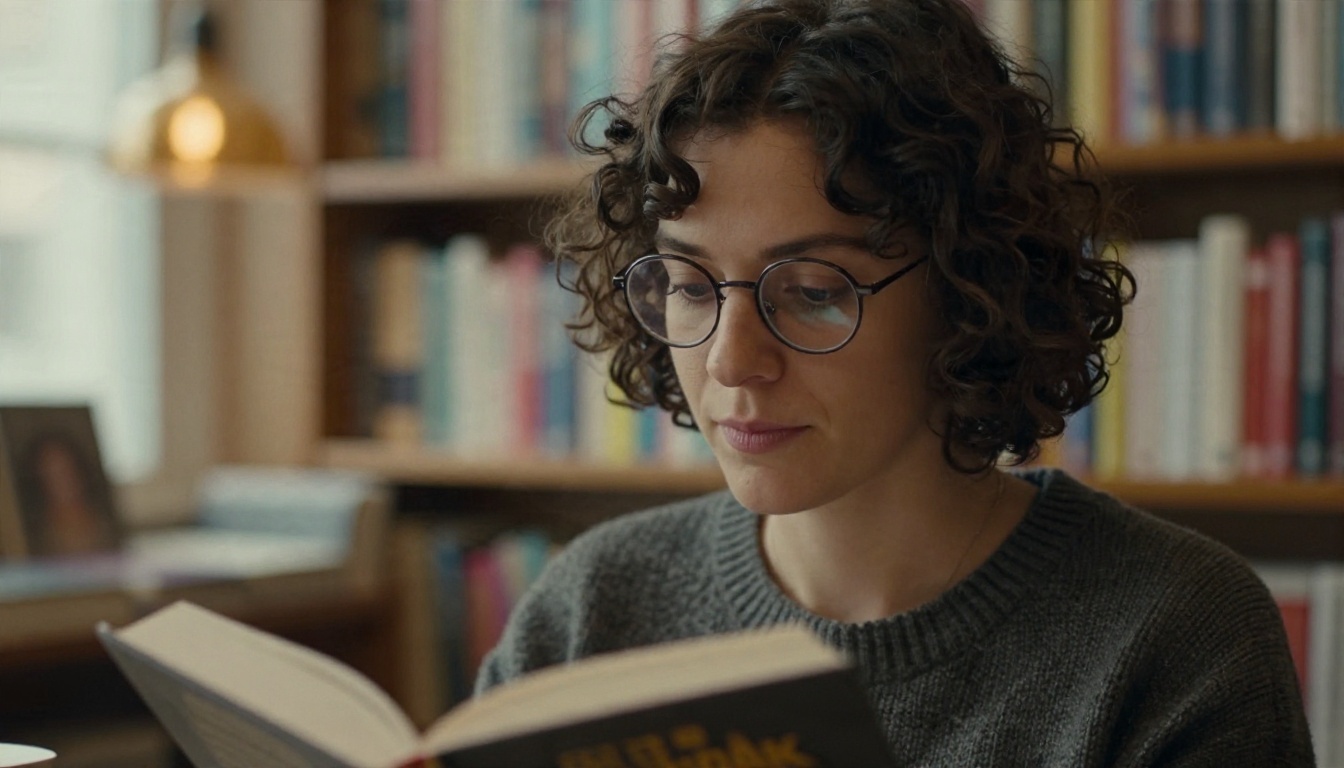
Photo Prompts That Work
Whether the app lets you type prompts or you generate pictures separately, the same rules apply. Good prompts read like a photographer's brief: a subject, a place, a light source, a lens, and a mood. Vague prompts like "pretty girl at the beach" produce generic pictures.
The formula
Subject and action + setting + light direction + camera and lens + texture details.
Always keep a short character block that you paste at the start of every prompt. For example: "a woman in her late twenties, shoulder length auburn hair, green eyes, a small mole under the left eye, warm olive skin." That one habit does more for consistency than any app setting.
Prompt 1: the morning selfie
A woman with shoulder length auburn hair and green eyes taking a casual mirror selfie in a sunlit bedroom, oversized white t-shirt, hair slightly messy, soft morning light from a window on the left, 35mm lens, shallow depth of field, visible skin texture, film grain, Kodak Portra 400.
Prompt 2: the travel photo
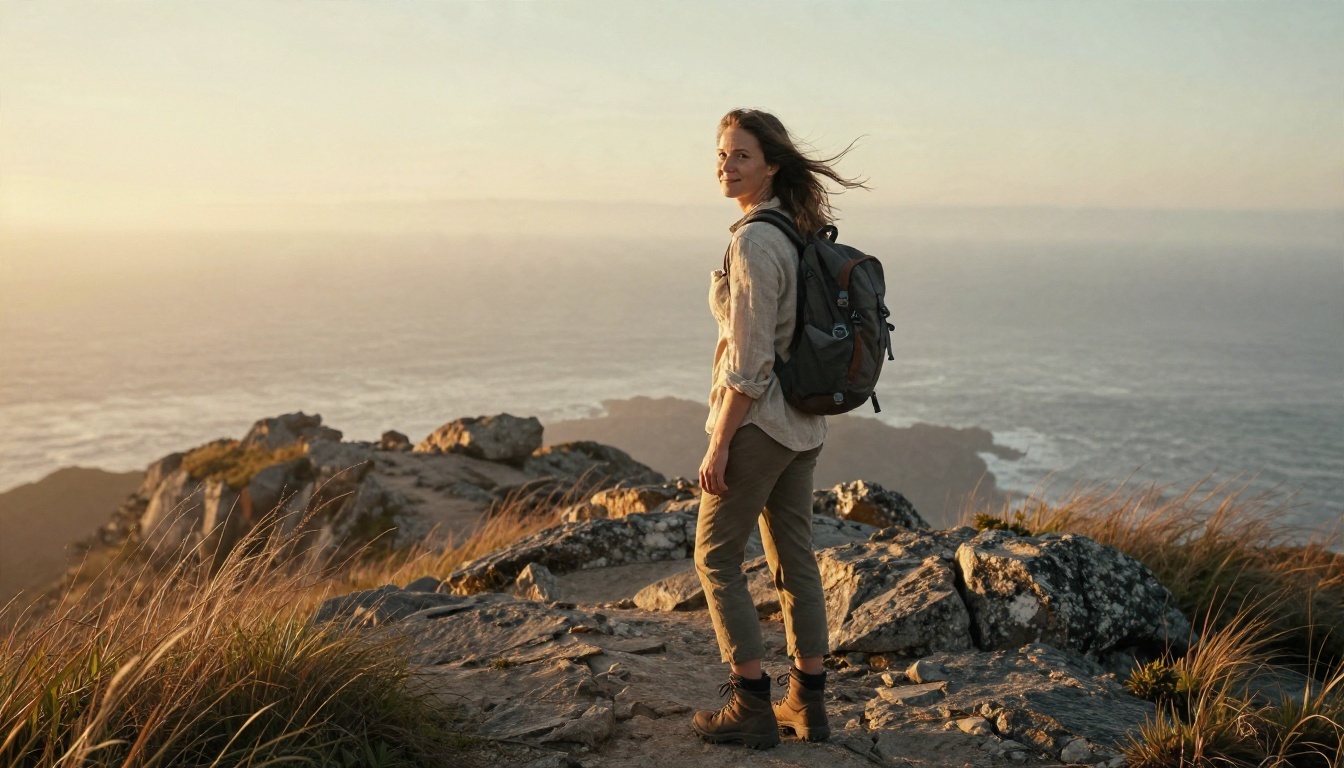
The same woman on a rocky coastal path at sunrise in a linen shirt and hiking boots, turning to look back over her shoulder with a relaxed smile, low golden light from the left, sea mist, 24mm lens at f/5.6, windblown hair, realistic fabric texture.
Prompt 3: the beach day
The same woman standing ankle deep in clear turquoise water in a light sundress and straw hat, laughing and pushing windblown hair back, strong midday sun from behind creating sparkles on the water, 70mm lens at f/2.8, sun tanned skin texture.

Prompt 4: the night out
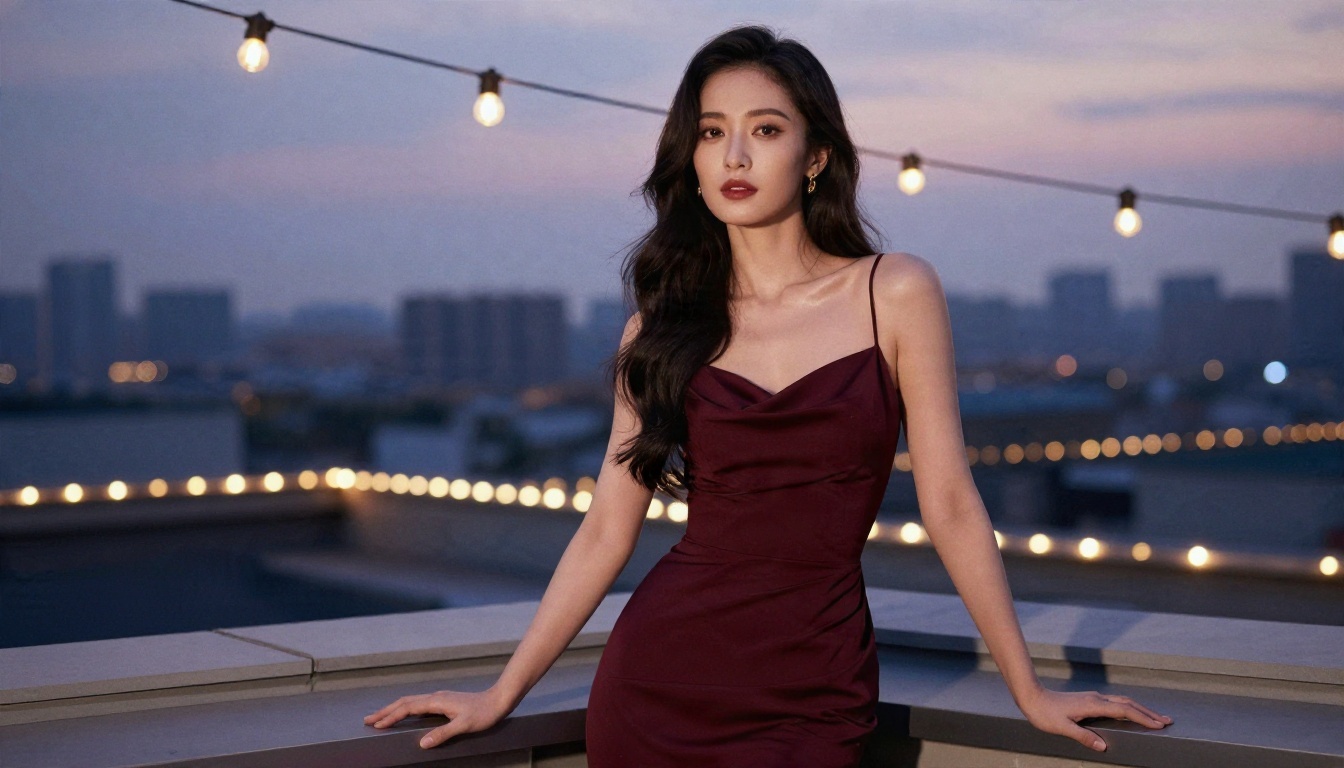
The same woman on a rooftop terrace at dusk in a fitted burgundy cocktail dress, leaning on a railing, warm string lights overhead, a blurred city skyline behind, 50mm lens at f/2, realistic skin and fabric sheen.
Prompt 5: the glamour portrait
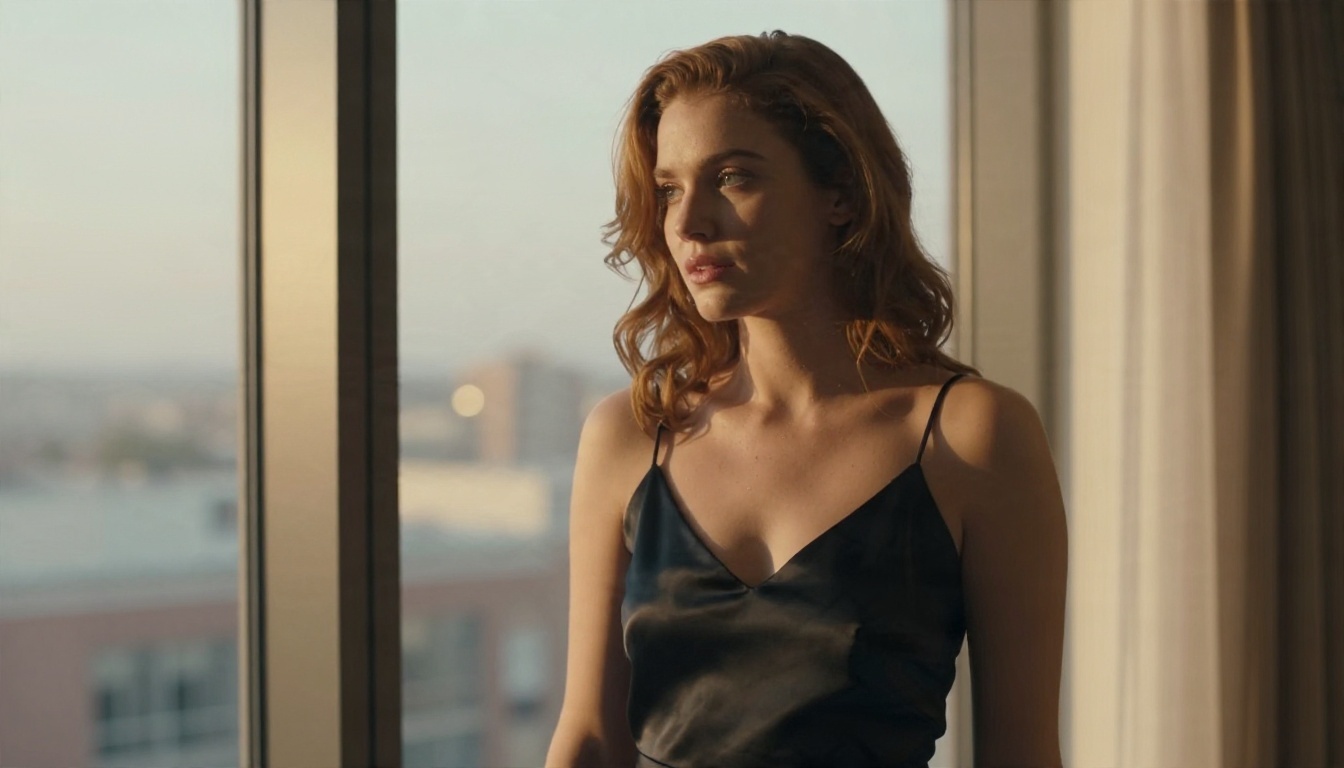
A woman in an elegant black satin dress standing beside a tall hotel window at golden hour, soft rim light from the right, wavy auburn hair, natural makeup, 85mm lens at f/1.8, creamy bokeh, tasteful fashion editorial mood.
Five prompt habits that raise quality
- Name the light. "Soft window light from the left" beats "good lighting."
- Name the lens. 35mm for lifestyle, 85mm for portraits, 24mm for wide scenes.
- Add texture words. Skin pores, knit sweater, wool rug, paper grain.
- Keep one scene per prompt. Do not stack three outfits and two locations.
- Reuse the character block word for word.
Build Your Own Companion Photos
Here is the approach many people end up preferring: keep the chat in whichever companion app you like, and generate the pictures yourself. You choose the model, you set the look, and you are not charged per image by a third party.
On PicassoIA, the natural place to start is Seedream 4.5. It produces sharp, photographic portraits and handles skin, fabric, and lighting well, which suits companion style pictures that need to look like real photos. For editing, PicassoIA Image Editor Pro offers unlimited generations, so you can adjust a pose, change an outfit, or fix a detail without watching a credit counter.
Step by step
- Write your character block. Two or three sentences covering age range, hair, eyes, skin tone, and one distinctive detail.
- Open Seedream 4.5 and paste the block, followed by a scene prompt from the list above.
- Pick a 16:9 or 3:2 ratio for scenic photos and a vertical ratio for phone style selfies.
- Generate four variations and keep the one whose face feels closest to your character.
- Refine in Image Editor Pro. Use that favorite as the reference and ask for the same person in a new outfit or location.
- Save a reference folder so every future prompt starts from the same face.
💡 Parameter tip: keep prompts between 50 and 80 words. Shorter prompts give the model too much freedom, and longer ones start to contradict themselves.
Other image models worth a try
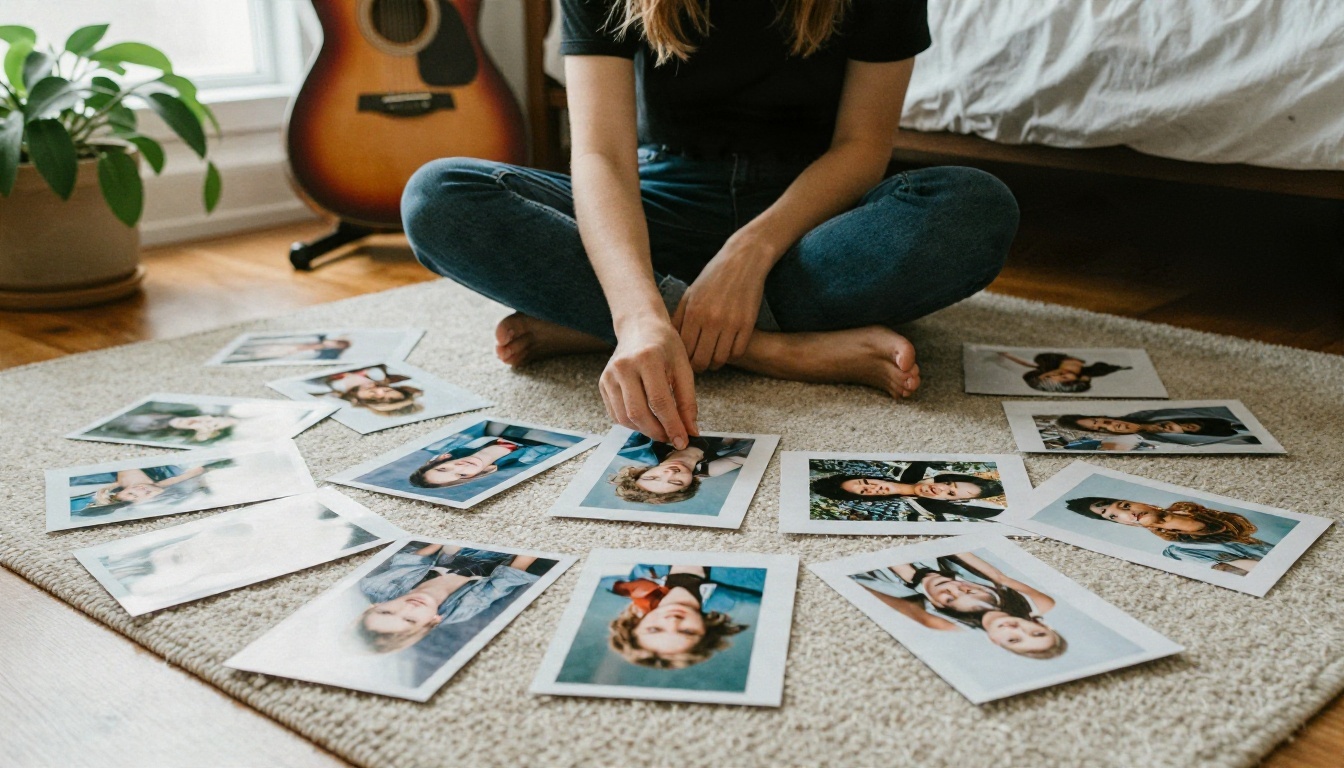
PicassoIA also lists many more image models on its all models page, which is useful when you want to compare styles side by side.
Give Your Companion a Better Voice
Pictures are half the experience. The other half is how the character talks. If you build your own setup, a capable language model matters more than most people expect.
For warm, natural conversation with good memory of the details you share, try Claude Sonnet 5 or GPT 5.6 Luna, which is tuned for fast replies. Gemini 3.5 Flash is a quick option that also reads images, so you can send a photo and get a reaction. For longer thinking, Kimi K2.5 reads text and images too.
A simple setup works well:
- Write a persona sheet: name, age range, job, humor, speech habits, favorite places.
- Paste it at the start of every chat as the first message.
- Keep the same wording in your photo character block so the voice and the face match.
Of course, language models on a general platform follow their own safety rules, and they are not built for every kind of role play. If you want a dedicated companion with persistent profiles and push notifications, a specialist app is the easier route. If you want control over pictures and cost, the do it yourself path wins.
Which Option Fits You
Different people want different things. Here is a fast way to choose.
| If you want... | Best fit | Why |
|---|
| To try it for free | A free tier of an app like Replika or Kindroid | Low commitment, no card |
| The easiest photo experience | A dedicated app with built in images | Everything in one place |
| The most photo control | Your own image model plus any chat | Full style and consistency control |
| Lowest cost per picture | Unlimited editing plus occasional generation | No credit meter |
| Long term memory | Nomi style apps or a persona sheet | Memory is the main feature |
A realistic budget
- $0 per month: free tier chat plus your own pictures generated on a free plan.
- $5 to $13 per month: one entry subscription, ideal for casual use.
- $15 to $25 per month: a dedicated app with a real image allowance.
- Over $25 per month: only worth it if you use video and voice every day.
Mistakes people make
- Paying annually on day one, then losing interest in three weeks.
- Judging an app by its marketing images, which are curated, not typical.
- Ignoring privacy settings until after months of chat history exist.
- Changing the character description every prompt, then wondering why the face keeps shifting.
Try Your Own Companion Photos
Reading comparisons only gets you so far. The fastest way to find out what you like is to build one character and generate a few pictures yourself. Write a three sentence character block, open Seedream 4.5 on Picasso IA, and paste the morning selfie prompt from earlier. Then move the same face to a beach, a rooftop, and a coastal trail with PicassoIA Image Editor Pro.
Within twenty minutes you will have a small gallery, a clear sense of what realistic quality looks like, and a better eye for judging any companion app's marketing. Experiment with different lenses, lighting, and moods, and keep notes on what works. When you are ready for more options, browse every available model on the PicassoIA all models page and start building.


