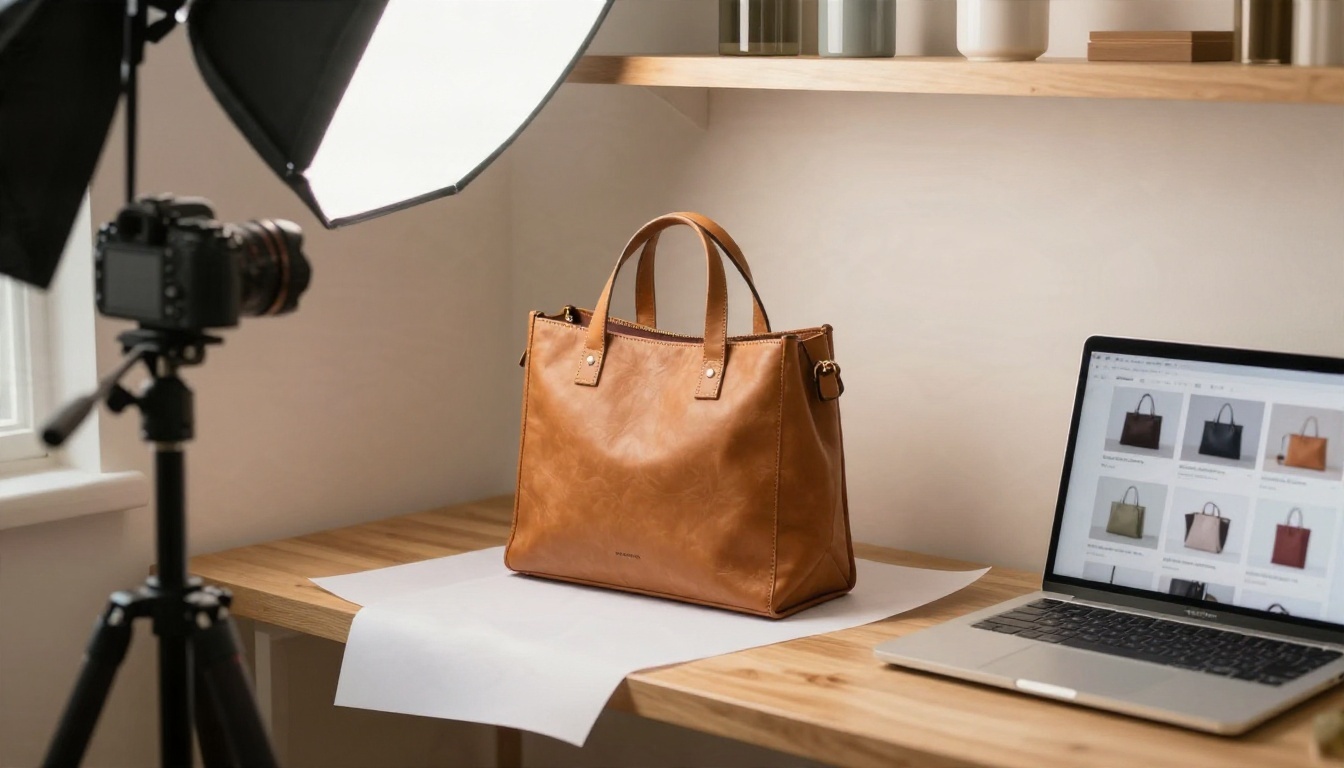
You shot forty products on a phone, the lighting is uneven, the backgrounds are a mess, and your store needs clean listings by Friday. That is the exact moment AI automation earns its place. The catch is that most tools promise "studio quality in one click" and then hide the watermark, the credit cap or the commercial-use limit behind a paywall. This article sorts the Best AI Ecommerce Automation Tools Real Product Images: Free Options, Pricing and Limits into something you can act on: what each type of tool does, what free really means, and where the costs sneak in.
One rule runs through everything below: real product images beat invented ones. Shoppers return items that look different from the listing, so the best automation keeps your actual product intact and only changes the background, light, size or scene around it.
💡 Quick answer: for most small sellers, a background remover plus a scene generator plus an upscaler covers 90% of needs. You can do all three on PicassoIA without juggling five subscriptions.
What "Real Product Images" Means
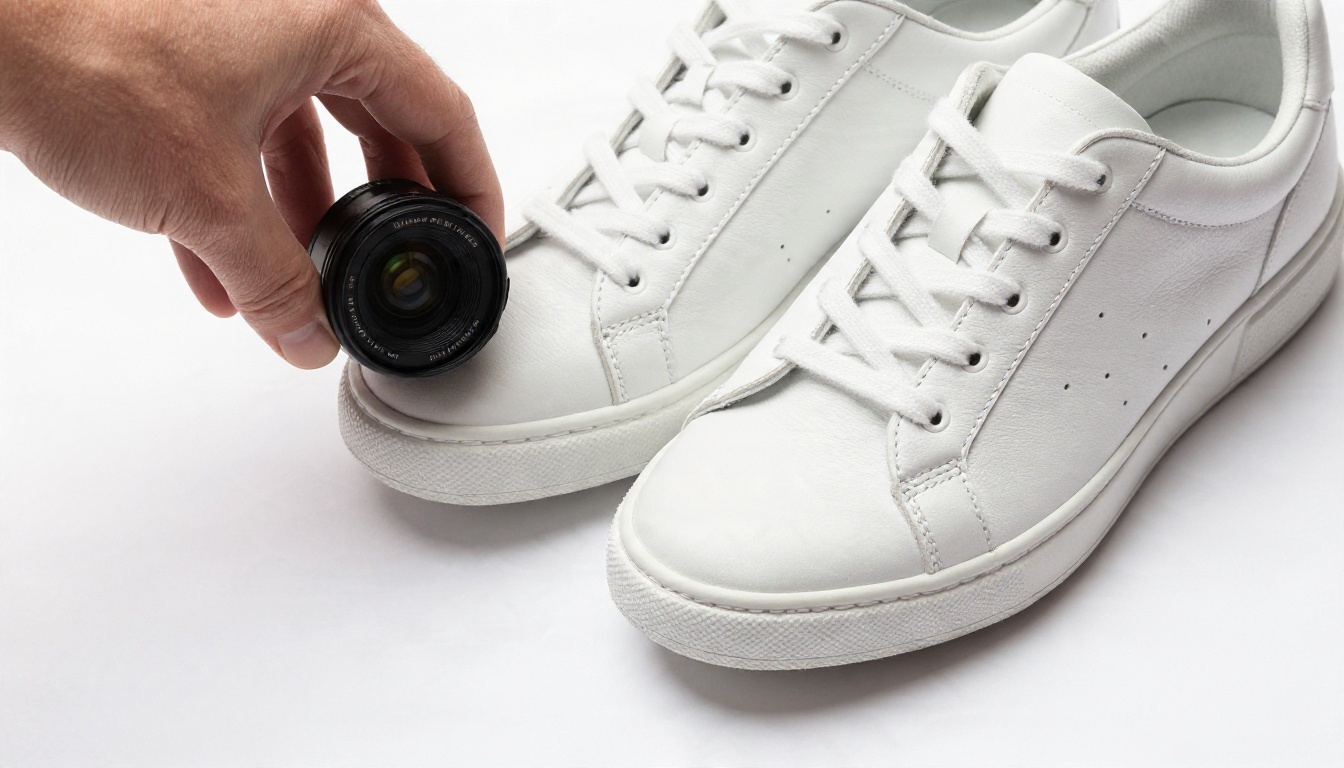
There are two very different jobs hiding behind the phrase "AI product photography":
- Editing a real photo. You upload your shot. The tool cuts the product out, fixes shadows, swaps the background, resizes for marketplaces or sharpens the result. The product pixels stay yours.
- Generating a fake product. You type a prompt and the model invents an object that resembles what you sell. Fast, but risky for anything with logos, fabric patterns, labels or exact colors.
For ecommerce, the first job is safer and usually cheaper. The second is great for mood boards, ad concepts and lifestyle backdrops where the product gets composited in afterward.
Why Accuracy Matters More Than Style
A generated sneaker with the wrong number of eyelets is a refund waiting to happen. Marketplaces such as Amazon and Etsy also expect the listing photo to match the item you ship. Keep the real product as the hero, and let AI handle everything around it.
The Five Jobs You Can Automate
| Job | What the tool does | Typical output |
|---|
| Background removal | Cuts the product from the original scene | Transparent PNG |
| White-background standardizing | Centers, scales and adds a soft shadow | Marketplace-ready JPG |
| Scene generation | Places the product in a lifestyle setting | Ad and social images |
| Upscaling | Adds resolution to small or soft photos | 2x to 4x larger files |
| Batch resizing | Exports multiple ratios from one master | Square, portrait, banner |
Free Options: What You Actually Get
Free tiers in this space follow a few predictable patterns. Knowing them saves you from building a workflow on a plan that cannot support it.
The Five Free-Plan Patterns
- Watermarked exports. You get full quality, but a logo sits in the corner. Fine for testing, useless for a live store.
- Low-resolution exports. Common with background removers. One report puts the free output of remove.bg at roughly a quarter of a megapixel, which is too small for a product page zoom.
- Credit packs that run out. A handful of free generations, then a paywall. Fine to judge quality, not to run a catalog.
- Non-commercial terms. Some free plans forbid selling anything made with them. Always read this line.
- Daily or monthly caps. Genuinely usable, but you may need to spread batches across days.
💡 Test before you commit. Upload your three hardest products: something shiny, something with fine edges like hair or fringe, and something transparent. If the free tier fails those, the paid tier will too.
Well-Known Tools and Their Free Reality
Several names come up in every comparison. Based on mid-to-late 2026 roundups, which sometimes disagree with each other, this is the general picture. Treat every figure as a snapshot and confirm on the vendor's pricing page before you pay.
| Tool | Free plan | Paid entry point (reported) | Watch out for |
|---|
| Photoroom | Yes, with limits | Around $8 to $13 per month, depending on source | Watermark and non-commercial limits on free |
| Pixelcut | Yes | Around $10 per month | Credits vary by feature |
| Claid | Limited, watermarks | Reported from about $3 to $15 per month | API credits sold separately |
| Flair.ai | Unclear | Around $10 per month | Higher tiers cap image counts |
| Canva | Yes | Subscription | AI tools get limited access that varies by task |
| Fotor | Free forever, limited credits | Subscription | Basic exports may carry a watermark |
| Google Product Studio | Free for eligible merchants | Not applicable | Requires a merchant account |
| remove.bg | Low-resolution free | Small packs or about $9 per month | One report says the standalone site is set to close on 1 December 2026 |
Notice how often "reported" appears. Pricing in this category changes constantly, and secondary comparison sites contradict each other. The only number that matters is the one on the vendor's checkout page on the day you buy.
The Real Cost of Automation

The monthly fee is the smallest part of the story. Three hidden costs decide whether a tool is cheap or expensive for you.
Cost Per Final Image
Divide the plan price by the number of images you will actually publish, not the number of credits advertised. If a scene generator needs three attempts to get a usable result, the real price per image triples.
A simple formula:
Real cost per image = monthly price ÷ (credits ÷ average retries) ÷ images kept
Run it for your own catalog. A seller with 200 SKUs and four photos each needs 800 clean images. A plan that sounds generous at 50 credits will not get close.
Time Cost
Manual cutouts take minutes per image. Automated ones take seconds. At 800 images, the time saved can justify a paid plan even if the free tier looked tempting. Batch features matter more than headline quality once you pass a few dozen products.
Lock-In Cost
Some tools keep your presets, brand templates or shadow settings inside their app. Switching later means rebuilding. Prefer tools that export plain files you can reuse anywhere.
Where Limits Bite
| Limit | Who it hurts | Workaround |
|---|
| Watermark | Anyone going live | Upgrade or switch tools |
| Low resolution | Stores with zoom | Upscale afterward |
| Daily caps | Large launches | Batch across days |
| Commercial restrictions | Everyone selling | Read the terms first |
| No batch mode | Big catalogs | Use API or pay tier |
A Workflow That Keeps Your Product Real
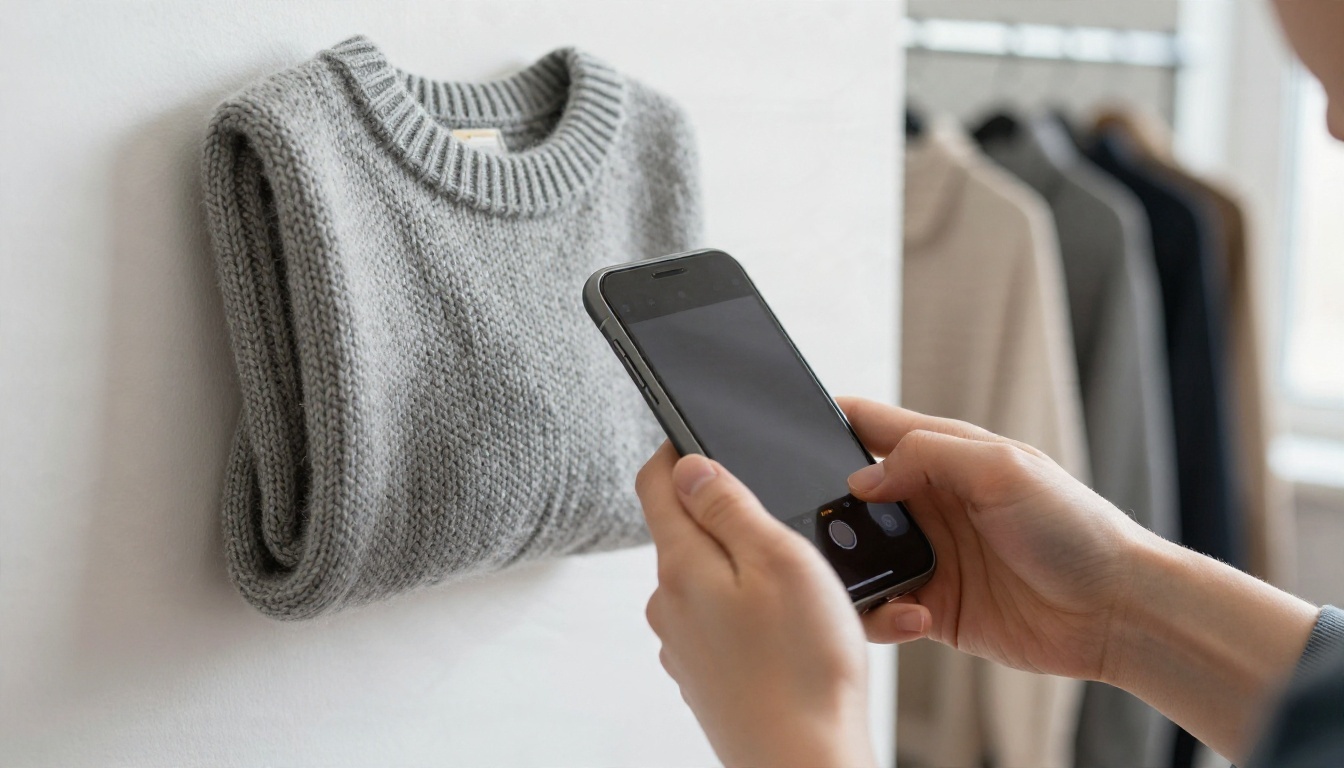
You do not need a single mega-tool. A three-step chain gives cleaner results and lets you swap any step.
Step 1: Shoot Something Usable
AI fixes backgrounds, not blur. Use daylight from a window, keep the phone steady, shoot at the product's eye level and leave a little space around the edges. A cheap white board behind the item makes cutouts far easier.
Step 2: Cut the Product Out
Run the photo through a background remover. Bria Remove Background handles general products and returns a clean cutout. For catalog-style items with hard edges, Bria Product Cutout is built around that case. Recraft Remove Background is a solid second opinion when a tricky edge comes out rough on the first pass.
Step 3: Build the Scene
With a transparent cutout, you can drop the product onto a white sweep for marketplaces or into a styled scene for ads. For scenes, Nano Banana is strong at editing and keeping an uploaded product consistent, while Nano Banana Pro pushes resolution higher for hero images.
Step 4: Upscale for Zoom
Small source photos look soft on a product page. Real ESRGAN upscales images up to 4x, which makes a phone shot usable for zoom views.
💡 Order matters. Remove the background first, upscale second. Upscaling a messy background wastes effort and can amplify edge artifacts.
Scene Generation Without Losing the Product
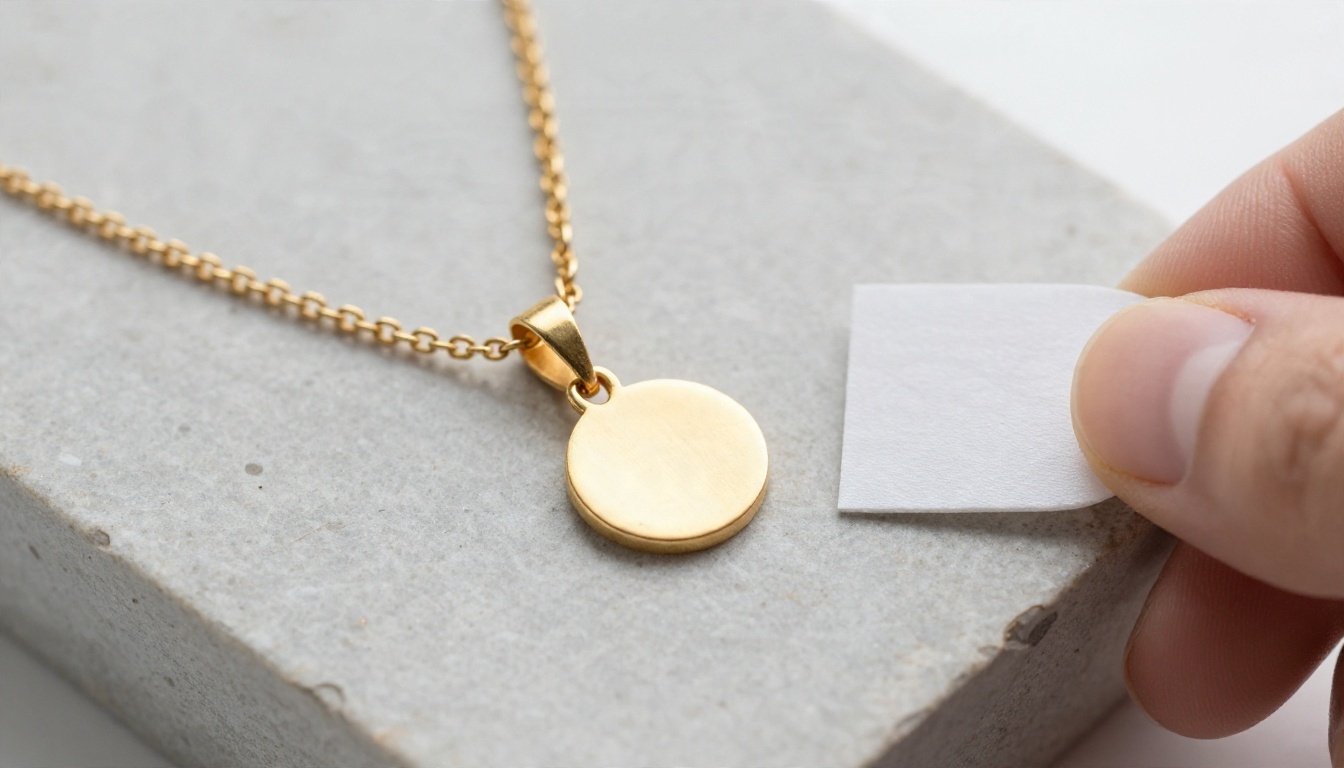
Lifestyle imagery sells because buyers can picture the product in their own lives. The tricky part is keeping logos, textures and proportions accurate.
Prompt Patterns That Work
Describe the surface, the light and the camera, not the product. The product comes from your upload. For example:
- "Product on a pale marble counter, soft morning window light from the left, shallow depth of field, natural shadow beneath"
- "Product on a rustic wooden bench outdoors, golden late afternoon backlight, blurred trees behind"
- "Product on a linen tablecloth next to a ceramic cup, overhead view, diffused daylight"
Models Worth Trying
| Model | Best for | Link |
|---|
| Nano Banana | Editing an uploaded product into a new scene | Open |
| Nano Banana Pro | Higher resolution hero images | Open |
| Seedream 4.5 | Sharp, polished lifestyle backdrops | Open |
| Qwen Image 3 | Photorealistic scenes and surfaces | Open |
| Flux 2 Klein 4B Base | Fast, flexible backdrop drafts | Open |
| PicassoIA Image Editor Pro | Unlimited editing passes | Open |
Jewelry, Glass and Shiny Things
Reflective products are where automation fails most often. Metal and glass reflect their surroundings, so a pasted cutout can look wrong in a new scene. Shoot them with a neutral light-gray or white environment, and keep generated scenes simple. A plain stone, wood or fabric surface hides far more problems than a busy kitchen.

Different sellers need different setups. Here is a quick matcher.
The Solo Seller With Under 50 Products
Use free tiers to test, then pick one cutout tool and one scene tool. Batch features matter less at this size. Your biggest risk is paying for a plan you use twice.
The Growing Shop With 50 to 500 Products
Batch processing and consistent output become the priority. Look for tools that apply the same shadow, size and padding across every image. Consistency makes a catalog look professional more than any single beautiful shot.
The Large Catalog or Agency
You want API access, bulk upload and predictable pricing per image. At this scale, quoted monthly plans often matter less than per-image rates and support for automation pipelines.
The Handmade and Craft Seller
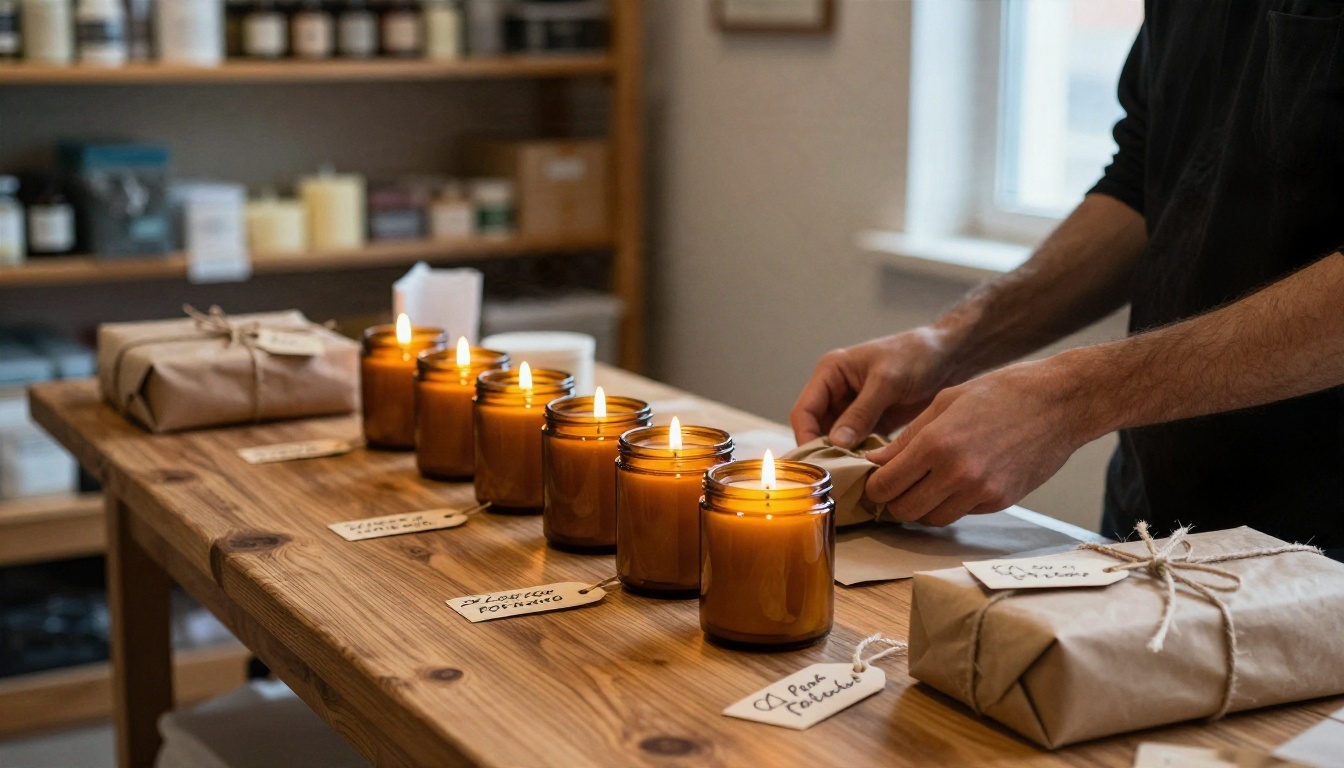
Texture and authenticity are your selling points. Keep the product photo real, and use AI only for backgrounds and a few lifestyle shots. Buyers on craft marketplaces tend to reward honest, warm imagery over perfectly sterile studio looks.
Lifestyle Shots That Sell
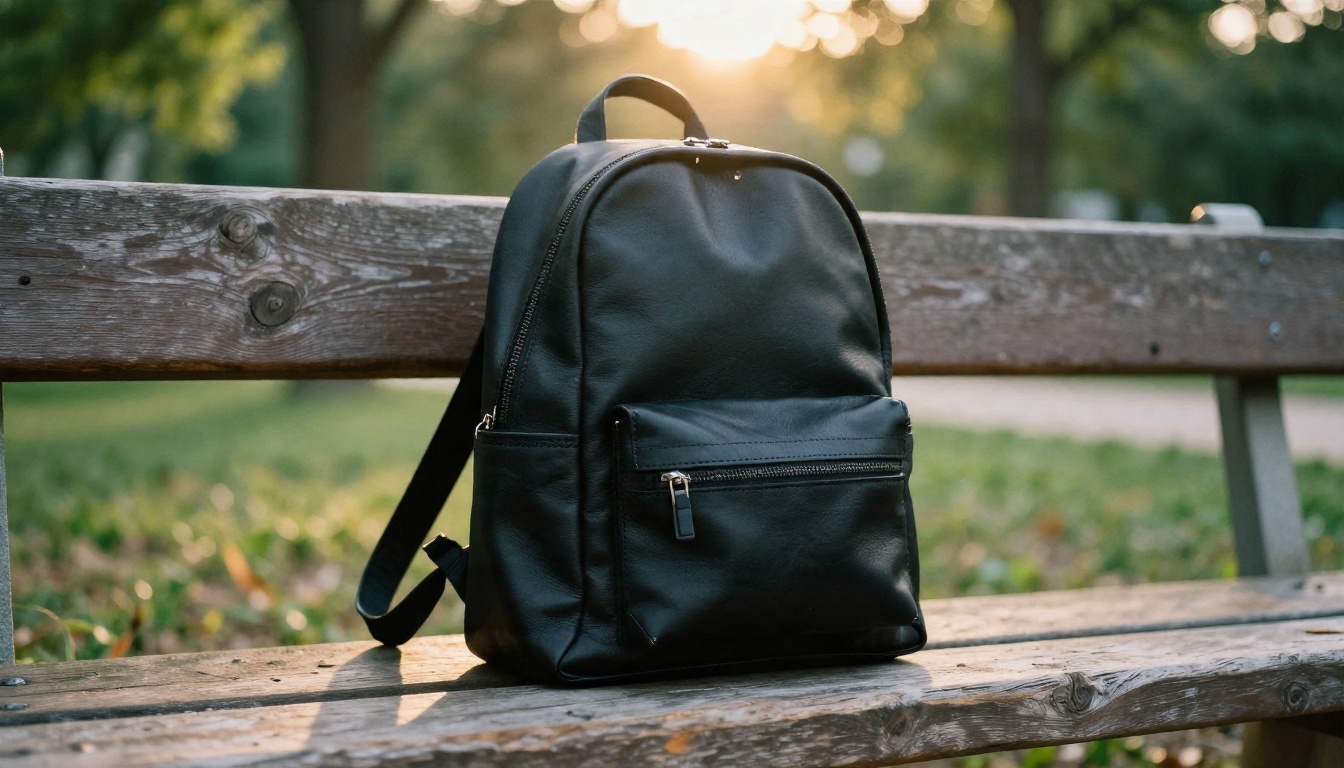
A white-background image earns the click in a search grid. A lifestyle image earns the sale on the product page. You need both.
Build a Repeatable Shot List
For every product, aim for a fixed set:
- White-background hero for marketplaces
- Lifestyle scene showing context
- Close-up showing material or detail
- Scale shot showing size against a familiar object
- Flat lay or packaging shot
Automating this set means you generate the same five shots in the same style for each new SKU. That consistency also helps your ads and email campaigns look cohesive.
Keep Brand Style Stable
Pick two or three backdrops (for example, pale marble, warm wood, soft linen) and reuse them. Reusing the same prompt wording and the same model avoids a catalog that looks stitched together from ten different shops.
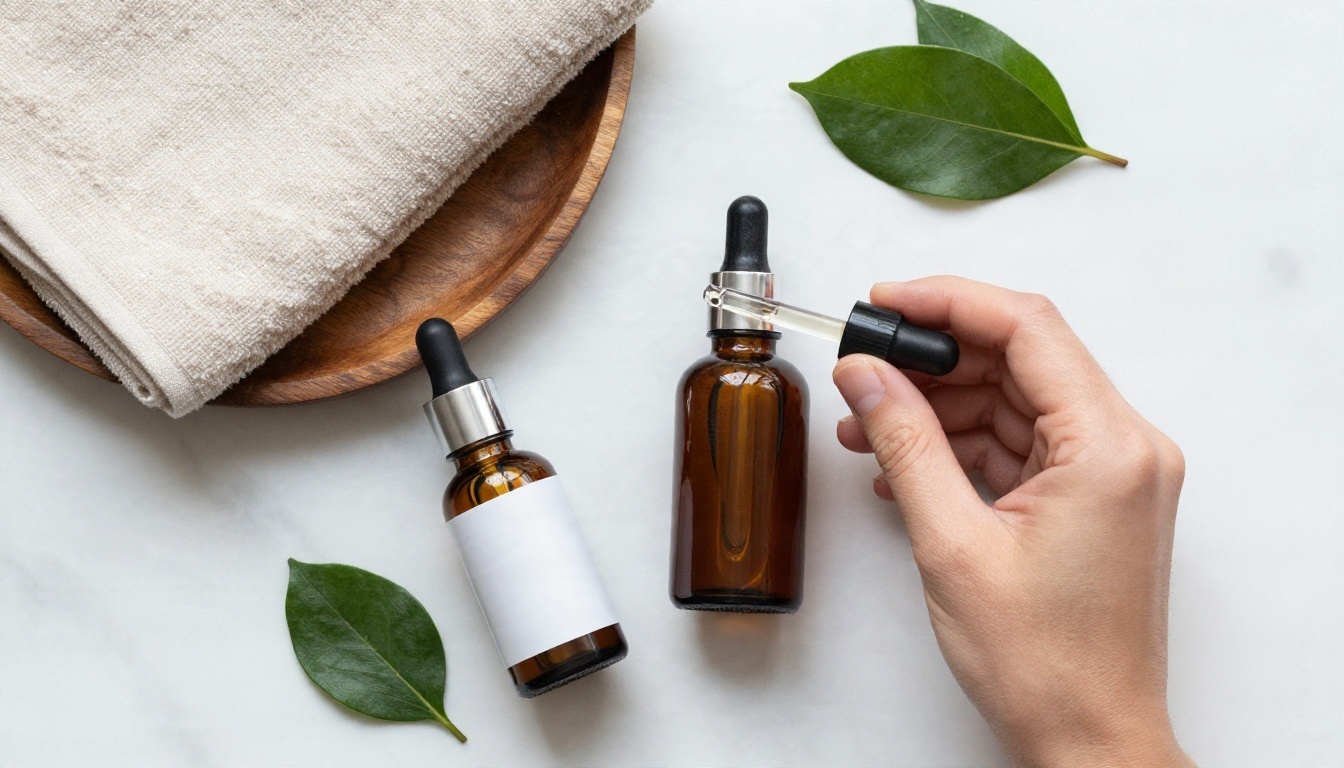
How to Remove a Background on PicassoIA
The fastest way to see whether automation fits your store is to run one real product through it.
- Open Bria Remove Background.
- Upload a sharp, well-lit product photo. Higher input resolution gives cleaner edges.
- Run the cutout and inspect the edges at 100% zoom, especially around handles, straps, fringe and glass.
- If an edge looks rough, try Recraft Remove Background or Product Cutout on the same file and compare.
- Take the transparent result into Nano Banana and describe only the scene: surface, light and camera angle.
- Send the final image through Real ESRGAN if you need extra resolution for zoom.
💡 Parameter tip: keep one saved prompt per backdrop style. Changing only the product name keeps your catalog visually consistent and cuts retries.
Mistakes That Cost Sellers Money
Five Common Errors
- Trusting the free plan for a launch. Watermarks and caps surface at the worst time.
- Skipping the edge check. A halo around a product is the first thing shoppers notice.
- Generating products instead of editing them. Invented details trigger returns.
- Mixing styles. Ten different backdrops make a store look unreliable.
- Ignoring terms. Commercial-use restrictions can pull your listings.
A Quick Pre-Publish Checklist
| Check | Pass condition |
|---|
| Edges | No halo, no missing handles or straps |
| Color | Matches the real product under daylight |
| Shadow | Direction matches the scene light |
| Resolution | Sharp at marketplace zoom |
| Terms | Commercial use confirmed |
Final Section: Make Your Own Product Images
The honest answer to "which tool is best" is that it depends on your volume, your products and how much you care about consistency. Free tiers are good for testing, but a live store usually needs a paid plan or a platform where you are not counting credits on every cutout.
Pick one real product from your catalog today. Remove the background, place it in a simple scene, upscale the result and compare it with your current listing photo. That single test tells you more than any ranking can. When you are ready, open the PicassoIA model collection, start with the cutout and scene models above, and build your own repeatable product image workflow.