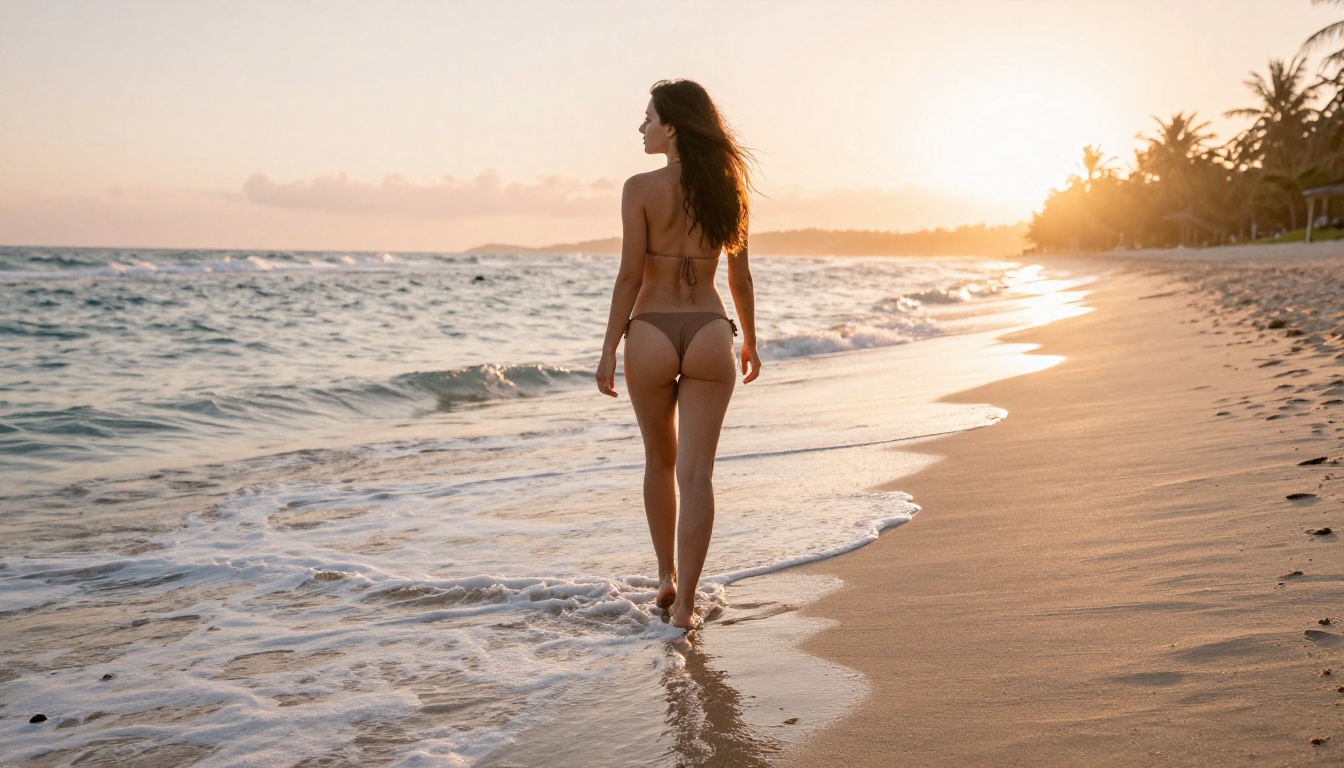
The adult AI image generation market has exploded. In 2027, there are dozens of models claiming to produce the most realistic, most creative, and most unrestricted adult visuals, but the reality is that only a handful actually deliver. Whether you want photorealistic glamour photography aesthetics, sensual artistic portraits, or beautifully composed mature content, the model you choose makes all the difference between a blurry disappointment and something that looks like it came out of a professional studio shoot. This ranking cuts through the noise. It is built on real testing, not benchmarks written by the companies themselves.
What Makes an NSFW AI Generator Worth Using
Not all adult AI tools are created equal. A model can be fast and cheap and still produce images that look like a smeared watercolor. Before ranking, it is worth being clear about what actually matters when you are creating adult or suggestive content with AI.
Realism That Holds Up to Scrutiny
The most common failure point in adult AI imagery is anatomy. Hands, shoulders, waistlines, proportions in challenging poses: these are where weak models collapse. A truly strong NSFW generator handles skin texture, lighting on curves, and fabric behavior the way a high-end camera does. You should be able to zoom into an output and see pore detail, hair strand separation, and realistic shadow gradients.
The best models also handle facial coherence. A beautiful expression should stay beautiful across generations, not drift into the uncanny valley after a few prompt tweaks.
How Much Creative Control You Actually Get
Prompt adherence is everything. Some models hallucinate backgrounds, swap clothing styles mid-generation, or refuse to render anything beyond a swimsuit despite a perfectly reasonable prompt. A top-tier adult AI generator follows your description with precision: the right fabric, the right lighting angle, the right amount of skin, the right mood.
Note: The models in this ranking are evaluated on suggestive, glamour-level content. Nothing explicit. The focus is on artistic, beautiful, and photorealistic mature imagery.
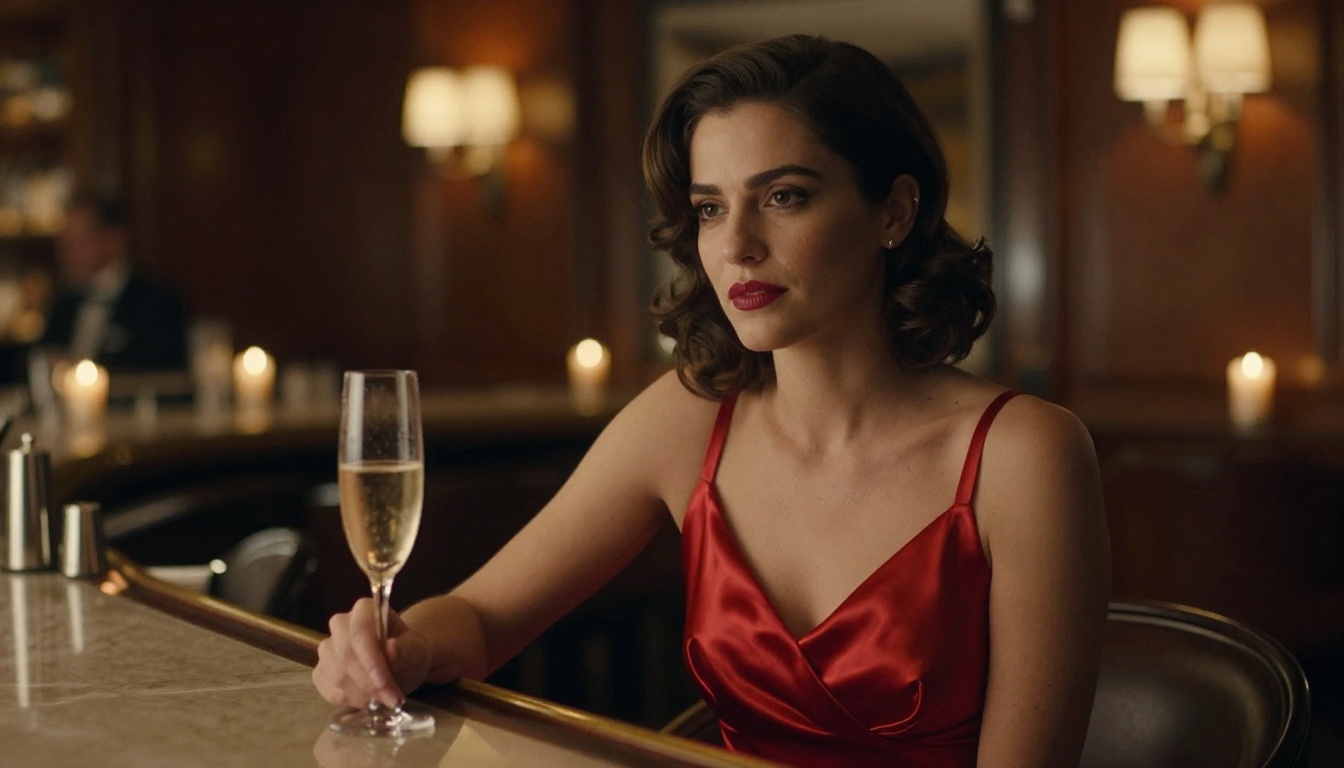
The 3 Tiers of Adult AI Output
| Tier | Description | Typical Use |
|---|
| Photorealistic | Indistinguishable from real photography at a glance | Glamour, lingerie, artistic nudity |
| Semi-Realistic | High quality but visibly AI-generated | Creative portraits, fantasy aesthetics |
| Stylized | Artistic, painterly, or anime-influenced | Character design, illustrated content |
This ranking focuses primarily on Tier 1: Photorealistic models, since that is what most adult content creators actually want.
The 8 Best AI Models for Adult Content
These are the models available right now that consistently outperform the competition for adult and suggestive imagery. Every single one of these can be accessed directly through PicassoIA without needing to set up local environments or manage API keys.
1. Flux 1.1 Pro Ultra
Flux 1.1 Pro Ultra sits at the top of this ranking without much debate. Black Forest Labs built something extraordinary here. The model's ability to render ultra-realistic human skin, handle complex lighting scenarios, and follow detailed prompts with almost surgical accuracy makes it the go-to choice for photorealistic adult imagery.
What separates it from everything else is the ultra mode's resolution ceiling: outputs are genuinely sharp at full size, with natural film grain behavior that makes images feel tactile rather than digitally sterile. Prompt adherence for clothing, pose, and environment is exceptional. If you describe candlelight hitting silk fabric from the left, that is exactly what you get.
Best for: Glamour photography aesthetics, lingerie portraiture, high-fidelity realistic skin
Rating: 9.8/10
2. Realistic Vision v5.1
Realistic Vision v5.1 has been a community favorite for adult content for years, and the v5.1 iteration earns that reputation fully. It was built specifically with photorealistic human subjects in mind, and it shows. Skin tones are natural, faces are coherent across seeds, and the model handles low-light scenarios better than almost anything else at its tier.
The slight weakness is background complexity. Ask Realistic Vision for a highly detailed environment alongside a detailed subject and you will notice it sometimes sacrifices one for the other. Keep your environment descriptions moderate and this model absolutely shines.
Best for: Portrait-focused adult imagery, realistic skin in natural light settings
Rating: 9.4/10
3. RealVisXL v3.0 Turbo
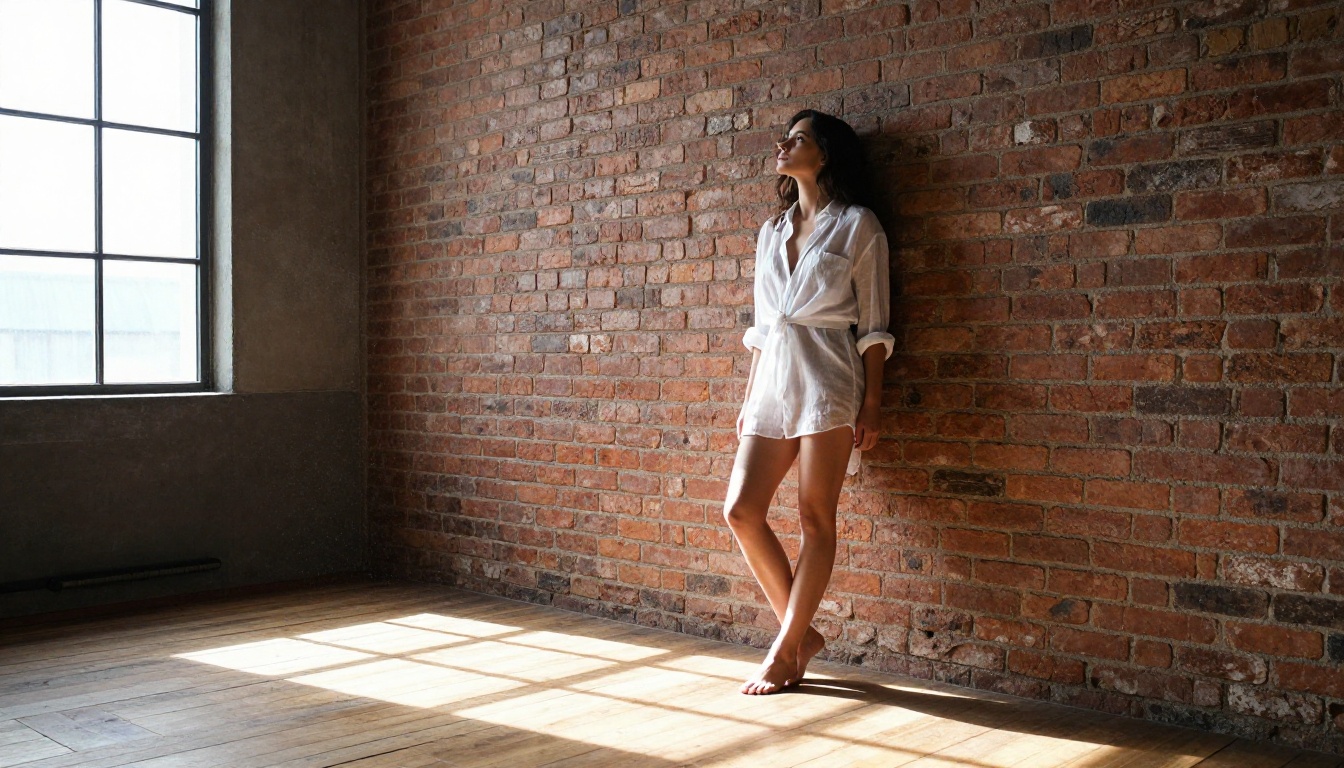
RealVisXL v3.0 Turbo takes the DNA of Realistic Vision and upgrades it with SDXL's higher base resolution. The result is a model that generates large, sharp, coherent images fast. The turbo version sacrifices a small amount of photorealism depth for significantly faster generation, which makes it ideal for iteration: generate 10 variations, pick the best, refine.
For adult content, RealVisXL v3.0 Turbo particularly excels at swimwear and beach scenarios, rendering wet skin, fabric transparency, and environmental lighting with impressive accuracy.
Best for: Rapid iteration, outdoor adult imagery, swimwear aesthetics
Rating: 9.1/10
4. Stable Diffusion 3.5 Large
Stable Diffusion 3.5 Large represents Stability AI's most capable public release. The architecture improvements in SD 3.5 addressed many of the anatomical issues that plagued earlier versions. Hands are significantly better. Faces maintain coherence. The model handles complex compositional prompts with a level of intelligence that feels meaningfully different from SD 2.x.
For adult content, SD 3.5 Large works best when you give it room to breathe with detailed, structured prompts. It responds well to photography terminology: lens specs, lighting direction, film stock references. The output quality at high CFG scales is genuinely impressive.
Best for: Detailed compositional scenes, mixed environment and subject complexity
Rating: 8.9/10
5. DreamShaper XL Turbo
DreamShaper XL Turbo occupies a unique position: it is not strictly photorealistic, but it generates beautiful, stylized human figures with a cinematic quality that many users prefer for adult imagery. Think of it as sitting between hyper-realism and high-quality editorial photography.
Where DreamShaper XL Turbo genuinely excels is dramatic lighting situations: deep shadow contrasts, candlelit scenes, moody environments. The model has an almost painterly quality to skin rendering that reads as artistic rather than uncanny.
Best for: Cinematic, editorial-style adult imagery with dramatic lighting
Rating: 8.7/10
6. SDXL
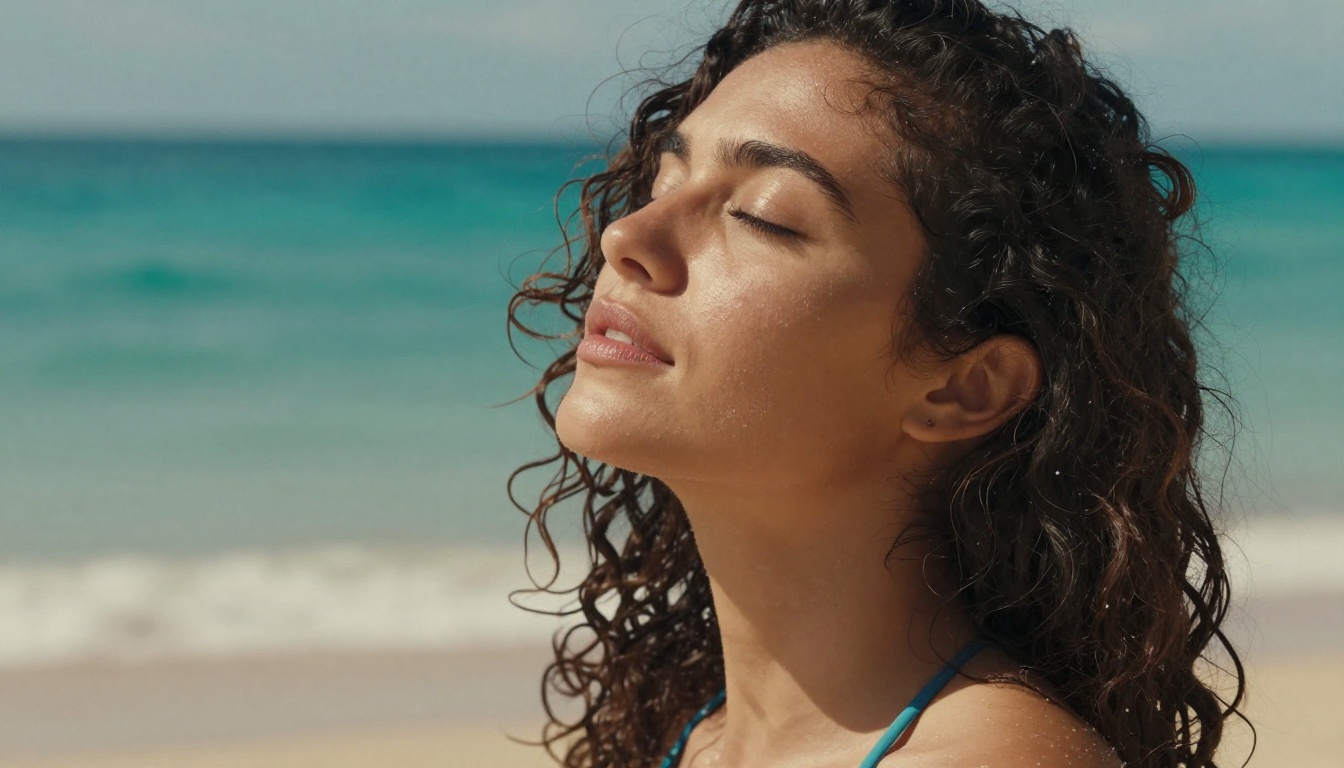
SDXL is the foundation that RealVisXL and DreamShaper were built on, and it still holds its own as a standalone model. The base SDXL architecture generates detailed, high-resolution images with strong color fidelity and good prompt adherence. It is not the most specialized tool for photorealistic adult content, but its versatility is unmatched.
The real power of SDXL for adult content comes from combining it with ControlNet for pose control, which is available through SDXL Multi ControlNet LoRA. This combination lets you control body position with precision, which is invaluable for adult imagery.
Best for: Versatile use cases, controlled pose generation with ControlNet
Rating: 8.5/10
7. Flux Dev
Flux Dev is the open-weights sibling of Flux Pro and it punches well above its weight class. For adult content creators who want a capable, accessible model that does not require a premium subscription for every generation, Flux Dev is the answer. It handles skin texture and natural light with the same characteristic Flux quality, just at a slightly lower ceiling than the Pro and Ultra variants.
The model is also well-suited to LoRA fine-tuning, meaning the community has produced dozens of extensions that push its adult content capabilities further.
Best for: Budget-conscious creators, LoRA-extended workflows, natural light realism
Rating: 8.3/10
8. Proteus v0.2
Proteus v0.2 rounds out the list as a model that offers something genuinely different: a semi-realistic aesthetic with strong compositional intelligence. Images from Proteus v0.2 have a slightly heightened quality to them, colors are richer, contrast is punchier, and the overall image has a polished finish that resembles high-end retouched photography.
For adult content, Proteus works especially well for stylized glamour photography, where you want the result to look produced and intentional rather than documentary.
Best for: Polished, stylized glamour aesthetics, rich color adult imagery
Rating: 8.1/10
Full Model Comparison
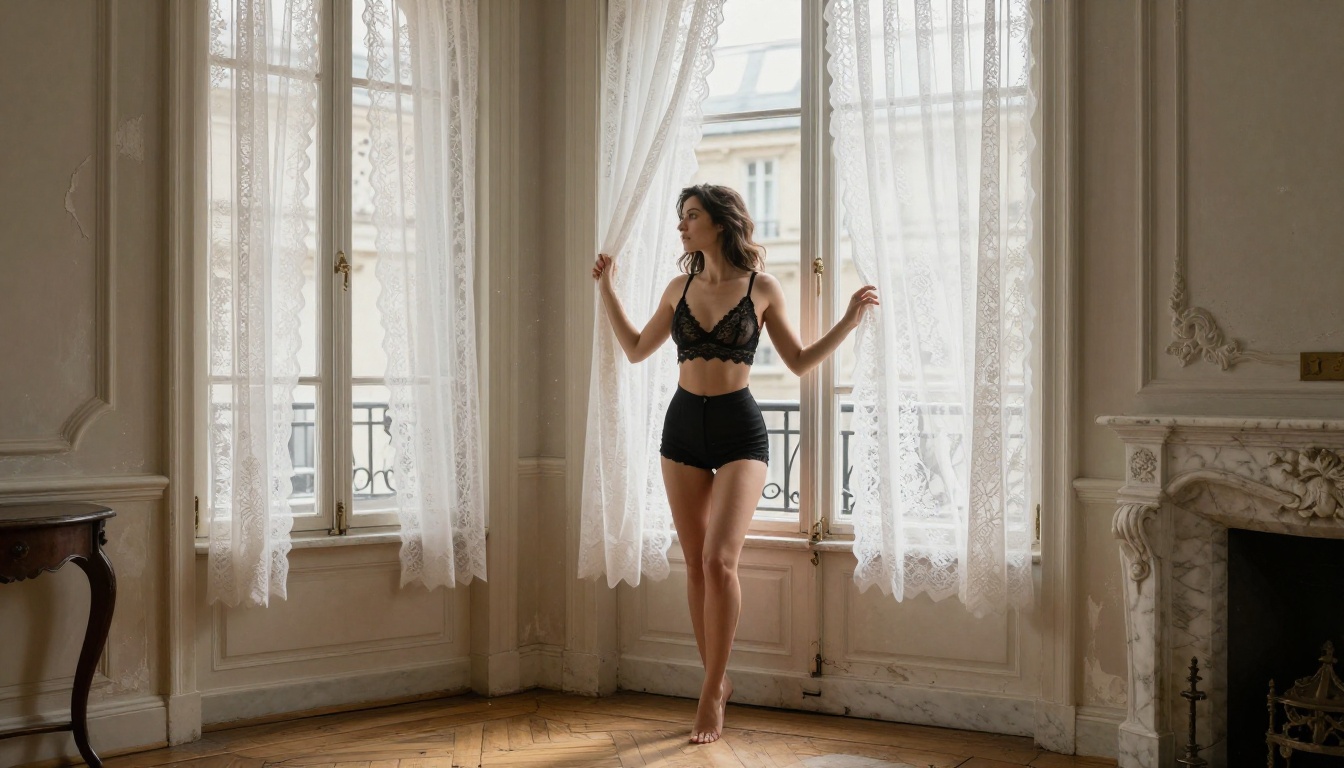
How to Use Flux 1.1 Pro Ultra on PicassoIA
Since Flux 1.1 Pro Ultra ranked first, here is a step-by-step walkthrough for getting the best adult imagery results from it on PicassoIA.
Step 1: Access the Model
Navigate to Flux 1.1 Pro Ultra on PicassoIA. No setup required. No local GPU. The model runs in the cloud and outputs are ready in seconds.
Step 2: Structure Your Prompt Correctly
Flux responds best to structured, layered prompts. Use this format:
- Subject description (who, what they are wearing, pose)
- Environment (location, time of day, surfaces)
- Lighting (direction, quality, color temperature)
- Camera (lens, angle, depth of field)
- Film/quality modifiers (Kodak Portra 400, RAW 8K, photorealistic)
Example prompt:
A woman in a silk slip dress leaning against a marble balcony railing in a Mediterranean villa at sunset, warm volumetric light from the right catching fabric texture, Canon EOS R5 85mm f/1.4, shallow depth of field, Kodak Portra 400, RAW 8K photography, photorealistic
Step 3: Use the Right Parameters
- Aspect Ratio: 16:9 for widescreen cinematic shots, 9:16 for portrait orientation
- CFG Scale: Keep between 3.5 and 5 for natural-looking results. Higher values push stylization
- Steps: 28 to 35 for maximum detail. Lower for faster drafts
Tip: Add "photorealistic, 8k, natural lighting, film grain, Kodak Portra 400" to almost any prompt and watch the realism jump immediately.
Step 4: Iterate Fast
Generate 3 to 5 variations with the same prompt using different seeds. Pick the best anatomy and face, then refine that seed with prompt adjustments. This is far more efficient than rewriting the prompt from scratch each time.
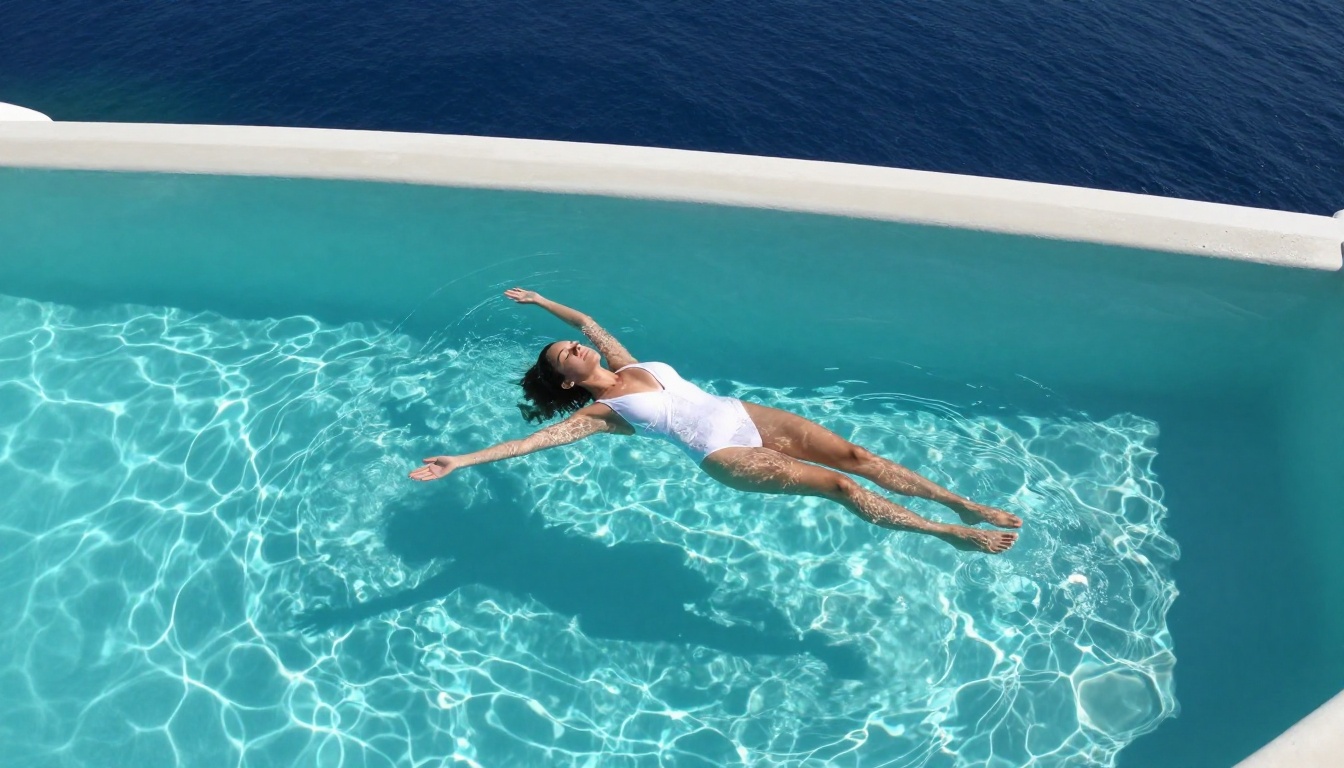
Prompt Writing That Actually Works
Bad prompts are the #1 reason adult AI imagery disappoints. Here are the patterns that actually produce results.
Be Specific About Clothing
Vague: "woman in lingerie"
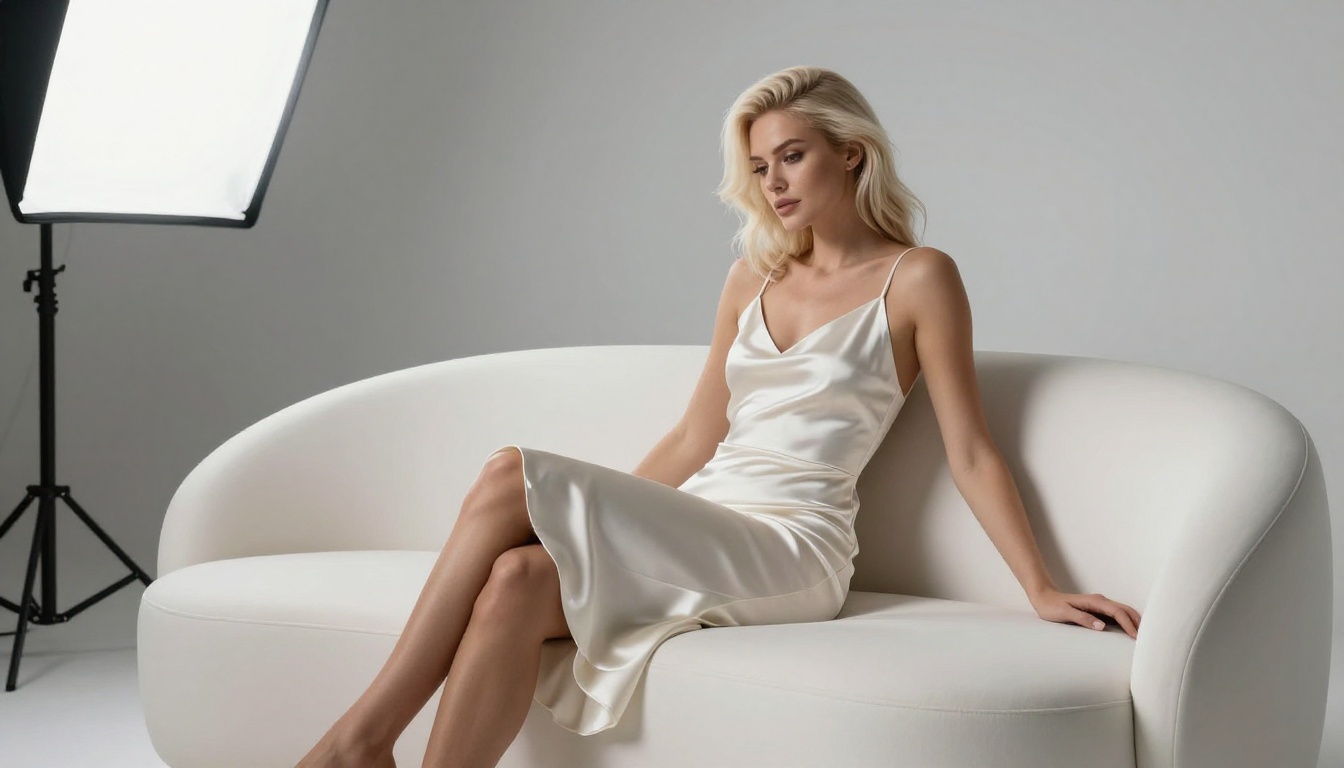
Effective: "woman in a white satin slip with thin lace trim, fabric catching soft side lighting"
The model needs to know the material, the fit, and how it interacts with the environment. Material descriptions (silk, lace, wet fabric, sheer cotton) trigger texture-aware rendering in Flux and Realistic Vision.
Control the Light First
Lighting is the single biggest factor in whether an adult image looks professional or amateurish. Always specify:
- Direction: left, right, from above, backlit
- Quality: soft, hard, diffused, dappled
- Temperature: warm amber, cool blue morning, candlelight orange
Tip: "Volumetric morning light from the left, casting long soft shadows" will produce a more believable result than "good lighting" every single time.
Use Photography Language
Every major photorealistic model has been trained on photographs tagged with camera data. Using real photography terminology activates that training:
- "Canon EOS R5, 85mm f/1.4" signals portrait photography
- "Sony A7R IV, 135mm f/1.8" signals extreme detail close-up
- "Kodak Portra 400 grain" signals warm, natural film aesthetic
What to Avoid in Adult AI Prompts
Just as important as what to include is what to leave out. These patterns consistently degrade output quality.
Avoid generic quality tags: "HD", "best quality", "masterpiece" are outdated tokens from older SD versions. Modern models like Flux ignore them or produce slightly uncanny results when they appear.
Avoid stacking too many poses: Describing multiple simultaneous actions ("standing while reaching while looking back while smiling") creates anatomical confusion. Pick one clear, simple pose.
Avoid ambiguous clothing: "Revealing outfit" tells the model nothing specific. Give it material, fit, and coverage details instead.
Avoid inconsistent lighting: Describing both "dark moody shadows" and "bright outdoor sunlight" in the same prompt will produce confusing results. Commit to one lighting scenario.
Free vs. Paid: The Real Difference
This is the question everyone asks, and the honest answer is nuanced.
Free tier models (Flux Schnell, SDXL Lightning 4Step, Latent Consistency Model) are genuinely useful for rapid ideation. You can generate dozens of rough compositions in minutes, test lighting concepts, and validate pose ideas. The quality ceiling is lower but the speed is exceptional.
Premium models (Flux 1.1 Pro Ultra, Realistic Vision v5.1, SD 3.5 Large) are where the results become genuinely impressive. The difference shows most clearly in:
| Factor | Free Tier | Premium |
|---|
| Skin texture at 100% zoom | Soft, slightly blurry | Sharp, pore-level detail |
| Anatomical accuracy | Good | Excellent |
| Prompt adherence | Moderate | High |
| Background complexity | Limited | Handles well |
| Generation speed | Very fast | Moderate |
For serious adult content creation, the right workflow is: draft fast with free models, finalize with premium. PicassoIA makes this easy since all models live in the same interface.
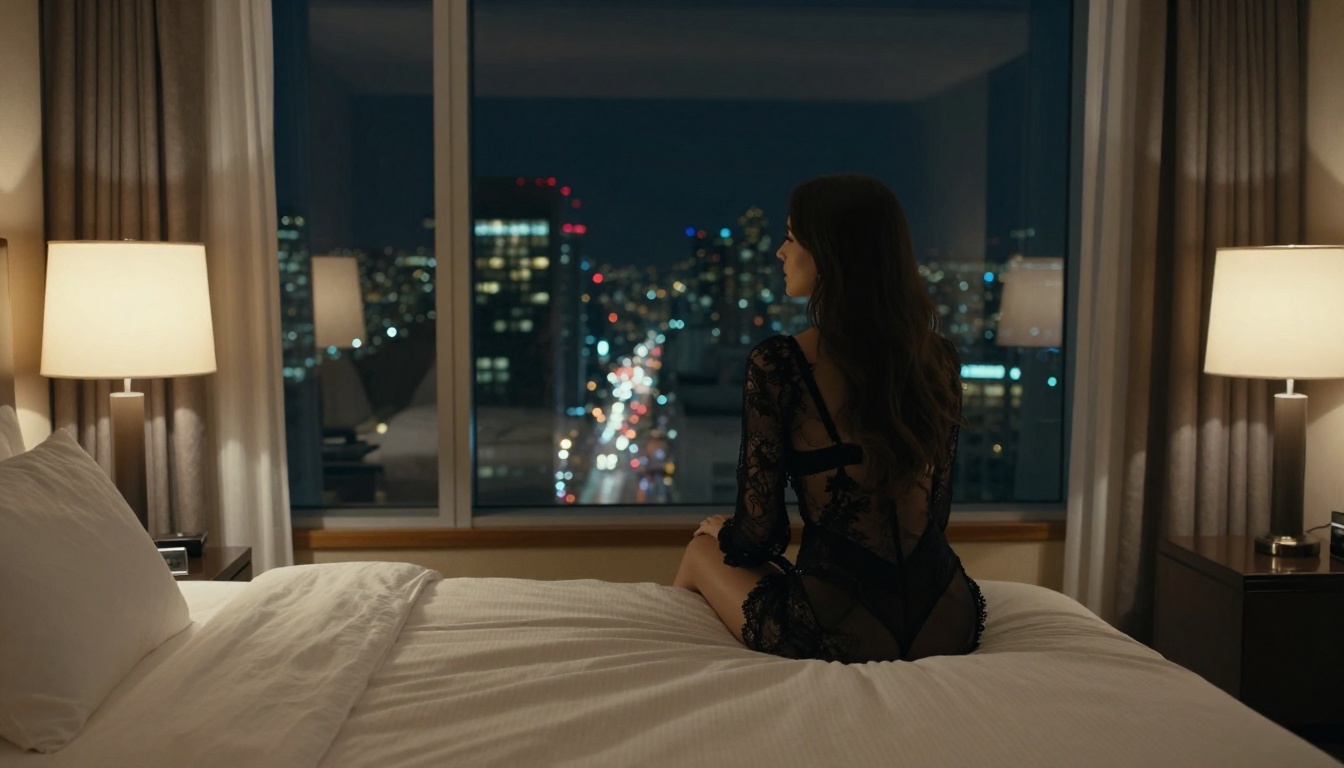
Start Creating Right Now
The gap between "thinking about using AI for adult imagery" and "actually producing something beautiful" is smaller than most people expect. The models above are all live, all accessible, and all capable of producing results that would have required a professional studio shoot just two years ago.
PicassoIA brings every model in this ranking into one platform, no API keys, no local setup, no technical friction. Whether you want the photorealistic precision of Flux 1.1 Pro Ultra, the rapid-fire iteration of RealVisXL v3.0 Turbo, or the cinematic mood of DreamShaper XL Turbo, it is all there waiting.
Pick a model. Write a detailed prompt. See what comes out. The only way to get better at adult AI image generation is to generate, and PicassoIA gives you the best possible tools to do exactly that.