Type one sentence, wait a few seconds, and get a painting that might have taken a human artist a week. That is the promise of AI art, and in 2027 it mostly delivers. The hard part is no longer making an image. The hard part is picking the right tool, writing a prompt that produces the style you actually pictured, and avoiding a paid plan you do not need. This article answers all three. You will find the best AI for art sorted by goal, the free options that are worth your time, a prompt formula you can reuse forever, and copy-ready prompts for six styles: oil painting, watercolor, anime ink, photorealism, surreal scenes, and charcoal.
The Best AI for Art Right Now
There is no single winner. Anyone who tells you otherwise is selling a subscription. The best AI for art is the model that matches the look you want, the speed you need, and the budget you have. A moody oil painting, a poster with readable lettering, and a lifelike portrait are three different jobs, and different models handle them best.
What "Best" Really Means
Four things decide whether a generator is good for art:
- Style range: can it do thick paint, soft washes, and clean ink lines without every result looking the same?
- Prompt obedience: does it follow your words, including the small ones like "left unpainted" or "raking light"?
- Detail and resolution: can you print the result, or does it fall apart at poster size?
- Cost per attempt: art is iterative, so cheap retries matter more than one perfect run.
💡 Tip: Judge a model by its fifth attempt, not its first. Anything can get lucky once. The tool you want is the one that gets closer every time you tweak the prompt.
Quick Picks by Goal
Here is a shortlist of models available on PicassoIA, matched to the work they do best.
Free Options Worth Your Time
You do not need to pay to make good art with AI. You do need to know where the free ceiling is.
Free Tools Outside PicassoIA
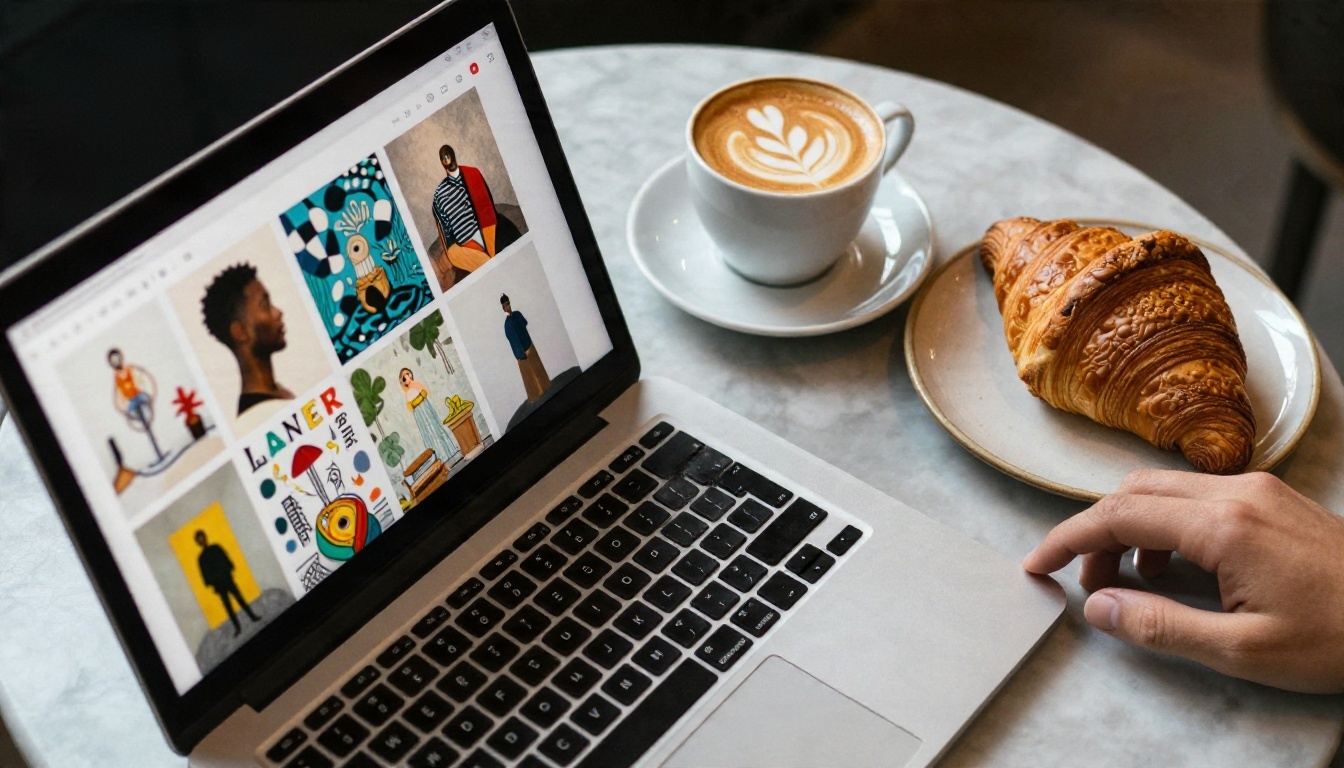
Roundups published this year keep naming the same names. Leonardo.AI is often ranked first for digital art, with a daily free token allowance that works out to roughly 30 images, though you have to sign up. Microsoft Bing Image Creator is the easiest option if you want zero friction. Craiyon is open to anyone with no account. NightCafe suits people who like community challenges, Krea is popular for training your own style, Adobe Firefly leans professional, and Canva works when the art is part of a larger design. Running Stable Diffusion locally is free with no generation cap, but it needs a capable graphics card and some patience with setup.
💡 Heads up: Free limits change often, and plenty of "best of" lists are written by the tools they recommend. Check the current allowance on each site before you build a workflow around it.
Free Models Inside PicassoIA
On PicassoIA, several models are listed as free to try, which makes comparison cheap. Seedream 4 produces 4K images, Nano Banana Pro generates in 4K, and Ideogram v4 Balanced is a quick general-purpose option. Flux 2 Klein 9B Base LoRA is another one to try when you want a styled result.
The real advantage is having dozens of models on one page. You can paste the same prompt into three of them and see which one understands your idea. That single habit saves more money than any coupon.
Limits to Watch For
Free tiers usually trade something away. Watch for these:
- Queue time: free users wait longer during busy hours.
- Resolution caps: 1024 pixels looks fine on a phone and soft on a wall.
- Licensing: read the commercial use terms before you sell prints.
- Watermarks: some tools stamp the corner of every file.
How to Write Art Prompts That Work
A good prompt reads like a brief to a human painter. It names what to paint, how to paint it, and what the light is doing.
The Seven-Part Formula
Build your prompt in this order. Skip a part only when you want the model to improvise.
- Subject: who or what is in the frame ("an old fisherman mending a net").
- Setting: where and when ("on a wooden pier at dawn").
- Medium: the material ("oil on linen canvas", "ink on bristol paper").
- Style or movement: impressionist, baroque, pop art, ukiyo-e.
- Light: soft window light, harsh noon sun, rim light, candle glow.
- Color palette: two or three named colors beat a vague "colorful".
- Composition and finish: close-up, wide shot, low angle, visible brush marks, film grain.
Words That Steer Style
Some words do heavy lifting. Medium words such as impasto, wet-on-wet, screentone, and kneaded eraser tell the model what the surface should look like. Light words such as raking, diffused, and backlit change the mood more than any adjective about emotion. Choose art movements or materials instead of living artists' names. You get cleaner results and avoid copying someone's signature look.
💡 Rule of thumb: If a word could describe a hundred different images, replace it. "Beautiful" says nothing. "Cobalt blue and burnt umber" says plenty.
Prompts and Examples by Style
Each prompt below is ready to paste. The photographs show the real-world texture each style should resemble, which is a useful target when you judge your own results.
Oil Painting
Oil is about texture. You want visible ridges, loaded brush marks, and color that looks mixed rather than flat.
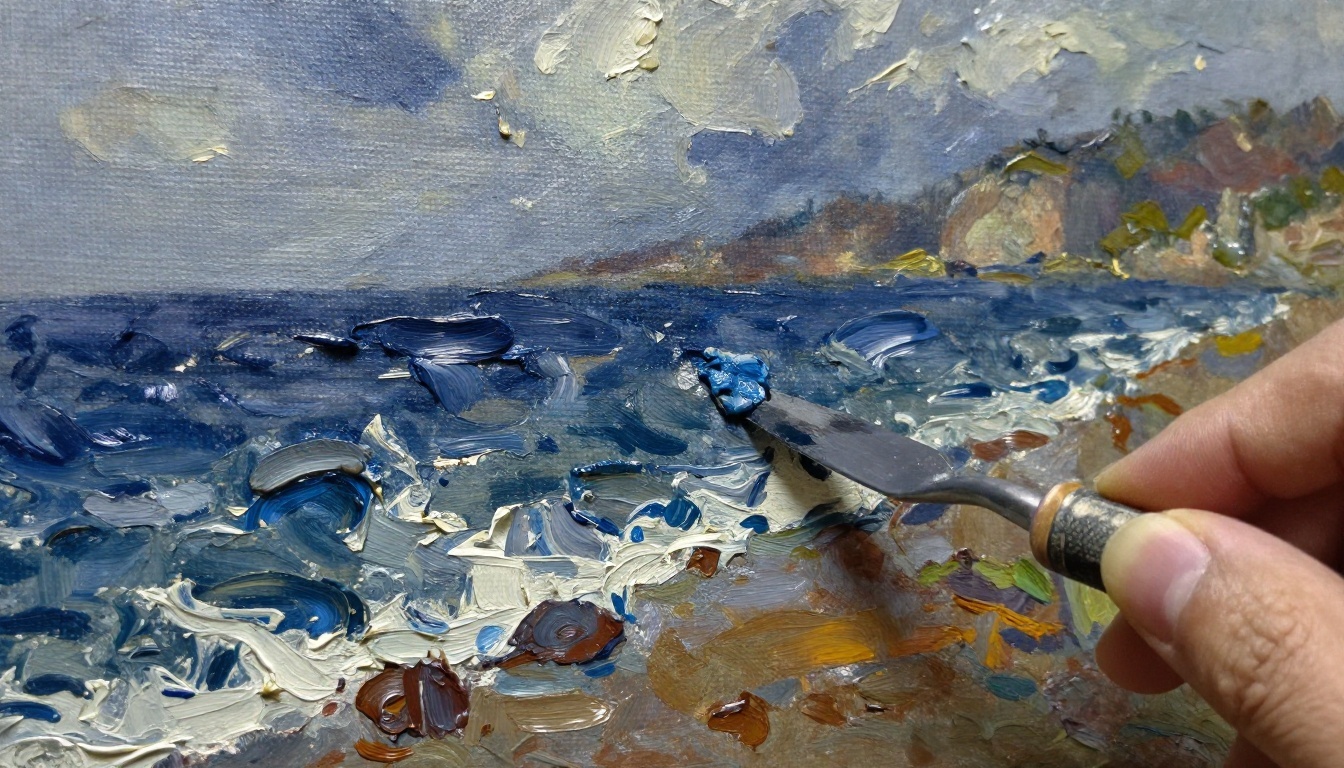
Prompt: A stormy coastline at dusk, oil painting on linen canvas, thick impasto palette knife strokes, cobalt blue and burnt umber palette, raking side light, visible brush ridges, museum photograph.
Best models: Seedream 5 Pro and Stable Diffusion 3.5 Large. Add "museum photograph" at the end and the model tends to render the canvas as an object, ridges and all.
Watercolor
Watercolor is the opposite: softness, transparency, and white paper doing half the work.
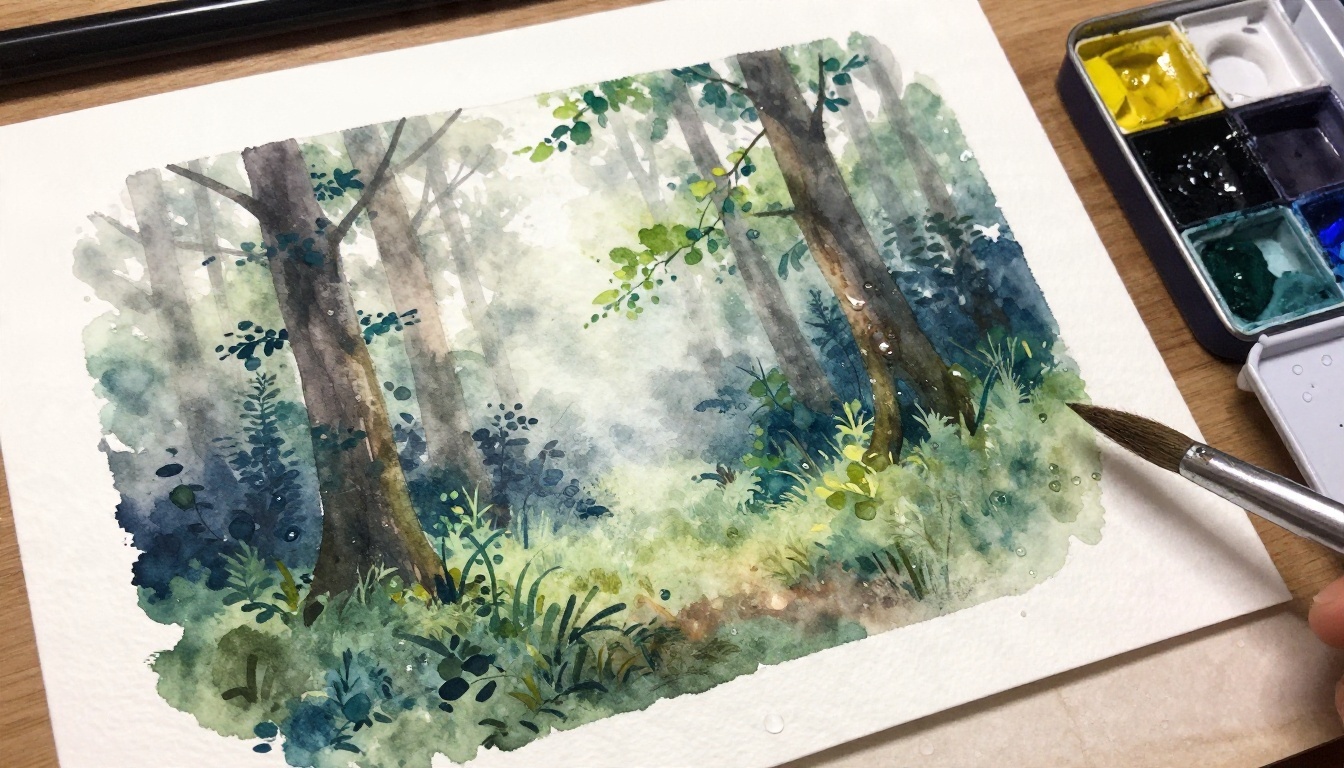
Prompt: A misty pine forest at dawn, watercolor on cold-press paper, soft wet-on-wet blooms, pale green and slate blue, white paper left unpainted for highlights, diffused daylight.
Best models: Imagen 4 Ultra and Nano Banana Pro. If colors come out too saturated, add "muted, low contrast" and name only two hues.
Anime and Ink
Clean line work is where many generators wobble. Ask for a black and white panel and the lines usually stay crisp.
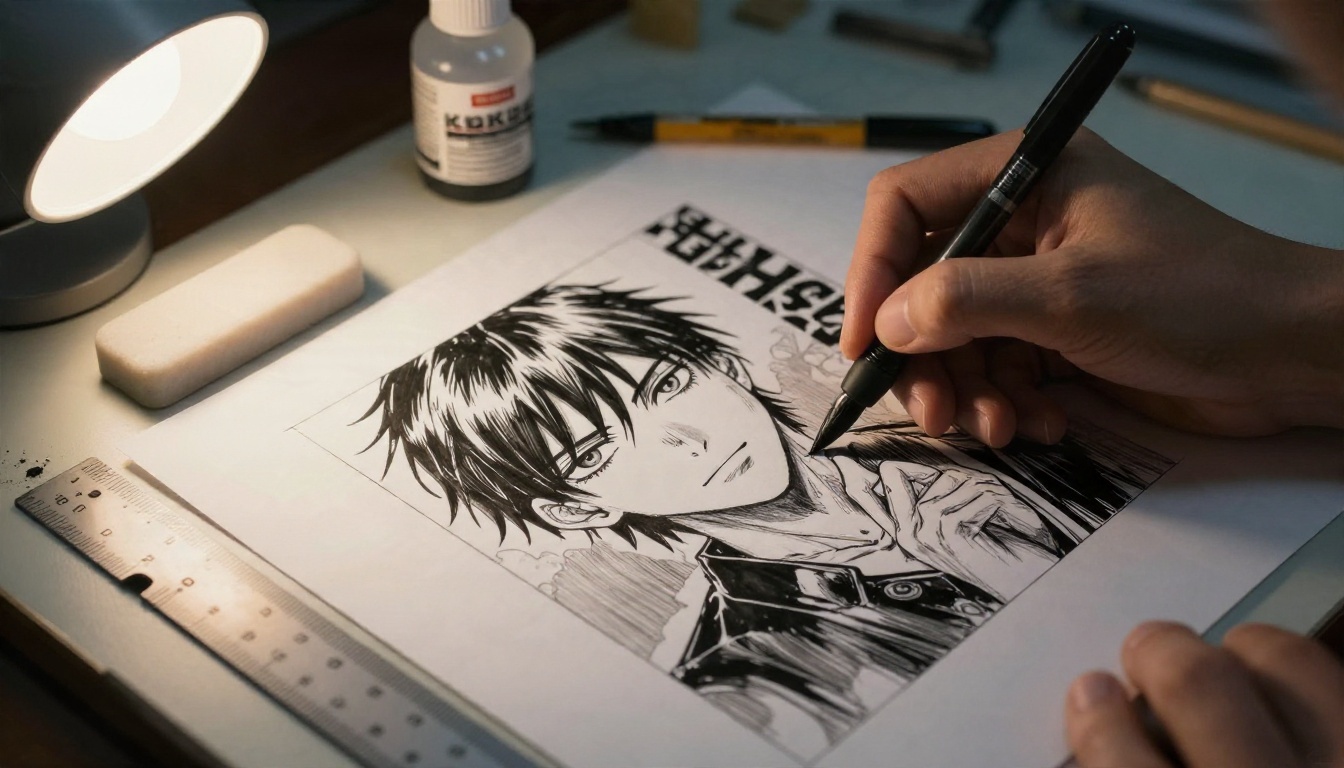
Prompt: Close-up of a young swordswoman in the rain, black ink manga panel on bristol paper, bold brush lines, screentone shading, dramatic diagonal composition, no color.
Best models: Flux Schnell for rapid drafts, then Flux Schnell LoRA once you want a consistent look across a series. Anime fans can also try Z Image Turbo for sharp output at speed.
Photorealism
Here, "art" means a photograph good enough to hang in a gallery. Lens language does the work.
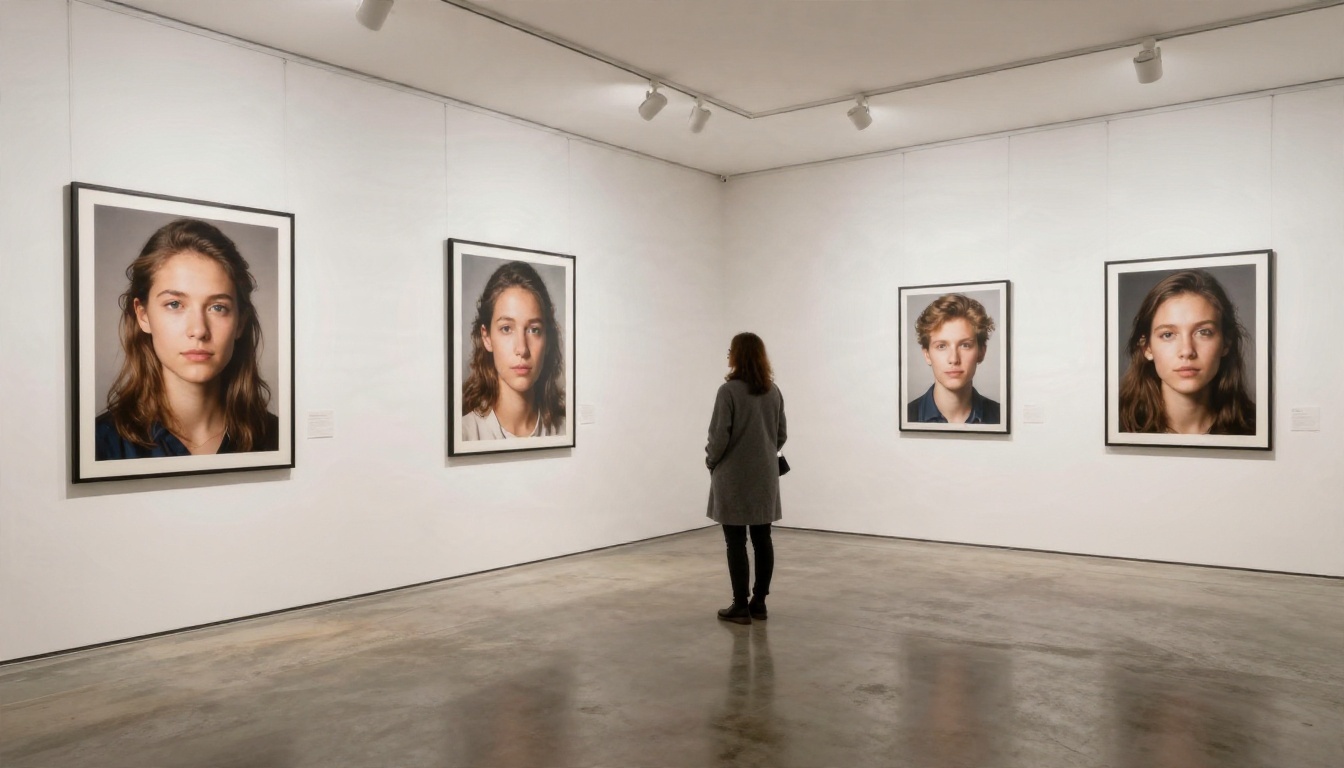
Prompt: Portrait of an elderly fisherman on a pier at golden hour, 85mm f/1.8, natural skin texture with fine pores, Kodak Portra 400 film grain, soft rim light from the left.
Best models: Imagen 4 Ultra, Qwen Image 3 Pro, and Ideogram v4 Quality. Camera and film names pull the model toward real photography and away from the glossy, over-smoothed look.
Surreal Scenes
Surrealism rewards bold, odd combinations, as long as the paint and the light stay believable.
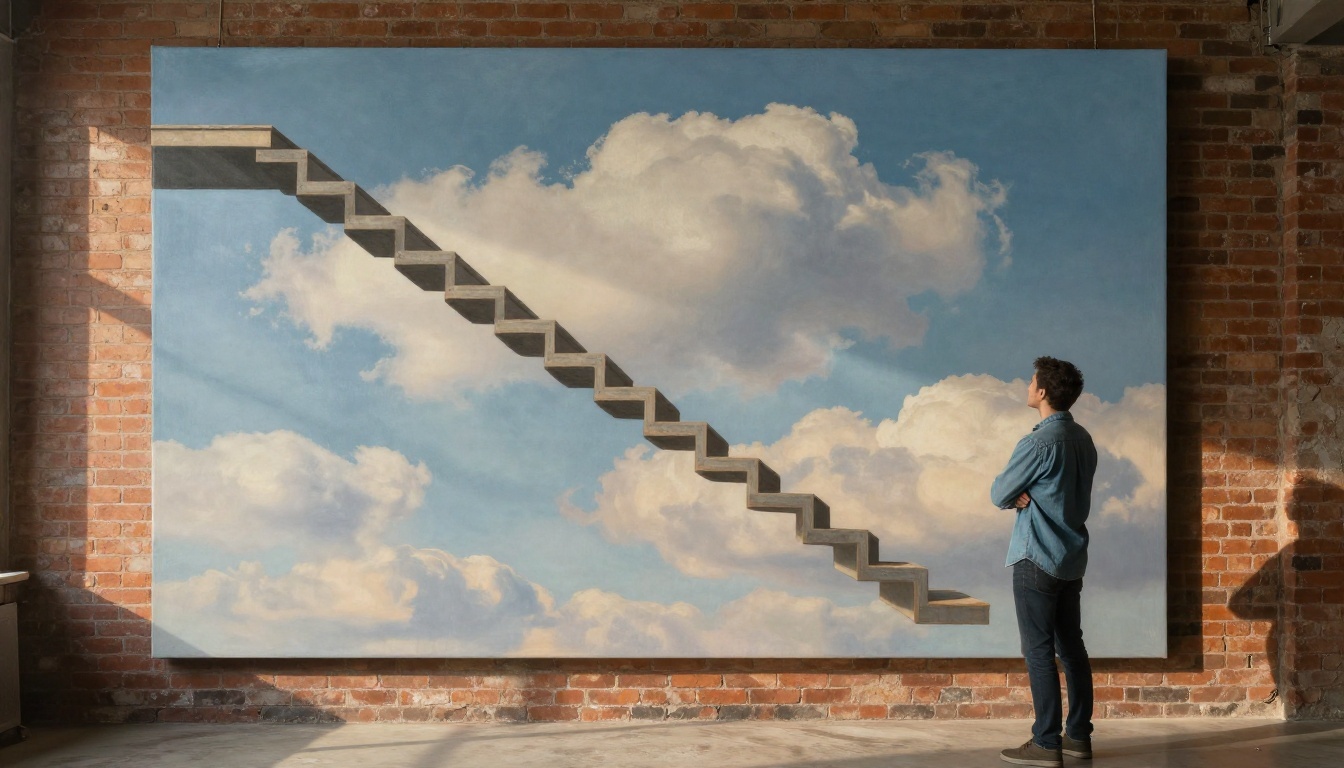
Prompt: A wooden staircase floating among soft clouds above a quiet desert, surreal oil painting, dreamlike scale, muted peach and teal, long shadows, visible canvas texture.
Best models: Seedream 4.5 and Qwen Image 3. Keep one impossible element per image. Three impossible things at once usually turn into noise.
Charcoal Portraits
Charcoal is a quiet style. It lives on contrast, smudges, and the grain of the paper.
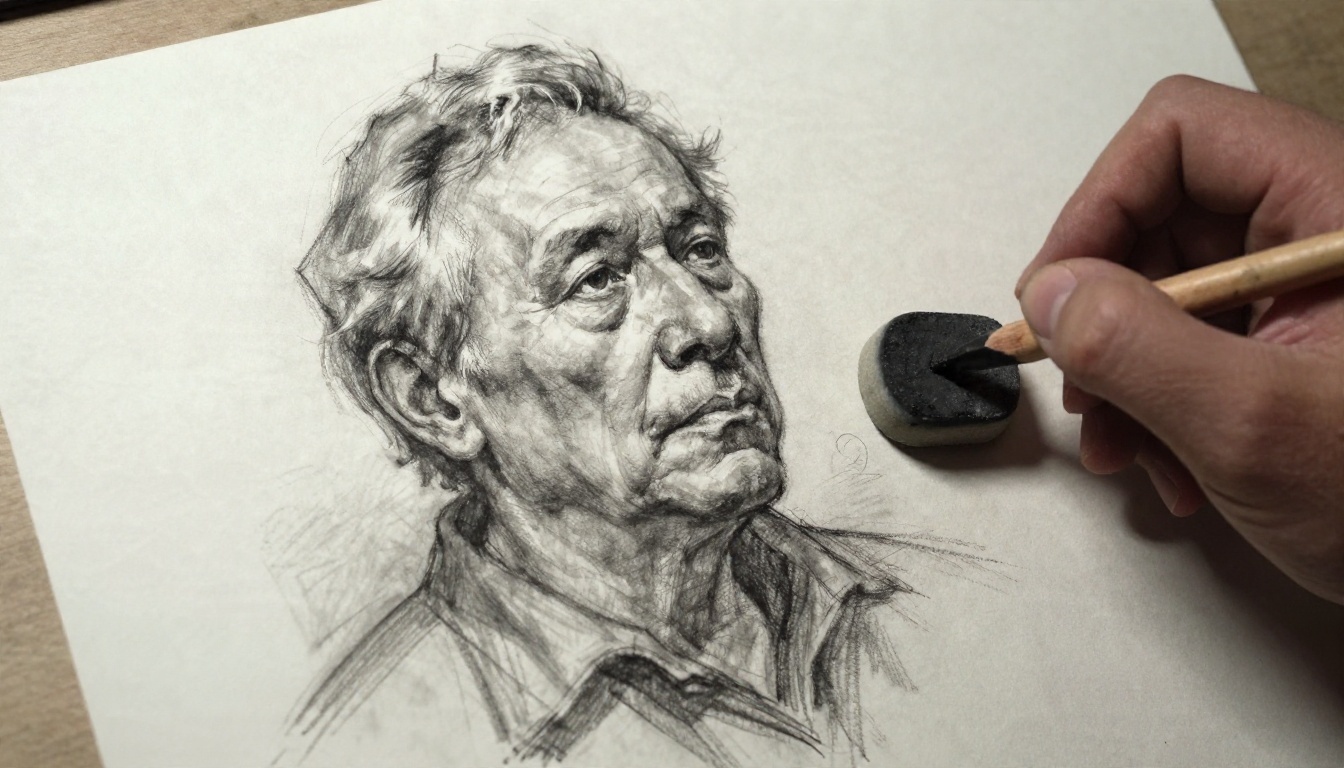
Prompt: Portrait of an elderly man, charcoal on toned paper, smudged shadows, sharp highlights lifted with a kneaded eraser, soft side light, visible paper grain.
Best models: Nano Banana Pro and Stable Diffusion 3. The phrase "lifted with a kneaded eraser" is a small detail that pushes the model toward real charcoal behavior.
Which Model Fits Which Style
If you only want the short version, this table sums up the matches.
Posters and Lettering
If your art includes words, such as a gig poster or a book cover mockup, choose Ideogram v4 Quality first. Put the text in quotation marks, keep it to one or two short words, and describe the font in plain language, like "bold condensed sans serif".
Vector and Logo Work
Raster models will not give you clean, scalable shapes. For flat vector art, try Recraft v4.1 SVG, or Recraft v4.1 Pro SVG when you need more polish. To convert an existing photo or sketch into a vector, use Arrow 1.1 Vectorize.
A Simple Workflow on PicassoIA
You do not need a complicated pipeline. Three passes are enough for most pieces.
Pick and Test
Open the text-to-image collection and choose two or three models from the tables above. Paste the exact same prompt into each. Keep every setting equal, including aspect ratio, so you compare the models and not the settings.
Iterate in Small Steps
Change one thing per round. If the light is wrong, change only the light. If you rewrite the whole prompt every time, you will never learn which words did the work. When a result is close, move to an editing-friendly model such as Nano Banana and describe the change in plain language: "make the sky warmer", "remove the second boat".
Finish and Print
Pick a model with enough resolution for your goal. Recraft v4.1 Pro gives you 2K files suited to printing, and Seedream 4.5 goes up to 4K. A framed print on a real wall is the best test of whether a piece works.
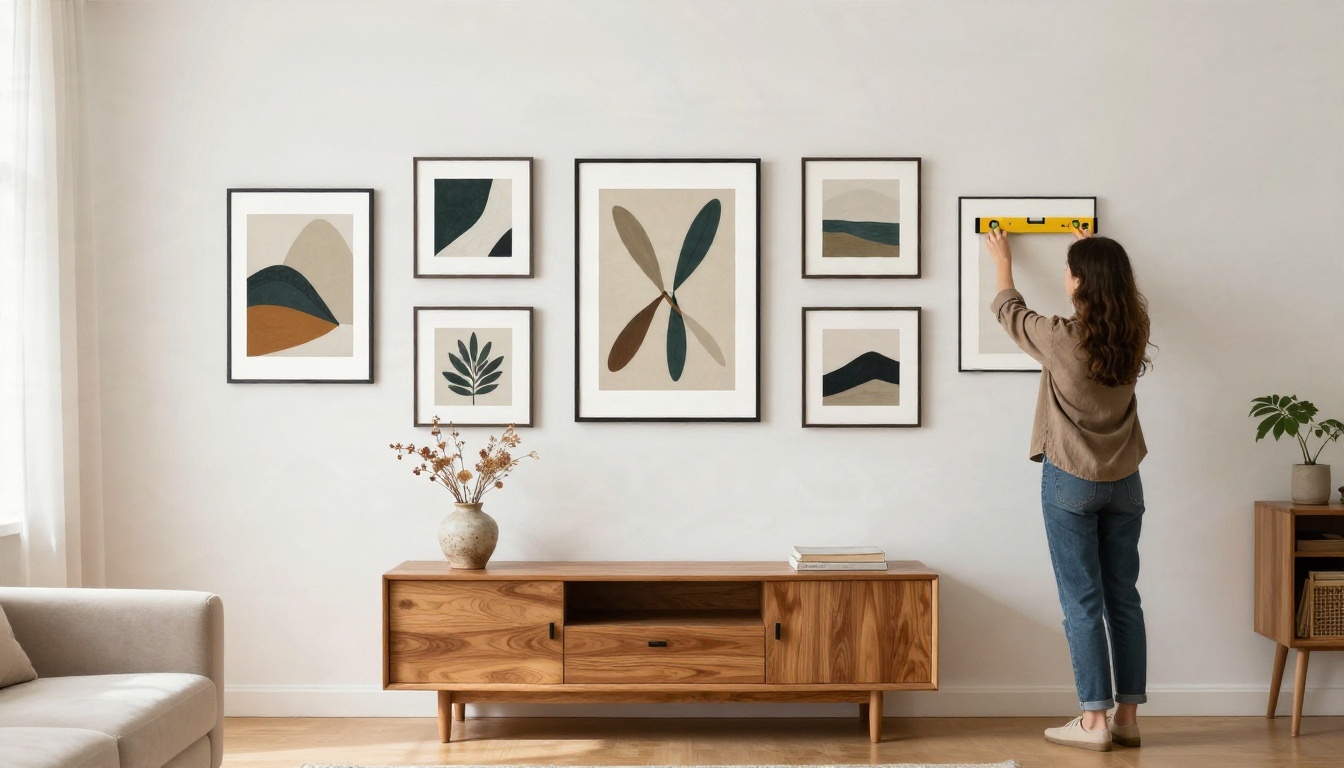
💡 Pro move: Print a small test at the final size before ordering a large canvas. Colors on a screen glow, while ink on paper does not, so shadows often come out darker than you expect.
Common Mistakes to Avoid
Most disappointing AI art comes down to a short list of habits.
Stacking Too Many Styles
"Oil painting, watercolor, anime, photorealistic, charcoal" gives the model five conflicting orders, so it averages them into mush. Pick one medium and commit.
Writing Prompts Like Search Queries
"Cool dragon art" is a search. "A bronze dragon coiled on a cliff at sunrise, oil on canvas, warm rim light, low angle" is a brief. The second one gets you the image you imagined.
Settling on the First Result
The first image is a draft. Generate four, pick the best composition, and refine it. Professional illustrators sketch many thumbnails before they commit to a canvas, and the same logic applies here.
Make Your First Piece Today
The best AI for art is the one you actually open, so pick a style from the list above and run a prompt right now. Start with the charcoal portrait if you want a quiet win, or the surreal staircase if you want something strange. Run it on two different models, compare the results, then change one word and run it again.
Picasso IA puts dozens of image models in one place, so you can test a watercolor idea on one model and a photorealistic portrait on another within the same minute. Browse the full lineup at picassoia.com/en/all-models, copy a prompt from this page, and make something that did not exist ten minutes ago.


