A shopper decides in about two seconds whether your product looks worth clicking. That glance is made almost entirely by your main image, and a studio shoot for every item in a catalog is out of reach for most small shops. This is why AI image generation has moved from curiosity to daily tool for sellers on marketplaces, Shopify stores and social shops. The catch: not every model handles products well. Some invent extra stitching on a sneaker, melt the logo on a bottle, or give a watch seven fingers' worth of hands. This article sorts the models that behave from the ones that do not, shows free routes, gives you prompts you can paste today, and breaks down what the money really looks like.
💡 Quick answer: For most sellers, Nano Banana is the safest pick for editing an existing product photo, Seedream 4.5 is strong for sharp lifestyle scenes, and GPT Image 2 is the one to try when your image needs readable text.
What Ecommerce Images Actually Need

Before comparing tools, it helps to know what a product listing demands. A generic "pretty picture" generator is not enough. The image has to be believable, consistent and accurate to the real item, because a customer who receives something that looks different from the photo returns it.
The Four Shots Every Listing Uses
Almost every successful listing mixes the same four image types:
- The hero shot. Product alone on white or a soft neutral background. Marketplaces usually require this one.
- The lifestyle shot. The product in a real setting: on a shelf, in a hand, on a trail.
- The detail shot. A macro close-up of material, stitching, clasp or texture.
- The context shot. Packaging, scale reference, or the item being used.
AI can produce all four, but with different reliability. Hero shots and lifestyle scenes are where it shines. Detail shots require more careful prompting. Context shots depend on how well the model keeps your actual product intact.
Where AI Helps and Where It Fails
| Task | AI reliability | Notes |
|---|
| Lifestyle backgrounds | High | Best use case. Fast and varied |
| White background hero | High | Works best from a real photo |
| Macro texture shots | Medium | Specify material and lens clearly |
| Text on packaging | Medium to low | Use a text-capable model |
| Exact logos and labels | Low | Composite the real label afterward |
| Product with moving parts | Low | Check hinges, straps and buckles |
The honest rule: if the customer will judge the product by a precise detail (a logo, a fit, a color), start from your real photo and let AI change the surroundings, not the product.
Best AI Models for Product Images
Here is how the strongest options on PicassoIA stack up for ecommerce work. Each name links to its model page so you can test it directly.
Nano Banana for Edits
Nano Banana is built for editing as well as generating. Upload a phone photo of your product, ask for a new setting, and it tends to preserve the shape and color of the item. That behavior is exactly what a seller needs. Nano Banana Pro pushes to higher resolution output, which suits hero images that shoppers zoom into. For quick, cheap drafts, Nano Banana 2 Lite trades some polish for speed.
Seedream for Sharp Detail
Seedream 4.5 produces crisp, high-resolution scenes with convincing material rendering: leather grain, glass reflections, wood. It is a great fit for lifestyle backdrops. If you want a newer option, Seedream 5 Pro targets sharp 2K output, and the older Seedream 4 remains a reliable budget-friendly choice.
GPT Image 2 for Text and Layout
Packaging mockups, sale banners and infographic-style listing images need legible words. GPT Image 2 follows layout instructions well and handles short text better than many rivals. For faster variants there are GPT Image 2.5 Flare and GPT Image 2.5 Sunburst, the latter geared toward generating and editing.
Imagen 4 and Flux for Speed
When you need fifty variations before lunch, speed matters. Imagen 4 Fast returns images in seconds, while Imagen 4 Ultra goes for fine detail and richer lighting. Flux Schnell is another quick option for brainstorming backgrounds, and Qwen Image 3 Pro is worth testing for photorealistic people holding or wearing products.
Quick Comparison
Free Options That Work
Free is attractive when you are testing a store idea, but "free" comes with trade-offs: watermarks, daily caps, or terms that limit commercial use. Check each before building a catalog on it.
Free Tiers From Other Tools
Several well-known tools offer limited free plans. Canva and Adobe Firefly both give a small number of AI generations on their free tiers, and specialized product-photo tools such as Pebblely, Claid.ai and Freepik have offered trial credits or capped free plans. Their allowances, watermark rules and prices change often and different review sites report different numbers, so confirm the current limits on each provider's own pricing page before you commit.
Free Tries on PicassoIA
Many of the models above can be tried at no cost on their PicassoIA pages, which is a practical way to compare them with your own product before paying for anything. A smart test: upload the same product photo to Nano Banana, Seedream 4.5 and Imagen 4 Fast, use the same prompt, and keep the one that preserves your product best.
💡 Free tier rule of thumb: Use free credits to choose your model and your prompt formula. Spend paid credits only on the final images you will actually publish.
Prompts That Sell Products
A strong ecommerce prompt works like a photographer's brief. It names the subject, the surface, the light, the lens and the mood. Vague prompts like "nice product photo" produce vague images.
White Background Prompt Formula
Use this for marketplace hero images:
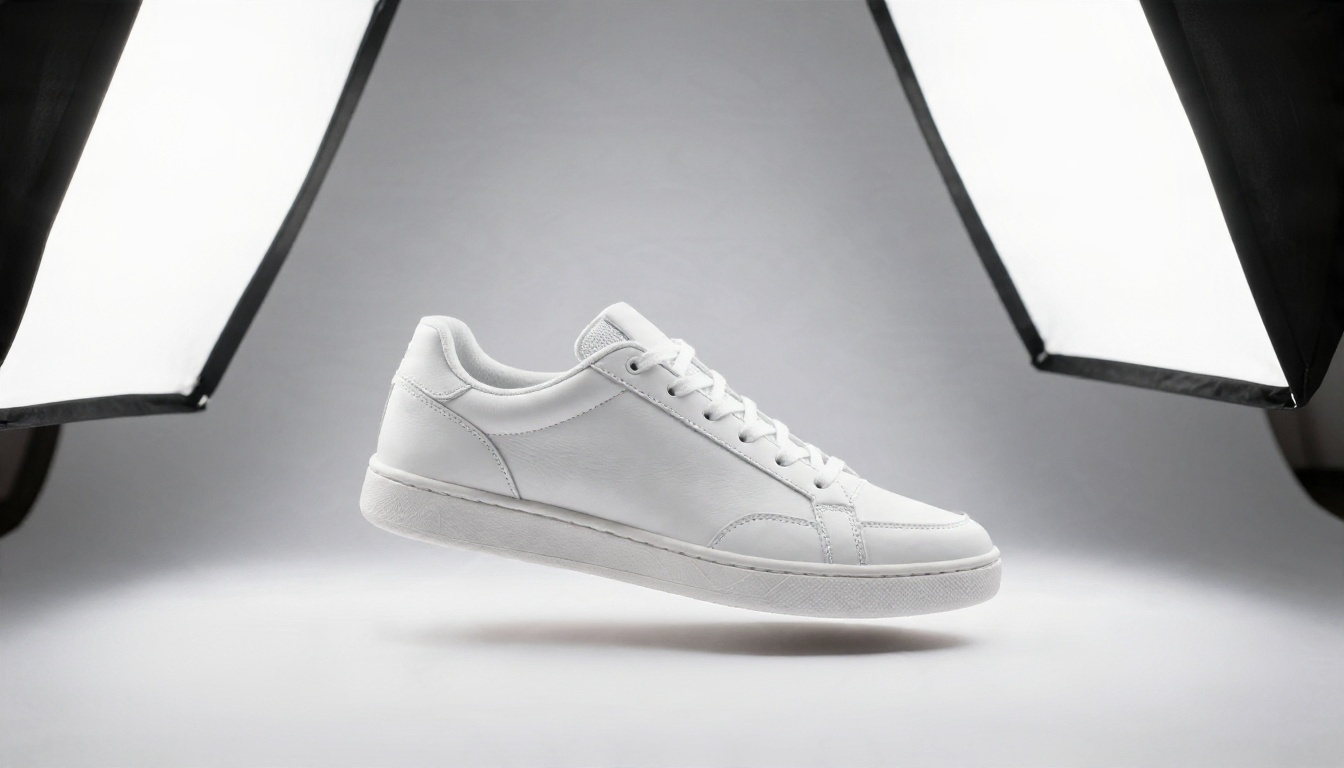
"A [product] centered on a seamless pure white studio background, straight side profile, soft diffused light from two large softboxes, gentle shadow beneath the product, 85mm lens, crisp [material] texture, neutral white balance, photorealistic."
Swap in the product and material. Keep "pure white" and "soft shadow" in place, because they stop the model from adding props or dramatic lighting.
Lifestyle Prompt Formula
Use this for category pages, ads and social posts:
"A [product] resting on [surface] in [room or outdoor setting], [time of day] light from the [direction], [two supporting props], 50mm lens with shallow depth of field, visible [texture], warm natural color, photorealistic."
Supporting props matter. Two or three items that fit the buyer's world (a towel, a plant, a notebook) sell the story without stealing focus.
Macro Detail Prompt
Use this to show quality:
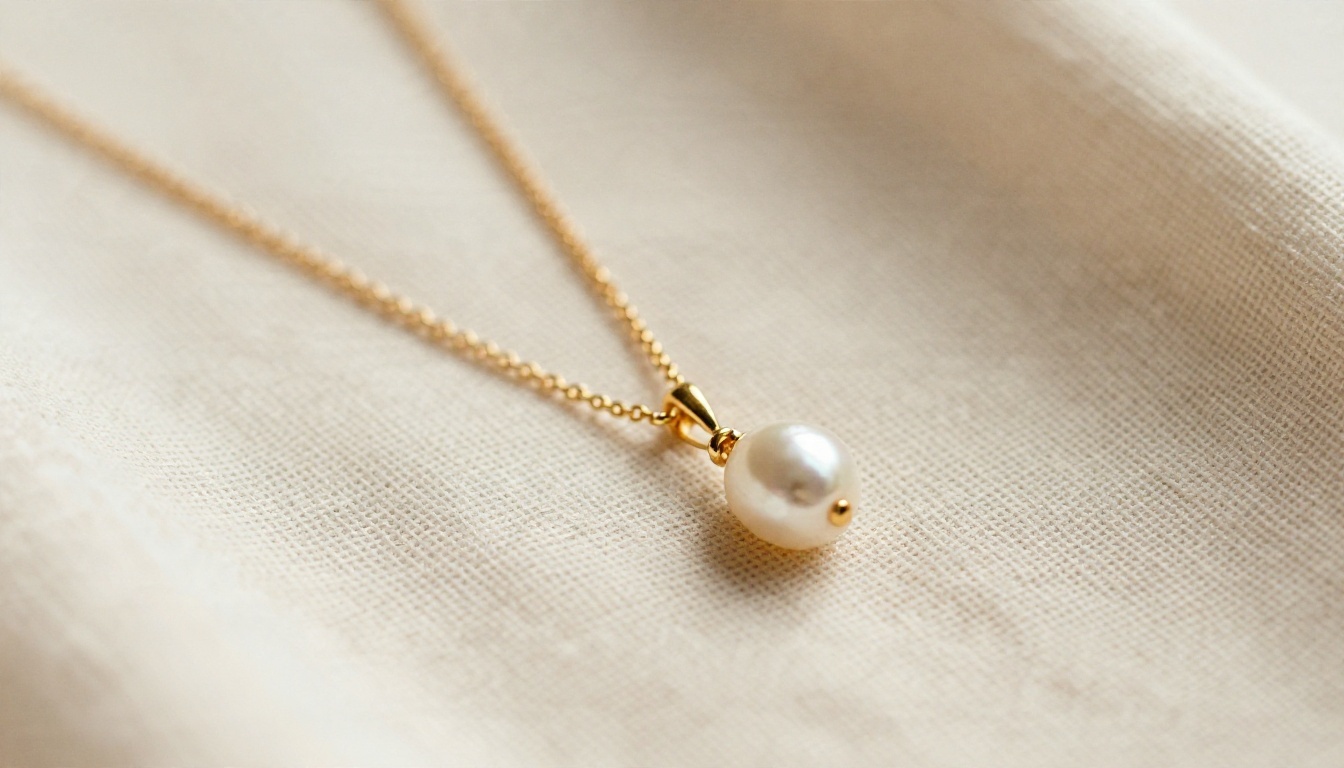
"Extreme macro shot of [detail, such as a stitched seam, a pearl pendant or a brushed metal edge], razor-thin focus plane, diffused window light from above left, 100mm macro lens at f/3.2, visible [fabric or metal] texture, photorealistic."
Three Prompt Habits That Pay Off
- Name the lens. "85mm f/2" and "100mm macro" give consistent depth of field.
- Name the light direction. "Window light from the left" beats "good lighting."
- Use negatives sparingly. Say what you want, then add a short list of things to avoid, such as extra text or distorted hands.
Lifestyle Examples by Category
Different products need different scenes. Here are four categories with what tends to work.

Beauty and Skincare
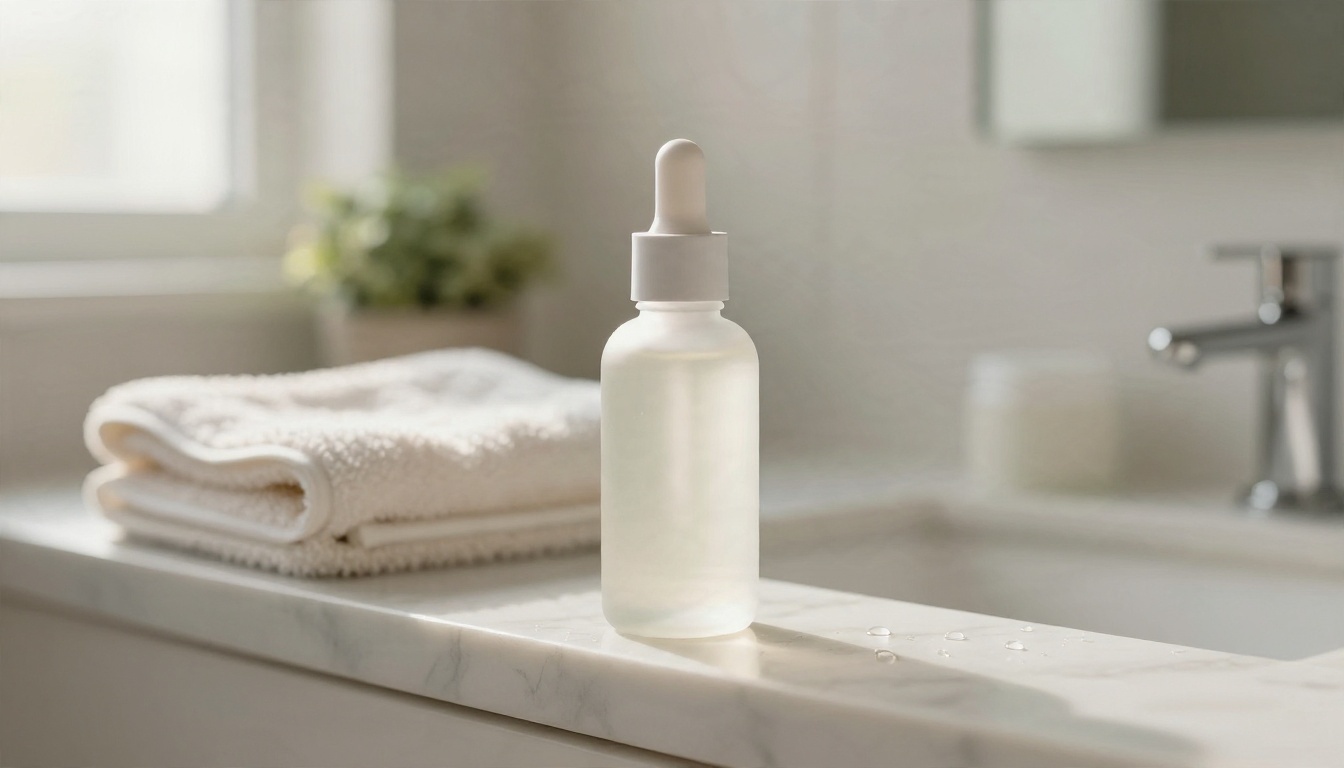
Skincare buyers want clean, calm and clinical but warm. Think marble, soft towels, morning light, tiny water droplets. Use a low angle so the bottle looks tall and important. Avoid busy backgrounds; the product should be the only strong shape. Nano Banana Pro and Seedream 4.5 both render glass and liquid highlights well.
Home and Candles
Home goods sell a feeling. A candle on a wooden shelf with a stack of books and a soft sofa behind it says "cozy evening" faster than any caption. Mix the window light with a tiny warm glow from the flame itself. Keep the palette muted so the product color pops.

Kitchenware and mugs do well in overhead flat lays: a steaming cup, a pastry, a notebook, raking morning light. The overhead angle also leaves room for text overlays if you build a banner afterward with GPT Image 2.
Outdoor Gear
Outdoor products need context and scale. A canvas backpack on a rock at golden hour, with pines and mist behind it, shows both the material and the adventure.
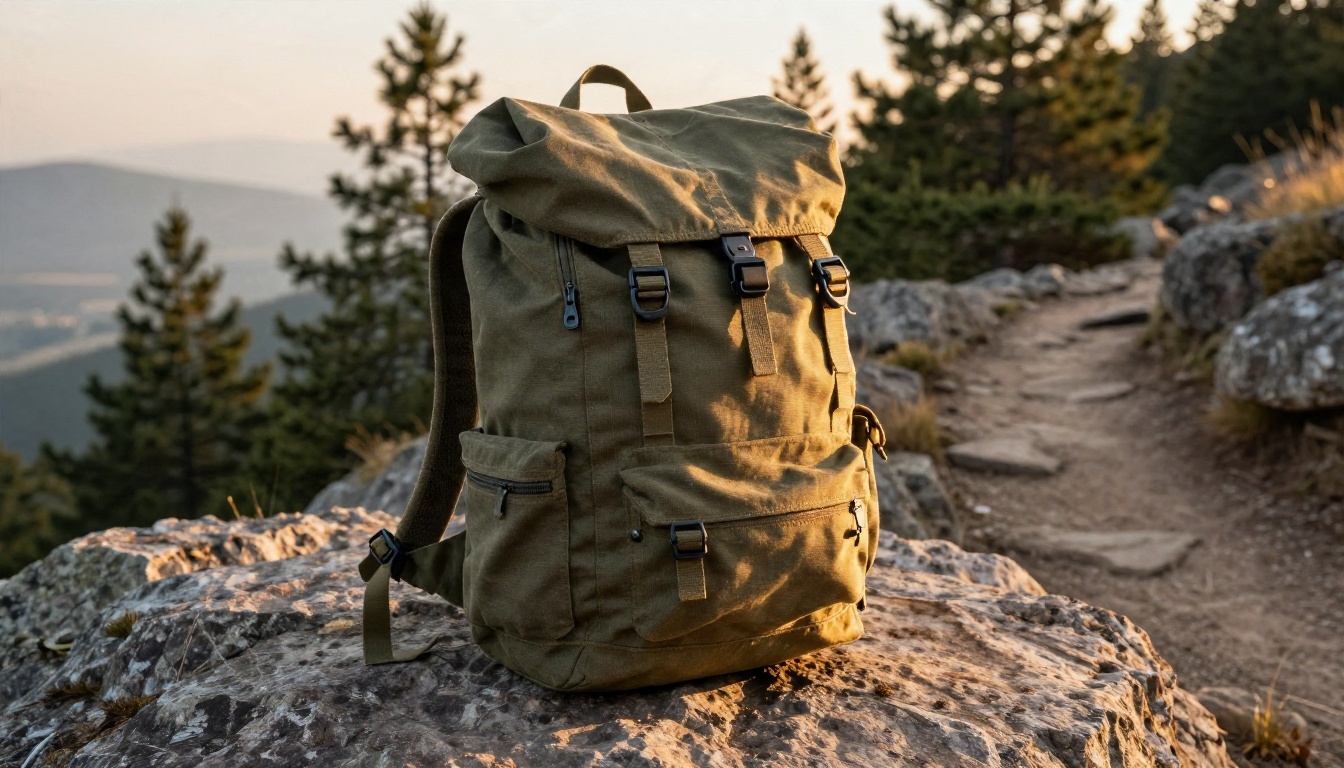
Rim light from a low sun makes straps and buckles pop against the background. Wide lenses (28mm) help the scene feel open. Check buckles and zippers carefully in AI output; they are common trouble spots.
Jewelry and Watches
Small, reflective items are the hardest to photograph in real life, and AI handles them better than you might expect, provided you ask for the right framing. For jewelry, go macro with a razor-thin focus plane on the stone or pendant.
For watches, go top-down on a dark desk with a single softbox gradient so the crystal shows a crisp reflection and the strap stitching stays visible.
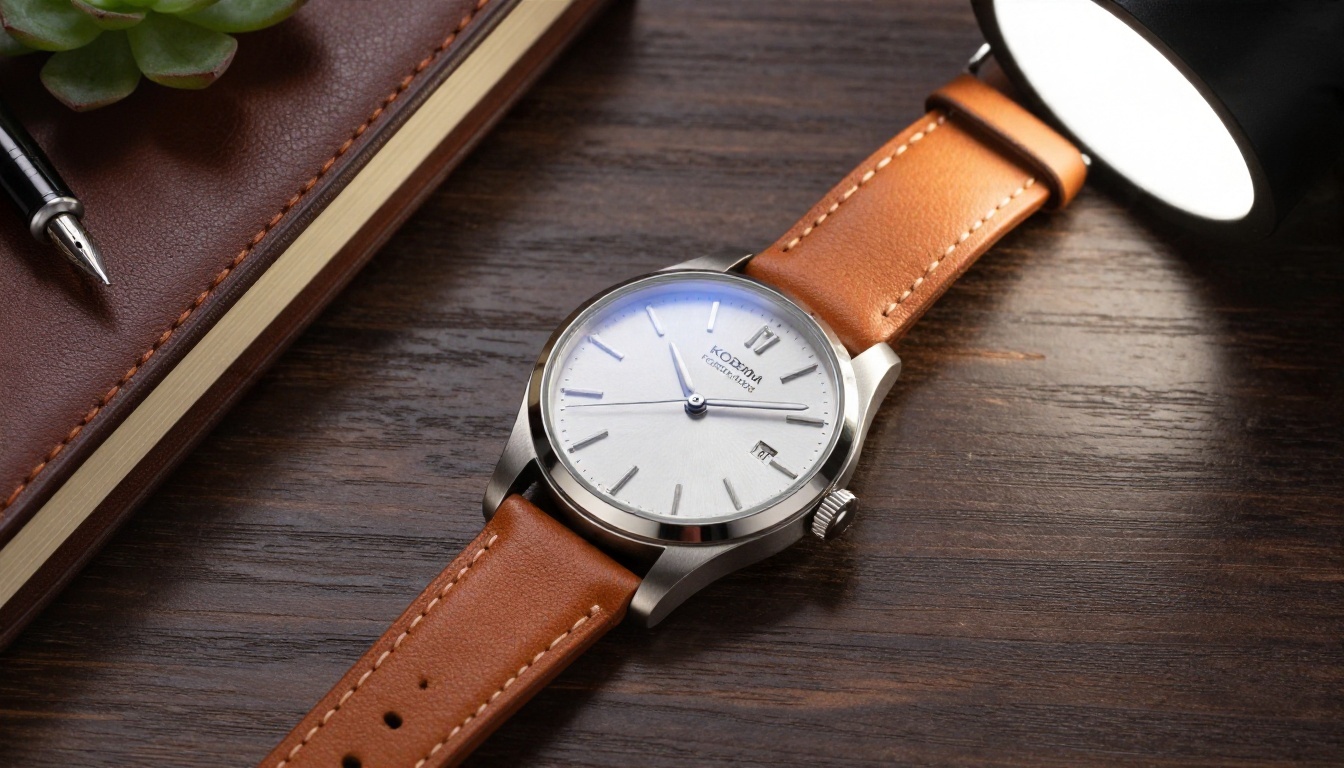
💡 Watch the details: On watches and jewelry, always compare the AI result with your real product. Dials, clasps and hallmarks are easy for a model to invent.
Pricing: What You Really Pay
Pricing across the AI image world varies widely and moves quickly, so treat any number you read, including in comparison articles, as a snapshot. Still, the structure of the cost is stable, and you can reason about it.
The three pricing models you will meet:
- Subscription tools. A monthly fee for a set number of exports. Specialized product-photo apps typically sit here, with entry plans in the single digits to low tens of dollars per month and higher tiers for large catalogs.
- Credit systems. You buy or receive credits and each generation spends some. Faster, lower-resolution models cost less per image than high-resolution ones.
- Free tiers. Limited generations, often with watermarks or restricted commercial rights.
How to Estimate Your Real Cost
Do this math before choosing a tool:
| Step | Example |
|---|
| Products in catalog | 80 |
| Images needed per product | 5 (hero, 2 lifestyle, detail, context) |
| Total final images | 400 |
| Attempts per final image | 3 (some will fail) |
| Total generations | 1,200 |
Now divide the monthly price by the number of generations the plan truly allows. A cheap plan with a low cap can cost more per usable image than a mid-priced one with room for retries. Retries are the hidden cost. Faster models like Imagen 4 Fast or Flux Schnell keep drafts cheap, and you can move to Nano Banana Pro or Imagen 4 Ultra only for the winners.
Compare that with a traditional shoot. A freelance product photographer often charges per image or per hour, plus props, shipping samples and editing time. For a seasonal catalog refresh, AI is usually far cheaper. For a flagship product whose image carries the brand, a real shoot combined with AI backgrounds can still be worth it.
💡 Budget tip: Draft on a fast model, finalize on a high-quality one. This one habit usually cuts your per-image cost the most.
A Simple Workflow for Every Listing
A repeatable process beats random prompting. Here is a workflow that works for small teams.

- Shoot a clean reference. Use a phone, window light and a plain wall. Capture the product from front, side and top.
- Cut out the product. Run the photo through Remove Background, Product Cutout or Recraft Remove Background to get a tidy edge.
- Generate the scene. Upload the cutout or original to Nano Banana and use the lifestyle prompt formula above.
- Check the product. Compare shape, color, logo and proportions with the real item. Reject anything that drifts.
- Upscale the winners. Use Clarity Pro Upscaler for photorealistic detail or P Image Upscale for a fast pass so shoppers can zoom without blur.
- Name and test. Upload variants and watch which main image earns the most clicks.

Mistakes That Cost Sales
- Over-polished scenes. If the lifestyle image looks like a different universe from the product, buyers distrust it.
- Inconsistent lighting across a catalog. Pick one light direction and mood per collection.
- Ignoring marketplace rules. Some platforms require pure white backgrounds or limit edits that misrepresent the item. Read the rules before uploading.
- Skipping disclosure where required. Some marketplaces and regions ask you to label AI-generated imagery. Check current policies for your platform.
💡 Honesty check: AI should change the setting, not the truth. If the color, size or material in the image differs from what you ship, expect returns and bad reviews.
Start Making Your Own Product Images
You now have what you need: a model shortlist, a prompt formula for each shot type, a free-first testing plan and a way to estimate real costs. The fastest way to find your style is to run one product through several models in a single afternoon.
Here is a 20-minute plan:
- Take one clear photo of your best-selling product.
- Open Nano Banana and generate a lifestyle scene with the formula above.
- Run the same prompt in Seedream 4.5 and Imagen 4 Ultra.
- Pick the winner, clean it up with an upscaler, and publish it next to your current photo to compare results.
Ready to try it? Open PicassoIA, drop in your own product and see how your listing looks with a fresh set of images. You can browse every available model at picassoia.com/en/all-models and build the image set that fits your catalog, one product at a time.


