Type a few lines, wait a few seconds, and a magazine-grade glamour photo appears: a woman in a silk robe by a hotel window, a bikini shoot on a yacht at golden hour, a black evening dress on a rooftop at dusk. That is what people mean by spicy AI images in 2027, and the gap between a muddy, plastic-looking result and a convincing photograph comes down to two things: which model you pick and how you write the prompt. This article ranks the best AI for spicy images, compares free apps against paid plans, shows real examples, and gives you prompts you can copy today.
💡 Quick answer: Start with Seedream 4.5 for photoreal glamour, then use PicassoIA Image Editor Pro when you want unlimited generations and edits. Both are on PicassoIA and are covered below with links.
What "Spicy" Means in AI Images
The word is vague, so let's pin it down. In search, "spicy images" usually means suggestive, attractive, non-explicit visuals: swimwear, lingerie-style fashion, boudoir lighting, bare shoulders, wet hair, summer skin. Think swimsuit campaign, not adult film.
Suggestive, not explicit
The sweet spot is implication. A loosely tied robe, a shoulder, a glance over the back of a dress. These images perform best because they look like real editorial photography, they are easier to generate with consistent quality, and they stay inside the rules of most platforms, ad networks and social feeds.
Why photorealism wins
Illustrated and stylized "spicy" art has its fans, but photorealistic output is what most people actually want to make: believable skin, real fabric, natural light. A good photoreal model gets pores, flyaway hairs, water droplets and the sheen of satin right. That is the benchmark used for every example in this article.
The Best AI Models for Spicy Images
I ranked these on four things: photorealism, how tolerant the model is of glamour and swimwear prompts, speed, and cost per image. All four are on PicassoIA, so you can test them side by side in one place.
1. Seedream 4.5: best overall
Seedream 4.5 is the first model I reach for. It handles skin texture, fabric and lighting with a restraint that makes images look photographed instead of rendered, and it follows long, detailed prompts well. It outputs up to 4K, which matters when you want to crop a portrait or print one. For swimwear, boudoir and fashion looks, it is the most consistent option I have tested.
Best for: bikini and swimwear shoots, boudoir portraits, evening wear, anything where skin and fabric realism decide the result.
2. PicassoIA Image Editor Pro: best for unlimited tweaks
PicassoIA Image Editor Pro is the one to use when you do not want to count generations. It offers unlimited generations, which changes how you work: you stop treating each prompt as precious and start iterating. Swap an outfit, change the location, shift the lighting from noon to sunset, or fix a detail without starting over. It is fast, uncensored in the sense that it does not refuse tasteful glamour prompts, and great for building a consistent set.
Best for: iterating, outfit and background swaps, large batches, polishing an image you already like.
3. Z Image Turbo: best for speed
Z Image Turbo is built for quick drafts. When you are testing a dozen prompt ideas, you want a sharp image in seconds, and this model delivers. I use it to find the right composition, then move to Seedream 4.5 for the final render.
Best for: rapid prompt testing, mood boards, quick portraits.
4. Flux 2 Klein 9B Base LoRA: best for styled looks
Flux 2 Klein 9B Base LoRA supports LoRA style adaptation, which is useful when you want a specific film look, a recurring styling or a more personal aesthetic across many images.
Best for: consistent style across a series, film-look experiments.
Side by side
Free Apps and What They Really Cost
Search for this topic and you will find dozens of "free NSFW generator" sites. Most are affiliate-driven lists that contradict each other on price, so treat any number as a snapshot.
Free tiers: what you actually get
Typical free plans on third-party apps such as Mage.space, SeaArt, Promptchan and OurDream give you a small daily credit allowance, slower queues, lower resolution, and watermarks or public galleries on some plans. That is enough to test a style, not enough to build a library.
Pricing at a glance
Paid plans for dedicated adult-leaning apps commonly land somewhere between roughly $10 and $25 per month, with annual discounts, and the tiers change often. Review sites disagree about which apps even have a free tier, so always check the current pricing page before paying.
| Option | Typical free access | Typical paid range | Catch |
|---|
| Dedicated spicy apps | Daily credits | About $10 to $25 per month | Credits run out, plans change |
| General image generators | Limited | Varies | Often block swimwear or glamour prompts |
| Open-source on your own PC | Free software | Hardware cost | Setup time and a strong GPU |
| PicassoIA models | Try the models directly | Per image or unlimited | Pick the right model for the job |
💡 Cost tip: If you generate more than a few dozen images a week, an unlimited option like PicassoIA Image Editor Pro usually beats credit-based plans, because failed attempts stop costing you anything.
The hidden cost: wasted generations
Credit systems punish experimentation. Hands go wrong, a strap fuses with skin, the light looks flat. On a metered plan each retry is money. This is the quiet argument for unlimited generation and for drafting with a fast model first.
How to Use Seedream 4.5 on PicassoIA
Here is the workflow I use for most glamour images.
Step by step
- Open the Seedream 4.5 page on PicassoIA.
- Paste your prompt into the text box. Write it as a short photo brief, not a list of tags.
- Set the aspect ratio. 16:9 suits landscapes and yacht or beach scenes, 3:4 or 2:3 suits portraits and fashion.
- Choose the highest resolution that makes sense for your use.
- Generate, review, and change only one variable at a time (outfit, light or angle) in the next run.
- When you have a winner, bring it into PicassoIA Image Editor Pro for small fixes and variations.
Settings that matter
- Aspect ratio: match the scene. A wide ratio gives more environment and makes the image feel cinematic.
- Prompt length: 50 to 120 words is the sweet spot. Shorter prompts get generic faces, longer ones start to contradict themselves.
- Seed: reuse a seed when you like a face or pose and want to change only the outfit or background.
- Resolution: generate high, then crop. A 4K frame lets you pull a tight portrait out of a wide shot.
Prompts That Actually Work
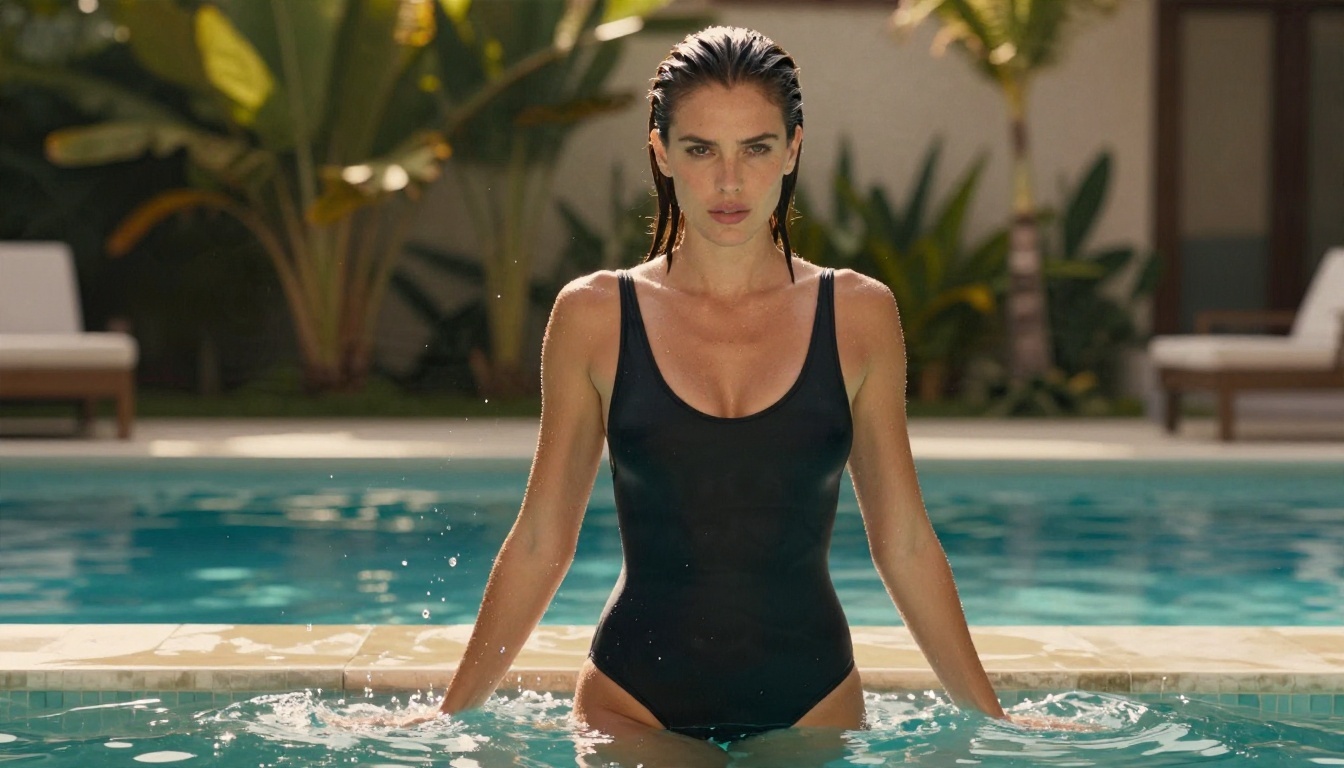
Good spicy prompts read like instructions to a photographer. The model needs a subject, a place, a light source and a lens, and it needs to be told to keep things tasteful.
The five-part formula
- Subject and pose: who, what they wear, what they are doing.
- Environment: where, with two or three physical details.
- Light: direction, time of day, quality (soft, hard, rim, window).
- Camera: lens, angle, depth of field.
- Texture and mood: skin pores, fabric sheen, film grain, color palette.
Add words like photorealistic, natural skin texture, film grain, Kodak Portra 400 look to pull the output away from the glossy, over-smoothed AI look.
Example prompt 1: yacht at golden hour
A confident woman in her late twenties leaning on the teak railing of a sailing yacht at golden hour, white string bikini, wet wavy chestnut hair, sea droplets on her shoulders. Warm low sun from the left, soft Mediterranean haze behind. 85mm f/1.8 lens at eye level, shallow depth of field, natural skin texture, Kodak Portra 400 film grain, photorealistic, tasteful.
This produced the cover image of this article. The rim light along the hair and shoulder is the detail that sells it.
Example prompt 2: window light boudoir
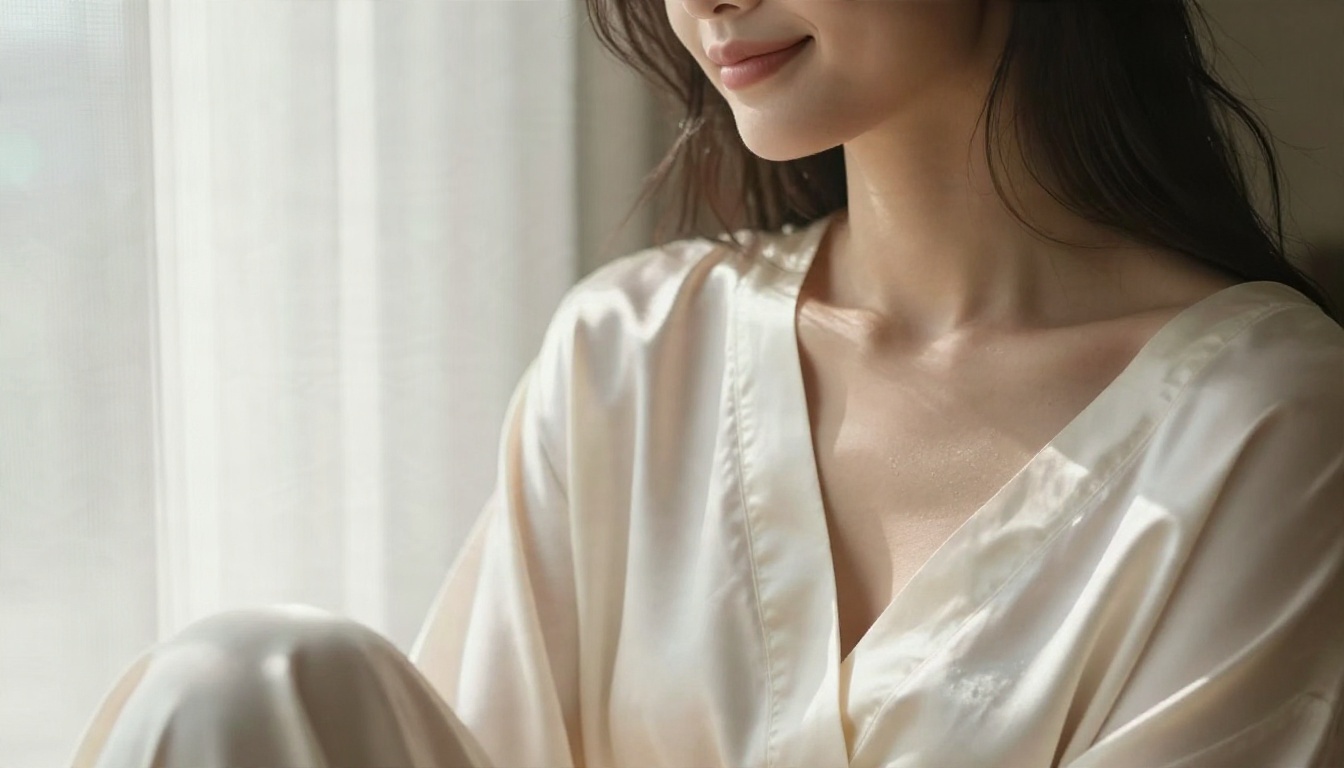
Close-up portrait of a woman in a loosely tied ivory silk robe sitting by a tall hotel window, bare shoulder visible, tousled dark hair. Morning light from the left through sheer curtains, gentle shadows on her collarbone. 85mm f/1.8, shallow depth of field, visible skin pores and silk sheen, film grain, photorealistic.
Window light is the most forgiving light in AI photography. It gives soft gradients on skin and almost never looks fake.
Example prompt 3: moody lamp light
Tight close-up of a woman's face and shoulder in warm tungsten lamp light, thin black strap top, lips slightly parted, direct gaze into the lens. Side light from the right with deep soft shadows, fine skin pores, individual eyelashes and flyaway hairs in sharp focus. 100mm f/2.8, moody warm tones, film grain.
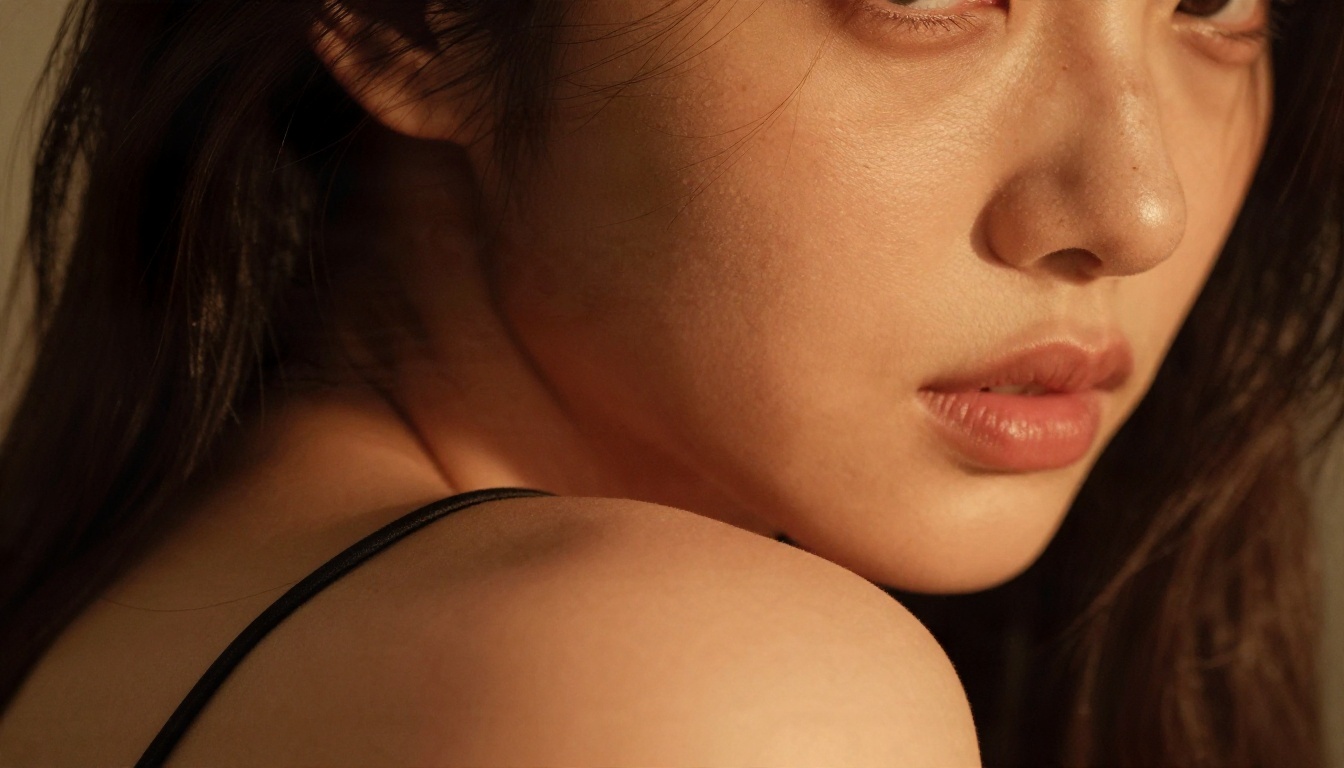
Prompt ideas by scene
| Scene | Light | Lens and angle | Mood |
|---|
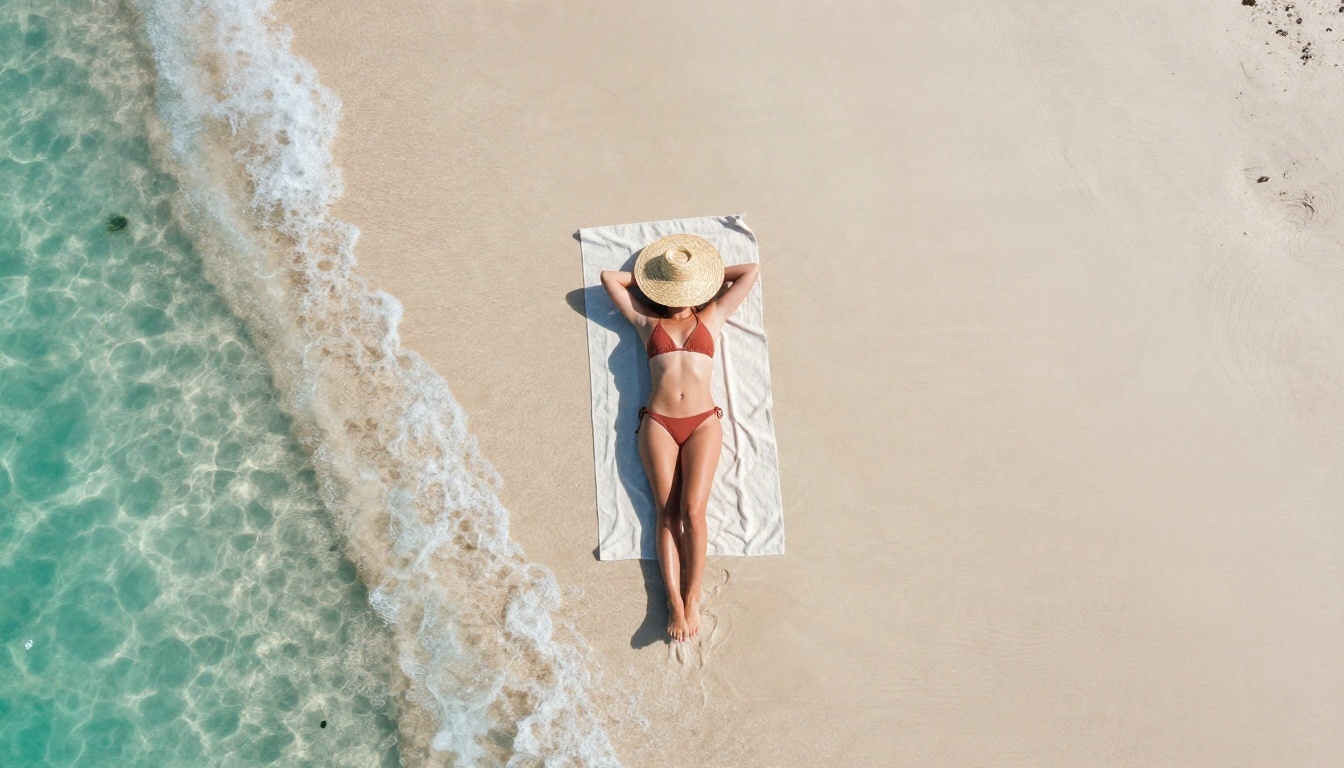
| Beach in a bikini | Midday sun, hard shadows | 24mm, high or aerial | Carefree |
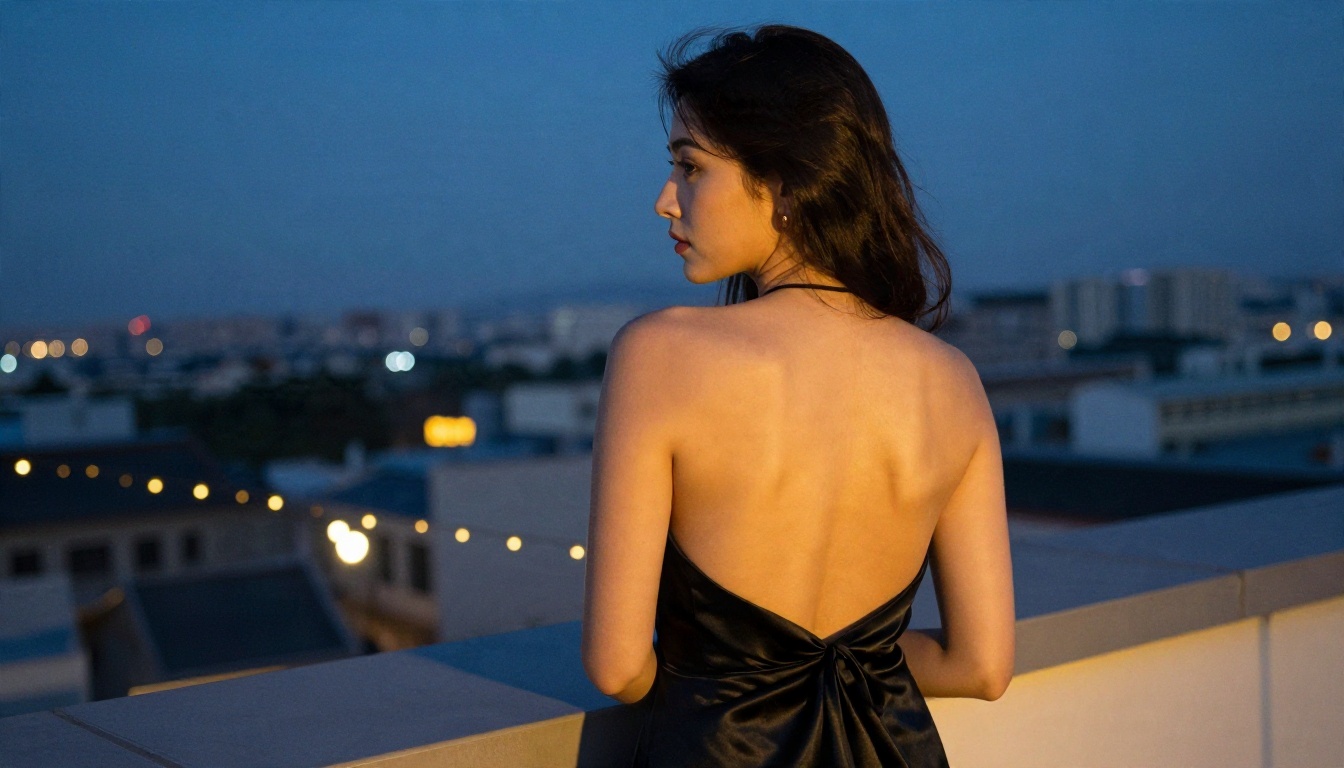
| Rooftop in an evening dress | Blue hour plus string lights | 50mm, slightly low | Elegant |
| Hotel robe | Window light, soft | 85mm, close | Intimate |
| Vanity mirror | Warm bulbs plus window | 50mm, behind shoulder | Quiet glamour |
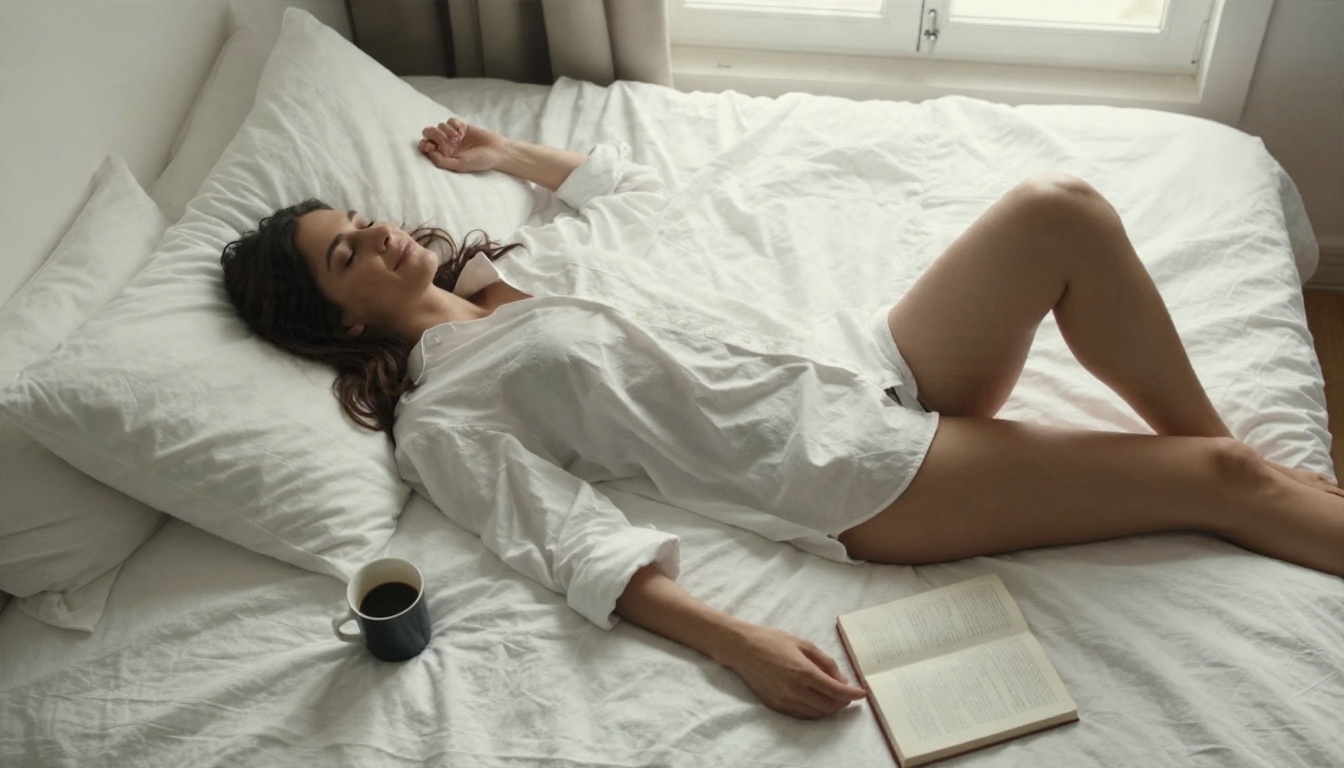
| Loft with a white shirt | Diffused morning light | 35mm, overhead | Relaxed |
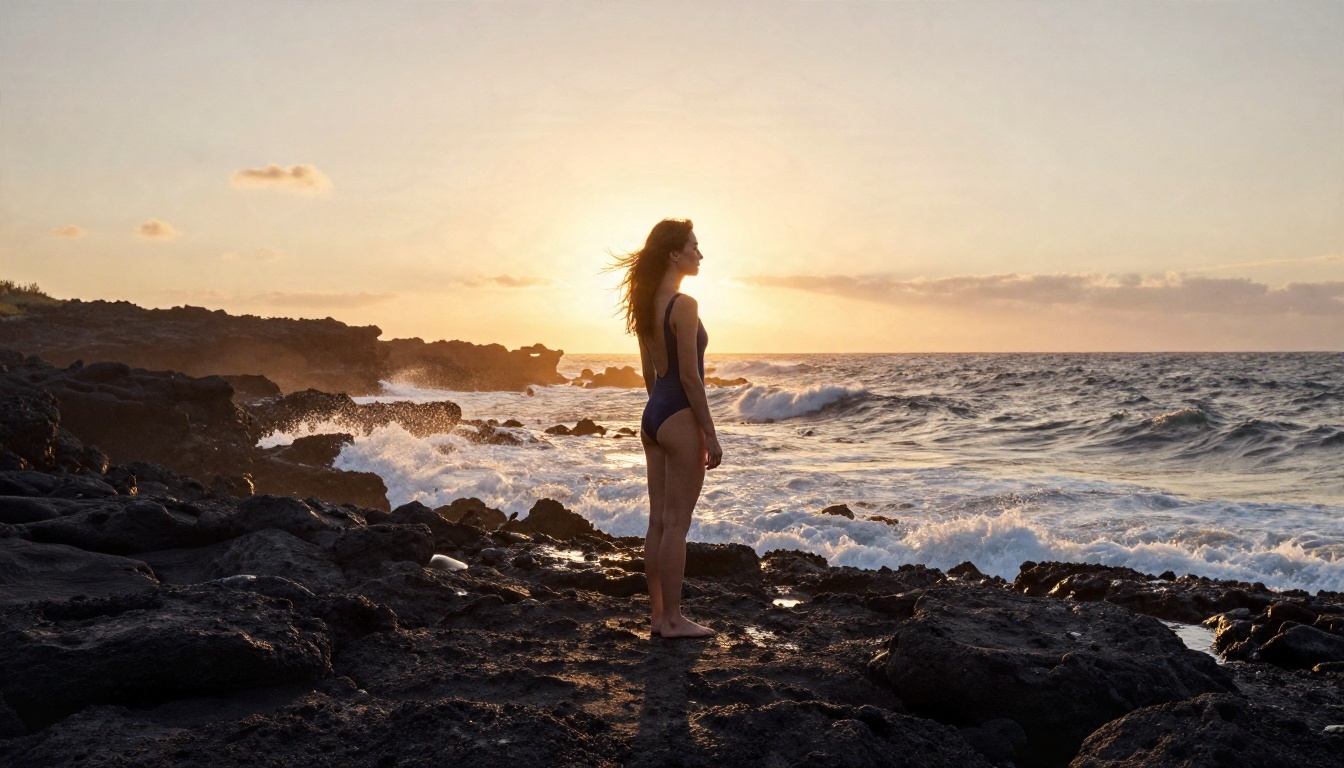
| Rocky coast at sunset | Backlight, rim | 24mm, low angle | Cinematic |
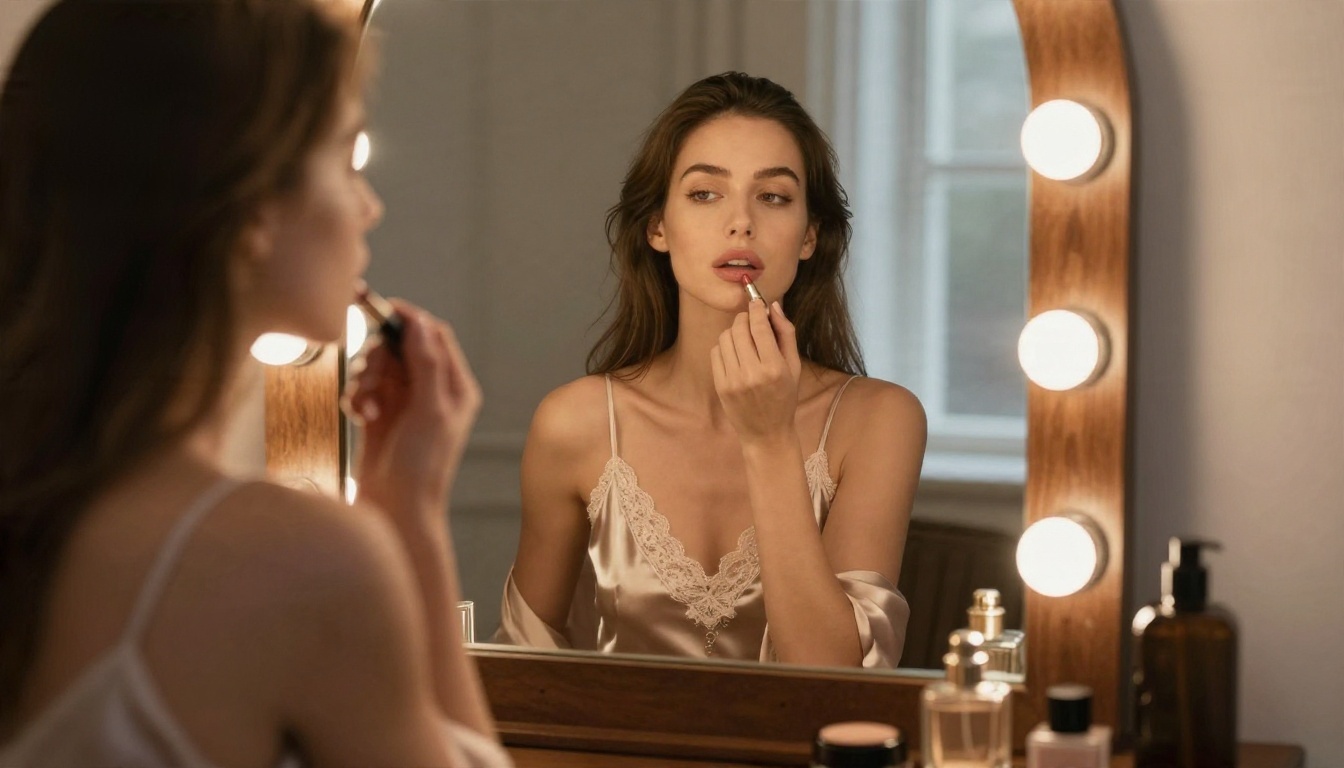
Examples Worth Copying
Variety is what separates a good set from a repetitive one. Change the angle, distance and light between shots, and your gallery looks like a real shoot instead of ten copies of one image.
Overhead and relaxed
An overhead shot of a woman on rumpled white linen in a sunlit loft, wearing an oversized button-up shirt, reads as intimate and natural. Top-down angles are underused and make fabric wrinkles and hair fan-outs look great.
Wide and cinematic
A small figure on dark volcanic rock at sunset, shot wide and low with the sun behind her, shows that spicy does not always mean close-up. The sea spray and wet rock texture carry the realism.
Build a set, not one image
Use the same seed or the same base prompt and change one element per shot: wardrobe, place, then time of day. Run the batch in PicassoIA Image Editor Pro, where unlimited generations let you keep only the best frames.
💡 Workflow tip: Draft with Z Image Turbo, pick the best composition, then re-render it with Seedream 4.5 for final quality.
Mistakes That Ruin Spicy Images
Most bad results trace back to the same handful of errors.
Over-smooth skin
If every face looks like plastic, you left out texture. Name it: visible pores, fine peach fuzz, natural skin texture, subtle film grain.
Vague lighting
"Beautiful lighting" means nothing to a model. Say soft window light from the left or low golden sun behind the subject with rim light.
Tag soup prompts
Long comma lists of adjectives confuse modern models. Write two or three clear sentences about a scene you could actually photograph.
Too many subjects
One person, one action, one place. Complex scenes raise the odds of broken hands and merged limbs.
Ignoring the lens
Lens choice changes the whole image. 85mm gives flattering portraits, 35mm gives intimacy and context, 24mm gives scale and drama.

Spicy image work comes with real-world responsibilities, and they are worth five minutes of your attention.
Never use a real person's likeness without consent
Generating suggestive images of a real, identifiable person without their permission is harmful and, in many places, illegal. Stick to fictional subjects, or to yourself.
Check where you can post
Instagram, TikTok, X and ad networks all enforce different rules on suggestive content. Keep a non-explicit version for public platforms and be ready for age gates elsewhere.
Read the privacy policy
Many free cloud apps do not clearly say how long they keep your prompts and images, or whether they use them for training. If privacy matters to you, check the policy before you upload anything personal, and avoid uploading photos of other people.
Keep it tasteful
The strongest images in this category are the ones that suggest more than they show. That keeps your work usable, shareable and easy to monetize.
Try Your Own Spicy Images on PicassoIA
You now have the model ranking, the cost picture and a prompt formula that works. The fastest way to see the difference is to run the same prompt through two models and compare.
- Paste the yacht prompt from above into Seedream 4.5 and look at the skin and light.
- Take the best result into PicassoIA Image Editor Pro and generate ten variations at no extra cost per try.
- Draft new ideas quickly with Z Image Turbo.
- Build a styled series with Flux 2 Klein 9B Base LoRA.
Pick a scene, write a short photo brief, and generate your first set tonight. When you are ready to try more models, browse the full list at picassoia.com/en/all-models and see which one fits your style best.


