Typing "AI manga generator" into a search bar returns dozens of tools, and almost every one of them opens with the same promise: free to start. Then you make three pages, a credit counter hits zero, and a pricing popup appears. If you have ever felt that sting, this article is for you. Below you will find an honest look at what free plans usually include, what paid tiers tend to cost, where the real limits hide, and which alternatives give you more control over your panels, characters and pacing.
One note before we begin: prices and allowances in this space change almost monthly, and review sites often contradict each other. Treat every number here as a rough range and check the vendor's own pricing page before you commit.
What an AI Manga Generator Does
An AI manga generator turns a text description, a script or a rough sketch into black and white comic art: panels, characters, speech bubbles, screentone shading and sometimes full page layouts. Some tools handle the entire pipeline from story outline to finished page. Others only produce single illustrations that you assemble yourself.
All-in-one manga makers
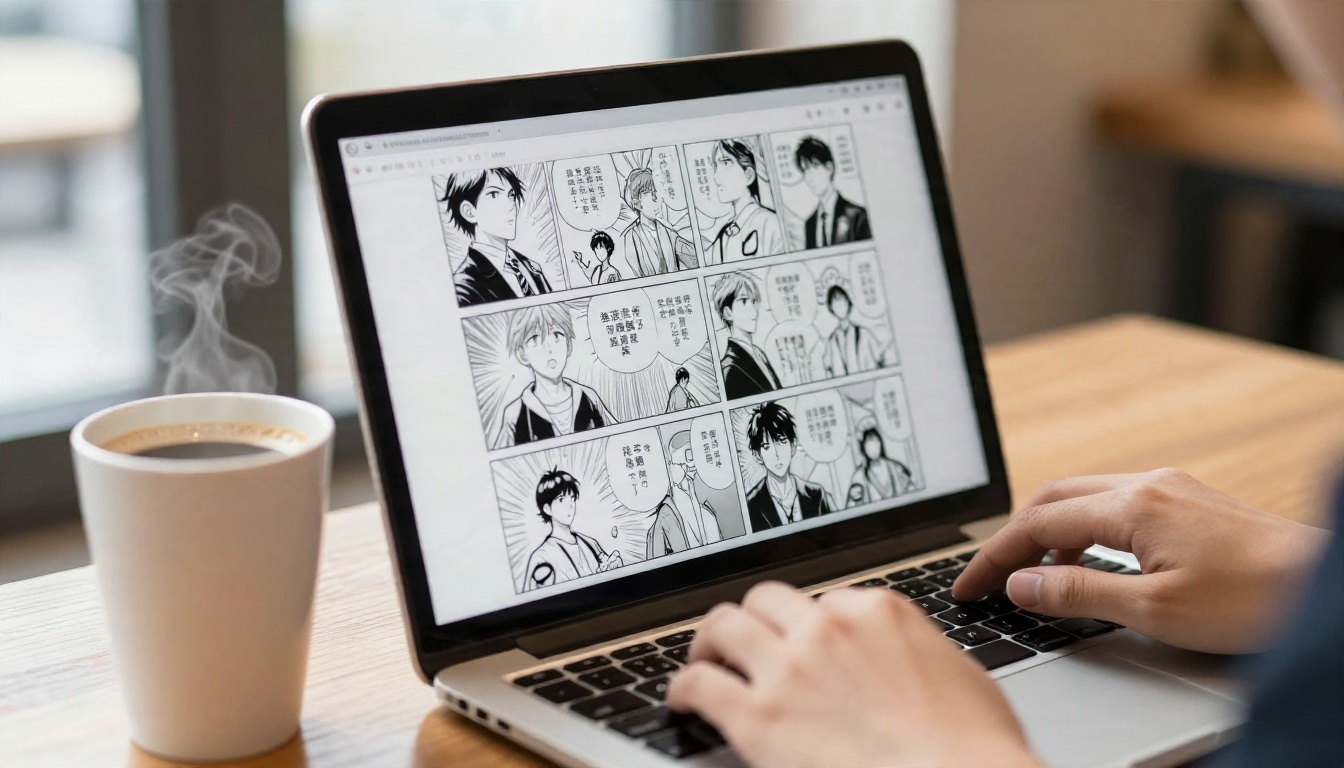
These platforms give you a script box, a character setup screen, a page layout editor and an export button. They are the fastest route from idea to finished chapter. The tradeoff is that they run on credits, and a full page with several panels can eat many of them.
General image generators
Models such as Seedream 4.5 or Nano Banana Pro are not manga makers by name, but with a good prompt they produce excellent manga style panels, covers for chapters and character sheets. You handle lettering and layout yourself, which gives you freedom and removes the lock-in.
Who each type suits
| Your goal | Better fit |
|---|
| Finish a short chapter fast | All-in-one manga maker |
| Build a unique art style | General image generator with prompts |
| Make character reference sheets | General image generator or editor |
| Publish a webcomic weekly | Mix of both |
Free Options: What You Actually Get
Free plans are real, but they are built to get you to upgrade. Across the tools I looked at in recent roundups, the pattern is consistent: you get a small daily or monthly allowance, an account requirement, and some restrictions on output.
Daily credits versus one time credits
Some services refill a few credits each day, which suits casual experimentation. Others hand you a single starter pack that disappears once used. A survey of eight anime and manga generators found that about five publish some kind of free allowance, but only three state it as an actual number of images. That vagueness is a warning sign: if a tool will not say how many pages you get, assume it is fewer than you hope.
Watermarks and resolution caps
Free exports often carry a watermark or come out at lower resolution. For a social post this is fine. For a printed zine or a submission to an editor, it is not. Always export one test page and zoom in before you invest time in a full story.
Commercial rights on free plans
This is the limit people forget. Many free tiers restrict commercial use, or they place your generations in a public gallery. If you plan to sell your manga, read the license text first. A free page you cannot legally sell is a very expensive page.
💡 Tip: Run the same three-panel scene on two or three tools before choosing one. Free credits are a cheap way to compare how each model draws hands, backgrounds and facial expressions.
Tools people mention most often
In plain terms, here is what the roundups say about the best known names:
- LlamaGen: a free plan exists for testing, but generation still spends credits and needs an account.
- Anifusion: advertises a free plan, with paid tiers reported anywhere from roughly ten dollars to about a hundred dollars a month, and some reviewers flag credit based limits as a drawback.
- PixAI: daily credits on the free tier, and the first paid plan has been reported around five dollars a month on yearly billing.
- Bing Image Creator and Microsoft Designer: often described as generous for casual use, though they are general image tools and not manga makers.
- AI Manga Studio and similar comic tools: some start near twelve dollars a month with no free plan at all.
These numbers come from third party reviews checked on different dates, so some of them will already be stale.
What Pricing Really Looks Like
Monthly price is only half the story. The number that matters is cost per finished page.
How credit systems work
Most platforms sell a monthly bundle of credits. One panel might cost one credit, one full page might cost eight, and an upscale or re-draw might cost more. If your story needs 20 pages and you redraw each panel twice to fix faces, you can burn through a mid tier plan in a single weekend.
A quick cost estimate
| Plan style | Typical monthly range | Fits |
|---|
| Free tier | $0 | Testing and short strips |
| Entry paid | about $5 to $12 | One short chapter a month |
| Mid tier | about $10 to $30 | Regular webcomic updates |
| Studio tier | up to about $100 | Teams and heavy volume |
These are approximate bands drawn from published reviews, not official quotes.
Hidden costs to watch
- Re-generation: every redraw spends credits again.
- Upscaling: higher resolution output often costs extra.
- Character slots: some tools limit how many saved characters you can keep on lower plans.
- Export formats: PDF or print ready files can be locked behind paid tiers.
💡 Tip: Divide the plan price by the number of usable pages you expect, not the number of generations. Your usable rate is often one in three.
The Limits Nobody Mentions Up Front
Even paid users hit walls. Knowing them early saves you from rebuilding a project halfway through.
Character consistency
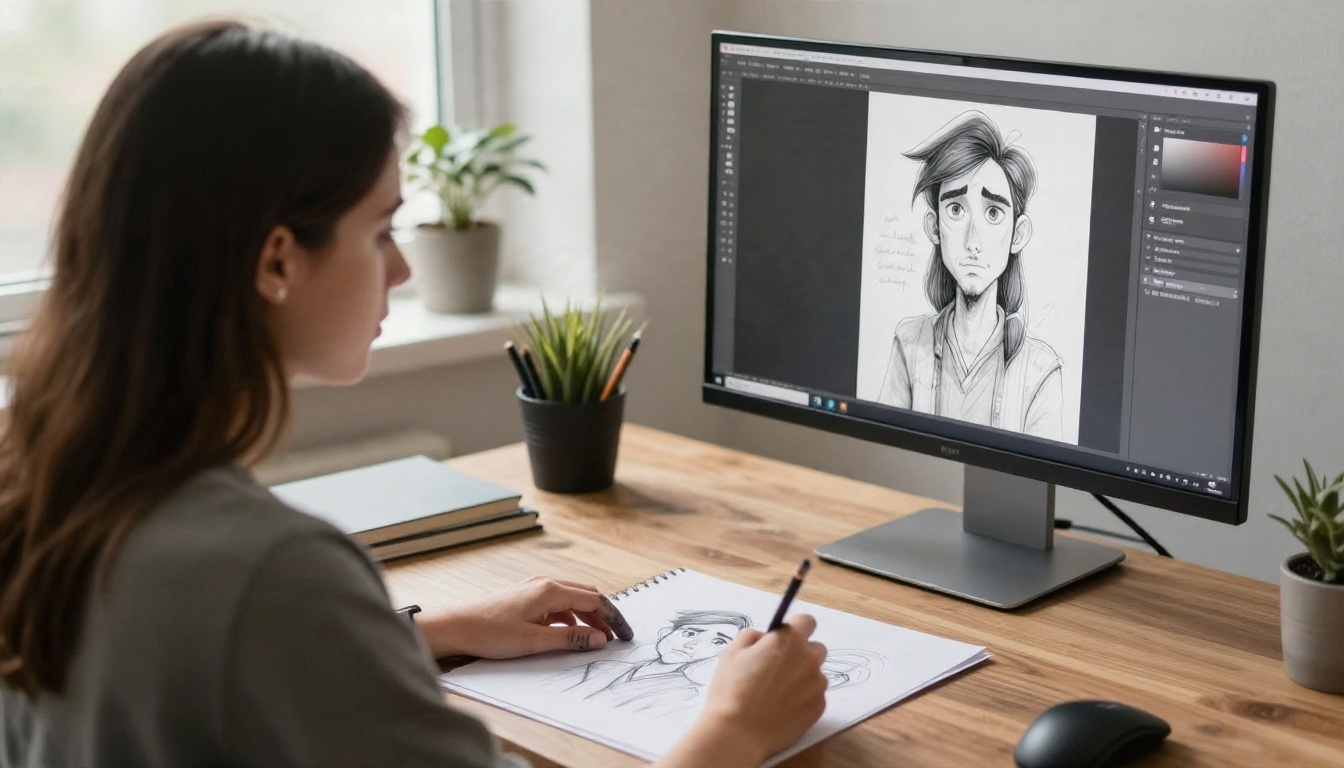
The biggest weakness of every AI manga tool is keeping the same face, outfit and hairstyle across dozens of panels. Dedicated manga makers offer character locking features, but they vary a lot in quality. With general models you handle consistency yourself by reusing a detailed character description and a reference image.
Text and lettering
AI is still shaky at drawing readable speech bubble text. Many creators generate art without text, then add dialogue in a layout app. Models with strong text rendering, like Ideogram v4 Quality, can handle short sound effects or titles, though long dialogue is still safer to letter by hand.
Panel flow and pacing
A tool can draw a beautiful single panel and still fail at storytelling. Camera angle changes, reaction shots and the rhythm between big and small panels come from you. Think of the generator as an assistant who draws fast, not a director who knows your story.
Page and project caps
Some platforms cap the number of pages per project, the number of characters per story, or the number of projects you can keep active. These caps are rarely on the front page of the pricing table. Look for them in the FAQ.
Alternatives That Give You More Control
If credits and caps frustrate you, a general purpose image model can do most of the work with fewer strings attached. The idea is simple: generate each panel as its own image, keep your character description identical, and assemble the page yourself.
Models worth trying on PicassoIA
These are all on PicassoIA, and each one suits a different part of a manga workflow:
Why this approach works
You choose the model per panel. A dramatic close-up can use a detail-heavy model, a quick background can use a faster one. You are not locked to one vendor's art style, and you are not charged extra for re-drawing a hand.
Where it costs more effort
It is not magic. You assemble pages, place bubbles and keep a character bible. If you want a one click chapter, a dedicated manga maker still saves time.
A Simple Workflow for Manga Panels
Here is a repeatable process that works with any text to image model. The point is to protect your time and your credits.
Step 1: Write a character card
Write one short paragraph per character: age, hair, eyes, clothing, one distinctive detail. Paste this block unchanged into every prompt. That repetition is your cheapest consistency tool.
Step 2: Prompt each panel on its own
Describe one moment per prompt. Include the shot type (close-up, wide, low angle), the emotion, and the setting. Add style words such as "black and white manga, clean ink lines, screentone shading, high contrast".
A sample prompt: "Black and white manga panel, low angle close-up of a teenage swordswoman with a short bob and a scarf, wind pulling her hair, determined expression, clean ink linework, screentone shadows, dramatic speed lines."
Step 3: Fix details with an editor
Hands, eyes and small props often need touch-ups. Use an image editing model to change one thing at a time instead of regenerating the whole panel. That saves credits and keeps the parts you like.
Step 4: Assemble and letter
Place panels in a layout app, add bubbles and sound effects, and export. Keep your original panel files in a folder per chapter so you can revise later.
💡 Tip: Generate at the highest resolution you can afford. Downscaling is free, upscaling a blurry panel is not.
Step 5: Upscale only the finals
Run a super resolution pass only on panels that will be printed. Draft panels can stay small.
Picking the Right Style Reference
The word "manga" covers a wide range of looks, and your prompt should say which one you mean.
Shonen, shojo and seinen looks
Action heavy shonen leans on bold lines, speed lines and dynamic angles. Shojo favours softer faces, decorative backgrounds and expressive eyes. Seinen tends toward realistic proportions and heavier shadow. Naming the demographic in your prompt nudges the model toward that look more reliably than a vague "manga style".
Black and white versus colour
Traditional manga is printed in black and white, so screentone and ink weight carry the mood. If your tool leans colourful, add "monochrome, black ink on white paper, screentone dots" and avoid colour words. For webtoon style stories, colour is normal and you can skip this step.
Avoid copying living artists
Naming a specific working artist in a prompt can produce work that mimics their signature style too closely. Describe the qualities you want instead: line weight, shading approach, mood.
Can You Sell AI Manga?
This depends on the tool and on where you plan to publish.
Read the license
Check three things: whether paid plans grant commercial rights, whether free plan output is restricted, and whether the platform keeps a license to reuse your images. Screenshot the terms on the day you subscribe, since policies change.
Check the publisher's rules
Some print platforms, contests and publishers have their own rules about AI generated art. Some require disclosure, some do not accept it at all. Read the submission guidelines before you pay for printing.
Be open with readers
Mentioning that your art is AI assisted builds trust with an audience, and it avoids unpleasant surprises if someone asks later. Many successful webcomic creators simply put a short note on their about page.
Which One Should You Pick?
Here is the short answer, based on how you plan to work:
- You want a finished chapter this weekend: try the free tier of a dedicated manga maker, accept the watermark, and see how far the credits go.
- You care about art quality and ownership: use a general model like Seedream 4.5 and assemble pages yourself.
- You need fast fixes on existing art: PicassoIA Image Editor Pro lets you edit without counting credits.
- You publish weekly: mix both, using a manga maker for rough drafts and a general model for final panels.
The honest truth is that no single tool wins every category. The best AI manga generator is the one whose limits match how you work.
Try Your First Panel Today
You do not need to commit to a subscription to find out what you like. Pick one scene from your story, write a short character card, and generate three versions of the same panel with different models. Compare them side by side. Within an hour you will know which look feels like your manga.

PicassoIA puts dozens of image models in one place, so you can test Seedream 4.5, Nano Banana Pro, Qwen Image 3 and more without switching sites. Open all models on PicassoIA, choose one, paste your character card and make your first manga panel now. Your story is waiting, and the first page is the hardest one to start.


