Most people pick a roleplay model the wrong way. They grab whatever tops a leaderboard, type one flirty line, and get either a polite refusal or a bland paragraph that reads like a hotel brochure. Then they decide AI roleplay is overrated. The problem is rarely the idea. It is the match between the model, the settings and the prompt.
This article is about flirtatious, romantic and mature roleplay: slow-burn tension, banter, atmosphere, characters who feel alive. It stays on the suggestive side and does not promise graphic output, because hosted models come with their own safety layers and those differ from one provider to the next. Within that range, the gap between a good setup and a bad one is huge, and it is easy to close.

💡 Quick answer: For a free, capable starting point, try Llama 4 Maverick or DeepSeek V3. For small and fast, try Mistral 7B or Llama 3 8B Instruct. Keep temperature near 0.9, write a proper character card, and keep scenes in third person with clear boundaries.
What Makes a Roleplay Model Good
Benchmarks measure math, code and trivia. Roleplay measures something else: whether a character stays in voice for 80 messages, whether the pacing builds, and whether the model follows a scenario instead of rushing to the end.
Memory and consistency
A good roleplay model remembers that your character is a jaded bartender who hates being called "darling" and doesn't suddenly start using the word twenty turns later. Long context windows help, but so does model quality. Smaller models drift faster, which is why a tight character card matters more with them.
Voice and pacing
Strong models write dialogue that sounds spoken. They use subtext, short beats, and gestures. Weak models summarize feelings ("she felt a rush of emotion") instead of showing them. If a model keeps narrating your character's actions for you, it is failing at the most basic roleplay skill.
How it handles mature themes
This is where models differ most. Some will play a flirtatious scene and fade to black at the right moment. Others refuse anything romantic and lecture you. A few open-weight models have no such filters at all, but those usually need to be run locally or through a third-party host. The practical test: write a mild flirt scene and see whether the model plays along or reaches for a disclaimer.
💡 If a model keeps adding disclaimers, the fix is usually the prompt, not a new model. Frame it clearly as fiction between adults, set the tone in the system message, and ask for subtext rather than explicit detail.
The Best Models, Ranked
Here is how the models available on PicassoIA stack up for roleplay. Rankings reflect voice quality, memory, flexibility with romantic tone, and how easy they are to try for free.

Llama 4 Maverick: the all-rounder
Llama 4 Maverick Instruct is my first pick. It writes dialogue that sounds like people talking, it picks up on tone from a short system prompt, and it is happy to build tension over many turns. It also tends to follow format instructions, so a rule like "two short paragraphs, end on dialogue" actually sticks.
Where it struggles: very long sessions can still drift, so refresh the character card every 30 or 40 messages.
DeepSeek V3: the storyteller
DeepSeek V3 shines when you want rich description: the heat of a crowded club, the rustle of silk, the pause before someone speaks. It leans literary, which can be wonderful for slow-burn romance and a bit much for quick banter. Ask for "short sentences, concrete detail" if it gets purple.
Kimi K2.5: the one that remembers
Kimi K2.5 handles long context well, which matters when your world has a cast of characters, a map and a running joke. It is a good choice for multi-session stories where you paste in a long summary at the start.
Small models: fast and cheap
Mistral 7B v0.1 and Meta Llama 3 8B Instruct are lighter and faster. They need tighter prompts and shorter scenes, but for casual flirty chat they are perfectly good, and they cost very little to run.
💡 What about the big names? Claude Sonnet 5 and Gemini 3.5 Flash write excellent prose, but they are stricter about mature content. They are better for worldbuilding and plot than for steamy scenes.
Free Options That Actually Work
Free does not have to mean limited. There are three realistic routes.

Hosted models on PicassoIA
The simplest route is to open a model page and chat. Several of the models above are listed as free to try, and you do not need to install anything or own a graphics card. This is the best option if you want to test three or four models in an afternoon and compare how each one handles the same character.
Local open-weight models
If you have a decent graphics card, open-weight models run on your own machine. A 7B or 8B model fits in roughly 6 GB of video memory when quantized, while 70B models want something closer to 40 GB. Running locally means no usage limits and full control, and some community fine-tunes are built specifically for roleplay. The tradeoff is setup time and hardware.
Free front ends
Tools like SillyTavern give you a roleplay-focused interface with character cards, lorebooks and chat history. They are free, but they only provide the interface. The content rules depend on whichever model you connect. Janitor AI and SpicyChat also offer free tiers, though allowances change often, so check current terms before you rely on them.
| Route | Cost | Setup | Control | Best for |
|---|
| Hosted on PicassoIA | Free to try | None | Medium | Fast testing |
| Local open weights | Free after hardware | High | Full | Heavy daily use |
| Free front ends | Free tiers | Low to medium | Medium | Character libraries |
💡 Free tiers change. If a tool limits you to a handful of messages, switch models rather than paying right away. A smaller model with a good prompt often beats a bigger one with a lazy one.
Settings That Change Everything
Most roleplay chats fail because of settings, not models. If the model page exposes sampling controls, these ranges are a reliable starting point.

| Setting | Suggested range | What it does |
|---|
| Temperature | 0.8 to 1.0 | Higher means more surprising, lower means safer |
| Top P | 0.9 to 0.95 | Trims very unlikely word choices |
| Top K | 40 to 50 | Limits the candidate pool (if available) |
| Presence penalty | 0.3 to 0.6 | Pushes the model toward new ideas |
| Frequency penalty | 0.2 to 0.4 | Reduces repeated phrases |
| Max tokens | 300 to 600 | Keeps replies conversational |
Temperature: the one that matters most
At 0.5, characters sound flat and repeat themselves. At 1.3, they start saying strange things and forgetting names. The sweet spot for most models is 0.85 to 0.95. If a character feels bland, raise it by 0.05. If it starts rambling, lower it by 0.1.
Reply length
Long replies sound impressive but take control away from you. When the model writes eight paragraphs, it also decides what your character does. Set max tokens to 300 to 600 and add a line to the prompt: "Write 2 to 4 short paragraphs and stop at a natural pause."
Context and memory
Every model forgets eventually. Every 30 to 40 messages, paste a short summary: who is here, where they are, what has happened, what each character wants. Three or four lines is enough. This single habit does more than switching to a bigger model.
Prompts You Can Copy
Good prompts are specific about tone, pacing and boundaries. Here are templates that work across the models above.

The system prompt
Paste this as your first message or system instruction:
You are a skilled fiction writer playing a character in an interactive romance story between consenting adults. Stay in character. Write in third person, past tense, with sensory detail and natural dialogue. Build tension slowly. Keep scenes suggestive and sensual, and fade to black before anything explicit. Never write the user's character's actions or thoughts. Write 2 to 4 short paragraphs per reply and end on a moment the user can respond to.
Why it works: it sets the genre, the point of view, the pacing and the limits in one paragraph, so the model does not guess.
The character card
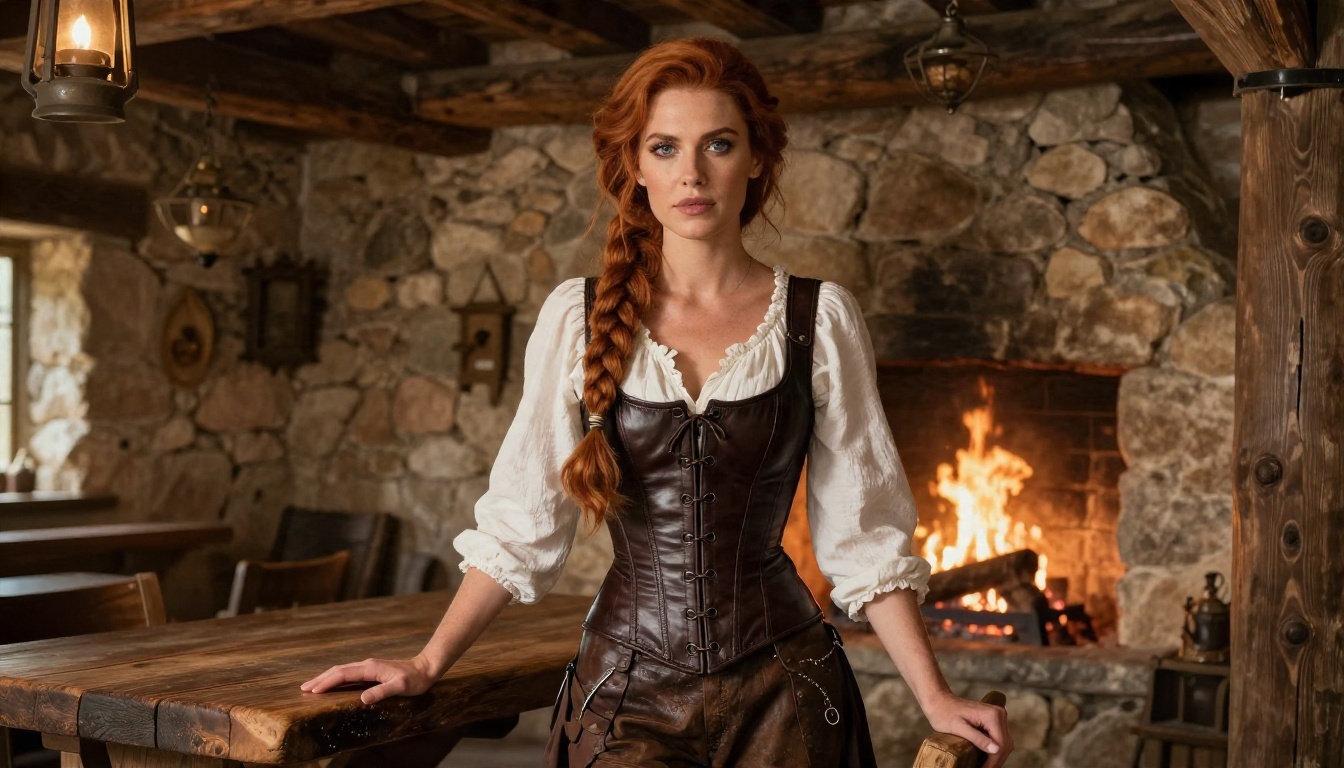
Name: Mara Ellison, 31, owner of a late-night jazz bar.
Personality: dry humor, guarded, notices everything, softens slowly.
Voice: short sentences, teasing, rarely says what she means directly.
Backstory: left a corporate law career, still keeps one tailored blazer in her office.
Goal in this story: decide whether to trust the stranger who keeps showing up at closing time.
Rules: never rush intimacy, always leave room for the user.
The scene starter
Setting: closing time at the jazz bar, rain on the windows, only two people left. Mara wipes down the counter without looking up. Open the scene with a short description and one line of dialogue from Mara. Do not move the story past the first exchange.
Steering without breaking the mood
When the model rushes, add a short out-of-character note in brackets:
- Slow down:
[OOC: slower pace, more tension, fewer actions]
- Stay in voice:
[OOC: Mara would never say that, keep her dry and guarded]
- Shorter:
[OOC: two paragraphs maximum]
- Fade out:
[OOC: end the scene here with a soft time skip]
💡 Keep out-of-character notes short and rare. If you need one every few messages, the system prompt needs work, not the chat.
Bring Your Characters to Life With Images
Text is half the experience. A face, a room and a mood make a character feel real, and that keeps you coming back to the story. This is where image models help.
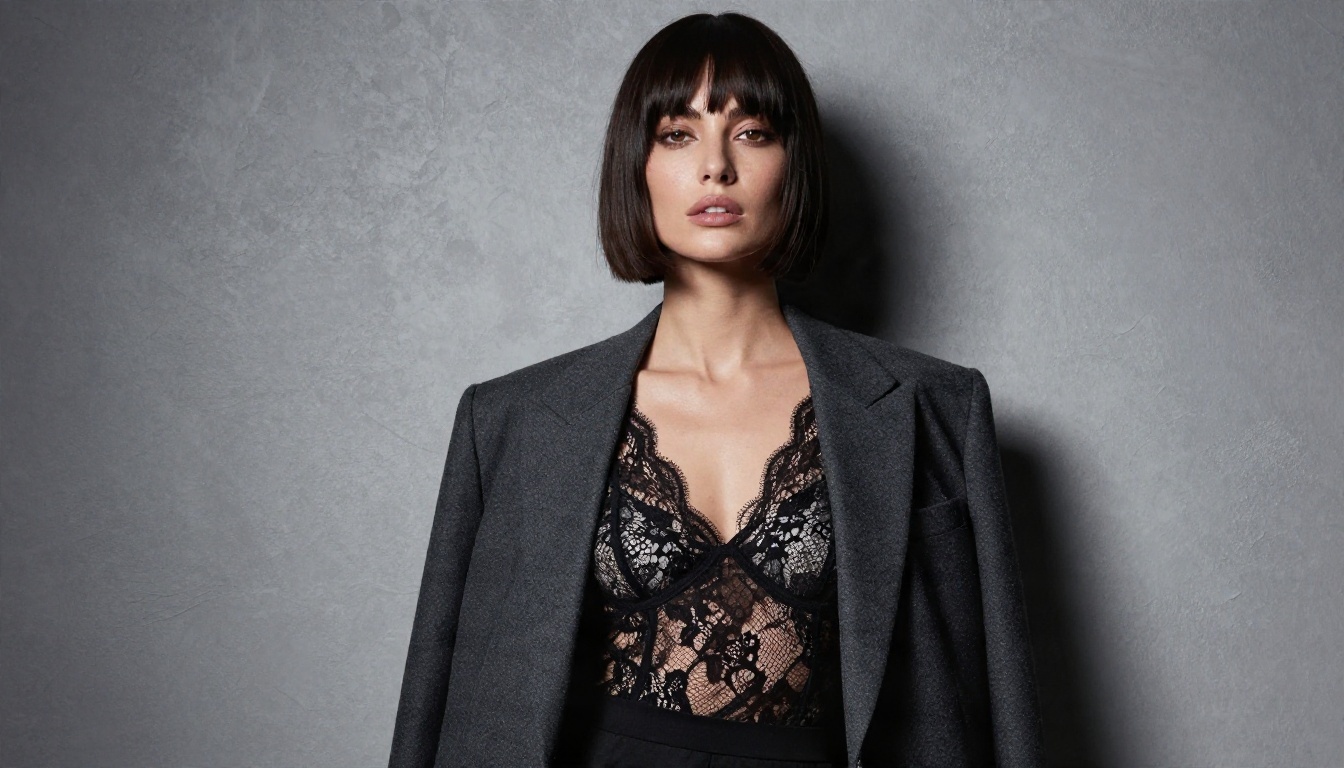
Start with Seedream 4.5. It produces sharp, photorealistic portraits with natural skin and lighting, and it is the model I reach for first when I want a character that looks like a real person. Paste the "Personality" and "Voice" lines from your character card, add a hairstyle, outfit and location, and you have a face for your story.
Next, try the PicassoIA Image Editor Pro. It offers unlimited generations, so you can keep editing the same character: change the outfit, move the scene from the bar to a rooftop, adjust the lighting, all without worrying about a cap. That consistency is what makes a recurring character feel like the same person across chapters.
More options, in order:
- Z Image Turbo for fast drafts when you want to test ideas quickly.
- Qwen Image 3 Pro for photorealistic scenes with careful detail.
- Flux 2 Klein 9B Base LoRA for styled looks and consistent character styling.

Keep image prompts suggestive and tasteful: swimwear, evening wear, glamour lighting, soft shadows. Focus on mood and aesthetics rather than anything explicit. For more image models, browse picassoia.com/en/all-models.
💡 Note: Seedream 5 Lite blocks adult-leaning prompts, so stick with Seedream 4.5 for glamour and mature themes.
Common Mistakes
These are the problems I see most often, and every one of them has a simple fix.
Writing a one-line prompt
"Pretend to be my girlfriend" gives the model almost nothing. It falls back on generic, cheerful assistant language. Use the character card above and the result changes at once.
Letting the model control your character
If the reply says "you take her hand and pull her closer," the model has taken over. Add the rule "never write the user's actions" to the system prompt and correct it once with an out-of-character note.
Cranking temperature to the maximum
High temperature feels creative for three messages and then falls apart. Stay at 0.85 to 0.95, and use prompt detail for creativity instead of randomness.
Ignoring the summary habit
Long chats lose details. A four-line summary every 30 messages costs ten seconds and saves the whole story.
Switching models too often
Each model has its own voice. If you hop between three of them in one chat, your character's voice will wobble. Pick one for a story, and test others on a separate copy.
| Mistake | Symptom | Fix |
|---|
| One-line prompt | Generic, bland replies | Use a character card |
| No limits on length | Model writes your actions | Cap tokens, add a rule |
| Temperature too high | Rambling, wrong names | Drop to 0.9 |
| No summaries | Forgotten details | Paste recap every 30 turns |
| Model hopping | Voice drifts | Stick with one per story |
Try Your Own Scene
The best model is the one that fits your story, and the only way to find it is to run the same scene through two or three of them. Pick Llama 4 Maverick Instruct, paste the system prompt and character card from this article, set temperature to 0.9, and play ten messages. Then repeat with DeepSeek V3 and compare which voice you prefer.

When you have a character you like, give them a face with Seedream 4.5 or keep refining them in the PicassoIA Image Editor Pro. Both are quick, and the unlimited editing makes it easy to experiment. When you want even more choice, the full catalog lives at picassoia.com/en/all-models. Open a model, write a scene, and see what your character says first.


