Search for AI nudes and you land in a mess: paywalls, watermarked samples, generators that refuse a simple bikini portrait, and galleries full of waxy, plastic skin. The good news is that photorealistic glamour and artistic boudoir images are now easy to make, and you do not need to pay a subscription to get them. You need the right model, a prompt that thinks like a photographer, and a few habits that keep the result looking like a real photo instead of a render.
This article ranks the best free and uncensored image generators for the job, shows you the exact prompts behind nine real examples, and walks through a full workflow on PicassoIA. Everything here stays in the tasteful zone: suggestive, elegant, implied, never explicit. That is also where AI image models perform best, because lighting, fabric and skin texture matter far more than anatomy shock value.
Why AI Nudes Look Better Now
Two years ago, the giveaway was obvious: six fingers, melted jewelry, and skin smoothed into porcelain. Current models fix most of that. Sharper training data, better text encoders and larger resolutions mean a modern generator can render fine pores, flyaway hairs, lace thread patterns and the way satin catches window light.
What changed in practice:
- Skin texture now holds up at 4K, including freckles, peach fuzz and natural sheen.
- Hands and posture are far more reliable, especially with a simple pose.
- Prompt following is much better, so "soft light from the left, 85mm lens" actually changes the picture.
- Editing is built in, so you can fix a strap, change a robe color or relight a scene without starting over.
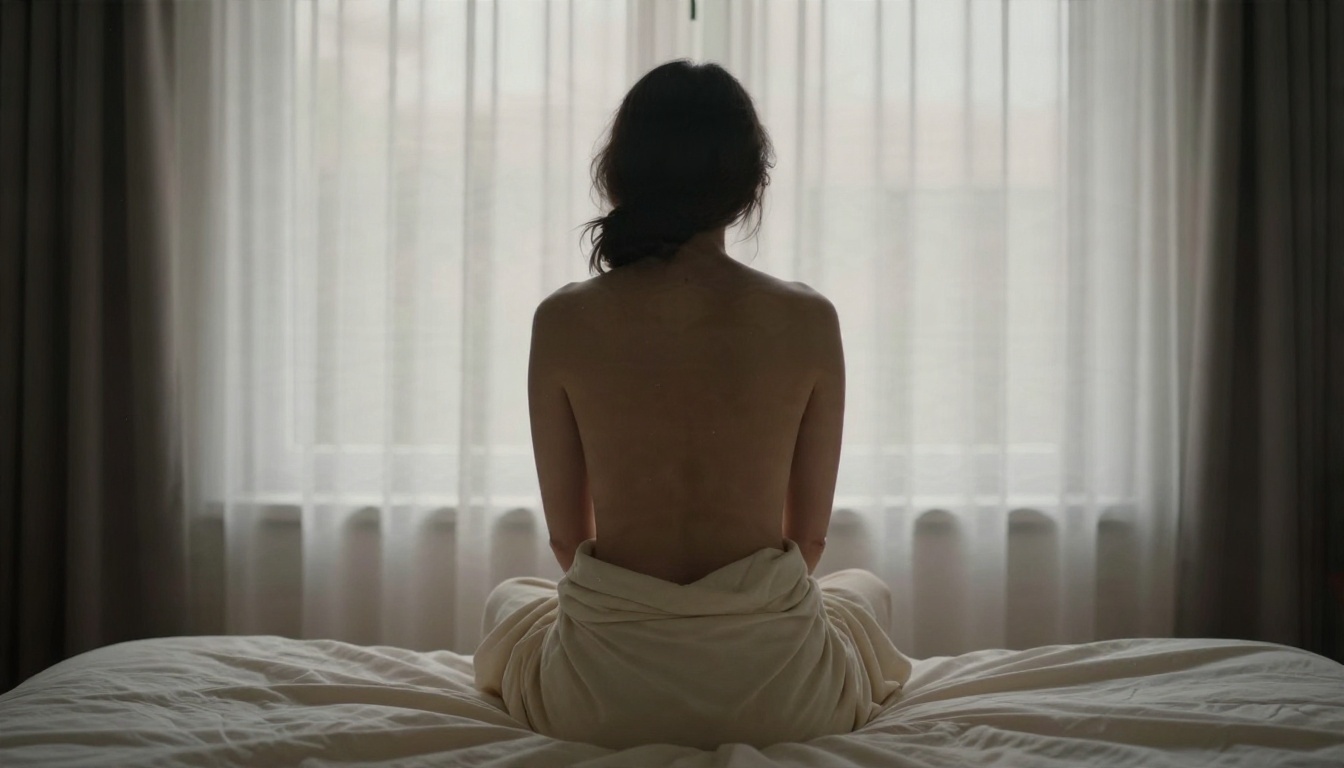
💡 Pro tip: The most convincing "nude style" images are rarely the most revealing ones. Implied compositions, such as a bare back toward a window or a sheet draped at the hip, look more like real editorial photography and survive close inspection better.
What the term really means
When people type "AI nudes," most want one of three things: glamour portraits (lingerie, swimwear, silk), artistic boudoir (implied nudity, silhouettes, drapery), or figure study style photography with soft light and shadow. All three are about mood and aesthetics. This article focuses on that photographic look, with adult subjects only.
Free vs Uncensored: What You Get
"Free" and "uncensored" are not the same thing, and mixing them up wastes time.
| Feature | Typical free tool | Typical paid tool | What you actually want |
|---|
| Daily limit | 3 to 10 images | Credit based | Unlimited or very generous |
| Content filter | Blocks swimwear and lingerie | Often strict | Fewer arbitrary refusals for artistic glamour |
| Watermark | Usually yes | Sometimes | None |
| Resolution | 512 to 1024 px | Up to 4K | 2K to 4K |
| Editing | Rare | Extra cost | Built in |
| Speed | Slow queue | Fast | Seconds per image |
An uncensored generator, in the useful sense, is one that does not flag a perfectly normal bikini, lingerie or boudoir prompt as a violation. Many mainstream tools refuse these outright, or give back blurred results. Models with more relaxed handling of artistic adult themes let you work like a photographer instead of arguing with a filter.
Even the more permissive tools keep hard limits. Explicit content is not the goal here, and every example in this article was made with that boundary in mind. In fact, one of the images below needed a softer outfit description on the first retry, which is a good reminder that a clear, elegant prompt gets better results than a pushy one.
Best Generators Ranked
Here is the order I would try them, from the strongest all-round option down to the specialist picks. Every model below is available on PicassoIA.
1. Seedream 4.5
Seedream 4.5 is the first model to open for photorealistic glamour. It produces up to 4K output, handles skin, hair and fabric with striking realism, and follows long, detailed prompts without drifting. It is also fast, which matters when you iterate ten times on one pose.
Best for: boudoir portraits, swimwear scenes, close-ups with believable skin.
2. PicassoIA Image Editor Pro
PicassoIA Image Editor Pro is the one to keep open in a second tab. It offers unlimited generations, so you can experiment freely instead of rationing credits. Use it to generate, then to edit: change an outfit color, relight a room, clean up a hand or swap a background while the subject stays consistent.
Best for: unlimited experimentation, edits, and variations on a single image.
3. Flux Dev
Flux Dev is a long-time favorite for natural, film-like photography. It responds well to lens and lighting language, so it is excellent for a Kodak Portra look with grain and soft color.
Best for: analog film style portraits and natural light scenes.
4. Z Image Turbo
Z Image Turbo is built for speed. Sharp results arrive in seconds, which makes it the best choice for rapid prompt testing before you commit to a slower, higher resolution run.
Best for: quick drafts and testing many prompt variations.
5. Flux 2 Klein 9B Base LoRA
Flux 2 Klein 9B Base LoRA lets you add a LoRA for a specific look, such as a certain film stock, wardrobe style or lighting setup. If you want a consistent aesthetic across a whole set of images, this is the model.
Best for: consistent styles across a series.
6. Qwen Image 3 Pro
Qwen Image 3 Pro is a strong photorealism model with careful composition and good handling of environments. It shines when the setting matters as much as the subject, such as a villa pool, a Parisian apartment or a spa.
Best for: scene heavy photos with detailed backgrounds.
💡 Quick pick: Start in Seedream 4.5 for the hero shot, then move the best result into Image Editor Pro for unlimited edits and variations.
How to Use Seedream 4.5 on PicassoIA
This is the workflow I use for almost every glamour image. It takes about two minutes per shot.
Step by step
- Open the Seedream 4.5 page on PicassoIA.
- Paste a prompt built from the formula in the next section: subject, wardrobe, setting, light, lens, film look.
- Set the aspect ratio. Use 16:9 for wide editorial scenes, 3:4 or 2:3 for portraits.
- Pick the highest resolution available for your final run, and a lower one for drafts.
- Generate, then review the hands, eyes, jewelry and fabric edges before anything else.
- Send the best result to Image Editor Pro for fixes and variations.
Settings that matter
| Setting | Recommended | Why |
|---|
| Aspect ratio | 16:9 for scenes, 3:4 for portraits | Matches how editorial photos are framed |
| Prompt length | 50 to 100 words | Long enough for light and lens, short enough to stay focused |
| Resolution | Draft low, final high | Saves time while you iterate |
| Seed | Fix it once you like a result | Lets you change one detail at a time |
Fix it with Image Editor Pro
Say the pose is perfect but the robe is the wrong color. Instead of rerolling, upload the image to Image Editor Pro and describe the change: "change the robe to ivory silk, keep everything else." Because generations there are unlimited, you can test five colors without worrying about a counter.
Prompts That Work
Great glamour prompts read like a photographer's shot list. The formula I use:
[Subject and pose] + [wardrobe] + [setting] + [light direction] + [camera and lens] + [texture and film look]
Light first
Lighting does more for realism than any other word. Say where the light comes from and how it feels:
- "Warm morning light from the left through sheer curtains"
- "Soft overcast window light from behind, gentle rim on the shoulder"
- "Golden hour backlight with a soft glow on the skin"
- "Single warm wall sconce from above right, deep gentle shadows"
Avoid vague phrases like "beautiful lighting." The model has nothing to act on.
Wardrobe and pose
Wardrobe decides how the image reads. Fabrics with clear texture help realism: silk, satin, lace, linen, knit, wool. For implied artistic shots, lean on drapery: a sheet at the waist, a loose robe, an open shirt over a bodysuit, a towel wrapped high.
Simple poses also beat complicated ones. A woman looking over her shoulder, leaning on a doorframe or sitting at a pool edge has fewer ways to go wrong than an elaborate twisted position.
Camera and film
Name a lens and a film stock. It anchors the whole look:
- 85mm f/1.8 for portraits with soft background blur
- 35mm f/2 for wide, environmental scenes
- 105mm f/2.8 for tight close-ups
- Kodak Portra 400 for warm skin tones and gentle grain
💡 Texture words that help: "visible skin pores," "fine freckles," "peach fuzz in the backlight," "fabric creases," "film grain." These push the model away from airbrushed skin.
Examples to Copy
Here are real results from this workflow. Each prompt is short enough to copy and adjust.
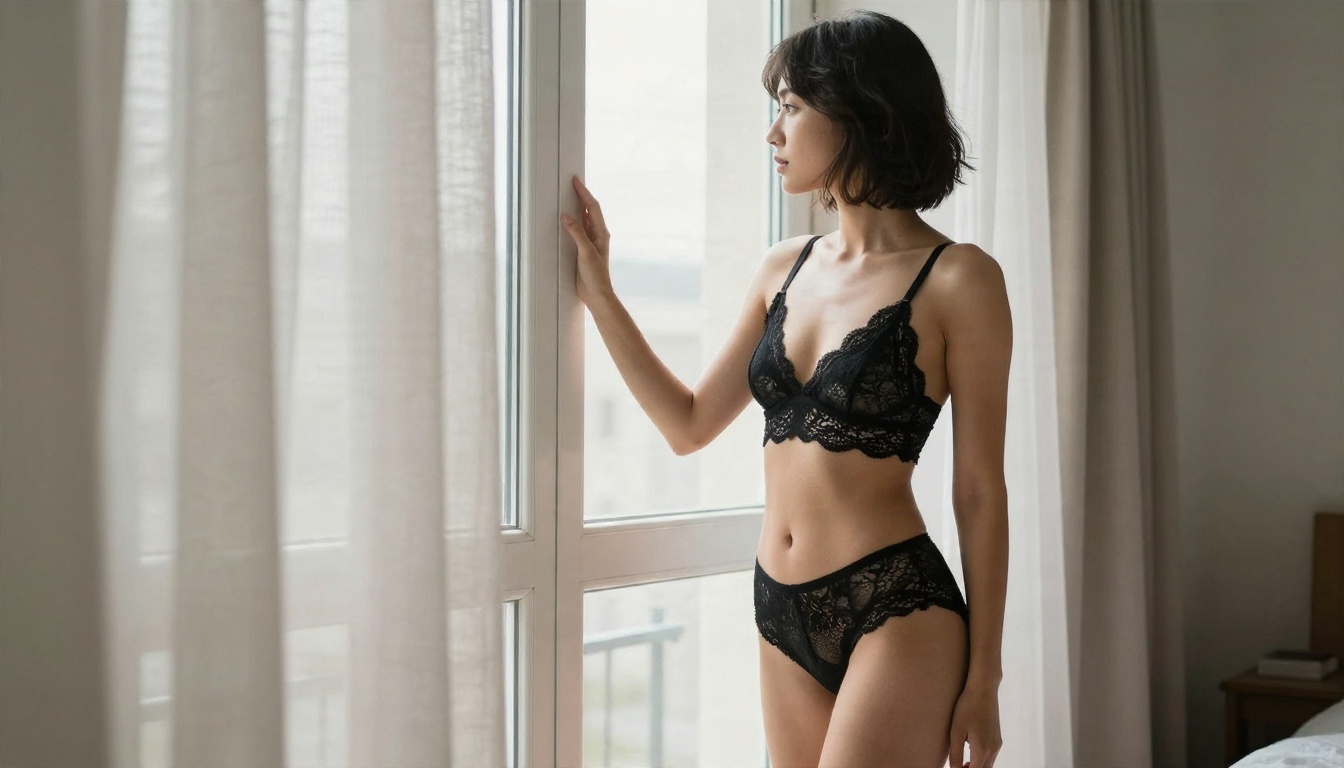
Window light and lace. The opening image used: adult woman with a short dark bob at a sunlit bedroom window in a black lace bralette and high waisted briefs, hand on the white frame, looking over her shoulder, linen curtains moving, soft side light from the right, 50mm f/2, visible skin pores, fine lace texture, Kodak Portra 400 grain.
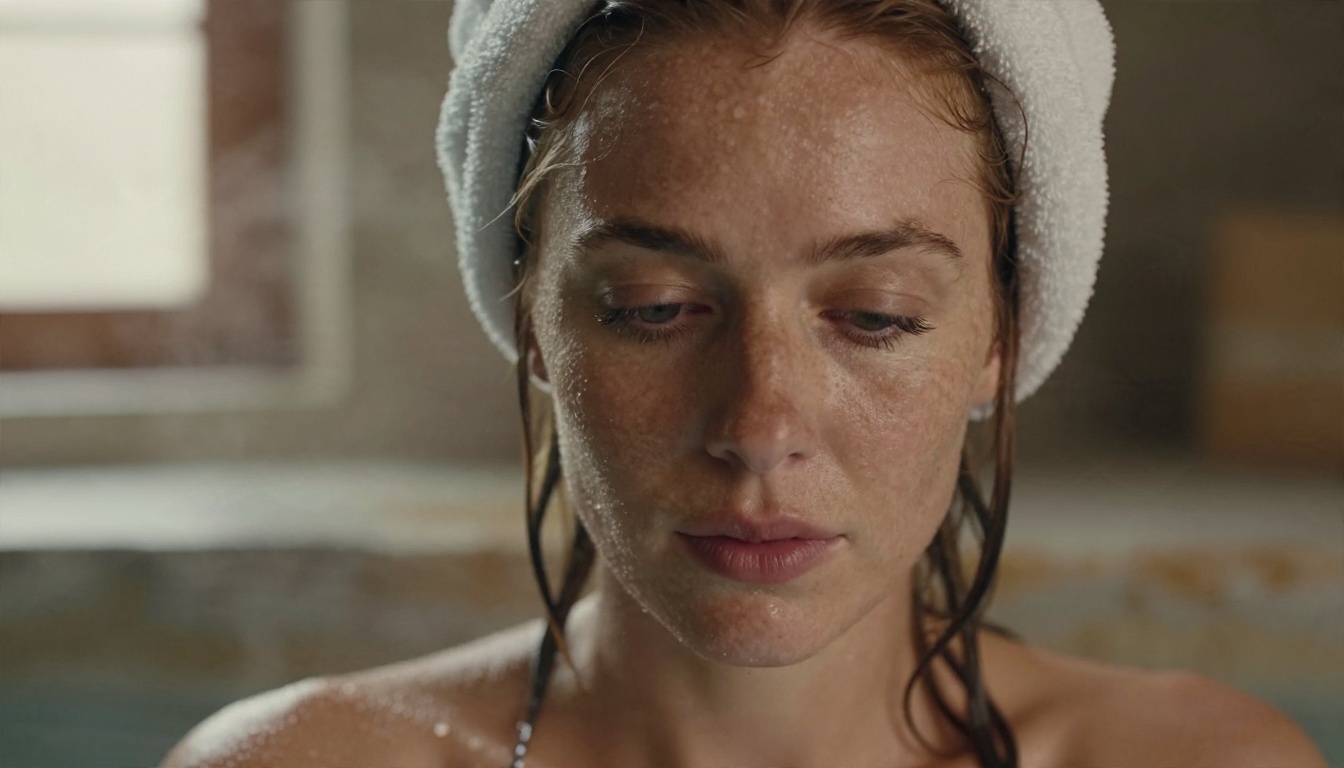
Spa close-up. Close-up portrait of an adult woman with freckles and wet tousled auburn hair, bare shoulders above a white towel wrapped high, rustic stone spa with steam, warm window light from the left, water droplets on the collarbone, 105mm f/2.8, shallow depth of field. The key to this one is the tight crop: it gives a sensual mood with no exposure at all.
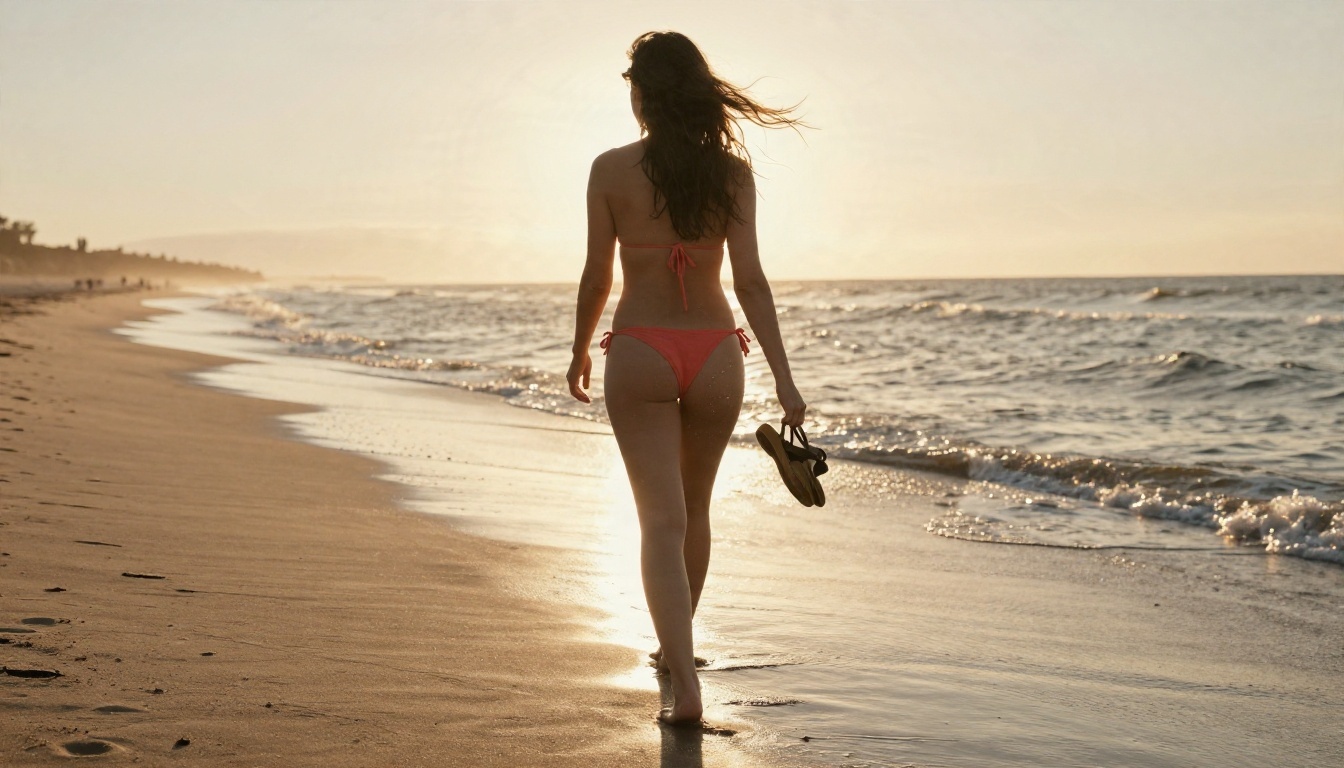
Beach at golden hour. Adult woman in a coral bikini walking an empty beach, hair blowing, sandals in one hand, low angle, 35mm f/2.8, warm low sun backlight, sand grains and water droplets visible. A low camera angle makes the figure look taller and the sky bigger.
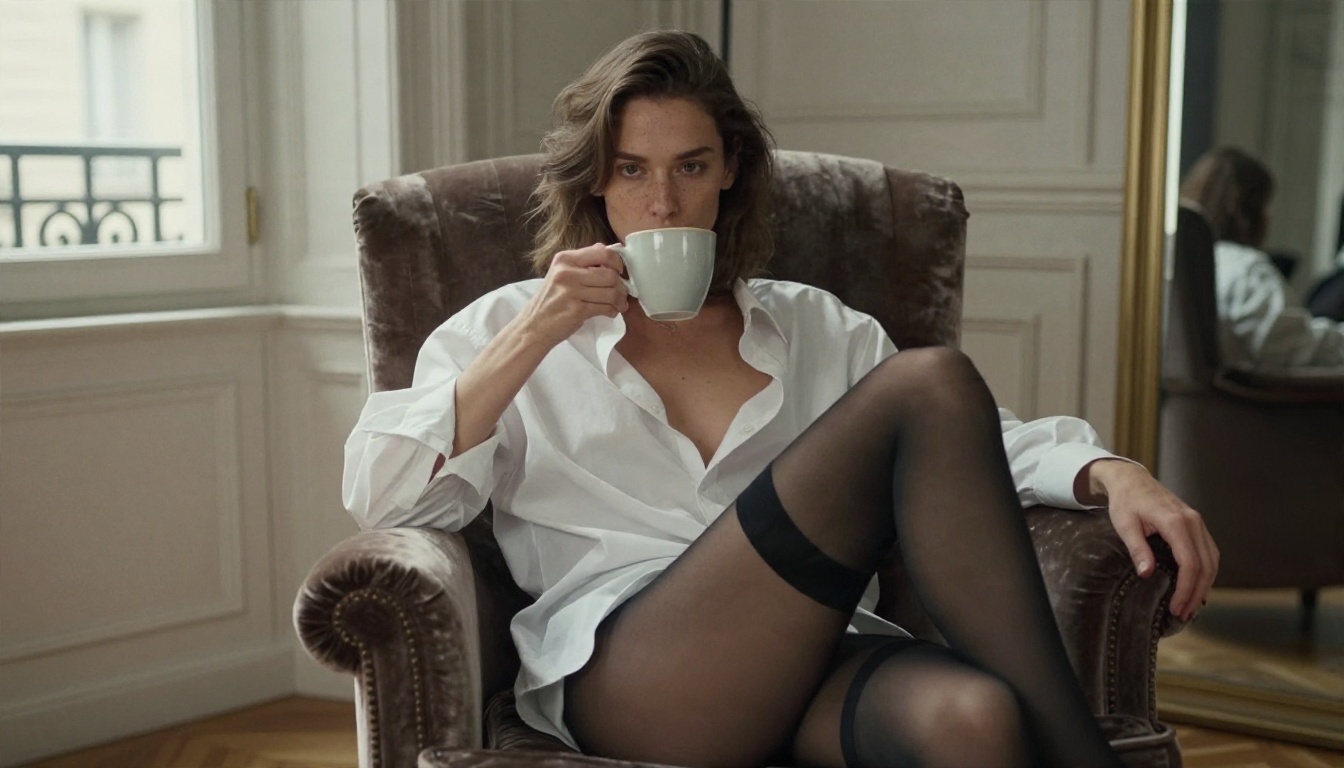
Paris apartment. Adult woman on a velvet armchair, oversized white shirt unbuttoned over a black bodysuit, coffee cup, herringbone floor, tall mirror, soft overcast window light, 85mm f/1.8. The cup gives her hands something natural to do, which also helps the model.
Implied silhouette. Artistic view from behind, bare back and shoulders, hair pinned up, cream sheet wrapped at the waist, facing a window with sheer curtains, strong soft backlight, 35mm f/2, dust motes. This is the classic artistic nude composition: nothing explicit, all mood.
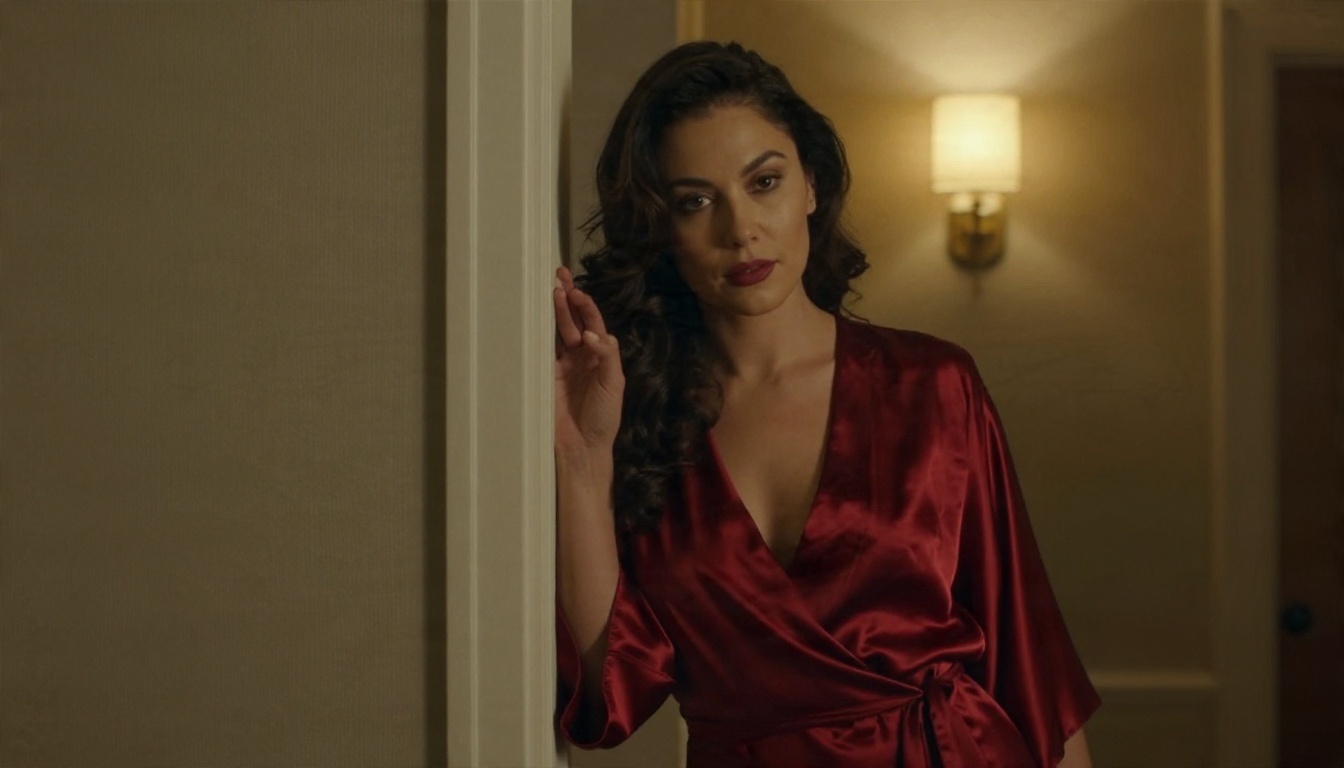
Red satin hallway. Adult woman in a deep red satin slip dress with a loose silk robe, leaning on a doorframe in a dim hallway, warm wall sconce from above right, 70mm f/2, satin highlights and soft wrinkles. My first version of this prompt used a more revealing lingerie description and was blocked by the content filter. Switching to a slip dress and robe produced a better, more editorial result anyway.
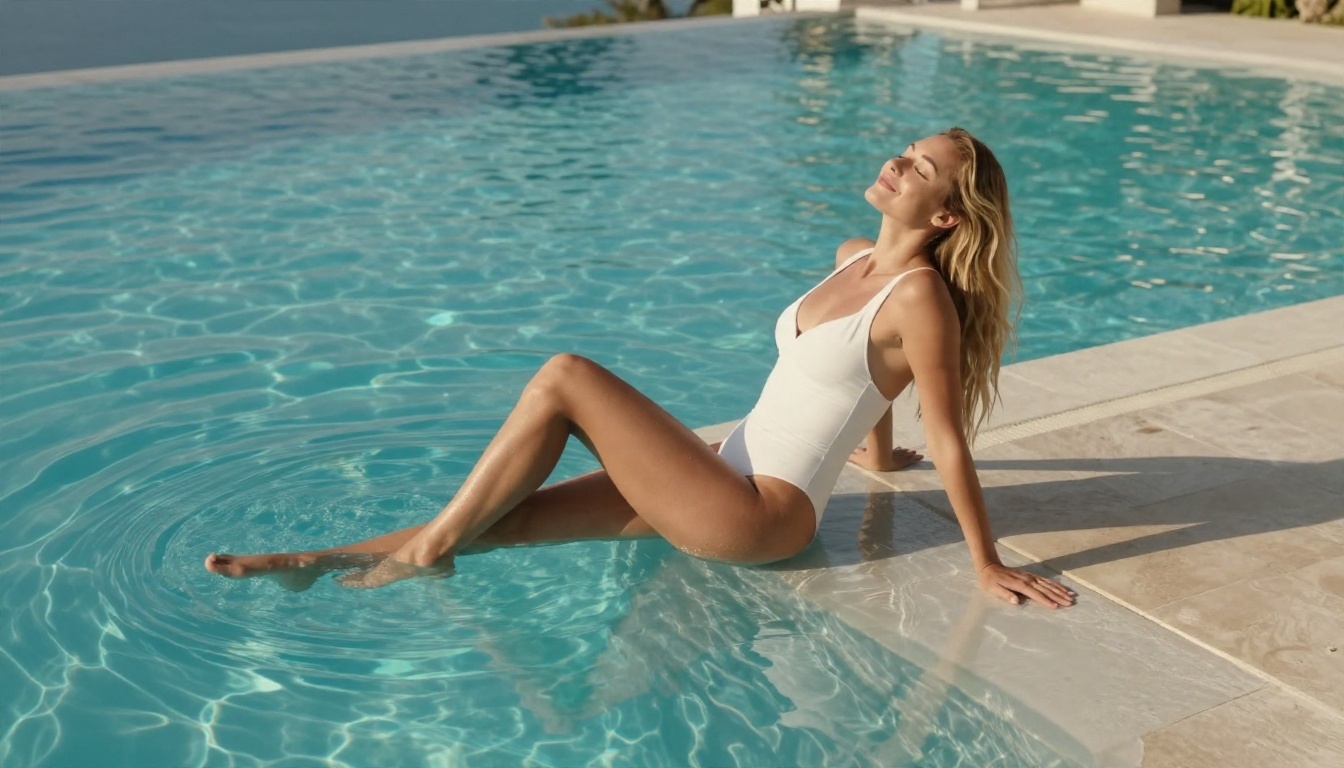
Pool villa. Adult woman with long blonde hair in a white one piece swimsuit at the edge of an infinity pool, feet in the water, eyes closed, wide angle from across the pool, warm late afternoon sun, ripples and reflections.
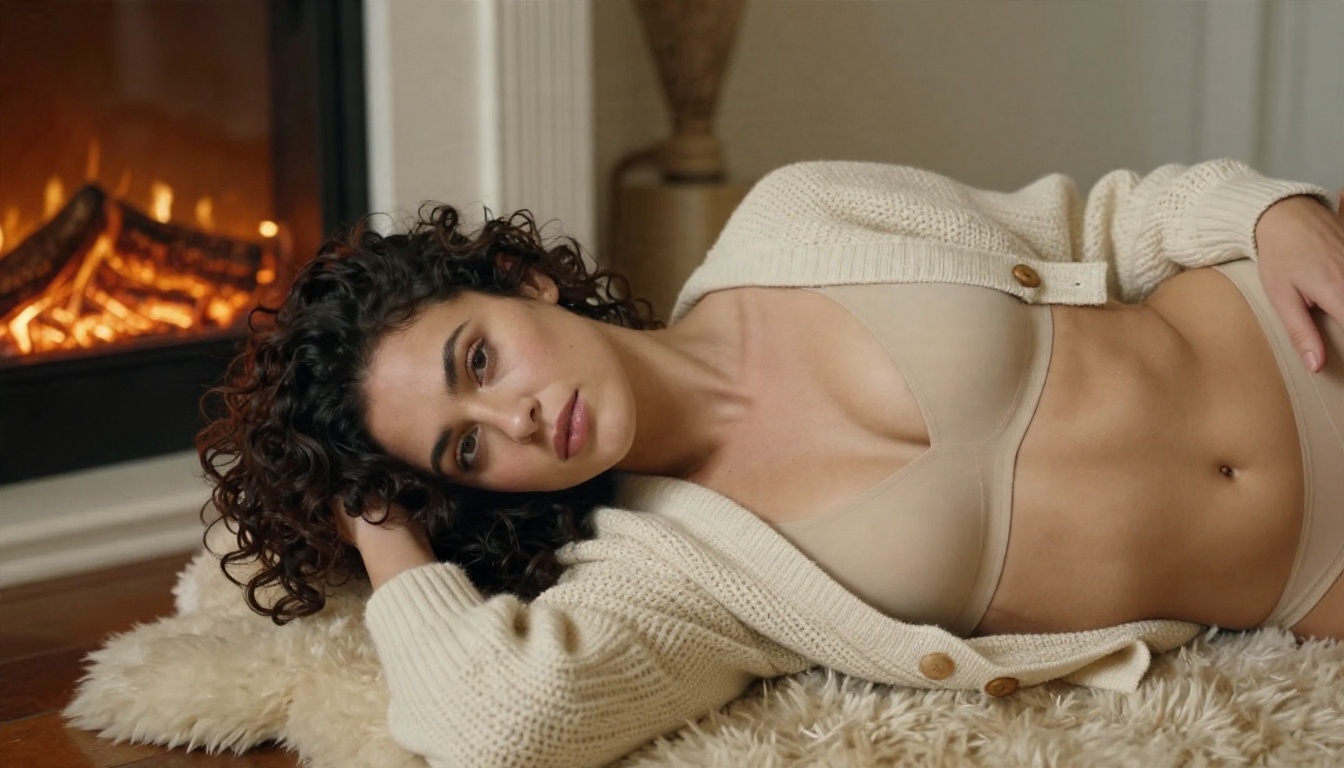
Fireplace rug. Adult woman with curly dark hair in a cream knit cardigan slipping off one shoulder over a beige bralette, lying on a sheepskin rug beside a fireplace, chin on her hand, low angle, warm fire glow mixed with daylight, 50mm f/1.8. Mixing two light sources adds depth.
Mistakes and Rules to Respect
Five mistakes that look fake
- Overly long prompts. Past 120 words, models start dropping details. Keep it focused.
- No light direction. This is the number one cause of flat, plastic skin.
- Skipping texture words. Without "pores," "freckles" or "grain," you get airbrushed results.
- Complex poses. Crossed arms, twisted torsos and hands holding objects raise the error rate. Start simple.
- Rerolling instead of editing. When 90 percent of an image is right, fix the rest in Image Editor Pro.
Rules worth following
Freedom from filters comes with responsibility. A few simple rules keep this a good use of the technology:
- Adults only. Every subject should be clearly an adult. No exceptions.
- Never use a real person's likeness without their clear consent. That means no celebrity faces, no photos of acquaintances, no face swaps on someone who has not agreed.
- Do not present AI images as real photos of a real person.
- Respect platform rules where you share your work, and label images as AI generated.
- Keep it non-explicit. Elegant, implied and artistic is both safer and, honestly, better looking.
💡 Remember: A good generator should make it easy to create beautiful images, not tempt you into content you would regret. If an idea needs a workaround to get through, rethink the idea.
Make Your Own Today
You now have the full picture: which models to open first, how to build a prompt, and what to avoid. The fastest route is simple. Open Seedream 4.5 on PicassoIA, paste one of the prompts above, and change a single detail: the lens, the fabric, the time of day. Then take your favorite result into Image Editor Pro and push it further with unlimited edits.
If you want to compare, try the same prompt in Flux Dev for a filmic feel, Z Image Turbo for speed, or Qwen Image 3 Pro for richer scenes. For more options, browse every model at picassoia.com/en/all-models.
Pick a window, a fabric and a lens, and make your first photo in the next five minutes.


