Running a faceless YouTube channel in 2027 is one of the smartest content moves you can make. You skip the camera anxiety, the studio setup, the awkward on-screen presence, and still build an audience that generates real revenue. The catch? You still need great visuals, a compelling voiceover, and consistent output, often at scale. That is where AI completely changes the equation.
What a "Faceless" Channel Really Means

No Camera, No Problem
A faceless YouTube channel never shows the creator on screen. Instead, content is built from AI-generated visuals, stock footage, screen recordings, slideshows, or any combination of these paired with a professional voiceover track. The result looks polished, but no one needs to know who made it.
This format works because viewers care about value, not faces. Finance breakdowns, travel documentaries, true crime narrations, meditation sessions, history explainers, tech reviews — none of these formats require a visible host. They require quality storytelling, sharp visuals, and audio that holds attention.
The Formats That Perform
Here is where the most successful faceless creators focus their energy:
- Narrated explainers: Top-down topic breakdowns with AI voiceovers
- Documentary-style: AI-generated B-roll with scripted narration
- Compilation videos: Curated clips with commentary and voiceover
- Relaxation and ambient: AI visual loops with calming narration or music
- Tutorial and screen recordings: Product walkthroughs narrated by an AI voice
💡 The most monetizable niches for faceless channels in 2027 are finance, travel, AI itself, personal development, and history. Each has enormous search volume and almost no need for on-camera presence.
The Real Problems Creators Face

Getting a Voice That Sounds Human
For years, text-to-speech meant robotic, lifeless audio that viewers tuned out in ten seconds. That changed completely with the latest generation of AI voice models. The problem now is choosing which tool fits your niche, your pacing, and your audience's expectations.
A finance channel needs a steady, authoritative voice. A travel channel benefits from something warmer and more conversational. A true crime channel might need gravitas with subtle dramatic flair. Getting this right is not optional. Voice quality directly affects watch time, which is the primary metric YouTube uses to recommend content.
Generating Visuals at Speed
Even if you can write a perfect script and generate a great voiceover, producing compelling visuals for every video in a sustainable weekly schedule is where most creators hit a wall. Licensing stock footage is expensive and limits creative control. Hiring a video editor adds cost and delay. AI solves this with direct text-to-video and image generation that fits any concept you can describe in a prompt.
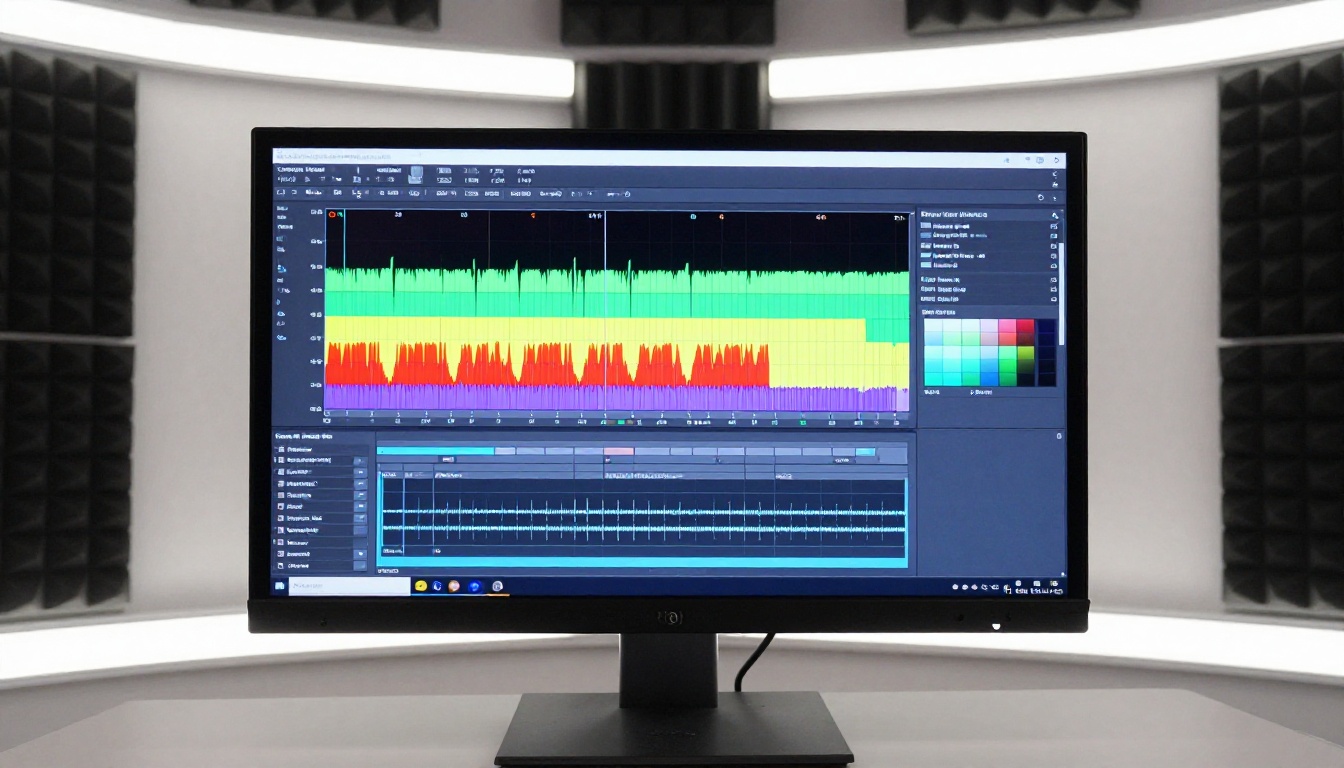
The text-to-video space has expanded rapidly. Below are the models that consistently produce results good enough for YouTube without excessive prompt engineering.
Seedance 2.0
Seedance 2.0 from ByteDance is the current benchmark for cinematic video generation with built-in audio. Drop a single text prompt describing a scene and it returns a short clip with synchronized ambient sound, realistic motion, and film-quality lighting. For B-roll and establishing shots in your faceless videos, this is your first option to reach for.
If you need speed over maximum quality, Seedance 2.0 Fast delivers the same base model at significantly faster output times, useful when you are producing multiple clips per video on a tight schedule.
Veo 3 by Google
Veo 3 brings something most models still cannot match: native audio generation alongside the video. The model produces sound effects, ambient noise, and dialogue-adjacent audio automatically, without a separate audio pipeline. For documentary-style content where environmental sounds add immersion, Veo 3 is worth the credit cost.
Kling v2.6
Kling v2.6 specializes in cinematic motion and works particularly well for travel and lifestyle footage. It handles complex camera movement descriptions like slow dolly-ins, aerial sweeps, and rack focuses better than most alternatives. If your channel covers visual storytelling, landscapes, or human-interest topics, Kling's output quality on motion-heavy scenes stands out.
LTX 2.3 Pro
For creators who need 4K output and precise control over style and texture, LTX 2.3 Pro from Lightricks delivers resolution that holds up on large screens and embeds cleanly in high-production YouTube videos. It is a strong choice when video quality is the core value proposition of the channel.
Wan 2.7 T2V
Wan 2.7 T2V handles 1080p output from text alone, making it a reliable workhorse for creators who need consistent volume. It is faster than premium options and produces results that look clean in edited timelines without excessive color grading work afterward.
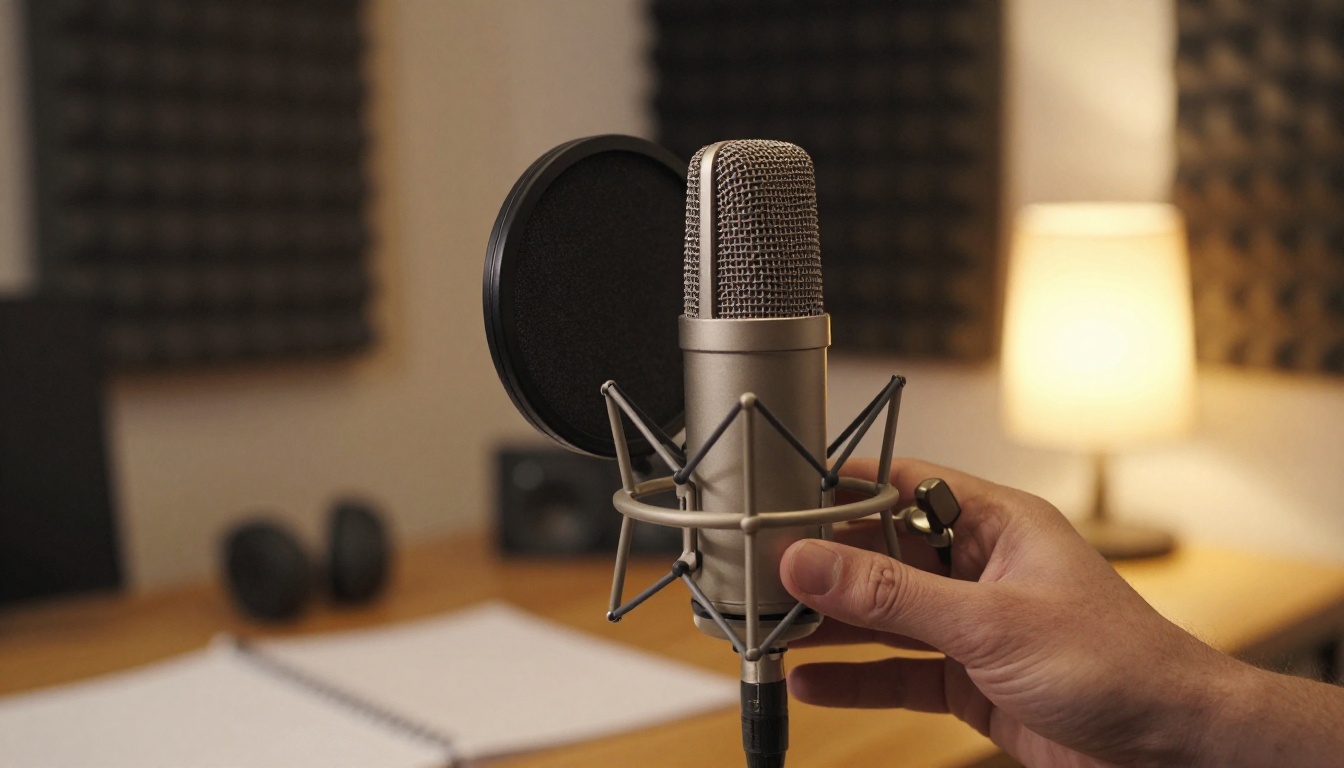
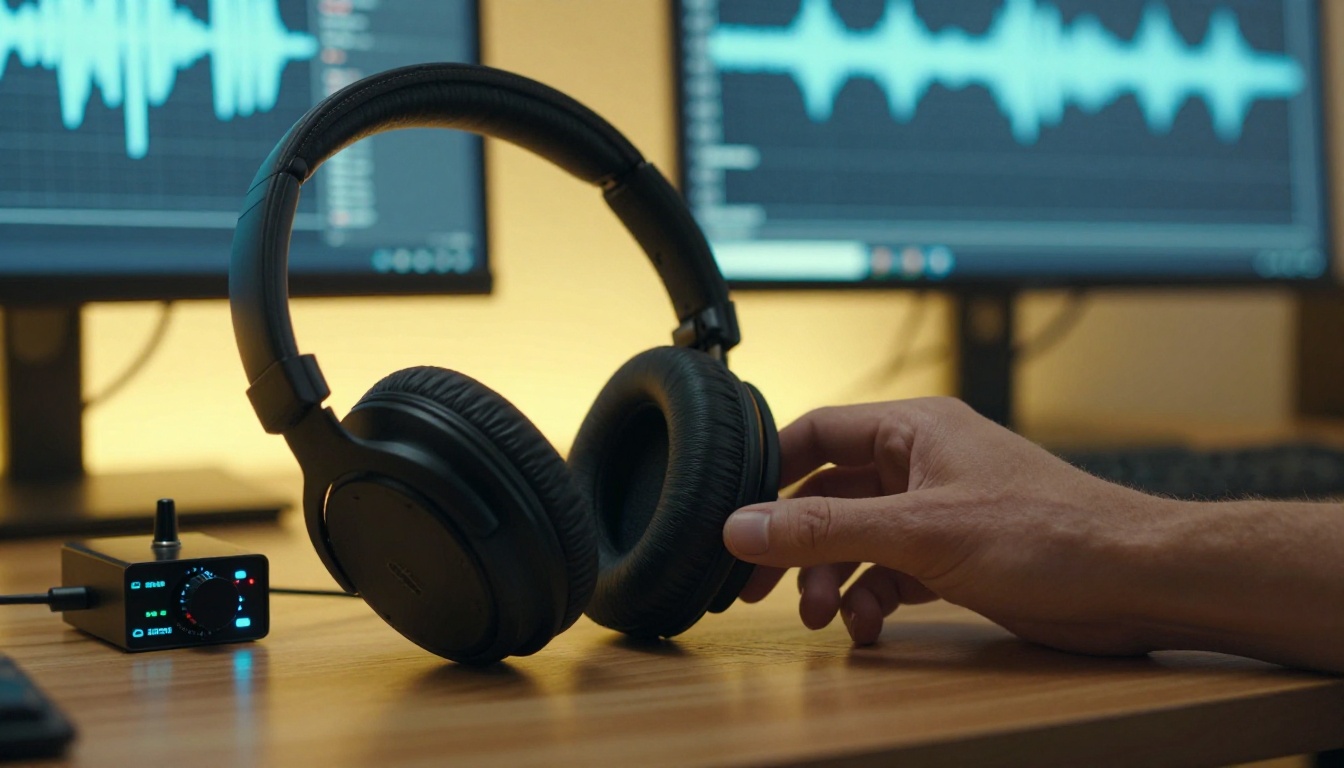
The voice is 50% of the experience on a faceless YouTube video. Viewers will forgive imperfect visuals far more readily than they will tolerate robotic or monotone narration. These are the models that currently produce broadcast-quality output.
ElevenLabs v3
ElevenLabs v3 is the most natural-sounding text-to-speech model available for faceless video production. It reads emotional context from the text, adjusts pacing around punctuation, and produces a voice that listeners genuinely believe is human. For any channel where trust and authority matter, this is the standard.
When you need multilingual support without switching tools, v2 Multilingual handles over 30 languages with the same voice quality, making it straightforward to repurpose content for international audiences and multiply views without writing new scripts from scratch.
Speech 2.8 HD
Speech 2.8 HD from Minimax sits at the studio-quality tier of AI voiceover. The model handles long-form scripts without losing consistency in tone or pacing, which matters a lot when your average video is 8 to 12 minutes of continuous narration. If you need raw audio quality that holds up in a high-definition mix, this is the choice.
For faster turnaround with only a minor quality trade-off, Speech 2.8 Turbo delivers rapid processing suitable for high-volume publishing schedules where time between draft and upload is tight.
Chatterbox Pro
Chatterbox Pro from Resemble AI adds something the others lack: voice cloning with emotional control. You can upload a short reference audio clip and the model matches the voice characteristics while allowing you to dial in the emotional register. This is especially useful for channels that want a signature voice feel without ever recording yourself. The base Chatterbox model provides the same cloning capability at a faster processing speed for quick drafts.
Gemini 3.1 Flash TTS
Gemini 3.1 Flash TTS by Google supports 70+ languages and 30 distinct voice options, making it the most versatile choice for multilingual faceless channels. If you are building a content operation that targets Spanish, Portuguese, French, and English simultaneously, this single tool handles the entire output without needing separate accounts or pipelines.
💡 Match your voice to your niche. Finance and history channels benefit from authoritative, measured pacing (try Speech 2.8 HD or ElevenLabs v3). Travel and lifestyle channels need warmth and energy (Chatterbox Pro with a custom voice clone works well here). Meditation channels need breathable pacing with minimal artificiality.
How PicassoIA Handles the Whole Workflow

Managing multiple AI tools across different platforms is where most faceless creators lose time. Separate accounts, separate billing, separate interfaces for each step of the pipeline — it adds up to friction that slows down publishing frequency.
PicassoIA consolidates the entire toolset in one place. Video generation, text-to-speech, image generation, super resolution, video enhancement, and audio tools are all accessible through a single interface without jumping between platforms.
One Platform, Every Model
The platform gives you access to over 87 text-to-video models alongside 20 professional text-to-speech voices, plus image generation, super-resolution upscaling, video editing tools, and lipsync technology. For a faceless channel, this means you can go from script to finished video elements inside a single session.
Video models like Pixverse v5.6 and Hailuo 02 sit alongside voice tools like Qwen3 TTS in the same dashboard. You pick what fits the project rather than managing which subscription you currently have active.
How to Use Seedance 2.0 on PicassoIA
Step 1: Go to Seedance 2.0 on PicassoIA and open the model interface.
Step 2: Write your video prompt describing the scene, camera movement, lighting, and subject action. Be specific. "A wide drone shot slowly descending over a foggy forest at sunrise, mist rising between pine trees, golden rim lighting on treetops" generates far better results than "drone shot of forest."
Step 3: Set the resolution to 1080p and click Generate. Processing typically takes 60 to 90 seconds.
Step 4: Review the output. If the motion or composition misses the mark, refine your prompt and regenerate. Most prompts produce usable results on the second or third attempt.
Step 5: Download the clip and import it directly into your video editor alongside your AI voiceover track from tools like ElevenLabs v3.
Step 6: For channels that need extra visual sharpness, run the downloaded clip through an AI video enhancer in the PicassoIA video editing section to upscale and stabilize before final export.
Building a Content Pipeline That Scales
Your Weekly Workflow
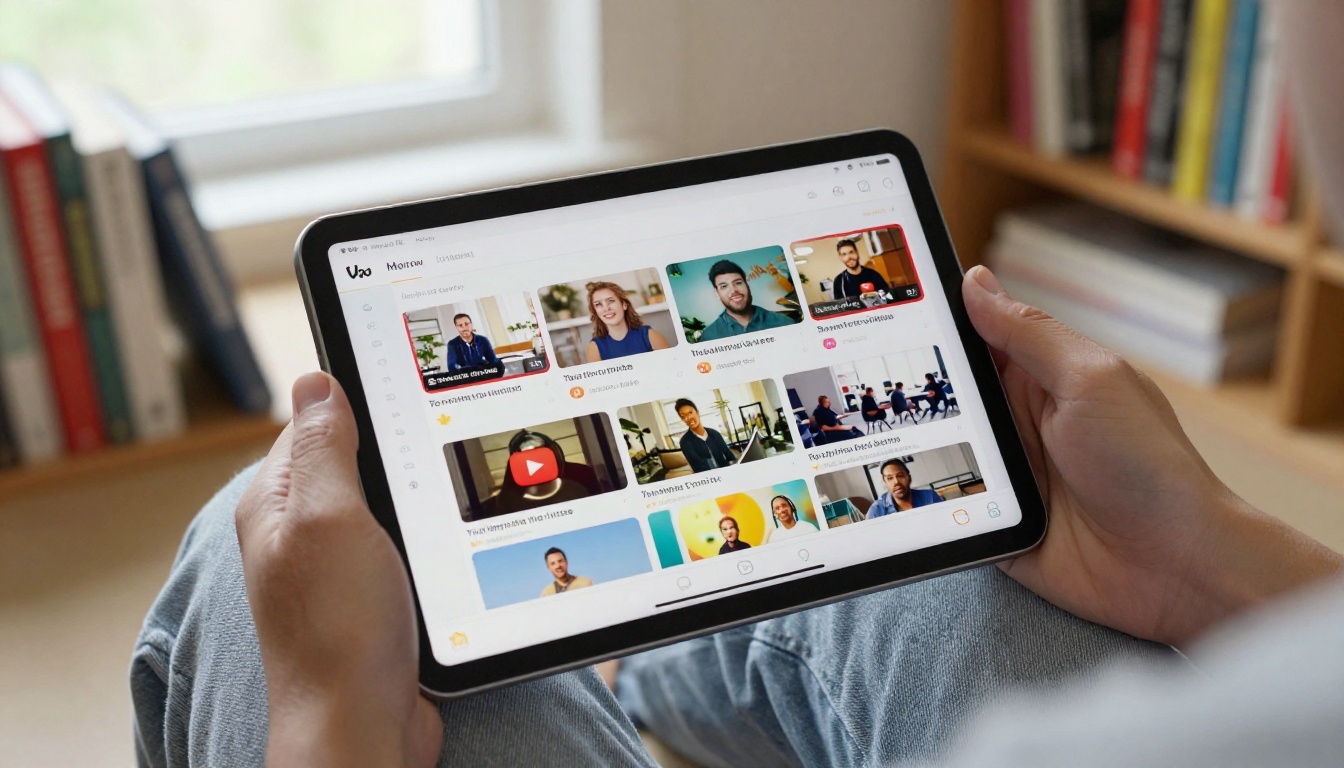
The goal of any faceless channel is consistency. Here is how a realistic weekly workflow looks using AI tools:
- Day 1 (Monday): Research topic, write full script (1,000 to 2,000 words)
- Day 2 (Tuesday): Generate voiceover audio using ElevenLabs v3 or Speech 2.8 HD. Review and adjust pacing.
- Day 3 (Wednesday): Generate 8 to 12 video clips using Seedance 2.0 and Wan 2.7 T2V based on script sections
- Day 4 (Thursday): Edit timeline in your preferred video editor. Sync audio to clips. Add captions and b-roll.
- Day 5 (Friday): Thumbnail creation and metadata. Schedule upload.
This five-day cycle is repeatable without burning out, and the AI steps (voiceover plus video generation) take about 2 to 3 hours total, not 2 to 3 days.
Batch Scheduling for Volume Creators
If you are running the channel as a serious income source, batching scales this further. Write four to five scripts in one session. Generate all voiceovers in a single sitting. Queue all video generations back-to-back across a single afternoon. The editing becomes assembly work rather than a creative bottleneck.
Channels publishing three to five videos per week consistently outperform channels that publish sporadically, regardless of individual video quality. AI tools make that publishing pace achievable for a solo operator with no team.
💡 Practical note: Keep a shared folder organized by video title with three subfolders: Scripts, Audio, and Video Clips. This simple structure prevents asset confusion when you are producing multiple videos simultaneously.
What the Numbers Actually Say

Time Saved Per Video
Before AI tools, producing a single faceless YouTube video required:
| Task | Traditional Time | With AI Tools |
|---|
| Voiceover recording and editing | 3 to 5 hours | 30 minutes |
| Finding and licensing footage | 2 to 4 hours | 45 minutes |
| B-roll production | 4 to 8 hours | 1 to 2 hours |
| Total production time | 9 to 17 hours | 2 to 3 hours |
That is a time reduction of 80 to 85% per video. A solo creator who previously managed one video per week can now produce four to five without additional hours invested.
What This Means for Revenue
YouTube monetization through the Partner Program pays between $2 and $10 per 1,000 views depending on niche. Finance and business channels can reach $15 to $25 CPM. At four videos per week, 50,000 monthly views, and a $5 average CPM, that is $250 per month from ad revenue alone, scaling significantly as the channel grows and the back catalog accumulates views.
The real multiplier is that the back catalog keeps earning. Every video you publish continues generating views and revenue long after its upload date. With AI cutting production time by 80%, the math on building a catalog becomes very compelling very quickly.
Your First Faceless Video Starts Here
The combination of Seedance 2.0 for visuals, ElevenLabs v3 or Chatterbox Pro for voice, and a tight weekly editing workflow covers everything a faceless channel needs to publish at scale. Every tool mentioned in this article is available on PicassoIA, which means you can test the full pipeline in a single session without managing multiple subscriptions across different platforms.
If you have a script sitting in a draft, a topic you have been meaning to cover, or a niche you have been curious about testing, the only thing between you and a published video is a few hours of AI-assisted production. Pick your voice model, describe your first B-roll scene, and see what comes back.
The platform hosts over 87 video models and 20 voice tools in one place, alongside image generation, video enhancement, and lipsync tools. Browse the full catalog and start your first faceless video at picassoia.com/en/all-models.


