Most YouTubers do not fail because they lack ideas. They fail because editing, thumbnails, voiceovers, and music eat every spare hour, and the tools that promise to fix it come with confusing credits, watermarks, and monthly fees that creep up. This article sorts the noise. You will see which free plans are actually usable, what paid tiers tend to cost, how online video makers differ from full generators, and how to put together a lean toolkit that fits a real channel budget.
A quick note on numbers: AI pricing changes almost monthly. The figures below reflect what several 2026 roundups reported, so treat them as ballpark ranges and check each vendor's pricing page before you pay for anything.
What YouTubers Actually Need From AI
Before comparing tools, it helps to be honest about where your time goes. A typical weekly upload has five jobs: scripting, recording, editing, packaging (thumbnail and title), and audio polish. AI can speed up every one of them, but not equally.
Speed Beats Novelty
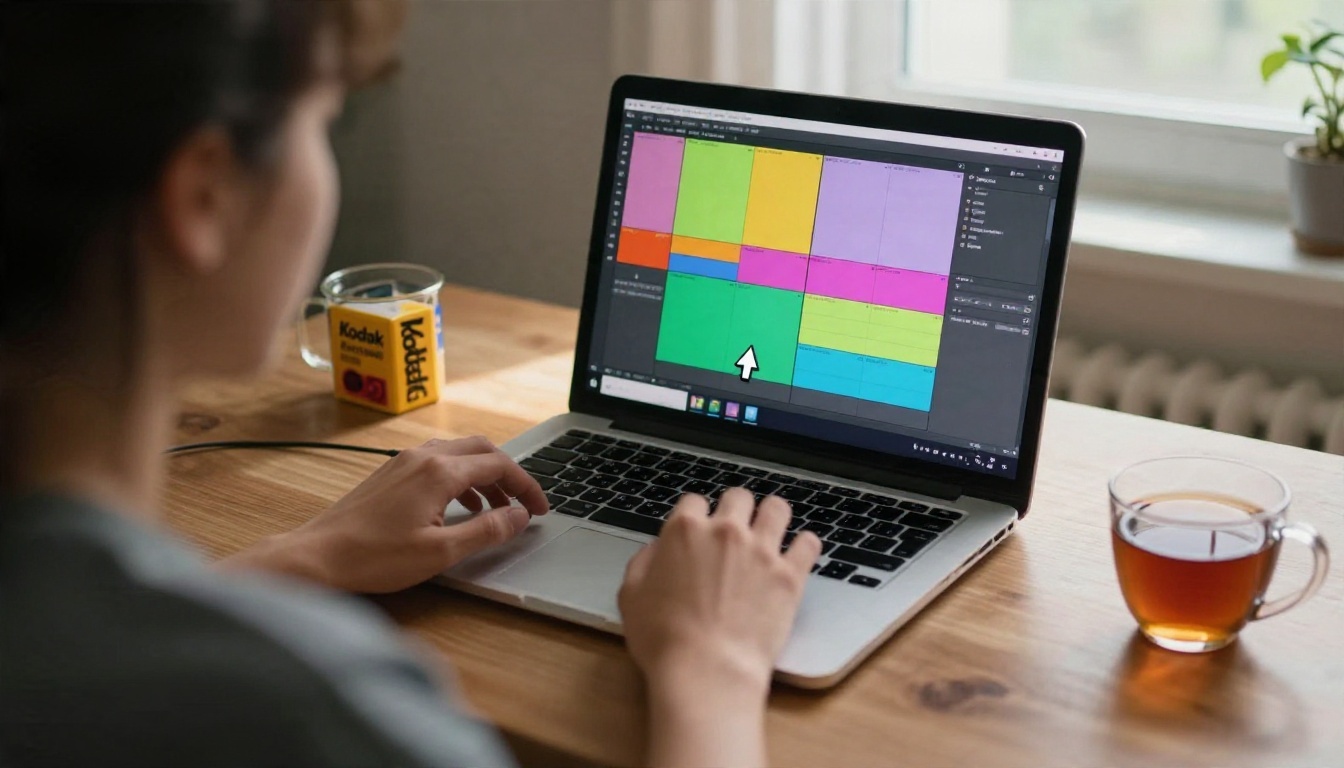
The flashiest generator is rarely the most useful one. A tool that trims silences, cleans audio, and exports a rough cut in ten minutes will save you more than a tool that produces one gorgeous eight-second clip. Rank tools by hours saved per week, not by how impressive the demo looks.
💡 Tip: Time yourself on one normal video before you subscribe to anything. If editing takes six hours, a tool that cuts that to four is worth real money. If it only saves fifteen minutes, skip it.
Budget Reality for Small Channels
Most channels under 10,000 subscribers earn little or nothing from ads, so every subscription competes with camera gear and software you already pay for. A sane ceiling for a starter stack is $20 to $40 per month in total. Anything above that should be tied to a clear return, such as sponsor work or a product launch.
Free Plans Worth Using Today
Free plans are not all equal. Some are genuinely generous. Others are 14-day trials in disguise, or they stamp a watermark on every export. Here is how the main categories look.
Editors and Cutters
CapCut remains the free editor most creators reach for first, with captions, background removal, and quick templates available without a watermark on the basic tier. Descript offers a free version that edits video by editing text, which is ideal for talking-head channels and podcasts. DaVinci Resolve is a long-standing free desktop editor for creators who want deeper color and audio control, though it asks more of your computer and your patience.

Thumbnail and Image Tools
Thumbnails decide whether anyone clicks. Canva still has a useful free tier for layouts, while AI image generators handle the hard part: unique backgrounds, dramatic props, and concept art for ideas you cannot photograph. On PicassoIA you can generate thumbnail backgrounds with Nano Banana Pro, Seedream 4.5, or the lighter Flux 2 Klein 4B Base, then drop your face or text on top in any editor.
Voice and Music on Free Tiers
Free voice tools usually cap you at a few minutes per month or add a watermark to the audio. That is fine for testing a narration style, but too tight for a weekly channel. Music is similar: royalty-free libraries are free but repetitive, and AI music generators are the easiest way to get a track that is truly yours.
💡 Tip: Use free tiers to audition tools, then pay for only the one or two you open every week. Subscription fatigue is the most common budget leak among small creators.
Online Video Makers Compared
"Online video maker" covers two very different product types, and mixing them up is the fastest way to buy the wrong thing.
Template and Avatar Makers
Tools like InVideo AI, Revid, Pictory, and HeyGen assemble a video from a script: they pick stock footage, add captions, and in HeyGen's case put a talking digital presenter on screen. They are fast and cheap per video, and they suit faceless explainers, news recaps, and listicles. The trade-off is sameness. If five channels use the same stock library and the same presenter style, your video looks like theirs.
Text-to-Video Generators
Generators such as Runway, Pika, and Luma create original footage from a prompt or a still image. The footage is unique, but clips are short, and credits disappear quickly while you iterate. On PicassoIA, models like Veo 3.1 Fast, Kling v3 Video, Sora 2, and LTX 2.5 Fast sit in one place, so you can compare the same prompt across engines instead of paying for four separate subscriptions.
| Tool type | Best for | Strength | Weak spot |
|---|
| Template video makers | Faceless explainers, recaps | Very fast, low cost per video | Repetitive stock look |
| Avatar presenters | Tutorials, multilingual channels | No camera needed | Can feel stiff |
| Text-to-video generators | B-roll, intros, concept shots | Original footage | Short clips, credit burn |
| Text editors (Descript style) | Talking heads, podcasts | Edit by editing words | Less visual flair |
| Classic editors (CapCut, Resolve) | Any channel | Full control | Slower than automated tools |
Pricing pages are written to make the entry tier look cheap and the useful tier look reasonable. Here is what the 2026 roundups suggest creators actually pay.
Typical Monthly Price Ranges
| Tool | Free plan | Paid tier (reported) |
|---|
| CapCut | Yes, no watermark on basics | Optional Pro upgrade |
| Descript | Yes, free version available | Paid tiers for heavier use |
| Runway | About 125 one-time credits | From roughly $15 per month |
| HeyGen | Limited free tier | Creator plan around $24 per month billed annually |
| TubeBuddy | Yes | Pro near $3 per month, Legend near $15 |
| vidIQ | Yes | Paid plans for deeper research |
These are reported figures from different months of 2026, so some will already be out of date. The pattern matters more than the exact dollar: editors are cheap, generators are credit-based, and avatar tools cost the most.

Hidden Limits to Watch
The sticker price is rarely the real price. Check these before you subscribe:
- Credit expiry: Do unused credits roll over, or vanish at the end of the month?
- Export resolution: Many free plans cap at 720p, which looks soft on a 4K channel.
- Watermarks: Fine for tests, unacceptable for published videos.
- Commercial rights: Some tiers forbid monetized use. Read this line first.
- Retry cost: Generators charge for failed or unwanted results, so a "ten clip" plan may yield three usable ones.
💡 Tip: Price your tools per usable minute of finished video, not per month. It is the only number that stays honest across different plans.
Build a Full Stack on PicassoIA
If you would rather keep video, image, voice, and music in one place, PicassoIA covers all four with a mix of models. You pick the engine per job instead of committing to one vendor's ceiling.
Video Clips and B-Roll
For short cinematic inserts, intros, and b-roll, start with Veo 3.1 Fast when you want native audio and quick turnaround, and Kling v3 Video when you want smoother motion on people and objects. Sora 2 is a strong third option for prompts that need a lot of scene logic, and LTX 2.5 Fast is useful when you want to iterate cheaply before committing to a final render. If you want to guide a clip with your own footage or images, PicassoIA Reference To Video takes your references and builds from them.
Thumbnails and Still Images
A strong thumbnail is mostly contrast, one clear subject, and an emotion. Generate three or four background variations with Seedream 4.5 or Nano Banana Pro, pick the one with the cleanest negative space, and add your face and 2 to 3 words of text. Nano Banana is also handy for editing an existing image, such as swapping a background or adjusting an expression.
Voiceovers and Dubbing
Narration is where faceless channels live or die. Speech 2.8 HD delivers studio-style voiceovers for finished videos, while Speech 2.8 Turbo is faster for drafts and shorts. If your audience speaks several languages, v2 Multilingual creates voiceovers in 30+ languages, and Dubbing translates an existing video into 90+ languages so one upload can reach several markets.
Original Background Music
Copyright claims on borrowed songs can demonetize a video overnight. Generating your own track avoids that risk. Music 2.6 produces full songs from a text prompt, Lyria 3 Pro handles longer compositions, and Music is a quick way to get a theme for an intro. Describe the mood, tempo, and instruments, and ask for something instrumental so it does not fight your voice.
💡 Tip: Write music prompts like a brief to a composer: "calm lo-fi, 85 BPM, soft piano and vinyl crackle, instrumental, no vocals, loopable."
A Weekly Workflow That Saves Hours
Tools only help when they fit a repeatable routine. This is a lean workflow for a channel posting once or twice a week.
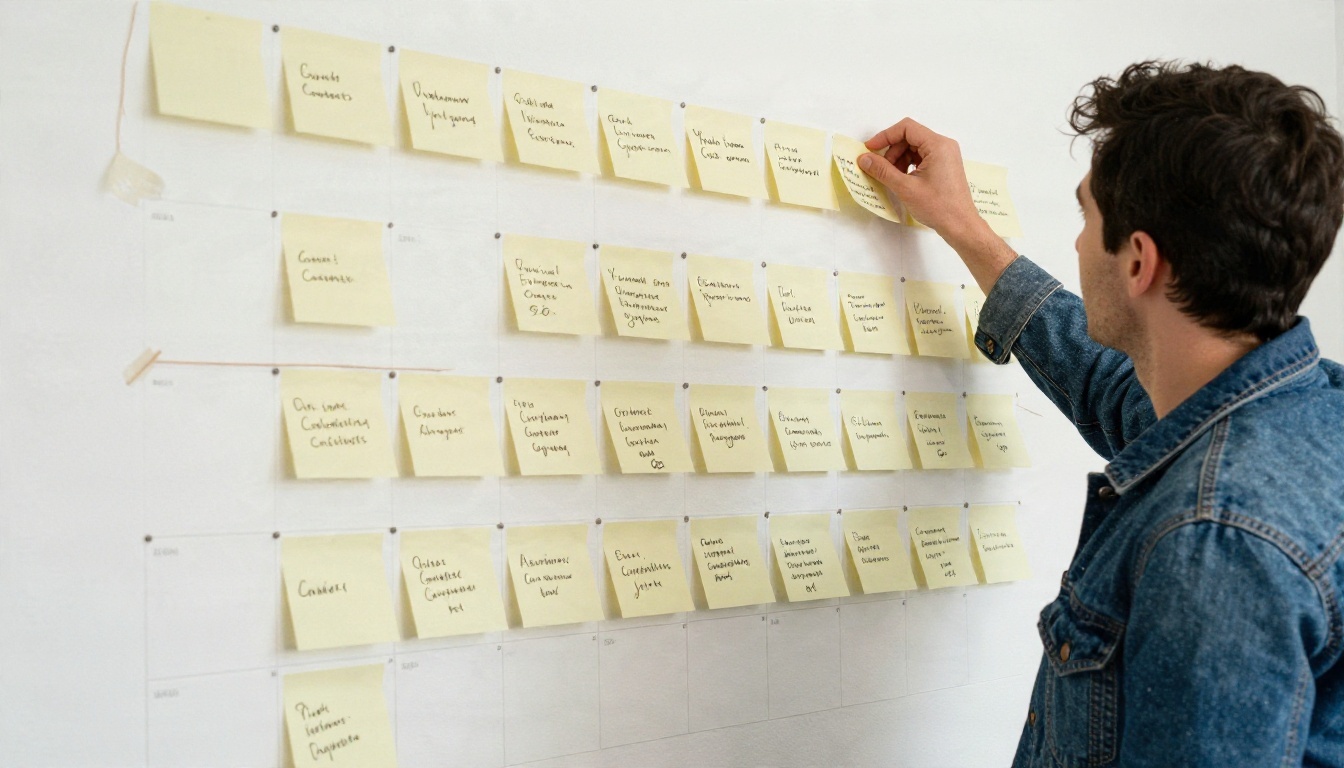
Monday to Wednesday: Plan and Record
- Plan the topic and write a rough outline. A language model can tighten it, but the angle should be yours.
- Record the main footage or generate the narration with a text-to-speech model.
- Generate b-roll for anything you cannot film: abstract concepts, locations, or product shots.
Thursday to Friday: Edit and Package
- Rough cut in CapCut or Descript, using automated silence removal.
- Add b-roll and music, keeping the track low under your voice.
- Create three thumbnails and test the strongest with a friend or a small poll.
- Write the title and description after the video, once you know what the best hook is.
Weekend: Review and Reuse
Check retention graphs, find the point where viewers left, and note it for next week. Then cut one or two short vertical clips from the long video, because shorts are the cheapest discovery channel you have.

Mistakes That Waste Your Budget
Most overspending comes from the same handful of habits. Watch for these.
- Buying annual plans too early. Discounts look tempting, but tools change fast. Pay monthly until you have used one for three months straight.
- Stacking overlapping tools. Two editors, two voice tools, and three image generators means you pay for features you never open.
- Skipping the rights check. A cheap plan that bans commercial use is expensive the day you monetize.
- Generating without a plan. Prompting at random burns credits. Write a shot list first, then generate only what the edit needs.
- Letting AI replace your voice. Viewers subscribe to a person or a point of view. Use AI for the heavy lifting, and keep your opinions, jokes, and stories human.
💡 Tip: Every quarter, list every subscription and mark the last day you opened it. Cancel anything that has not earned its place.

Start Making Your Next Video Today
You do not need ten subscriptions to run a good channel. You need one editor you like, one reliable way to make images and clips, a voice option that sounds natural, and music you own. That is a stack you can build for the price of a couple of coffees a week.
The easiest way to test it is to try it. Open PicassoIA, generate a thumbnail background with Seedream 4.5, create a short b-roll clip with Veo 3.1 Fast or Kling v3 Video, record a narration with Speech 2.8 HD, and finish with a track from Music 2.6. Run the same idea through two models and keep the better result. If you want to browse every option before you decide, the full catalog is at picassoia.com/en/all-models. Make your own images, clips, voices, and songs, and see how much of your week comes back.


