You typed a great prompt, waited two minutes, and got a four second clip with a watermark across the corner. Sound familiar? Searching for the best AI video generator without restrictions usually starts right there, with a free tool that promised a lot and delivered a teaser. The honest truth: no generator is limitless. Every one of them caps something, whether that is clip length, resolution, daily credits or the speed of your queue. The useful question is which caps you can live with, and which tools keep them low enough that you can actually finish a project.
This article sorts the free options, shows the kind of results you can expect with real example prompts, and lays out the length limit of each major model so you know what you are signing up for.
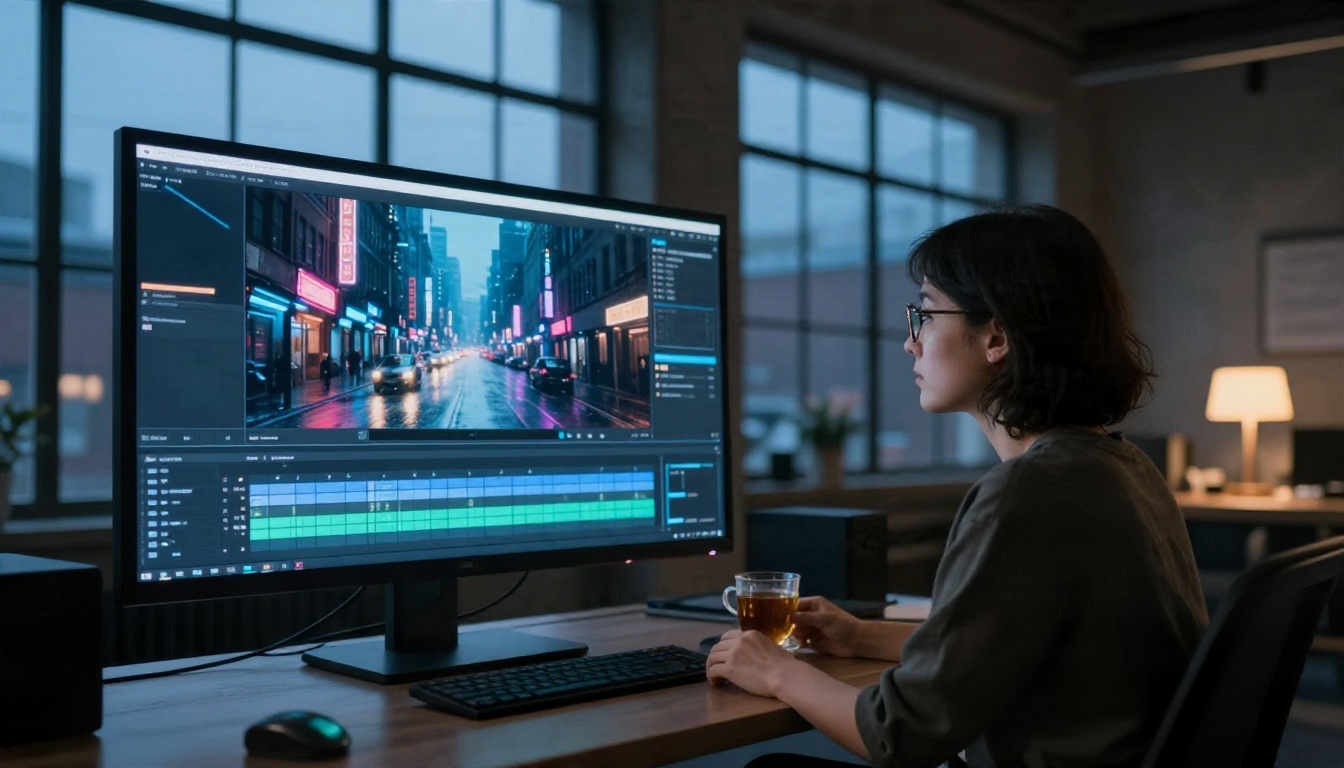
What "Without Restrictions" Really Means
When people type that phrase into a search bar, they usually mean one of four things. Mixing them up is the fastest way to waste an afternoon on the wrong tool.
The Four Kinds of Limits
| Type of limit | What it looks like | Who it annoys most |
|---|
| Length cap | Clips stop at 4, 5, 8 or 10 seconds | Storytellers, ad makers |
| Credit cap | A fixed number of generations per day or month | Anyone iterating on prompts |
| Quality cap | Free output at 480p or 512p, paid at 1080p | Creators publishing to YouTube |
| Watermark | A logo burned into the frame | Client work, brand content |
A fifth limit sits underneath all of these: content rules. Every serious platform filters certain material, mainly anything illegal, abusive or involving real people without consent. That is not a flaw to hunt around. It is the reason these tools exist as public services at all. When this article says "without restrictions," it means without the practical limits that stop you from working: no paywall after three clips, no tiny time cap, no logo over your footage.
💡 Quick test before you commit: generate one clip, check its length, resolution and watermark, then look at how many free generations remain. Two minutes of testing saves hours of disappointment.
Why Limits Exist at All
Video generation is expensive. A single five second clip can take far more computing power than a high resolution image. Free tiers survive by trimming duration, resolution or volume. Understanding that trade-off helps you pick a tool that trims the thing you care about least.

Free Options That Actually Work
Free does not have to mean useless. The trick is matching the free tool to the job. Here are the options worth your time, all available on PicassoIA.
Seedance 2.5 Lite: Free and Unlimited
Seedance 2.5 Lite is the closest thing to a no-strings starting point. It is listed as a free and unlimited generator with clips up to 10 seconds. For short social posts, concept tests and prompt practice, that is a generous ceiling, and the absence of a hard generation count means you can iterate until the motion looks right.
Seedance 2.5 for Longer Clips
When ten seconds is not enough, Seedance 2.5 pushes a single generation up to 30 seconds. That is long enough for a full product reveal, a short dialogue scene or a travel montage without stitching anything together. Use the Lite version to rehearse your prompt, then switch to the full model for the final take.
Wan 2.5 and Its Fast Variants
The Wan family is popular because it balances quality and speed. Wan 2.5 T2V handles text prompts, Wan 2.5 T2V Fast trades a little polish for quicker results, and Wan 2.5 I2V Fast animates a still image. Clips are short, in the range of several seconds, but the fast variants make rapid testing painless.
Hailuo 02 Fast for Quick Drafts
Hailuo 02 Fast produces instant text-to-video at 512p. The resolution is modest, yet for storyboarding and checking whether a prompt works, speed matters more than pixels. When a draft looks promising, step up to Hailuo 02 for 1080p output.

Length Limits Model by Model
Length is the restriction people hit first, so it deserves its own table. Figures below come from model listings and vendor documentation as of late 2026. Versions change often, so treat the numbers as a starting point and check the model page before you plan a long shot.
What the Numbers Mean in Practice
Five seconds sounds tiny until you watch a film edit. The average shot in a modern movie lasts only a few seconds. A ten second clip is already a long take, and thirty seconds is a full scene. For most creators the real bottleneck is not clip length but consistency: keeping the same character, lighting and style across several clips.
Audio Changes the Math
Models with native sound, such as Veo 3.1 Lite and Sora 2, produce footage that feels finished sooner. You skip the step of hunting for ambient noise or footsteps. If your clip is short, good audio makes it feel longer and richer.

Real Examples and Prompts
Abstract advice only goes so far. Here are four scenes that show what a modern generator handles well, with the sort of prompt that produces them. Each still image below is the kind of first frame you can feed into an image-to-video model.
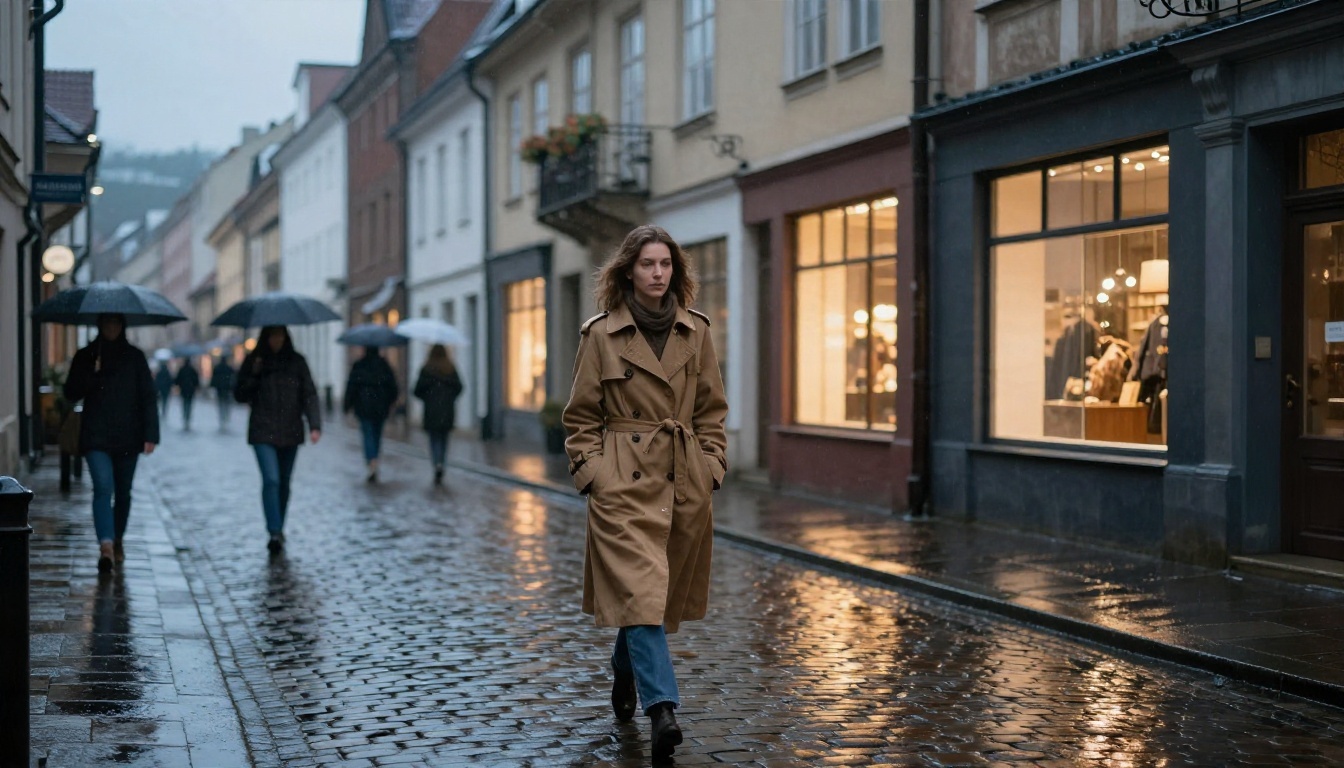
A Rainy Street at Dusk
A woman in a camel trench coat walks slowly down a wet cobblestone street while shop windows glow behind her. This scene tests reflections, cloth movement and background pedestrians, which is exactly where weaker models fall apart.
Example prompt: A woman in a long camel coat walks slowly along a rain-wet cobblestone street at dusk, warm shop windows reflecting on the stones, soft overcast light, slow tracking shot from low angle, gentle rain sounds.
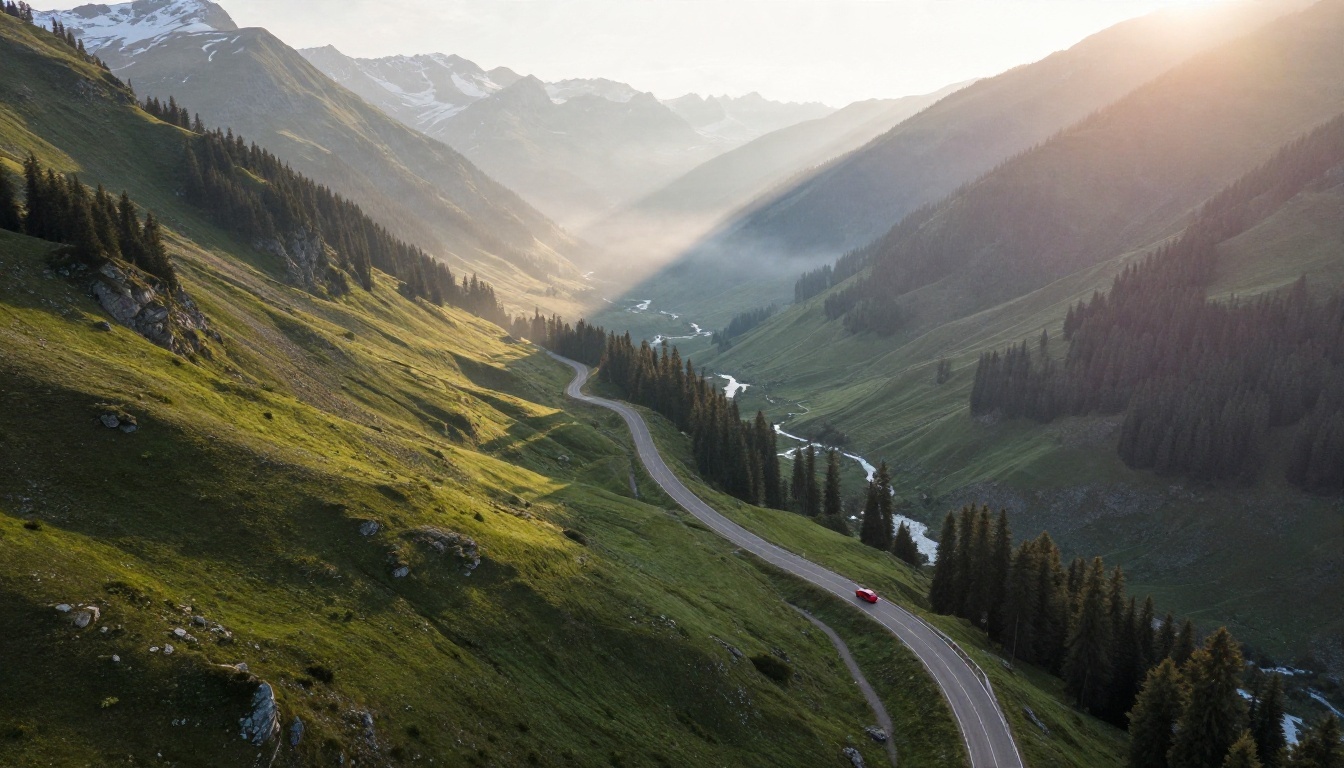
An Alpine Drone Shot
Aerial scenes are a showcase for scale and atmosphere. A vintage red car climbing a mountain road through morning mist gives the model depth, moving shadows and fine foliage to render.
Example prompt: Aerial drone view following a red vintage car on a winding mountain road through a green alpine valley, low morning mist, golden sunrise light, smooth forward camera motion.
A Product Reveal
Ecommerce sellers love this one. A perfume bottle on white marble with soft window light is simple, clean and perfect for a slow push-in. Glass reflections are demanding, so this is a fair stress test of image quality.
Example prompt: Slow dolly-in on an amber glass perfume bottle resting on white veined marble, a dried flower beside it, soft window light shifting gently across the glass.

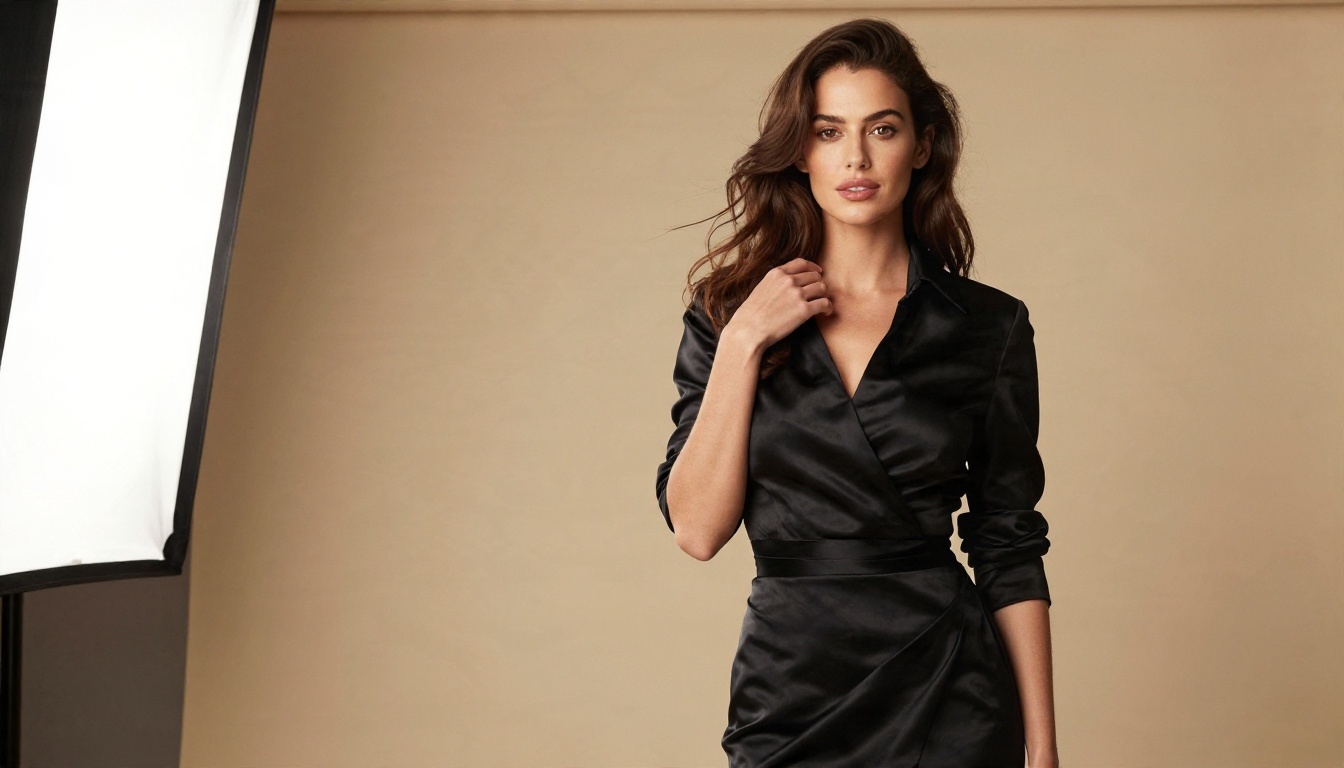
A Fashion Portrait
Faces and fabric are the hardest part of video generation. A satin dress shows highlights and folds, and skin shows whether the model keeps texture or smooths everything into plastic. Start from a still portrait and animate it with a subtle head turn and a breath.
💡 Prompt formula that works: subject and starting pose, then the motion over time, then the camera move, then the light. Keeping to that order gives models a clear sequence to follow.
How to Get Past the Time Cap
You do not need a 30 second model to produce a 60 second piece. Professionals have been building long sequences from short shots for a century. Editing is the original workaround for a length limit.
Chain Clips With Image to Video
Take the final frame of clip one, use it as the first frame of clip two, and keep the prompt consistent. Models such as Wan 2.5 I2V Fast are built for this. The continuity is not perfect, but cutting on motion hides most seams.
Use Reference Images for Consistency
PicassoIA Reference To Video lets you feed in reference images, video and audio so that a character or product looks the same from shot to shot. That solves the biggest complaint about stitched AI footage: faces that drift.
Edit and Retake Instead of Regenerating
If a clip is almost right, do not throw it away. LTX 2 Retake lets you rework a single section of an existing video, which saves credits and time compared with generating from zero.

Free vs Paid: The Real Cost
Free tiers are fine for testing. They become a problem when you have a deadline. Here is a plain comparison.
| Factor | Free route | Paid or high tier |
|---|
| Clip length | 4 to 10 seconds | Up to 30 seconds |
| Daily volume | Capped or queued | Faster, more generations |
| Resolution | 480p to 720p | 1080p, sometimes 4K |
| Watermark | Often present | Usually removed |
| Commercial use | Check each license | Normally included |
When Free Is Enough
Free works for mood boards, social experiments, learning prompts and internal pitches. If the clip will be seen for a few seconds on a phone, 720p without a perfect finish is rarely a problem.
When to Pay
Pay when you need long single takes, 1080p or higher, clean footage for a client, or predictable turnaround. A smart pattern: draft on a free model like Seedance 2.5 Lite, then render the keepers with Seedance 2.5, Kling v3 or Veo 3.1.
💡 Budget tip: draft at low resolution, approve the motion, then spend your credits only on the final render. Most of the money in AI video is lost on prompts that never needed to be rendered at full quality.

Common Mistakes to Avoid
Most disappointing results come from a handful of habits, not from the model itself.
Writing Prompts Like Search Queries
"Cool city video" gives the model nothing to work with. Describe the subject, what moves, how the camera behaves and what the light does. Three specific sentences beat ten vague words.
Asking for Too Much in One Clip
A single generation handles one moment well. A character who walks in, sits down, speaks, stands up and leaves will break. Split that into separate shots and join them in an editor.
Ignoring the First Frame
In image-to-video, the source picture decides almost everything. A sharp, well lit starting image with clean composition produces clean motion. A blurry or cluttered one produces blurry, cluttered video.
Trusting Marketing Numbers
Vendors advertise maximum settings, such as the longest duration at the highest resolution. In practice you often get one or the other. Check what the model page offers for the exact combination you want.
Which Generator Should You Pick?
Match the tool to the task and the choice becomes simple.
You do not have to pick only one. Because these models live in the same place on PicassoIA, you can run the same prompt through two or three of them and keep the best result.
Make Your First Clip Today
The best AI video generator without restrictions is the one that lets you finish what you started: a free tier you can use repeatedly, a length that fits your story, and a quality level you are happy to publish. Start small. Open Seedance 2.5 Lite, write a three sentence prompt using the formula above, and watch what ten seconds can do. Then try the same idea in Kling v3 or Veo 3.1 and compare.
Ready to see how far your own ideas can go? Head to PicassoIA, pick a model, and create your own clips and images today. Browse the full catalog at picassoia.com/en/all-models and experiment until something surprises you.


