The gap between amateur video content and professional production used to cost tens of thousands of dollars in equipment, crew, and software licenses. That gap is closing fast. The best AI video generators right now can produce 1080p footage with synchronized audio from a single text prompt in under two minutes. But not all of them are equal. Some excel at cinematic motion. Others prioritize speed. A handful have cracked native audio generation. This article cuts through the noise and ranks what actually works.
What Separates a Good Model from a Great One

Most AI video generators can produce something that looks decent in a screenshot. The real differences surface the moment the clip starts moving. Here are the three factors that matter most:
- Motion coherence: Does the subject move realistically, or does it morph and distort mid-clip?
- Resolution and sharpness: 480p looks fine on a phone. 4K on a TV is a different story.
- Audio integration: Native synchronized audio eliminates the manual sound design step entirely.
💡 When comparing generators, always test the same prompt across models. The difference in motion quality between a mid-tier and top-tier model on identical prompts is immediately obvious.
Beyond those three, generation speed matters enormously for anyone working in batch production. A model that takes 8 minutes per clip is not the same as one that finishes in 45 seconds, even if the quality is identical. The best AI video generators right now compete on all four dimensions simultaneously.
The 4K Tier
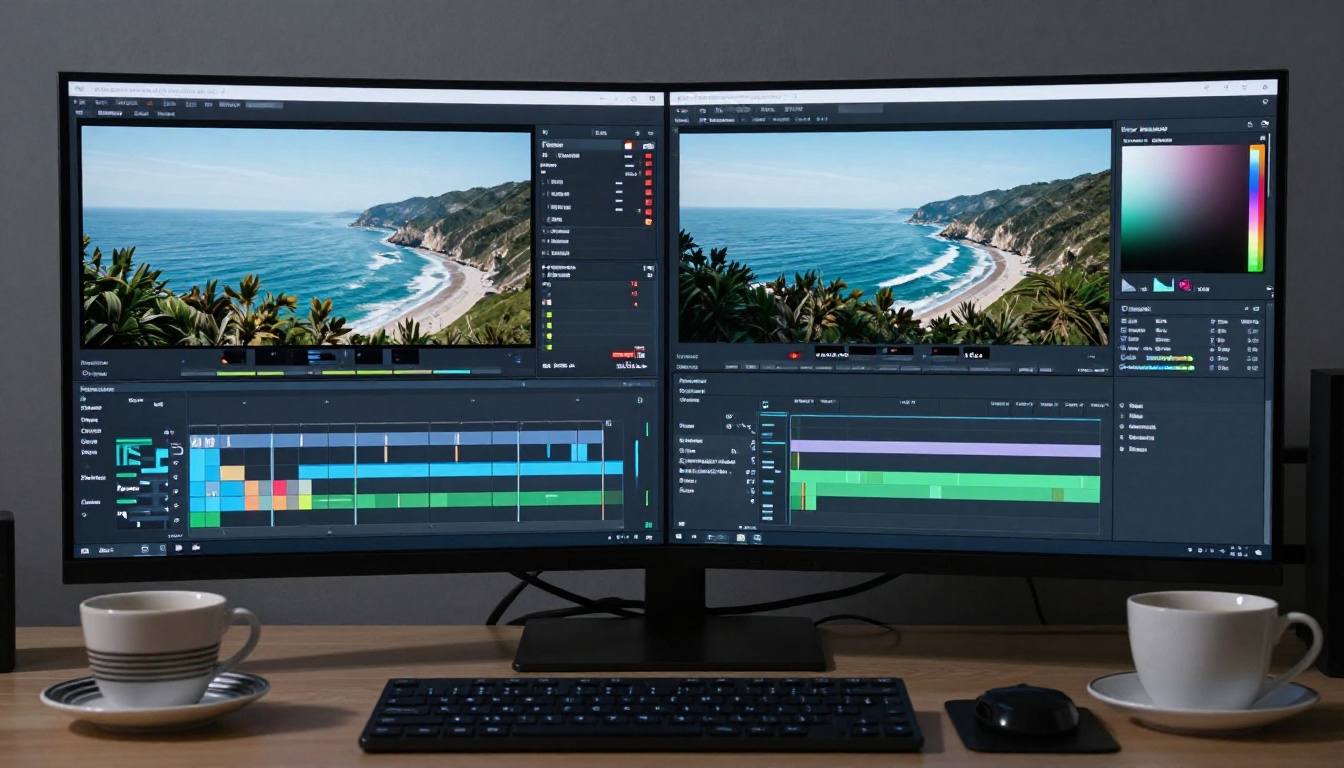
For a long time, "4K AI video" was mostly marketing. The outputs were upscaled 1080p frames stitched together with motion blur to hide the seams. That era is over. Two models from Lightricks have changed what 4K actually means in this space.
LTX 2.3 Pro — Real 4K from Text
LTX 2.3 Pro generates true 4K video from a text prompt. The output holds fine detail in both static and moving elements, which is the real test. Architectural edges stay sharp through motion. Hair strands move individually rather than as a single blurred mass. It is currently one of the few models where the word "4K" actually describes what comes out.
The tradeoff is generation time. High-resolution outputs take longer, and the model rewards detailed, structured prompts. Vague inputs produce vague outputs.
Strengths of LTX 2.3 Pro:
- Genuine 4K resolution, not upscaled
- Sharp detail retention through motion
- Handles complex architectural and nature scenes
LTX 2.3 Fast — Speed with Substance
LTX 2.3 Fast is the same architecture at a speed tier. It still produces 4K, but the generation time drops significantly. For rapid iteration and prototyping, this is the version to reach for first. Run multiple prompt variations quickly, identify what works, then render the winner at full quality with LTX 2.3 Pro.
LTX 2 Pro remains available as the previous generation benchmark. It still holds up well for most use cases where 4K is not required.
Google's Models Are Operating in a Different Category
Google's entry into the video generation space was not quiet. Veo 3 did not just produce good video. It produced video with native synchronized audio, including ambient sound, dialogue, and music that matched what was happening on screen. That single feature changed the conversation about what AI video generation can realistically replace in a production workflow.
Veo 3 — Native Audio Is the Differentiator
The headline feature of Veo 3 is not its 1080p output, though that output is excellent. It is the fact that you do not need to add sound in post. Describe a scene with rain, conversation, or ambient city noise, and the audio that comes back is synchronized to the visual with a precision that required manual labor to achieve before this model existed.
Veo 3 strengths:
- Native audio generation synced to video frames
- 1080p output with strong motion coherence
- Handles complex multi-element scenes well
- Dialogue and ambient sound from a single prompt
Veo 3.1 — The Refinement
Veo 3.1 builds on the same foundation with improved motion stability and finer audio detail. The difference between the two versions is most visible in close-up shots where subtle facial expressions need to track naturally through the full clip duration.
Veo 3.1 Fast brings this quality to a speed tier, making the model accessible for workflows that cannot afford to wait for full-quality render times.
💡 Veo 3 and 3.1 are ideal for social content, ads, and short-form video where the audio and visual both need to be production-ready without additional editing steps.
Seedance 2.0 Is ByteDance's Biggest Leap
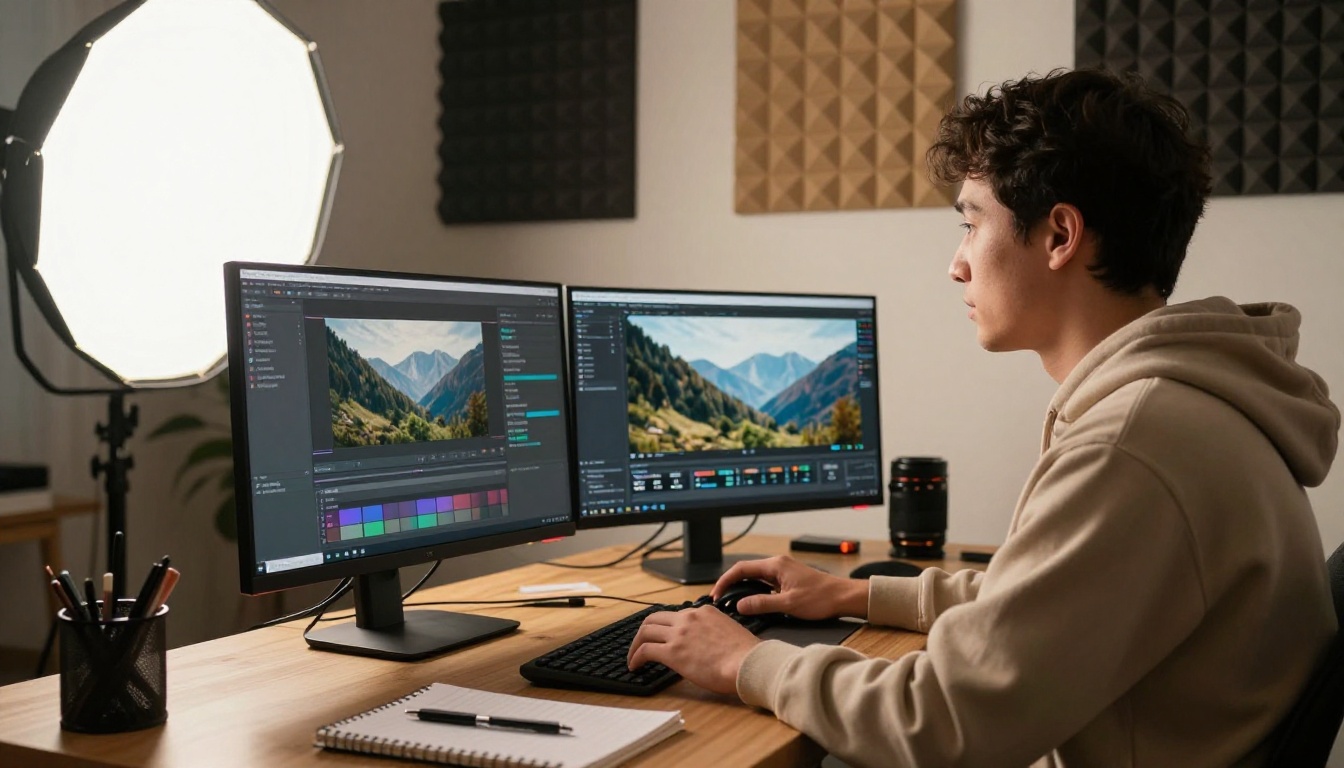
ByteDance has been iterating on video generation faster than almost any other lab. Seedance 2.0 represents a meaningful jump from the 1.x series in two areas: motion realism and built-in audio.
Why Seedance 2.0 Changed the Ranking
The previous version, Seedance 1 Pro, was already strong for 1080p output with reasonable generation speeds. Seedance 2.0 adds audio synthesis and significantly improves how the model handles camera motion instructions. Prompts that reference specific camera moves, "slow dolly-in from left," "aerial pan right," now produce outputs that actually reflect the described camera behavior rather than generic zooms.
Seedance 2.0 Fast is the speed variant for when turnaround time matters more than maximum quality. For batch production, it is the version most teams will default to.
Seedance 2.0 production profile:
- Built-in audio generation from prompt text
- Camera motion instruction following
- Consistent 1080p output quality
- Fast variant for rapid production pipelines
Kling Leads for Cinematic Motion
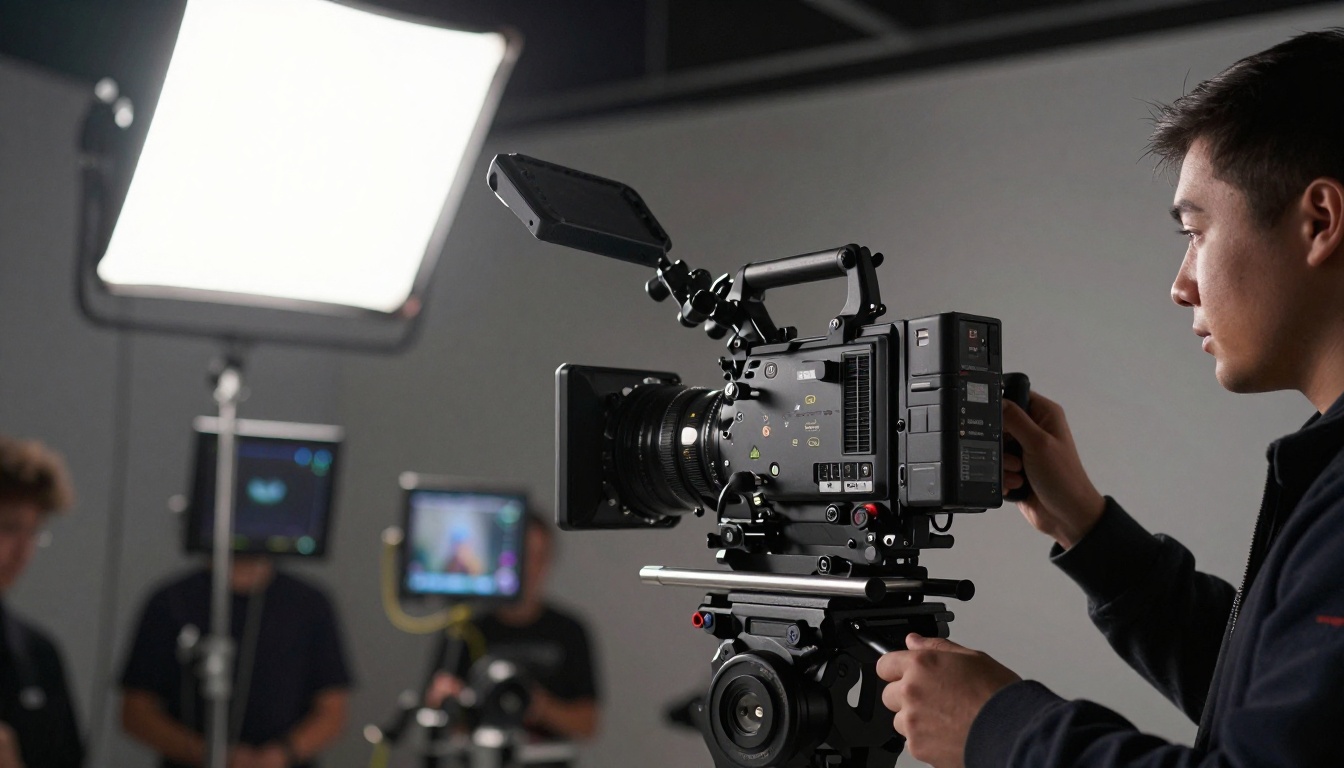
Kwai's Kling series has earned its reputation specifically through motion quality. Where some models handle motion by blending frames, Kling generates movement that reads as physically plausible. Objects have weight. Camera movement has momentum. These are not easy problems to solve at scale.
Kling v3 Video — The Flagship
Kling v3 Video is the current top-tier offering from Kwai. 1080p output with cinematic camera work and strong character motion. It handles action sequences better than most competing models at this resolution tier, because it maintains physical coherence through rapid movement rather than collapsing into blur.
Kling v3 Omni Video adds additional control over generation parameters. Kling v3 Motion Control is specifically designed for precise character animation workflows where body pose matters frame by frame.
Kling v2.6 — Still a Top Performer
Kling v2.6 remains one of the most reliable models in the catalog for general cinematic work. It may not be the newest version, but the motion coherence is consistently excellent, and the generation behavior is predictable in ways that matter when you are working through a batch of clips.
Kling v2.5 Turbo Pro bridges the v2 and v3 generations with turbo generation speeds and strong cinematic output for time-sensitive projects.
💡 For filmmakers: the Kling series is the first place to look when camera movement accuracy is the priority. The model responds well to cinematography-specific language in prompts, including lens focal length references and depth-of-field instructions.
Fast and Free Models That Surprise

Not every project needs 4K and native audio. For social content, quick prototypes, and high-volume production, the fast-tier models punch well above where you would expect them to.
Wan 2.7 T2V — 1080p Without the Wait
Wan 2.7 T2V from Wan Video delivers 1080p output at speeds that make it practical for rapid iteration. The Wan series has been consistent across versions, and 2.7 adds resolution improvements over its predecessor. Wan 2.7 I2V handles image-to-video for animating existing shots with strong temporal consistency.
Wan 2.6 T2V is the previous generation and remains a strong option for most content types on tighter production budgets.
Hailuo 02 — Minimax's Best
Hailuo 02 from Minimax produces 1080p output with notably accurate motion for its generation speed. Hailuo 02 Fast brings generation time down to the 512p tier for situations where speed completely outweighs resolution requirements.
Hailuo 2.3 is the newer cinematic-focused version for more demanding visual requirements and longer clip durations.
Pixverse v6 — Cinematic with Audio
Pixverse v6 adds AI audio to the Pixverse line, making it competitive in a category previously occupied only by Google and ByteDance. The motion quality is strong for a model at this speed tier. Pixverse v5.6 and Pixverse v5 remain available for users who prefer earlier generation output characteristics.
Luma Ray 2 720p — The Accessible Option
Ray 2 720p from Luma sits at a practical middle point between speed and output quality. Ray Flash 2 720p is the faster variant, making it one of the most accessible entry points for creators testing AI video generation for the first time without heavy upfront commitment.
OpenAI Sora 2 — When the Budget Allows
Sora 2 and Sora 2 Pro occupy the premium tier. The output quality, particularly for complex multi-subject scenes with realistic physics, is class-leading. The cost per generation reflects that position. For campaigns where output quality is the primary constraint and budget is not, Sora 2 Pro is the model to reach for.
The model handles scenarios that break most others: crowds with individual motion, water physics, and multi-person interactions where bodies need to maintain spatial coherence throughout the clip.
Side-by-Side Comparison

Here is how the top models stack up across the dimensions that matter most for production decisions:
How PicassoIA Gives You Access to All of Them

Running across different platforms, managing separate API credentials, and context-switching between interfaces adds friction to every production workflow. PicassoIA Video consolidates access to over 107 text-to-video and image-to-video models in a single interface.
That includes every model in this article. Veo 3, Seedance 2.0, Kling v3 Video, LTX 2.3 Pro, Wan 2.7 T2V, and the full Hailuo, Pixverse, Ray, and Kling libraries are all available from the same prompt interface. You can run the same prompt across multiple models simultaneously, compare outputs, and select the one that fits the project without leaving the platform.
The catalog also covers adjacent capabilities that complete video workflows: Gen 4.5 from Runway for image-to-video animation, AI video restoration for upscaling and fixing existing footage, lipsync models, and effects libraries with over 500 options.
How to Use Seedance 2.0 on PicassoIA

Seedance 2.0 is one of the strongest models available for text-to-video with native audio. Here is how to get the best results on PicassoIA:
Step 1: Open the model
Go to Seedance 2.0 on PicassoIA and click "Generate."
Step 2: Write a structured prompt
Seedance 2.0 responds well to prompts that specify three elements: subject, environment, and camera behavior. Example: "A street musician playing guitar on a wet cobblestone plaza in the evening, warm lamp post light reflecting off the pavement, slow dolly-in toward the performer, ambient crowd sounds."
Step 3: Specify camera motion
Seedance 2.0 is one of the few models that actually follows camera movement instructions. Use terms like: slow pan left, aerial tilt down, tracking shot, rack focus from foreground to background.
Step 4: Request audio in the prompt
Include ambient sound descriptions directly in the prompt text. The model reads these as audio instructions. Specify whether you want music, dialogue, or environmental sound and the model will synthesize accordingly.
Step 5: Review and iterate
Check the output for motion coherence in the first and last two seconds, where most models show the most drift. If the motion degrades at the clip edges, refine the prompt to include stability cues: "steady camera," "continuous motion throughout."
💡 For image-to-video workflows, check Wan 2.7 I2V and Q3 Turbo as complementary options that animate existing images rather than generating from scratch.
Which One Should You Actually Use
The answer depends on what you are optimizing for. Here is a direct breakdown:
- Maximum resolution: LTX 2.3 Pro is the only model producing genuine 4K output.
- Audio included: Veo 3.1 or Seedance 2.0 for native audio sync without post-production.
- Cinematic motion: Kling v3 Video leads in physical coherence and camera accuracy.
- Speed for high volume: Wan 2.7 T2V or Seedance 2.0 Fast for batch workflows.
- Best overall quality, budget open: Sora 2 Pro for the most demanding production work.
- First time testing AI video: Ray Flash 2 720p is the most accessible entry point without heavy credit investment.
The real advantage of using PicassoIA is that you do not have to commit to one model upfront. The platform gives you access to the full catalog in one place, so the right tool for each job is always a few clicks away. Whether you are producing social content, short films, ads, or product demos, the models ranked here represent the current state of what AI video generation can actually deliver.
Start testing your own prompts at picassoia.com/en/all-models and see which output style matches your creative vision.


