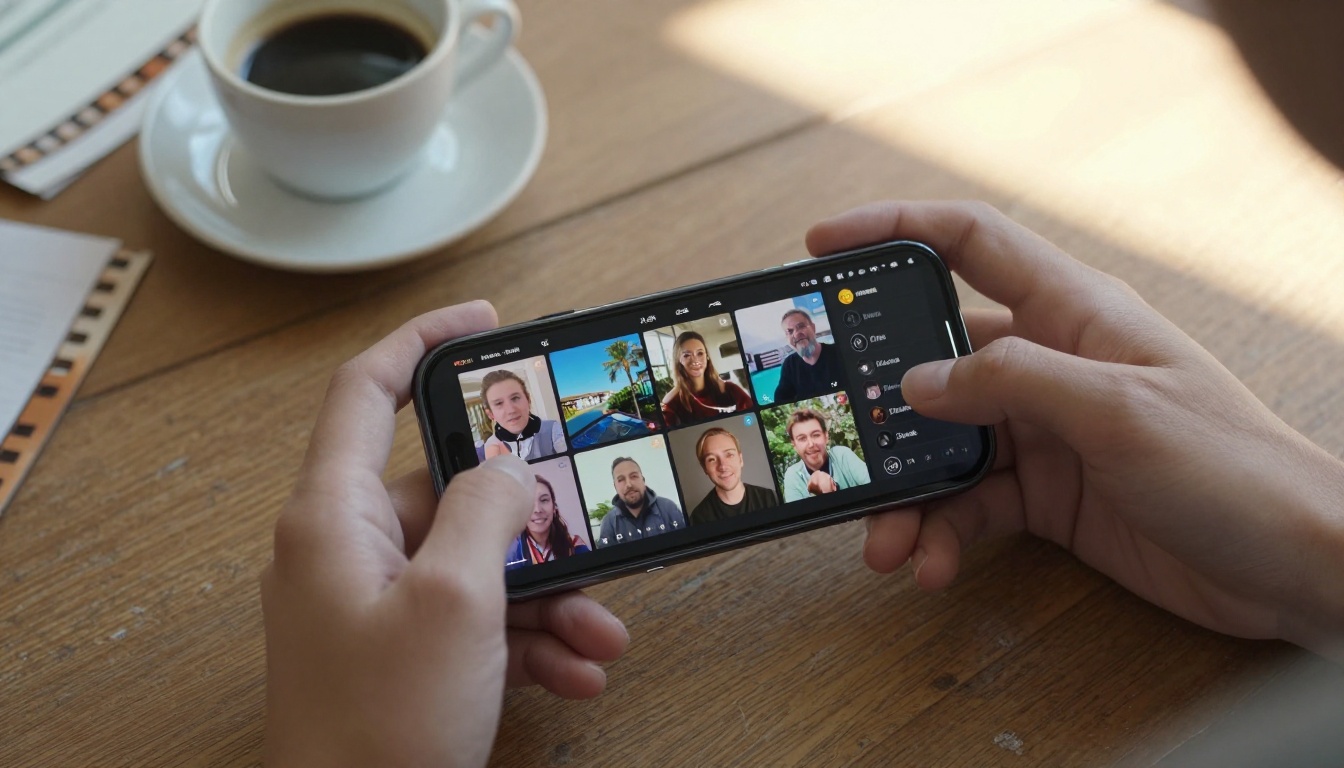
Your phone is more capable than most editing rigs from five years ago. The real bottleneck now is not hardware. It is software, and specifically, which AI video tools are worth your time on a mobile device.
Plenty of apps exist. Few of them produce the quality you see in screenshots. This breakdown focuses on what works: the models, the platforms, and the practical differences between them. Whether you want cinematic text-to-video output, image animation, or clean clips for social platforms, the options below are what serious mobile creators are actually using right now.
Why Phone AI Video Has Finally Arrived
The Infrastructure Finally Caught Up
For years, the limitation was not the phone itself. It was the server infrastructure required to run serious video generation models. Generating a five-second clip at 1080p used to take ten minutes or more. Models running today through browser-accessible platforms return results in under two minutes. That changes the entire creative workflow.
When you can iterate quickly, you build better content. You test prompts, swap models, adjust framing, try a different scene, and refine. That fast feedback loop is what made professional editing software so powerful on desktop. It now exists on mobile, without the desktop requirement, without the hardware cost, and without the software installation.
The shift also means you no longer need to batch your ideas. You can film a reference shot on your phone, describe what you want animated, and have a finished clip in hand before you have walked to the other side of the room.
What Separates Good from Forgettable
Three things determine whether an AI video tool is worth your time on a phone: output resolution, prompt responsiveness, and audio handling.
A 480p clip with no audio is difficult to use on most current social platforms. A 1080p clip with native synchronized audio is publish-ready. The gap between those two outcomes is significant, and it maps directly to which model you choose.
Prompt responsiveness matters because vague prompts produce vague results regardless of the model's capability. The best models in this list handle detailed prompts well and hold the described motion consistently across the full clip duration.
The best tools right now combine fast generation with high resolution and native audio. Most of them are available through PicassoIA, which consolidates over 100 video models into a single browser-accessible interface that works on any phone without installing anything.
Seedance 2.0: Built for Speed and Quality
What Makes It Stand Out
Seedance 2.0 by ByteDance is currently one of the strongest text-to-video models available for mobile use. It generates video with built-in synchronized audio, which removes the separate audio-layering step that most other tools require. You prompt once and get back a clip that is ready to use.
The motion quality is noticeably smoother than older generation models. Camera movements feel intentional rather than jittery. Subject tracking holds consistently across the full five-second clip length, which is the standard duration for most mobile-optimized short-form content.
For phone creators, the practical advantage is that Seedance 2.0 does not require a source image to work. Write a prompt, set your parameters, and receive a finished clip with audio already synced to the motion. The Seedance 2.0 Fast variant trades a small amount of output detail for significantly shorter wait times, which makes it the better choice when you are iterating through multiple prompt variations.
Tip: Seedance 2.0 performs best with prompts that describe the scene and the motion in a single sentence. "A woman walks slowly through a sunlit wheat field, camera panning left to right at ground level" returns far better results than a static description of the scene alone. Motion instruction is not optional with this model.
How to Use Seedance 2.0 on PicassoIA
- Open the Seedance 2.0 page in your mobile browser
- Write your prompt describing the subject, environment, and camera motion
- Select your desired resolution (up to 1080p)
- Submit and wait for the render, typically under two minutes
- Download directly to your phone or copy the share link
The platform runs entirely in the browser, which matters on phones where storage space is limited and installing separate apps creates real friction in your workflow.
Pixverse v6 and Kling v3: Cinematic at Your Fingertips
Pixverse v6 for Dramatic Visuals
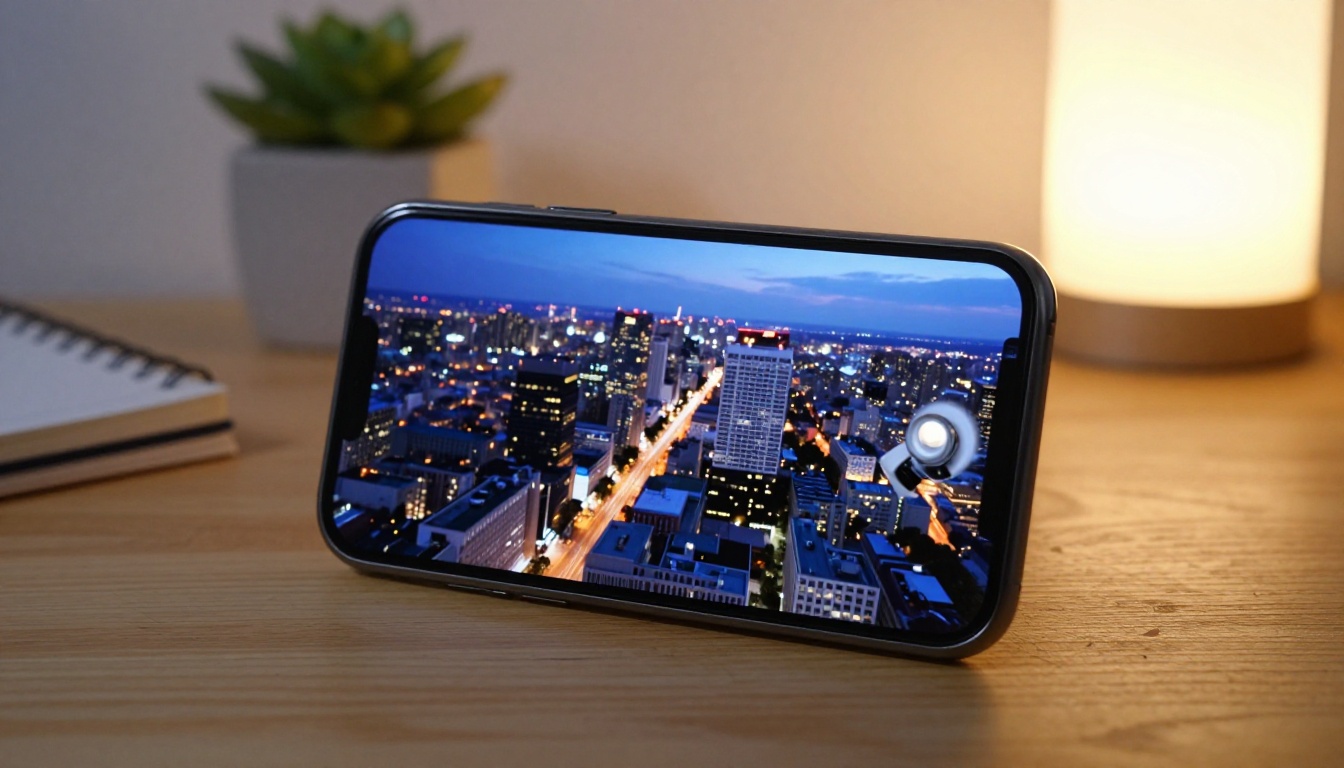
Pixverse v6 specializes in cinematic output with AI audio generation baked in. It handles dramatic lighting scenarios particularly well, making it the right choice when your content requires moody, editorial visuals rather than casual footage. Product reveals, dramatic landscape shots, and atmospheric story content are where this model delivers its best output.
It accepts both text prompts and image conditioning. If you have a reference photo you want animated, Pixverse v6 uses that as the starting frame and builds motion around it. The audio generation responds to the visual content rather than just layering generic ambient sound.
For social video content that needs to stop the scroll, Pixverse v6 produces the type of high-contrast, dramatic visuals that consistently perform well on video-first platforms. The Pixverse v5.6 and Pixverse v4.5 variants are also available if you want to compare output styles across model generations.
Kling v3 Video for Storytelling
Kling v3 Video is built for narrative motion. It handles character consistency across a clip better than most competing models, which matters when your video needs a recognizable subject throughout the full clip duration. Faces stay coherent, clothing details persist, and motion follows the described action without random drift.
Kling v3 Motion Control lets you define camera movement paths explicitly, which is a level of control most mobile AI video tools do not offer. Kling v3 Omni Video focuses on high-fidelity text-to-video output at 1080p.
If you are building brand content or short narrative clips where subject consistency matters, Kling v3 is worth testing before settling on a single model.
Veo 3 Fast and Wan 2.7 T2V: Heavyweights on Mobile

Google Veo 3 Fast: Audio-Native Video
Veo 3 Fast is Google's entry in the mobile-accessible AI video space, and it comes with one important differentiator: audio is generated natively alongside the video rather than added as a post-process step. This means ambient sound, environmental audio, and movement-consistent effects are embedded in the clip from the moment it renders.
For creators who produce content with natural sound, including street scenes, nature clips, and conversational formats, Veo 3 Fast produces output that feels complete without additional editing. The full Veo 3 model delivers higher-fidelity output at longer processing times. Veo 3.1 Fast improves on the base model with better 1080p detail and faster inference, making it the practical daily-use option for most creators.
Wan 2.7 T2V for Complex Scenes
Wan 2.7 T2V by Wan Video outputs at 1080p and handles structured narrative motion well. It manages complex scene descriptions with more elements in the frame than most single-subject models, which makes it suitable for multi-element compositions like crowd scenes, environmental sequences, or product demonstrations with multiple objects.
For image animation specifically, Wan 2.7 I2V takes your photo as the first frame and builds natural motion forward from it. Results are particularly strong with landscape, architectural, and portrait photos where the natural starting point is clearly defined.
Tip: For Wan models, describing the background and foreground separately in your prompt produces noticeably better spatial depth in the output. "In the foreground, a man stirs coffee at a cafe table. In the background, blurred pedestrians walk past wet windows" outperforms a single-element description significantly.
Hailuo 02 and Ray Flash 2: When Speed Wins
Hailuo 02 for Instant 1080p
Hailuo 02 from MiniMax outputs at 1080p and is built for speed. When you need a clip ready in under 90 seconds, it consistently delivers while maintaining competitive quality. For rapid content iteration on a phone, this is one of the most practical tools in the current lineup.
The fast variant, Hailuo 02 Fast, drops to 512p but cuts render time even further. When you are testing prompt concepts before committing to a full-quality render, starting with Hailuo 02 Fast saves significant time and credits. Run three to five fast-tier variations of your prompt, pick the best prompt structure, then render the final version at full 1080p.
Ray Flash 2 720p for Quick Iterations
Ray Flash 2 720p from Luma is the model to reach for when you want solid 720p output without waiting. It is particularly strong with character motion and handles close-up shots of people better than many competing models at the same speed tier.
For social video formats that do not require 1080p, such as vertical stories, square feed posts, or short clips shared in messaging apps, Ray Flash 2 720p produces clean, sharp output that holds up at standard viewing sizes. Ray 2 720p is the full version with better fine detail and slightly longer generation times. Ray Flash 2 540p drops further in resolution but is essentially free-tier accessible, making it useful for testing Luma's motion style before spending on higher-resolution outputs.
AI Video Upscaling: Fix What You Already Have
Crystal Video Upscaler for 4K
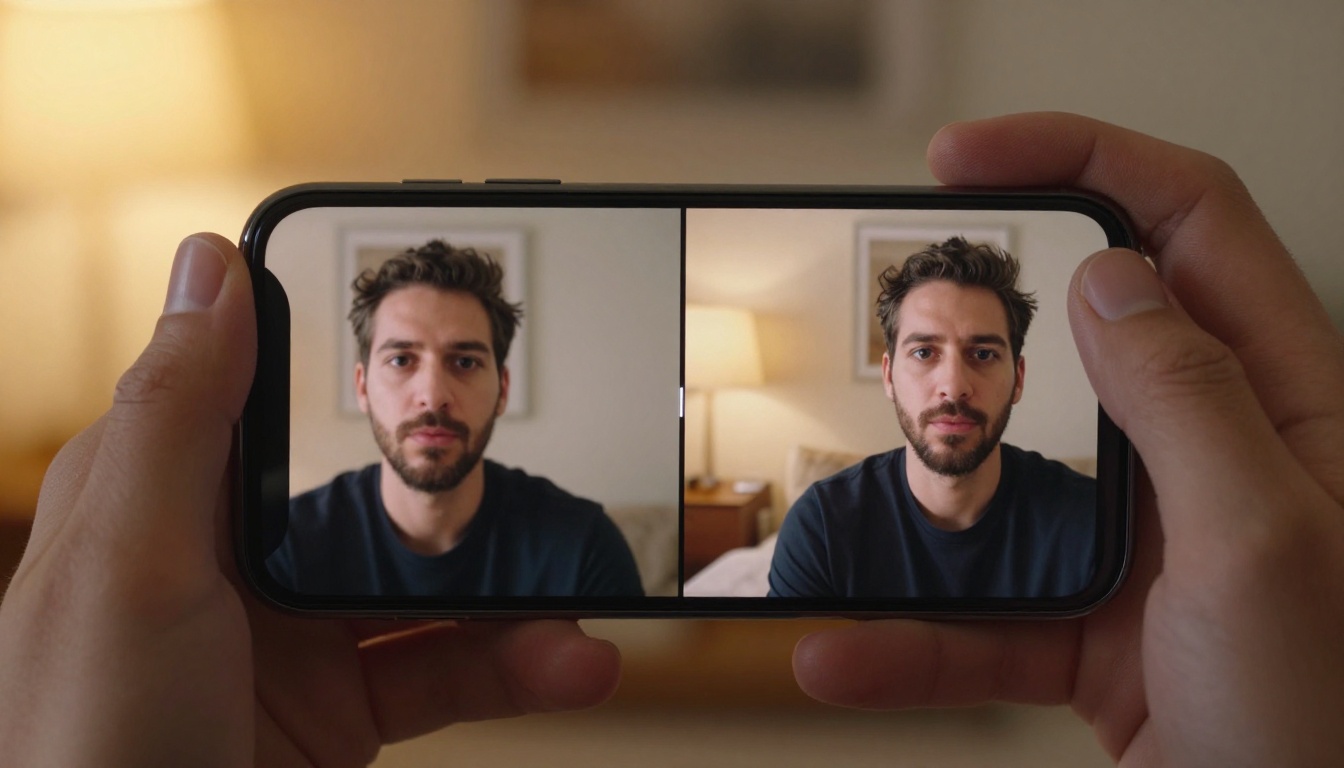
Not every video starts at full quality. Old footage, compressed clips from messaging apps, or early AI-generated video from lower-resolution models can all be sharpened significantly with Crystal Video Upscaler.
It processes existing video and outputs at 4K by analyzing each frame and reconstructing detail that the original compression removed. For archival footage or social media reposts from lower-quality sources, the improvement is visible immediately on any modern screen. This is particularly useful when you have captured something on an older phone and want to bring it up to a standard suitable for publishing on high-resolution platforms.
Video Upscale by Topaz Labs
Video Upscale by Topaz Labs is the professional standard for video sharpening. It supports 4K output at up to 120fps, which goes well beyond what most consumer-grade tools can produce. It handles motion artifacts, compression noise, and temporal flickering, which are the three most common quality problems in phone-recorded footage and downloaded social clips.
For creators who film with their phones and want to bring footage up to a publishable quality level without reshooting, Topaz is the most capable option available through the platform. The Runway Upscale v1 is also worth testing as an alternative, particularly for footage with strong motion that benefits from Runway's temporal smoothing approach.
All the Options in One Place

How PicassoIA Works from a Phone
Every model described above is accessible through PicassoIA without downloading any app. The platform runs in any mobile browser and gives you access to over 100 video generation models from a single interface. Switching between models takes seconds, which is critical when testing different visual styles for the same prompt.
Beyond video generation, the platform also hosts tools for text-to-image generation (91 models), video editing, lipsync, AI music generation, super resolution, and face swap. Your entire mobile production workflow can exist in one place without managing multiple subscriptions or app installs.
Free access: Most models on PicassoIA include free-tier generation. Paid plans unlock priority queue access and higher resolution outputs, which meaningfully reduces wait times during peak hours.
Choosing the Right Starting Point
The model choice depends on what you are creating:
3 Mistakes Most Mobile Creators Make First
Treating all models the same. Each model has a different strength. Seedance 2.0 excels at prompt-to-video with built-in audio. Kling v3 excels at character consistency. Using a cinematic model for fast social content, or a speed model for narrative storytelling, produces results well below what each tool can actually deliver. Match the model to the content type, and the quality difference is immediate.
Writing prompts that describe a photo, not a video. "A woman standing by a window at sunset" is a photo description. "A woman standing by a window at sunset, gently turning her head toward the camera as warm light shifts across her face" is a video prompt. The motion instruction determines whether the clip feels dynamic or static regardless of how capable the model is.
Skipping the fast tier. Every model listed above has a fast or lite version. Before rendering at full 1080p, run three to five fast-tier variations of your prompt. The difference in wait time is significant, and finding the right prompt structure before scaling up the resolution saves both time and generation credits substantially.
Start Creating on PicassoIA Today
You do not need a desktop, a production budget, or experience with video editing software to create quality AI video from your phone. Every model described above is live and accessible right now through PicassoIA.
Start with a single prompt. Describe the scene, the subject, and the motion you want to see. Submit it through Seedance 2.0 if you want native audio, or Hailuo 02 if you want speed. See what comes back. Adjust and re-run.
Most creators who approach this seriously produce something worth posting in their first session. The models are ready. The platform is accessible from any phone, right now, without downloads. The only thing standing between you and your first AI video clip is writing a prompt and pressing generate.
Browse every available model at picassoia.com/en/all-models and find the one that fits what you are trying to make.


