Best Checkpoint for NSFW: Realistic and Anime Picks, Prompts and Online Options
Looking for the best checkpoint for NSFW images? This breakdown compares realistic and anime picks like LUSTIFY, Pony Diffusion V6 XL and Illustrious, shares prompts and negative prompts that work, and shows faster online options with no downloads.
Picking the best checkpoint for NSFW work is mostly a question of what you want the final image to look like. A checkpoint that nails skin pores and film lighting will usually fumble line art, and a checkpoint trained on anime boards will make a photographic portrait look waxy. Add in a download folder that grows by 6 GB every time you get curious, and it is easy to waste a weekend before you generate anything worth keeping.
This article sorts the field into two lanes, realistic and anime, names the checkpoints people keep coming back to, and gives you prompts you can paste and adjust. It also covers the other path: skipping the local install and generating suggestive, non-explicit adult imagery online in seconds.
💡 Quick answer: For realistic images, SDXL fine-tunes such as LUSTIFY and Realistic Vision are the common starting points. For anime, Illustrious-based checkpoints lead on default quality, while Pony Diffusion V6 XL leads on LoRA variety. If you do not want to manage files, Seedream 4.5 gives you high-detail results in a browser.
What a Checkpoint Actually Does
Base Model vs Checkpoint
A checkpoint is a saved set of trained weights, usually a single .safetensors file. The base models people build on, such as SDXL, are general purpose. Community creators take a base, continue training it on a curated image set, and publish the result as a new checkpoint. That second round of training is what pushes a model toward photoreal skin, painted anime shading, or a specific body and face style.
Why NSFW Checkpoints Exist
Base releases are deliberately cautious about adult content, so they often produce soft, blurry or anatomically odd results when you ask for lingerie, swimwear or glamour poses. Fine-tuned checkpoints fix that by training on far more relevant examples. The better ones also learn lighting, fabric behavior and hand structure, which matters more than people expect.
Two Families, Two Prompt Styles
Realistic checkpoints respond to natural-language photography terms: lens, light direction, film stock. Anime checkpoints, especially Pony and Illustrious derivatives, respond to tag-style prompts with quality tags in front. Mixing the two styles in one prompt is the most common reason for muddy output.
Family
Prompt style
Typical base
Strength
Realistic
Descriptive sentences
SDXL or Flux class
Skin, lighting, fabric
Anime (Illustrious)
Tags, quality tags first
SDXL
Clean default quality
Anime (Pony)
Score tags plus tags
SDXL
Huge LoRA ecosystem
2.5D blends
Mixed
SDXL
Semi-real stylized look
Best Realistic Checkpoints
LUSTIFY and SDXL Photoreal Mixes
LUSTIFY is one of the names that appears again and again in community lists of SDXL checkpoints with adult content baked in. Its reputation rests on believable skin tone, natural body proportions and a forgiving response to short prompts. Rankings of this kind come from community download counts and personal testing rather than formal benchmarks, so treat any "number one" claim as a starting point for your own tests.
What to expect from SDXL-class photoreal checkpoints:
Strong skin rendering when you ask for pores, freckles and soft highlights.
Good lighting control if you name the direction and color temperature.
Occasional hand errors, which usually improve with a short negative prompt and a second inpainting pass.
Weak text rendering, so avoid signs or labels.
Realistic Vision for Portraits
Realistic Vision v5.1 remains a dependable choice for portrait-style work: shoulders-up and waist-up framings, soft window light, and a slightly filmic palette. It is based on an older architecture, so it is lighter on resources, and you can use it right away on PicassoIA without a download. It is less suited to complex multi-person scenes.
Flux-Class Checkpoints
Flux-style models parse long, natural sentences better than SDXL, which makes them pleasant for people who dislike tag soup. If you want fine control through LoRAs, Flux 2 Klein 9B Base LoRA is the one to try. Community adult-oriented Flux checkpoints exist but are heavier, so a graphics card with a lot of memory helps.
Best Anime Checkpoints
Illustrious Family
Illustrious XL and its fine-tunes, including the WAI line of NSFW-oriented merges, are widely recommended for anime because the default output is clean: consistent faces, sensible hands and tidy line work with very little prompt effort. Many people pick the WAI variants as a first anime checkpoint because setup is simple and the results are predictable. Popularity figures quoted for these files come from model-sharing sites and are not independently verified.
Pony Diffusion V6 XL
Pony Diffusion V6 XL is the other pillar. It is the most widely used anime and stylized base in the SDXL space, and its real advantage is the enormous library of LoRAs built for it. The trade-off is the prompt format: you begin with score tags (such as score_9, score_8_up, score_7_up) and then add descriptive tags. Fine-tunes like Prefect Pony XL are often cited as polished versions of the same idea.
💡 Do not mix LoRA families. A Pony LoRA on an Illustrious checkpoint, or the reverse, tends to produce broken faces and washed colors. Match the LoRA to the checkpoint's family every time.
2.5D and Semi-Real Blends
If you want something between a photo and an illustration, there are merges that blend anime proportions with photographic lighting. They work well for glamour poses and swimwear scenes, but they are also the least predictable, so test with a fixed seed before you commit to one.
Prompts That Actually Work
All examples below stay suggestive and non-explicit. Adjust the clothing, setting and mood to your taste.
Realistic Prompt Template
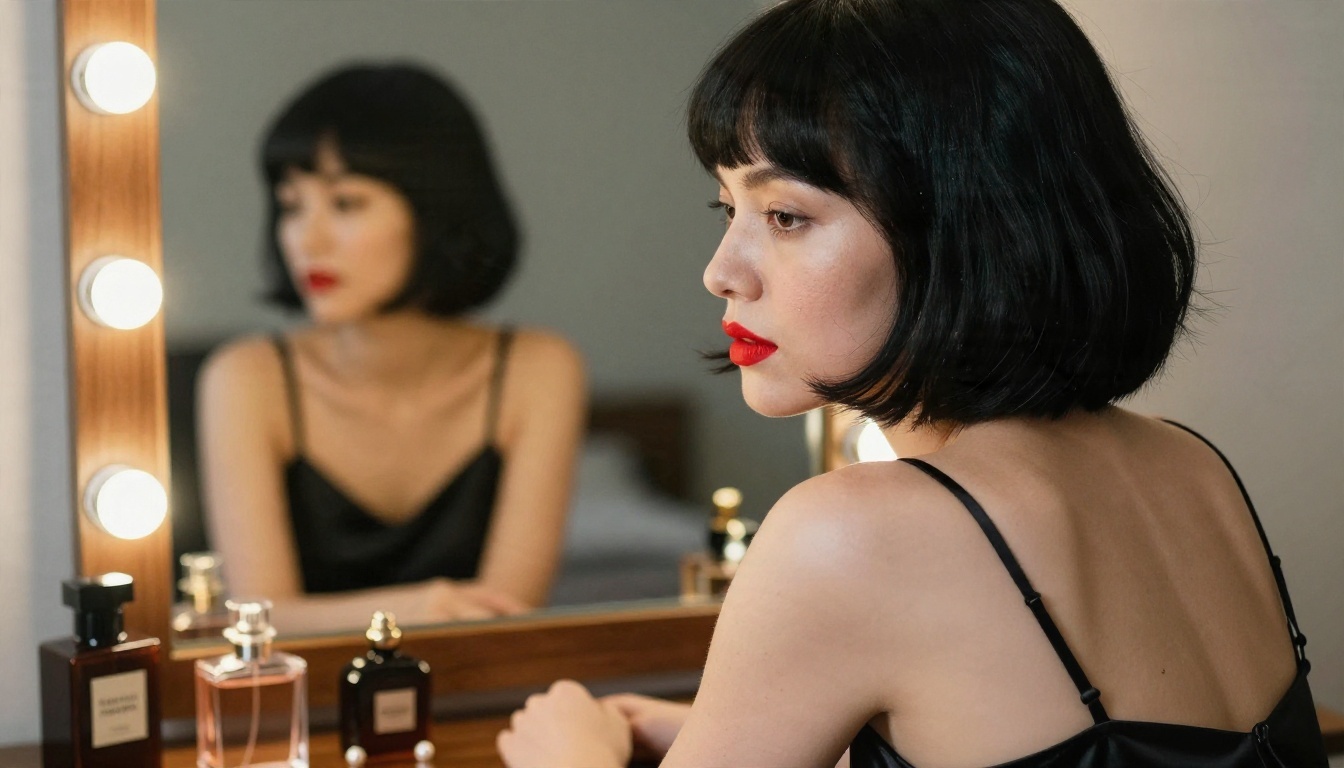
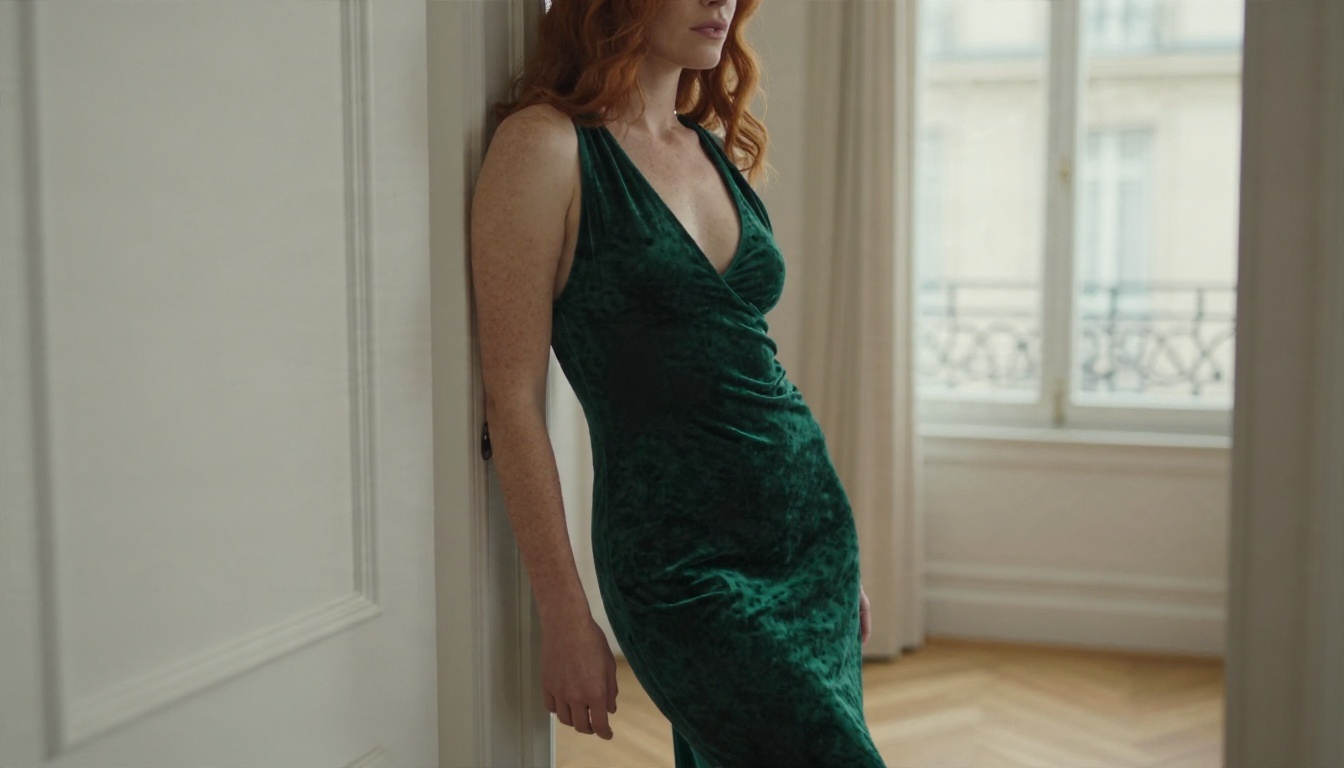
Use full sentences and put the subject first, then place, light and lens:
RAW photo, adult woman in a champagne silk slip dress reclining on
linen sheets in a sunlit hotel suite, visible skin pores, soft
freckles, volumetric morning light from the left, 85mm f/1.8,
shallow depth of field, Kodak Portra 400 film grain, natural
unretouched look
Anime Prompt Template
For Illustrious-style checkpoints, lead with quality tags, then subject, then scene:
masterpiece, best quality, very aesthetic, 1girl, adult, long silver
hair, red bikini, beach, sunset, looking at viewer, soft rim light,
detailed eyes
For Pony-style checkpoints, put the score tags first: score_9, score_8_up, score_7_up, source_anime, 1girl, ...
Negative Prompts and Settings
Keep negatives short. A long wall of banned terms often hurts more than it helps.
Setting
Realistic SDXL
Anime Illustrious or Pony
Steps
28 to 35
25 to 30
CFG
4 to 6
5 to 7
Sampler
DPM++ 2M Karras
Euler a or DPM++ 2M
Size
832x1216 or 1216x832
832x1216
Negative
blurry, extra fingers, deformed hands, watermark
worst quality, low quality, bad anatomy, watermark
💡 Tip: Generate at the native size first, then upscale. Asking an SDXL checkpoint for 2048 pixels directly often duplicates faces and limbs.
Local Setup vs Online Options
What Running Locally Costs
A local setup gives you full control, but it asks for real effort. You need a recent graphics card with enough video memory for SDXL (roughly 8 GB works, 12 GB or more is comfortable), a front end such as ComfyUI or Automatic1111, and patience for matching VAEs, LoRAs and samplers. Every checkpoint is several gigabytes, so disk space disappears quickly.
When Online Makes More Sense
Online generation wins when you want results now, work on a laptop, or only generate a few batches a week. There is no installation, no file management and no broken workflow after a driver update. The compromise is that you use the models the platform offers rather than any file you found online.
Local checkpoint
Online on PicassoIA
Setup time
Hours
Minutes
Hardware
Strong GPU needed
Any browser
Model choice
Anything you download
Curated, current models
Speed
Depends on your card
Seconds per image
Upkeep
Updates, VAEs, LoRAs
None
Best Online Options on PicassoIA
Note: The community checkpoints named above (LUSTIFY, Pony Diffusion V6 XL, Illustrious and its WAI merges) are not on PicassoIA. The models below are the ones available for similar results today.
Seedream 4.5 First
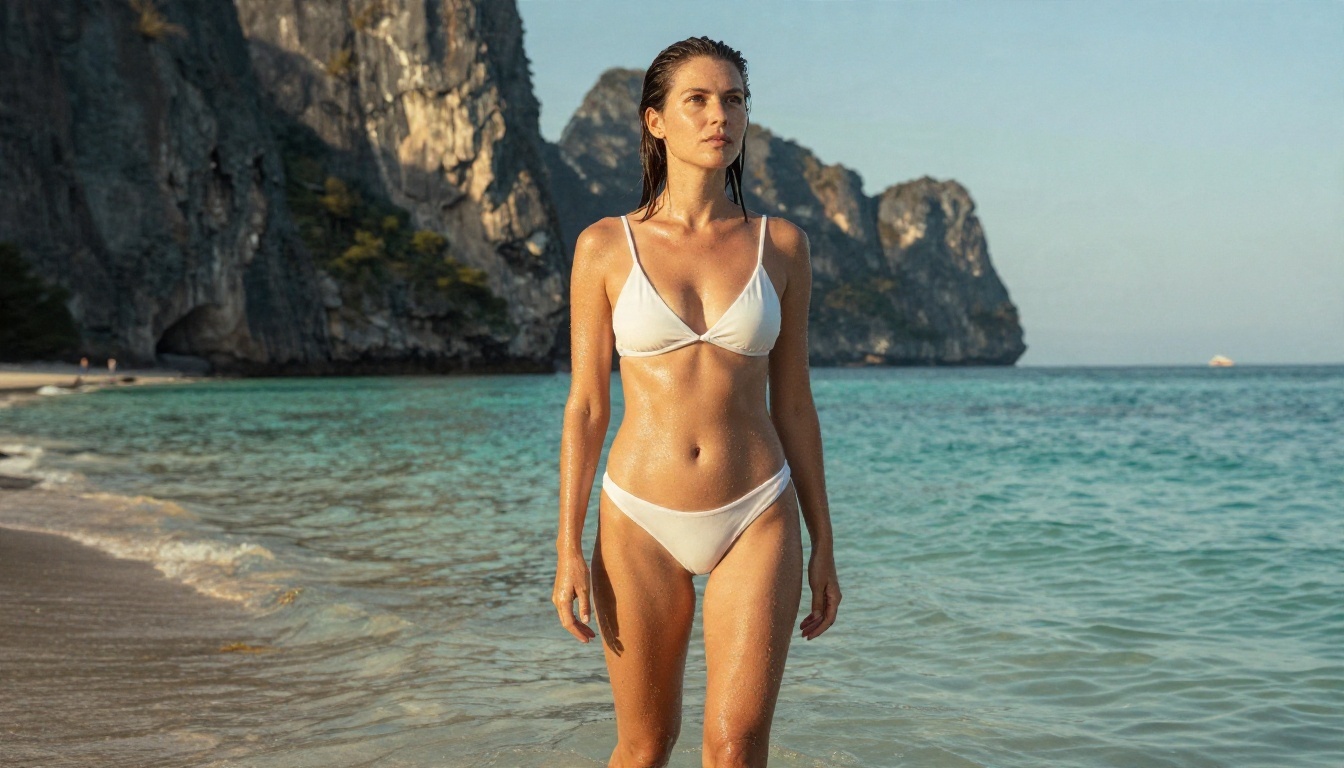
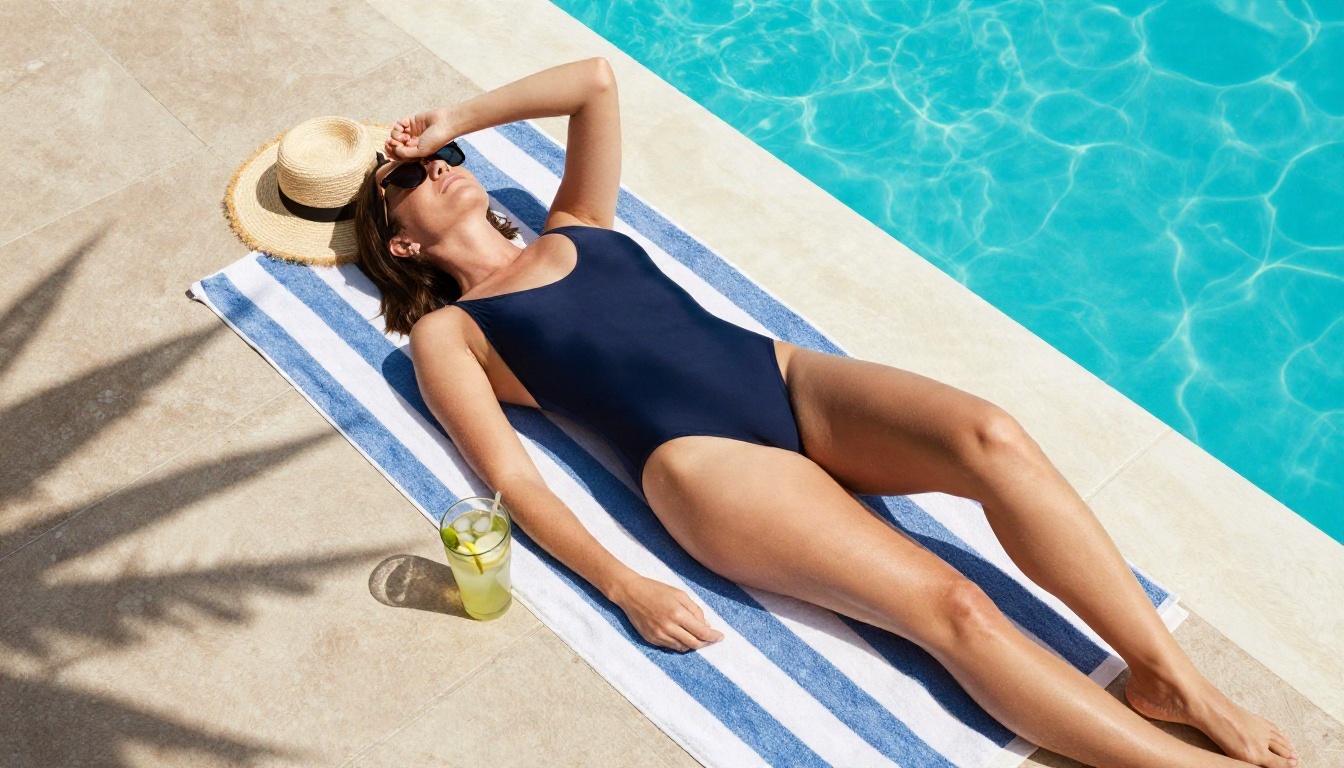
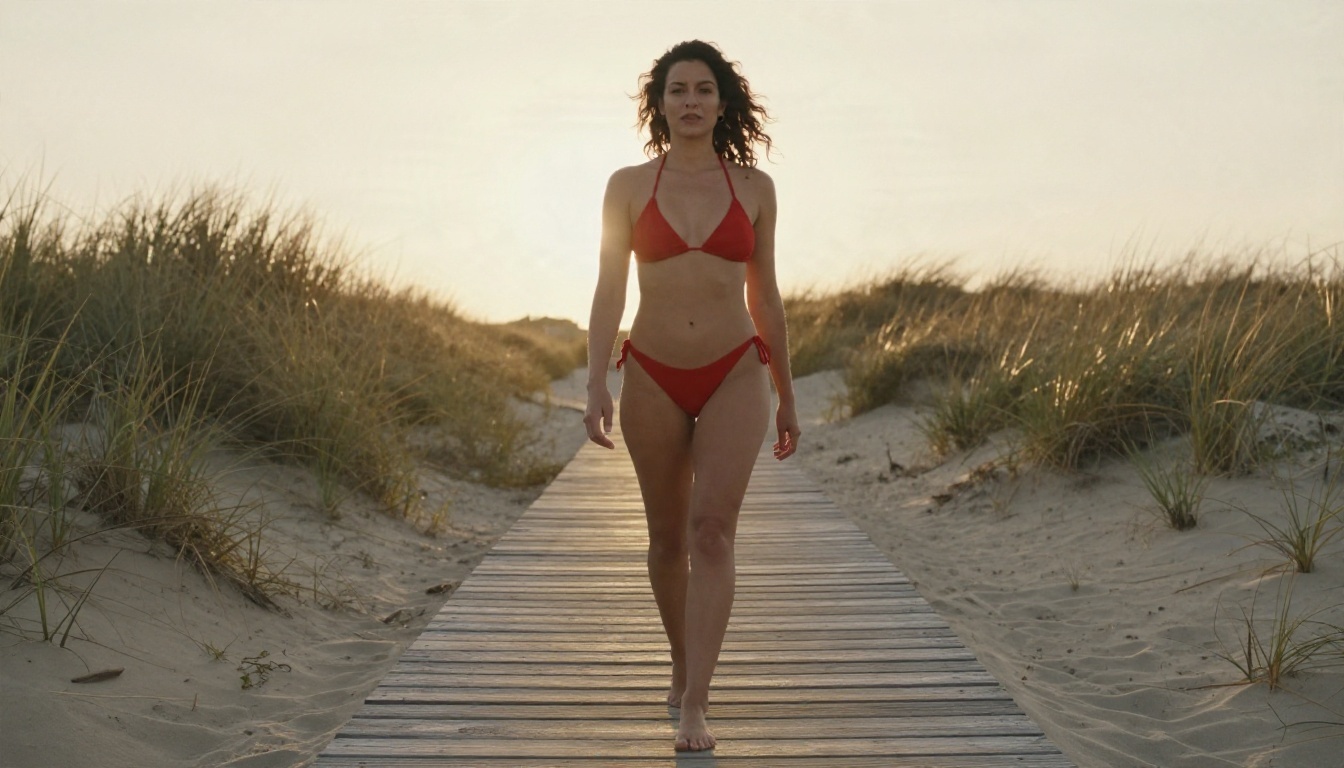
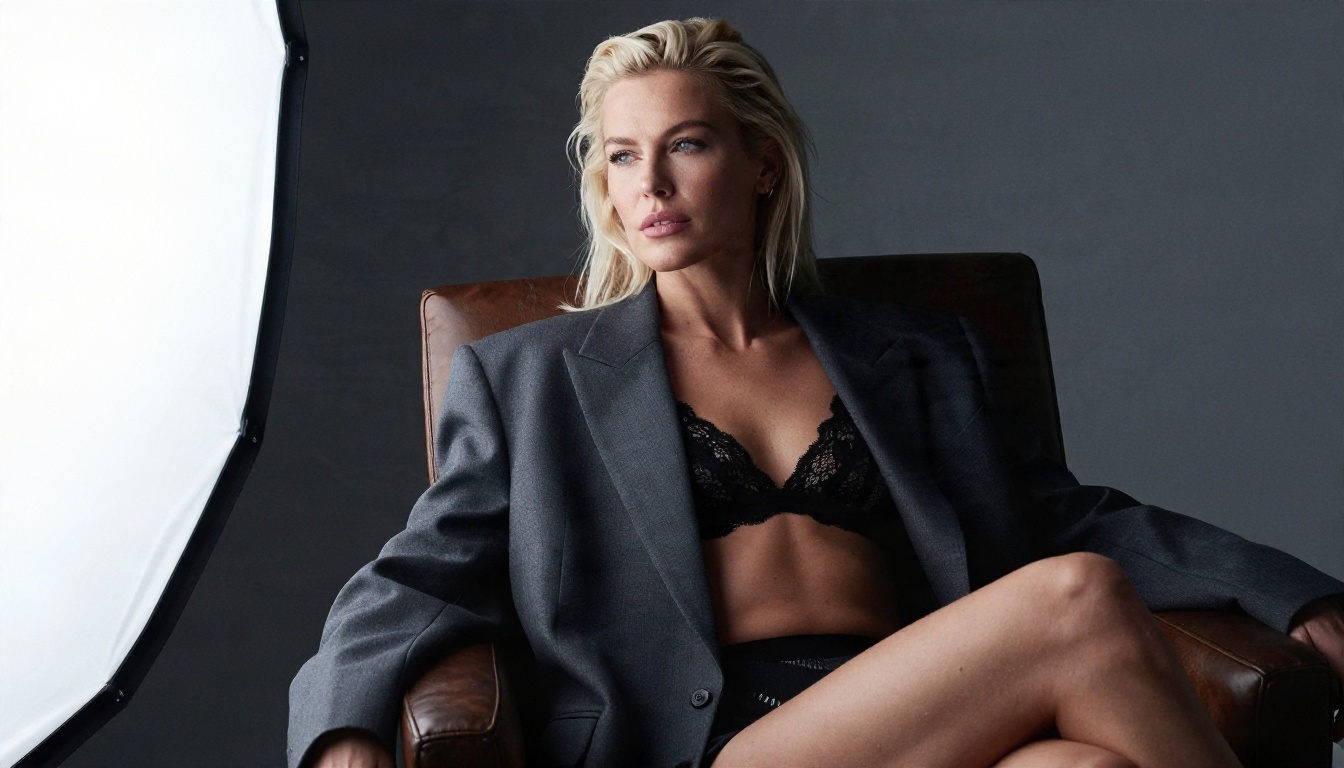
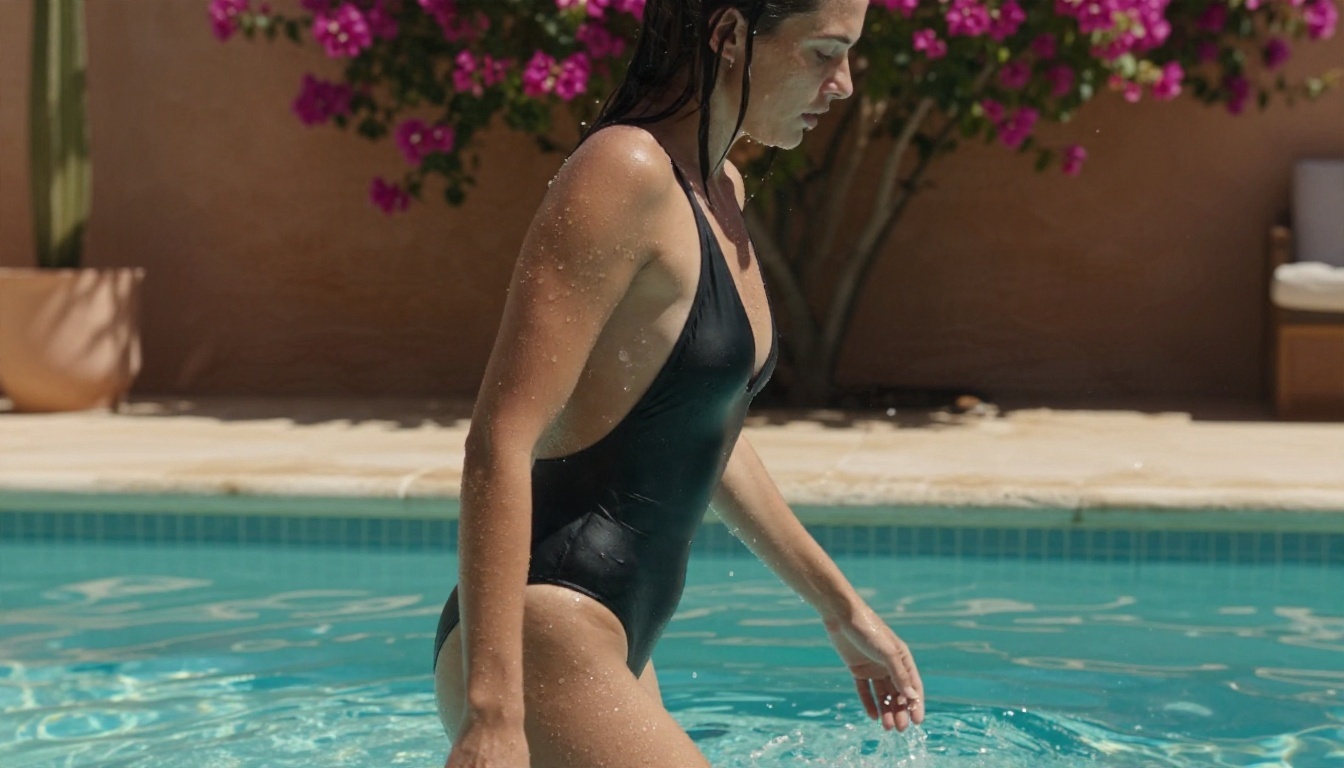
Seedream 4.5 is the model to start with. It handles suggestive adult themes such as swimwear, lingerie and glamour portraits, produces sharp detail up to 4K, and follows long descriptive prompts well. You get the photographic polish people chase with realistic checkpoints, without a download folder.
PicassoIA Image Editor Pro
PicassoIA Image Editor Pro is the second stop, mainly because it offers unlimited generations. That matters when you are iterating: you can try ten wording variations of one prompt, adjust outfit or background with edit instructions, and keep going without watching a counter.
Other Models Worth Testing
Qwen Image 3 Pro: strong photorealism and good prompt following for portraits.
Z Image Turbo: very fast, useful for drafting compositions.
Nano Banana Pro: sharp 4K output and solid edit-by-instruction work.
Write the subject first. Describe an adult subject, clothing and pose in one or two sentences.
Add light and lens. Name the light direction and a lens, for example "soft window light from the left, 85mm f/1.8".
Choose 16:9 or portrait. Use 16:9 for scenery and wide frames, a tall ratio for full-body portraits.
Generate, then adjust one thing. Change a single variable per run (outfit, light, or angle) so you can see what moved the result.
Refine in Image Editor Pro. Send the best frame to PicassoIA Image Editor Pro to alter clothing color, background or small details.
Parameter tips:
Keep prompts between 40 and 90 words. Shorter prompts leave too much to chance; longer ones start to ignore details.
Describe texture on purpose: "visible skin pores", "silk with soft sheen", "linen weave".
Add a film reference like Kodak Portra 400 for a warmer, less clinical tone.
Stay with non-explicit framing: glamour, swimwear, lingerie and implied artistic styling give the best and most consistent results.
Common Mistakes to Avoid
Using anime tags on a photoreal model. The result is often a half-real, uncanny face.
Stacking too many LoRAs. Two or three is plenty; beyond that you lose the checkpoint's own look.
Ignoring seeds. If a composition is close, lock the seed and change one word.
Chasing download rankings. A popular checkpoint is not automatically the right one for your style.
Skipping the upscale step. Generate at native size, then upscale.
Start Creating Your Own Images
The right checkpoint depends on whether you want photographic realism or anime polish, and on how much setup you are willing to do. If you have a strong graphics card and enjoy tinkering, try Illustrious for anime and an SDXL photoreal merge for realistic work. If you want results in the next five minutes, open Seedream 4.5, paste one of the prompts above, and then refine the best result in PicassoIA Image Editor Pro, where generations are unlimited.
Pick one prompt, change the lighting, then change the outfit, and compare. Ten quick experiments will teach you more than any ranking. When you want more options, the full catalogue is at picassoia.com/en/all-models.