Most people who search for ComfyUI NSFW models are not really looking for a list. They are tired of downloading a 6 GB file, wiring twelve nodes, and getting a portrait with three elbows. This article ranks the checkpoint families that actually hold up in 2027, shows which ones suit realistic work and which suit anime, explains what "free pack" should mean before you click a download button, and then gives you an online route that skips the whole setup.
Everything here stays on the suggestive side: glamour, swimwear, boudoir lighting. That is the part of the NSFW spectrum where model quality is easiest to judge, and it is where most creators spend their time anyway.
💡 Quick answer: For realistic images, start with a Lustify style SDXL finetune or Pony Realism. For anime, start with an Illustrious finetune. If you do not own a strong GPU, skip the local setup and use Seedream 4.5 in a browser.
How ComfyUI NSFW Models Work
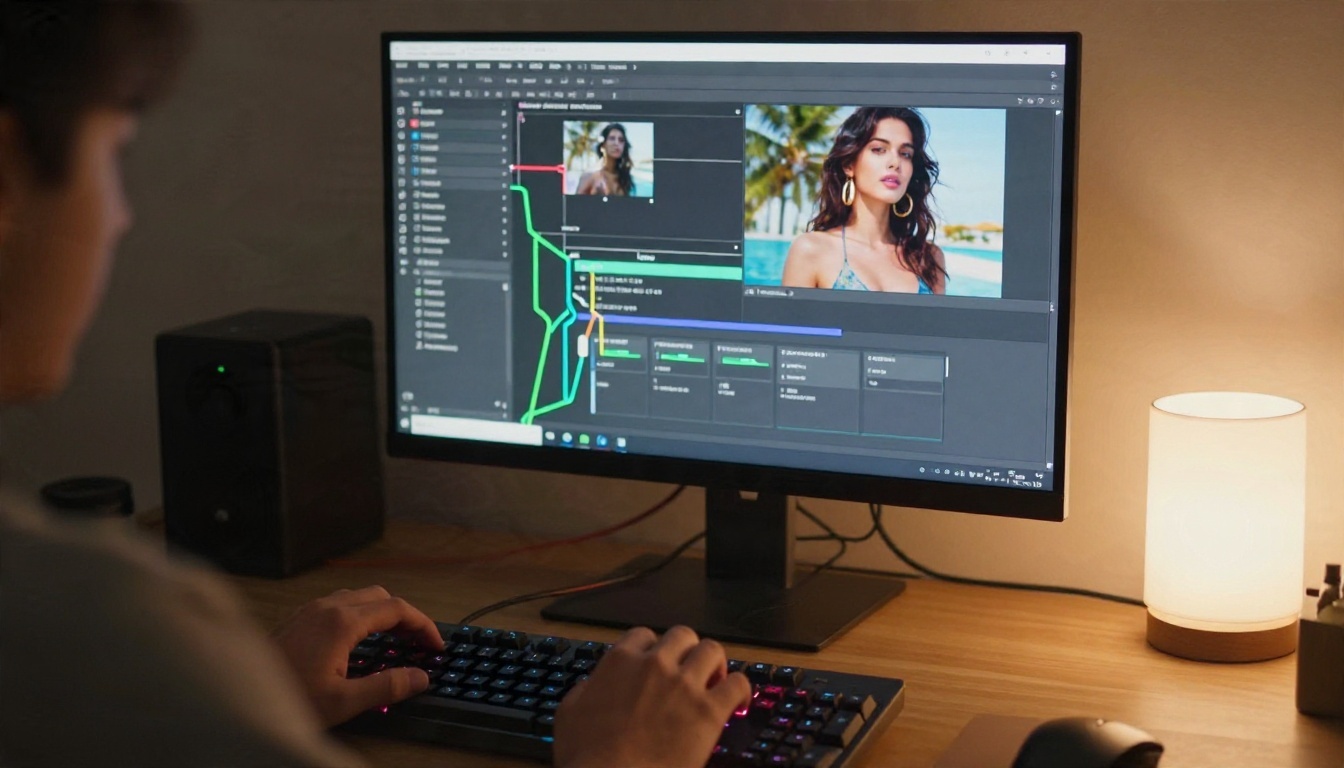
ComfyUI is a node editor. You do not "run a model" so much as build a small machine: load a checkpoint, encode a prompt, sample noise, decode the result. The checkpoint is the heart of that machine, and the NSFW label simply means the training data was not filtered to exclude adult material.
Checkpoints, LoRAs, and VAEs
Three file types matter, and people mix them up constantly.
- Checkpoint: the main model. It decides anatomy, lighting, skin and overall style. Files go in
ComfyUI/models/checkpoints/.
- LoRA: a small add-on that nudges the checkpoint toward a pose, outfit, face or art style. Files go in
models/loras/.
- VAE and text encoders: helper files. Some Flux based checkpoints need a separate VAE and text encoders, while many SDXL finetunes ship with the VAE baked in.
If an image looks washed out or has gray, flat colors, the VAE is the first suspect.
Which Family Fits Your Goal
Four families dominate the NSFW checkpoint scene. Here is the short version.
| Family | Best for | Strength | Weak spot |
|---|
| SDXL finetunes (Lustify and similar) | Realistic glamour | Strong anatomy, huge LoRA library | Skin can look slightly smooth |
| Pony Diffusion family | Realism and stylized | Obeys tag prompts closely | Needs score tags and special prompting |
| Illustrious XL family | Anime and 2.5D | Clean linework, consistent characters | Realistic variants are fewer |
| Flux based NSFW checkpoints | Photoreal skin and text | Natural light and texture | Heavy on VRAM, licenses vary |
Best Realistic ComfyUI NSFW Models
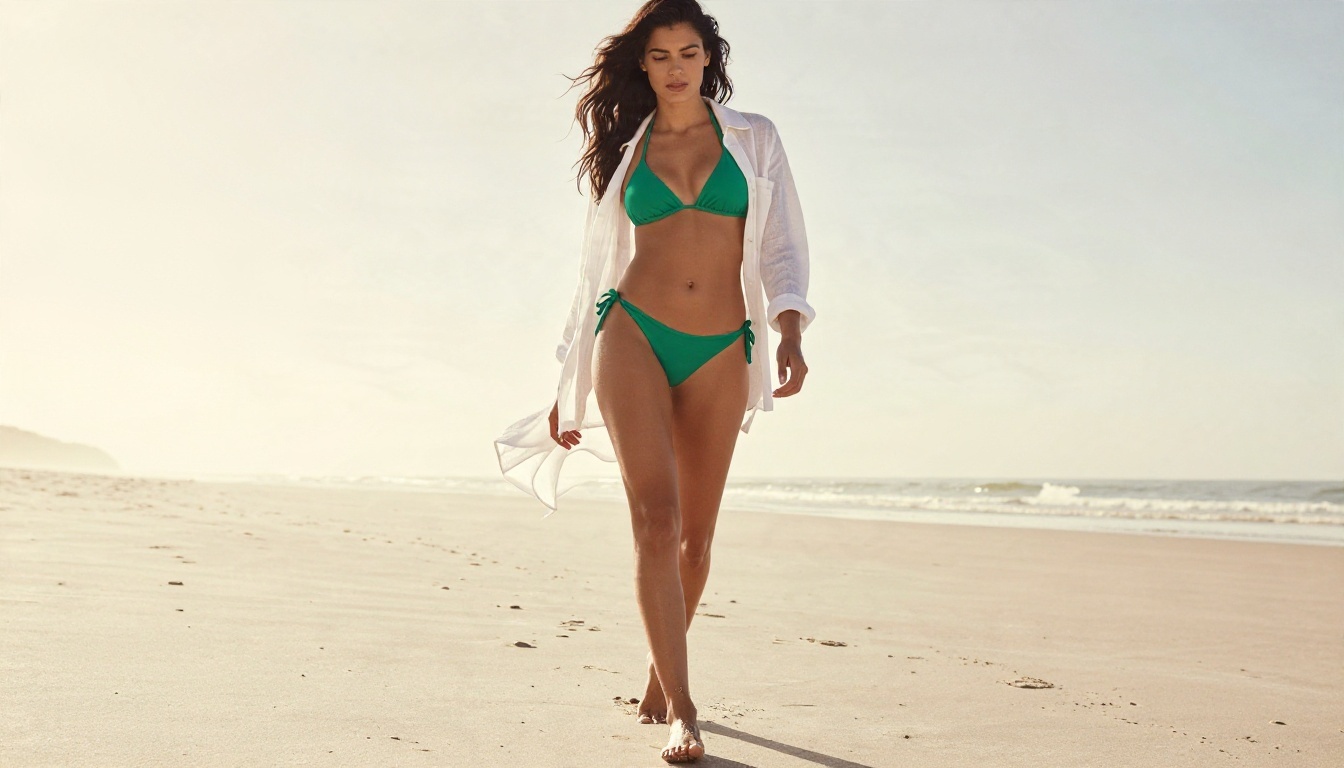
Realism is where model choice shows up fastest. A weak checkpoint gives you plastic skin and a dead stare. A good one gives you pores, flyaway hair and believable light falloff.
Lustify and SDXL Finetunes
Lustify is, going by community discussion, the most popular NSFW SDXL finetune right now, mostly because of its dependable anatomy. It handles standing poses, seated poses and awkward hand placement better than most. The tradeoff is a slightly polished, magazine look. Add a film grain LoRA at low weight and the polish fades.
Good starting settings for SDXL realism:
- Resolution 1024 by 1024, or 1216 by 832 for landscape.
- 28 to 35 steps with a DPM++ 2M Karras style sampler.
- CFG between 4 and 6. Higher values burn the contrast.
If you want a similar lifelike SDXL flavor without installing anything, Realistic Vision v5.1 is a good online reference point.
Pony Realism and Illustrious Realism
Two more names show up in every community thread: Pony Realism and Illustrious Realism. Both take an anime-first base and pull it toward photography. They respond well to detailed prompts and to negative prompts that block cartoon traits. A realism variant of Illustrious called THRILLustrious also gets mentioned when people want a photographic finish from that family.
Prompting differs from plain SDXL. Pony style models expect quality tags at the start of the prompt, so copy the recommended tag line from the model page rather than inventing your own.
Fluxed Up, UltraReal, and Persephone
Flux derived checkpoints are the choice when skin texture matters most. Fluxed Up (version 8.0 arrived in March 2026) is the name most often placed at the top of Flux NSFW rankings. UltraReal is recommended when you want believable skin above everything else, and Persephone is popular because one model handles both safe and adult prompts.
Two warnings:
- Flux dev derivatives inherit a non-commercial license. Only Chroma, released under Apache 2.0, is described as commercially usable. Read the license before you publish anything.
- These files are large. On an 8 GB card you will need a quantized Q4 GGUF version.
💡 Tip: Run the same prompt and seed through two checkpoints. The difference in skin and lighting tells you more in five minutes than any ranking.
Best Anime and Stylized Models
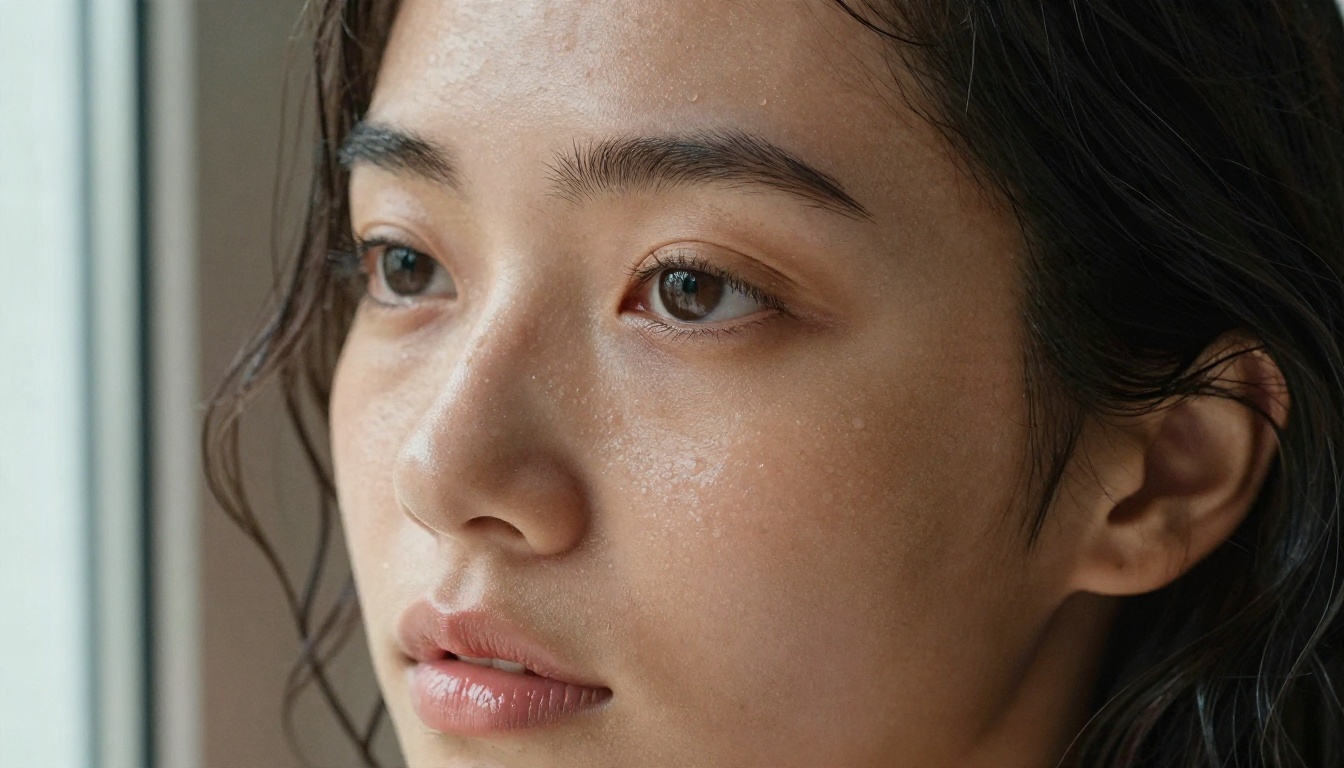
Anime NSFW work is dominated by two families, and picking between them is mostly a matter of how you like to write prompts.
Illustrious Finetunes
Illustrious XL grew into the default anime base. Its finetunes are the ones to try first:
- Smooth Mix: the pick for 2.5D looks. It is very NSFW oriented, so expect adult content to appear even when you do not ask for it.
- NTR Mix: leans toward art and illustration, with more painterly shading.
- THRILLustrious: the realism bridge mentioned above.
Illustrious models reward long tag style prompts, character names written the way databases spell them, and a clean negative prompt.
The Pony Diffusion Family
Pony Diffusion has the largest LoRA ecosystem of any anime capable base. If you want a specific costume, art style or character, a Pony LoRA probably exists. The price is fiddly prompting: score tags, source tags and rating tags all affect results. Treat the prompt template on the model page as mandatory, not optional.
Anime Without ComfyUI
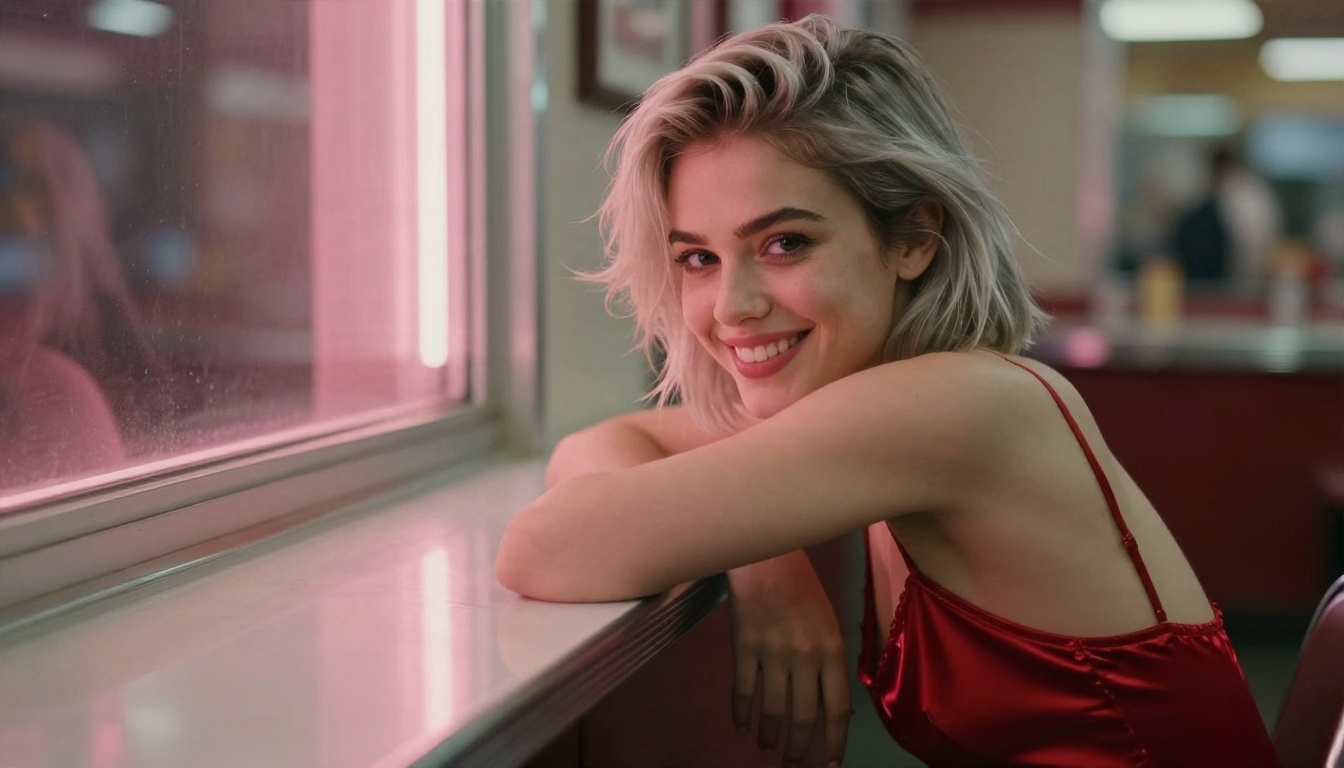
If you want anime or painterly output online, Krea 2 Medium and Proteus v0.3 both produce clean character art from a plain sentence. For turning a photo into an anime version, Qwen Image Edit Plus LoRA Photo To Anime does exactly that.
Free Packs: What to Download First
"Free pack" usually means a bundle of checkpoints, LoRAs and a ready made workflow. Convenient, but a pack is also the easiest way to end up with 80 GB of files you never open.
A Sensible Starter Set
Resist the urge to grab everything. This set covers most needs:
| Slot | What to pick | Approx. use |
|---|
| Realistic checkpoint | One SDXL finetune such as Lustify | Everyday glamour |
| Anime checkpoint | One Illustrious finetune | Characters and art |
| Photoreal checkpoint | One Flux based option, quantized | Skin close-ups |
| LoRAs | Film grain, lighting, one outfit LoRA | Polish |
| Workflow | One saved text to image graph | Repeatable output |
Licensing and Safety Rules
Before you download any pack:
- Check the license. Non-commercial means non-commercial, even if the file is free.
- Use fictional or clearly original characters. Never generate likenesses of real people without their consent.
- Keep every subject an adult. No exceptions, in prompts or in results.
- Prefer safetensors files over older pickle formats. Unknown pickle files can carry malicious code.
- Download only from the model's own page, not from reposted bundles on forums.
💡 A smaller, curated folder loads faster in ComfyUI and makes it obvious which model produced which image.
Hardware Reality Check
Local generation is only fun when it is fast. Here is what to expect.
What an 8 GB Card Can Run
SDXL finetunes run comfortably on 8 GB. Flux based checkpoints need quantized versions: Fluxed Up Q4 GGUF, Chroma Q4_K_S and MS Flux Q4_K_S have all been reported to fit within 8 GB. Expect slower renders and a small quality dip compared with full precision.
Settings That Save Time
- Generate at base resolution first, then upscale only the images you like.
- Fix your seed while testing prompts, so only one variable changes.
- Keep batch size at 1 on low VRAM cards.
- Save your working graph. Rebuilding it from memory is how people lose an afternoon.
For the upscale step, Clarity Pro Upscaler and P Image Upscale both sharpen faces and fabric without adding an artificial look.
Online Alternatives Without a GPU
Local setups give you control, but they also give you driver errors, missing nodes and wiring mistakes. An online generator trades some of that control for speed. You type, you wait a few seconds, you get a picture.

Seedream 4.5 First
The Lustify, Pony, Illustrious and Flux NSFW checkpoints named above are community files for local use, and they are not on PicassoIA. For similar results today, the first model to try is Seedream 4.5. It produces sharp, high resolution images with natural skin and strong lighting, which is exactly what people want from a realistic checkpoint.
Image Editor Pro for Volume
PicassoIA Image Editor Pro offers unlimited generations, so you can iterate without watching a credit counter. It is fast, and it suits the trial and error loop that NSFW glamour work involves: change the outfit, change the light, change the pose, repeat.
More Models Worth Trying
Local Versus Online at a Glance
| Factor | Local ComfyUI | Online on PicassoIA |
|---|
| Setup time | Hours | Seconds |
| GPU needed | Yes, 8 GB or more | No |
| Custom LoRAs | Unlimited | Select models |
| Speed | Depends on hardware | Fast on any device |
| Risk of broken files | Real | None |
How to Get Similar Results on PicassoIA
Seedream 4.5 is the best online match for a realistic NSFW checkpoint. Here is the routine that works.
Step by Step
- Open the Seedream 4.5 page and choose the text to image mode.
- Write the subject first: age (adult), hair, skin tone, outfit, pose.
- Add the setting: a beach at golden hour, a loft with window light, a hotel pool.
- Name the lighting direction: "soft side light from the left" beats "good lighting".
- Add camera language: "85mm f/1.8, shallow depth of field, Kodak Portra 400, film grain".
- Pick a 16:9 ratio for scenes or 3:4 for portraits.
- Generate, then refine one detail at a time.
- Send favorites to Image Editor Pro to change outfits, backgrounds or color grade with unlimited tries.
Parameter Tips
- Keep prompts between 40 and 90 words. Longer is not better.
- Describe skin as "visible pores, soft natural freckles" to avoid the plastic look.
- Describe fabric: "silk with fine creases", "lace trim", "sheer linen".
- If hands look wrong, ask for hands resting in the lap or holding an object.
- Upscale the winner with an upscaler rather than regenerating at huge sizes.
💡 This is the same logic you would use in ComfyUI: subject, setting, light, lens. Only the nodes disappear.
Common Mistakes to Avoid
- Stacking six LoRAs. Two or three at modest weights beat a crowded graph.
- Copying CFG values between families. Pony, Flux and SDXL all want different numbers.
- Ignoring the negative prompt on SDXL and Pony models. It matters. Flux based models mostly ignore it.
- Chasing the newest file. A version number is not a quality score.
- Skipping the license. Free to download does not mean free to sell.
Make Your Own Images Today
You now know which ComfyUI NSFW models are worth the disk space and which online options save you the headache. The fastest way to find out what suits you is to run one prompt through several models and compare the results side by side.
Open Seedream 4.5, type the first prompt that comes to mind, and see what comes back. Then take your favorite result into PicassoIA Image Editor Pro and push it further with unlimited generations. When you want to try something different, the full catalog is at picassoia.com/en/all-models. Pick a model, write a prompt, and make something with Picasso IA today.


