Most people searching for erotic AI want one of three things: a chat partner who remembers their name, pictures that look like real photographs instead of plastic renders, or a story that actually builds tension instead of rushing to the end. The trouble is that almost no single product does all three well. Companion apps are great at conversation and mediocre at images. Image models are stunning and have zero memory. Writing tools produce long fiction but feel cold in a live chat.
This article breaks the category into those three jobs and ranks the best option for each one. Everything here is written for adults, and everything I generated for it is suggestive and tasteful, never explicit. Think boudoir, glamour and slow-burn romance.
💡 Quick answer: For art, start with Seedream 4.5 and the PicassoIA Image Editor Pro. For chat, pick a dedicated companion platform and use a general language model for planning. For stories, use a long-context writing tool and keep the heat level in your own hands.
What Counts as Erotic AI in 2027
The label covers a wide range, so it helps to define it before comparing anything. In practice, erotic AI falls into three buckets:
- Chat and companions: Persistent characters who flirt, remember details and keep a personality across weeks.
- Art and photography: Image generators that produce glamour, boudoir and fashion portraits.
- Stories and roleplay: Text tools that write long-form romance, slow-burn fiction and interactive scenes.

Why the Split Matters
A chat app built around a character never has to render a convincing hand. An image model never has to remember that you hate being called "darling." Because the engineering problems differ, the best products in each bucket differ too. Trying to find one winner is how people end up disappointed and paying for three subscriptions that overlap.
Who This Is For
Writers who want steamy romance for a novel, couples who want a playful shared project, creators who build glamour portfolios, and adults who simply enjoy a flirty conversation. If you are under 18, this is not for you, and every serious platform enforces an age gate for that reason.
Chat is where the market is most crowded. Research for this piece turned up a long list of companion platforms, and the names that came up most often were Candy AI, Joi AI, OurDream AI, Girlfriend GPT, Secrets AI, Lovescape AI, Nectar AI and SpicyChat AI. Many of the ranking pages feeding those names are affiliate-style listicles, so treat any "number one" claim with suspicion and test a free tier before paying.
What Good Companion Chat Looks Like
After comparing the common features, these are the traits that actually separate a good companion app from a forgettable one:
- Memory that lasts. The character should recall your job, your running jokes and the scene from three days ago.
- Consistent voice. A shy character should stay shy, not suddenly turn into a generic assistant.
- Sensible pacing. Slow builds feel more real than instant escalation.
- Clear controls. You should be able to set boundaries, reset a scene and delete history.
Companion Platforms Compared
| Type of tool | Strength | Weakness | Typical cost pattern |
|---|
| Dedicated companion app | Memory, voice, character persistence | Image quality varies a lot | Roughly $10 to $30 a month for heavy use |
| Character roleplay site | Huge library of user-made characters | Quality depends on the creator | Free tier plus a paid upgrade |
| General language model | Excellent for plot and character planning | Strict content policies | Free or pay per use |
| Interactive fiction engine | Game-like structure, branching choices | Less romantic, more adventure | Subscription |
Where General Language Models Fit
Mainstream assistants have content policies, and they will decline explicit requests. That does not make them useless. They are very good at the groundwork: writing a detailed character sheet, mapping a six-chapter romance arc, tightening dialogue, or editing a draft you wrote elsewhere. On PicassoIA you can try Deepseek V3.1 for long drafting sessions, Claude Sonnet 5 for polished prose and character voice, Gemini 3.5 Flash for fast brainstorming, or GPT 5.6 Luna for quick replies. Keep your requests within each model's rules, and use them for structure, tone and editing rather than anything graphic.
💡 Tip: Ask a language model for a one-page "character bible" with speech habits, small flaws and three things the character would never say. Paste it at the start of any companion chat and the personality stays far steadier.
This is the bucket where the gap between tools is largest, and where PicassoIA is strongest. The goal for most adults here is not cartoons. It is photorealistic glamour: skin with pores, fabric with real folds, light that behaves the way light does in a hotel room at golden hour.
Seedream 4.5 Leads the Pack
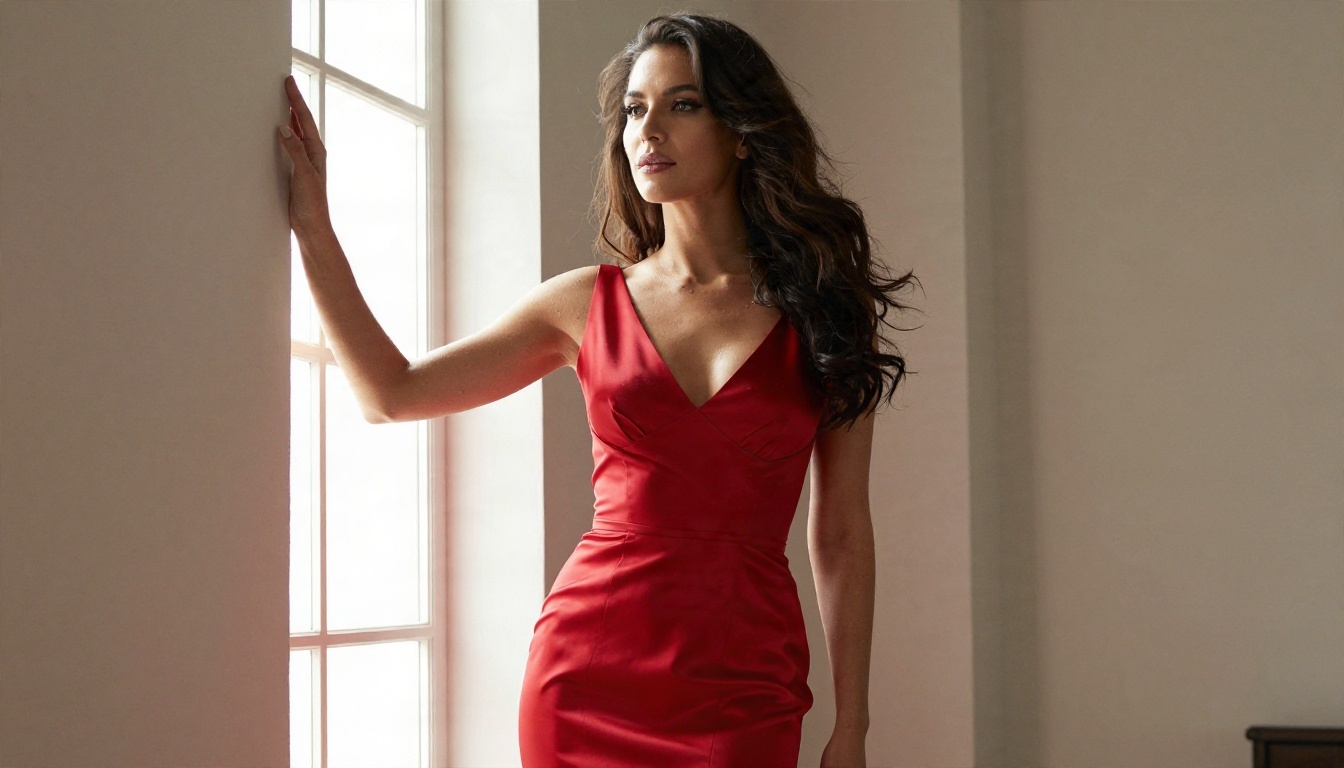
Seedream 4.5 is my first pick for adult glamour work. It renders skin texture convincingly, handles satin, lace and silk without the waxy look, and follows long, detailed prompts closely. It also tends to refuse far less often on boudoir and swimwear scenes than many mainstream generators, which saves a lot of wasted attempts. Fast generation means you can iterate on a mood in minutes rather than hours.

PicassoIA Image Editor Pro for Unlimited Edits
The PicassoIA Image Editor Pro is the tool I reach for second, and for a practical reason: unlimited generations. Glamour work is about iteration. You change a robe color, move the light, tweak the expression, and try again twenty times. When every attempt counts against a credit meter, you stop experimenting. With unlimited use, you keep refining until the frame feels right. It is also excellent for editing an existing image, such as changing an outfit, fixing a hand or adjusting the background.
Other Image Models Worth Trying
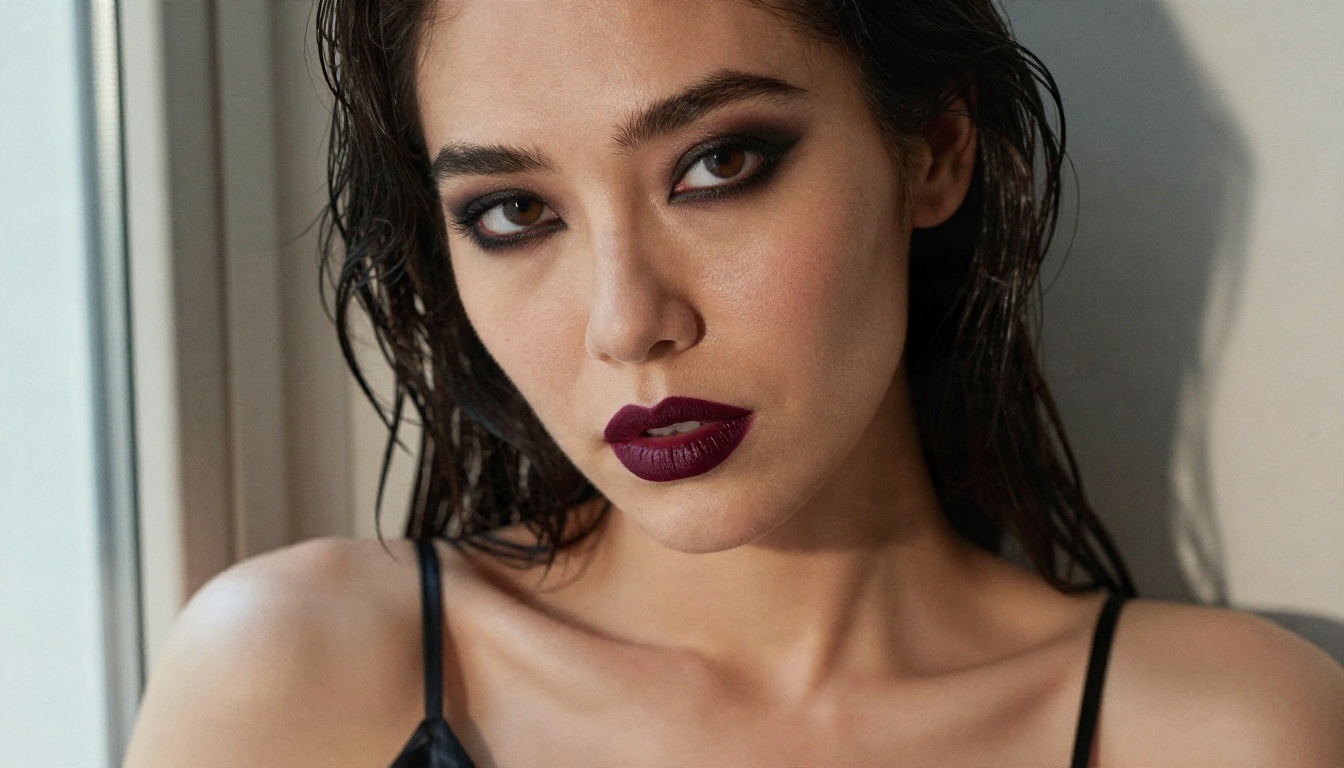
After those two, these models each have a specific job. They are listed in the order I would test them.
Some of these have stricter filters than others, so a prompt that works in one may be declined in another. That is normal. If a scene is blocked, rewrite it with more emphasis on clothing, setting and mood, and less on anything explicit.
A Simple Seedream 4.5 Workflow
Here is the routine that gives me consistent, attractive results:
- Open Seedream 4.5 and write a prompt that names the subject, outfit, setting and time of day.
- Add the light direction, for example "warm window light from the left."
- Name a lens and film look, such as "85mm f/1.8, Kodak Portra 400 grain."
- Set a wide 16:9 ratio for scenes and a vertical ratio for portraits.
- Generate, pick the best frame, then send it to the PicassoIA Image Editor Pro to adjust small details without starting over.
Prompt Habits That Raise Quality
The difference between a plastic image and a believable one is mostly in the wording:
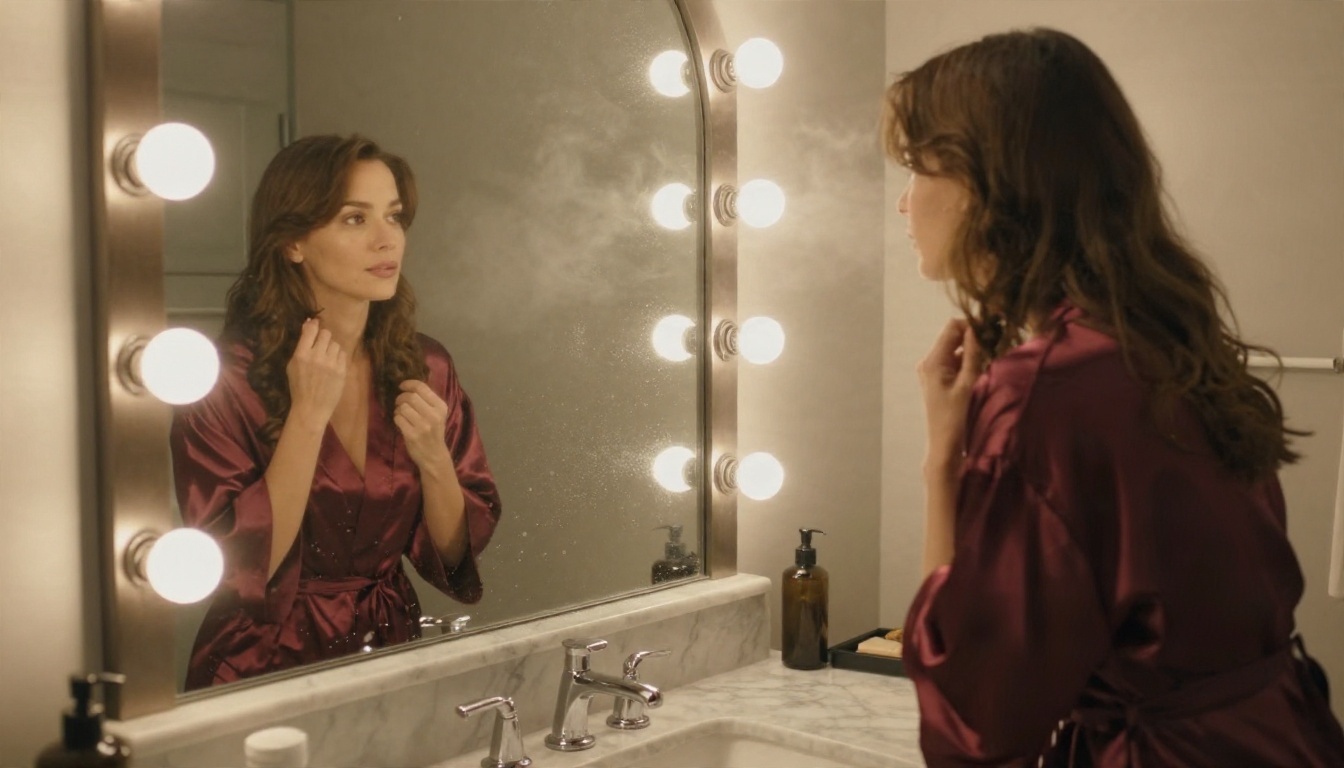
- Describe surfaces. "Fine pores, soft peach fuzz, slight sheen on the collarbone" beats "beautiful skin."
- Name the light. Side light creates depth. Flat front light flattens everything.
- Add small imperfections. A crumpled sheet, a half-empty wine glass or a stray hair makes a frame feel candid.
- Choose one mood. Mixing "romantic," "edgy" and "playful" in a single prompt gives mushy results.
💡 Tip: If skin looks too smooth, add the phrase "unretouched, natural texture, visible pores." If the face looks different every time, generate one strong portrait first and use the editor to alter outfits and settings around it.
Story tools have improved enormously, and the field splits into two camps. One camp is purpose-built fiction writers. My Spicy Vanilla, EroticSaga and DeepFiction AI were all named in the research as dedicated adult story generators, while NovelAI is often described as built for uncensored fiction and Sudowrite as a professional long-form tool that needs a specific model setting for mature scenes. The other camp is interactive engines such as AI Dungeon, where you steer a branching adventure.

Long-Form Writers Versus Chat Roleplay
Roleplay chat reacts to you line by line. A story generator plans an arc. If you want a short romance with a satisfying build, a story tool wins. If you want a spontaneous back-and-forth, chat wins. The mistake is to use a chat bot for a novel, where it forgets chapter one by chapter four.
Getting Better Prose Out of Any Tool
The same few habits improve every story generator:
- Give it a premise in three sentences. Who, where and what stands between them.
- Set the tone words. "Slow burn, witty, a little melancholy" works better than "sexy."
- Write the first paragraph yourself. The tool will match your rhythm.
- Edit as you go. Cut anything repetitive. Models love repeating the same adjectives.
- Use a general language model for revision. After drafting, a polished model such as Claude Sonnet 5 can smooth pacing and dialogue within its own content rules.
Pairing Stories With Pictures
The most satisfying projects combine both. Write the chapter, then generate a single image of the scene's opening moment. A picture of a couple sharing a sofa and a tablet, lit by lamp glow, sets the mood far better than a paragraph of description ever could.

Safety, Privacy and Limits
Adult AI carries more risk than a recipe generator, and it deserves a straight talk.
Protect Your Data
Intimate chats are sensitive by nature. Before you commit to a platform, check what it says about data retention, training use and deletion. Do not share your full name, address, workplace or real photos you would not want leaked. Use a separate email and, ideally, a payment method that does not reveal much.
Respect Consent and Real People
Never generate images of a real person without their consent, and never use a recognizable face from someone you know. Keep every character an adult, fictional or clearly an invented person. This is not just a rule of good taste. It is the line between a hobby and something harmful, and platforms enforce it.
Watch for Spending Traps
Many companion apps lure you with a cheap first month, then raise prices or sell extra credits. Read the cancellation steps before you subscribe, and set a monthly limit for yourself. Remember too that rankings on the web are often paid placements. Test, compare and decide based on your own experience.
💡 Rule of thumb: If a platform will not tell you plainly what happens to your chat history, assume the worst and share less.
Quick Picks by Goal
Here is the short version, so you can decide in under a minute.
A Weekend Workflow That Works
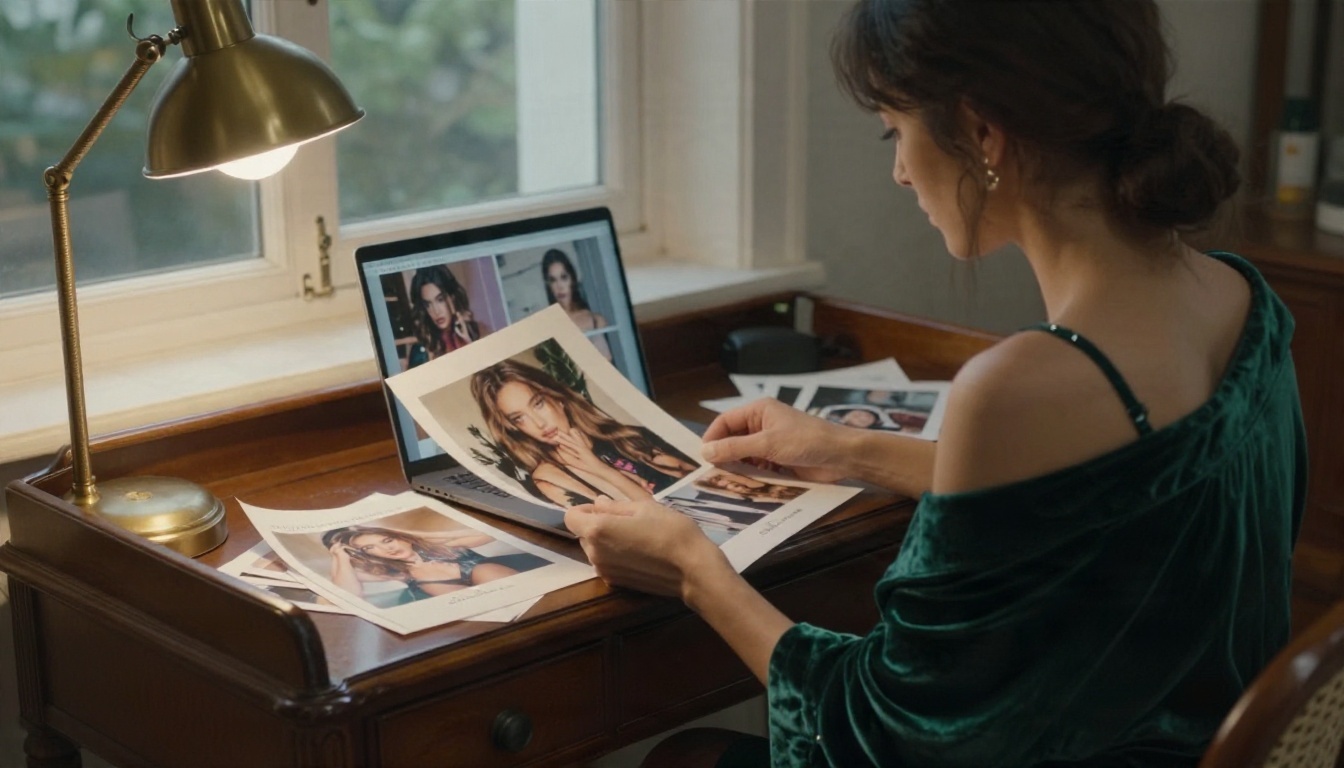
If you want to build a small project, try this sequence. On Friday evening, use a language model to draft a character bible and a three-act outline. On Saturday, write the first chapter in your story tool of choice. On Sunday, generate five images that match the key scenes, then refine them in the PicassoIA Image Editor Pro until the colors and wardrobe line up. By Monday you have a short illustrated romance that feels like one piece of work.
The Honest Limits
No tool here is perfect. Image models still stumble on hands and jewelry. Companion bots forget details in long chats. Story generators repeat favorite phrases. Treat the output as a strong first draft and bring your own taste to the final pass. That human editing step is what makes the result feel personal rather than machine-made.
Make Your First Scene Today
If one thing stands out from all this testing, it is that the art side is where you can see results fastest. You do not need a subscription maze, a long setup or a pile of credits. Pick a mood, write a detailed prompt, and let the model show you what it can do.
Start with Seedream 4.5 for the first frame, then move to the PicassoIA Image Editor Pro to refine as many times as you like with unlimited generations. Try a golden-hour hotel suite, a candlelit writing desk or a steamy bathroom mirror, and see how close you can get to a real photograph. When you want more variety, browse every available option at picassoia.com/en/all-models and mix models until you find your own signature look.
Open Picasso IA, write your first prompt tonight, and make the picture that has been sitting in your head.


