If you typed "best Flux model for NSFW" into a search bar, you probably hit the same wall as everyone else: half the answers are affiliate lists, the other half are ComfyUI setups that take an evening to configure. This article skips both. You will get a straight ranking of the Flux models you can use for free, the prompts that produce attractive, photorealistic glamour results, and the alternatives that beat Flux when your goal is swimwear, lingerie and boudoir style imagery.
Everything here stays on the tasteful side: suggestive, stylish, non-explicit. That is where the best-looking AI photography lives anyway, and it is also where every platform's filters leave you the most room to work.
The Short Answer First
For most people, Flux Dev is the best Flux model for glamour and NSFW-adjacent work, because it follows long prompts well, renders skin believably and has the biggest ecosystem of LoRAs. But Flux is rarely the best model overall for this job. A newer model like Seedream 4.5 produces better skin, handles swimwear prompts with fewer refusals, and does it at 4K.
Quick Verdict Table
| Model | Best for | Strength | Weak spot |
|---|
| Flux Dev | Realistic glamour portraits | Prompt accuracy, skin texture | Safety-tuned base weights |
| Flux Schnell | Fast drafts | Speed, 4 step generation | Less detail than Dev |
| Flux 1.1 Pro | Polished final shots | Clean composition | Stricter filtering |
| Flux 2 Klein 9B Base LoRA | Styled looks with LoRAs | Flexible, newer architecture | Needs prompt tuning |
| Seedream 4.5 | Best overall for glamour | 4K output, great skin | Not a Flux model |
💡 Bottom line: Pick Flux Dev when you want the Flux look and control. Pick Seedream 4.5 when you want the best glamour result with the least friction.
What Flux Actually Allows
The word "NSFW" means different things on different tools, so it helps to be precise about what Flux does and does not do.
Official Models and Filters
Black Forest Labs ships its Flux family with safety measures. The hosted versions, like Flux 1.1 Pro and the newer Flux 2 line, apply filters to prompts and outputs. The open weights of Flux Dev are less strict at the model level, but the base model was trained to avoid explicit anatomy, so it tends to produce vague or distorted results if you push it that way.
What this means in practice: swimwear, lingerie, boudoir and artistic glamour work fine. Explicit content does not work well on an official Flux model, and that is by design.
Community LoRAs and Forks
A large part of the "uncensored Flux" conversation is about community add-ons. People run FLUX.1 Dev locally and stack LoRAs on top, such as Flux Uncensored V2 or the aidmaNSFWunlock LoRA, or they switch to Chroma, an open-license fork trained from Flux weights. These need a local GPU, ComfyUI or Forge, and some patience. Results vary, and most are licensed for non-commercial use because of the Flux Dev license.
Those community files are not hosted on PicassoIA, and they are not needed for tasteful glamour work. If you want a Flux-style workflow with a LoRA that stays inside the platform, use Flux Dev LoRA or Flux Schnell LoRA instead.
Free Flux Options, Ranked
"Free" can mean three things: free to try, free open weights, or free with limits. Here is how the main Flux models compare for glamour work.
1. Flux Dev
Flux Dev is the workhorse. It reads long, descriptive prompts well, so you can specify lens, light direction, fabric and pose in one go. Skin looks like skin, not plastic, as long as you describe pores, sheen and natural light. It is the model most LoRAs target, which is why it dominates community talk.
Use it for: editorial portraits, beach photography, bedroom glamour, anything where realism matters.
2. Flux Schnell
Flux Schnell is the speed pick. It generates in a handful of steps, so it is perfect for testing prompts before committing to a slower model. Detail is softer than Dev, and hands and fabric edges can wobble, but for drafting poses and compositions it is hard to beat.
Use it for: quick drafts, prompt testing, batch ideas.
3. The Flux 2 Klein Family
The newer Klein models include Flux 2 Klein 4B Base, Flux 2 Klein 4B Base LoRA and Flux 2 Klein 9B Base LoRA. They are lighter and more flexible, and the LoRA variants let you push a specific look, like film grain or a particular wardrobe style.
Reviews of Flux 2 are mixed for this kind of content. I found no verified uncensored Flux 2 checkpoint, so treat any claim to the contrary with caution. Where Klein shines is in styled, photographic looks rather than anything explicit.
💡 Tip: Run the same prompt through Schnell first. If the pose and composition look right, switch to Dev for the final render.
Prompts That Work for Glamour
Flux responds to natural language better than tag lists. Write like a photographer briefing a crew.
The Prompt Formula
Use this structure and you will get consistent results across Flux Dev, Seedream and most photoreal models:
- Subject and wardrobe: "adult woman in her late twenties, black silk bikini"
- Pose and expression: "reclining on a linen daybed, calm confident gaze"
- Setting: "private villa terrace, whitewashed wall, bougainvillea"
- Light: "low golden hour sun from camera left, soft rim light"
- Camera: "85mm f/1.8, shallow depth of field"
- Texture and film: "visible skin pores, subtle sheen, Kodak Portra 400, fine film grain"
Five Prompts to Copy
Villa terrace glamour
Adult woman with olive skin and wavy chestnut hair in a black silk bikini, reclining on a white linen daybed on a villa terrace, golden hour sun from the left, soft rim light on her shoulders, 85mm f/1.8, shallow depth of field, visible skin pores, Kodak Portra 400 film grain.
Boudoir window light
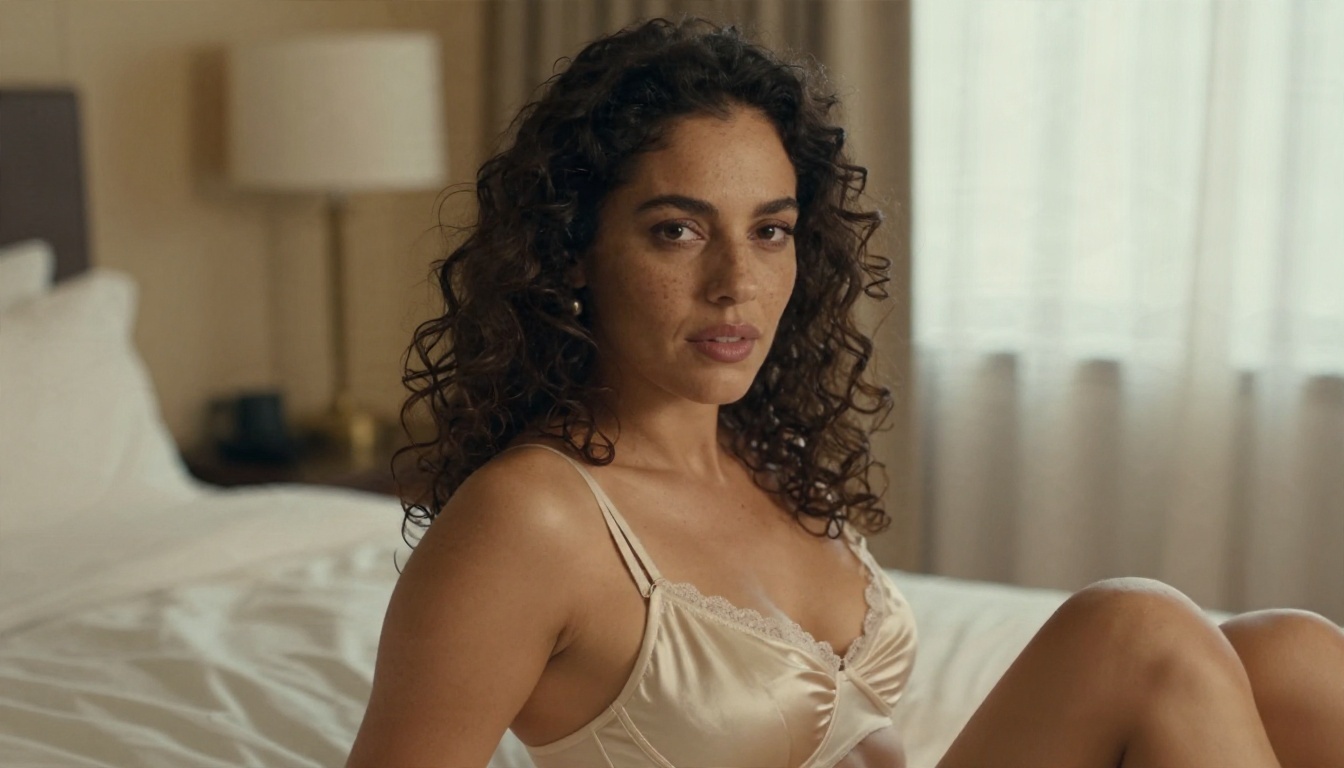
Adult woman with dark curly hair in a cream satin lingerie set, sitting on the edge of a rumpled bed, looking over her shoulder, soft window light through sheer curtains, warm tones, 85mm f/1.8, natural film grain.
Sunrise beach walk
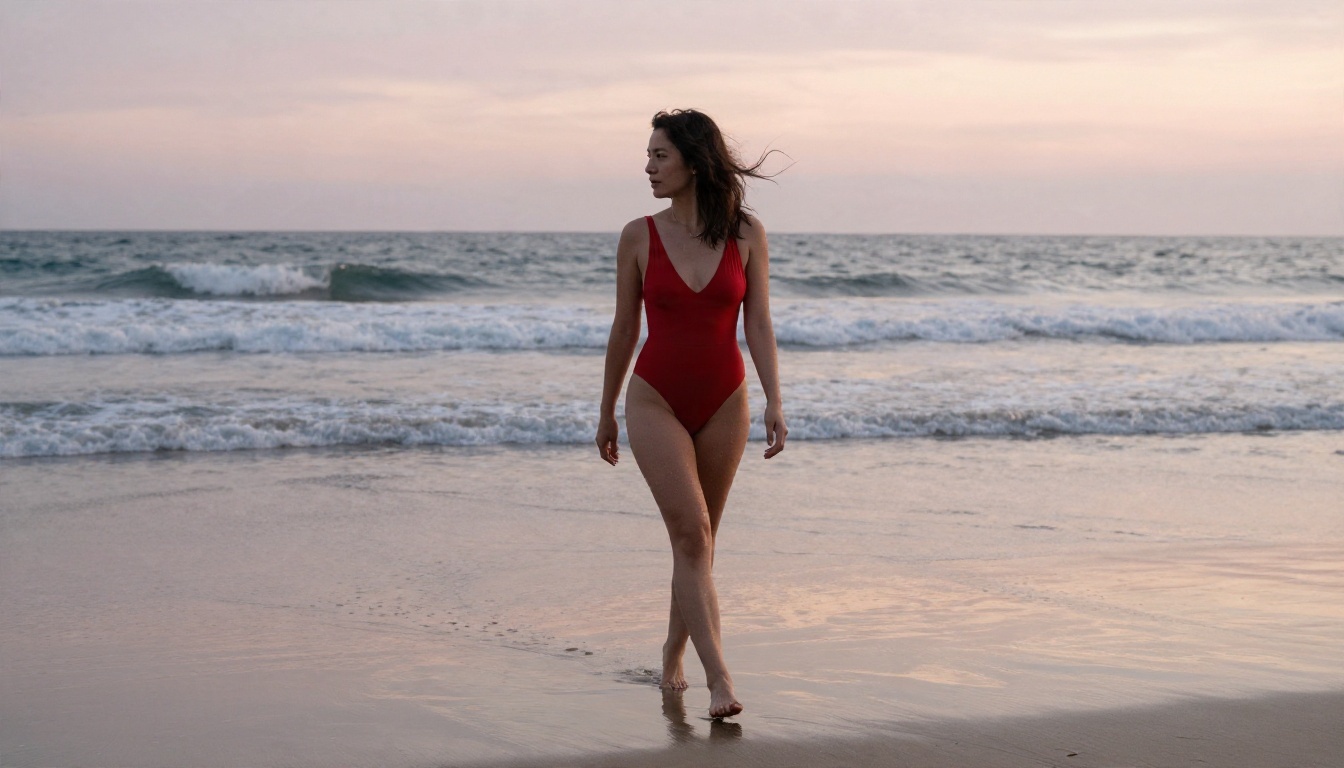
Adult woman in a red one-piece swimsuit walking along wet sand at sunrise, low angle, waves behind her, water droplets on tanned skin, pink and gold backlight, 35mm f/2, film grain.
Loft studio fashion
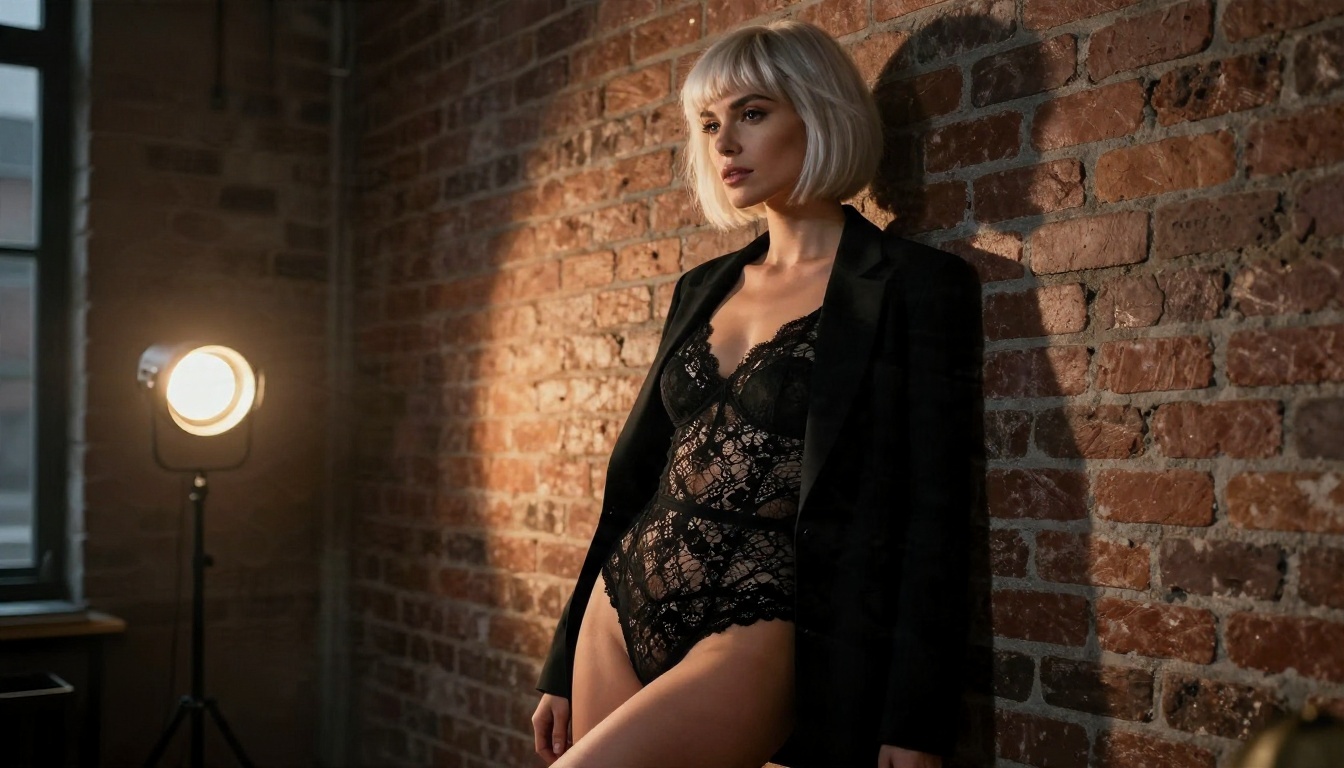
Adult woman with a platinum bob in a black lace bodysuit under an oversized blazer, leaning on a brick wall, single warm tungsten lamp from the left, deep soft shadows, 50mm f/1.4, grainy Portra 400 look.
Night window portrait
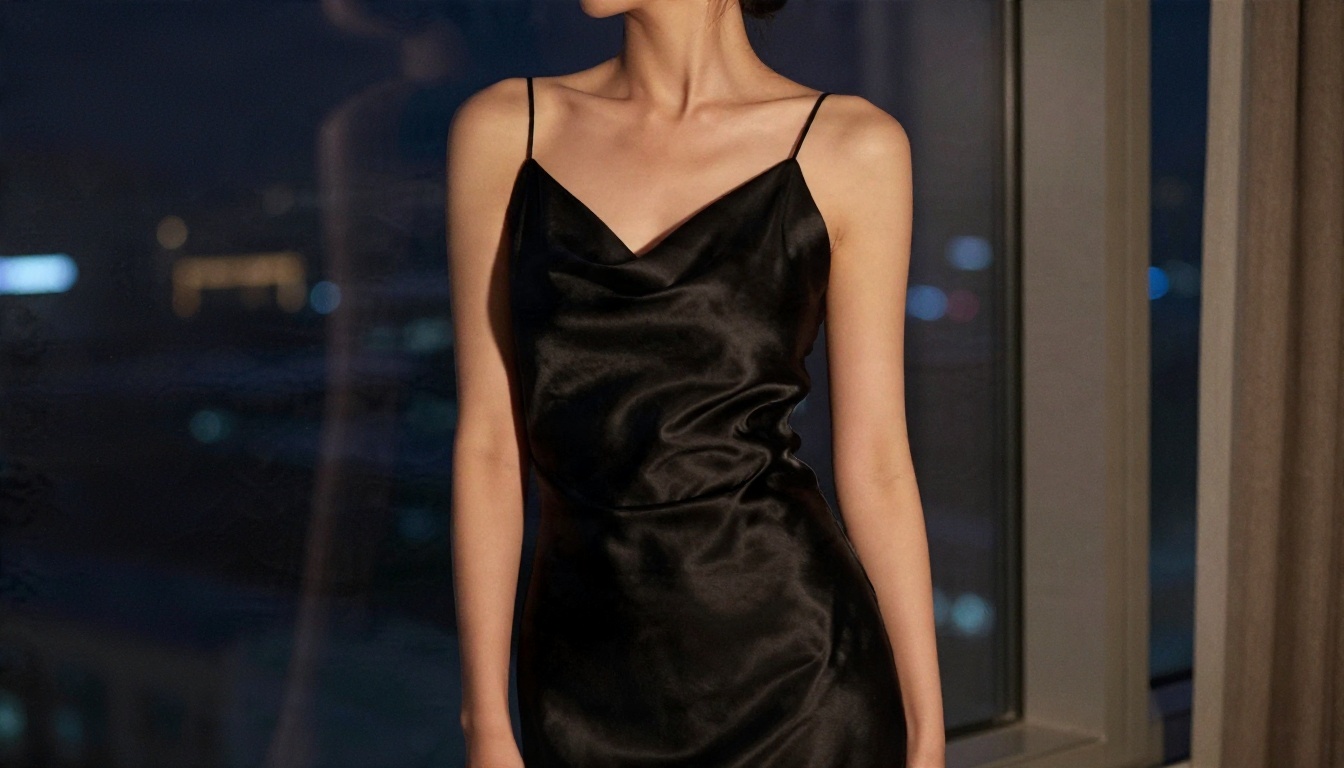
Adult woman with sleek black hair in a black satin slip dress beside a floor-to-ceiling window at night, city bokeh, single soft box key light from the right, glossy satin highlights, 85mm f/1.4.
What to Leave Out
Flux does not use negative prompts the way Stable Diffusion does, so skip the long "no bad hands, no extra fingers" lists. Instead, describe what you want precisely and avoid these:
- Words like "perfect" or "flawless," which push skin toward plastic
- Style tags such as "8k, masterpiece, trending," which add little and flatten the look
- Vague outfit words. "Lingerie" is weaker than "cream satin lingerie set with lace trim"
- Ages left unstated. Always write "adult woman" so there is no ambiguity
Better Alternatives to Flux
Here is the honest part. If your goal is attractive, photorealistic glamour, the strongest options right now are not Flux models.
Seedream 4.5 First
Seedream 4.5 is the model to start with. It produces 4K images, renders skin, fabric and light in a way that looks like a real camera shot, and it is far more relaxed about swimwear, lingerie and glamour prompts than hosted Flux models. You also spend less time rewriting prompts after a refusal or a mangled result.
The same prompts from the section above work in Seedream with no changes, and usually look better.
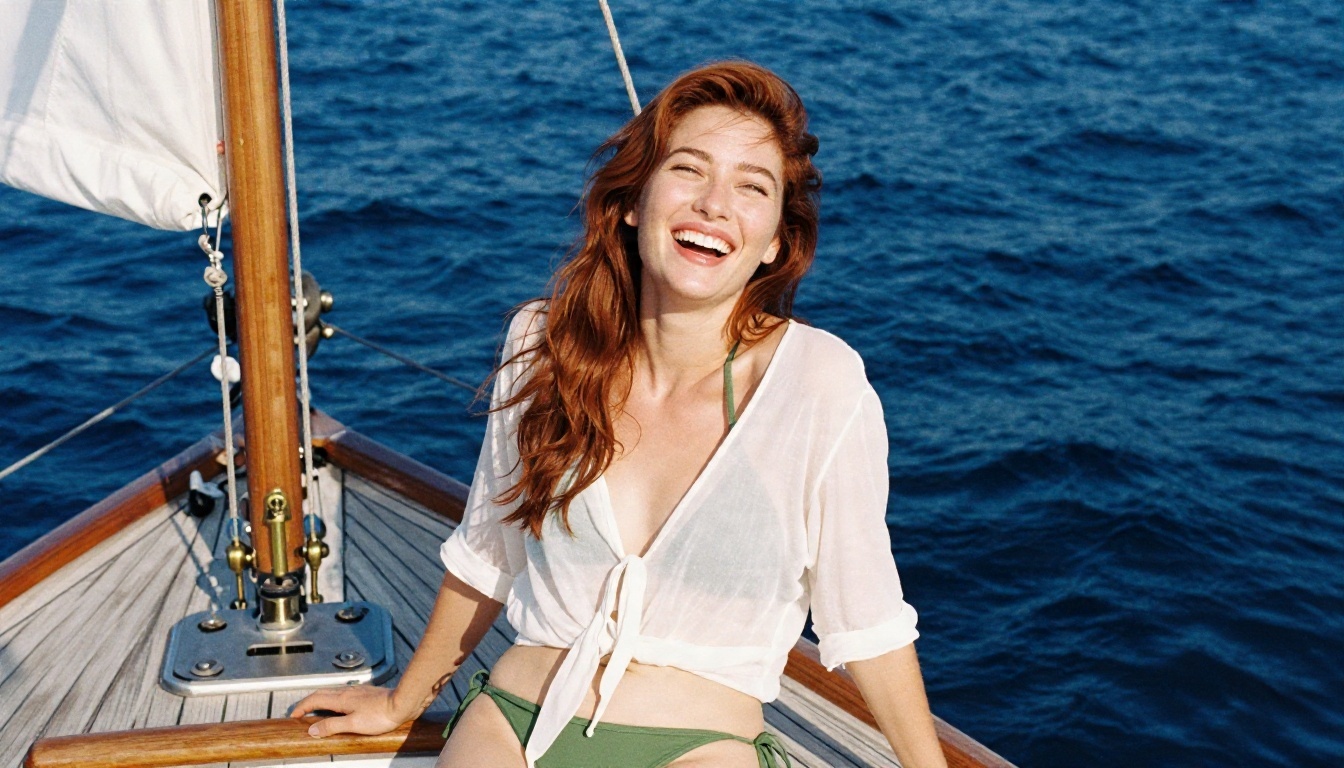
Image Editor Pro Unlimited
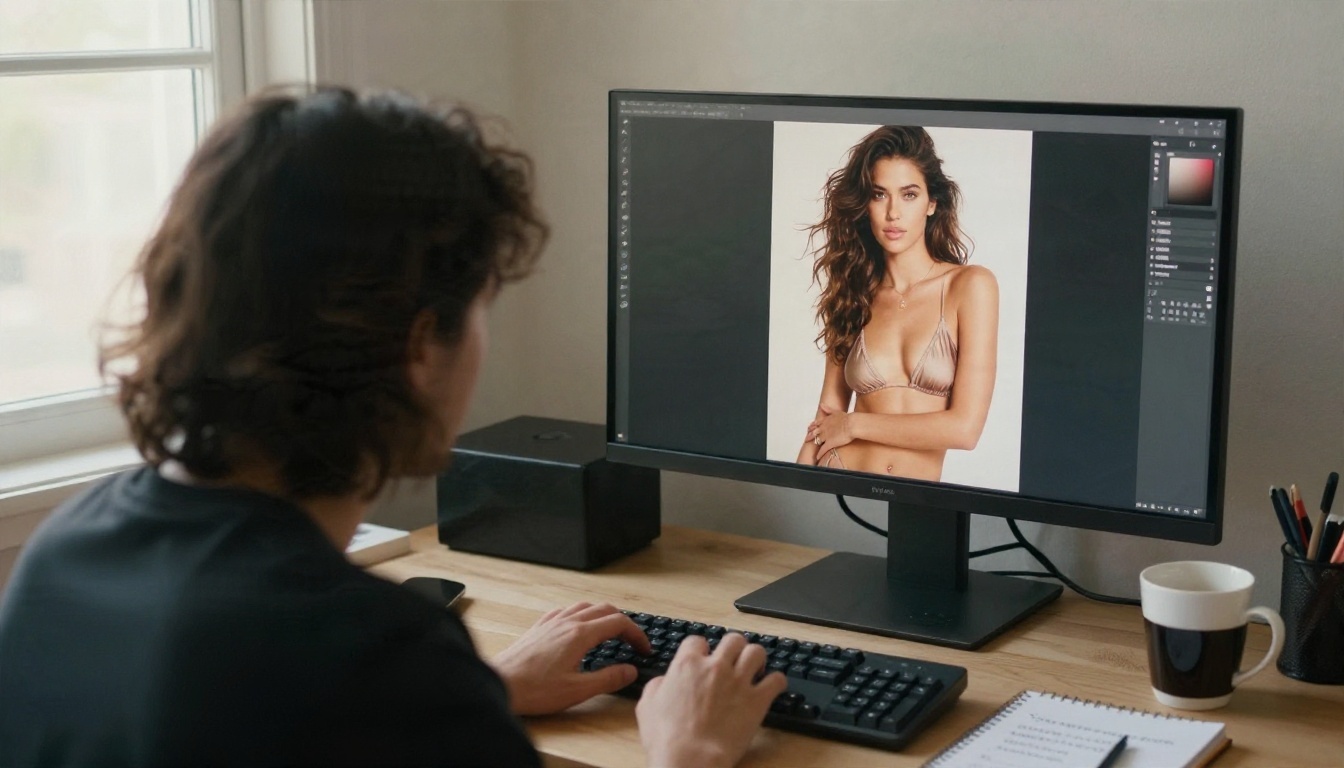
PicassoIA Image Editor Pro is the second stop, and the main reason is simple: unlimited generations. When you are iterating on a pose, an outfit or a lighting setup, credits disappear fast on other tools. Here you can keep refining. It also edits, so you can change a swimsuit color, relight a scene or fix a small detail without starting from scratch.
💡 Workflow tip: Generate the base image in Seedream 4.5, then bring it into Image Editor Pro for wardrobe, background and lighting tweaks.
Other Picks
If you want options beyond those two, these are worth a test:
How to Use Flux Dev on PicassoIA
If you still want the Flux look, here is the quickest route.
Step by Step
- Open the Flux Dev page.
- Paste one of the prompts above into the prompt box.
- Set the aspect ratio. 16:9 suits beach and terrace scenes, 3:4 suits portraits.
- Keep the guidance value in the middle range. Too high gives a crunchy, over-sharpened look.
- Generate, then compare two or three seeds before deciding.
- Upscale your favorite with a super resolution model if you need print size.
Parameter Tips
| Setting | Recommended | Why |
|---|
| Aspect ratio | 16:9 or 3:4 | Matches how glamour photos are framed |
| Guidance | 3 to 4 | Keeps skin natural |
| Steps | 28 to 35 | Good balance of detail and speed |
| Seed | Fix once you like a pose | Lets you change only wardrobe or light |
Common Mistakes to Avoid
Chasing "uncensored" LoRAs for tasteful work. Many are non-commercial, unstable and unnecessary if your goal is swimwear or lingerie photography. Most disappointing results come from weak prompts, not from filters.
Writing tag soup. Flux wants sentences. A line like "woman, bikini, beach, 8k, masterpiece" gives you a generic image. Describe light, lens and fabric.
Ignoring hands and fabric edges. Check these areas on every render. If a strap or finger looks wrong, regenerate with a new seed or fix it in Image Editor Pro.
Using one model for everything. Draft in Schnell, finish in Dev or Seedream, edit in Image Editor Pro. The combination beats any single model.
Skipping the adult statement. Every prompt should say "adult woman" or "adult man." It keeps results appropriate and avoids ambiguity in any model.
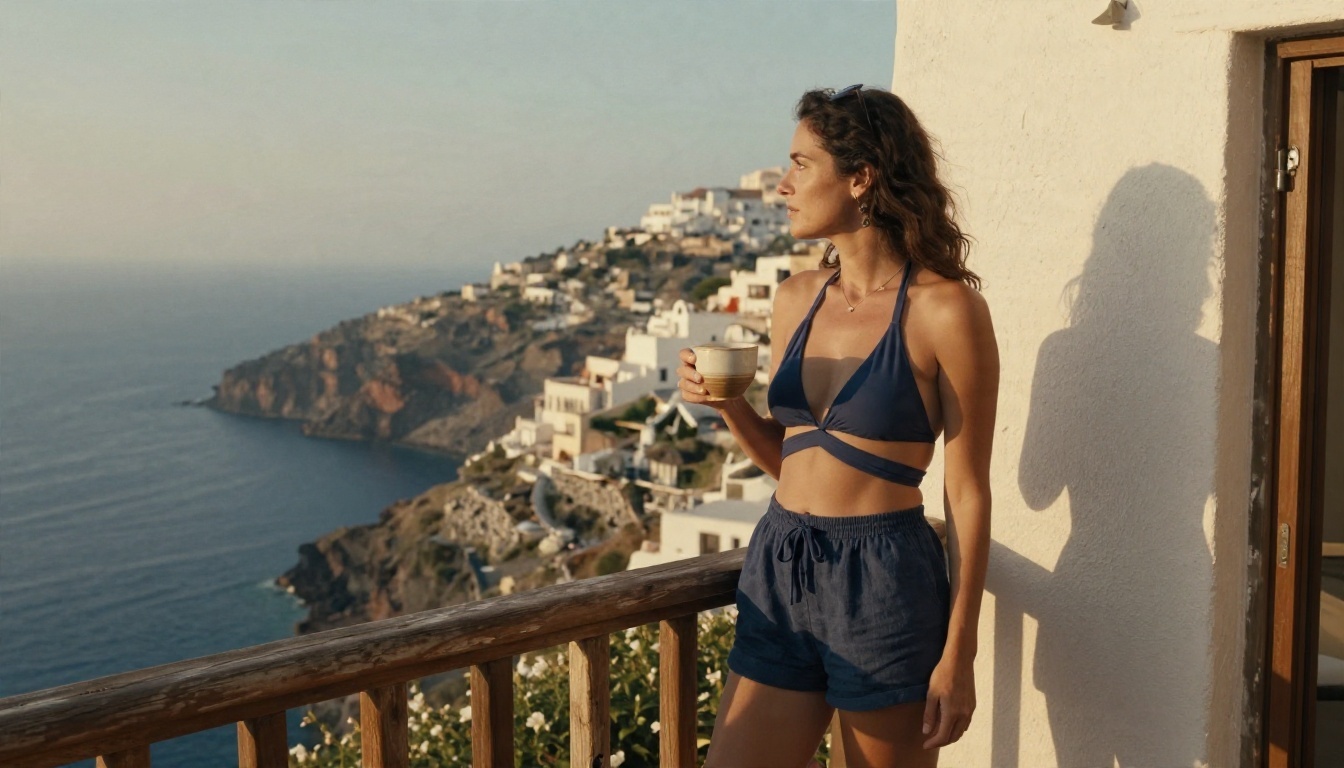
💡 Quick checklist: Adult subject stated, outfit described in detail, light direction named, lens chosen, film look added.
Start Creating Your Own Images
You now have the ranking, the prompts and the workflow. Flux Dev is the best Flux model for glamour, Flux Schnell is the fastest for testing, and the Klein models are worth trying when you want LoRA-driven looks. For the best overall result, start with Seedream 4.5, then use Image Editor Pro for unlimited iterations.
Copy one of the five prompts above, run it in two different models, and compare. It takes a few minutes, and you will see right away which one fits your taste.
Ready to try? Browse every model at picassoia.com/en/all-models and start generating your own photorealistic glamour images on PicassoIA today.