The world of AI image generation has transformed dramatically in 2027. What once required expensive subscriptions or limited credits is now available to anyone with an internet connection. Free AI image generators have become incredibly powerful, producing results that rival premium services.
This shift has democratized visual content creation. Small businesses, students, hobbyists, and professional creators can now access sophisticated AI models without spending a penny. But with so many options available, how do you choose the right one?

What Makes a Great Free AI Image Generator
When evaluating free AI image generators, several factors separate exceptional tools from merely adequate ones.
Image quality sits at the top of the list. The best generators produce sharp, detailed images with accurate colors and realistic textures. They handle complex prompts well, understanding nuanced descriptions and translating them into coherent visuals.
Speed matters more than many people realize. Waiting five minutes for a single image can kill creative momentum. Top-tier free services generate images in seconds, letting you iterate quickly and experiment freely.
Prompt understanding determines how well the AI interprets your descriptions. Advanced models grasp context, style references, and specific details. They know the difference between "a cat wearing a hat" and "a photorealistic portrait of a tabby cat wearing a vintage fedora in golden hour lighting."
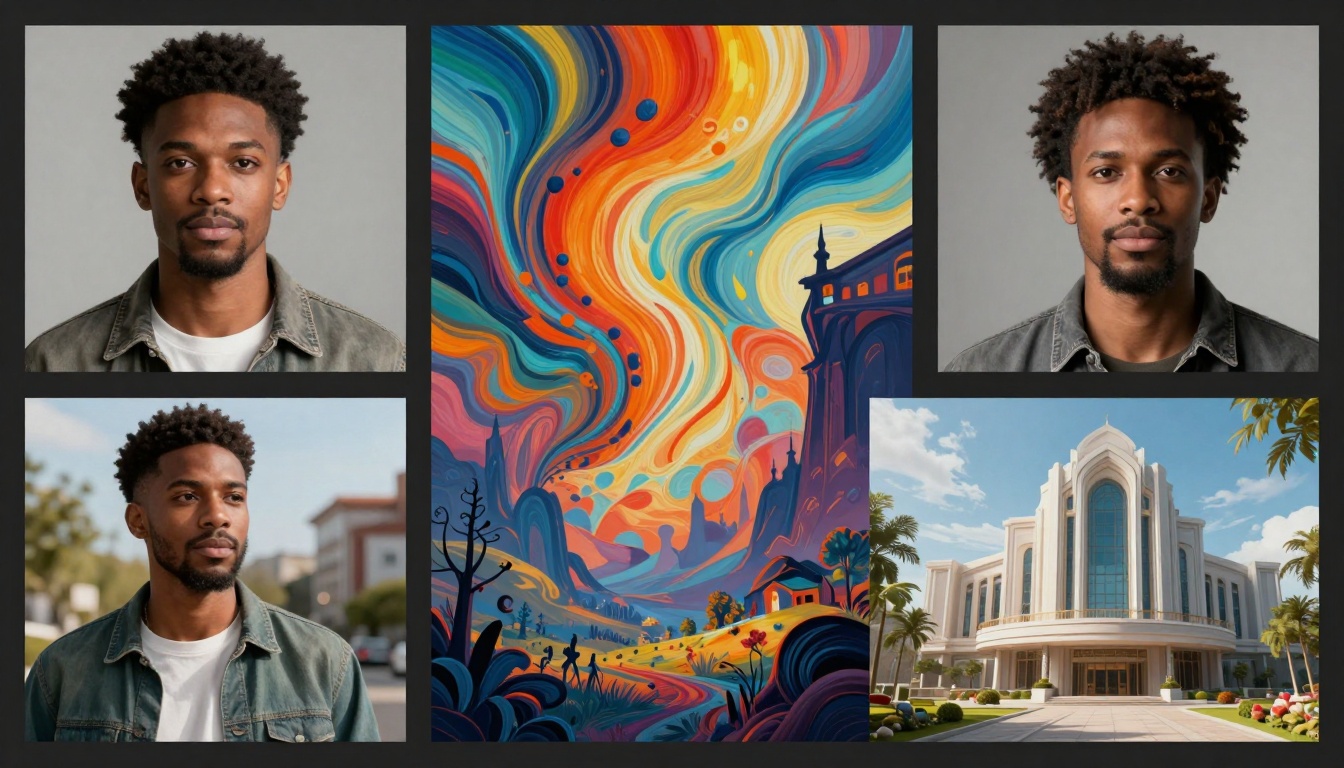
Output resolution affects how you can use the images. Higher resolutions work better for print, detailed editing, or professional projects. Free generators that offer 1024×1024 or larger images provide more flexibility.
Customization options give you creative control. Aspect ratio selection, style presets, and advanced settings like seed values or inference steps let you fine-tune results to match your vision.
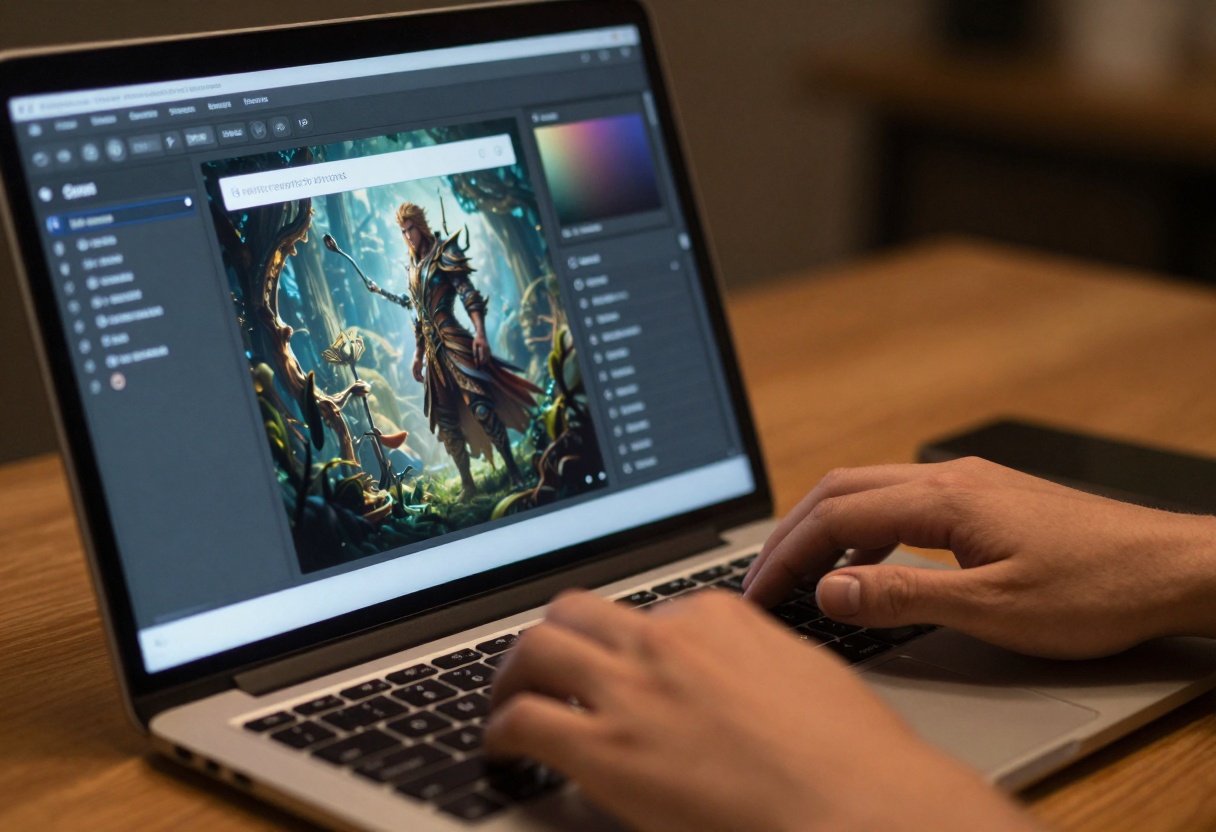
PicassoIA has emerged as a powerhouse in free AI image generation. The platform aggregates multiple cutting-edge models under one interface, giving you access to diverse generation capabilities without juggling multiple accounts or services.
What sets PicassoIA apart is the sheer variety of models available. You can switch between different AI architectures depending on your needs, experimenting with various approaches to find what works best for your specific project.
The interface remains clean and intuitive despite offering advanced features. You don't need technical expertise to generate impressive images, but power users will appreciate the detailed parameter controls available on each model.
Top Free Models on PicassoIA
Flux Schnell
Flux Schnell lives up to its name (schnell means "fast" in German). This model prioritizes speed without sacrificing quality, making it perfect when you need quick results.
The model excels at:
- Generating images in seconds
- Handling straightforward prompts efficiently
- Producing consistent results across similar prompts
- Supporting multiple aspect ratios
Content creators working on tight deadlines will appreciate Flux Schnell's reliability. It doesn't always produce the most artistic or nuanced results, but it delivers solid, usable images faster than most alternatives.
Flux 2 Pro
Flux 2 Pro represents a step up in quality and sophistication. This model handles complex scenes, multiple subjects, and intricate details with impressive accuracy.
Strengths include:
- Photorealistic rendering capabilities
- Better understanding of spatial relationships
- Improved text rendering within images
- Handling of difficult lighting scenarios
When your project demands higher quality and you can wait a bit longer for results, Flux 2 Pro delivers. The model particularly shines with architectural renders, product photography styles, and detailed character work.
Nano Banana Pro
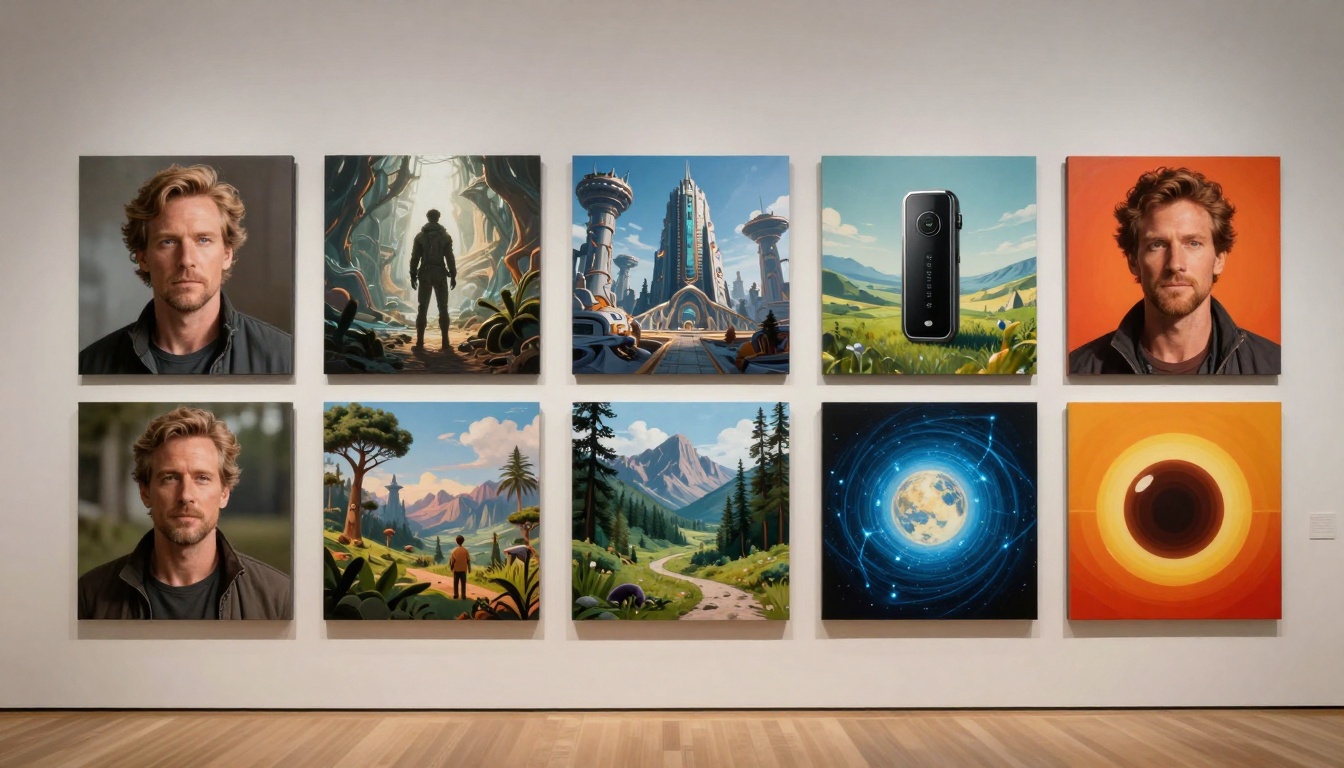
Nano Banana Pro brings a unique approach to AI image generation. This model balances artistic interpretation with prompt accuracy, often producing images with distinctive visual appeal.
The model works well for:
- Artistic and stylized imagery
- Creative concept exploration
- Character design and illustration
- Fantasy and sci-fi subjects
Designers exploring visual concepts or artists seeking inspiration often gravitate toward Nano Banana Pro. Its outputs feel more interpretive than literal, which can be exactly what certain projects need.
Seedream 4.5
Seedream 4.5 specializes in high-resolution outputs and fine detail preservation. This model produces images that hold up under close inspection, making it suitable for professional use cases.
Notable features:
- Ultra-high resolution generation
- Exceptional detail in textures and patterns
- Strong performance with nature and landscape prompts
- Consistent color accuracy
GPT Image 1.5
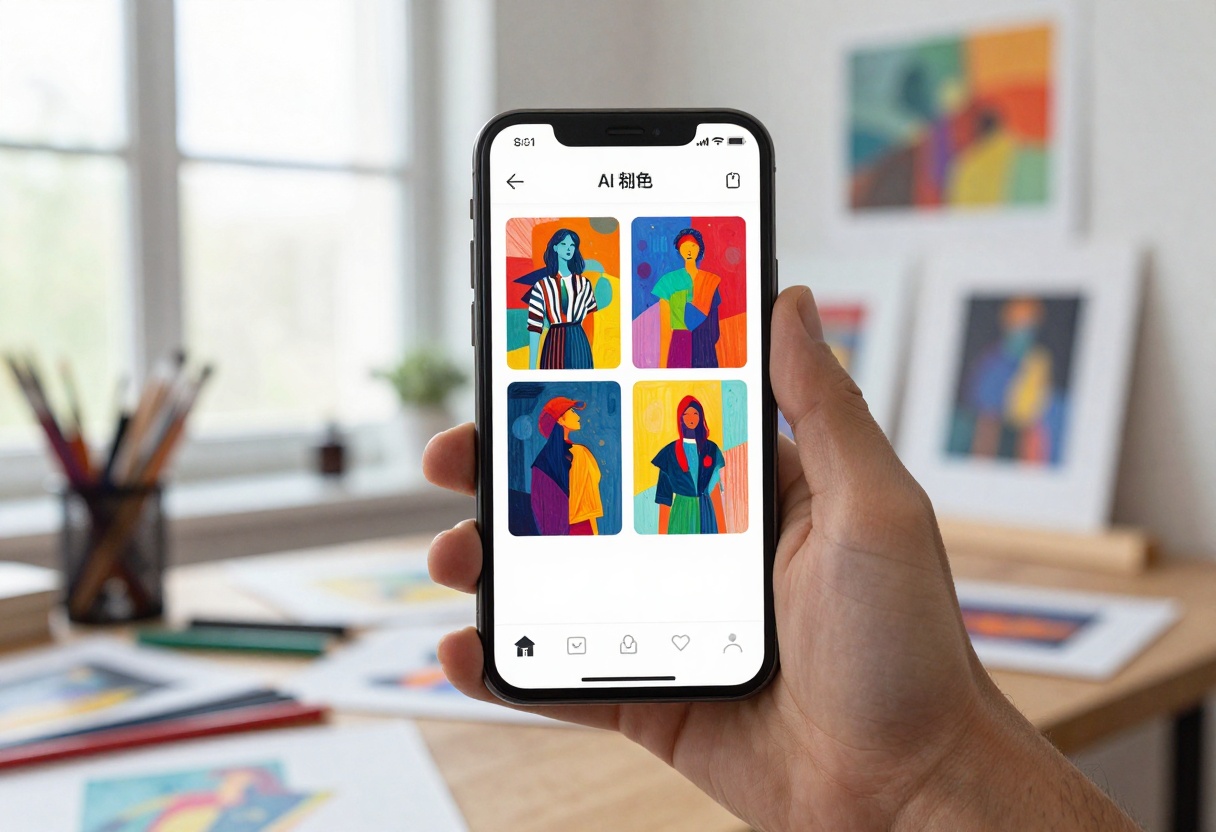
GPT Image 1.5 combines OpenAI's language understanding with advanced image generation. This model particularly excels at interpreting complex, descriptive prompts.
Where it stands out:
- Understanding nuanced prompt language
- Generating coherent multi-element scenes
- Handling abstract concepts effectively
- Maintaining consistency in series generation
Content creators writing detailed prompts will find GPT Image 1.5 particularly responsive to their instructions.
Writing Effective Prompts
The quality of your AI-generated images depends heavily on how you write prompts. Generic descriptions produce generic results. Specific, well-crafted prompts unlock the true potential of these models.
Start with the subject. Clearly state what you want to see. "A golden retriever" is better than "a dog," but "a happy golden retriever puppy playing in autumn leaves" gives the AI much more to work with.
Add style descriptors. Include terms like "photorealistic," "oil painting," "digital art," or "watercolor illustration." These guide the model's artistic approach.
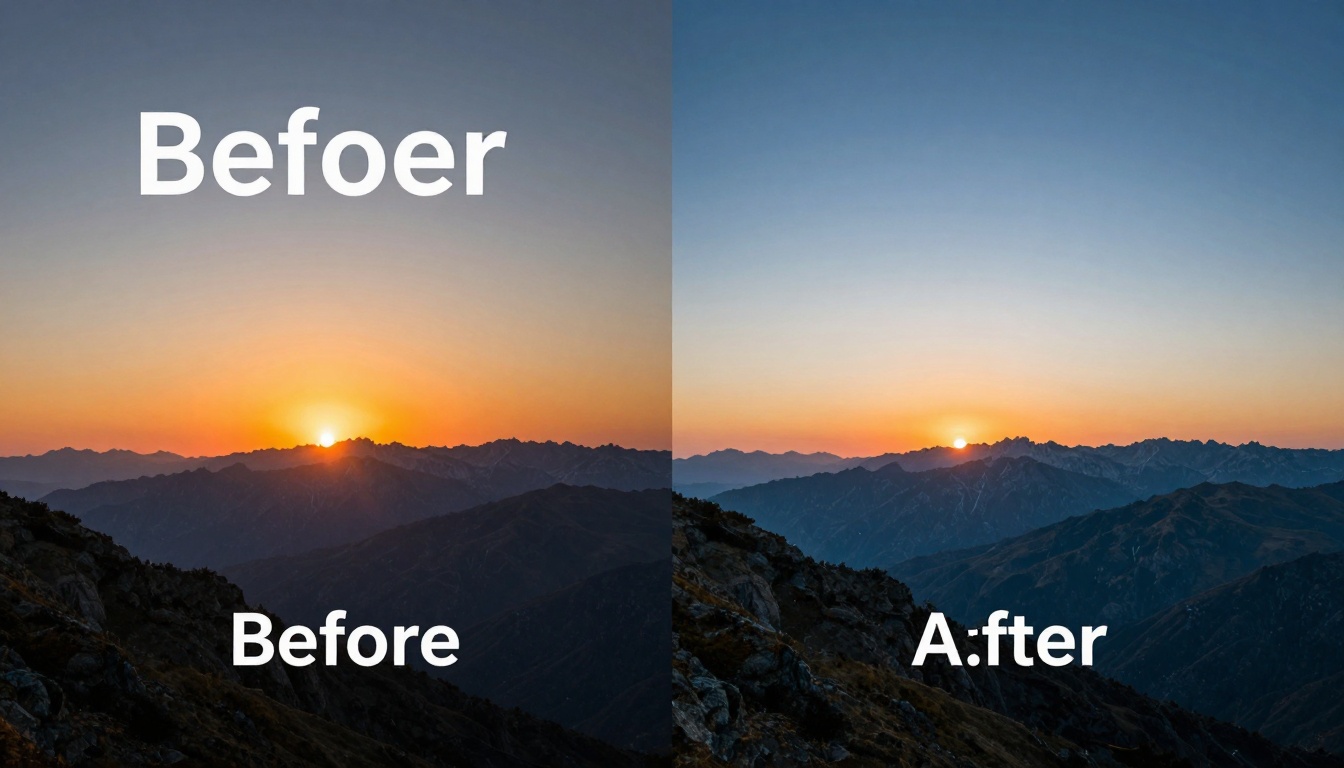
Specify lighting and atmosphere. "Golden hour lighting," "dramatic shadows," "soft diffused light," or "neon-lit nighttime scene" significantly impact the mood and quality of results.
Include composition details. Mention camera angles, framing, or focus. "Close-up portrait," "wide-angle landscape," "bird's eye view," or "shallow depth of field" help shape the final image.
Use quality modifiers. Terms like "8k resolution," "highly detailed," "professional photography," or "award-winning" can push models toward higher-quality outputs.
Here's a weak prompt: "forest scene"
Here's a strong prompt: "Dense misty forest at dawn, rays of golden sunlight breaking through tall pine trees, moss-covered ground, atmospheric depth, professional nature photography, 8k detail, serene and mystical mood"
The difference in results will be dramatic.
Creative Applications
Free AI image generators open up countless possibilities across different fields and projects.
Content marketing benefits enormously. Blog headers, social media graphics, and email newsletter images can be generated on-demand, matching your brand's aesthetic without stock photo fees or designer costs.
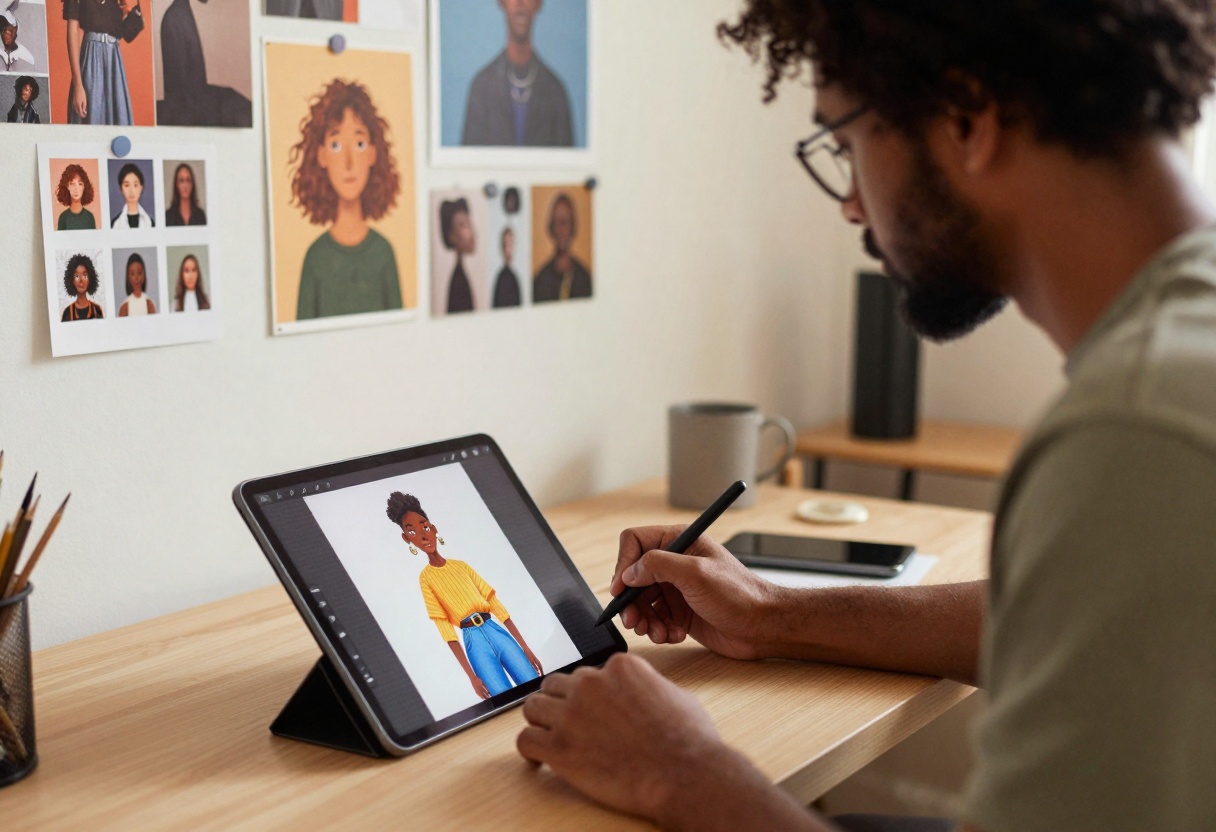
Concept art and storyboarding accelerate dramatically. Directors, game developers, and creative teams can visualize scenes quickly, exploring different visual directions before committing to final production.
Product mockups for e-commerce or pitches become simple. Generate lifestyle images showing products in context, create variations of packaging designs, or visualize how items look in different settings.
Educational materials gain visual appeal. Teachers and trainers can create custom illustrations for lessons, generate historical scene reconstructions, or visualize scientific concepts.
Social media presence strengthens when you produce consistent, eye-catching visuals. Generate quote graphics, promotional images, or themed content series without depending on stock libraries.
Personal projects flourish with easy access to custom artwork. Design your own book covers, create character art for tabletop games, generate album artwork, or produce unique gifts.
Limitations and Considerations
Despite impressive capabilities, free AI image generators have limitations worth understanding.
Hands and complex anatomy still challenge most models. While improving, you'll often see distorted fingers, impossible poses, or anatomical inconsistencies. Review outputs carefully if accuracy matters.
Text within images remains hit-or-miss. Some models handle it better than others, but don't rely on AI-generated text being readable or correctly spelled. Plan to add text separately if needed.
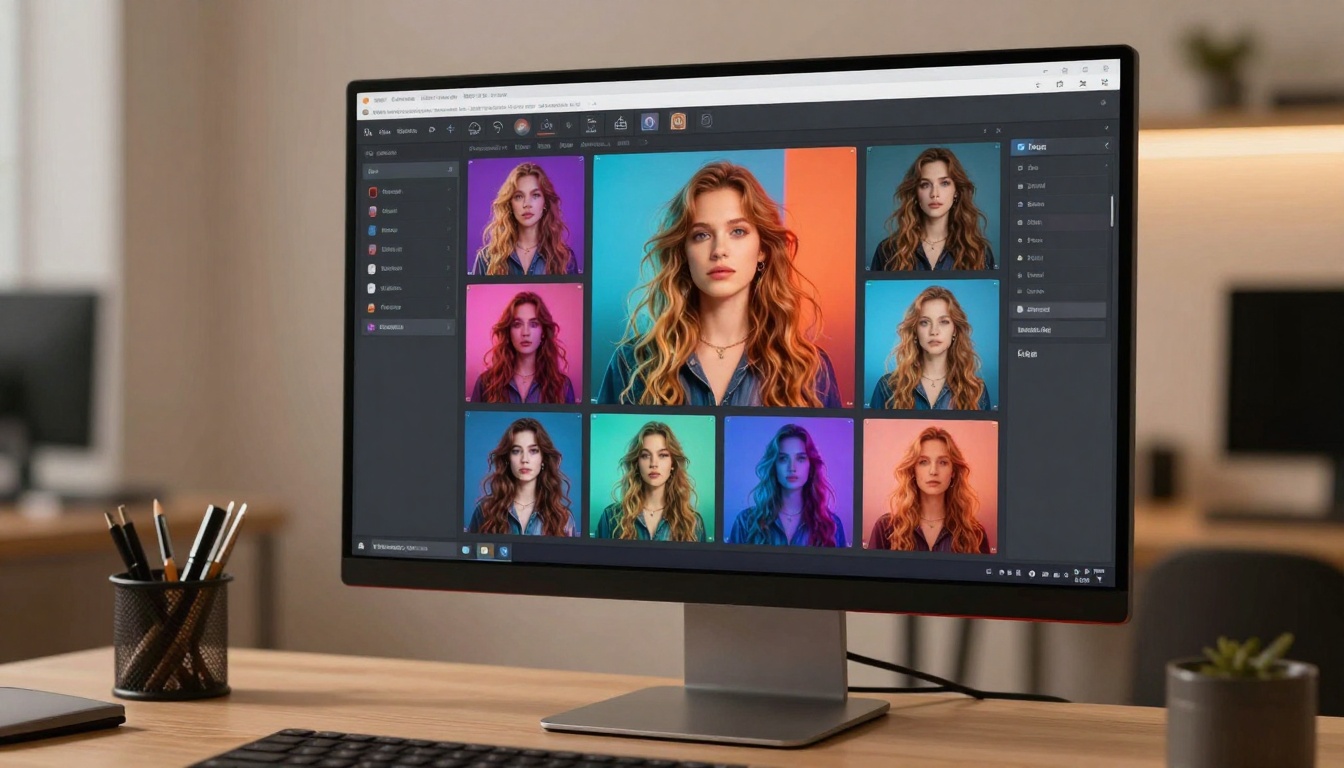
Specific brand or logo recreation often fails. AI models intentionally avoid generating copyrighted or trademarked content. If you need recognizable brands, you'll need to add them through editing.
Consistency between generations can be challenging. Even with identical prompts, you'll get variations. This variability works great for exploration but complicates projects requiring exact visual consistency.
Usage rights and licensing vary by platform. Most free generators allow personal and commercial use, but always check the specific terms. Some restrict commercial applications or require attribution.
Tips for Better Results
Small adjustments to your workflow can dramatically improve your AI image generation success rate.
Generate multiple variations. Don't settle for the first result. Create several versions of each prompt, then select the best one. Most free platforms allow batch generation.
Iterate on prompts. If a result almost works, modify your prompt slightly rather than starting over. Add details, adjust style terms, or refine the description based on what you see.
Use reference images when available. Some models accept image inputs alongside text prompts. This helps communicate exactly what you want, especially for style or composition.
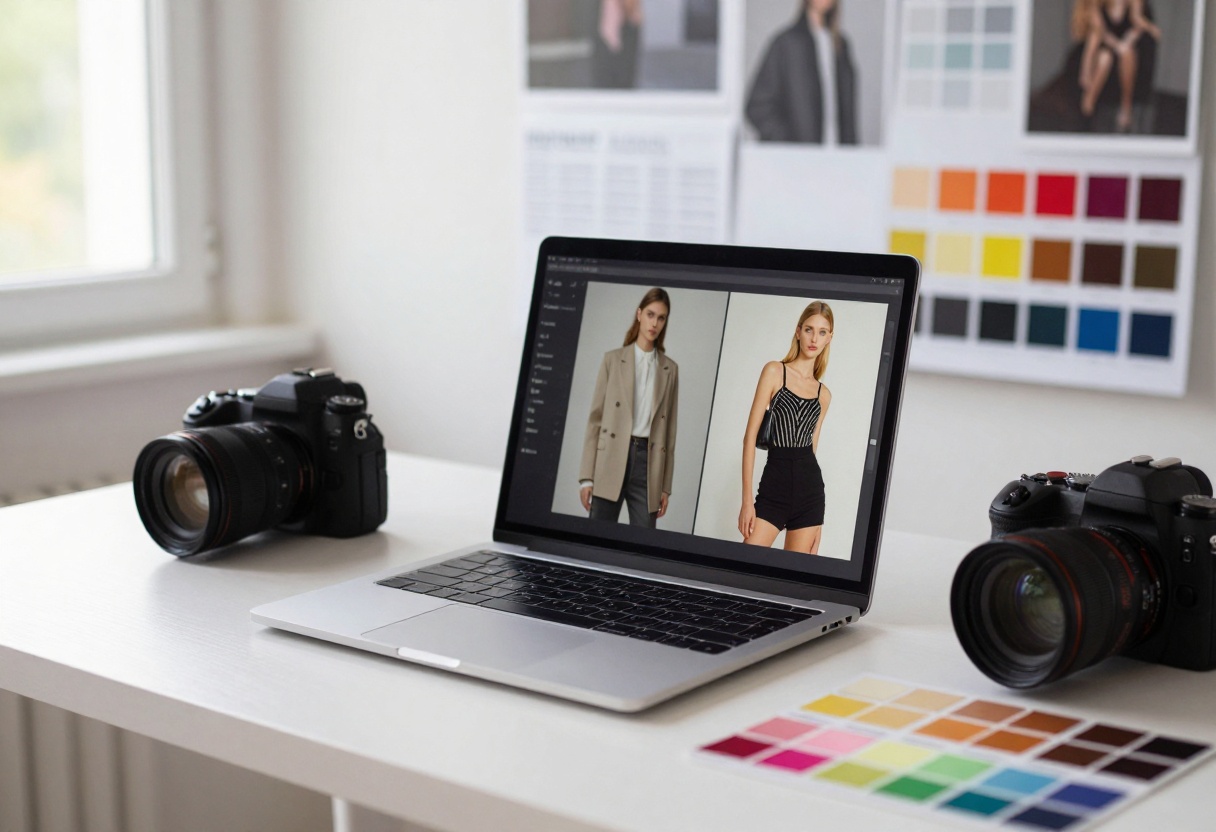
Start simple, then add complexity. Begin with basic prompts to establish the core subject, then add layers of detail. This approach often works better than throwing everything into one massive prompt.
Learn from successful prompts. When you generate something great, save that prompt. Build a library of effective descriptions you can reference and modify for future projects.
Combine models strategically. Different models excel at different things. Use Flux Schnell for quick tests, then switch to Flux 2 Pro for final high-quality versions.
How to Use Flux Schnell on PicassoIA
Let me walk you through generating your first image with Flux Schnell, one of the fastest free models available on PicassoIA.
Step 1: Navigate to Flux Schnell
Visit the Flux Schnell model page on PicassoIA. You'll see the model's interface with various configuration options.
Step 2: Enter Your Prompt
In the main text field, write a detailed description of the image you want to create. Remember to include:
- The main subject
- Style descriptors
- Lighting details
- Composition preferences
- Quality modifiers
Example: "A cozy coffee shop interior at dusk, warm lighting from vintage lamps, people reading books at wooden tables, steaming coffee cups, photorealistic style, cinematic composition, 8k detail"
Step 3: Configure Settings
Flux Schnell offers several optional parameters you can adjust:
Aspect Ratio determines your image dimensions. Choose from options like 1:1 (square), 16:9 (widescreen), or 2:3 (portrait). Select based on where you'll use the image.
Output Format lets you pick between WebP, JPG, or PNG. WebP offers the best compression, while PNG provides lossless quality. JPG works well for most purposes.
Output Quality ranges from 0 to 100. Higher values mean larger file sizes but better image quality. The default of 80 balances quality and file size nicely.
Number of Outputs specifies how many variations to generate. Creating multiple versions (2-4) gives you options to choose from.
Step 4: Advanced Options
For more control, explore these advanced settings:
Seed makes results reproducible. Enter a specific number to get the same result with identical settings. Leave blank for random variations.
Megapixels controls resolution. The default of 1 megapixel works for most uses. Lower values generate faster.
Inference Steps affects quality and speed. The recommended 4 steps balance both. Higher numbers may improve quality slightly but slow generation.
Go Fast enables speed optimizations. Keep this on for quickest results, though outputs become less deterministic even with a seed.
Step 5: Generate and Download
Click the generate button to start processing. Flux Schnell typically produces results in seconds.
Once complete, review your images. Click to view full resolution, then download your favorites. The interface clearly shows each generation's settings, making it easy to recreate or modify successful prompts.
The Future of Free AI Image Generation
The trajectory of free AI image generation points toward continued improvement and accessibility.
Quality will keep rising as models become more sophisticated. We're already seeing improvements in difficult areas like hands, text, and complex scenes. This trend will continue.
Speed will increase as hardware and optimization techniques advance. What takes seconds now may happen instantly in the near future.
Customization options will expand, giving users finer control over generation parameters, style application, and output characteristics.
Integration with other tools will deepen. Expect better connectivity between AI image generators and design software, content management systems, and creative workflows.
Model variety will grow as new architectures emerge. Different models will specialize in specific tasks, giving users more targeted options.
The democratization of creative tools through free AI image generation represents a genuine shift in how visual content gets created. Anyone with ideas can now produce professional-quality imagery without budgetary constraints.
This accessibility doesn't diminish human creativity. Instead, it amplifies it, letting people bring their visions to life more easily. The best results still come from those who understand composition, storytelling, and visual communication, but now those skills don't require expensive tools or extensive technical training.
Free AI image generators have removed barriers, opened doors, and expanded possibilities. They've made visual creativity more inclusive, more experimental, and more exciting than ever before.
Ready to start creating? Visit PicassoIA to access these free AI image generators and transform your ideas into stunning visuals.


