Typing a few lines of text and getting back a photorealistic character sounds simple, yet most people searching for a free nude generator end up with blurry faces, broken hands, a pile of watermarks and a paywall after the second image. The good news: in 2026 the quality gap between a paid studio and a free tool has shrunk a lot. The better news: you can build artistic, glamour-style, non-explicit adult imagery of fictional AI characters without installing anything, as long as you pick the right model and write the right prompt.
This article compares the real options (text to image models, online generators and mobile apps), explains what "free" actually means, and shows how to get skin texture, light and wardrobe that look like a real photo shoot.
💡 Scope note: Everything below is about creating fictional adult characters in a tasteful, magazine-style way: boudoir, swimwear, silhouettes, implied artistic figure studies. Nothing here is about real people, and nothing here is explicit.
What a Free Nude Generator Really Is
The phrase covers three very different kinds of tools, and mixing them up is the number one reason people feel disappointed.
Text to Image Generators
You describe a person, a setting, a light and a camera, and the model builds a brand new image from scratch. The character does not exist, no real photo is involved, and you control every detail. This is the safest and most flexible approach, and it is the one that gives the most realistic results with current models.
Photo Editors and "Undress" Apps
These take an existing photo and alter it. Apps that remove clothing from photos of real, identifiable people are a serious problem: they are used to harass, they violate consent, and in many countries creating or sharing such images is illegal. This article does not recommend them. If you edit, edit your own generated characters or your own photos.
Character Builders
Some apps wrap a text to image model in a friendly interface with sliders for hair, body type and outfit. They are convenient, but they usually lock the best quality behind credits.
What "Free" Usually Means
Be skeptical of the word. In practice it falls into one of these buckets:
| Type of "free" | What you really get | Typical catch |
|---|
| Daily credits | A handful of images per day | Resets are slow, queues are long |
| Free trial | A few generations, then a paywall | Needs a card or an account |
| Watermarked output | Unlimited images with a logo | Unusable for portfolios |
| Open weights, local install | Truly free, no limits | Needs a strong GPU and setup time |
| Unlimited editor | No cap on generations | Rare, and worth looking for |
That last row matters. A tool with no generation cap changes how you work, because you stop rationing prompts and start iterating.
Best Free Options Compared
Here is how the main routes stack up for artistic adult content with realistic faces and skin.
Online Models on a Single Platform
A multi-model platform lets you try several engines with one account. That is a real advantage, because every model has a different personality: one is better at skin, another at fabric, another at faces in motion. On PicassoIA you can switch between Seedream 4.5, Z Image Turbo and Qwen Image 3 without rewriting your workflow.
Mobile Apps
Apps are fine for quick experiments, but most of them run a small model, compress the output, and push subscriptions after a few images. Expect softer detail and less control over lighting. They suit casual use, not portfolio work.
Local Open Source Setups
Installing an open model on your own computer is the only way to get literally unlimited and private generations. The price is time: drivers, checkpoints, memory limits. If you are patient and own a good graphics card, it works. If you want results in the next five minutes, an online model is faster.
Quick Comparison Table
| Option | Realism | Speed | Control | Best for |
|---|
| Seedream 4.5 | Very high | Fast | High | Photoreal characters from text |
| Image Editor Pro | High | Fast | Very high | Unlimited edits and variations |
| Z Image Turbo | High | Very fast | Medium | Rapid drafts |
| Flux 2 Klein | High | Fast | High with LoRA | Consistent styles |
| Qwen Image 3 | High | Medium | Medium | Natural faces and scenes |
| Typical mobile app | Medium | Medium | Low | Quick tests |
Why Seedream 4.5 Leads
If you want one model to start with, Seedream 4.5 is the strongest pick for photoreal glamour and boudoir work. It handles skin pores, soft light falloff and fabric folds with a level of consistency that older models struggled to reach, and it follows long, descriptive prompts closely. It is also permissive enough for tasteful adult content, so you are not fighting a filter every time a character wears a swimsuit or a silk robe.
Skin That Looks Like Skin
The most common giveaway of an AI portrait is plastic skin. Seedream 4.5 tends to keep micro texture: freckles, faint peach fuzz, tiny highlights where light meets a shoulder. You still have to ask for it in the prompt, which I will show below.
Prompt Obedience
Long prompts that specify lens, light direction and pose are followed more faithfully than average. That means fewer wasted attempts, which is exactly what you want when you are working with limited credits.
Speed
Images come back quickly, so you can test five variations of a lighting setup in the time it takes some tools to finish one.
How to Use Seedream 4.5 on PicassoIA
Here is the exact flow, from empty prompt box to a finished photoreal portrait.
Step by Step
- Open the Seedream 4.5 page and sign in.
- Paste a prompt that follows this order: subject and pose, environment, light, camera and lens, texture details.
- Choose a 16:9 ratio for wide editorial scenes or a portrait ratio for close-ups.
- Generate, then review the result at full size. Check eyes, hands and fabric edges.
- Keep what works, change one element in the prompt, and run it again.
Parameter Tips
- Aspect ratio: wide frames give room for environment, which sells realism.
- Resolution: pick the highest option for final images, a lower one for drafts.
- Seed: when you like a face, keep the same seed and change only clothing or background to get a consistent character.
- Prompt length: 50 to 100 words is the sweet spot. Shorter prompts give generic faces, longer ones sometimes contradict themselves.
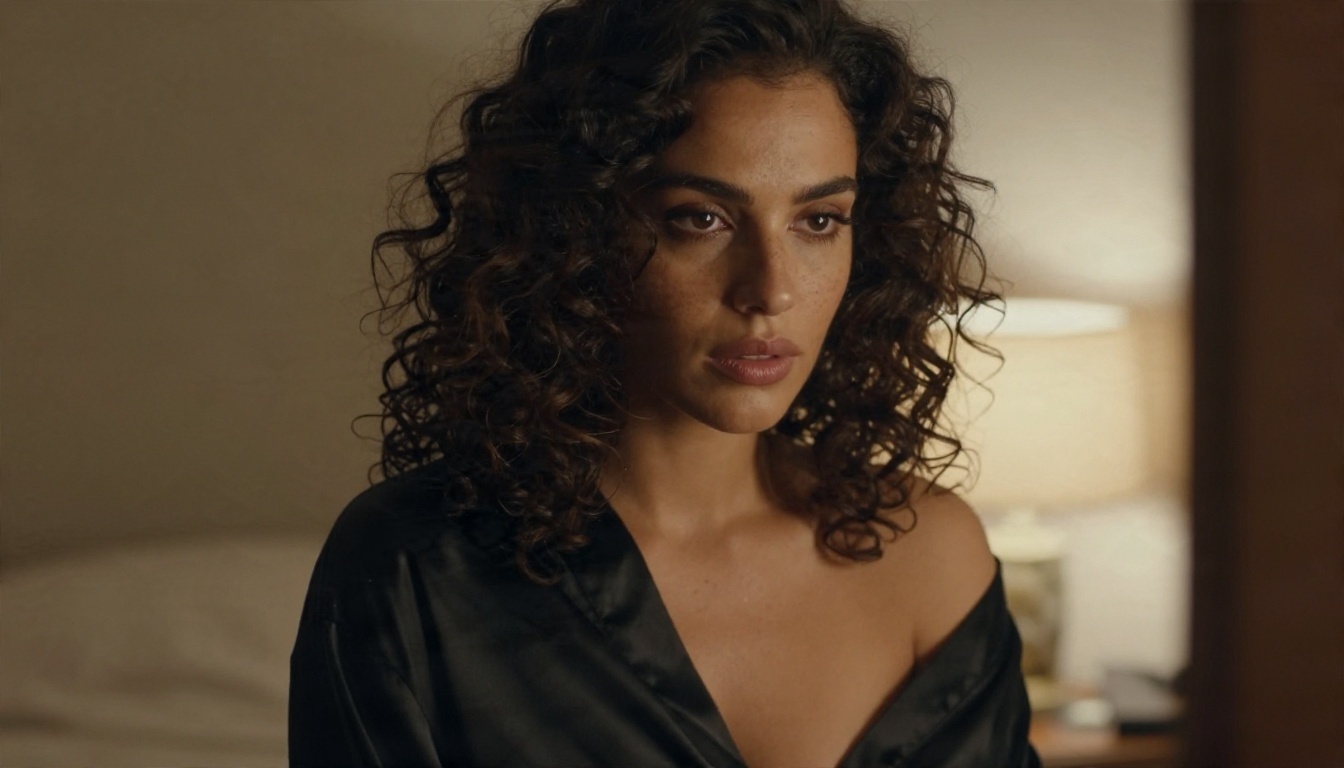
💡 Quick template: "A woman in her late twenties wearing a black silk robe, seated at a vanity mirror in a dim bedroom, soft tungsten lamp light from the right, 85mm f/1.8, visible skin pores, Kodak Portra 400 film grain, editorial boudoir photography."
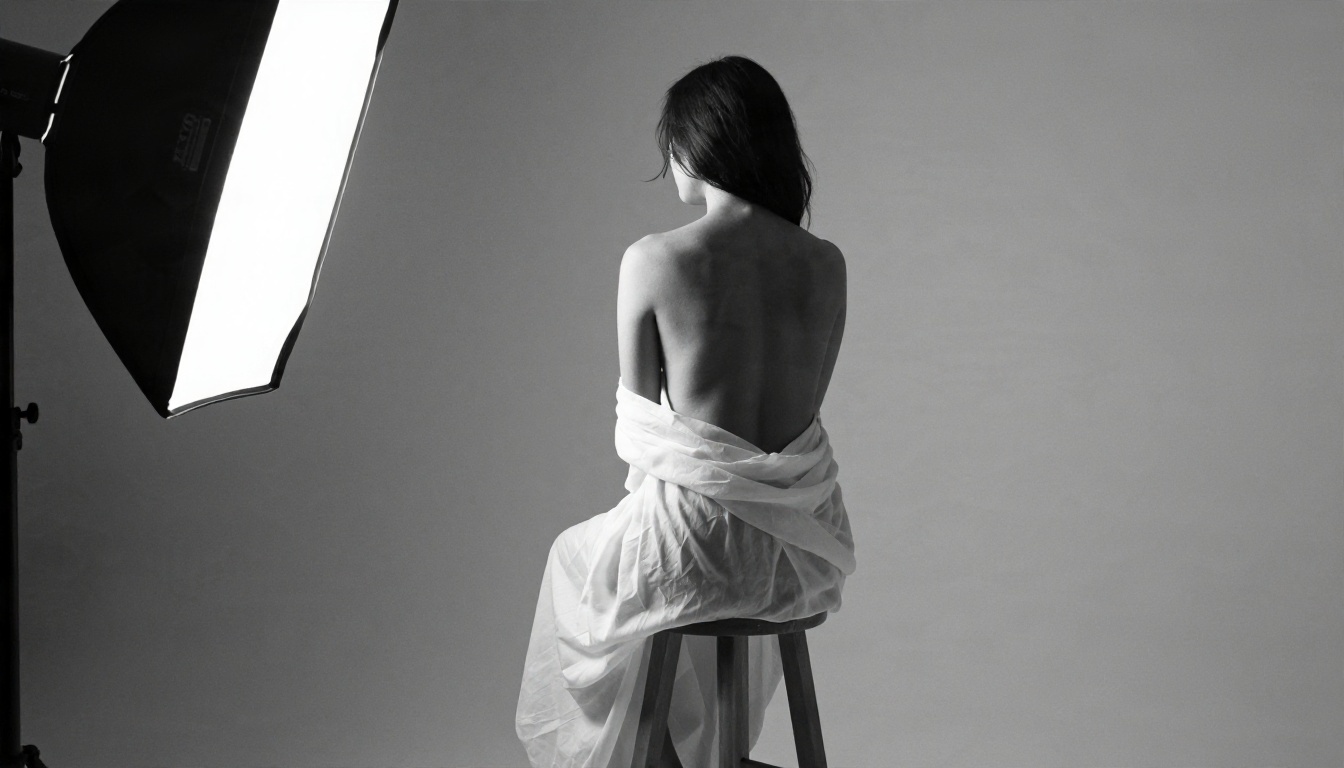
Image Editor Pro for Unlimited Edits
The second tool worth bookmarking is PicassoIA Image Editor Pro. Its big selling point is simple: unlimited generations. When you can run as many variations as you like, the whole process changes. You stop treating each prompt as precious and start experimenting freely.
What It Is Good At
- Changing outfits on an image you generated yourself
- Adjusting background, light and mood without starting over
- Fixing small flaws such as an odd hand or a stray strap
- Building variations of one character in different settings
A Smart Workflow
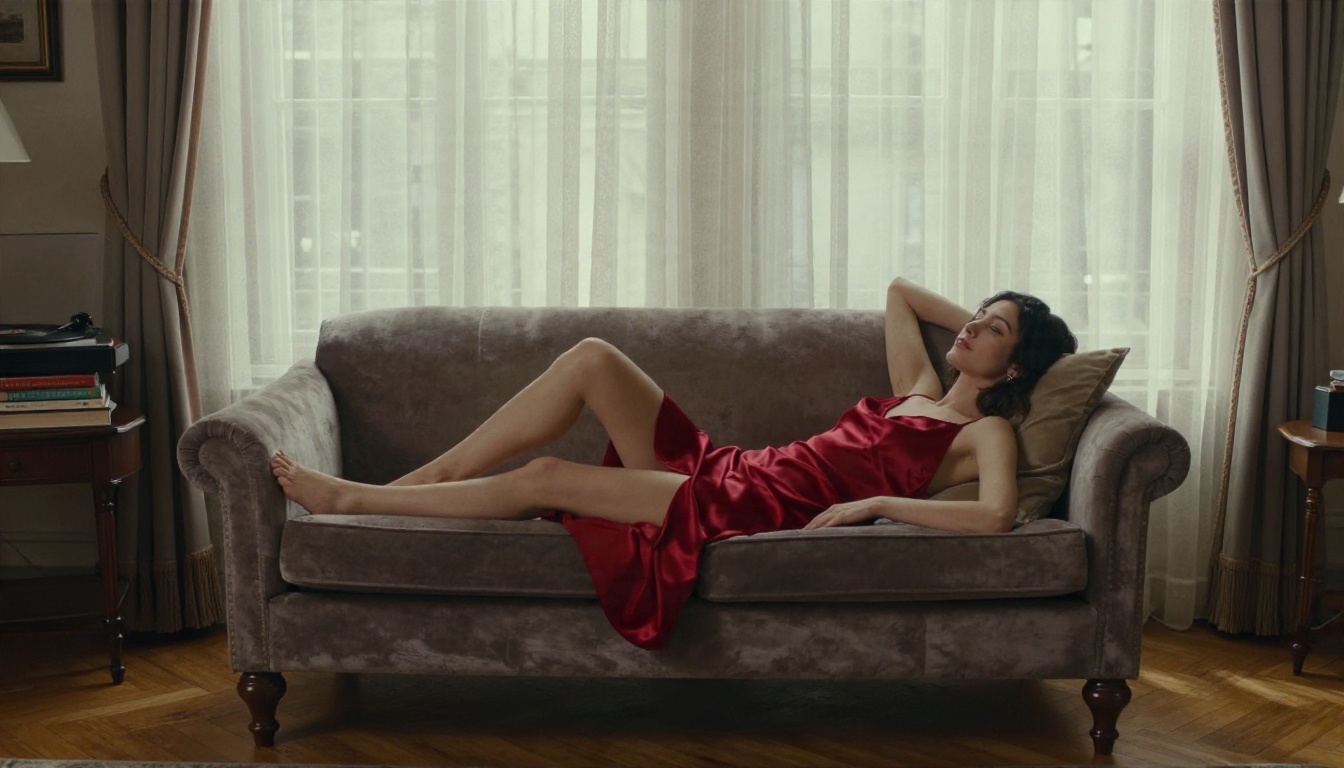
Generate your base character in Seedream 4.5, then bring the best frame into Image Editor Pro and iterate on wardrobe, location and lighting. You keep the face you like while exploring ten looks in an afternoon, with no meter running.
Other Models Worth Trying
Once you have a baseline, a few alternatives give different looks.
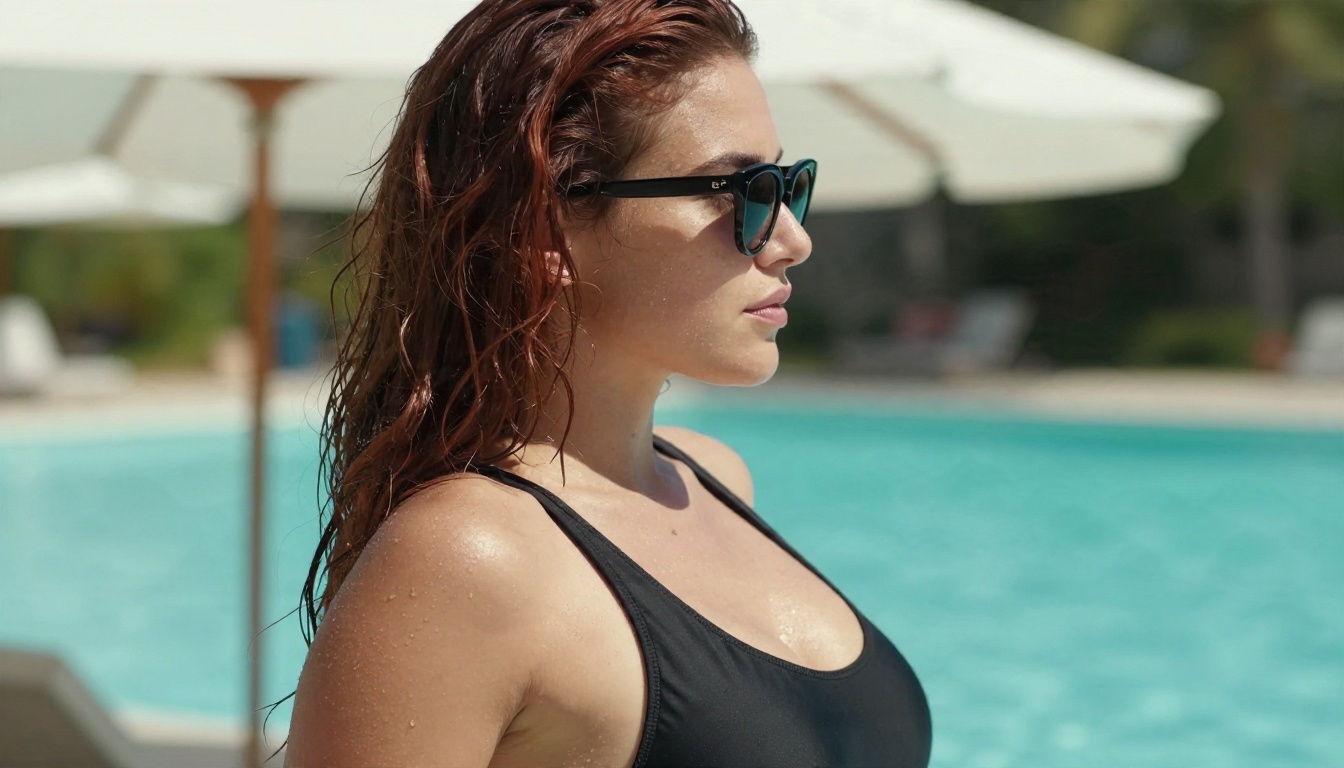
💡 Tip: Run the same prompt on two or three models. The differences in skin and fabric are often bigger than you expect, and picking the winner takes seconds.
Prompts That Produce Realistic Results
Most disappointing results come from vague prompts. "Beautiful woman, sexy, 4k" gives you the same stock face everyone else gets. Specific photography language gives you something that feels shot, not rendered.
Describe the Light First
Light does more for realism than any other single element. Name its direction and quality: "soft golden morning light from a window on the left, gentle rim light on the shoulder, warm bounce from a white wall." Hard noon sun, tungsten lamps, dawn blue light and overcast windows all produce very different moods.
Name the Camera and Lens
Models respond strongly to lens language. An 85mm f/1.8 gives portrait compression and creamy background blur. A 35mm f/2 gives a more candid, lifestyle feel. A 100mm f/2.8 works for close-ups. Add "Kodak Portra 400, fine film grain" for warm skin tones and soft contrast.
Ask for Texture on Purpose
Add phrases such as "visible pores, subtle freckles, peach fuzz, natural sheen, no airbrushing". Without them many models smooth everything into wax. Do the same for materials: "linen weave, silk sheen, lace pattern, wet sand."
Keep Wardrobe Tasteful and Implied
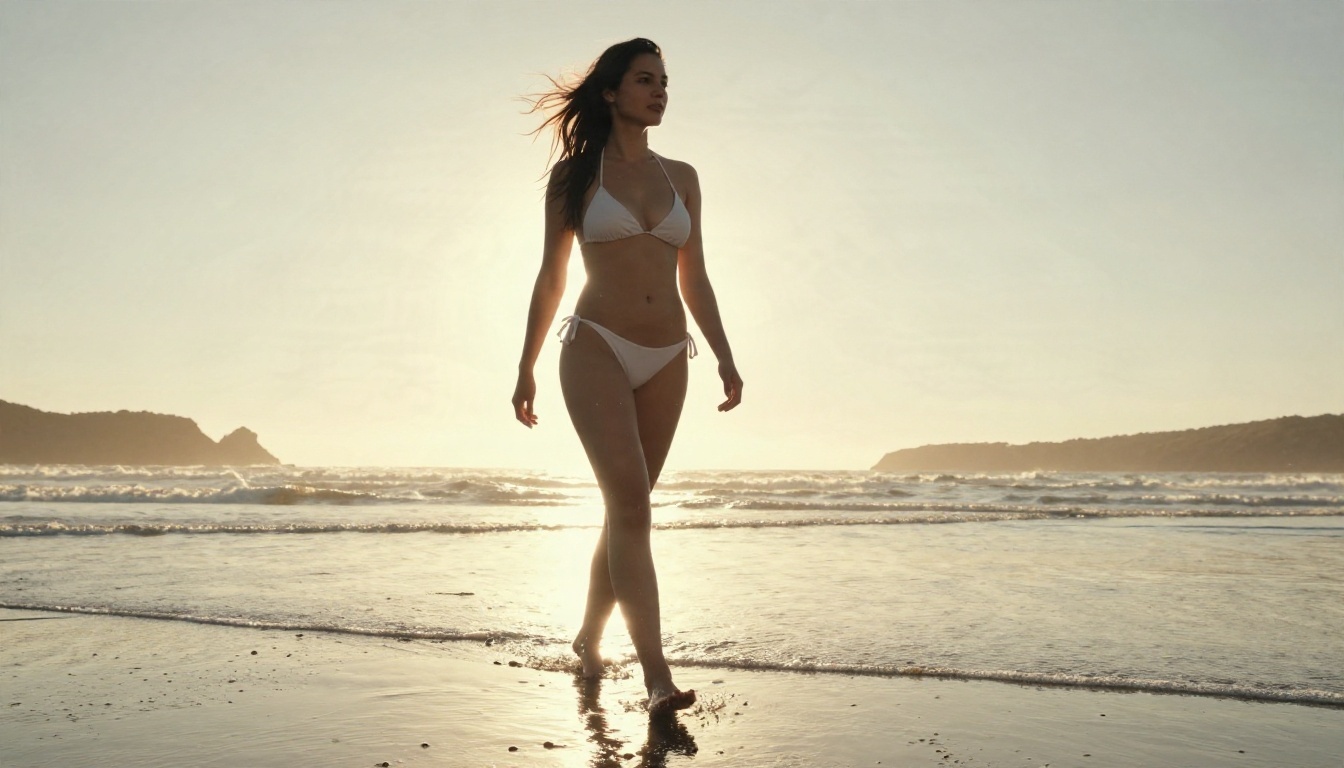
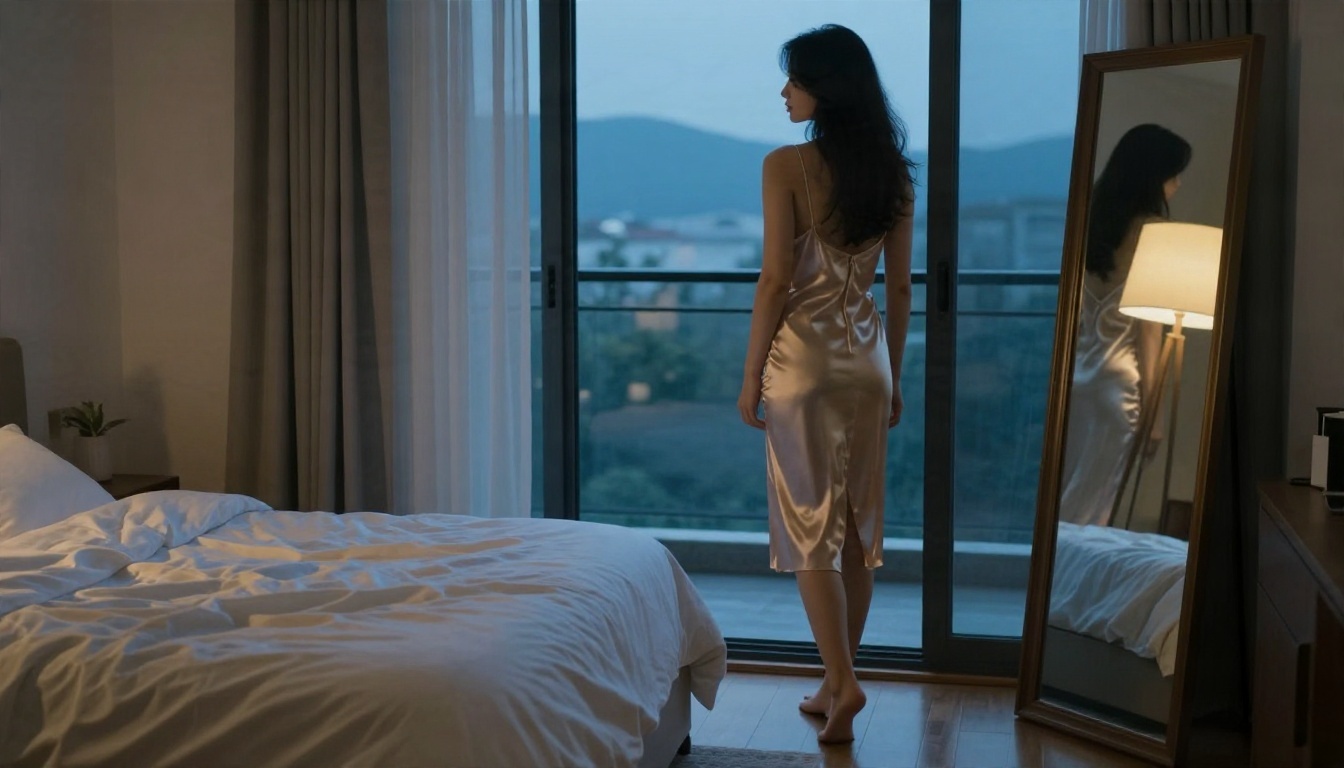
Glamour photography has always relied on suggestion: a robe slipping off a shoulder, a sheet draped over a figure, a silhouette from behind, a swimsuit on a beach. These images are stronger than explicit ones, they pass more platforms, and they are easier for models to render without anatomical errors.
Prompt Formula You Can Reuse
| Element | Example |
|---|
| Subject | Woman in her thirties, auburn hair, relaxed pose |
| Wardrobe | Champagne silk slip, bare feet |
| Location | Bedroom window at dawn, rumpled white bedding |
| Light | Cool blue dawn light mixing with a warm lamp |
| Camera | 50mm f/1.8, full-length framing |
| Texture | Fabric folds, subtle skin detail, film grain |
Safety, Consent and Rules
A tasteful workflow is also a safe one. A few rules save you from trouble.
Fictional Characters Only
Do not generate images of real, identifiable people without their clear consent, and never use a photo of someone else as the base for adult edits. That includes celebrities, coworkers, exes and anyone who has not agreed. Beyond the harm to the person, it can break platform rules and the law in many places.
Adults Only
Every character must be clearly an adult. Describe an age in the prompt, such as "woman in her late twenties", and discard any output that looks younger. No exceptions.
Keep It Non-Explicit
Stay with boudoir, swimwear, silhouettes and implied figure studies. Beyond being the right call, it gives you images you can actually share, post and use in portfolios or mood boards.
Check Platform Terms
Each site and social network has its own rules about adult content. Read them before you publish anything, and label images as AI generated where required.
Mistakes That Waste Time
Most of the frustration with free tools comes from a short list of avoidable errors.
- Vague prompts: "hot girl" gives a generic result. Write a scene.
- Ignoring hands and edges: zoom in before you celebrate. Fix with a re-run or an editor.
- Changing everything at once: adjust one variable per attempt, or you cannot tell what helped.
- Over-stacking style words: ten adjectives about beauty usually do less than one clear sentence about light.
- Skipping the seed: if you want the same character again, save the seed.
- Choosing a tool for the hype: a model with a famous name is not always the one with the best skin.
Which Option Should You Choose?
A short decision list:
- You want the best realism fast: start with Seedream 4.5.
- You want to iterate without limits: use Image Editor Pro.
- You want quick drafts: try Z Image Turbo.
- You want a consistent styled series: try Flux 2 Klein 9B Base LoRA.
- You want total privacy and have the hardware: a local open source setup.
The sweet spot for most people is the first two combined: generate with Seedream 4.5, refine with Image Editor Pro, and you get uncensored-feeling freedom for tasteful content with no daily meter on the editing side.
Start Creating Your Own Characters
You do not need a stack of subscriptions to make convincing, magazine-style AI portraits. You need a strong model, a prompt that describes light and lens like a photographer, and a place to iterate without a counter ticking down.
Open Seedream 4.5 on PicassoIA, paste the template from this article, and change one detail at a time: the robe, the window, the hour of the day. Then take your favorite frame into Image Editor Pro and build a full set. When you want to try more engines, browse the full catalog at picassoia.com/en/all-models and compare how each one handles skin, fabric and light. Your first strong image is usually only a few prompts away.


