Most people who search for a hentai generator end up in the same loop: sign up, burn the free credits on three mediocre pictures, hit a paywall, then start over somewhere else. It is a frustrating cycle, and it happens because nobody explains what actually separates a good generator from a bad one. This article does. It breaks down image quality, real pricing, free options and the alternatives that give you more control, so you can pick a tool once and stop hopping.
A quick note before we start: everything here is for adults, about adult characters and consenting adult use. Never generate content depicting minors or real people without their permission. With that settled, let's get into what matters.
What Makes a Hentai Generator Good
A hentai generator is simply an AI image tool tuned for anime and manga style adult art. Some are built on purpose, with their own trained models. Others are general image models with a friendly front end and looser content filters. The label tells you very little. What you should judge is the output, the limits and the price.
Four things decide whether a generator is worth your time:
- Image quality: clean linework, believable anatomy, consistent faces, no melted hands.
- Prompt control: does the tool follow your wording, or does it improvise?
- Content rules: how restrictive are the filters, and do they change after you pay?
- Cost per usable image: not cost per generation, because a failed image still costs you credits.
That last point is the one most reviews skip. A tool that charges $6 a month but needs ten tries per good image is more expensive than one that charges $12 and nails it in two.
Dedicated tools vs general models
Dedicated anime generators usually give you a ready style, community presets and character libraries. The trade-off is lock-in: you get their look, their queue, their credit system and their rules.
General models, like the ones you can find on a multi-model platform, are more flexible. You can push them toward anime, semi-realistic, painterly or even photographic looks with the prompt alone. If you want to move between styles without opening five accounts, this is the better route.
Who is searching for this
The search intent behind this keyword is mostly comparison and transaction. People want to know which tool is best, what it costs, and whether they can get away without paying. That is exactly how this article is laid out.
Image Quality: What to Check
Image quality is where marketing pages lie the most. Every homepage shows its three best outputs, cherry-picked from hundreds. To judge a tool fairly, run the same test prompt on every generator and compare the results side by side.
The five-point quality test
Use one prompt with a clear subject, a specific outfit, a defined background and a lighting note. Then score each result:
| Check | What good looks like | What bad looks like |
|---|
| Hands and fingers | Five fingers, natural poses | Extra digits, fused knuckles |
| Face consistency | Same eyes and proportions on a re-run | Face changes completely each time |
| Linework and shading | Crisp edges, smooth gradients | Muddy outlines, banding |
| Prompt accuracy | Outfit, color and setting match | Details ignored or swapped |
| Resolution | Sharp at 100% zoom | Soft or noisy when enlarged |
💡 Tip: Generate the same prompt four times in a row. If one in four is usable, the tool is average. If three in four are usable, you have found something good.
Resolution matters more than you think
A 1024 pixel image looks fine on a phone and falls apart on a monitor or a print. Many cheap tools output small files and upscale them badly. Look for tools that offer 2K or 4K output natively, or pair your generator with a separate upscaler. PicassoIA has a whole category of super resolution models for this exact job, going 2x to 4x without turning edges to mush.
Realistic skin and semi-realistic styles
Here is something the pure anime tools rarely tell you: a growing share of users want a semi-realistic or cosplay look, where anime proportions and costumes meet real skin texture and real lighting. This is where modern photographic models beat classic anime checkpoints. They render pores, fabric weave and natural light in a way older anime models never could.
If that look appeals to you, a general model prompted with "anime inspired cosplay, studio photograph" will often outperform a dedicated hentai site. Keep this in mind when you read the pricing section, because it changes what you are paying for.
Pricing: What You Really Pay

Prices in this niche look cheap and rarely are. Based on what recent reviews report, monthly plans for dedicated adult image tools tend to sit between roughly $6 and $17, with some regional pricing in euros. Pay as you go services quote per image rates of a few cents. Prices change often, so always check the current number on the vendor's own page before you pay.
Three pricing models you will meet
| Model | How it works | Best for | Watch out for |
|---|
| Monthly subscription | Flat fee, usually with a credit cap | Regular users | Credits expire, caps hide in small print |
| Pay per image | A few cents per generation | Occasional users | Failed images still cost money |
| Daily free credits plus upgrade | Small free allowance, paid tier for more | Testers | NSFW features often locked behind the paid tier |
The hidden costs
Sticker price is only part of it. These are the costs that quietly add up:
- Failed generations. Bad hands, wrong outfit, ignored prompt. You pay for all of them.
- Upscaling fees. Some tools charge extra for a higher resolution download.
- Queue time. Free and low tiers wait in line. Your time has value.
- Subscription creep. Annual plans billed upfront are hard to refund.
💡 Rule of thumb: divide your monthly price by the number of images you actually keep. That is your true cost per image. Anything under 10 cents is good. Anything over 50 cents is poor.
Unlimited beats metered
If you generate often, a metered credit system punishes experimentation, and experimentation is how you get good results. An unlimited tool changes your behavior. You try ten variations without hesitation, and the eleventh is the keeper. We will come back to this in the alternatives section.
Free Options and Their Limits

Free is possible, but never free of strings. Reviews of this niche mention a handful of names that come up again and again: OurDream and Promptchan for free daily tiers, Mage.space for a sign up allowance, PixAI for daily credits, and Animagine XL for people who run models on their own graphics card. Treat these as starting points, not endorsements, and check what each one currently offers.
What free tiers usually restrict
- Daily caps. Often a handful of images per day.
- Watermarks. Fine for testing, useless for sharing.
- Locked content. Some free plans hide adult output behind the paid tier entirely.
- Slow queues. Free users wait behind paying ones.
- Low resolution. Free output is often small.
Running a model locally
Self hosting is the only truly free route. You download an open model, run it on your own GPU and pay nothing per image. The catch is real: you need a strong graphics card with plenty of memory, patience for setup, and time to manage files, updates and settings. For most people the hours spent setting up cost more than a month of a good online tool.
The smart free strategy
Use free tiers as a testing lab, not a home. Run your five-point test prompt on three free tools, pick the one that follows your wording best, then decide whether paying makes sense. If none passes, move to a platform with more models and fewer limits.
Best Alternatives on PicassoIA
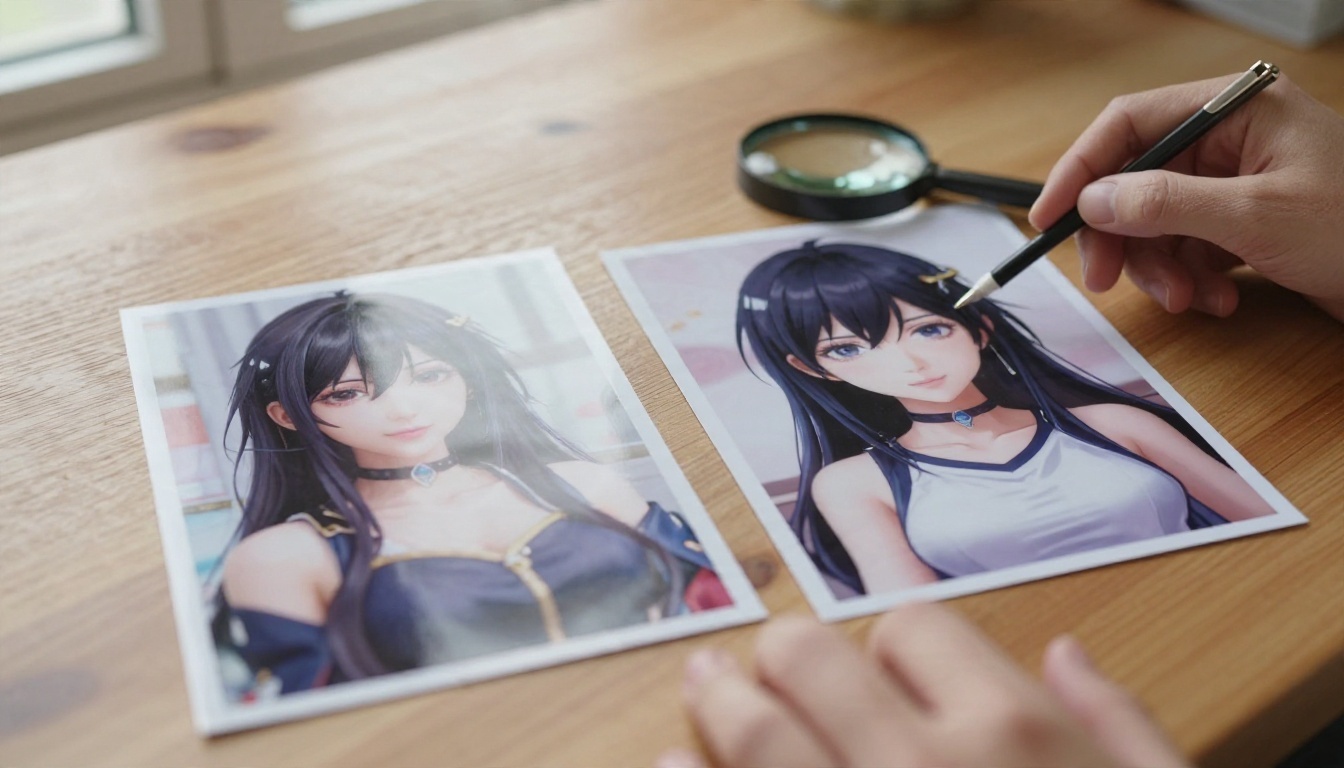
If you are tired of one tool, one style and one set of rules, a multi-model platform solves the problem. Here are the models worth trying, in the order I would try them.
1. Seedream 4.5
Seedream 4.5 is the first model to try. It produces sharp images up to 4K, follows long prompts closely and handles faces, outfits and lighting with real consistency. It is uncensored on PicassoIA, which means your adult, non-explicit glamour and cosplay prompts are not blocked halfway through. It is also fast, so iteration feels natural.
2. PicassoIA Image Editor Pro
PicassoIA Image Editor Pro is the one to pick when you want volume. It offers unlimited generations, which removes the credit anxiety completely. Use it to edit an existing image, change an outfit, adjust the background or refine a face without paying for every attempt. For heavy users, this alone can replace a monthly subscription elsewhere.
3. Other models for style range
These cover the styles you may want to switch between:
How the options compare
| Option | Typical cost | Content rules | Style range | Best for |
|---|
| Dedicated hentai sites | About $6 to $17 a month | Varies, often paywalled | Narrow, one house look | Quick anime art |
| Free tiers | $0 with caps | Often restricted | Limited | Testing |
| Local model | Hardware cost only | Fully yours | Wide, but slow setup | Technical users |
| Seedream 4.5 | Per platform plan | Uncensored | Wide, up to 4K | Quality first |
| Image Editor Pro | Unlimited | Uncensored | Edit and generate | High volume |
How to Get Results with Seedream 4.5
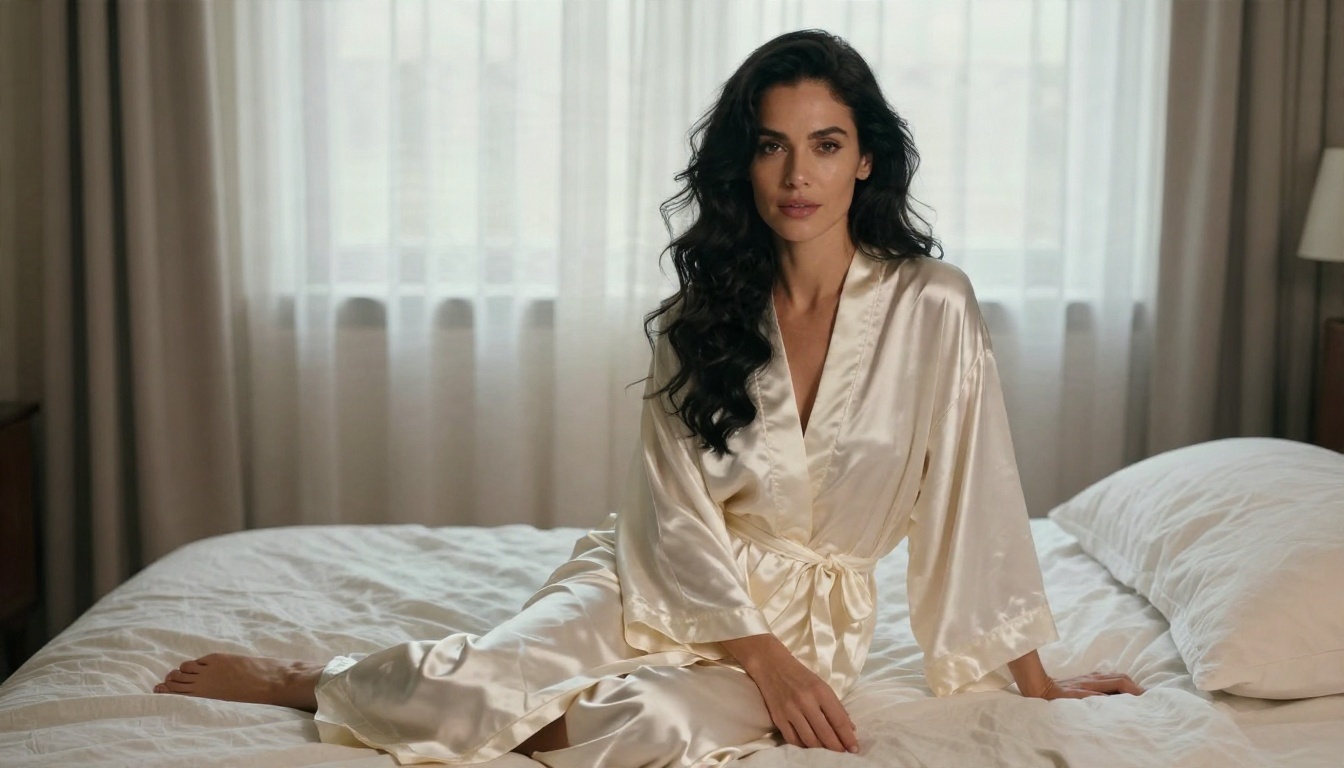
Seedream 4.5 rewards clear, structured prompts. Here is the workflow that gives the most usable images per attempt.
Step by step
- Open the Seedream 4.5 page on PicassoIA.
- Write your prompt in this order: subject, outfit, pose, setting, lighting, camera or style note.
- Choose your aspect ratio. 16:9 suits wide scenes, 3:4 or 2:3 suits portraits.
- Pick a high resolution setting for final images. Draft low, finish high.
- Generate, review, then change one thing at a time in your next prompt.
- Take your best result into PicassoIA Image Editor Pro for unlimited touch ups.
Prompt tips that work
- Name the lighting. "Soft window light from the left" beats "good lighting" every time.
- Describe fabric. Satin, lace, denim and knit all render differently, and naming them adds realism.
- State the age clearly. Always write "adult woman" and an age range. It keeps results appropriate and consistent.
- Keep it suggestive, not explicit. Glamour, swimwear and silk robes give beautiful results and stay on the right side of good taste.
- Reuse your best phrases. Save the wording that worked and build a personal prompt library.
💡 Example prompt: "Adult woman in her late twenties, long black hair, ivory silk robe, sitting by a tall window, soft morning light from the left, 85mm lens, shallow depth of field, film grain, warm tones."
Fixing common problems
| Problem | Fix |
|---|
| Face looks different each run | Reuse the exact face description and keep the seed idea consistent |
| Outfit is wrong | Name the garment first, then the color, then the fabric |
| Image feels flat | Add a lighting direction and a lens note |
| Too soft when enlarged | Finish at a higher resolution or run an upscaler |
Mistakes That Waste Credits
After comparing dozens of tools, the same errors keep showing up. Avoid these and your results improve immediately.
Writing prompts that are too short
"Anime girl, sexy" gives the model nothing to work with. It guesses, and its guesses are generic. Spend thirty extra seconds describing outfit, setting and light.
Changing five things at once
When you rewrite the whole prompt after a bad result, you never learn which change helped. Alter one variable per run. It feels slower and is far faster in practice.
Paying before testing
Never buy an annual plan on the strength of a homepage gallery. Run your test prompt, check the hands, the faces and the resolution, then decide.
Ignoring editing tools
Generation is only half the job. A decent image becomes a great one with a few edits: fix a hand, swap a background, adjust an outfit. PicassoIA includes inpainting, outpainting and object replacement tools, so you rarely need to regenerate from zero. If a result is 90 percent right, edit it instead of rolling the dice again.
Forgetting the legal and safety basics
Stay with adult characters. Do not use a real person's face without consent. Do not share images in places where adult content is not allowed. These are not optional, and good platforms and good users both respect them.
Which One Should You Pick?
If you want the shortest path, here is my honest recommendation based on who you are:
- Casual tester: start with free tiers for a week, using the same test prompt, then move on.
- Quality seeker: go to Seedream 4.5 for sharp, detailed, prompt faithful images.
- High volume creator: use PicassoIA Image Editor Pro for unlimited generations and edits.
- Style explorer: switch between Krea 2 Medium, Proteus v0.3 and the Photo To Anime editor to find your look.
- Technical tinkerer: try a local model if you already own the hardware.
Try Your Own Images Today
The best way to judge any hentai generator is to make something with it. Pick a single prompt, run it through a free tier, then run the same prompt through Seedream 4.5 and finish it in PicassoIA Image Editor Pro. Compare the faces, the hands, the light and the resolution. The difference usually settles the question in about ten minutes.
You do not have to commit to one style either. Try anime, try semi-realistic, try cosplay glamour with real studio lighting. Every model has a personality, and finding the one that matches your taste is half the fun.
Ready to start? Open the full model catalog at picassoia.com/en/all-models, choose a model, write your first prompt and see what you can create. Experiment freely, keep what you love and refine the rest.


