Ask five writers which language model is best for erotica and you will get six answers. Most of them boil down to a single frustration: the model that writes beautifully is often the one that politely changes the subject right when the scene gets interesting. This article sorts out what actually matters, which free options are worth your time, which prompts and sampling settings change the result, and where the real limits sit. Everything here is written for adults working on adult fiction, and the examples stay on the sensual side of the line.
I'll be direct about one thing up front: I found no independent benchmark that rates models on erotica quality. Rankings you see online come from community reports and from companies selling their own tools, so treat them as opinion. What follows mixes that research with practical writing experience.
What Makes an LLM Good at Erotica

Erotica is a craft problem before it is a content problem. A model that can write tension, pacing and a believable voice will beat a "permissive" model that writes flat, repetitive prose. Judge candidates on three things.
Prose Quality Over Shock Value
Good erotic writing lives in anticipation: a look held half a second too long, a hand that hesitates, a line of dialogue that means two things. Large frontier models are generally better at this because they hold subtext and vary sentence rhythm. Smaller or heavily modified models often swap subtlety for bluntness, and the scenes read like a template.
💡 Tip: Read the first 300 words a model gives you and ask one question: would I keep this sentence? If the answer is "no" more than twice, switch models before tweaking prompts.
Refusal Behavior
Hosted models from big labs ship with content policies. In practice that means romance, flirtation, sensual tension and "fade to black" scenes are usually fine, while graphic content is often declined or softened. Policies change often, and the same model can behave differently between its chat app and its API. Open-weight models that you run yourself have no such layer, which is why they dominate "uncensored" searches. The trade-off is quality and setup effort.
Memory and Consistency
A 6,000-word story needs the model to remember eye color, a character's fear of heights and what was said in chapter one. Look at context window size and how well the model follows a long system prompt. A model that forgets your characters by page three is useless no matter how daring it is.
| Factor | Why it matters | What to test |
|---|
| Prose voice | Determines whether scenes feel human | Same scene prompt in three models |
| Refusal rate | Breaks immersion mid-scene | Ask for a slow-burn kiss scene |
| Long context | Keeps characters consistent | Paste a 3,000-word outline, ask for a continuation |
| Instruction following | Respects POV, tense, tone | Request second person, present tense |
| Speed and cost | Matters for drafting many versions | Time ten regenerations |
Free Options Worth Trying

"Free" comes in three flavors: free hosted models, free local models, and free trials of paid writing tools. Each has a different catch.
Hosted Models You Can Use Right Now
For romance, slow burn and sensual scenes, hosted models are the easiest place to start. On PicassoIA you can run Deepseek v3 for drafting, Llama 4 Maverick Instruct for a more conversational voice, and Granite 4.1 8B when you want something light and quick. These are good for outlines, character sheets, dialogue, mood and the build-up to a scene.
For polish, the stronger models are worth the switch: Claude Sonnet 4.6 and Claude Opus 4.7 tend to produce the most controlled, literary voice, while Gemini 3.1 Pro and GPT 5.4 handle long outlines well. Expect each of them to apply its own content policy to anything explicit.
Local Open-Weight Models
If you want no refusals at all, the route is running a model on your own machine. Community guides name two families again and again: Hermes 3 as the most common all-round pick for uncensored fiction, and Dolphin 3 as the lighter option that fits on a 16 to 24 GB setup. Roleplay-tuned Nemo fine-tunes are also popular. A caution from the same sources: the most aggressively "abliterated" fine-tunes tend to follow complex instructions less well, so a model that never refuses can still write worse.
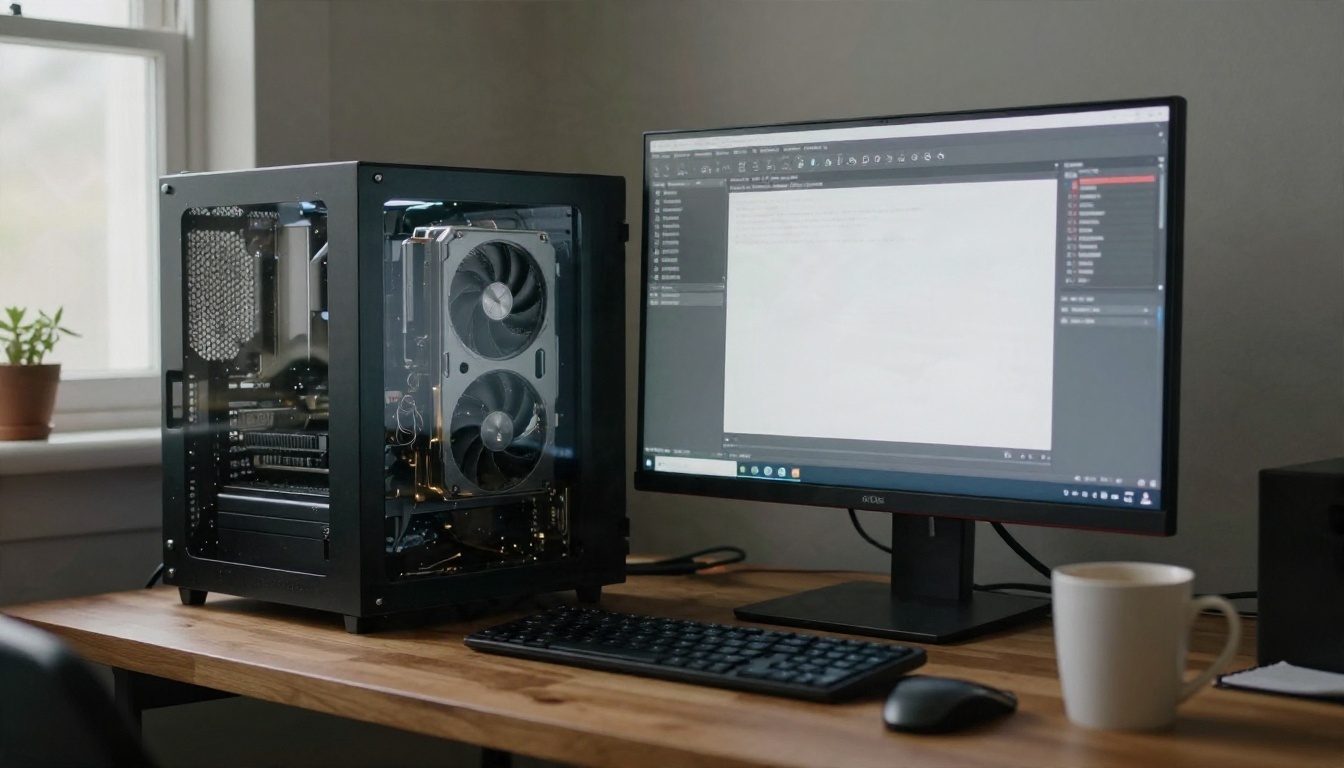
Running locally costs nothing beyond hardware and electricity, but it is not trivial. You need a decent GPU, a runner such as Ollama or LM Studio, and patience for downloads that weigh tens of gigabytes. For privacy it is unbeatable: nothing leaves your computer.
Paid Writing Tools With Free Tiers
Sudowrite, NovelCrafter and DreamGen are writing apps aimed at fiction, including adult fiction. They add story memory, scene beats and model switching on top of the raw LLM. They are not free long-term, but trials are enough to tell whether the workflow suits you.
Model Comparison at a Glance
| Option | Cost | Best for | Main catch |
|---|
| Deepseek v3 | Free to try | Fast drafts, dialogue | Content policy on explicit scenes |
| Llama 4 Maverick Instruct | Free to try | Conversational romance | Can drift on long stories |
| Claude Sonnet 4.6 | Paid credits | Literary voice, slow burn | Declines graphic content |
| Gemini 3.1 Pro | Paid credits | Long outlines and continuity | Filters vary by request |
| GPT 5.4 | Paid credits | Structure, editing, rewrites | Strict on explicit material |
| Hermes 3 / Dolphin 3 (local) | Free, needs hardware | No refusals, privacy | Setup effort, uneven prose |
| Sudowrite / DreamGen | Subscription | Story memory, workflow | Not free after trial |
💡 Tip: Most writers end up using two models: a high-quality one for sensual build-up and character work, and a local one for passages the hosted models decline. Keep the same style notes in both so the voice matches.
Prompts That Actually Work

Vague requests get vague scenes. The fix is to give the model a role, a voice and a tight scene brief.
The System Prompt
Paste something like this at the start of every session, adjusting it to your story:
You are a fiction author writing adult romance for readers over 18. All characters are adults. Write in close third person, past tense, with a slow, sensory style. Favor subtext, specific physical detail and dialogue over summary. Avoid cliches such as "electricity" and "shivers down the spine". Keep each reply between 400 and 700 words and end on a beat that invites the next scene.
The line "all characters are adults" is not decoration. It keeps the project clean and removes ambiguity for both you and the model. Never write characters under 18, ever.
A Scene Prompt Template
Structure matters more than adjectives. Use a fixed template:
- Setting: where, when, weather, sounds.
- Characters: two lines each, with one flaw and one desire.
- Tension: what each person wants and is afraid to say.
- Beat: what must happen by the end of the scene.
- Limits: POV, length, words to avoid.
Example: "Setting: a rented lake house, midnight, a storm cutting the power. Characters: Mara, a restless translator who hides behind jokes. Daniel, her late husband's business partner, careful and guilt-ridden. Tension: both know why the other stayed. Beat: they stop pretending, and the scene ends with the candle going out. Limits: close third on Mara, 500 words, no summary."
Fixing Flat Output
When a draft sounds mechanical, do not ask for "more passion". Ask for something specific:
- "Rewrite with more silence between lines of dialogue."
- "Replace abstract emotions with what her hands are doing."
- "Cut the first paragraph. Start mid-moment."
- "Give Daniel one line that reveals he has rehearsed this."

💡 Tip: Feed the model two paragraphs from an author whose voice you admire (not to copy, only to calibrate rhythm) and ask it to match the sentence length and pacing.
Settings That Change the Tone
If you access a model through an API, a local runner or any interface that exposes sampling controls, these values have a visible effect on fiction.
Temperature and Top P
Temperature controls how adventurous word choice gets. For erotica and romance, 0.8 to 1.0 is a good range: low enough to stay coherent, high enough to avoid the same safe adjectives. Pair it with top p around 0.9 to 0.95. If you use min p (common on local runners), 0.03 to 0.05 keeps the strange tokens out without flattening the voice.
Repetition and Length
Long scenes tend to loop: the same gesture, the same phrase. A repetition penalty of 1.05 to 1.1 helps on local models. For hosted models, a frequency penalty of 0.2 to 0.4 does a similar job. Keep max tokens between 800 and 1,500 per reply so you can steer after each beat instead of fixing a 3,000-word detour.
| Setting | Starting value | If output is... | Change it to... |
|---|
| Temperature | 0.9 | Repetitive and safe | 1.0 to 1.1 |
| Temperature | 0.9 | Incoherent or rambling | 0.7 to 0.8 |
| Top p | 0.92 | Odd word choices | 0.85 |
| Repetition penalty | 1.07 | Looping phrases | 1.12 |
| Max tokens | 1,000 | Rushing the scene | 700, and steer more often |
How to Draft on PicassoIA
PicassoIA gives you several language models in one place, so you can run the same scene brief through different voices and keep the one you like.
- Open the large language models collection on PicassoIA and pick a model. For a first draft, try Deepseek v3 or Llama 4 Maverick Instruct.
- Paste your system prompt into the system field, then your scene brief into the prompt box.
- Set temperature near 0.9 if the model exposes it, and keep the output length moderate.
- Generate three versions. Keep the best paragraph from each rather than the best draft overall.
- For the final pass, switch to Claude Sonnet 4.6 or Gemini 3.1 Pro and ask for a line edit: tighten, vary rhythm, remove cliches.
💡 Tip: If a model declines a passage, do not argue with it. Rewrite the scene brief to focus on tension and implication, or move that passage to a local model that you control.
Other models worth a test for style variety: Kimi K2.6, Qwen3.7-Plus and Grok 4.
Add Visuals to Your Story
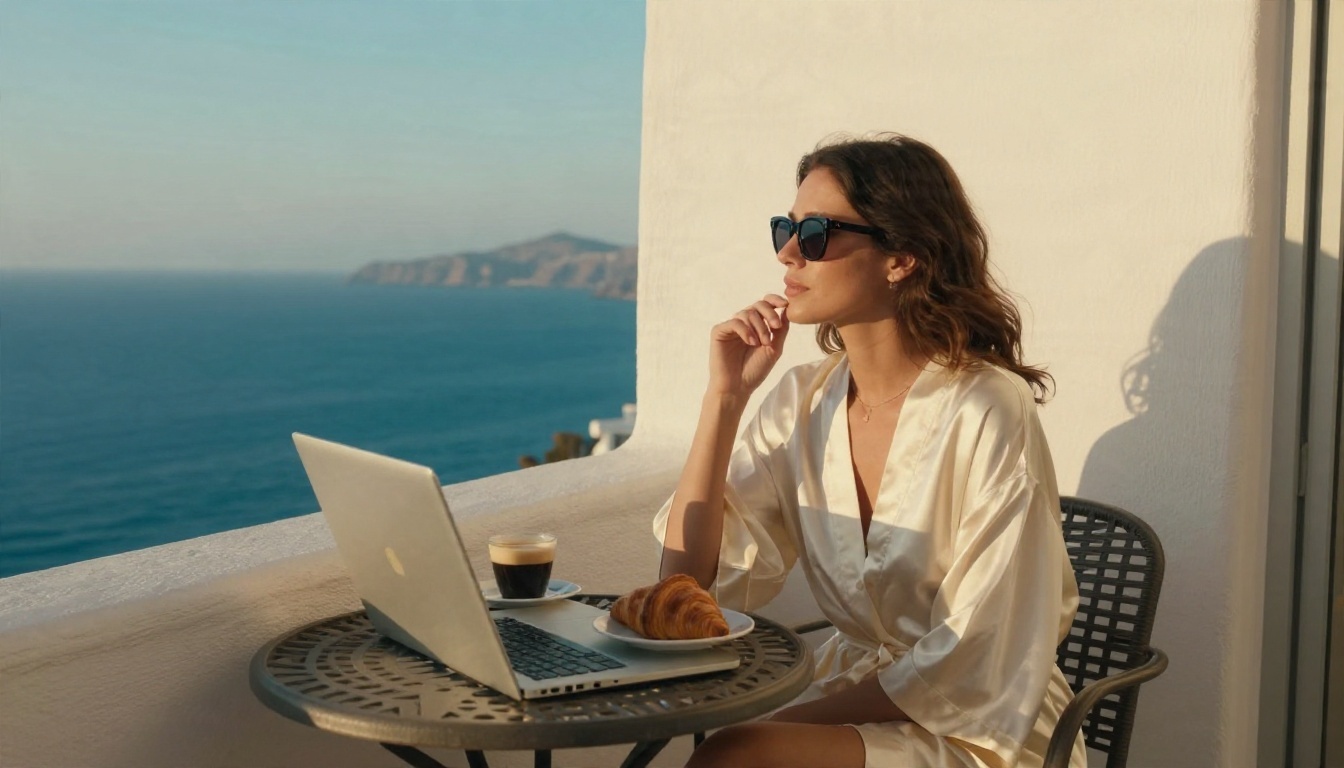
Once your characters exist on the page, many writers want portraits, mood boards and cover art. For adult-oriented visuals, start with Seedream 4.5, which handles skin, fabric and lighting with a photographic feel and is permissive about glamour and boudoir styles. Then move to PicassoIA Image Editor Pro, which offers unlimited generations, so you can iterate on a character's look until it matches your description.
A practical workflow: write the character paragraph with an LLM, turn it into a single-sentence visual description (hair, clothing, lighting, lens), and paste it into the image model. Keep it tasteful and non-explicit, and keep every depicted person an adult.
Start Writing Your Own Story
The best LLM for erotica is the one that matches your tolerance for refusals, your budget and your hardware. Hosted models give the best prose with some limits. Local models give freedom with more setup. Most serious writers combine both and let a strong editor model clean up the result.
Pick a scene you have been circling, write a five-line brief, and run it through two or three models on PicassoIA today. When the characters feel real, give them faces with Seedream 4.5 and PicassoIA Image Editor Pro. To see every language, image and video model available, browse picassoia.com/en/all-models and build your own toolkit.


