Most people searching for the best model for NSFW video hit the same three walls: the tool refuses the prompt, the clip stops after five seconds, or the paywall appears right when the result starts looking good. Those are three separate problems, and no single generator solves all of them equally well. This article sorts them out. You'll see which models handle suggestive glamour content (swimwear, lingerie-style fashion, sensual portraits) without falling apart, how long each one lets you run, and which online tools are worth opening a tab for.
💡 Scope note: everything here is about non-explicit, suggestive adult content: bikinis, evening wear, boudoir-style fashion, beach and pool scenes. The goal is beautiful, cinematic footage of adults, not pornography.
What Makes a Model Good for NSFW Video
Forget the marketing pages for a second. When you generate glamour footage, a handful of things decide whether the clip is usable or goes straight in the bin.
Motion That Looks Like a Person
Bodies are the hardest thing for a video model to animate. Hair, fabric, water and skin all move at different speeds, and a weak model blends them into a rubbery mess. The best models keep limbs consistent, let fabric follow the body's momentum, and avoid the "melting hands" effect when someone touches their hair or adjusts a strap.
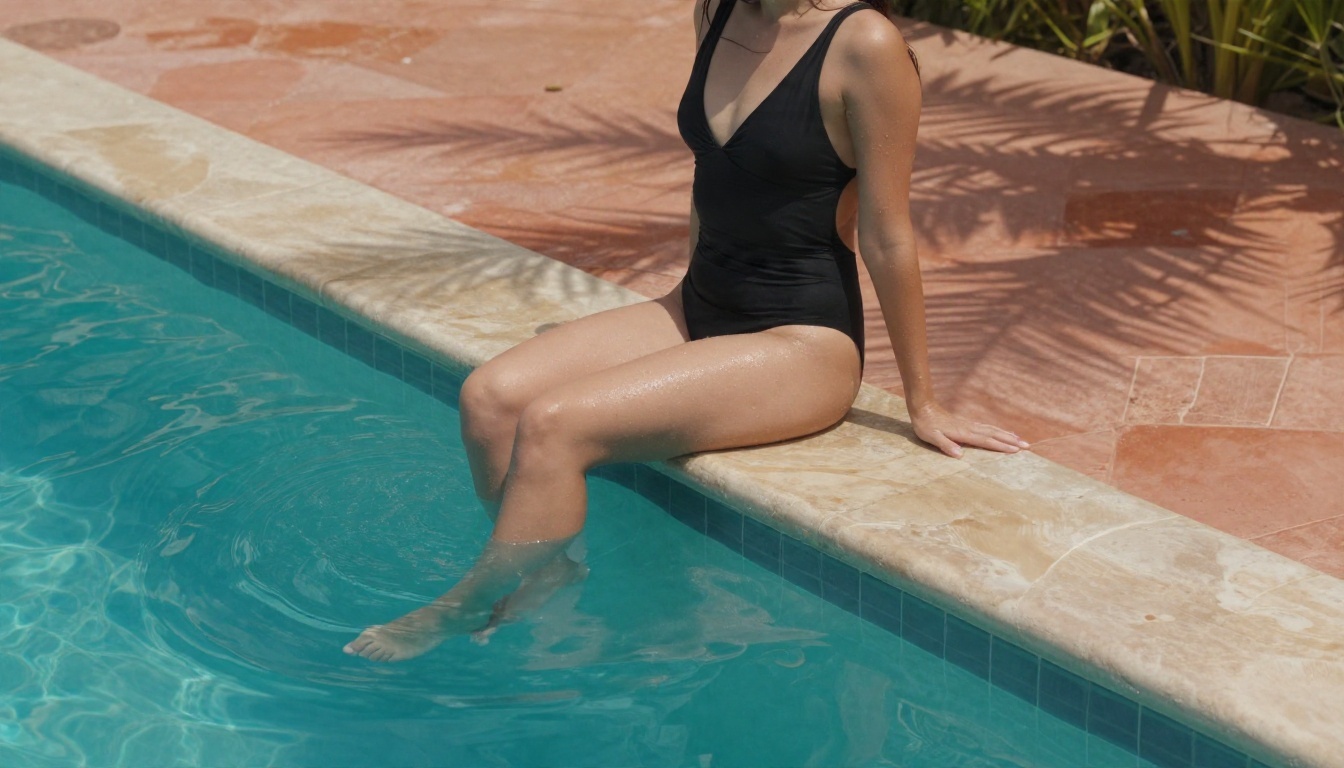
Water scenes like this one are a brutal test. Ripples, wet skin highlights and shifting reflections all have to stay stable for several seconds.
Skin, Fabric and Light
Swimwear and satin are unforgiving. A good model preserves skin texture (pores, freckles, soft highlights) instead of smoothing everything into plastic, and it renders satin sheen and wet fabric believably. Lighting should stay consistent from the first frame to the last. If the sun jumps from the left to the right halfway through the clip, the model has lost track of the scene.
Moderation Behavior
This is the factor that surprises people most. Every hosted model sits behind some kind of filter. Some block even a woman in a swimsuit; others let suggestive fashion through and only stop at explicit material. A model that rejects half your prompts is useless no matter how pretty its demos are. In my own testing for this article, one prompt of a woman in a bedroom setting was blocked by an image filter, while a similar scene with a different setting went through straight away. Wording and context matter, and the gap between tools can be large.
| Factor | Why it matters | What to look for |
|---|
| Motion coherence | Prevents warped limbs and flickering | Smooth 5 to 10 second clips |
| Skin and fabric detail | Separates "photo" from "plastic" | Visible pores, realistic satin |
| Moderation tolerance | Decides if you can work at all | Accepts swimwear and glamour |
| Clip length | Limits storytelling | 10 seconds or more per run |
| Price and limits | Affects how much you can test | Free or unlimited tiers |
The Best Models, Ranked
Here is the shortlist, ordered by how well each one fits suggestive glamour work, with the practical details that matter.
Seedance 2.5 Lite: Best Free Option
Seedance 2.5 Lite is the easiest recommendation for anyone who wants to experiment without counting credits. It is free and unlimited, produces clips up to 10 seconds, and handles human motion with fewer artifacts than most free tiers I've tried. For swimwear, beach and portrait scenes, it's the model I would open first.
Strengths: unlimited runs, solid body motion, quick turnaround. Weakness: 10 seconds is the ceiling, so longer sequences need stitching.
Seedance 2.5: Longest Single Clips
If length is your main complaint, Seedance 2.5 is the standout. It can produce clips up to 30 seconds, which is far beyond the 5 to 10 second norm. That changes what you can do: a slow walk down a staircase, a full camera orbit around a pool, or a complete lighting shift from sunset to dusk, all in one take with no seams.
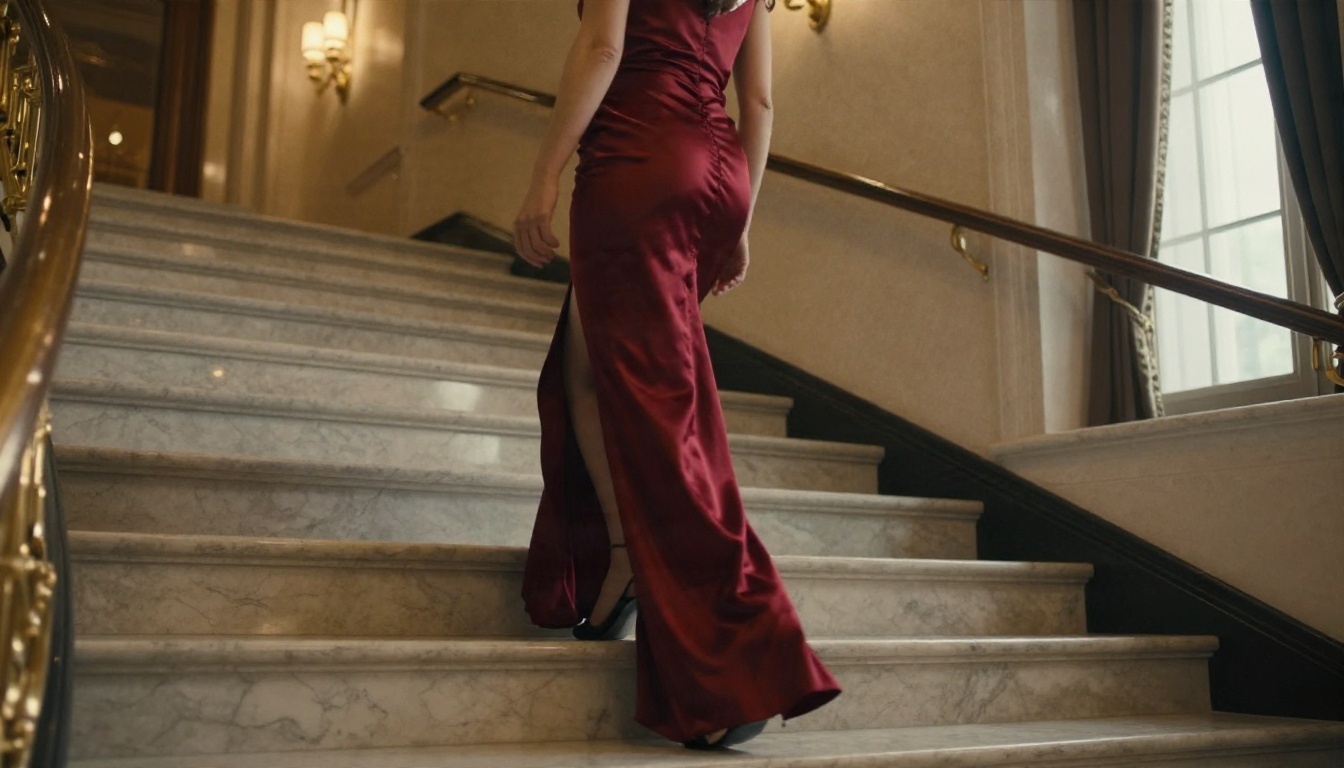
Shots like this staircase scene benefit from long takes, because the interest comes from continuous movement, not cuts.
Wan 2.7 I2V: Best for Animating Stills
Wan 2.7 I2V takes a still image and brings it to life. This matters for glamour work because you can perfect the first frame first (outfit, pose, lighting) and then animate it. The result keeps the identity and styling of your photo more faithfully than a pure text prompt. Its text sibling, Wan 2.7 T2V, produces up to 1080p footage straight from words.
Kling v3: Best Cinematic Feel
Kling v3 Video leans toward polished, filmic motion with convincing camera moves. It rewards patient prompts that describe the shot like a director would: lens, movement, light. If you want fashion-film energy, it's a strong pick. For character-driven movement you can also look at Kling v3 Motion Control, which transfers a reference performance onto your character.
Other Models Worth Testing
💡 Quick pick: want free and unlimited? Seedance 2.5 Lite. Want the longest clip? Seedance 2.5. Want to animate a perfected photo? Wan 2.7 I2V.
The phrase "NSFW video online" usually leads to one of three kinds of site, and each has a catch.
Mainstream generators with filters. These produce excellent footage but can refuse anything beyond a conservative portrait. You waste credits on blocked prompts, and some deduct credits even when the output is rejected.
Single-purpose "adult" sites. They accept more, but quality is often uneven, watermarks are common, and many cap you at a handful of free clips per day. Pricing is also opaque. A tool that advertises "unlimited" and then throttles you after three generations is worth avoiding.
Multi-model platforms. This is the category that makes the most sense. When one place hosts many models, you can switch when one refuses or underperforms. You don't have to rebuild your workflow, re-upload your reference photo, or pay a second subscription.

What to Check Before You Commit
- Free tier honesty: is it truly unlimited, or capped by daily credits?
- Watermarks: do clips come out clean?
- Resolution: 720p is fine for social; 1080p or 4K matters for editing.
- Audio: several recent models generate synchronized sound, which makes a clip feel finished.
- Commercial rights: read the terms before you publish anything.
Clip Length Limits Explained
Length is the second most common complaint, and it deserves a straight answer.
Typical Caps in 2027
Based on recent comparisons, most video generators cap a single generation somewhere between 5 and 10 seconds. Some newer models stretch further: PixVerse's latest generation accepts up to roughly 15 seconds per run, Grok Imagine also sits around 15 seconds, and Seedance 2.0 is reported at up to 15 seconds. Seedance 2.5 on PicassoIA pushes to 30 seconds. Treat any figure as approximate, since vendors change limits often.
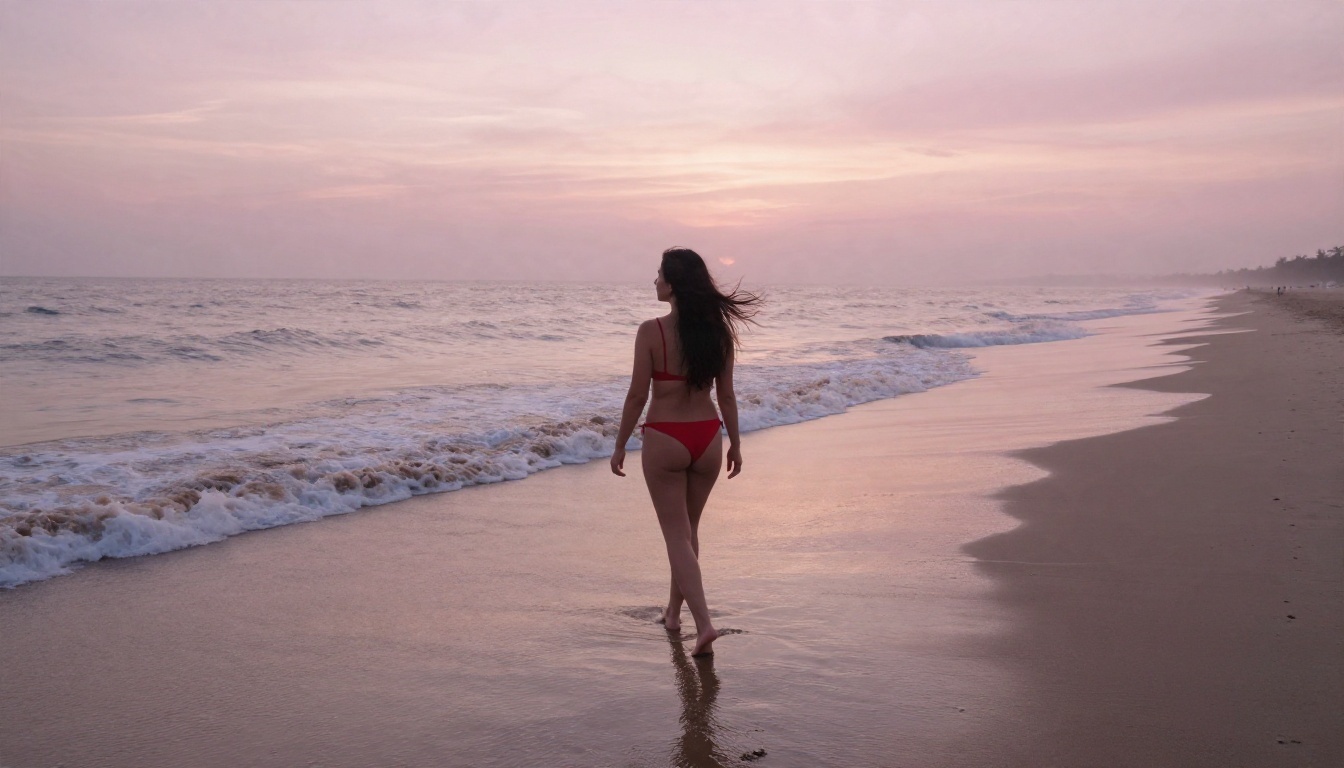
Why Caps Exist
Three reasons keep coming up. First, coherence drift: the longer the clip, the more likely faces, outfits and backgrounds wander. Second, compute cost: every extra second multiplies the processing. Third, moderation risk: shorter clips are easier for providers to review and control. That is why even strong models rarely let you run indefinitely.
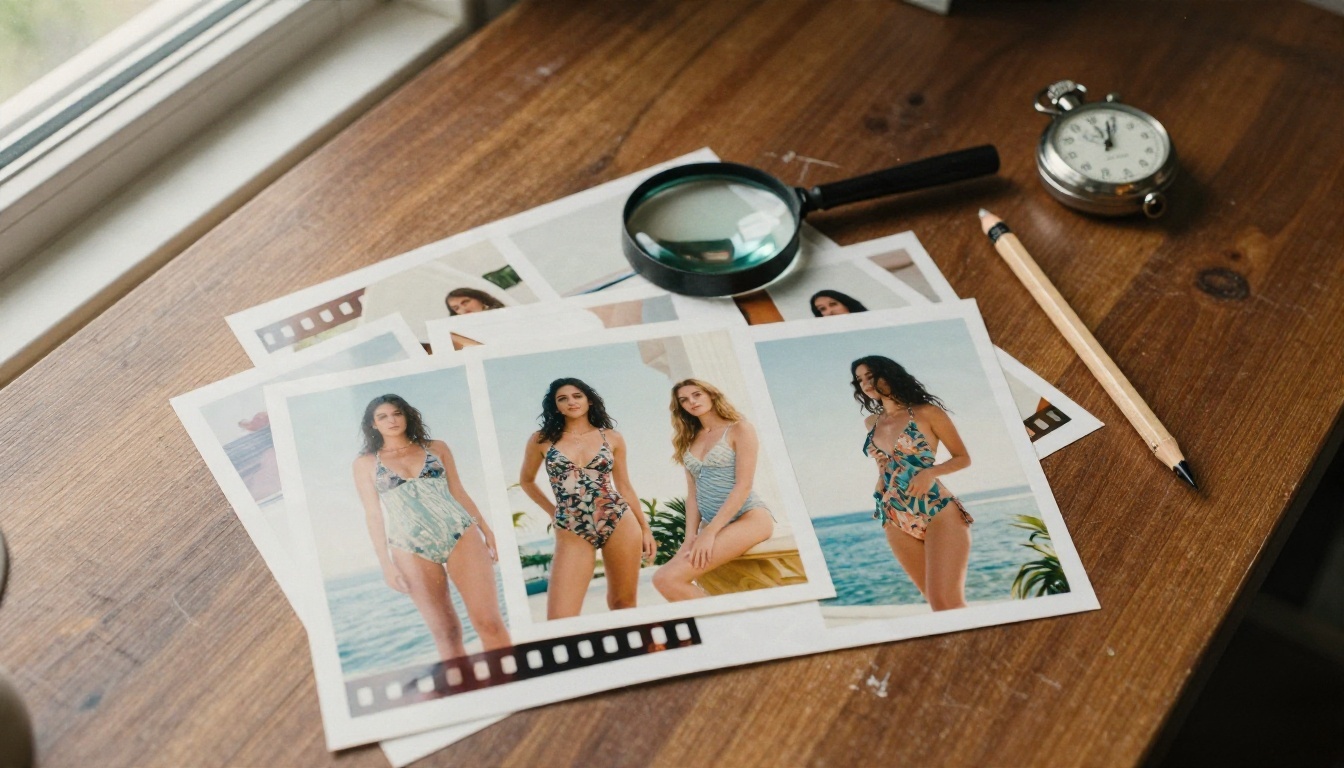
Getting Past the Cap
You have three practical routes:
- Pick a longer model. Seedance 2.5 is the obvious one when a single uninterrupted shot is the goal.
- Chain clips from the last frame. Save the final frame of clip one, use it as the first frame of clip two, and keep the prompt consistent. Drift accumulates, so keep chains to two or three segments.
- Edit like a filmmaker. Cut between angles every three or four seconds. A 30-second sequence built from six well-chosen 5-second shots usually looks better than one long wandering take.
💡 Tip: keep outfit, location and time of day identical across every segment. Change only the camera angle or the action.
Start With Seedream 4.5 Stills
The single best habit for suggestive video is to build the first frame as a photo first. A text-only video prompt leaves outfit, pose and lighting to chance. A still lets you lock all three before you spend any time on motion.
Seedream 4.5 is the model I'd lead with for this. It produces sharp, photorealistic 4K images with believable skin and fabric, and it is much more relaxed about glamour and swimwear subjects than many mainstream image tools. Prompt it like a photographer: subject, outfit, location, light direction, lens.
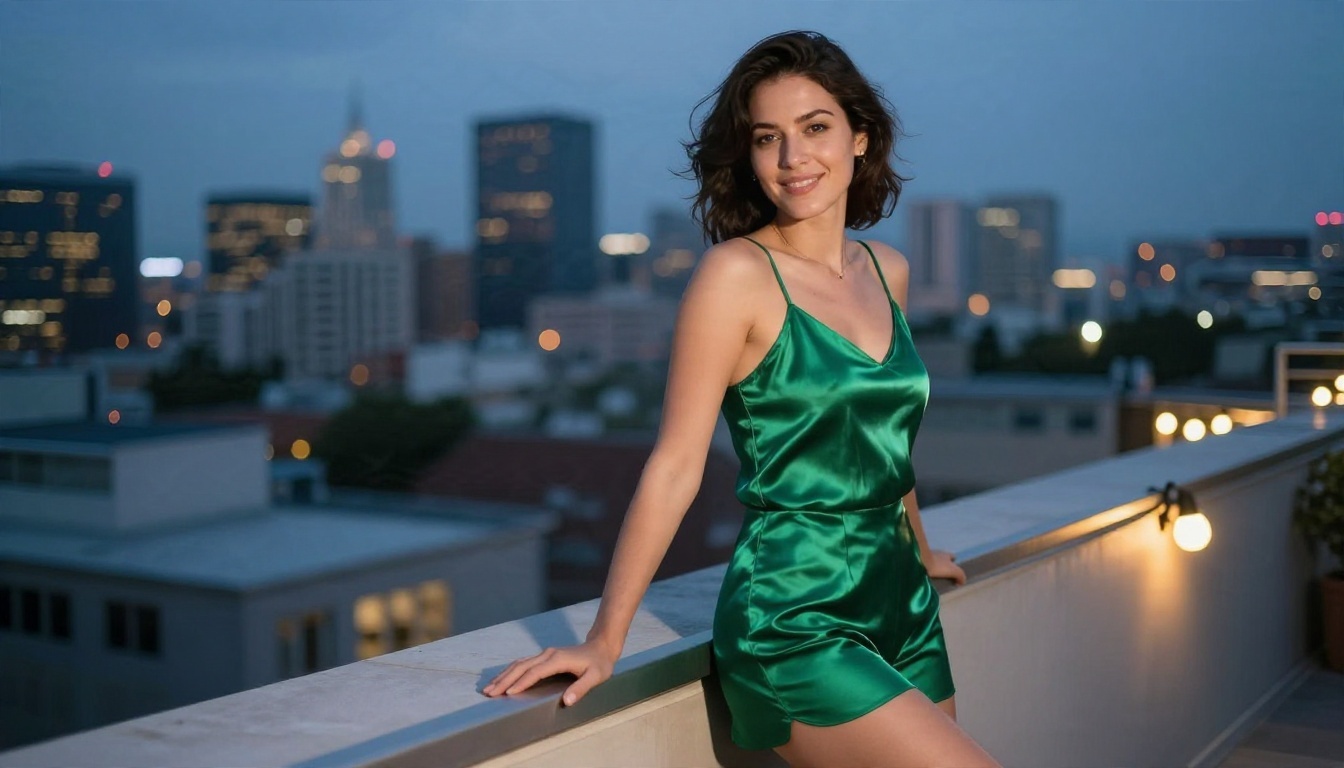
A strong first frame like this rooftop portrait gives the video model everything it needs: clear lighting, a defined outfit and a natural pose.
Polish With Image Editor Pro
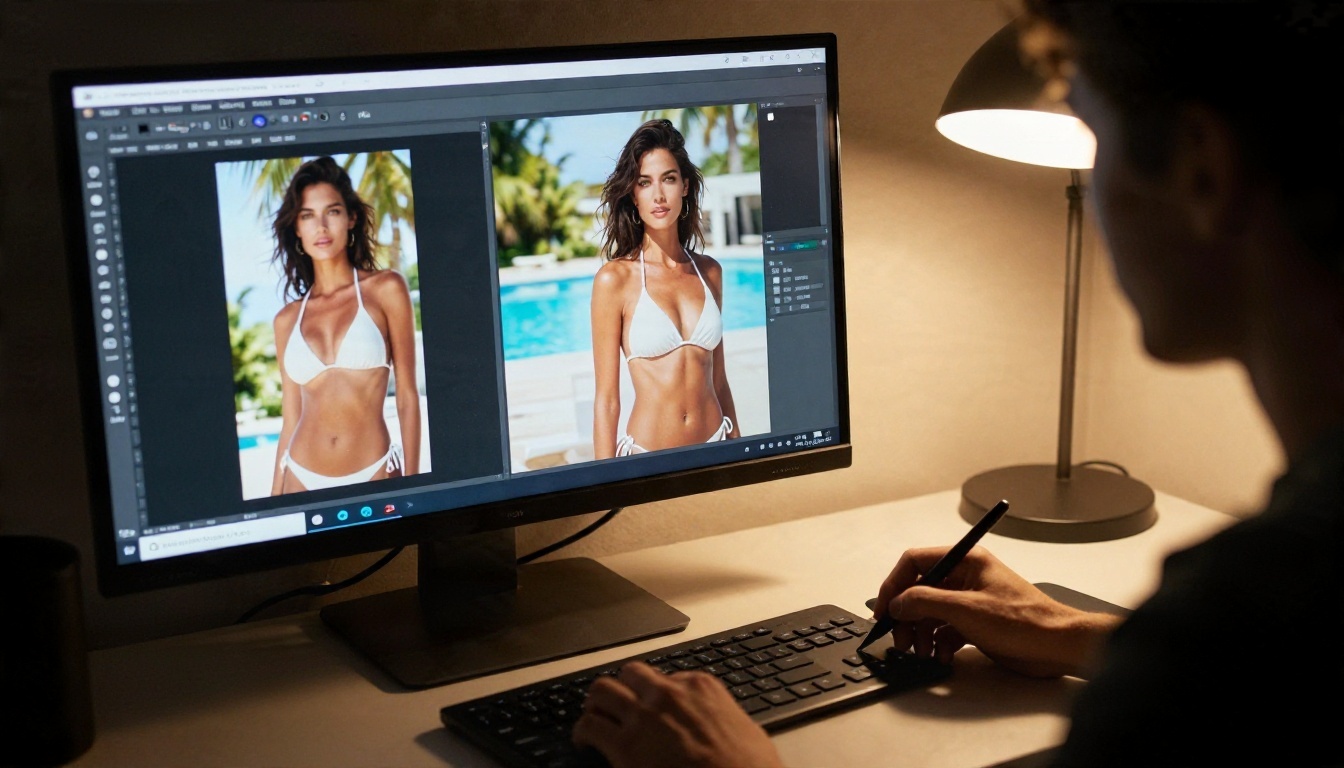
Once you have a promising still, PicassoIA Image Editor Pro handles the fixes. It offers unlimited generations, so you can change an outfit color, clean up a hand, adjust the background or adjust the lighting without worrying about running out of credits. This step saves many failed video attempts, because most bad clips start from a flawed frame.
Other Image Models Worth a Try
If Seedream 4.5 doesn't give you the look you want, try Seedream 5 Pro for sharp 2K output or Qwen Image 3 Pro for photorealistic portraits.
How to Make a Clip on PicassoIA
This walkthrough uses Seedance 2.5 Lite because it's free and unlimited, which makes it ideal for iteration.
Step by Step
- Create your first frame. Generate a still in Seedream 4.5, then refine it in Image Editor Pro until the outfit, pose and light are right.
- Open Seedance 2.5 Lite. Choose image-to-video and upload your still as the starting frame.
- Write a motion prompt. Describe what moves, in order. Example: "She slowly turns her head toward the camera and smiles, a light breeze moves her hair, the camera pushes in gently, warm golden sunlight stays constant."
- Set the duration. Start with 5 seconds for tests, then try the full 10 once the motion looks right.
- Generate and review. Check hands, hair edges and fabric first. Those are where errors show up.
- Iterate. Change one thing at a time: the camera move, the action or the pace.
- Upgrade when needed. Move to Seedance 2.5 for a 30-second take or Wan 2.7 I2V if the identity drifts.
Prompt Tips That Work
- One action per clip. "Turns, smiles, walks, spins, waves" in one prompt produces chaos. Pick one.
- Name the camera move. Slow dolly in, gentle pan left, handheld sway. Models respond well to these.
- Keep lighting steady. Say "constant golden light" so it doesn't flicker.
- Use film language. Words like shallow depth of field, 85mm lens and Kodak Portra grain pull results toward photoreal.
- Avoid fast motion. Quick spins and jumps break anatomy in most models. Slow and deliberate wins.
Alternatives Compared
No single model wins every category, so here is a direct comparison for suggestive glamour work.
Which Should You Pick?
- Testing ideas: Seedance 2.5 Lite or PicassoIA Video.
- Final deliverable with maximum length: Seedance 2.5.
- A specific look from a photo: Wan 2.7 I2V.
- Film-style camera work: Kling v3.
Make Your First Clip Today
The practical answer to "what is the best model for NSFW video" is a combination, not a single name. Build the still in Seedream 4.5, polish it with Image Editor Pro, animate it with Seedance 2.5 Lite while you iterate for free, and move to Seedance 2.5 when a 30-second take is worth the spend. That chain keeps costs low, avoids most refusals, and gives you far better first frames than text-only prompting.
Pick one scene, such as a pool, a beach at sunrise or a staircase in evening wear, and run it through the steps above. Then change one variable and compare. You'll learn more from five quick experiments than from any ranking list. When you're ready to test more options, browse the full catalog at picassoia.com/en/all-models and see which model fits your style.


