Most AI image tools slam the door the second you type "bikini" or "boudoir". You get a polite refusal, a blurred square, or a bland stock photo that looks like it was made for a pharmacy flyer. If you work on glamour, swimwear, lingerie campaigns, romance book covers or adult themed portraits, that is a waste of your time. This article ranks the best models for NSFW image work, shows which free options are worth using, and gives you the prompts and settings that work when you want suggestive, photorealistic, magazine quality results.
Everything here stays on the tasteful side: swimwear, silk, lace, soft light, confident poses. No explicit content, and every subject in your prompts should be a clearly adult, fictional person.
💡 Quick answer: Start with Seedream 4.5 for raw quality, then use PicassoIA Image Editor Pro when you want unlimited generations and fast edits. Both are covered below with settings you can copy.
What Makes a Model Good for NSFW
Not every image generator handles adult themed work equally. Some refuse on sight. Others accept the prompt but produce plastic skin, melted hands or fabric that looks painted on. A good model for this niche needs three things.
Fewer Refusals, Better Skin
The first test is simple: does the model accept swimwear, lingerie style and glamour prompts without lecturing you? The second test is skin. Look for visible pores, natural highlights, small imperfections and believable fabric tension. Models that smooth everything into porcelain look fake the moment you zoom in.
Speed and Iteration
Glamour work is a numbers game. You rarely get the perfect frame on attempt one. A model that returns an image in a few seconds lets you test ten lighting setups in the time a slower model finishes three. That is why speed and generation limits matter just as much as raw quality.
The Best Models, Ranked
Here is the order I would use them in, based on realism, flexibility and how forgiving they are with adult themed prompts.
1. Seedream 4.5
Seedream 4.5 from ByteDance is the model I reach for first. It produces sharp images at up to 4K, handles skin texture beautifully, and follows long, detailed prompts without dropping half the instructions. Swimwear folds, satin sheen, wet skin and backlit hair all come out looking photographed rather than rendered.
Best for: hero images, covers, editorial style portraits, anything you plan to print or post at high resolution.
💡 Note that Seedream 5 Lite blocks adult content. Stick with Seedream 4.5 for this kind of work.
2. PicassoIA Image Editor Pro
PicassoIA Image Editor Pro is the one to pick when volume matters. It offers unlimited generations, so you can iterate as many times as you want without watching a credit counter. It also edits: change an outfit, swap a background, fix a hand, adjust the lighting direction, all from a plain text instruction.
Best for: high volume testing, fixing near-perfect frames, building a consistent series of images.
3. Z Image Turbo
Z Image Turbo is built for speed. It returns sharp images in seconds, which makes it ideal for drafting. I use it to lock in a pose and a lighting idea, then rebuild the winner in Seedream 4.5 at full quality.
Best for: rapid drafts, prompt testing, quick social posts.
4. Flux 2 Klein 4B Base
Flux 2 Klein 4B Base is a lightweight, flexible option with a natural photographic look. If you want to push a specific style, the LoRA variants, Flux 2 Klein 9B Base LoRA and Flux 2 Klein 4B Base LoRA, let you apply a trained look on top.
Best for: stylized series, consistent aesthetics, experimenting with LoRA looks.
5. Nano Banana Pro
Nano Banana Pro is strong at following edit instructions and producing clean 4K output. It is stricter than the models above on adult themed prompts, so treat it as a fallback for swimwear and fashion style shots, not as your first pick.
Best for: clean fashion and beachwear imagery, precise edits.
Side by Side Comparison
How to Use Seedream 4.5 on PicassoIA
Since Seedream 4.5 is the strongest option, here is the exact workflow I follow.
Step by Step Workflow
- Open the Seedream 4.5 page on PicassoIA.
- Paste a prompt built with the formula in the next section: subject, wardrobe, setting, light, lens, film look.
- Pick a 16:9 ratio for landscape scenes or 3:4 for portraits.
- Set the highest resolution the page offers when you want a final image. Use a smaller size while testing.
- Generate, review, then change one detail at a time: the light, the pose or the wardrobe.
- Send the winner to PicassoIA Image Editor Pro for final fixes such as a hand, a background object or a color shift.
Parameter Tips That Matter
- Keep prompts between 60 and 120 words. Shorter prompts leave too much to chance, longer ones start to conflict.
- Name the camera and lens. "85mm f/1.8" pushes the model toward real portrait depth of field.
- Name the film look. "Kodak Portra 400, fine grain" gives warm, natural skin tones.
- Describe the light direction. "Warm sun from camera left" beats "nice lighting" every time.
Free Options That Actually Work
Free does not have to mean bad. Here is how to get the most without paying.
Limits and free allowances can change, so check each model page for the current terms before you plan a big batch.
A Smart Free Workflow
Draft in Z Image Turbo. Pick the three best compositions. Rebuild them in Seedream 4.5. Finish with small edits in Image Editor Pro, where generations are unlimited. You spend your higher quality attempts only on frames that already work.
What Free Tools Do Badly
Free and fast models tend to struggle with fingers, jewelry details and small text. Avoid prompts that depend on those, or plan a quick editing pass to fix them.
Prompts That Work Every Time
A model can only be as good as the words you feed it. For glamour work, vague prompts give vague results.
The Five Part Formula
Build every prompt in this order:
- Subject and pose: age range, hair, expression, body position.
- Wardrobe: the exact piece, the fabric, the color.
- Setting: where she is, what surrounds her.
- Light: direction, quality, time of day.
- Camera and film: lens, aperture, film stock, grain.
Always describe an adult subject, for example "a woman in her late twenties". Do not base prompts on real, named people.
Five Ready to Paste Prompts
Golden hour terrace
Adult woman in her late twenties with wavy chestnut hair, reclining on a cream linen daybed on a villa terrace, black triangle bikini with a sheer white linen shirt falling off one shoulder, warm low sun from camera left, olive trees and turquoise sea blurred behind, 85mm f/1.8, Kodak Portra 400, fine grain, visible skin pores.
Poolside midday
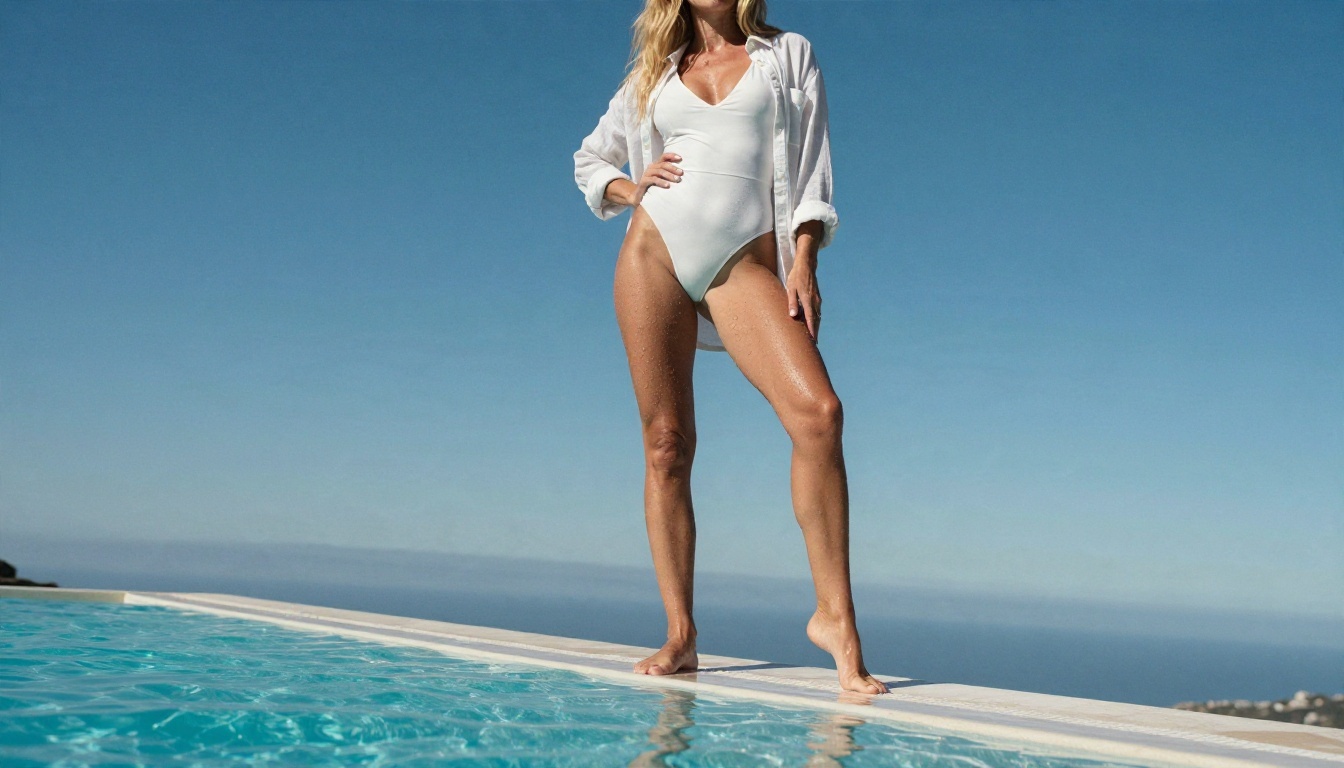
Adult woman with long blonde hair standing at the edge of an infinity pool, white high-cut swimsuit with an open linen shirt, hand on hip, hard midday sun from above right, water droplets on skin, low angle, 35mm f/2.8, deep blue sky.
Silk and window light
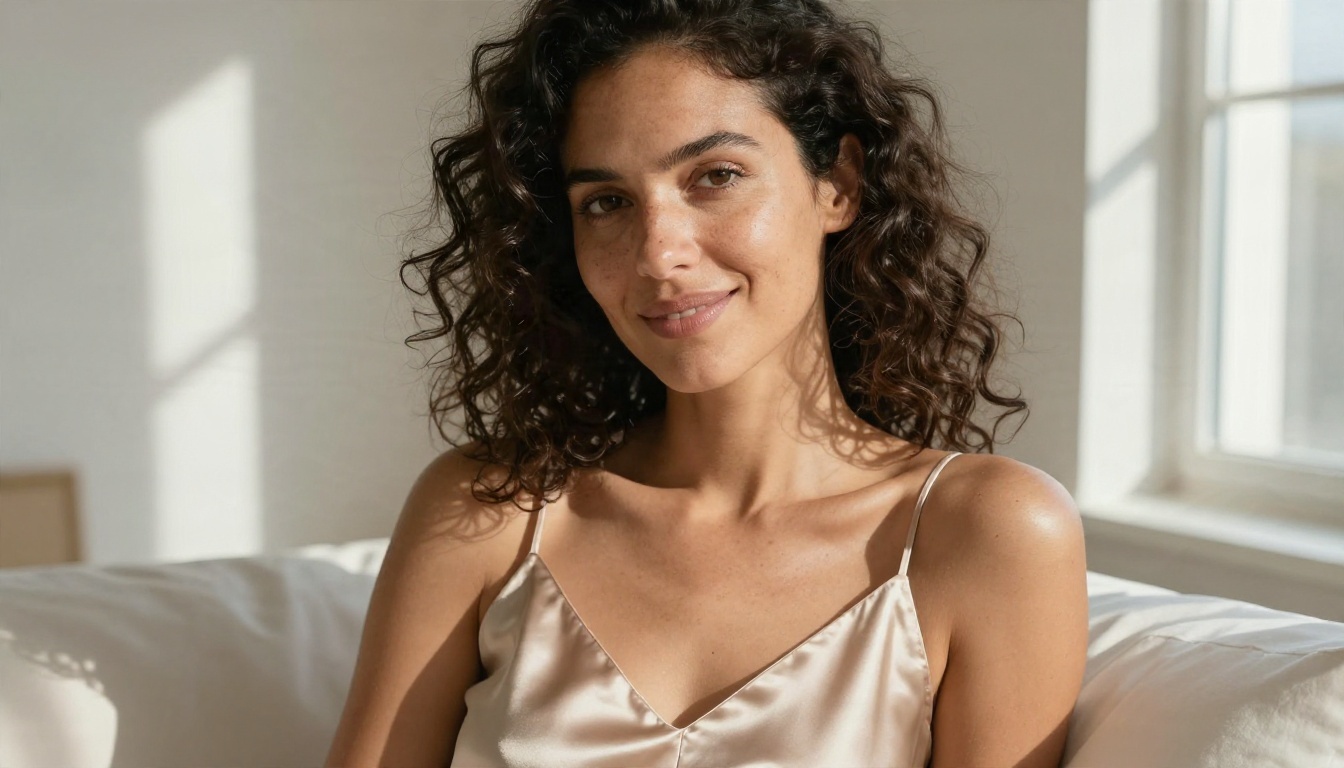
Adult woman with dark curly hair seated by a window, champagne satin slip dress, soft morning light through sheer curtains, minimalist bedroom, 85mm f/1.8, shallow depth of field, crisp satin sheen.
Studio fashion
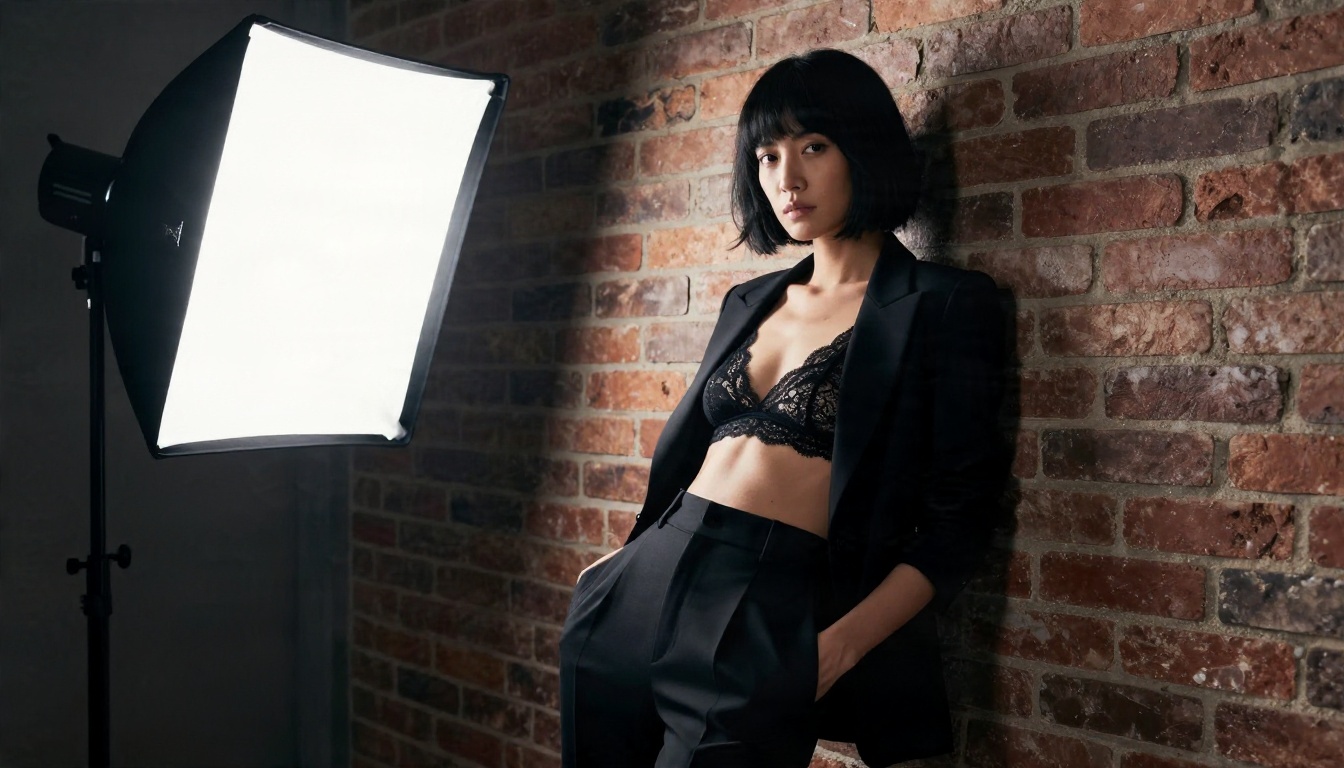
Adult woman with a short black bob, black lace bralette under an open tailored blazer, leaning against a brick wall, single softbox from camera left, deep shadows on the right, 70mm f/2.
Dawn boardwalk
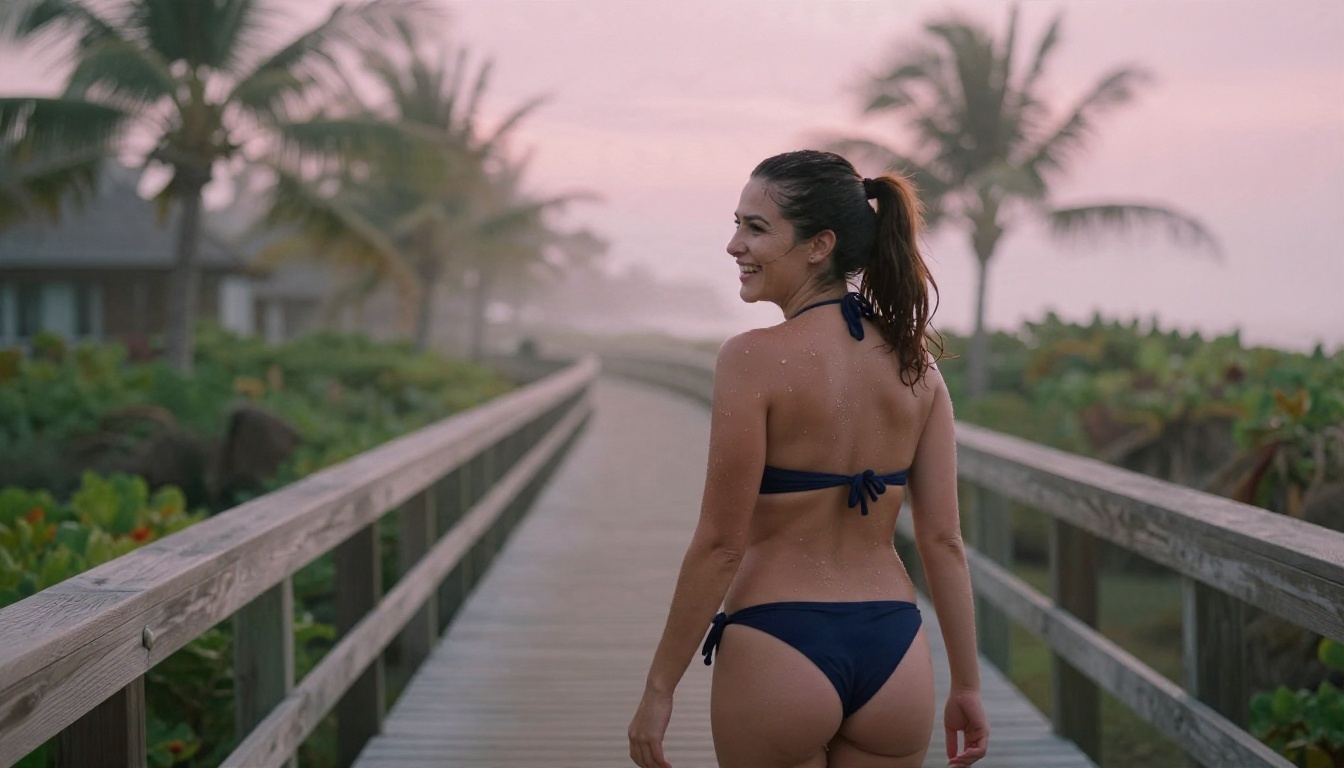
Adult woman with a sleek ponytail in a navy bikini top and sarong, walking along a wooden boardwalk, laughing and glancing back, pink dawn mist, 50mm f/1.4, muted pastel tones.
Settings That Matter Most
Prompts get the attention, but settings decide whether the output is usable.
Aspect Ratio and Resolution
Use 16:9 for scenes with environment, 3:4 or 2:3 for portraits and 1:1 for social grids. Draft small, then render the finalist at the largest size available. A bigger canvas also gives small details like lace patterns and hair strands room to resolve.
Seeds and Variations
Once you land a composition you like, lock the seed if the model offers one and change only a single word. This is how you build a consistent series: same face and setting, different outfit or light. Without a locked seed, every generation is a fresh roll of the dice.
Lighting Recipes
Light does more for realism than any other single prompt element. Try these:
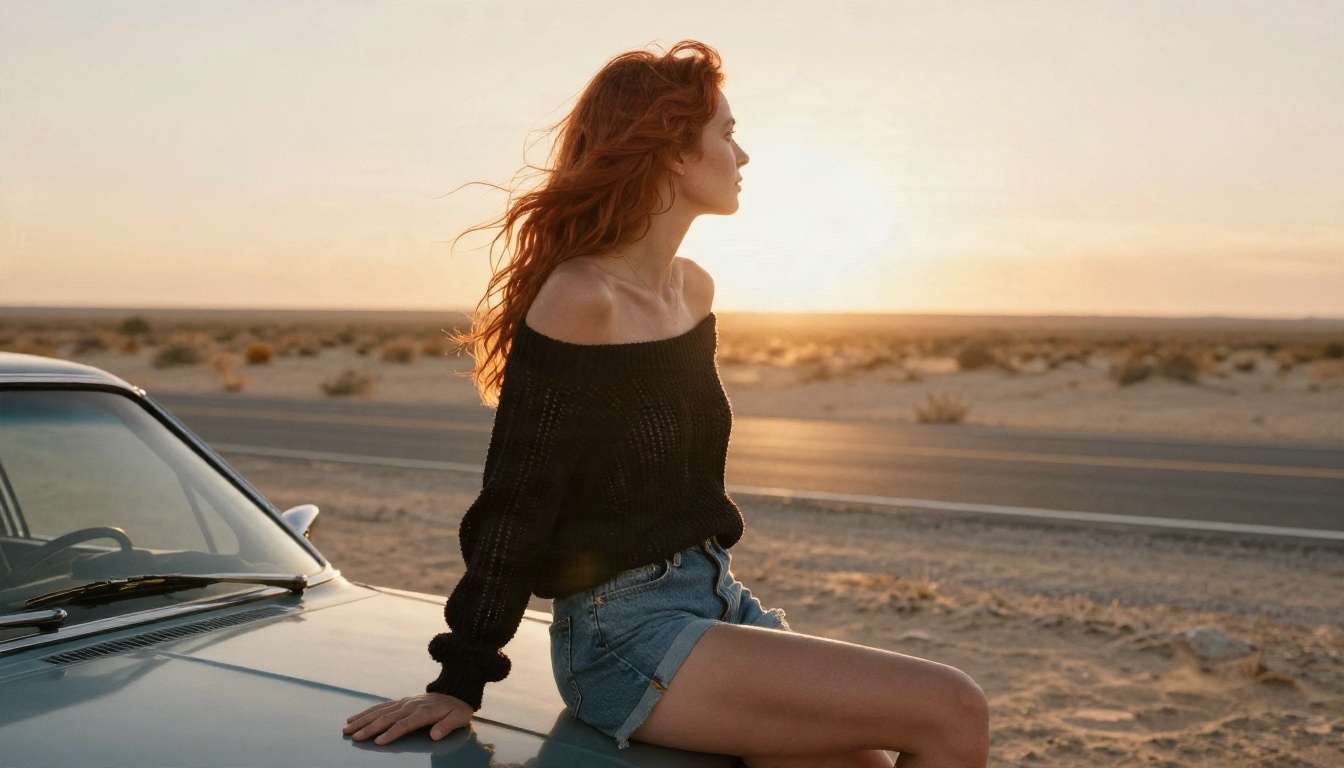
- Golden hour backlight: warm rim glow on hair and shoulders, long soft shadows.
- Window light: soft, directional and flattering on skin.
- Single softbox: dramatic contrast for studio fashion looks.
- Dawn haze: pastel tones and a gentle, dreamy mood.
Close-Ups and Faces
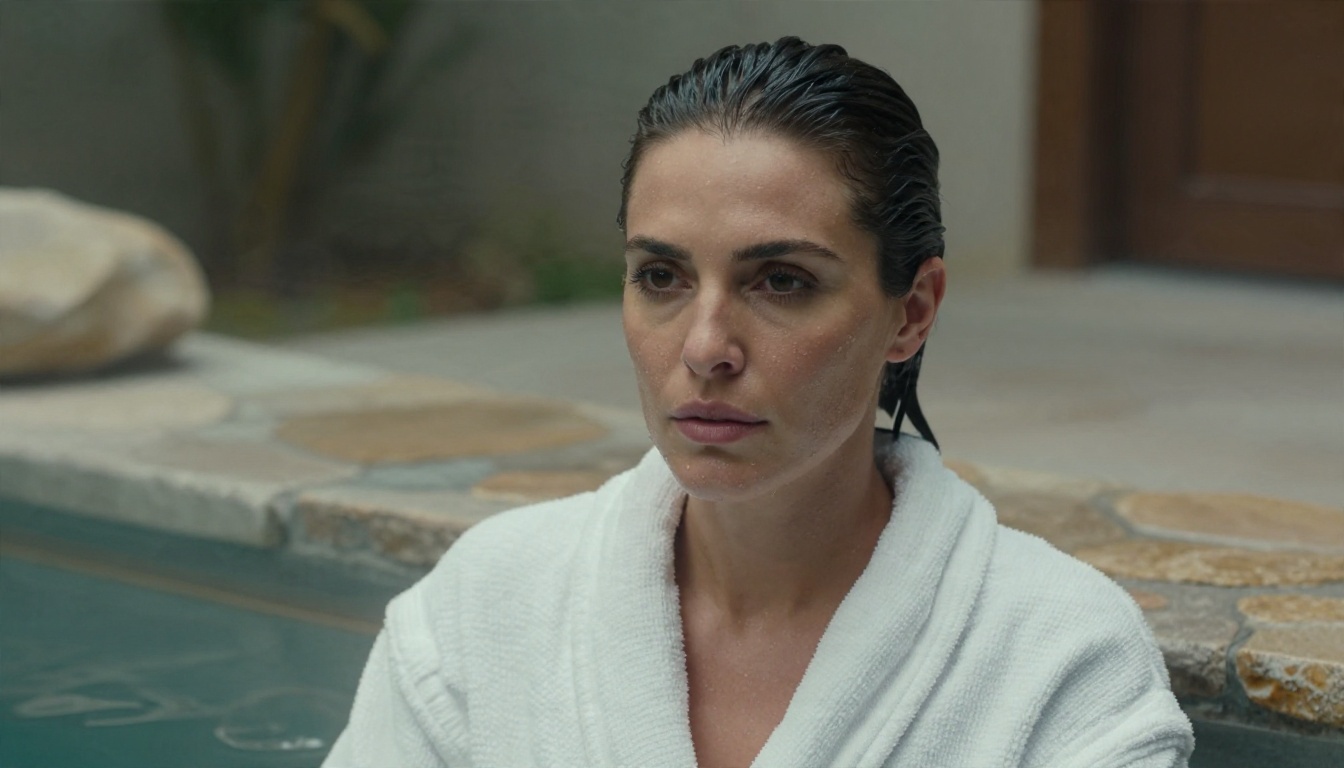
Faces are where fakes are exposed. Ask for "visible skin pores, fine freckles, natural sheen, no airbrushing". If the face still looks waxy, run it through PicassoIA Image Editor Pro with an instruction like "add natural skin texture and subtle imperfections".
Mistakes That Ruin Results
After hundreds of generations, the same errors keep showing up.
Five Common Mistakes
- Stacking too many styles. Mixing "cinematic, editorial, vintage, glossy" muddies the output. Pick one look.
- Skipping light direction. Without it, models default to flat, even lighting.
- Asking for perfect skin. Words like "flawless" and "perfect" create plastic faces. Ask for natural texture instead.
- Changing five things at once. You never learn which change helped. Adjust one variable per attempt.
- Ignoring the edit pass. A single quick fix in Image Editor Pro often saves a frame you would otherwise throw away.
💡 Rule of thumb: If a result is 80 percent right, edit it. If it is 50 percent right, rewrite the prompt.
Keep It Tasteful and Safe
Stick to fictional adult subjects, avoid real people's likenesses, and keep the content suggestive rather than explicit. It keeps your work publishable on more platforms and keeps you on the right side of platform rules.
Start Creating Your Own Images
You now have a ranked list, a free workflow, five prompts you can paste right now and the settings that separate sharp, believable images from plastic ones. The fastest way to improve is to run the experiment yourself.
Open Seedream 4.5, paste the golden hour terrace prompt, and generate a first frame. Then send it to PicassoIA Image Editor Pro and change the wardrobe, the light or the background as many times as you like, since generations there are unlimited. When you want to compare more options, browse the full catalog at picassoia.com/en/all-models.
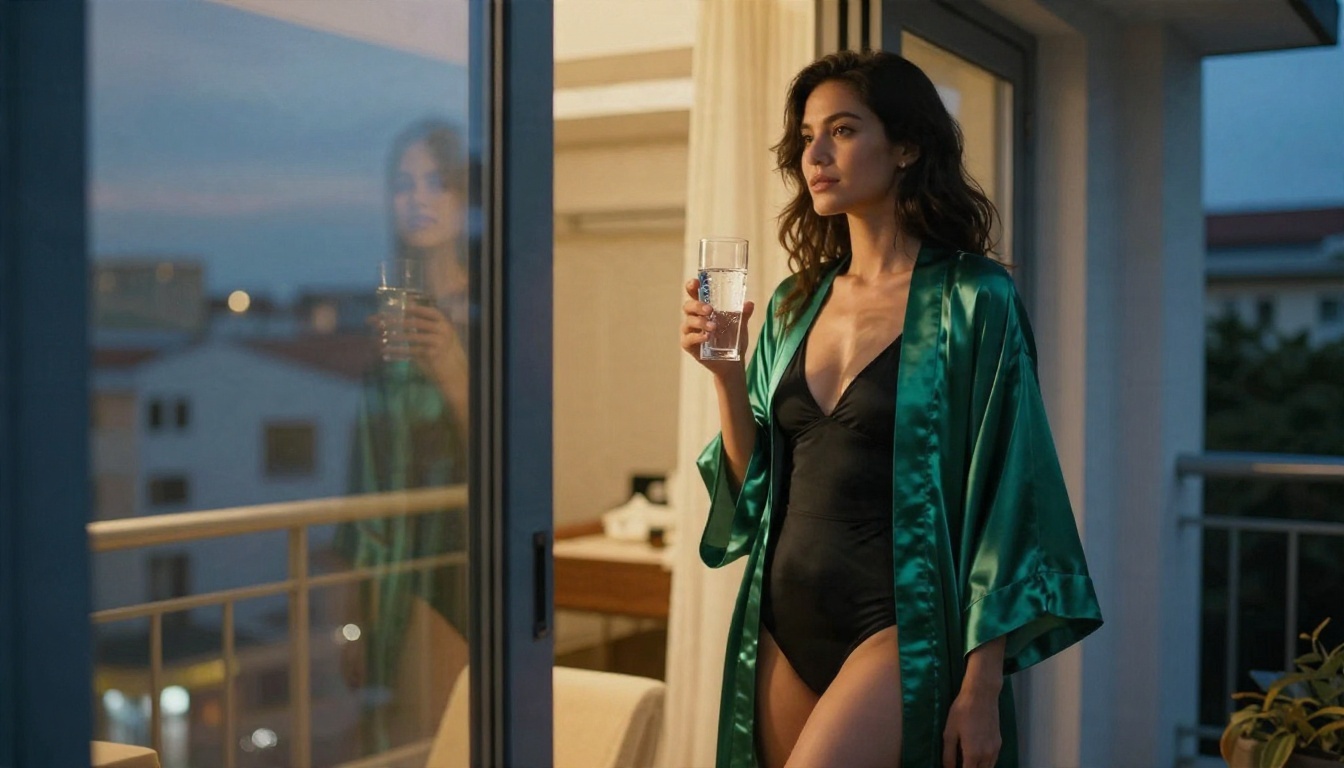
Pick one prompt, change one detail, and see what happens. Your best image is probably two or three tries away.


