Most people searching for an NSFW AI model hit the same wall within five minutes: the first tool blocks a harmless bikini prompt, the second buries the good settings behind a paywall, and the third produces plastic skin with six fingers. The model you pick matters far more than the prompt you write. A strong model with an average prompt beats a weak model with a perfect one, every time.
This article sorts through the best Nfsw model: free online options, prompts, and examples so you can skip the trial and error. You will see which models handle glamour, swimwear and boudoir photography without constant refusals, which ones look like real photographs instead of airbrushed renders, and which prompts produce consistent results. Everything here stays on the suggestive, artistic side: think lingerie campaigns, beach editorials and hotel room portraits, not explicit content.
💡 Quick answer: Start with Seedream 4.5 for realism, switch to PicassoIA Image Editor Pro when you want unlimited generations and fast edits, and keep Z Image Turbo for quick drafts.
What "Best" Actually Means Here
"Best" is vague, so here is how I judged each option. Five things decide whether an NSFW image model is worth your time.
| Criteria | Why it matters | What to look for |
|---|
| Filter tolerance | Overly strict filters block swimwear and lingerie prompts | Handles glamour and boudoir wording without blanket refusals |
| Photo realism | Skin, fabric and light must look captured, not drawn | Visible pores, believable hair strands, natural light falloff |
| Anatomy accuracy | Hands, shoulders and proportions break easily | Clean hands, consistent limbs, no melted details |
| Speed | You will run dozens of variations | Seconds per image, not minutes |
| Cost | Credits drain quickly when you iterate | Free access or unlimited generation |
A model that scores high on all five is rare. That is why I rank by use case rather than naming one winner for everything.
The Filter Problem
Many mainstream generators treat any mention of lingerie, bikinis or bare shoulders as a violation. The result is a frustrating loop of rewording prompts. Models that are more permissive with non-explicit adult content save a huge amount of time, which is why filter tolerance sits at the top of the list.
The Realism Problem
Artistic glamour only works when the picture looks like a real photograph. Smooth, waxy skin and glowing edges give away an AI image instantly. Good models render fine skin texture, fabric weave and honest light, the same details a photographer would chase with an 85mm lens in front of a window.
The Free Online Options Ranked
Here is the lineup I recommend, in the order I would try them. Every model below is available on PicassoIA, so you can test them side by side without juggling accounts.
1. Seedream 4.5 for Realism
Seedream 4.5 is where I would begin. It produces sharp, high resolution images with convincing skin, believable fabric and lighting that behaves like real light. For swimwear, lingerie and editorial portraits, it gives the closest thing to a film photograph straight from the prompt.
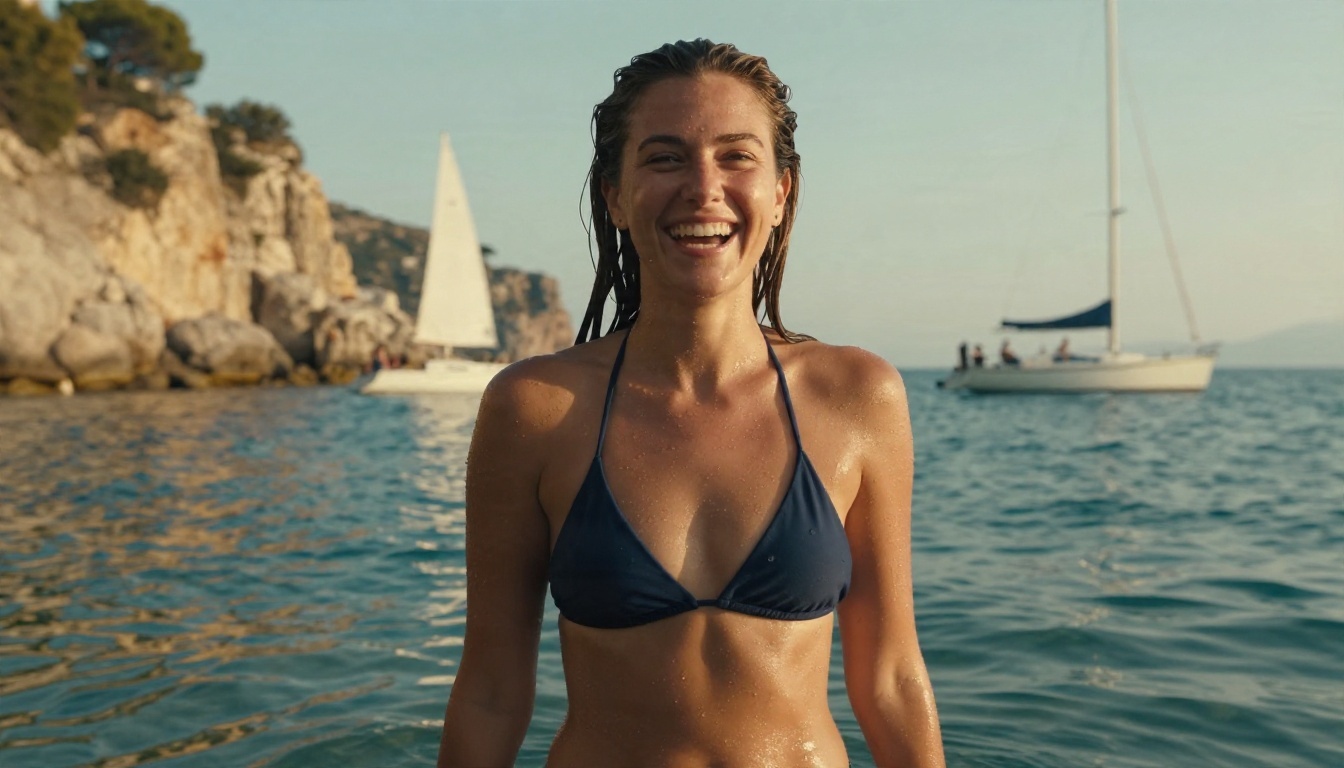
Its strength is detail. Water droplets sit on skin the way they would in real life, hair has individual strands, and the background stays coherent instead of dissolving into noise. That consistency is what separates a usable image from a throwaway one.
2. Image Editor Pro for Unlimited Use
PicassoIA Image Editor Pro is the practical pick when you want to iterate without watching a credit counter. Unlimited generations change how you work: you can test twenty prompt variations, keep the best three, and refine without hesitation. It also works as an editor, so you can adjust outfits, backgrounds and lighting on an image you already like.
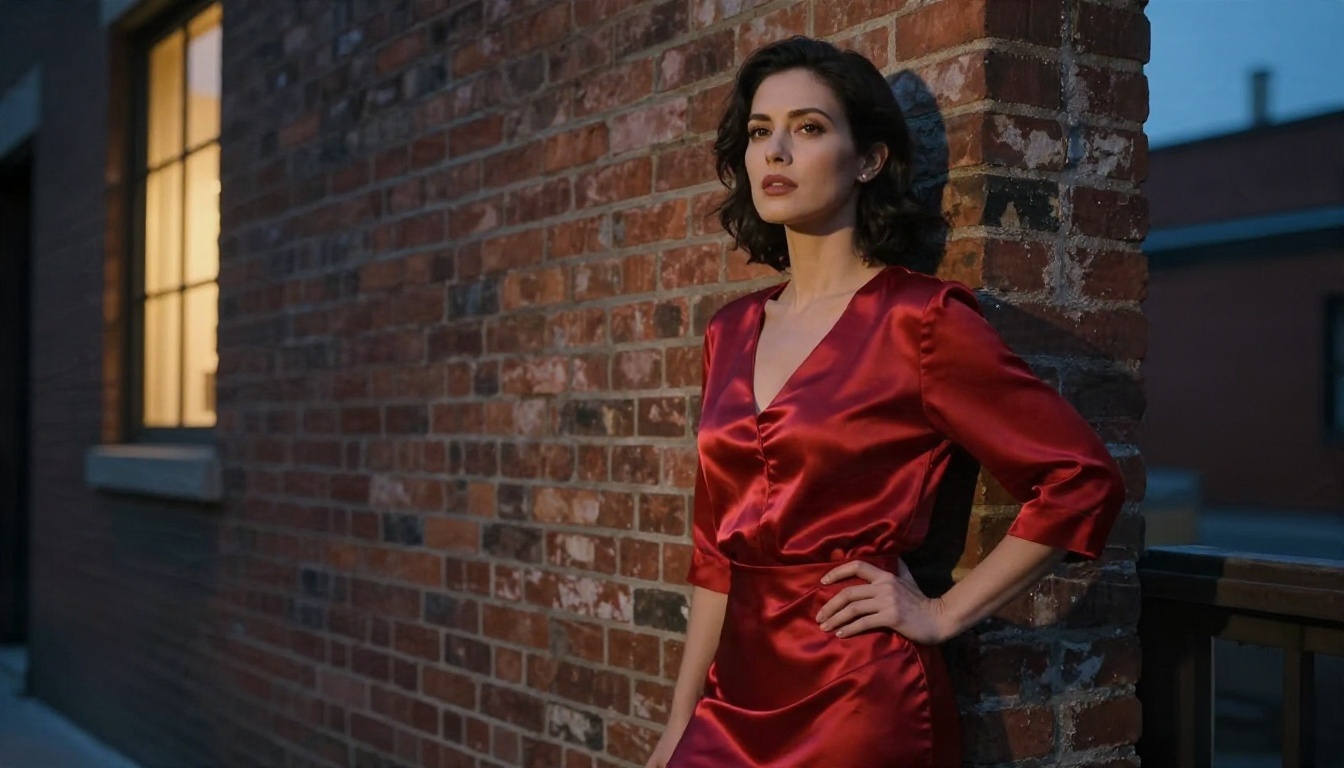
💡 Workflow tip: Generate your base image with Seedream 4.5, then bring it into Image Editor Pro for small fixes such as changing a dress color or softening a background.
3. Z Image Turbo for Fast Drafts
Z Image Turbo is built for speed. Images arrive in seconds, which makes it ideal for testing prompt wording before you commit to a slower, higher fidelity run. Think of it as your sketchbook: cheap, quick and good enough to tell you whether a concept works.
4. Realistic Vision v5.1 for Portraits
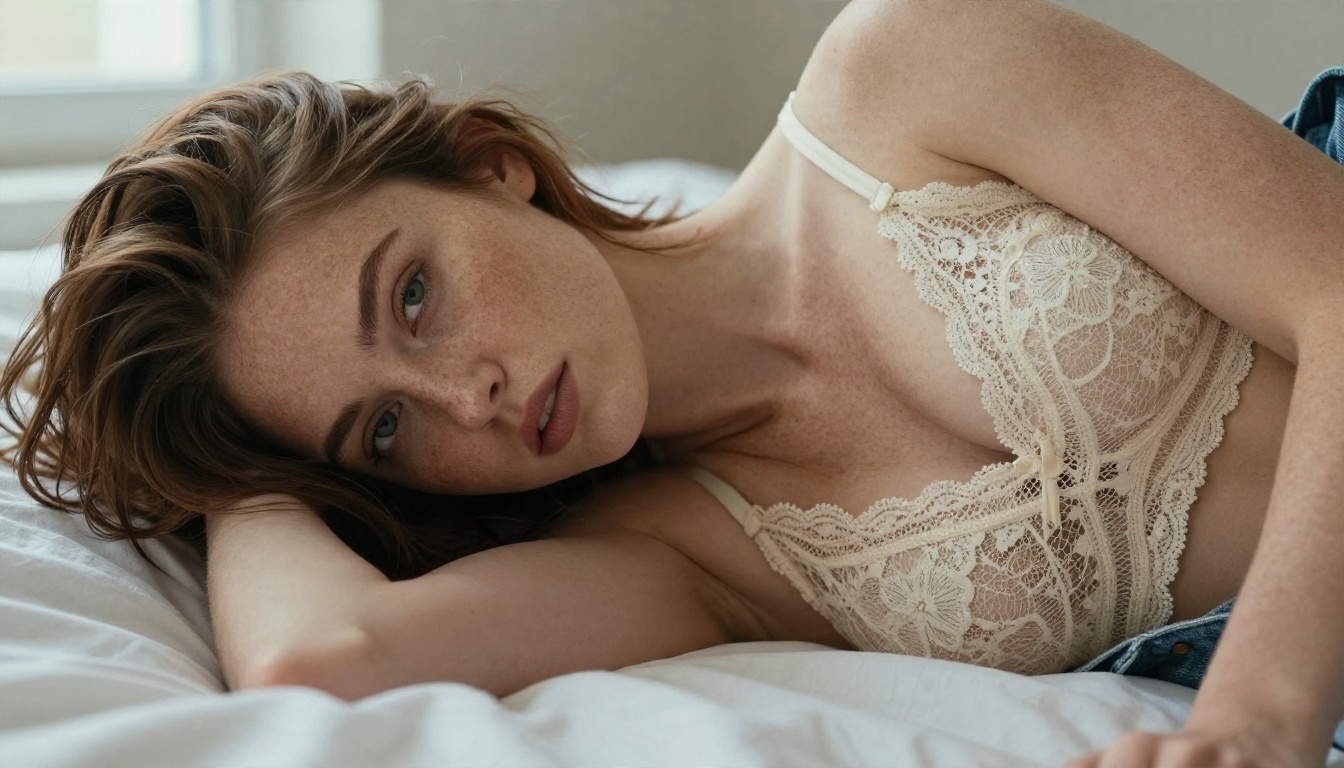
Realistic Vision v5.1 has a loyal following for a reason. It leans toward natural portrait photography, with warm skin tones and gentle contrast. It is a solid choice for close-ups and boudoir style portraits where a soft, analog feel matters more than razor sharp detail.
5. Flux 2 Klein for Styled Looks
Flux 2 Klein 9B Base LoRA is the flexible option. It responds well to style direction and works nicely when you want a consistent aesthetic across a whole series of images, such as a lookbook with matching color grading.
Prompts That Work Every Time
Good prompts for this niche read like a photographer's shot list. They name the subject, the setting, the light, the lens and the texture. Vague prompts such as "sexy woman" give vague, generic results. Specific prompts give editorial ones.
The Prompt Formula
Use this structure for any model on the list:
- Subject and pose: age range (always an adult), outfit, expression, body position.
- Setting: location, props, time of day.
- Lighting: direction, quality, color temperature.
- Camera: lens length, aperture, angle.
- Texture and finish: skin detail, fabric, film grain.
💡 Always state the age as an adult, such as "woman in her late twenties". It keeps results clearly in adult territory and tends to produce more mature, realistic faces.
Beach and Swimwear Prompt
Prompt: Adult woman in her mid twenties in a white string bikini and wide straw hat lying on a striped beach towel on pale sand, sunglasses on, a paperback beside her, shallow turquoise waves touching the sand, harsh midday sun from above with crisp shadows, shot from directly overhead on a 24mm lens, realistic sand grain and skin texture, Kodak Portra 400 film grain.
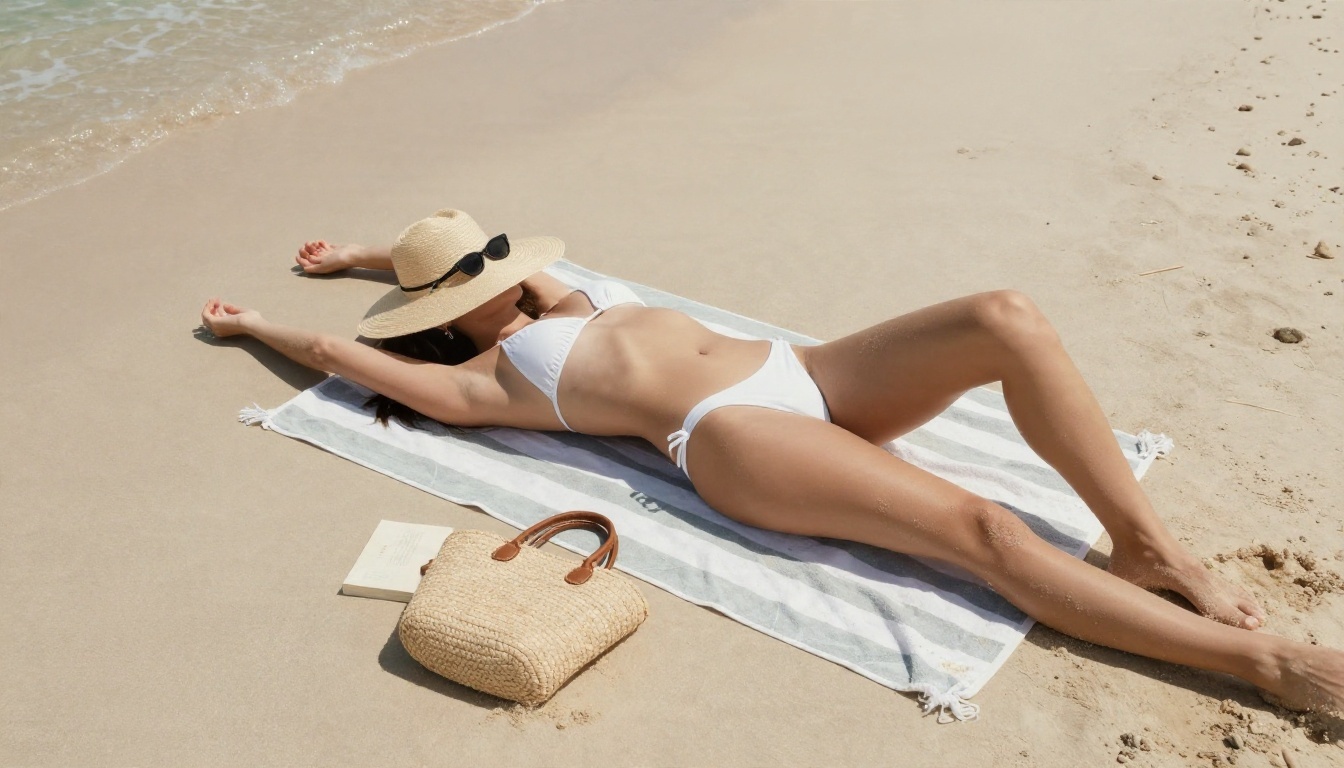
The overhead angle is the secret here. It adds variety, flatters the composition and keeps the focus on the scene rather than a single pose.
Dressing Room Glamour Prompt
Prompt: Medium shot of an adult woman in her late twenties with a sleek black bob, wearing an emerald green satin robe loosely tied, seated at a vintage vanity mirror applying lipstick in a dim dressing room, warm bulb lights framing the mirror, satin sheen and glass reflections, 50mm lens f/1.8, subtle grain, glamorous editorial mood.
Mirrors are a good stress test. If a model can render a coherent reflection, it is handling spatial logic well.
Poolside Sunrise Prompt
Prompt: Wide shot of an adult woman in her mid twenties in a black one-piece swimsuit with cutouts walking along the edge of an infinity pool at a hillside villa at sunrise, wet footprints on warm stone, soft pink and gold light from behind creating rim light on her shoulders, distant misty hills, 35mm lens f/4, film grain.
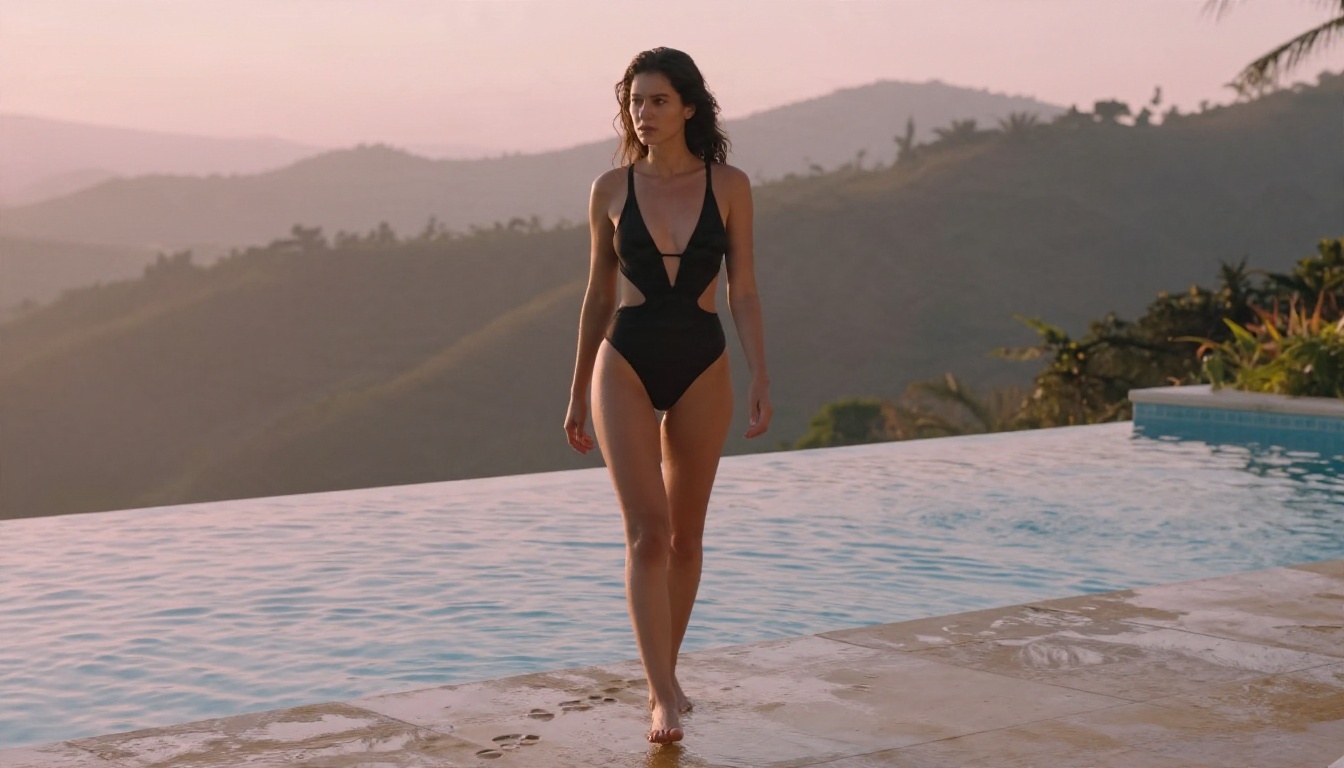
Backlighting is a reliable way to add drama. It creates a glowing outline on hair and shoulders without any artificial effects.
Real Examples and What They Teach
Looking at finished images helps more than reading prompt theory. Here is what each example gets right.
Lifestyle Over Posing
The most believable adult glamour images do not look posed. They look like a moment: someone at a kitchen counter in an oversized shirt, a coffee steaming nearby, morning light from a window.

Adding props like a mug, a laptop or a paperback gives the model context to build a natural scene. It also cuts down on the stiff, camera-aware pose that gives AI images away.
Night and Rain for Mood
Weather is a cheap way to add atmosphere. A wet cobblestone street with warm streetlamp light creates reflections, color contrast and a cinematic feel.
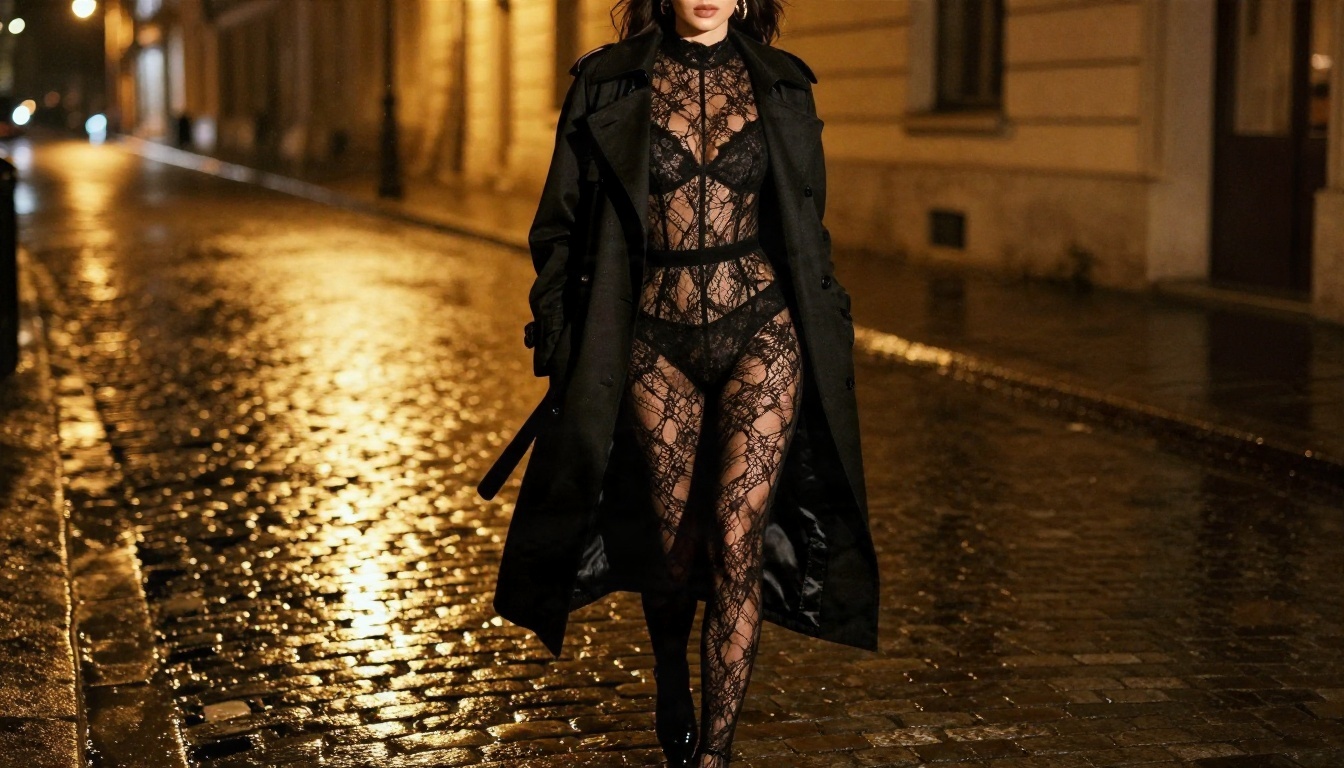
When you prompt for night scenes, name the light source explicitly. "Warm amber streetlamp from above left" works far better than "dark and moody".
Diversity in Subjects
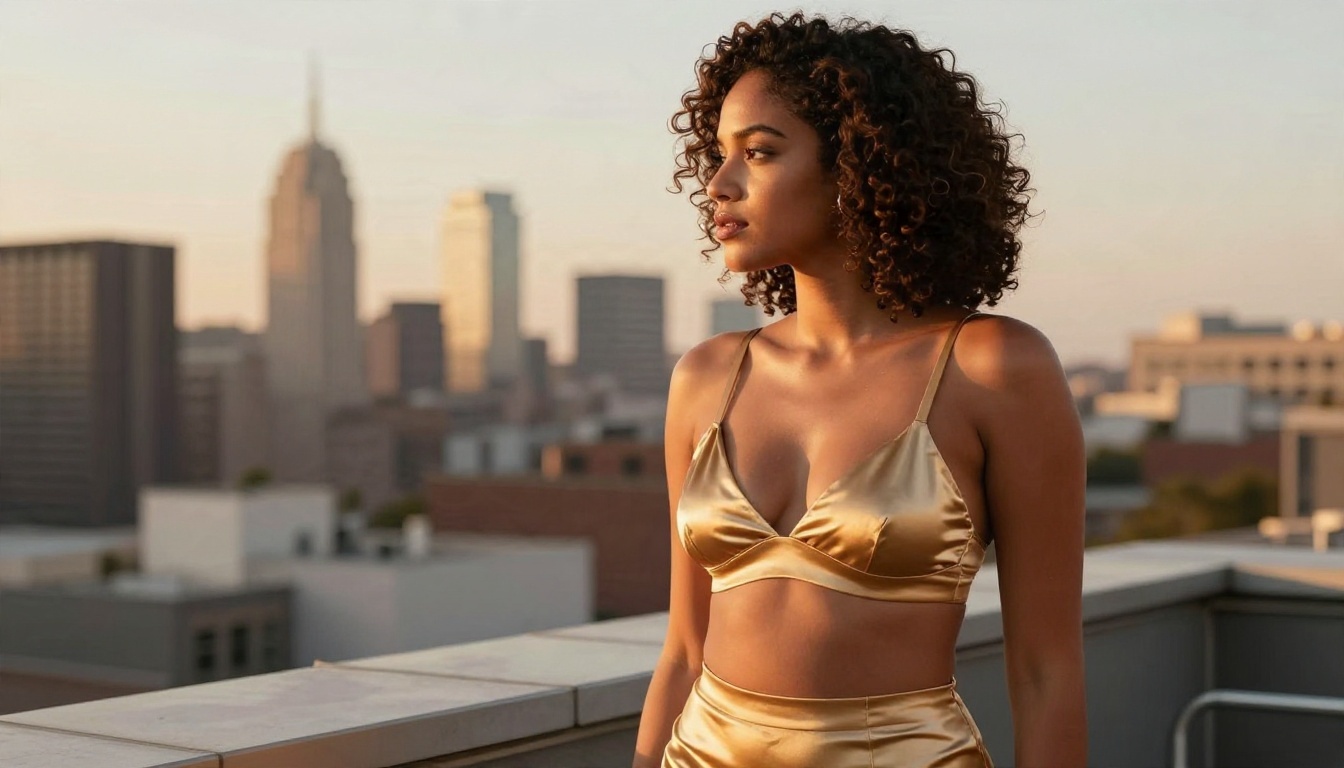
A good model handles every skin tone, hair type and body shape with equal care. Test this deliberately. Curly hair, deep brown skin and gold satin catch light very differently from fair skin and cotton, and weaker models flatten those differences.
How to Use Seedream 4.5 on PicassoIA
Because Seedream 4.5 is the strongest all rounder on the list, here is a simple routine for getting a clean result on PicassoIA.
Step by Step
- Open the model page. Go to the Seedream 4.5 page and open the generator.
- Write your prompt. Paste a prompt built with the formula above. Keep it between 50 and 100 words, with a clear subject, setting and light source.
- Pick the aspect ratio. Choose 16:9 for scenic or editorial frames, 3:4 or 2:3 for full length portraits.
- Set the resolution. Pick the highest option offered if you plan to print or crop. Use a lower one for quick tests.
- Generate and compare. Run the prompt several times. Small differences between runs can be big, so pick the strongest.
- Refine. Change one thing at a time, such as the light direction or the lens, so you can see what caused the improvement.
Parameter Tips
| Setting | Recommended | Reason |
|---|
| Aspect ratio | 16:9 or 3:4 | Matches editorial and portrait framing |
| Prompt length | 50 to 100 words | Enough detail without confusing the model |
| Lens wording | 35mm, 50mm or 85mm | Gives consistent perspective and depth of field |
| Light wording | Direction plus color | Produces believable shadows |
| Film wording | Kodak Portra 400 grain | Adds a natural analog finish |
💡 Pro habit: Save every prompt that works. A small personal library of tested prompts saves hours.
Common Mistakes to Avoid
Most disappointing results come from the same handful of errors.
Vague Prompts
"Beautiful woman in bikini" gives you stock photo energy. Add the place, the time of day, the lens and the light. Every missing detail is a decision the model makes for you, and usually not the one you wanted.
Too Many Subjects
Asking for a crowded scene multiplies the chance of anatomy mistakes. Stick to one subject for the cleanest output, then add background detail with props and setting rather than extra people.
Forcing Style Words
Words like "ultra detailed, masterpiece, 8k, trending" are filler. Camera and light terms do more work than hype words. Compare these two openers:
| Weak | Strong |
|---|
| masterpiece, ultra detailed sexy model | adult woman in her late twenties, linen shirt, window light from the left, 85mm f/1.8 |
Ignoring Hands and Fabric
Hands and lace are the usual trouble spots. Keep hands simple: resting in hair, on a hip, holding an object. For lace and sheer fabric, name the garment clearly and ask for visible thread detail.
Responsible Use Matters
Adult AI imagery comes with a few firm rules, and following them keeps the work safe and respectable.
- Adults only. Every subject should be clearly an adult, and your prompts should say so.
- No real people. Never generate images of real individuals, celebrities or anyone who has not agreed to it.
- Stay non-explicit. The examples in this article show that suggestive, attractive work does not need to cross into pornographic territory.
- Label AI work. If you publish images, be open that they are AI generated.
These rules are not obstacles. They keep your portfolio usable on social platforms, in print and in client work.
Which Model Should You Pick
If you want a short decision path, use this one.
Mixing models is often the smartest move. Draft with a fast one, finish with a detailed one, and polish in an editor.
Make Your Own Images Today
You now have the ranking, the prompt formula and the settings. The only thing left is to try them. Open PicassoIA, run one of the prompts above in Seedream 4.5, then repeat it in Image Editor Pro to see how the results differ. Change the light, swap the lens, move the scene from a beach to a hotel suite, and watch how much one small edit changes the mood.
The platform gives you fast generation, uncensored style freedom within non-explicit adult glamour, and unlimited generations with Image Editor Pro, so you can experiment as much as you like. For the full list of image models, browse picassoia.com/en/all-models and build a toolkit that fits your style.


