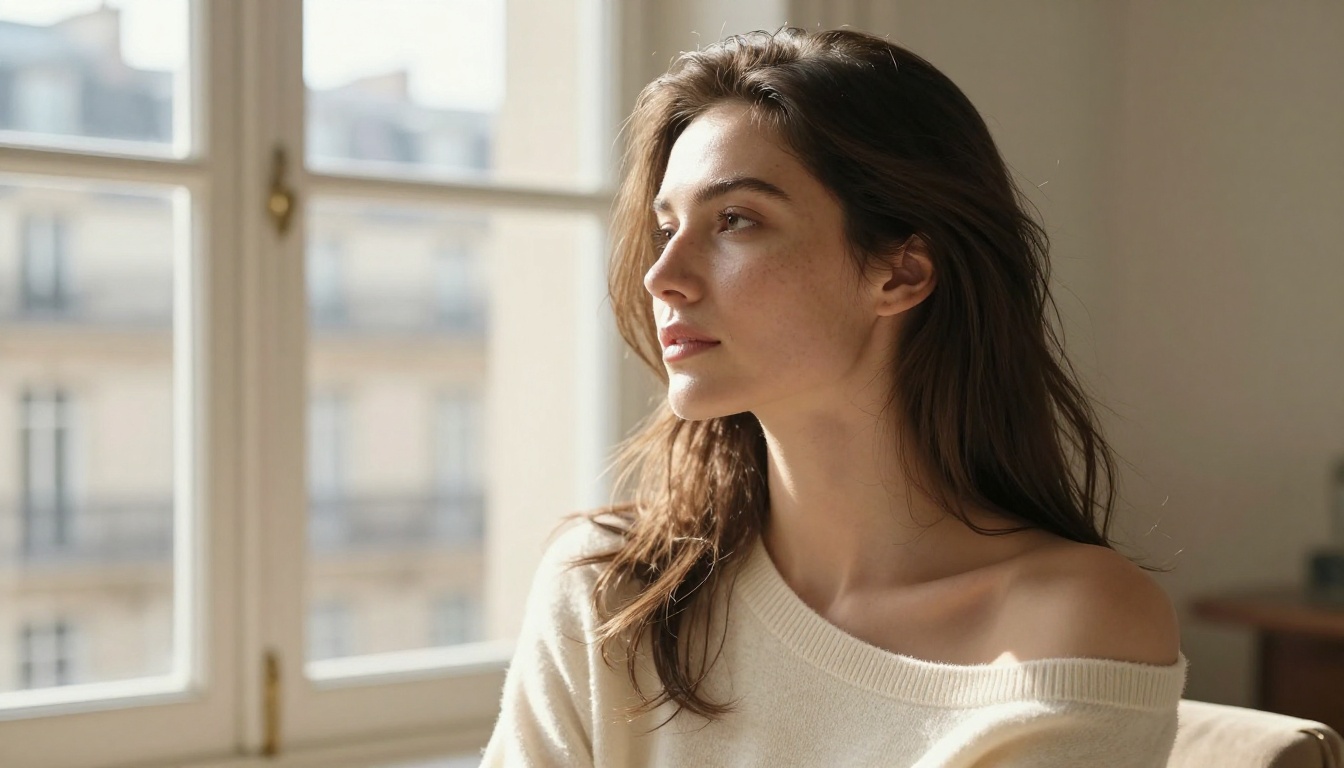
The best NSFW AI for realistic photos isn't whichever platform has the loudest ads. It's the one that actually lets you generate what you want, at the quality you need, without cutting off your creativity halfway through a session. Most tools fail on at least one of those counts. A few get it right consistently.
This article covers the top-performing NSFW AI image models available right now, ranked by realism, speed, and creative freedom. Whether you're building a portfolio of AI portraits, experimenting with glamour photography prompts, or simply tired of getting censored mid-generation, the options below deliver.
The censorship wall
The majority of mainstream AI image platforms block adult content entirely. Some allow mild suggestions but refuse to render them. Others accept the prompt, generate a sanitized result, and charge you credits for it anyway. The pattern is consistent: filters designed for the broadest possible audience end up serving nobody who actually wants creative freedom.
The few platforms that do allow NSFW content often compromise on quality. You get images that look noticeably artificial, with plastic-textured skin, mismatched lighting, or proportions that break under scrutiny. Realistic photos, the kind that could pass for actual professional photography, require models specifically trained for photorealism, not just generalist models with the safety filter toggled off.
Speed vs quality tradeoffs
Even among uncensored tools, speed is often the casualty when you push for higher realism. Some of the most detailed NSFW AI models take 30 to 90 seconds per generation. For creators who iterate quickly, that wait compounds fast.
💡 Models that produce photorealistic NSFW images in under 3 seconds while maintaining high detail aren't common, but they exist. Seedream 4.5 is currently the clearest example.
Seedream 4.5: The Best Pick Right Now
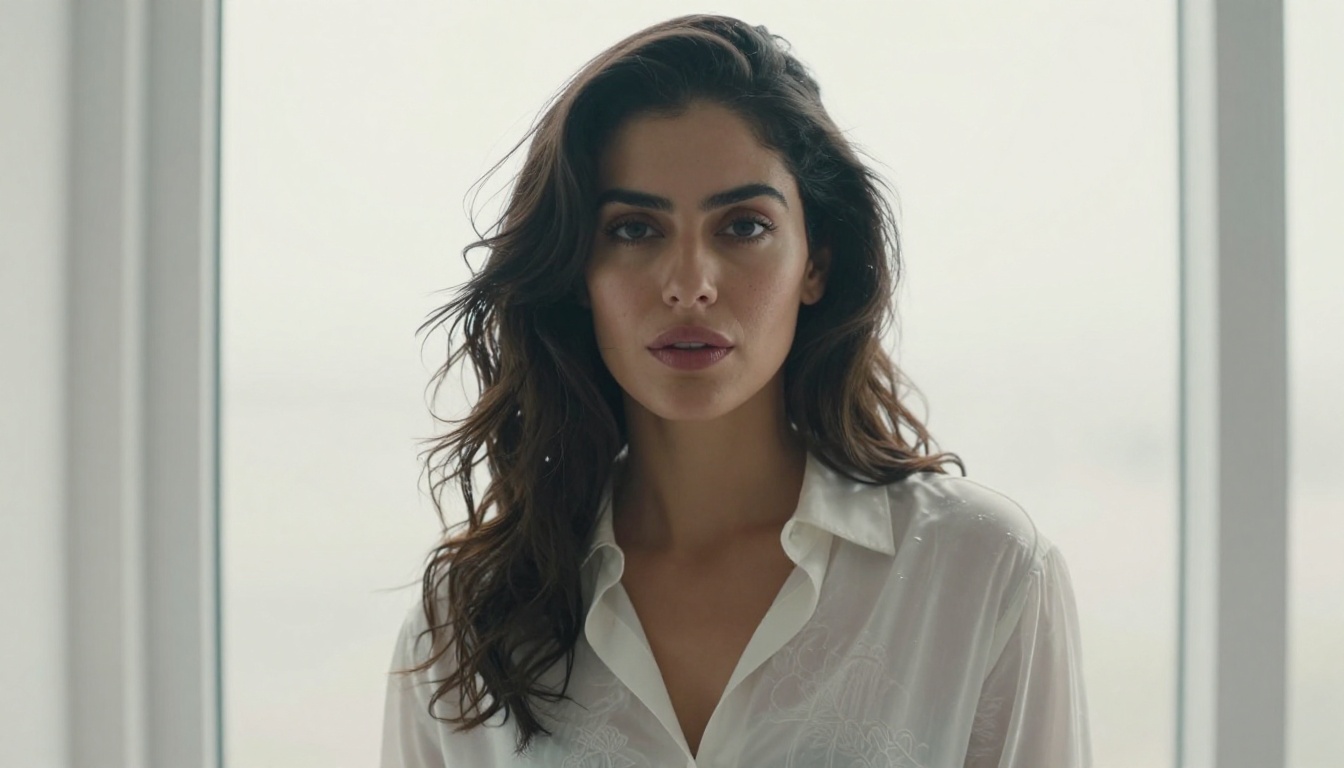
Seedream 4.5 sits at the top of the NSFW AI rankings for one specific reason: it combines photorealism with speed in a way that most other models don't match.
Most realistic AI image models either produce beautiful results but require long wait times, or generate quickly but look obviously artificial. Seedream 4.5 handles both problems simultaneously. It produces images with natural skin texture, accurate directional lighting, and believable proportions, in under 3 seconds per generation. That's faster than many standard-quality alternatives that aren't even producing NSFW-level realism.
What makes it different
Beyond generation speed, Seedream 4.5 supports image editing from a single text instruction. You can upload an existing photo and describe a specific change in one sentence, and the model applies it without rebuilding the entire image from scratch. For NSFW creators who want to take a portrait they already like and refine specific details, this is a significant practical advantage.
Core capabilities at a glance:
- NSFW accepted with no content filtering on adult themes
- Under 3 seconds per generation in most use cases
- Single-sentence image editing applied to uploaded source photos
- Up to 4K resolution output for print-ready exports
- Reference image input to carry over style, subject, or composition from an existing photo
- Multiple aspect ratios including 16:9, 9:16, and 1:1
- No watermarks on downloaded files
💡 Prompting tip: When prompting for realistic NSFW photos with Seedream 4.5, specify the camera lens ("85mm f/1.4"), lighting direction ("volumetric afternoon light from the left"), and skin texture ("individual pores visible, natural freckles, Kodak Portra 400 grain"). These details shift the output from "looks AI-generated" to "looks photographed."
How to use it on PicassoIA
- Open Seedream 4.5 on PicassoIA
- Enter your prompt in the text field. Be specific: subject, environment, lighting direction, and lens focal length all matter
- Select your aspect ratio and resolution. 2K is the default; choose 4K for print-ready exports
- For image editing, upload a reference photo and type your editing instruction in plain language
- Hit Generate. Results typically arrive in under 3 seconds
PicassoIA Image Editor Pro: Unlimited and Uncensored
The second recommendation, PicassoIA Image Editor Pro, works differently from the other models on this list. It's an image-to-image tool: you provide a source image, describe the change you want, and it applies it in under a second.
What separates it from other editing models is the pricing structure. Most AI image tools charge per generation. With Image Editor Pro on an Elite or Infinite plan, generations are unlimited. You can run the tool 1,000 times in a single session at no additional cost beyond your subscription.
The cost comparison that matters
To put that in concrete terms: generating 1,000 images on per-credit models can cost around $100. The same volume on PicassoIA Image Editor Pro costs nothing extra. For creators who iterate heavily, whether refining skin texture across dozens of variants or testing lighting setups on the same base image, this model changes the math entirely.
Image Editor Pro accepts NSFW prompts and includes a 3-generation free trial with no credit card required. That's enough testing to determine whether its output quality fits your workflow before committing to a plan.
Who gets the most out of it
This model is the right call for creators who:
- Already have source images they want to edit or adapt
- Need to iterate through many variants of the same base scene quickly
- Want to apply specific NSFW edits to portraits or lifestyle photography
- Are on Elite or Infinite plans and want to make the unlimited access count

5 More Models Worth Using
Qwen Image 2
Qwen Image 2 is an open-source model that handles both text-to-image generation and image editing without commercial content restrictions. Its open-source foundation means fewer filters than closed commercial models, and the realism it produces, particularly for portrait work, is consistently detailed. Skin renders with natural texture, lighting behaves physically, and facial proportions hold up under close inspection.
Grok Imagine Image
Grok Imagine Image is particularly strong for one specific use case: realistically transforming existing images. If you upload a portrait or lifestyle photo, it can apply changes to clothing or styling in a way that looks photographed rather than AI-generated. The output realism at this specific task edges ahead of most models on this list.
Recraft V4
Recraft V4 is a text-to-image model that prioritizes consistency and photorealism above flexibility. It doesn't support image editing, which limits its use cases somewhat. For generating a high-quality portrait from a detailed text prompt, though, it delivers results that are difficult to distinguish from professional photography at a glance.
P-Image
P-Image generates NSFW images in under one second, making it the fastest option here. Speed comes with minor quality differences compared to Seedream 4.5 or Recraft V4, but for rapid prototyping or bulk generation where you plan to upscale afterward, it's the most efficient tool available.
Wan 2.2 Image
Wan 2.2 Image focuses on highly realistic text-to-image generation without content filtering. It handles complex scene descriptions well, including specific lighting setups, environmental details, and precise character styling. A practical option when you want detailed control over the output and need to avoid the per-generation cost pressure of higher-tier models.
Full NSFW AI Model Comparison
| Model | Type | NSFW | Speed | Best For |
|---|
| Seedream 4.5 | Text-to-Image + Edit | Yes | Under 3 sec | All-around NSFW realism |
| Image Editor Pro | Image-to-Image | Yes | Under 1 sec | Unlimited iterations |
| Qwen Image 2 | Text-to-Image + Edit | Yes | Under 5 sec | Open-source realism |
| Grok Imagine Image | Image-to-Image | Yes | Under 10 sec | Realistic image transformation |
| Recraft V4 | Text-to-Image | Yes | 5-15 sec | Maximum quality output |
| P-Image | Text-to-Image | Yes | Under 1 sec | Fastest NSFW generation |
| Wan 2.2 Image | Text-to-Image | Yes | Under 5 sec | Detailed realism, no filters |
Upscaling Your NSFW Photos to 4K
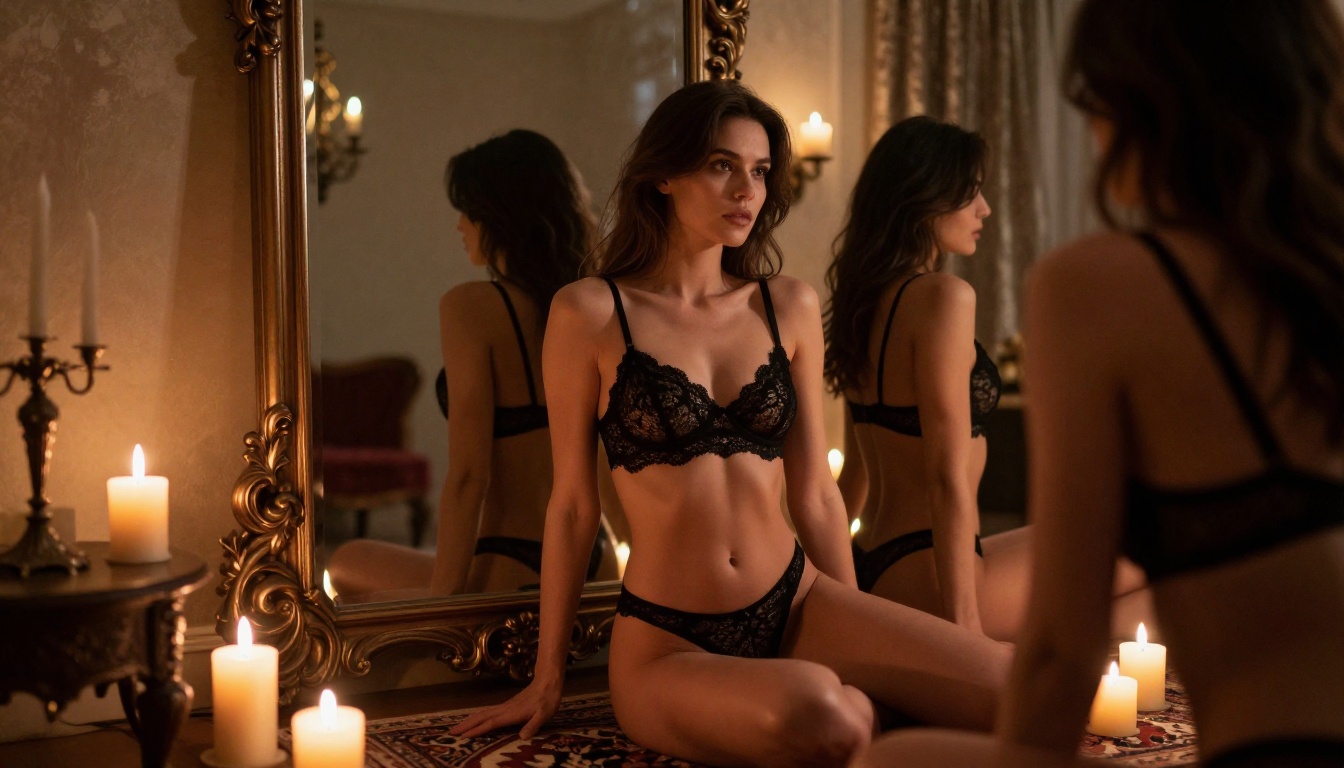
Generating a solid base image is step one. If you're working with lower resolutions or want to push detail further before sharing or printing, upscaling is where the difference becomes dramatic and immediately visible.
PicassoIA offers several dedicated upscaling models. The right choice depends on whether you're upscaling a close portrait, a full-body scene, or an image with complex environmental detail throughout the frame.
Crystal Upscaler for portraits
Crystal Upscaler is built for portrait enhancement specifically. It increases resolution to 4x while sharpening facial detail: skin texture becomes more granular, eyes gain micro-clarity, and the subtle surface details that separate convincing photography from AI imagery become pronounced. For NSFW portrait upscaling, this is the most targeted option available.
Topaz Image Upscale for full scenes
Topaz Image Upscale supports up to 6x upscaling and performs well on full-body images and environmental scenes where detail needs to hold across the entire frame, not just the subject's face. For large prints or high-resolution exports, Topaz handles the scale better than portrait-specific tools.
Other solid upscaling options on PicassoIA:
- Clarity Pro Upscaler: photorealistic upscaling with strong texture and detail preservation
- Real ESRGAN: free 4x upscaling, excellent baseline results for most images
- P-Image Upscale: 1-second upscaling built for high-volume workflows
Writing Prompts That Produce Realistic Results
The model you choose matters, but the prompt determines whether you get a convincing photo or an obviously AI-generated image. The gap between good and great output is almost entirely in how you describe the scene.
Lighting and skin texture descriptors
Photorealistic NSFW images fail most often in two specific areas: lighting and skin texture. Generic prompts produce generic outputs.
Weak prompt: "a beautiful woman in a bikini at the beach, photorealistic"
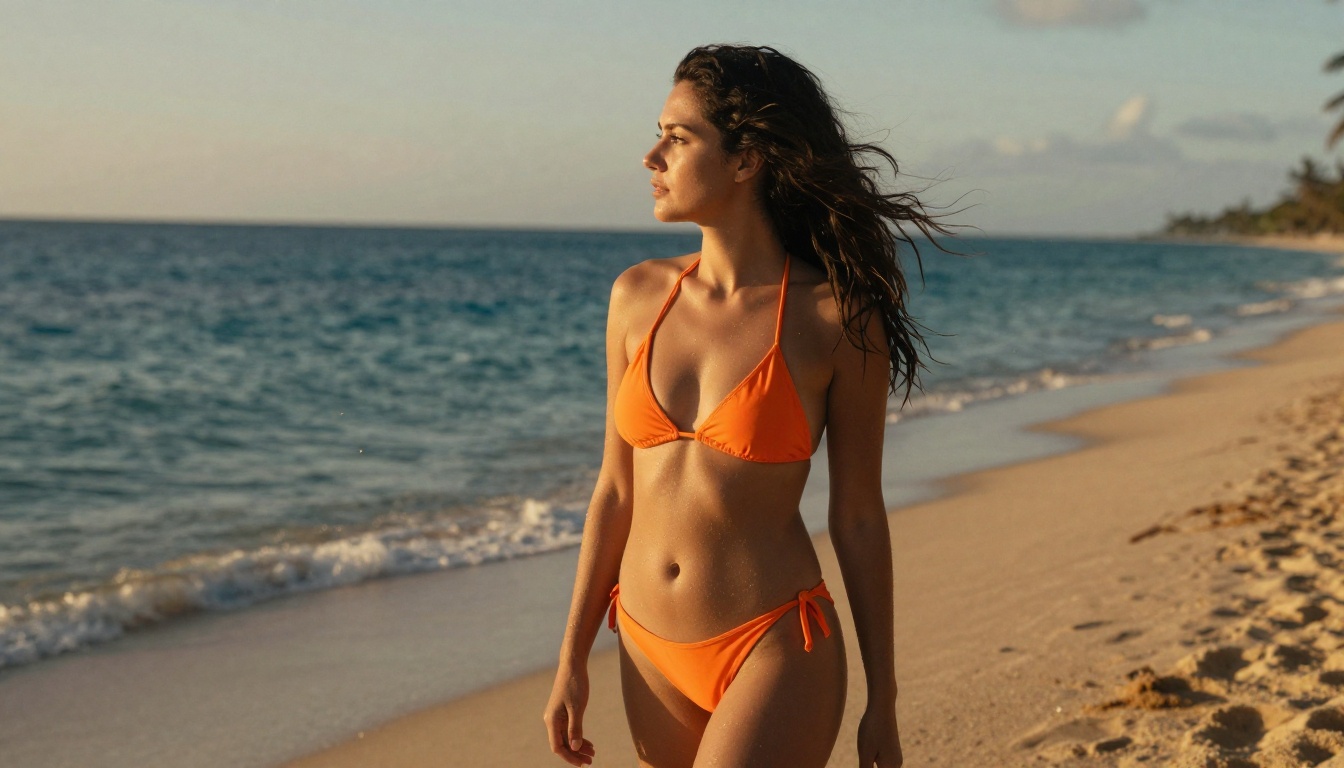
Strong prompt: "a woman in an orange string bikini at the shoreline, low-angle golden hour light from the right casting long warm shadows, Nikon Z9 135mm f/2.0, skin showing natural tan lines and water droplets catching the light on shoulders and collarbone, Kodak Portra 400 film grain, photorealistic, 8K RAW"
The second version gives the model specific constraints: lens focal length, light angle, skin texture, and a film color profile. Every added constraint narrows the output toward photographic realism.
Camera and lens specs that signal realism
Adding camera-specific language to your prompt activates training associations with actual professional photography. Models trained on photography datasets associate these technical terms with realistic outputs.
Useful specifications to include:
85mm f/1.4 or 85mm f/1.8 for portrait bokeh with natural shallow depth of field35mm f/2.0 for environmental portraits with more background context visible100mm f/2.8 macro for extreme close-up face and skin detail- Camera body references:
Sony A7R IV, Canon R5, Fujifilm GFX 100S
- Film stock:
Kodak Portra 400, Fuji Pro 400H for naturalistic grain and color science
- Render anchors:
RAW photography, 8K, photorealistic, film grain
Common mistakes that break realism
The most frequent prompt errors that push outputs toward an artificial look:
- Over-describing beauty: prompts like "perfect flawless skin" push models toward the hyper-polished AI aesthetic. Use "natural skin texture, slight freckles, individual pores visible" instead.
- Missing shadow detail: without explicit shadow direction, images flatten. Add "soft modeling shadows on the right side" or "strong directional shadow from a 45-degree main light."
- No background context: blank or simple backgrounds read as AI studio renders. Even a softly blurred, out-of-focus environment adds credibility to the result.
- No film stock reference: adding
Kodak Portra 400 shifts the color science and grain toward analog photography that reads as naturalistic and organic.
💡 Workflow: Generate your base image with Seedream 4.5 using a detailed prompt, then upscale the best result with Crystal Upscaler. This two-step approach gives you both generation speed and maximum output detail without sacrificing either.
Try It Yourself on PicassoIA
Every model covered in this article is available on PicassoIA, and most have a free trial with no credit card required. The platform doesn't restrict adult content across the models listed here, which is the core reason it's useful for creators in this space.
The fastest path to seeing what works for your specific use case:
- Start with Seedream 4.5 for text-to-image. Use a detailed prompt with lens specs, lighting direction, and skin texture descriptors.
- If you have source images to refine, try PicassoIA Image Editor Pro for the unlimited editing workflow.
- Run your best results through Crystal Upscaler or Topaz Image Upscale to push the output to 4K detail.
The full catalog of available models, including everything added after this article was written, is at picassoia.com/en/all-models.