If you've spent any time searching for the best NSFW AI generator with no watermark, you already know the frustration: most platforms either censor your results, slap a logo across the frame, or lock clean downloads behind expensive paywalls. The cycle is the same everywhere. You generate something great, and then a watermark makes it unusable. That stops here. This article breaks down exactly which AI models produce the most realistic, watermark-free NSFW imagery in 2027, how to get the most from them, and what separates mediocre output from genuinely stunning results.
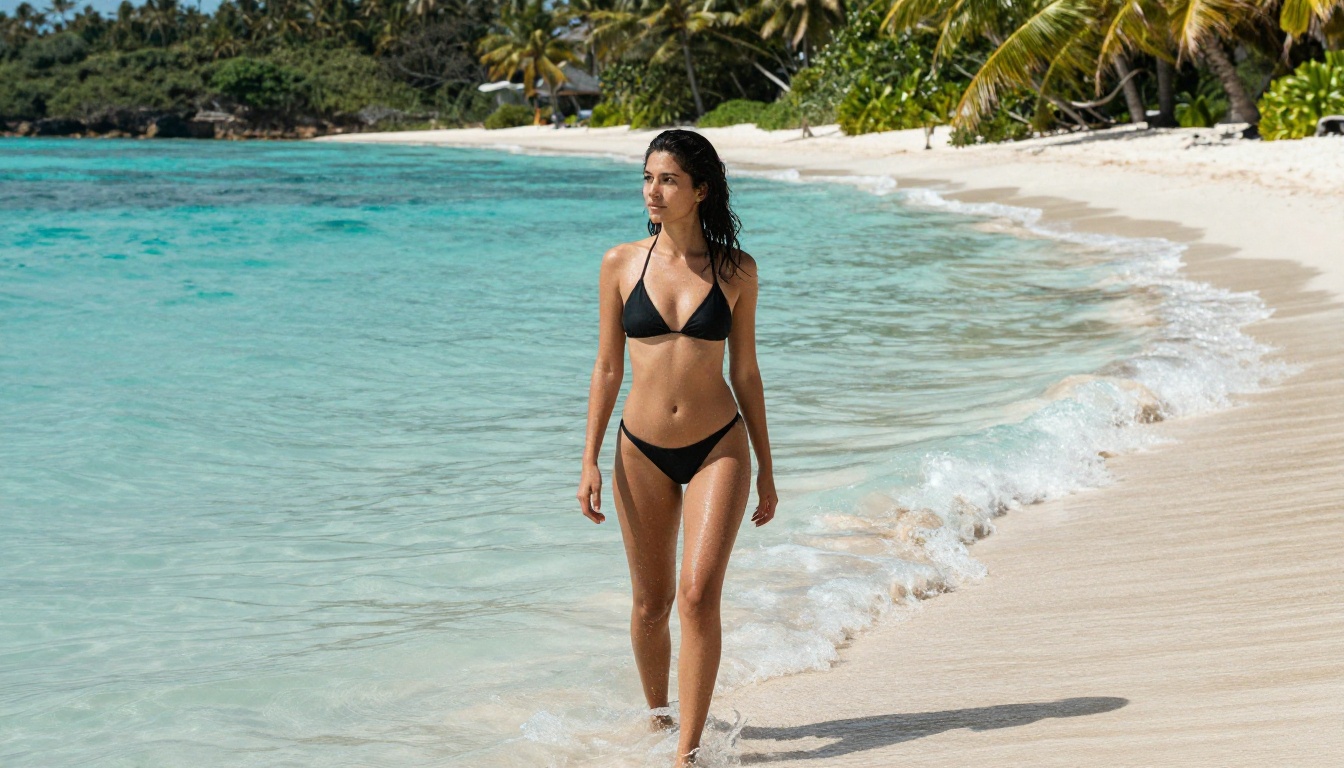
Why Watermarks Ruin Everything
Watermarks are not just cosmetic annoyances. For creators, they signal that the platform controls your output, not you. For professionals using AI-generated imagery in blogs, art projects, or personal galleries, a watermark makes it immediately obvious that you used a free tool. That kills the work's credibility instantly.
The NSFW space makes this problem considerably worse. Many tools that allow suggestive content do so reluctantly, limiting resolution, adding aggressive watermarks, or quietly degrading output quality to discourage heavy use. The result is that most users end up with blurry, branded, or partially censored images that are useless for anything beyond a quick preview.
The Real Cost of a Branded Image
Branded output is dead output. A watermarked NSFW image cannot be used in:
- Personal art portfolios
- Adult content platforms requiring original, clean work
- Character sheets for creative projects and visual novels
- Photography mood boards and style references
- Social-media-adjacent visual storytelling
Beyond the obvious use cases, watermarks signal a platform that doesn't fully trust its own users. That attitude bleeds into every other aspect of the experience: slower generation speeds, lower resolution limits, aggressive content filters that catch innocent prompts. A clean image is the first sign of a platform that actually respects creators.
Who Needs Clean NSFW Output
The demand for watermark-free NSFW AI output comes from several distinct groups:
- Digital artists who want AI-assisted reference imagery without branding ruining the work
- Adult content creators building original visual libraries for their platforms
- Character designers and writers generating concept art for mature fiction and games
- Photographers and cinematographers using AI for mood board and style reference generation
- Curious creators who simply want to make something and actually own what they produce
None of these use cases demands explicit pornography. The real sweet spot is suggestive, glamour-style, aesthetically driven imagery, the kind of output where photorealism, composition, and lighting all matter. That's exactly where the best NSFW AI models excel.
Best Models for Realistic NSFW Images
Not all AI image models handle skin, lighting, and anatomy with the same fidelity. Some produce plastic-looking skin that reads as CGI. Others generate anatomically distorted poses or paint-like textures that immediately break the illusion of photography. The models below consistently deliver photorealistic, high-quality output suitable for NSFW glamour work on PicassoIA.
Flux 1.1 Pro Ultra
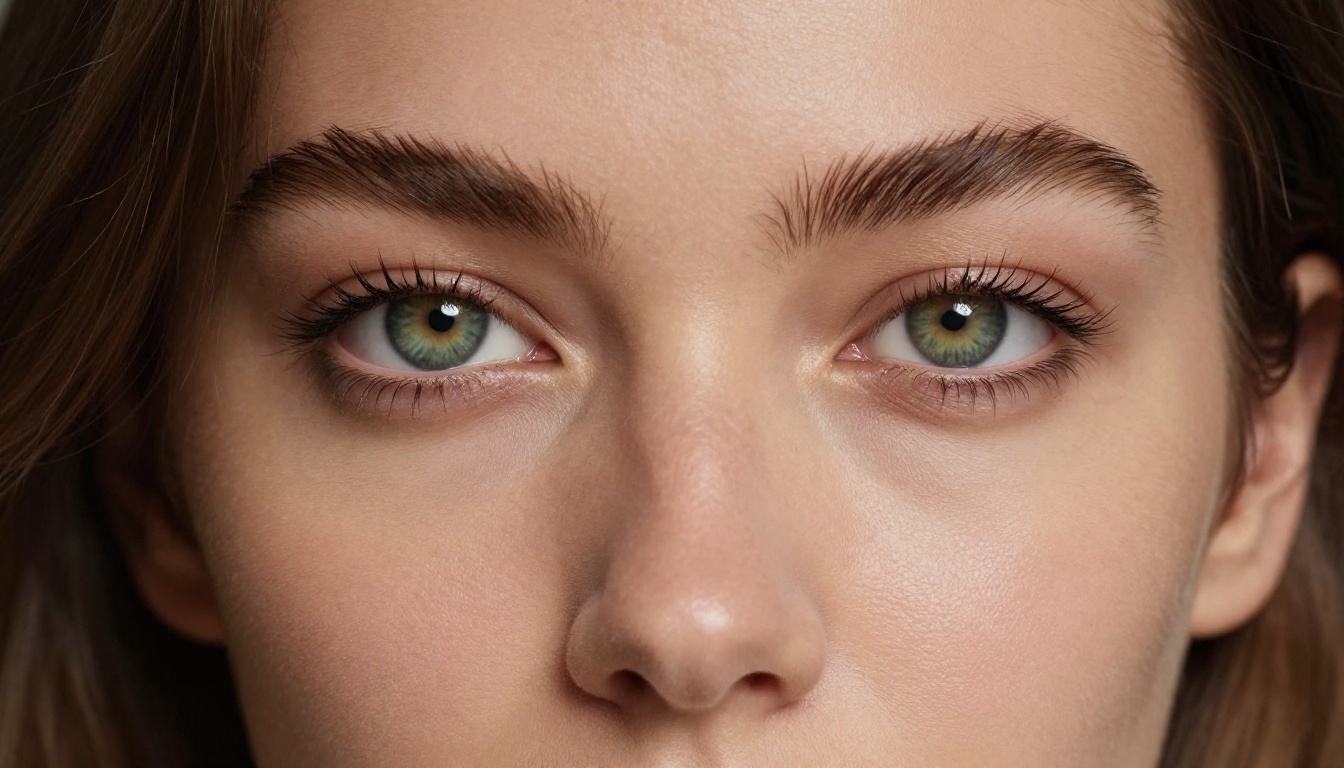
Flux 1.1 Pro Ultra from Black Forest Labs is the current benchmark for photorealistic AI image generation. Its handling of skin texture, natural lighting, and anatomical accuracy sets it apart from almost everything else on the market. For NSFW glamour work, it produces results that are nearly indistinguishable from real photographs, including subtle details like freckles, skin pores, the natural shadow falloff across curves, and realistic fabric draping over a body in motion.
The "Ultra" tier in particular gives you access to higher base resolutions, which matters enormously when working with NSFW imagery. Low-resolution outputs hide quality defects behind compression artifacts. At full resolution, the differences between models become glaring. Flux 1.1 Pro Ultra holds up at every zoom level without introducing artifacts or smearing.
Best for: Photorealistic portraits, high-detail skin work, editorial glamour, close-up compositions
💡 Pro tip: Pair Flux 1.1 Pro Ultra with a highly specific lighting description in your prompt. It responds extremely well to instructions like "soft octabox light from the upper left, warm 4500K, slight fill bounce from the right."
Flux 2 Pro
Flux 2 Pro represents the next generation of the Flux architecture. It inherits all the photorealism strengths of its predecessors but delivers significant improvements in prompt adherence. If you describe a specific pose, lighting direction, or outfit detail, Flux 2 Pro follows those instructions more precisely than any earlier version of the model. For NSFW work where composition and presentation matter, that precision is a meaningful advantage in production.
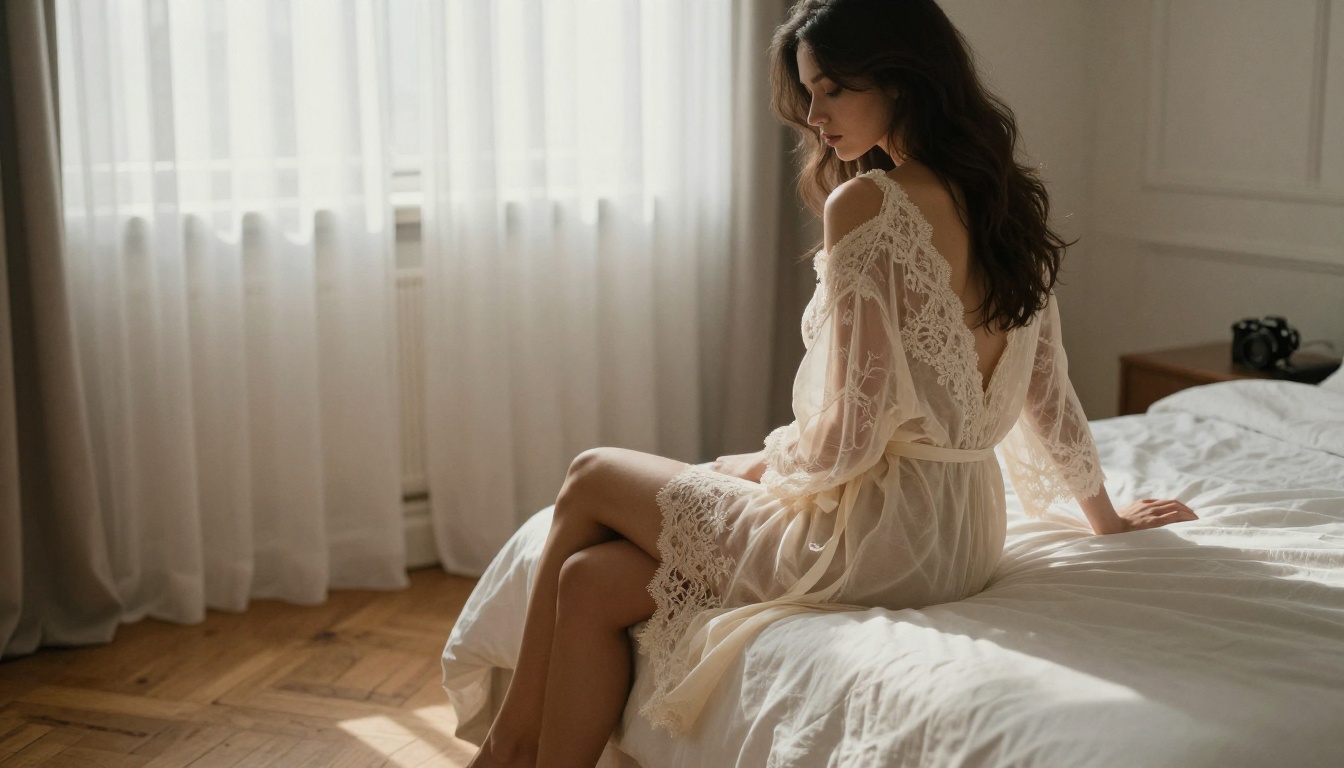
It also handles complex, mixed lighting scenarios particularly well. Candlelight, backlit silhouettes, soft window light filtering through sheer curtains: scenarios where older models produce muddy or blown-out results come through cleanly and realistically. The model appears to have strong internal understanding of how light physically interacts with skin and fabric.
Best for: Precise composition control, complex or mixed lighting scenarios, professional boudoir and editorial aesthetics
Realistic Vision v5.1
Realistic Vision v5.1 has been a community favorite for realistic human portraiture for good reason. It was specifically trained with a strong bias toward photographic realism, which shows immediately in how it renders skin, hair, eyes, and overall body proportions. Unlike general-purpose models that try to be good at everything, Realistic Vision was purpose-built for the kind of photorealism that matters most in NSFW work.
It tends to produce warmer, more natural skin tones compared to the sometimes cooler or more clinical outputs from base SDXL derivatives. Hair rendering is particularly strong, with individual strands catching light convincingly, something many competing models consistently fumble with. If your priority is natural-looking people over stylized aesthetics, this model delivers.
Best for: Natural skin tones, detailed hair rendering, mid-range hardware (it runs efficiently at lower step counts)
RealVisXL v3.0 Turbo
RealVisXL v3.0 Turbo takes the realism-first philosophy of Realistic Vision and scales it to the SDXL architecture, which means significantly higher base resolution and considerably better handling of full-body compositions. The Turbo variant reduces generation time without sacrificing visible quality in the final output.
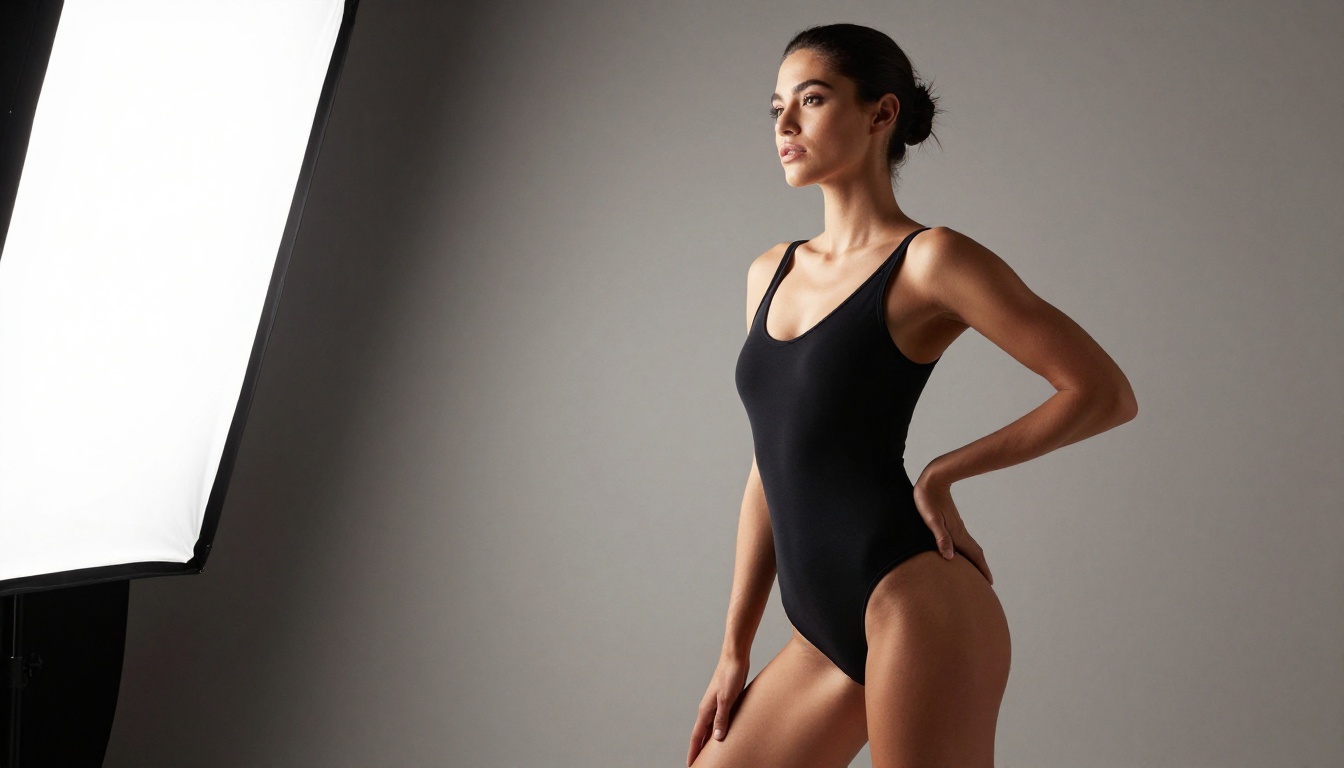
For NSFW work involving full-body shots such as beach settings, lingerie compositions, or artistic portraiture in larger environments, RealVisXL v3.0 Turbo outperforms most alternatives. Body proportions remain believable even in complex poses, and the model resists the common failure mode of generating anatomically distorted limbs when a subject's arms or legs are partially obscured.
Best for: Full-body shots, outdoor and beach settings, fashion-forward NSFW, faster iteration cycles
Stable Diffusion 3.5 Large
Stable Diffusion 3.5 Large brings the weight of Stability AI's research into a model that handles artistic and editorial aesthetics particularly well. It doesn't always produce the most hyper-realistic skin texture, but it excels at overall atmosphere, mood, and compositional intention. For NSFW imagery that leans into editorial or artistic directions rather than pure photorealism, SD 3.5 Large often produces more deliberate and visually interesting results.
The model also responds exceptionally well to detailed negative prompts, giving you fine-grained control over what doesn't appear in the output. That control matters in NSFW work where you want to shape the final image precisely.
Best for: Atmospheric and editorial compositions, art-directed NSFW content, mood-heavy imagery
DreamShaper XL Turbo
DreamShaper XL Turbo sits in an interesting middle ground between purely realistic and slightly stylized output. Its results have a polished, glossy quality that works extremely well for glamour photography aesthetics, the kind of imagery you'd associate with high-end fashion campaigns or professional beauty photography. For NSFW content with a glamour focus, that slight stylization actually enhances visual appeal rather than detracting from believability.
It's also among the fastest models available for this type of work. If you're iterating through multiple prompts to find the right composition, angle, or outfit, DreamShaper XL Turbo gives you results quickly enough to run many variations in a short session without burning your patience.
Best for: Glamour photography style, beauty-focused compositions, fast iteration and prompt testing
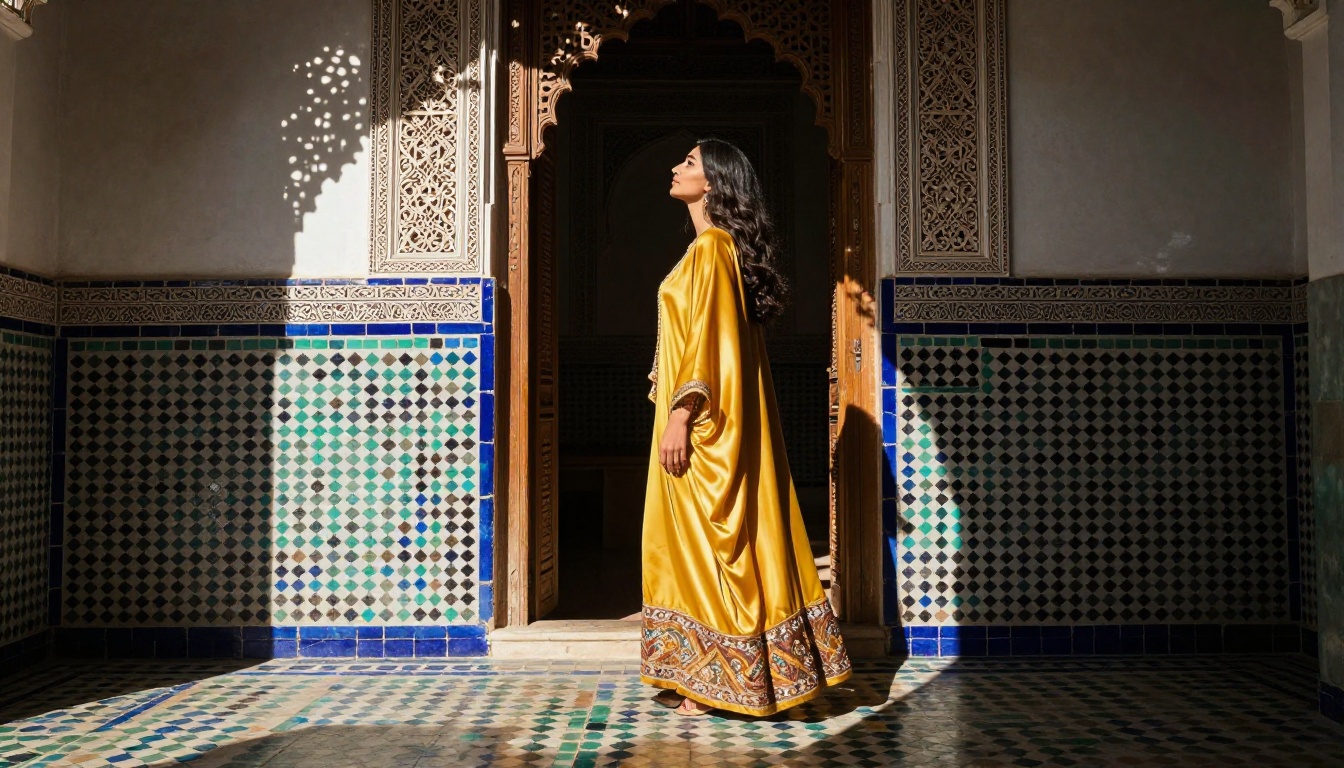
Side-by-Side Model Comparison
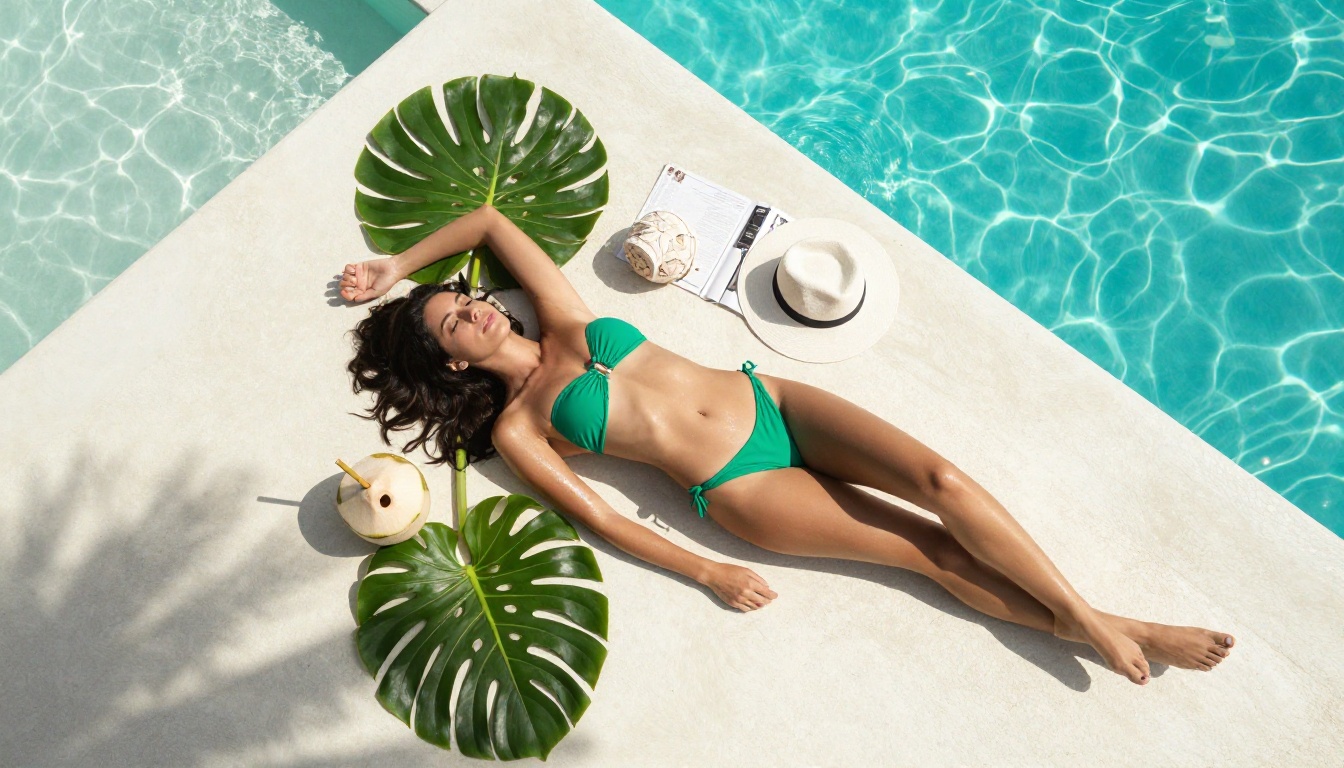
How to Use PicassoIA for NSFW Images
PicassoIA gives you direct access to all the models above with no watermarks on your downloads. Here is exactly how to go from zero to a finished, clean image.
Step 1: Pick Your Model
Open the text-to-image collection and select the model that fits your creative goal. For first-time NSFW generation, start with Flux 1.1 Pro Ultra or Realistic Vision v5.1. Both handle suggestive content with strong photorealism and require relatively little prompting effort to produce impressive results.
💡 Tip: If you're generating full-body compositions with complex poses, open RealVisXL v3.0 Turbo instead. It handles body proportions and anatomy more accurately at full-body scale.
Step 2: Write a Detailed Prompt
Vague prompts produce generic results. The more specific your prompt, the more precisely the model executes your vision. Think of your prompt as a photography brief: describe the subject, setting, lighting conditions, camera angle, and overall mood.
A weak prompt: "beautiful woman in bikini on beach"
A strong prompt: "25-year-old woman with olive skin and dark wavy hair in a minimal black string bikini, standing ankle-deep in crystal-clear turquoise ocean water, soft diffused midday overhead light with natural fill from the water surface, photographed from low angle at water level, skin glistening with small water droplets, photorealistic, 8K, Kodak Portra 400 film grain, Canon EF 50mm f/1.2 lens"
The difference in output quality between those two prompts is dramatic and consistent across every model.
Step 3: Set the Right Parameters
Most models on PicassoIA expose generation parameters you can tune:
- Aspect Ratio: Use 16:9 for widescreen landscape shots or 9:16 for portrait and vertical compositions
- Steps: Higher step counts produce more refined output. A range of 40-50 is a strong baseline for photorealistic work
- CFG Scale: Keep this between 6 and 8 for realistic human subjects. Higher values make the model too rigid and introduce artifacts
- Seed: When you get a result you like, save the seed number. Iterating on a good seed by adjusting your prompt incrementally is far more efficient than starting fresh each time
Step 4: Download Without Watermarks
Once your image generates, download it directly from the result panel. PicassoIA delivers the full-resolution file with no watermark applied. What you create is yours, complete and clean, ready to use immediately without any post-processing to strip branding.
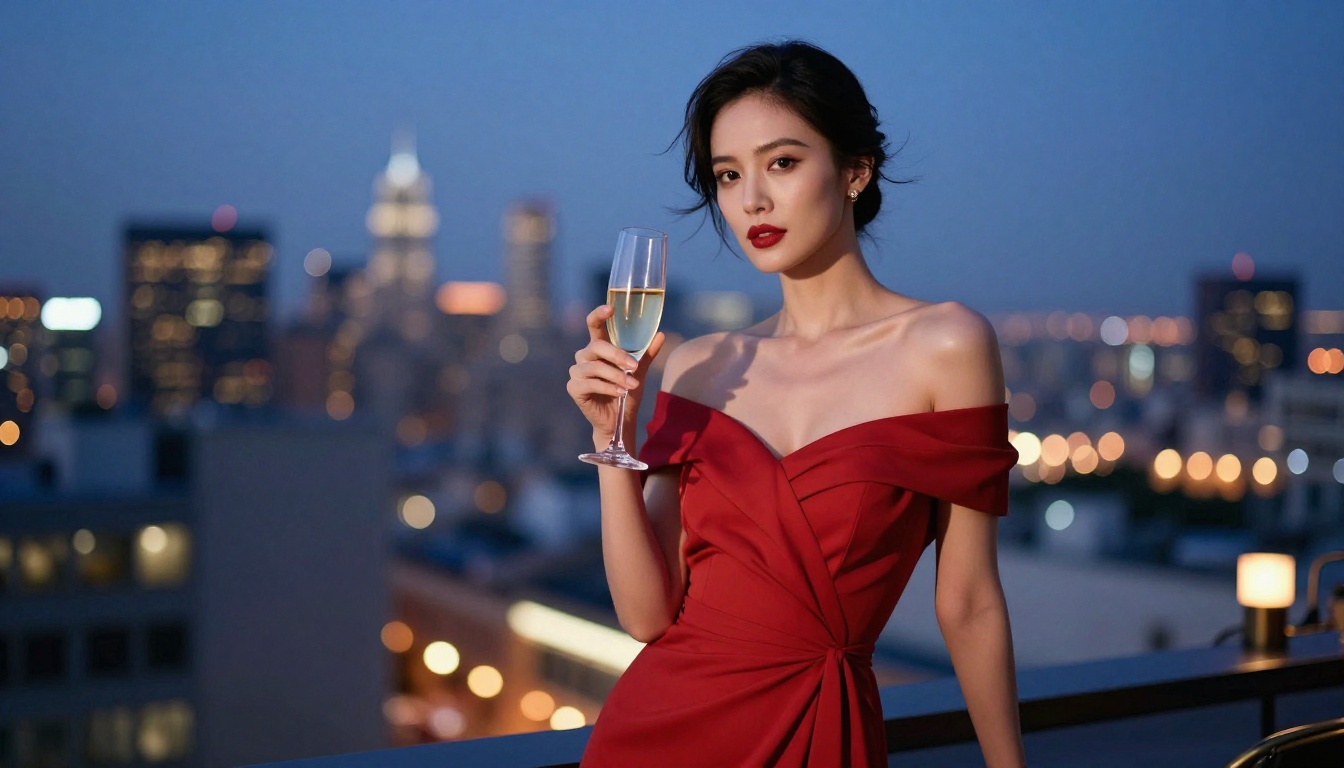
Prompts That Actually Work
The difference between amateur and professional-looking NSFW AI output comes down almost entirely to prompt construction. Knowing what to include and how to phrase it separates clean, intentional imagery from the random, generic results most beginners get.
Anatomy of a Strong NSFW Prompt
Every high-performing NSFW prompt contains these core components:
- Subject description: Approximate age range, skin tone, hair color and style, body type, expression
- Outfit or state description: Specific garment name, fabric type, fit, coverage level
- Environment: Location, time of day, architectural or natural background elements
- Lighting: Direction (from left, overhead, backlit), quality (hard or soft), color temperature (warm, cool, golden)
- Camera details: Focal length, aperture, angle relative to subject
- Film and quality modifiers: "Kodak Portra 400", "8K", "photorealistic", "film grain", "RAW photography"
A complete example:
"Confident 28-year-old woman with olive skin in a sheer white linen blouse and high-waisted shorts, standing on a sun-drenched rooftop terrace with terracotta planters and city buildings visible below, warm golden hour light from the left with soft shadow wrapping across her figure, photographed from slightly below eye level, Nikon Z9 with 85mm f/1.2 lens, urban skyline dissolving into smooth circular bokeh, photorealistic, Kodak Portra 800, natural skin texture and pore detail"
Negative Prompts Worth Using
Negative prompts tell the model what to exclude from the output. For realistic NSFW work, these consistently improve results across every model:
cartoon, anime, illustration, 3D render, CGI, digital artwatermark, text, signature, logo, brand, usernameplastic skin, airbrushed, over-smoothed, porcelain skinbad anatomy, extra fingers, distorted limbs, deformed faceoverexposed, blown highlights, harsh shadows, flat lightinglow resolution, blurry, compression artifacts, pixelated
💡 Tip: Save your negative prompt block as a snippet you can paste into every session. Using a consistent set of negative terms across multiple generations dramatically stabilizes your output quality over time.
4 Mistakes That Ruin Results
Even with the right model and a solid prompt, these common errors consistently derail NSFW output quality.
1. Prompts that are too short. Single-line prompts work fine for landscapes and abstract imagery. For NSFW portraits and glamour work, the model needs context. A five-word prompt forces the model to guess on every parameter it wasn't given, and it usually guesses wrong in ways that are hard to predict.
2. Maxing out the CFG scale. A CFG value of 12 or higher makes models rigid and artifact-prone, especially around faces and skin. The sweet spot for realistic human subjects sits between 6 and 8. Higher values help with certain graphic styles but actively harm photorealism in skin and hair rendering.
3. Ignoring the aspect ratio. Generating a portrait at 16:9 crops a standing subject awkwardly and wastes resolution on empty background space. Generating a landscape scene at 9:16 compresses and distorts the environment. Match your ratio to your composition before you generate, not after.
4. Skipping iteration. The first result is rarely the best one. Save the seed from any result you find interesting, then tweak one prompt element at a time and run variations. Three to five targeted iterations typically moves a result from "pretty good" to "exactly what I had in mind." Burning through credits on completely fresh prompts each time is the least efficient way to work.
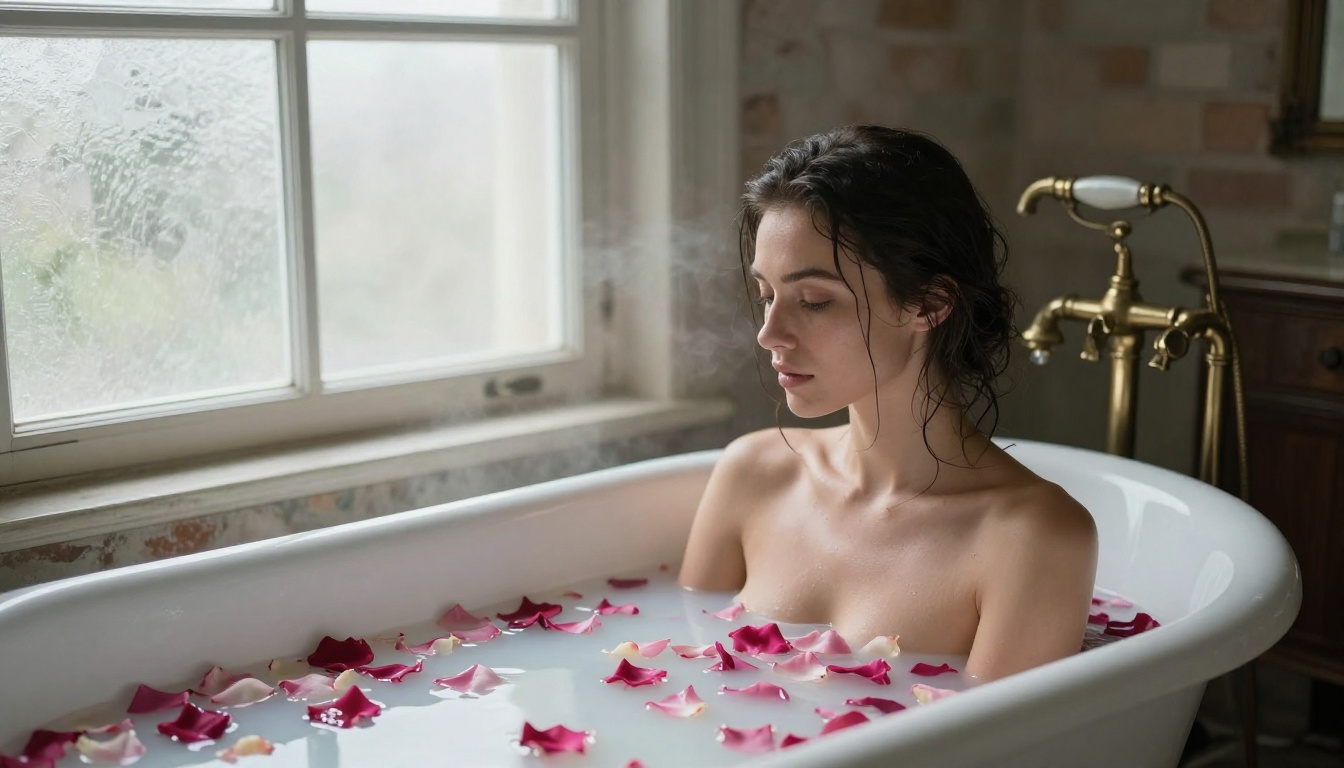
Your Images, No Brand Attached
The best NSFW AI generator with no watermark isn't a single model. It's having access to the right tools for each type of image you want to create, combined with the prompting knowledge to get the most from them. PicassoIA puts over 90 text-to-image models in one place, including every model discussed in this article, with clean, watermark-free downloads from your first generation.
Whether you start with the photorealism of Flux 1.1 Pro Ultra, the natural skin rendering of Realistic Vision v5.1, the full-body accuracy of RealVisXL v3.0 Turbo, or the fast iteration speed of DreamShaper XL Turbo, the output is yours from the moment you download it. No brand stamped across your work. No platform claiming ownership over what you made.
Pick a model, write a detailed prompt, and see what's possible. The text-to-image collection is ready whenever you are.
💡 Ready to create? Open PicassoIA's text-to-image collection and run your first generation. No watermarks. No brand attached. Just your image, exactly as you intended it.


