You open an NSFW anime AI app, type a prompt, and the first image arrives blurred behind a paywall. The second one is blocked by a filter. By the third, your "free" credits are gone and a $19.99 plan is staring at you. If that sounds familiar, you are not alone. The market for adult anime image generators is crowded, and almost every app plays the same game: a generous-looking free tier that runs dry in minutes.
This is a straight look at the best NSFW anime AI apps in 2027: what the free options really give you, how pricing works once you read past the banner, and which alternatives let you make more images without counting credits. Everything stays on the glamour and suggestive side, with adult characters only and nothing explicit.
💡 Quick take: Free tiers across the category usually mean daily credits, watermarks, queue waits or all three. If you generate a lot, an unlimited plan beats a credit plan within the first week.

What Makes an App Worth Using
Before comparing prices, it helps to know what you are paying for. Most NSFW anime generators run on the same few open models (Stable Diffusion variants, Animagine style checkpoints, custom LoRAs) wrapped in a friendly interface. The differences that matter are small and practical.
Filter Strictness
Some apps block anything beyond a swimsuit. Others allow glamour, lingerie and implied nudity but stop at explicit content. A strict filter wastes credits, because a blocked prompt can still cost you one. Always check whether a refused generation is refunded.
Image Quality and Anatomy
Hands, proportions and clean line work separate a good generator from a mediocre one. Newer models handle these far better than the 2023 generation, but cheap apps often run old checkpoints to save on compute.
Speed and Queue Time
Free users wait. On busy evenings, a free queue can take two to five minutes per image. Paid tiers usually skip the line.
Privacy and Storage
Many apps keep every image you make in a public feed by default. Check the privacy toggle before you generate anything personal.
Free Options: What You Really Get
Free plans fall into three patterns. Knowing which one an app uses tells you more than the marketing page does.
| Free model | How it works | Real catch |
|---|
| Daily credits | A fixed number of generations that refresh every 24 hours | Roughly 5 to 25 images per day, slow queue |
| One-time credits | A starter pack when you sign up | Gone after one evening of testing |
| Unlimited with limits | No credit cap, but watermarks, low resolution or public galleries | Output is not usable beyond casual browsing |
Apps People Mention Most
Based on what current comparison pages say, a handful of names come up repeatedly in 2027 discussions. Mage.space is often listed as the easiest free entry point, with a paid tier in the low single digits per month. SeaArt gets a lot of credit for covering both realistic and anime looks, with daily credits and a paid plan around ten dollars monthly. Promptchan AI and Candy AI show up as paid-leaning options that pair image generation with chat companions, with entry plans roughly between $13 and $15 per month. Atlas Cloud is an API platform aimed at developers, with credit packs that do not expire.
💡 Caution: Reviewers disagree on which app has a "real" free tier, and tiers change quickly. Treat any price you read, including these, as a starting point and check the vendor's own page before paying.
Self-Hosting Is Free but Not Easy
Open models such as Animagine XL run for free if you own a decent graphics card. You trade money for time: installing a web interface, downloading checkpoints, tuning samplers and fixing errors. For most people, a hosted tool is faster.
The Real Cost of Credits
Credit systems look cheap until you generate the way people actually generate. A single good image rarely comes from one attempt.
The Retry Problem
Plan on 3 to 8 attempts per keeper. At 200 credits for $19.99, an app that charges 4 credits per image gives you 50 generations, which becomes about 8 to 15 usable pictures. That works out to well over a dollar per final image.
Hidden Multipliers
Watch for features that quietly raise the price:
- HD or upscale toggles that double the credit cost
- Faster queue add-ons billed per image
- Face fix and inpainting counted as separate generations
- Video or animation priced at five to twenty times a still image
A Simple Cost Formula
Take the monthly price, divide by the number of images you actually keep, and compare that figure across apps. A $10 plan that yields 40 keepers beats a $5 plan that yields 6.
| Plan type | Monthly price | Typical keepers | Cost per keeper |
|---|
| Free daily credits | $0 | 150 to 300 across a month of patience | $0, but slow |
| Entry credit plan | $10 to $15 | 40 to 80 | about $0.20 to $0.35 |
| Mid credit plan | $20 to $25 | 100 to 200 | about $0.12 to $0.25 |
| Unlimited plan | varies | depends on you | falls with every image |
These numbers are estimates meant to show how the math works, not quotes from any single vendor.
Realistic Results From Anime Prompts
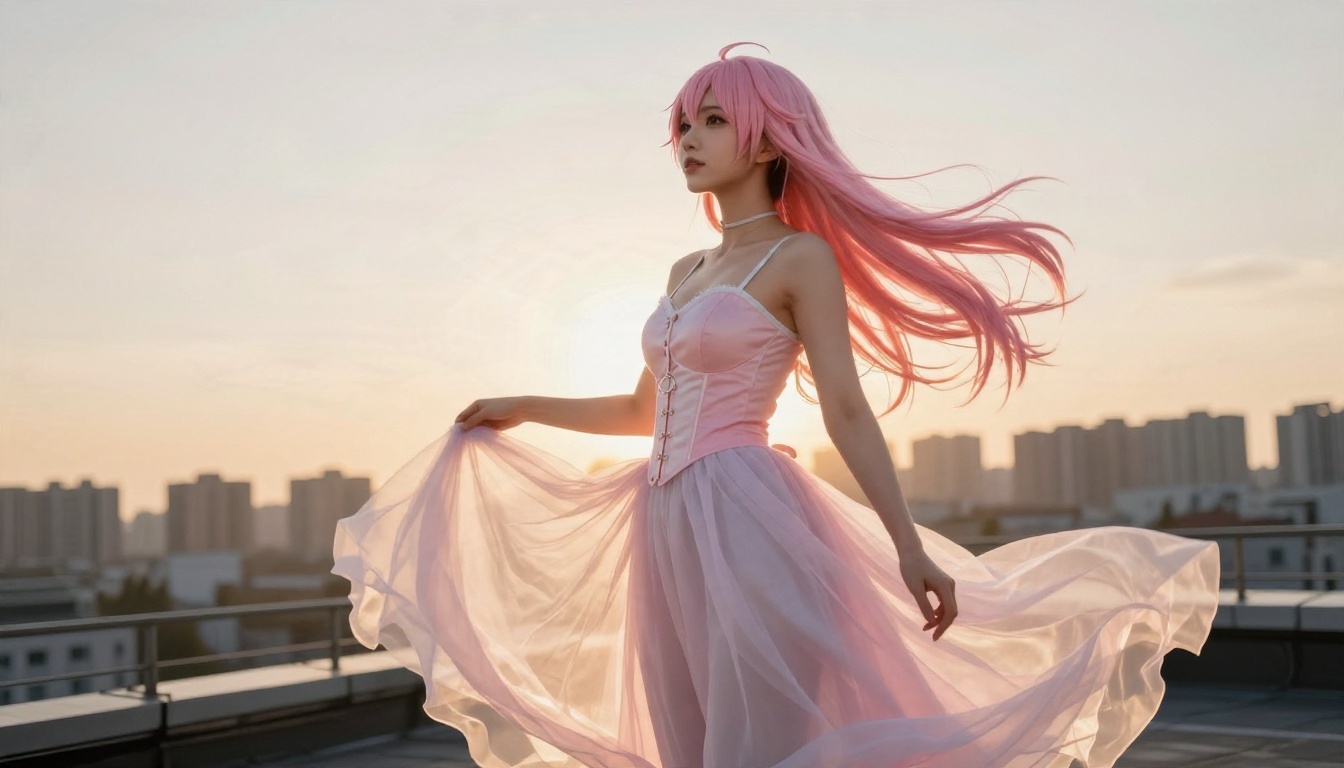
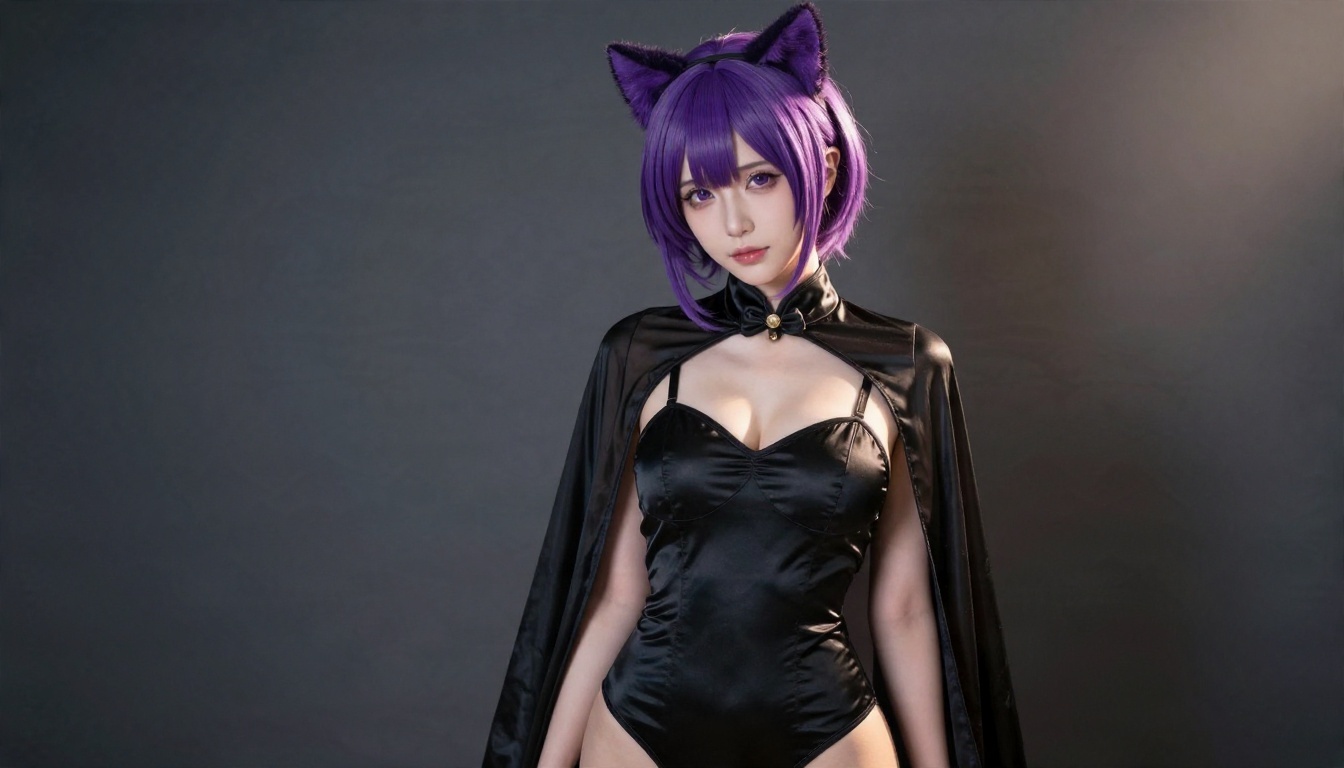
Here is something many roundups skip. The anime look is only one slice of what people want. A large share of users now ask for anime-inspired characters in photographic scenes, such as cosplay-style portraits, stylized wigs and costume glamour shot like a real magazine editorial. Photoreal models handle this better than anime-only checkpoints, because skin, fabric and lighting come out natural.
Why Photoreal Models Help
Anime-only apps struggle with fabric folds, hair strands catching light and believable skin. A photoreal model renders pores, freckles and satin sheen with ease, which matters for glamour work. If you want the character design of anime with real-world texture, a general high-quality image model usually beats a niche anime checkpoint.
Close-Ups Are the Test
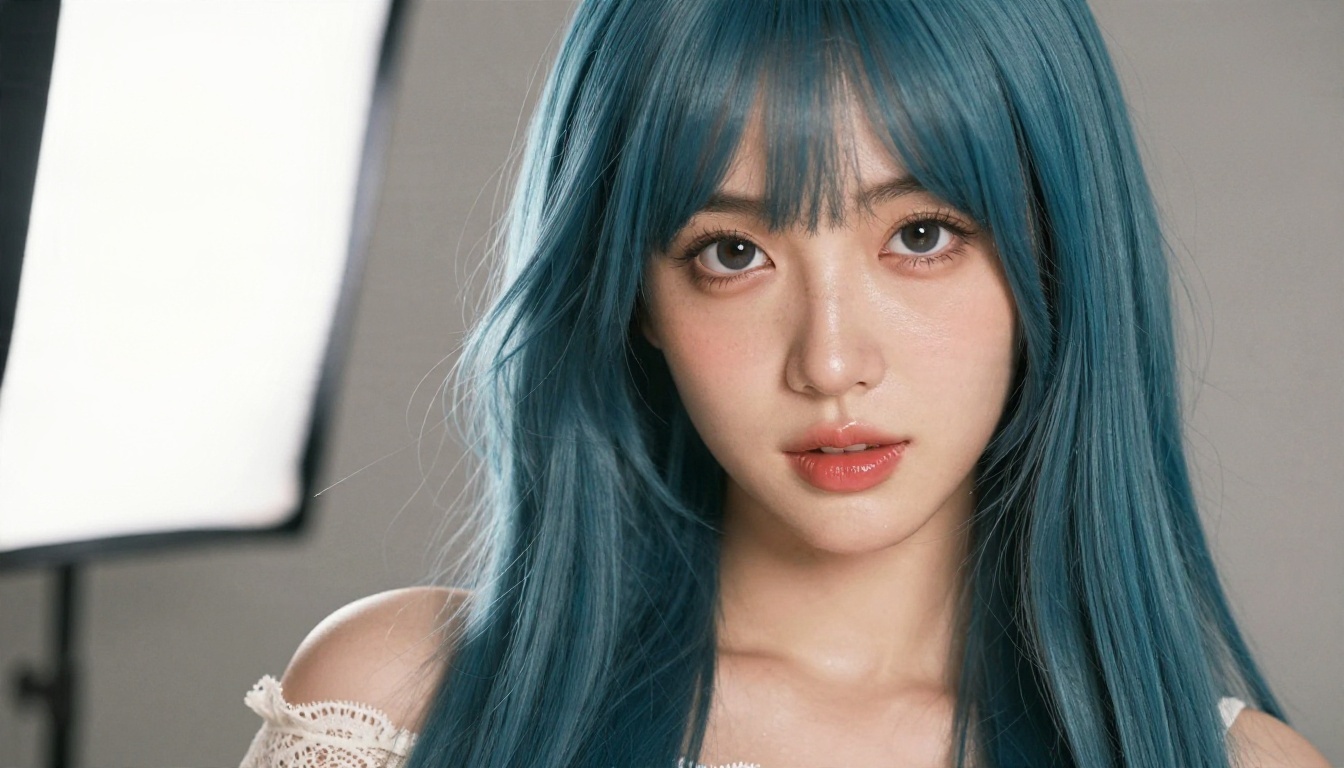
Zoom in on eyes, lips and hair edges. This is where weak generators fall apart. Strong models keep catchlights, individual strands and skin grain intact even on a tight crop.
Better Alternatives on PicassoIA
If credit counters and surprise filters frustrate you, an unlimited route changes the math. Two models are worth starting with, in this order.
Seedream 4.5 First
Seedream 4.5 is the strongest starting point for glamour and suggestive scenes. It produces sharp 4K output, follows long prompts closely and renders skin and fabric convincingly. It also handles adult glamour themes without constant refusals, which saves the credits and patience that other apps burn on blocked prompts.
PicassoIA Image Editor Pro for Unlimited Runs
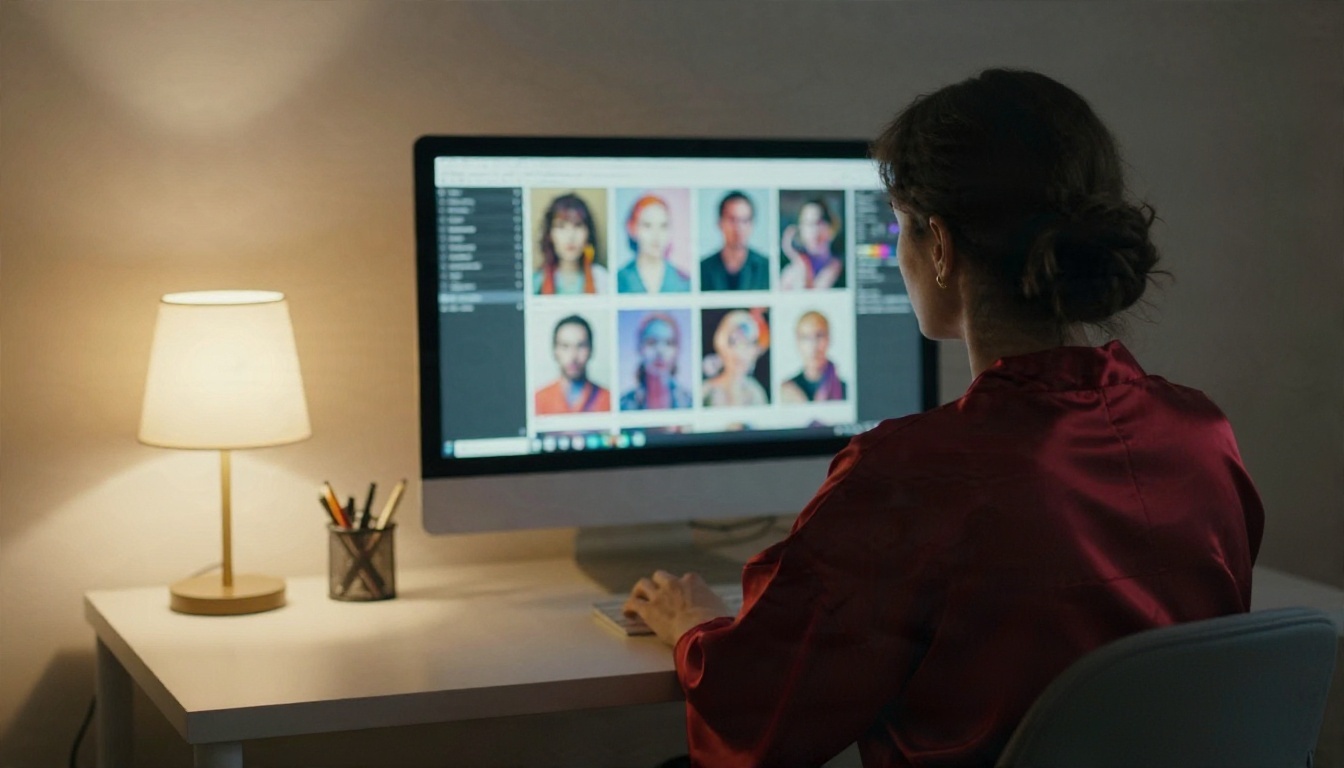
PicassoIA Image Editor Pro is built for people who iterate. It offers unlimited generations, so the retry problem from the previous section disappears. You can try ten variations of a pose, a wig color or a lighting setup without watching a meter. It also edits existing images, which is handy for adjusting outfits, backgrounds or color grading.
More Models Worth Trying
For different looks, these models round out the list:
| Model | Best for | Link |
|---|
| Seedream 4.5 | Sharp, glamour-ready 4K images | Open |
| Image Editor Pro | Unlimited generations and edits | Open |
| Z Image Turbo | Fast drafts when you want speed | Open |
| Qwen Image 3 Pro | Photorealistic portraits with detail | Open |
| Krea 2 Medium | Anime and painterly styles | Open |
| Proteus v0.3 | Classic anime character art | Open |
| Qwen Image Edit Plus LoRA Photo To Anime | Turning a photo into an anime look | Open |
💡 Pro tip: Draft with a fast model, then rerun your favorite prompt in a higher-quality one. You save time and get the best of both.
You can browse the full catalog at picassoia.com/en/all-models.
How to Use Seedream 4.5 on PicassoIA
Here is the workflow I recommend for suggestive anime-inspired glamour images.
Step by Step
- Open the Seedream 4.5 page and sign in.
- Paste a prompt that names the subject, outfit, setting, light and lens (examples below).
- Choose a 16:9 ratio for wide scenes or 3:4 for portraits.
- Select the highest resolution available for final renders, and a lower one for drafts.
- Press generate, review the result, and adjust one detail at a time.
- Send favorites to Image Editor Pro for fine edits or extra variations.
Parameter Tips
- Keep prompts specific: "adult woman, mid twenties, lilac twin-tail wig, satin skirt, sunlit loft, 85mm lens" beats "anime girl, hot".
- State the age: always describe characters as adults.
- Name the light: soft window light from the left gives flattering skin, while hard studio light gives drama.
- Change one thing per run: swapping the wig color alone tells you what actually moved the result.
Prompt Templates That Work
Try this structure: [subject and pose] + [outfit] + [setting] + [light] + [camera and lens] + [texture details].
Example: Adult woman with a violet short wig and cat-ear headband, black satin bodysuit with a sheer cape, dark grey studio backdrop, hard side light from the upper right, 85mm lens, glossy fabric highlights, natural skin texture.
Free vs Paid: Which Fits You
Here is a plain way to pick without reading ten review pages.
Choose Free If
You generate a few images a week, you are testing styles, or you do not mind waiting. Daily credit apps are fine for that. Accept the watermarks and the public gallery, or turn them off if the settings allow it.
Choose a Credit Plan If
You need occasional high-quality batches and your use is predictable. Budget for retries and check that failed generations are refunded.
Choose Unlimited If
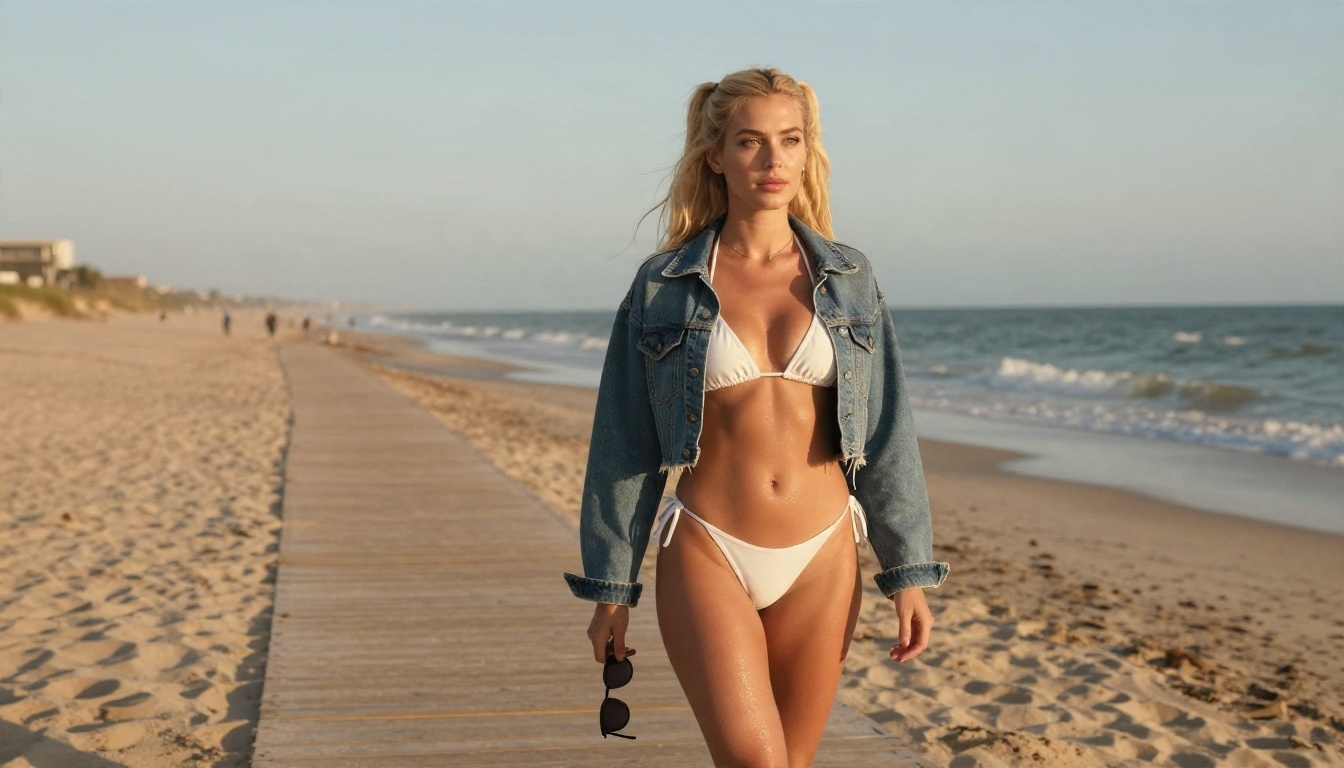
You iterate heavily, build sets of images around one character, or work on projects where the same scene needs twenty versions. Unlimited generation is where the cost per keeper drops fastest, and it is why an option like Image Editor Pro makes sense for serious use.
Quick Decision Table
| Your situation | Best fit |
|---|
| Curious, low volume | Free daily credits |
| Occasional polished images | Entry credit plan |
| Heavy iteration | Unlimited generation |
| Developer or batch workflow | API credit packs |
| Photo to anime conversion | A dedicated photo to anime model |
Safety, Privacy and Rules
Adult content tools carry real responsibilities, and a few habits protect you.
Keep It Adult and Consensual
Only generate adult characters. Never use a real person's face without their clear permission. Reputable platforms ban both, and so should you.
Check Where Images Go
Look for a private mode, find out whether your prompts are stored, and read whether your images may be used for training. If an app is vague, assume the worst.
Mind the Payment Trail
Some adult apps bill under generic merchant names. If discretion matters to you, read the billing descriptor before you subscribe. Avoid any app that asks for more personal data than a payment needs.
Respect Usage Terms
Free tiers often forbid commercial use. If you plan to sell prints or post to paid platforms, confirm the license first.

Common Mistakes to Avoid
A few errors waste more money than any pricing plan.
- Buying a yearly plan first. Test a month before committing.
- Ignoring the refund policy on blocked or failed images.
- Using vague prompts and paying for five retries of a bad idea.
- Skipping upscaling and then wondering why prints look soft.
- Chasing the cheapest plan. The lowest sticker price often has the lowest keeper rate.
Start Creating Your Own Images
The best NSFW anime AI app is the one that lets you make the images you picture without a meter running in the corner. Free tiers are fine for a first look, credit plans suit occasional work, and unlimited generation wins for anyone who iterates.
Open Seedream 4.5 for sharp glamour renders, then move to PicassoIA Image Editor Pro when you want unlimited variations and edits. Write a specific prompt, change one detail per run, and keep the ones you love. When you want more styles, browse every option at picassoia.com/en/all-models and see how much further a single idea can go on Picasso IA.