You search for the best NSFW apps, you open the store, and within five minutes you hit the same wall: half the results are clones, a third are paywalled after one blurry preview, and the good ones vanish from the listing a week later. That is not bad luck. It is how Android and iPhone stores treat adult content, and it shapes everything you can download.
This article breaks down what actually works in 2027. You will see which free options are worth your time, what Android and iPhone really allow, why the App Store limits exist, and why a lot of people have quietly moved to browser based tools instead. Along the way, I will show you how to make tasteful glamour, swimwear and boudoir style images on PicassoIA, without installing anything.
💡 Quick answer: If you want an app that stays on your phone and never gets pulled by a store, use a web tool you can pin to your home screen. Stores decide what is allowed. A browser does not.
What People Actually Want

Three searches behind one topic
When someone types "best NSFW apps," they usually mean one of three things. Some want an AI image generator that produces glamour, lingerie or bikini portraits. Some want a chatbot companion with flirtatious conversation. A smaller group wants video apps that animate a still photo into a short clip.
Each one runs into store rules in a different way. Image generators get the most scrutiny because the output is visual. Chatbots slip through more easily, though they often arrive filtered. Video tools are the newest category and the rules are still being written.
Why an app feels like the obvious answer
Phones are private, always with you, and one tap away. An app icon feels safer than a website. That instinct is reasonable, but it overlooks a catch: anything distributed through a store must follow that store's content policy, and the policies for adult material are strict and shifting.
For you, that creates three practical problems:
- Inconsistent output. A filter may block a swimsuit portrait one day and allow it the next after an update.
- Sudden removal. Apps that rank well for adult searches tend to attract reports. Delisted apps leave you with a dead icon and sometimes a lost subscription.
- Hidden costs. Many listings advertise free use, then lock results behind weekly plans.
Free Options That Actually Work
Browser tools beat downloads
In practice, the most dependable free route is a browser based generator. You open a page, type a prompt, wait a few seconds and save the result. There is nothing to install, no store review standing between you and the tool, and no update that suddenly changes what the filter accepts.
On a phone, you can add that page to your home screen and it behaves like an app. On a desktop, it is simply a tab. Either way, you get the same results.
What "free" usually hides
Free is rarely free in the plain sense. Here is what to check before you invest time in any tool.
| What to check | Why it matters | Red flag |
|---|
| Generation limit | Some tools give three images, then ask for payment | A counter that resets only after a purchase |
| Watermarks | Free output may carry a large logo | Logo placed over the subject |
| Resolution | Free tiers often cap at tiny sizes | Output below 1024 pixels |
| Filter behavior | Overactive filters block harmless swimwear | "Content not allowed" on a beach portrait |
| Data policy | Uploads can be stored longer than expected | No clear deletion option |
💡 Tip: Run the same simple test on every tool: ask for an elegant portrait in a satin robe by a window. If a tool refuses that, it will frustrate you on anything more ambitious.
Where free tools fall short
A free generator is excellent for testing a style or a pose. It becomes limiting when you need dozens of variations, consistent faces across a set, or high resolution for printing. That is where an unlimited editing tool and a stronger model begin to pay for themselves, which I cover further down.
Best NSFW Apps for Android
What Google Play allows
Google Play prohibits sexual content, and its rules for generative AI apps go a step further: an app that creates content with AI has to prevent restricted output, sexual material included, and it must give users a way to flag offensive results. A post on the Android Developers Blog in August 2026 repeated those expectations and focused on non-consensual intimate imagery and so called nudify tools. Apps that merely advertise such features can be enforced against under the promotion policy, even if the feature does not exist.
In short, any generator that lives on Google Play is wearing a filter by design. That is why Play Store results tend to look cautious.
Sideloading and its risks
Android lets you install apps from outside the store. Many NSFW apps use that route. It sounds like freedom, but it carries real downsides:
- Malware risk. Files from random sites are a common way to spread spyware.
- No update channel. Security fixes never arrive.
- Permissions creep. Some apps request contacts, storage and microphone access for no reason.
- No refunds. Payment disputes are harder when there is no store between you and the seller.
I would skip sideloading for anything that asks for a login or a card.
The browser route on Android
Chrome on Android lets you add any site as a home screen shortcut. You get a full screen window, a normal icon and the same results as on desktop. For a glamour image tool, this is the cleanest setup I have found, and it keeps your phone free of unknown installers.
Best NSFW Apps for iPhone
Apple's rules in plain terms
Apple's App Store guidelines bar obviously pornographic material. Apple also controls the entire store, including paid ads, so there is a single gatekeeper for what is listed and what is promoted. A 2024 report noted that Apple lacked a formal AI chatbot policy, and I could not confirm whether that has changed since. The result is a store where the rules are broad and the enforcement is applied unevenly.
Why iPhone apps feel watered down
Because there is one gatekeeper, developers who want to stay listed build conservative filters. You will see lingerie prompts rejected, swimwear softened and anything suggestive rewritten. Apps that push the line risk review rejection, and those that pass review can still be removed later.
That is the reason so many iPhone users report the same experience: the app looks promising in its screenshots, then the actual output feels tame.
Safari and the home screen shortcut
Safari on iPhone can add any website to your home screen with the Share button and "Add to Home Screen." The page opens full screen, without an address bar, and behaves like a standalone app. For an image generator, that gives you everything a native app would, minus the store filter layer.
App Store Limits Explained
Enforcement is messy
Both stores ban adult material, yet the actual picture is inconsistent. A watchdog investigation in January 2026 found 55 nudify apps on Google Play and 47 on the App Store. After reporters contacted the companies, each store removed more than two dozen of them. A follow up in April 2026 still found 20 on Google Play and 18 on the App Store, and about 40 percent of apps surfaced by relevant searches could render women nude or scantily clad. Reporting also noted that Apple displayed nudify ads as the top result in some searches.
I mention this because it explains the revolving door. Apps appear, get reported, disappear, then return under a new name.
What it means for you
- Do not trust a store rating. Reviews on adult leaning apps are often bought or deleted.
- Expect removal. Any app you rely on can vanish with an update or a policy change.
- Avoid tools that focus on real people. Apps built to strip clothing from photos of real individuals sit at the center of the crackdown, and they harm real people. Stay away from them.
- Prefer creation over alteration. Generating a fictional model from a text prompt is a different category entirely from editing someone's photo without consent.
💡 Rule of thumb: If an app pitches itself on uploading photos of other people, close it. If it lets you create original characters and scenes, you are on the right side of the line.
Where PicassoIA Fits In
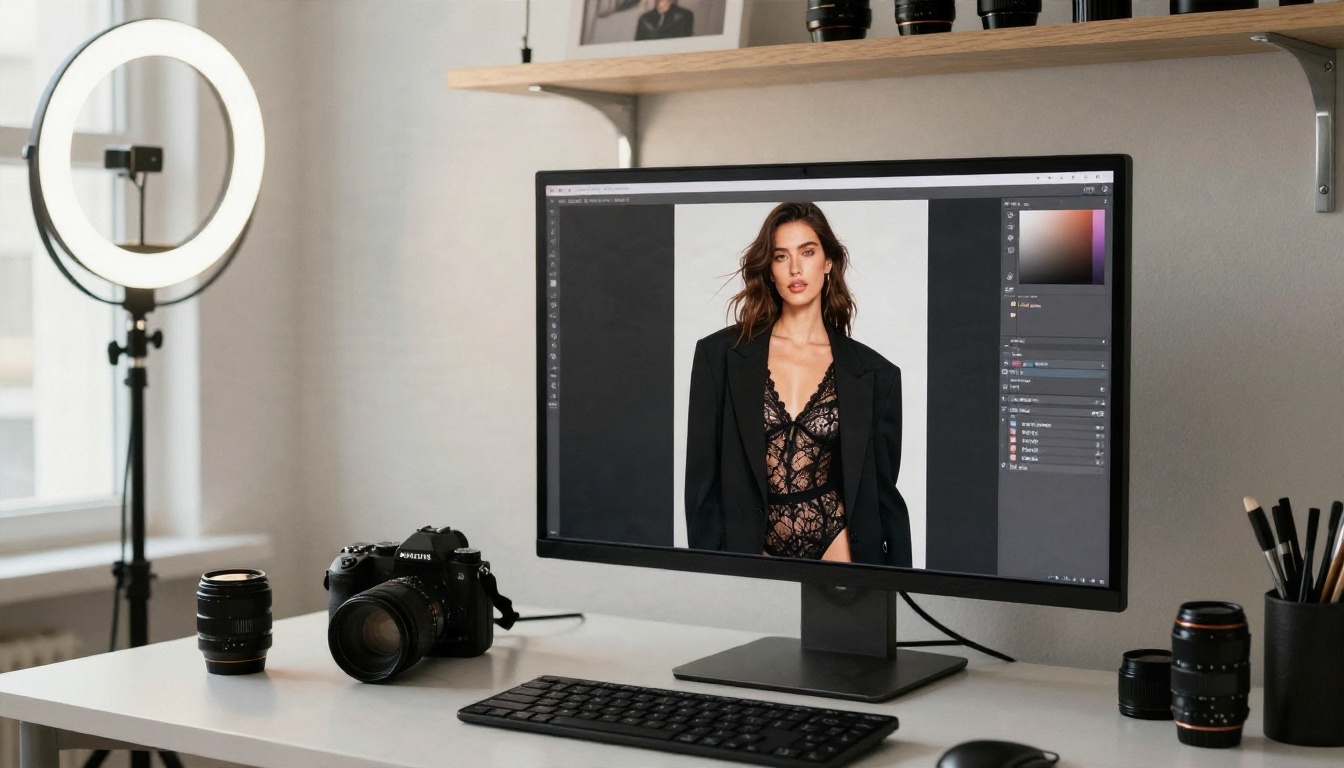
PicassoIA runs in your browser, so no store sits between you and the model. You can use it on a phone, tablet or desktop with the same account. Here is the order I would try things in for glamour, swimwear and boudoir style work that stays suggestive and tasteful.
Seedream 4.5 first
Seedream 4.5 is where I would start. It produces sharp 4K portraits with natural skin texture, believable fabric like silk and lace, and lighting that looks like a real photo shoot rather than a render. It follows long prompts closely, which matters when you describe a pose, a wardrobe and a setting at once.
Because it is a web model rather than a store app, you are not fighting a heavy extra filter layer built to satisfy an app reviewer. It is fast, so you can iterate on a prompt several times in a few minutes.
PicassoIA Image Editor Pro for unlimited edits
PicassoIA Image Editor Pro is the one I would keep open in a second tab. It offers unlimited generations, which removes the main frustration of the free apps above: the counter that runs out right when you get a pose you like. Use it to change outfits, adjust lighting, swap backgrounds or fix small details on an image you already have.
More models worth trying
Once you have your first set, these are good follow ups:
Quick comparison
How to Use Seedream 4.5 on PicassoIA
Here is the exact routine I follow, and it takes about two minutes per image.
- Open the model page. Go to Seedream 4.5 on PicassoIA.
- Write the subject first. Start with who and what: "a woman in a black silk robe sitting on a hotel bed."
- Add the setting. Mention the room, the time of day and a few props, such as a coffee cup or fresh flowers.
- Describe the light. This is the biggest quality lever. Try "soft golden morning light from the left" or "warm lamp light with a blue dusk window."
- Name the camera. Phrases like "85mm lens, f/1.8, shallow depth of field" push the result toward a real photograph.
- Choose a wide ratio. 16:9 suits landscape layouts, while 3:4 or 9:16 suits phone screens.
- Generate and compare. Run three or four versions, pick the best, and refine the wording rather than starting over.
Prompt tips that raise quality
- Be specific about fabric. "Satin," "lace" and "knit" each produce visibly different textures.
- Mention skin honestly. Words like "natural skin texture, fine freckles" avoid the plastic look.
- Keep it suggestive, not explicit. Implied poses and tasteful wardrobe look more professional and keep your images safe to share.
- Limit the prompt to one scene. Cramming three settings into one prompt lowers the result.
A starter prompt to copy
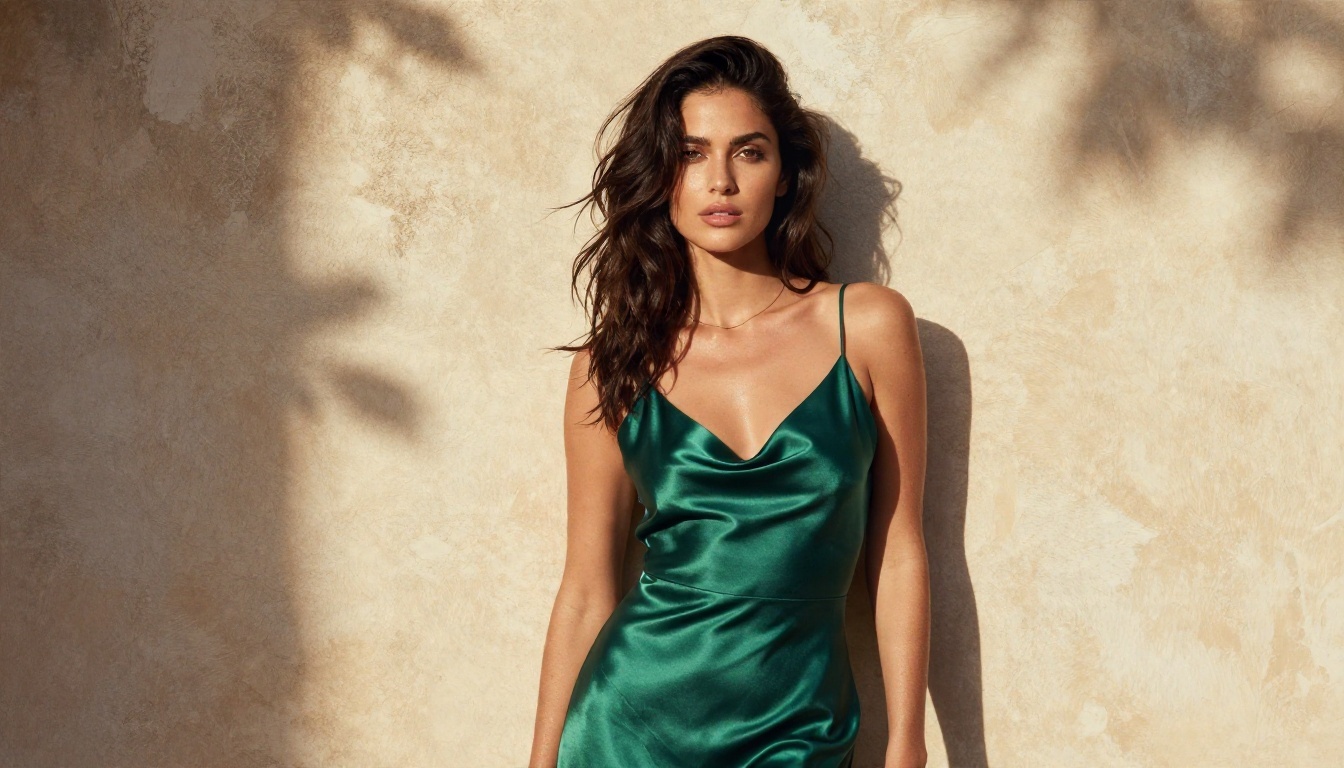
A woman in an emerald satin slip dress leaning against a sunlit plaster wall, relaxed confident pose, hard late sun from the left with a leaf shadow on the wall, 85mm lens, f/1.4, natural skin texture, soft film grain, warm Kodak Portra look.
Change the dress color, the wall and the light, and you get a whole series from one idea.
Privacy and Safety Checks
Protect your account and data
Adult leaning tools attract scammers, so a few habits go a long way:
- Use a separate email for sign ups you want to keep apart from work.
- Skip apps that demand contacts or full photo library access. A generator only needs a prompt box.
- Check the deletion option. You should be able to remove your images and account.
- Avoid uploading faces of people who have not agreed. This is where most harm and most legal trouble starts.
Keep your results shareable
Images that stay suggestive and tasteful travel further. Social platforms and ad networks apply their own rules, so explicit output limits where you can post it. Elegant glamour, beachwear and boudoir portraits can be shared in far more places, and they tend to look better too.
Pick tools that last
Before you commit to a subscription, ask three questions. Does the tool work in a browser? Is there a clear pricing page? Can you export your images at full resolution? If you answer yes to all three, you are not at the mercy of a store policy change.
Make Your Own Images Today
Chasing the best NSFW apps through two stores that keep changing their rules is a slow way to get a good image. The faster route is a browser tool, a strong model and a clear prompt. Start with Seedream 4.5 for the sharpest portraits, keep PicassoIA Image Editor Pro open for unlimited edits, and use the starter prompt above as your first experiment.
Change one thing at a time: the light, the outfit, the room, the lens. Within a handful of tries you will see how much control a good prompt gives you. When you are ready to try more, browse the full list at picassoia.com/en/all-models and pick the model that fits your next idea.
Open PicassoIA on your phone or laptop, write your first prompt, and see what you get in the next sixty seconds.


