Type "free NSFW chat no login" into a search bar and you get a wall of near identical rankings, each one claiming to be the only honest list. Most of them are affiliate pages. Almost none tell you what you actually give up when a site says "free," or that "no login" and "image chat" rarely show up in the same product. This article sorts the marketing from the reality. You will see how the best-known adult chat platforms compare heading into 2027, what each pricing tier really delivers, which apps are worth installing, and how to get better pictures than any built-in chat generator will give you.
💡 Quick answer: For text chat, SpicyChat, CrushOn AI, Janitor AI and Candy AI are the names that keep appearing. For free, login-free image chat, no mainstream option delivers it reliably. The best results come from pairing a chat site with a dedicated image model like Seedream 4.5.

What "Free" and "No Login" Really Mean
Before comparing platforms, it helps to decode the two phrases everyone searches for. They sound simple. They are not.
Free tiers in practice
A free plan on an adult chat site is a trial with a speed limit. Expect a daily message cap, slower replies during busy hours, a smaller memory window so the character forgets earlier details, and a weaker model than the paid one. Review pages mention that SpicyChat has a free plan with premium starting around five dollars a month, and that Janitor AI keeps its better models and higher limits behind a subscription. Prices shift often, so check the current page before you commit.
The pattern is the same everywhere: the text is the bait, and the extras (memory, voice, images, faster replies) are what you pay for.
No login: the trade-offs
A handful of sites let you open a chat without creating an account. That sounds great for privacy, but there is a catch. Without an account, your conversation lives in your browser session. Clear your cookies and the character, the history and any progress disappear. Sites that skip logins also tend to skip age checks, which is a red flag rather than a perk, and they often lean on aggressive advertising to pay the bills.
| Feature | Typical free plan | Typical paid plan |
|---|
| Daily messages | Capped | Much higher or unlimited |
| Memory length | Short | Long, persistent |
| Reply speed | Slower in peak hours | Priority queue |
| Image generation | Rare or heavily limited | Included with credits |
| Voice calls | Usually absent | Often included |
| Account required | Usually yes | Always |
💡 Reality check: I found no source that confirms a mainstream platform offering free image chat without any account. If a site claims all three at once, read its terms and privacy policy before typing anything personal.
Best NSFW Chat Sites in 2027
Here are the platforms that keep earning mentions across independent comparison pages, with what each one is actually good at. Treat this as a starting shortlist, not gospel. Features change monthly.
SpicyChat for free browsing
SpicyChat is the name most often attached to the word "free." You can browse a large catalog of user-made characters, start chatting quickly, and decide later whether the paid tier is worth it. It suits people who like trying dozens of personalities before settling on one. The trade-off is the same as every free tier: limits on message volume and memory.
Candy AI for polished companions
Candy AI leans premium. Reviewers praise its personalities and the way it positions itself as an AI girlfriend style companion rather than a character library. If you want one consistent partner with a stable look and voice, it is a strong contender. You are paying for that polish, though, and image features sit behind credits or a subscription.
CrushOn AI and Janitor AI
CrushOn AI is frequently described as a free-friendly, companion-style option with fewer content limits. Janitor AI is popular with people who like tinkering: you can bring your own model connection, edit character cards and adjust how the bot behaves. The flip side is a setup that can feel technical, and the best models and limits require a subscription.
Secrets AI for all-in-one
Secrets AI pitches itself as an everything-in-one product: adult chat, custom characters, realistic visuals, video, voice calls and strong memory. It is the closest thing to a single destination, which is convenient but also means you are tied to one company's rules and pricing for every feature.
| Platform | Best for | Free option | Watch out for |
|---|
| SpicyChat | Free character browsing | Yes, with limits | Message and memory caps |
| Candy AI | Consistent AI companion | Limited | Paid credits for extras |
| CrushOn AI | Casual free chatting | Yes, with limits | Premium for best models |
| Janitor AI | Customization fans | Yes, with limits | Technical setup |
| Secrets AI | Chat, images, voice together | Limited | Locked into one ecosystem |
NSFW Chat Apps on Your Phone
Searching for "apps" usually means one of two things: a real store app, or a website you pin to your home screen. The difference matters more than you think.
Why store apps are rare
Apple and Google both restrict sexually explicit content, so most adult chat products avoid the official stores or ship a toned-down version. The versions that do appear tend to be companion apps with soft flirting, not uncensored roleplay. If an app promises the full experience and sits in a store listing, expect the explicit parts to be gated or removed.
Browser apps work better
Most serious platforms run fine in a mobile browser, and you can add them to your home screen so they behave like an app. That route avoids store rules, skips downloading anything unfamiliar, and lets you delete the site data in seconds. For privacy, it is also the safer choice. Random APK files from unknown download pages are a common way malware spreads, so avoid them.

Image Chat: Pictures Inside Conversations
Image chat is the feature everybody wants and almost nobody gets right. The idea is simple: you chat with a character, and it sends you pictures that match the scene.
Why built-in images disappoint
Built-in image generators inside chat apps are designed for speed and low cost, not quality. The usual problems show up quickly:
- Inconsistent faces. The character looks different in every picture, which breaks the illusion.
- Plastic skin and odd hands. Cheaper models skip fine detail.
- Hard limits. Free users get a handful of pictures, then a paywall.
- Little control. You rarely choose lighting, lens, framing or mood.
The better workflow
The fix is to separate the two jobs. Let a chat site handle the conversation, then use a dedicated image model for the visuals. You get sharper, photorealistic pictures, you control the style, and you are not limited by one platform's credit system. It takes a few extra minutes, and the results are noticeably better.

Build Your Own Image Chat Workflow
You do not need a special NSFW platform to build a personal setup. Three steps are enough.
Write the character with an LLM
A good character starts with a good profile: name, age (always an adult), personality, speech style, backstory and a visual description you can reuse. A language model is excellent at drafting this. On PicassoIA you can use Gemini 3.5 Flash for fast drafts, GPT 5.6 Luna for quick replies, or Deepseek v3.1 for longer, more reasoned character sheets. Each model follows its own content policy, so use them for profiles, scene descriptions and image prompts rather than expecting explicit roleplay.
💡 Prompt tip: Ask the model to write a fixed "appearance paragraph" of about 60 words: hair, skin tone, eye color, clothing style, setting. Paste it into every image prompt and your character stays recognizable.
Generate visuals with Seedream 4.5
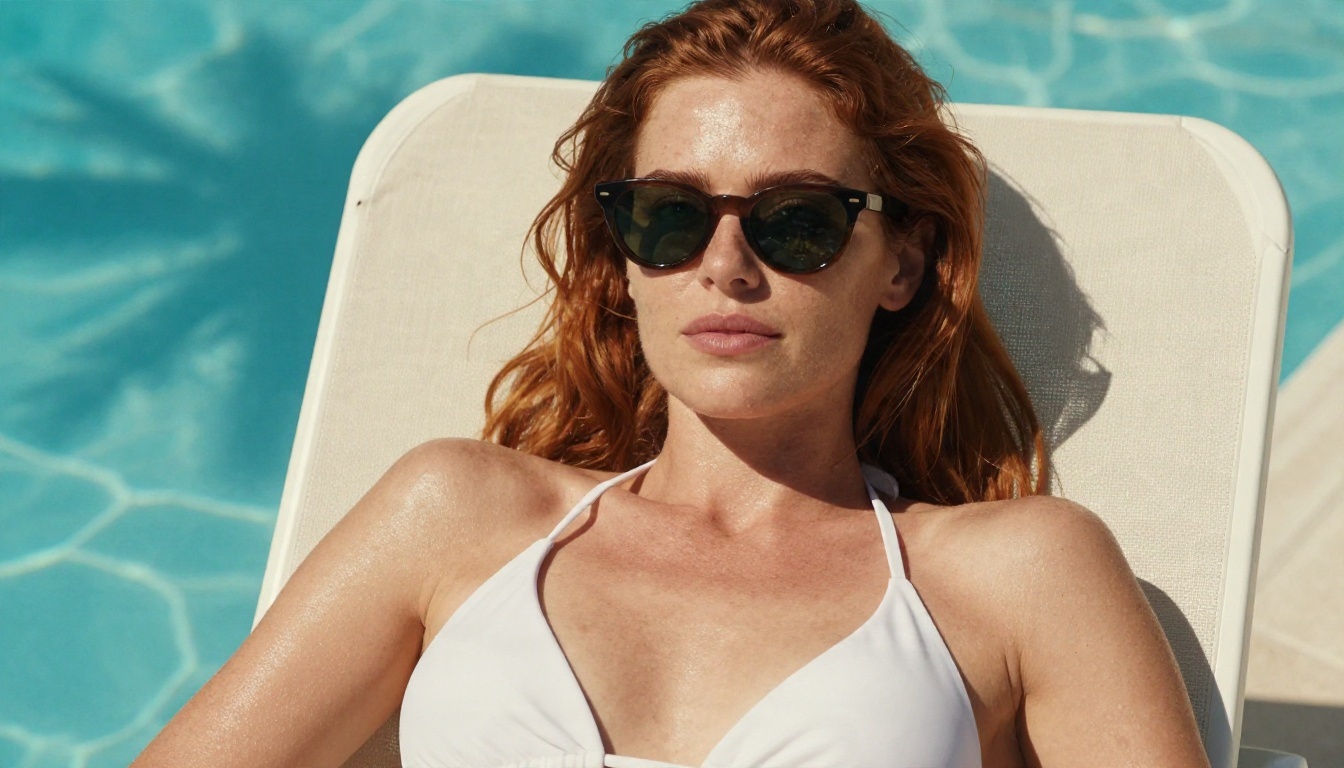
For the pictures, Seedream 4.5 is the first model to try. It handles glamour, swimwear, lingerie and suggestive portraits with convincing skin texture and lighting, and it renders quickly enough to iterate on a scene in minutes. The goal is attractive and tasteful imagery, not explicit content.
Edit with Image Editor Pro
Once you have a base picture, PicassoIA Image Editor Pro lets you adjust outfits, backgrounds and details without starting over, and it offers unlimited generations. That matters for a chat workflow, where you might want twenty variations of the same character in different settings. Unlimited use removes the credit anxiety that built-in chat generators create.
Other models worth trying
If you want a different look, these are strong alternatives, all on PicassoIA:
| Model | Strength | Best use in a chat workflow |
|---|
| Seedream 4.5 | Glamour and skin realism | Main character portraits |
| Image Editor Pro | Unlimited edits | Outfit and scene variations |
| Qwen Image 3 Pro | Photorealism | Close-up portraits |
| Z Image Turbo | Speed | Quick drafts and tests |
| Flux 2 Klein LoRA | Consistent style | Series of matching images |
| Nano Banana Pro | 4K sharpness | Final wallpaper-quality shots |
How to Use Seedream 4.5 on PicassoIA
Here is a simple routine that works for character pictures to pair with any chat.
- Open the model page. Go to Seedream 4.5 on PicassoIA.
- Paste your appearance paragraph. Use the fixed character description from your language model, then add the scene: location, pose, outfit.
- Add lighting and lens details. Phrases like "soft window light from the left, 85mm f/1.8, Kodak Portra 400 film grain" push results toward photography instead of a flat digital look.
- Choose 16:9 for scenes, 3:4 or 2:3 for portraits. Wide frames suit rooms and rooftops, tall frames suit close-ups.
- Generate, then compare. Make three or four versions and keep the one with the best face and hands.
- Refine in Image Editor Pro. Adjust outfit, background or small details without rebuilding the whole scene.
Parameter tips that save time
- Describe skin texture ("fine pores, soft sheen, natural freckles") to avoid a plastic look.
- Name one light source and its direction. Several competing lights confuse the result.
- Keep prompts 50 to 75 words. Shorter is vague, longer starts to contradict itself.
- Ask for suggestive but tasteful styling: swimwear, silk, lace, robes. It keeps the images attractive and avoids filter trouble.
- Reuse the same seed when you want near-identical faces across a series, if the model offers it.
Safety, Privacy and Consent Rules
Adult chat is a legitimate use of AI when it is handled sensibly. A few rules keep it that way.
Age and consent come first
Only create or chat with characters who are clearly adults. Never generate images of real people, including celebrities, coworkers or exes. Making sexualized pictures of a real person without their consent is harmful and illegal in a growing number of places. Pick platforms that state a clear policy against it and that check the age of their users.
Privacy habits that matter
- Use a separate email for adult sites, not your work or main address.
- Skip personal details in chats: real name, employer, city, photos of yourself.
- Read the data policy. Some sites keep chat logs for training or analytics.
- Use payment options you trust. Look for clear billing descriptions and easy cancellation.
- Delete what you do not need. Clear history and saved images regularly.

💡 Rule of thumb: If a site will not tell you who runs it, how it stores your chats, or how it verifies age, treat it as a place you should not share anything personal.
Which Option Fits You
Match the tool to what you actually want:
- Just curious, want zero cost: Start with a free tier on SpicyChat or CrushOn AI, use a throwaway email, and accept the message limits.
- Want a steady companion with a consistent personality: Candy AI is built for that, and you pay for the polish.
- Like to tweak everything: Janitor AI rewards people who enjoy editing character cards.
- Want chat, voice and visuals in one place: Secrets AI aims at that, with the lock-in that comes with it.
- Want the best-looking pictures: Skip built-in generators and create them with Seedream 4.5 plus Image Editor Pro.

Make Your Own Images Today
Chat sites are good at conversation and mediocre at pictures. That gap is where you can do better yourself. Write a character with a language model, open Seedream 4.5 on Picasso IA, describe a scene in a few lines, and watch a photorealistic portrait appear in seconds. Then bring it into PicassoIA Image Editor Pro and spin out as many variations as you like, with unlimited generations and no credit counter ticking down.
Try one character, three outfits, three settings. In ten minutes you will have a set of images that beats most built-in chat generators, and you will own the whole workflow. When you want more styles and models to experiment with, browse the full catalog at picassoia.com/en/all-models.


