You open an NSFW chatbot, send twelve messages, and a paywall appears right when the conversation gets interesting. That is the most common story in this category, and it explains why people keep hunting for the best NSFW chatbots with a free plan that actually works. This page lays out what free really means, what each tier costs, which limits hurt the most, and what to do when text chat is not enough.
A quick note on sources: pricing in this market changes every few months, and review sites contradict each other constantly. Treat every number below as a rough range from late 2026 and check the official pricing page before you pay.
What Counts as an NSFW Chatbot
An NSFW chatbot is an AI character or companion app that allows flirtatious, romantic or adult roleplay without the strict filters of a general assistant. Mainstream assistants refuse or deflect most of it. Dedicated platforms were built to say yes.
Companion apps vs general assistants
Companion apps like Janitor AI, CrushOn AI, SpicyChat AI, Candy AI and Chai AI are built around persistent characters. You pick a persona, chat with it, and the app remembers some of your history. General assistants are built for work, so their moderation layers cut off adult scenes quickly.
Why filters exist at all
Platforms balance legal risk, payment processor rules and app store policies. That is why many NSFW tiers sit behind a paid plan: the company needs verified adults and a payment trail. Expect an age confirmation step almost everywhere.

💡 Quick rule: if an app advertises "unlimited free NSFW" in huge letters, read the small print for daily caps, slower queues or reduced memory.
Free Plans Compared
Free access exists, but it is almost always a sampler. The goal of the free tier is to get you attached to a character, then sell you more messages.
Typical daily caps
From the roundups I reviewed, here is the rough picture heading into 2027:
| Platform | Free tier (approximate) | NSFW on free? | Notes |
|---|
| Janitor AI | Around 20 messages per day in some reports | Often yes | Better models and longer memory sit behind a subscription |
| CrushOn AI | Moved from a monthly cap to roughly 50 messages per day | Limited | Standard plan unlocks NSFW more fully |
| SpicyChat AI | Sources conflict: some say generous or unlimited, others report daily limits | Yes | Queue speed varies at peak hours |
| Candy AI | Small free allowance | Partial | Image and voice features cost extra |
| Chai AI | Daily message limit | Mixed | Premium runs in the low teens per month |
The pattern is consistent: free tiers carry daily caps, and the plan that removes them is the paid one.
What free users actually get
Free users usually receive the smaller language model, shorter replies, fewer regenerations and slower responses when servers are busy. One 2026 review described a credit-style currency that meters swipes, regenerations and message continuations. Those small meters are how a "free" plan quietly runs out in an evening.

Real Pricing in 2027
Sticker prices look small. Real spending depends on whether you pay for messages, memory, images, voice or all four.
Monthly plan ranges
| Platform | Entry paid plan (rough) | What you typically gain |
|---|
| CrushOn AI | About $5.99 per month | Around 2,000 messages per month, NSFW access |
| SpicyChat AI | About $5 to $10 per month | Faster replies, longer memory, bigger models |
| Janitor AI | About $20 per month in some reports | Premium models, higher limits |
| Candy AI | About $13 to $20 per month, sources disagree | Images, voice, character customization |
| Chai AI | About $14 per month | More messages, premium models |
Notice the spread. Two pages listing the same app can differ by seven dollars. That alone is a reason to open the official site.
Credits and hidden costs
Credit systems can push the real monthly cost well above the advertised price. A typical trap looks like this: a cheap base plan, then paid tokens for generated pictures, voice notes or "premium" characters. If you chat daily and want images, budget two to three times the entry price.
💡 Budget tip: start with one month on the cheapest paid tier, track how many credits you burn in the first week, and only then decide whether an annual plan makes sense.

Limits That Hit Hardest
Price is only half the story. These are the limits people complain about most.
Message caps and queues
A daily cap ends a scene mid-story. Server queues, common on free plans at peak hours, can delay a reply by a minute or more. Both break immersion faster than any content filter.
Memory and context length
Companion apps remember a limited window of your conversation. Free tiers shorten it. After a few dozen exchanges the character forgets your name, the setting, or the plot you built. Paid plans extend this, but none of them remember everything.
Privacy and trust
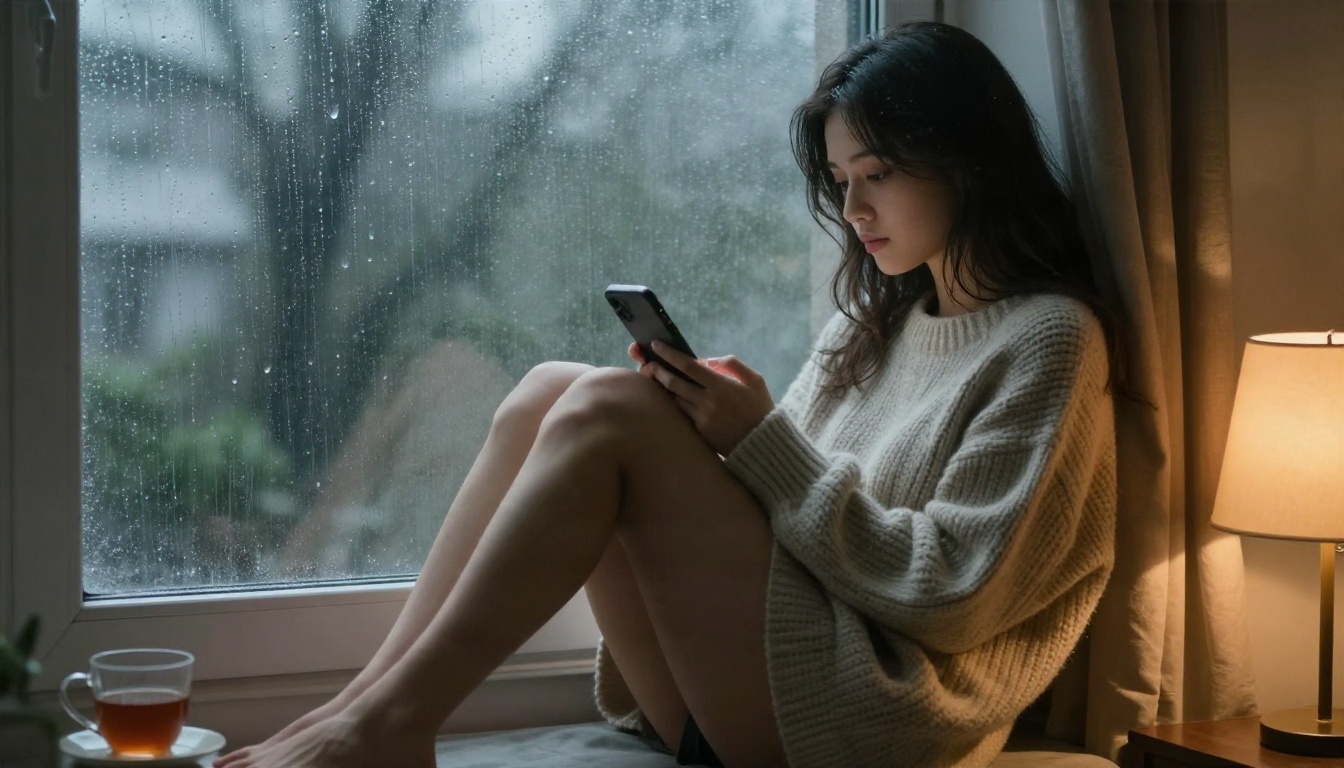
This one deserves a hard look. Several review pages flag privacy concerns for some NSFW apps, including low user ratings on review platforms and warnings from privacy watchdogs. Chats about intimate topics are sensitive data. Before you sign up:
- Use a separate email address.
- Skip linking real social accounts.
- Check whether chats are used for model training.
- Look for a clear delete-my-data option.
Roleplay quality
Some bots break character, repeat phrases or drift into generic replies after a while. A cheap plan with a weak model can feel worse than a free plan with a decent one. Test the first ten messages before paying.

How to Pick the Right One
You do not need the most popular app. You need the one that matches how you chat.
A five-point checklist
- Daily message cap. Is it enough for a normal evening?
- Memory. Does the bot remember your last three sessions?
- Model quality. Do replies stay in character?
- Media. Do you want pictures, voice or only text?
- Privacy. Can you delete your history?
Three mistakes to avoid
- Paying yearly on day one. Prices and policies change fast in this market.
- Trusting affiliate rankings. Many "top 10" pages earn commission on sign-ups, which is why their numbers disagree.
- Ignoring the cancel flow. Check how to cancel before you enter a card.

Image Alternatives to Chatbots
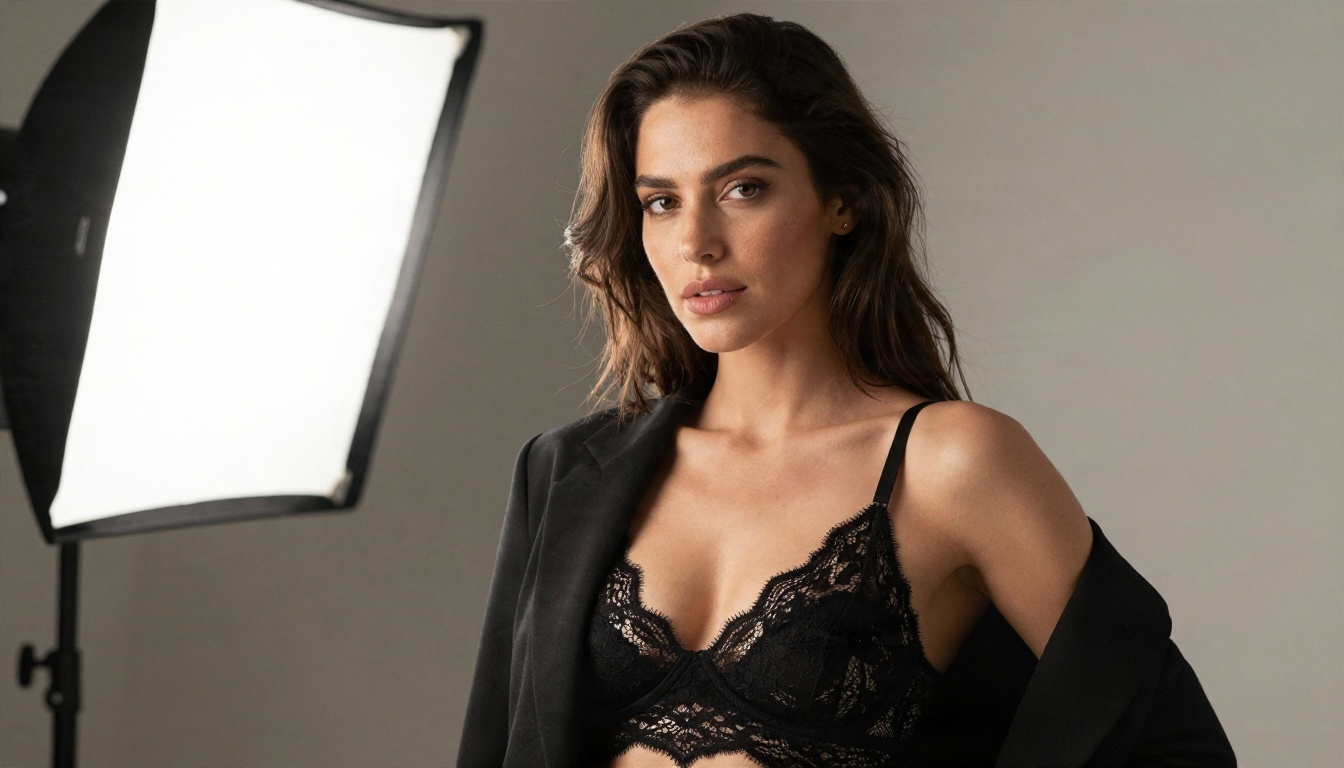
Here is where many users end up. Text roleplay is limited by caps, memory and filters, but if what you really want is an attractive, consistent character you can see, an image generator removes most of those walls. You describe a person, a location and a mood, and you get a photo in seconds. No message meter, no queue.
PicassoIA focuses on uncensored, non-explicit glamour and adult-leaning imagery: swimwear, lingerie-style portraits, boudoir lighting and suggestive fashion shots. It does not produce explicit pornographic content, and the models below are the ones to start with, in this order.
Seedream 4.5 first
Seedream 4.5 is the strongest starting point. It handles skin texture, fabric and lighting with very little prompt effort, and it follows detailed descriptions closely. If you want a companion character that looks like a real photograph, begin here.
PicassoIA Image Editor Pro for unlimited edits
PicassoIA Image Editor Pro is built for unlimited generations. That matters if you iterate a lot: change the outfit, the room, the hairstyle or the lighting without watching a credit counter. Compared with a chatbot that meters every swipe, unlimited runs feel very different.
Z Image Turbo and Flux 2 Klein for speed
When you want quick drafts, Z Image Turbo returns sharp images in seconds. For styled results and custom looks, try Flux 2 Klein 9B Base LoRA. Together they give you a fast sketch model and a more stylized one.
Chat plus images in one workflow
You can still use a language model for the writing side. A model such as Gemini 3.5 Flash can draft a character profile, a backstory, a wardrobe list or a scene description, which you then paste into an image model. Keep in mind that general assistants apply their own content rules, so use them for non-explicit setup and let the image model handle the visuals.
| Need | Chatbot app | Image model on PicassoIA |
|---|
| Conversation | Strong | Not the focus |
| Visual consistency | Weak to medium | Strong with good prompts |
| Daily limits | Common | Far fewer meters with Image Editor Pro |
| Cost control | Credits add up | Predictable |
| Privacy | Varies by app | You control what you upload |
How to Make Companion Art With Seedream 4.5
This short workflow produces a polished character portrait in a few minutes.
- Open the model page. Go to Seedream 4.5 on PicassoIA.
- Write a subject line. Age range, hair, expression, outfit. Example: "young woman with long wavy chestnut hair, black satin slip dress, soft smile".
- Add a setting. "Sunlit penthouse sofa, tall window, sheer curtains".
- Describe the light. "Warm golden morning light from the left, soft shadows".
- Name the camera. "85mm f/1.8, shallow depth of field, Kodak Portra 400 film grain".
- Pick 16:9 for scenes and 3:4 for portraits.
- Generate, then refine. Keep the subject line, change one detail at a time. Send favorites to PicassoIA Image Editor Pro for unlimited tweaks.
💡 Prompt tip: describe texture. Words like "natural skin pores", "satin sheen" and "linen weave" push results toward realism and away from the plastic look.

Keep it consistent
To reuse a character, copy the exact subject line into every prompt and only change the scene. For stronger likeness over many images, P Image Trainer lets you train a custom LoRA from your own reference set.
Stay within the lines
Use adult subjects only, never real people without consent, and never anyone under 18. Keep results suggestive and tasteful. That keeps your library safe to store and share.
Start Making Your Own Images
If your chatbot subscription keeps running out of messages, change the question. Instead of paying for another month of capped replies, build the character you actually imagined and see her. Open Seedream 4.5, paste the prompt from the steps above, and run your first batch. Then move to PicassoIA Image Editor Pro for unlimited variations.

Want to compare every option before you commit? Browse the full catalog at picassoia.com/en/all-models, test two or three models with the same prompt, and keep the one that matches your taste. Your first image is a few seconds away, and unlike a chat meter, nothing runs out while you experiment.


