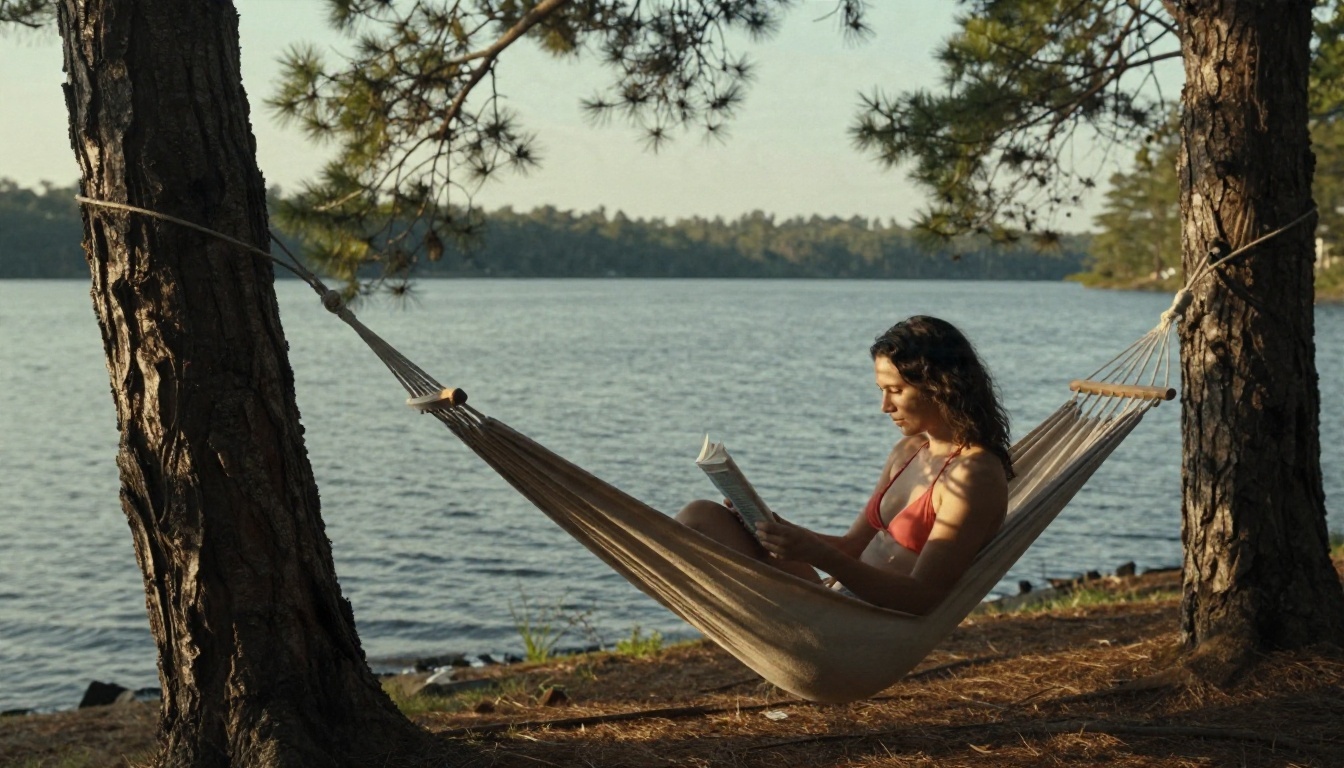
Most people who search for an NSFW ComfyUI setup want the same thing: attractive, photorealistic glamour images, no filter lecturing them, and no need to buy a new graphics card. ComfyUI can deliver that, but the road there involves node graphs, multi gigabyte checkpoints, out of memory errors and a lot of tinkering. This article shows what a working free setup looks like, which low VRAM settings actually help on 6, 8 and 12 GB cards, and when an online alternative saves you an entire weekend.
A quick note on scope. Everything here is about suggestive, non-explicit imagery: swimwear, boudoir, lingerie style glamour and artistic portraits of fictional adults. Keep it to adults only, never use a real person's face without their permission, and check the rules of any platform where you post.
Why People Look for This
What ComfyUI Actually Is
ComfyUI is a free, open source, node based interface for running image models on your own computer. Instead of typing a prompt into a single box, you connect blocks: a checkpoint loader, a text encoder, a sampler, a VAE decoder and a save node. That graph is your workflow, and it can be saved and shared as a small file.
The upside is control. You choose the model, the sampler, the number of steps, the LoRAs and the upscaler. The downside is that you also own every problem: missing nodes, mismatched model files and memory crashes.
Why "NSFW" Pulls Users to Local Tools
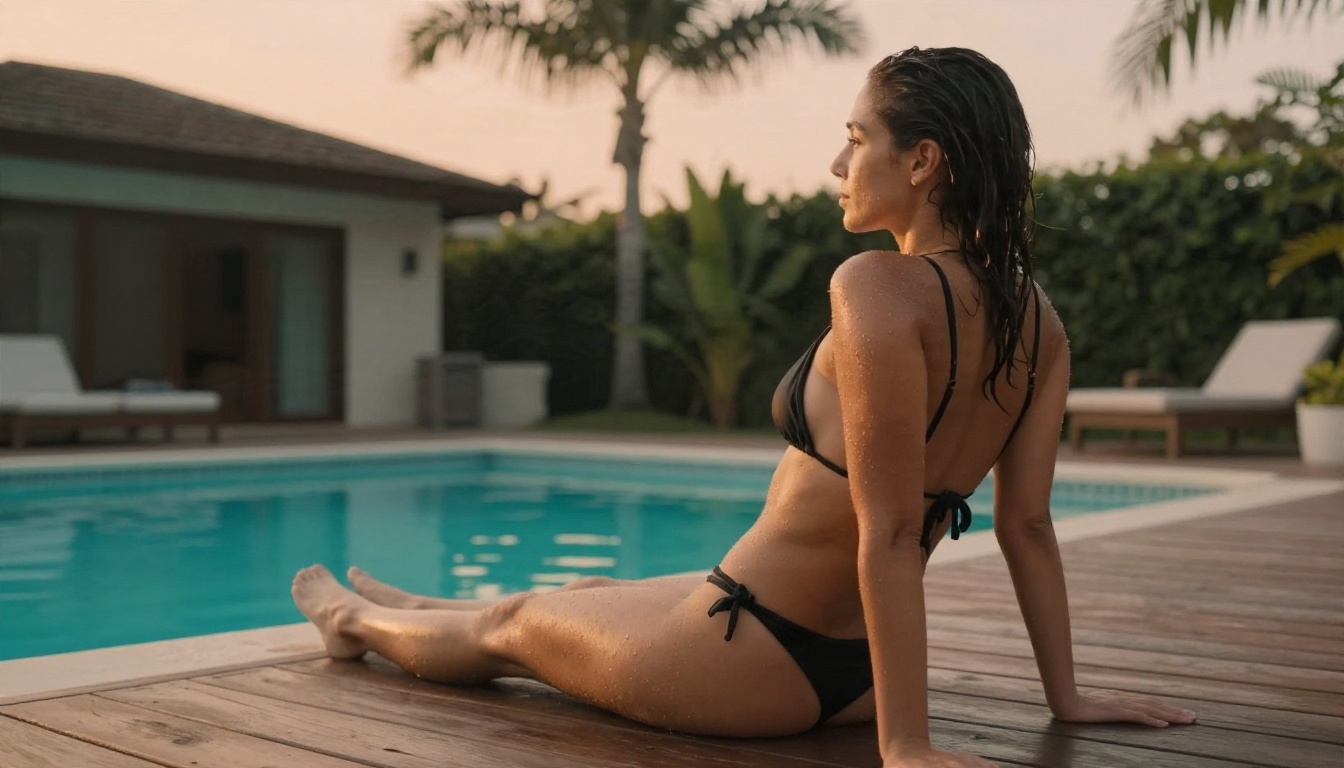
Hosted generators often refuse anything with a bikini, a silk robe or a bare shoulder. A local ComfyUI install has no such filter, because you pick the checkpoint yourself. That freedom is the main reason adult glamour creators moved to local tools in the first place.
💡 Reality check: freedom costs hardware, time and storage. A single Flux class model can take more disk space than a full season of a TV show.
Free Workflows That Work
You do not need a giant graph. Three simple structures cover most glamour and swimwear work, and all of them are free to build.
The Basic SDXL Graph
This is the friendliest starting point for older or smaller GPUs. The nodes you need:
- Load Checkpoint with a photorealistic SDXL based model
- CLIP Text Encode twice, one positive and one negative
- Empty Latent Image at 1024 by 1024 or 1216 by 832
- KSampler with 25 to 30 steps, CFG around 5 to 7
- VAE Decode and Save Image
SDXL is forgiving. It runs on a 6 GB card with the right flags, and the result is solid for portraits. If you want a quick preview of how SDXL style speed feels without installing anything, SDXL Lightning 4Step produces images in four sampling steps.
The Flux GGUF Graph
Flux models give better skin, hands and lighting, but the full model is huge. The common workaround is a GGUF quantized version loaded through the ComfyUI-GGUF custom node. Community testing in 2026 suggests this shrinks a model of roughly 23 GB down to somewhere between 5 and 7 GB, and many people pick a Q4_K_S file paired with a quantized text encoder.
If you like the look of this family and want to try it before wrestling with files, Flux Dev is available online, and Flux Dev LoRA lets you add a style layer on top.
The Small Model Route
For 8 GB cards, a smaller model is often the better answer than a heavier quantization. One 2026 write up points to Flux.2 Klein 4B, whose Q4_K_M GGUF file is only around 2.6 GB. You can see how this model family behaves through Flux 2 Klein 4B Base before you commit to a download.
Prompt Structure That Holds Up
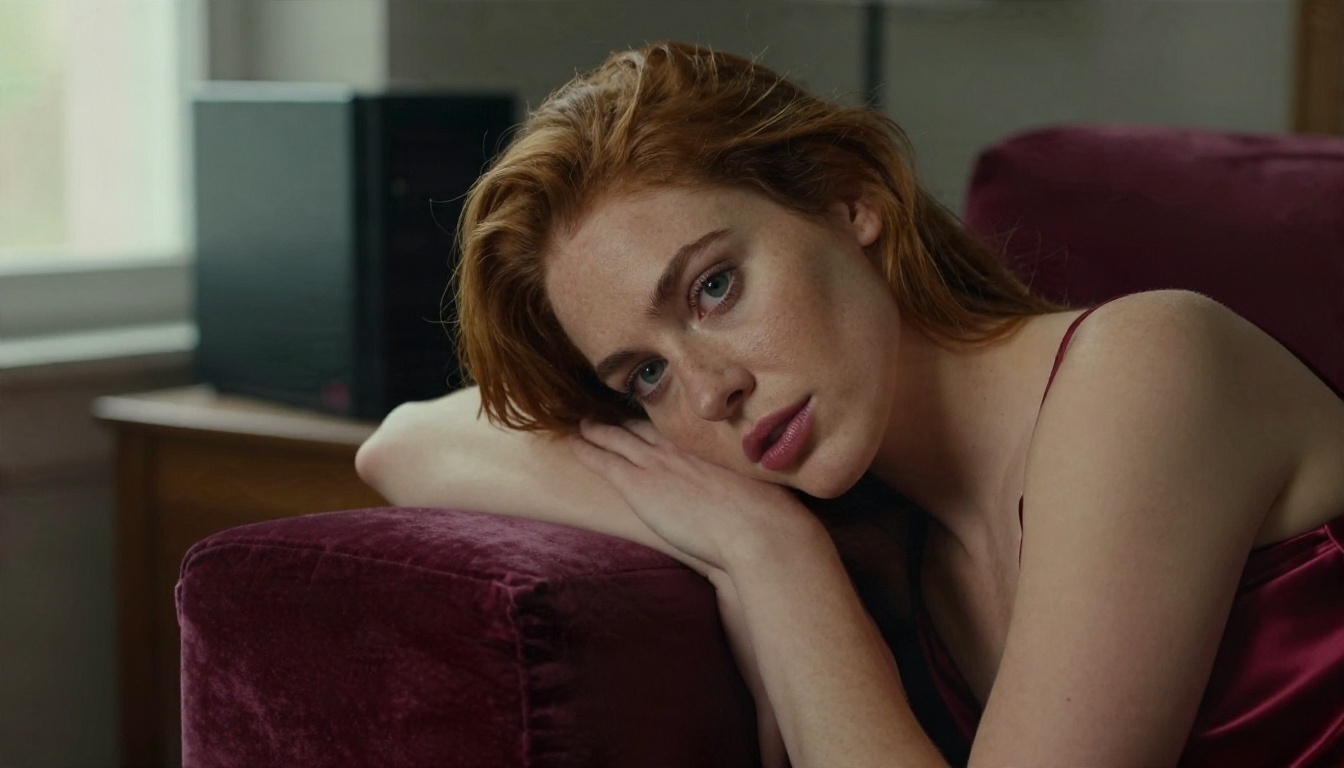
Whatever graph you run, the prompt does half the work. A reliable order is:
- Subject: age range, hair, expression, pose
- Clothing: swimsuit, silk robe, lace bralette
- Setting: pool deck, bedroom, rooftop
- Light: direction, time of day, softness
- Camera: lens, aperture, film stock
Example: woman in her late twenties, wet hair, black bikini, pool deck at golden hour, warm low sun from the right, 35mm f/2, visible skin texture, Kodak Portra 400 grain. Photographic language like this pushes the model away from the glossy plastic look.
Low VRAM Settings by GPU
Out of memory errors are the number one reason people quit ComfyUI. The settings below are rough starting points. Test on your own hardware, because drivers, versions and resolution all change the result.
| GPU memory | Best model pick | Precision | Typical resolution | Extra settings |
|---|
| 6 GB | SDXL or small quantized model | fp16 or Q4 | 832 by 1216 | Tiled VAE, low VRAM flag |
| 8 GB | Flux.2 Klein 4B GGUF or SDXL | Q4_K_M or fp8 | 1024 by 1024 | Quantized text encoder |
| 12 GB | Flux Dev fp8 or Q5 GGUF | fp8 | 1024 by 1344 | Tiled VAE decode |
| 16 GB and up | Most models at fp8 | fp8 or fp16 | 1344 by 1344 | Default settings often work |

Settings for 6 GB Cards
At this size you are on the edge. Stick to SDXL class models or small quantized ones, keep the resolution under one megapixel, and generate one image at a time. Close your browser tabs, because the browser uses video memory too. If the sampler works but the run crashes at the very end, the VAE decode is usually the culprit, so switch to a tiled VAE decode node.
Settings for 8 GB Cards
This is the sweet spot for GGUF. Use a Q4 file, a quantized text encoder and a modest batch size of one. Avoid stacking more than two LoRAs, since each one adds weight in memory. Use smaller step counts first, then raise them only if you see improvement.
Settings for 12 GB Cards
A 12 GB card runs SDXL with ease. One 2026 benchmark found that Flux Dev fits on a 3060 12 GB only with fp8 weights plus a tiled VAE, and that without low VRAM settings the card hits an out of memory error at decode time even though sampling succeeded. If you see that pattern, the fix is almost always the decode step.
Dynamic VRAM and Launch Flags
Here is where advice online gets contradictory. Older tutorials tell you to add the low VRAM launch flag. Newer reports say recent ComfyUI releases, from around version 0.18, enable Dynamic VRAM by default, and that flag may be ignored when it is active. Flags also change between versions.
💡 Practical tip: run the launcher with the help option, read the flags your version really supports, and change one setting at a time. If the flag does nothing, the quantized model and tiled VAE usually matter more anyway.
The Hidden Costs of Local Setup
Free software is not the same as free results. Here is where the hours go:
- Downloads: checkpoints, text encoders, VAE files and LoRAs add up to tens of gigabytes.
- Custom nodes: a shared workflow often needs three or four extra nodes, and each can break after an update.
- Version drift: a graph that worked last month may fail after a ComfyUI or Python update.
- Heat and noise: long batches on a laptop GPU get loud and hot.
- Trial and error: skin looks waxy, hands look wrong, and you rerun the same prompt twenty times.
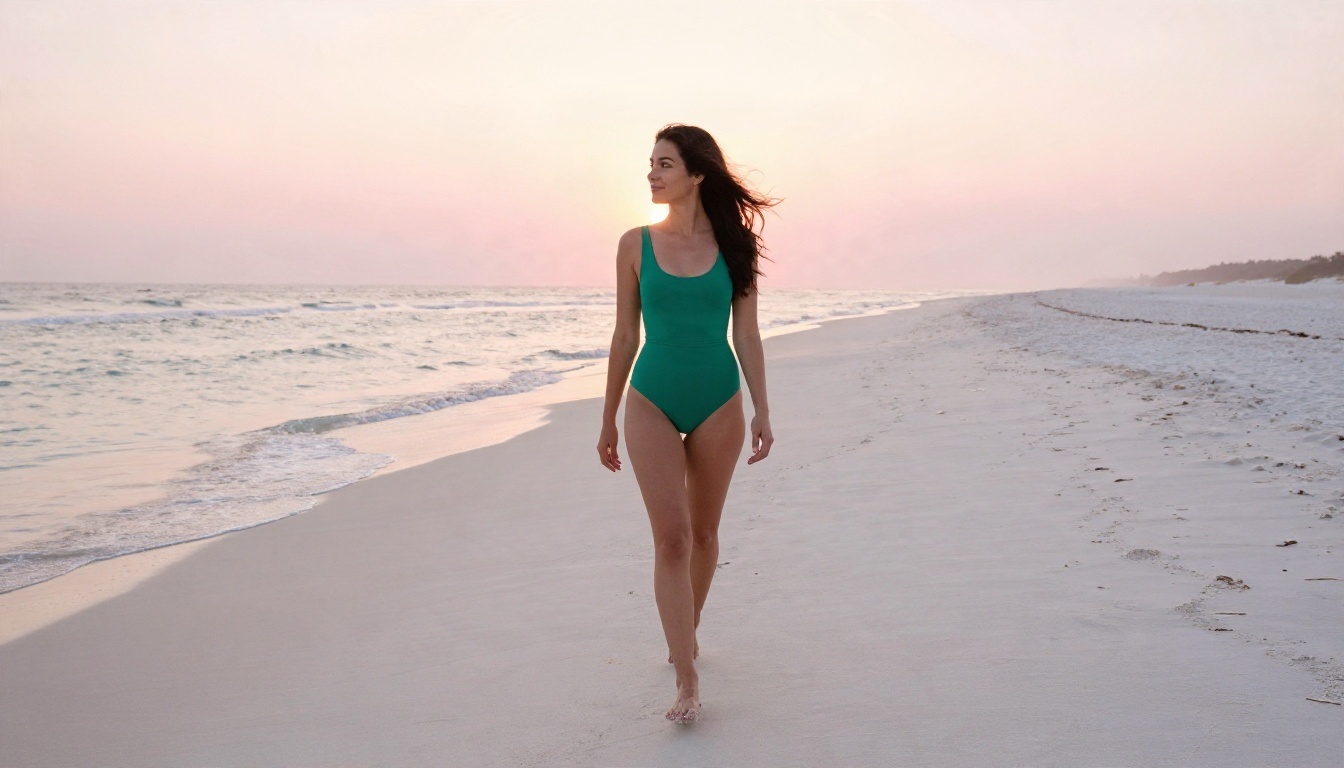
For hobby tinkering, all of that is part of the fun. For someone who simply wants a good bikini portrait or a boudoir style photo this evening, it is a lot of friction.
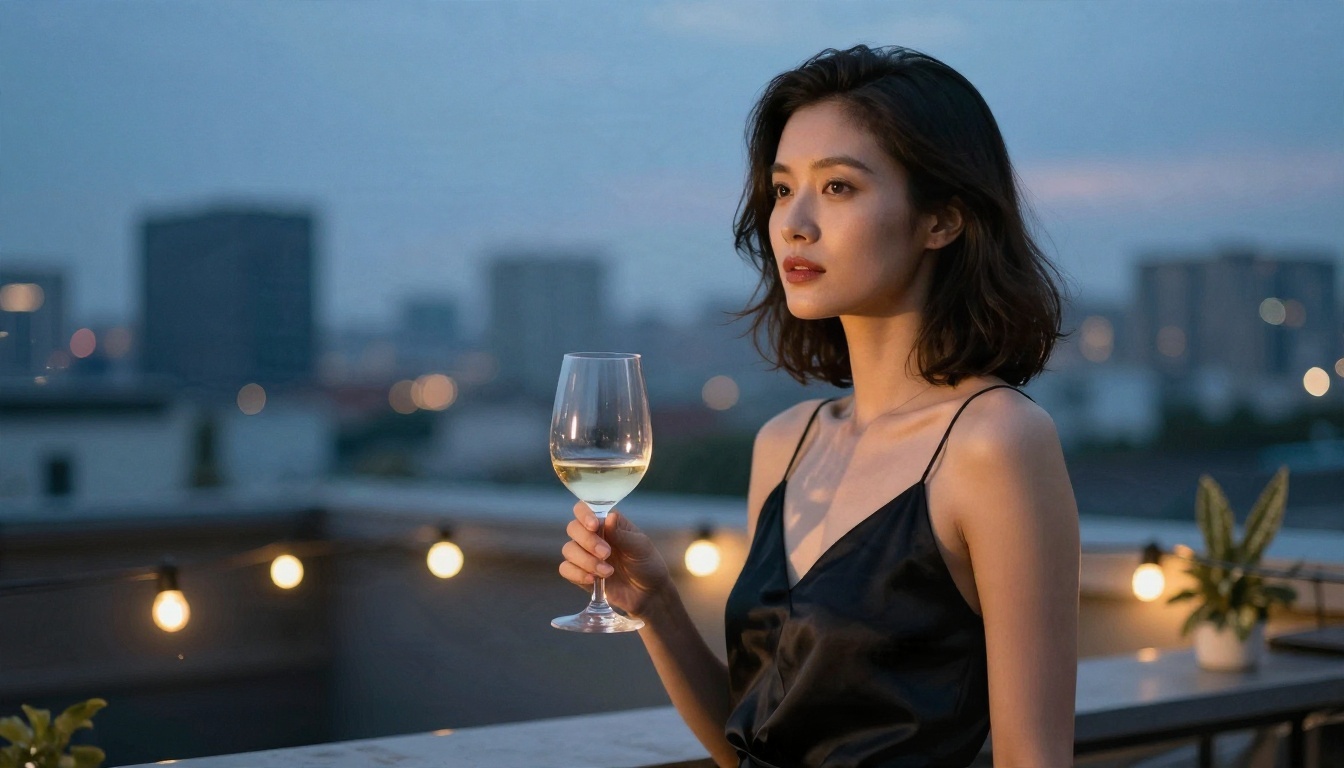
Online Alternatives Worth Using
If your goal is the image, not the pipeline, a browser based generator removes the install, the VRAM budget and the node debugging. Here is the order I would try them in.
Seedream 4.5 First
Seedream 4.5 is my first pick for glamour and swimwear work. It handles skin texture, fabric and lighting very well, follows long prompts closely and outputs sharp high resolution images. Prompts that would need a LoRA stack and an upscaler in ComfyUI often land in a single pass here.
PicassoIA Image Editor Pro
PicassoIA Image Editor Pro is the one to open when you already have a photo and want to change the outfit, the background or the lighting. It offers unlimited generations, which matters when you iterate on the same pose ten times. In ComfyUI the same job needs an inpainting graph and a mask.
Other Models to Try
The Any ComfyUI Workflow option deserves a mention on its own. If you already own a workflow file you like, running it online means you keep the graph and skip the GPU.

Local or Online: Which Wins
| Factor | Local ComfyUI | Online on PicassoIA |
|---|
| Setup time | Hours to days | Minutes |
| Hardware | 8 GB VRAM or more is comfortable | Any laptop or phone |
| Control | Total, down to every node | Prompt and settings |
| Speed per image | Seconds to minutes | Seconds |
| Maintenance | Constant updates | None |
| Cost | Electricity plus hardware | Free to start |
The honest answer: keep ComfyUI if you enjoy building graphs. Go online if you want finished images quickly.
How to Use Seedream 4.5 on PicassoIA
Here is the simple process I follow for a glamour portrait.
- Open the Seedream 4.5 page.
- Write the prompt in the order from earlier: subject, clothing, setting, light, camera.
- Choose a 16:9 ratio for scenes and environments, or a portrait ratio for single subject shots.
- Generate, then compare the result with your expectation.
- Change one detail at a time: the light direction, the lens, the outfit color.
- Send the best image to Real ESRGAN for a 4x upscale if you need a print sized file.
Parameter Tips
- Name the lens. "85mm f/1.8" gives portrait compression and soft backgrounds.
- Name the light. "Warm low sun from the right" beats "good lighting."
- Name the film. "Kodak Portra 400, fine grain" gives believable skin tones.
- Mention skin texture. "Visible pores, subtle freckles" removes the waxy finish.
- Keep clothing suggestive, not explicit. Swimwear, silk and lace give clean results and keep your gallery shareable.
💡 Tip: if an image is close but not right, open it in PicassoIA Image Editor Pro and edit one thing instead of regenerating from scratch.
Fixing Common Output Problems
These problems show up in local and online tools alike.
Plastic or Waxy Skin
Cause: prompts that say "perfect skin" or "flawless." Fix: ask for pores, freckles, fine hairs and natural highlights. Add film grain and a real camera description.
Odd Hands and Proportions
Cause: busy poses and too little resolution. Fix: simplify the pose, keep hands resting on a surface or holding an object, and use a stronger model such as Seedream 4.5 or Flux Dev.
Blurry Final Files
Cause: generating at low resolution to save memory. Fix: generate at a safe size, then upscale with Real ESRGAN. This is also the best trick on a low VRAM card, because the upscaler works after the heavy model has finished.
Everything Looks the Same
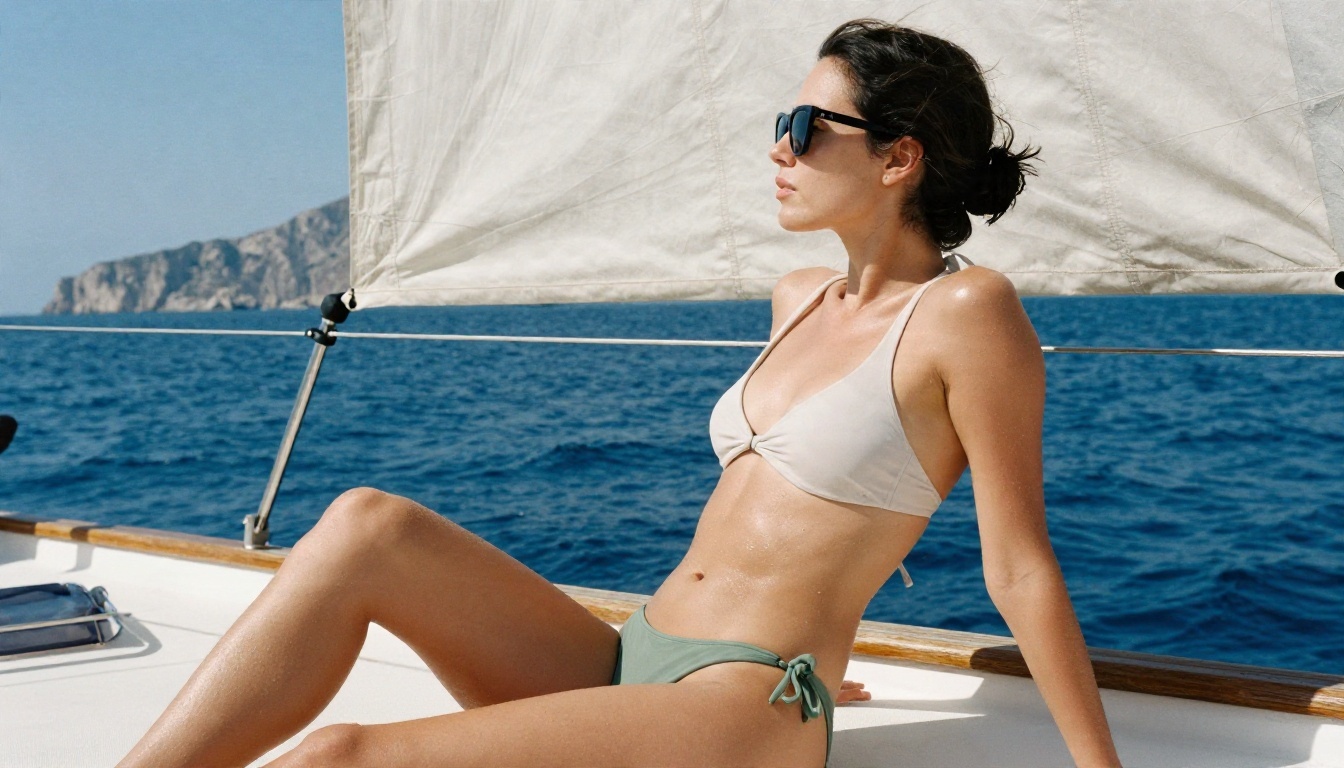
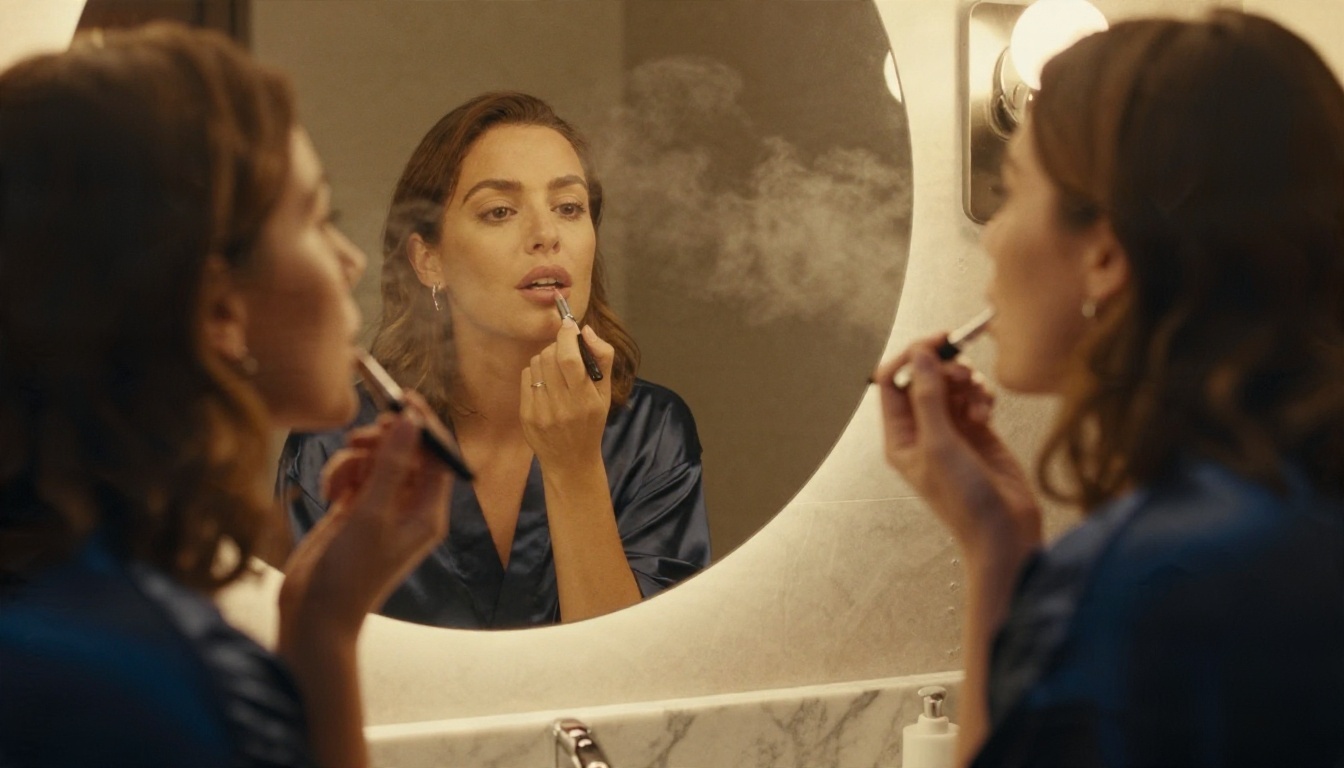
Cause: copying one prompt. Fix: change the angle, distance and setting every time. Low angle by a pool, overhead on a rug, side profile on a boat, candid close up at a mirror. Variety in composition makes a gallery feel like real photography.
Try It Yourself
If you have a strong GPU and like tinkering, build the SDXL graph first, then move to a GGUF Flux setup once the basics feel comfortable. If you want results tonight, skip the installation and start with Seedream 4.5, then refine with PicassoIA Image Editor Pro and its unlimited generations. Both are uncensored in the sense that matters here: suggestive swimwear, boudoir and glamour prompts work without a lecture, and results arrive in seconds instead of minutes.
Pick one pose, write one detailed prompt, and see what comes back. Then change the light and try again. Your first good image is a few clicks away, and you can browse every other option at picassoia.com/en/all-models.