Most people searching for an NSFW generator hit the same wall within five minutes: the prompt is fine, the idea is fine, and the tool replies with a polite refusal or a blurred square. The other half hit a different wall, a "free" plan that gives them three images and then asks for a card. So what is the best NSFW generator in 2027, and what can you realistically get for free?
This article sorts it out. You will see which tools are worth your time, the prompt formulas that produce attractive, tasteful, non-explicit results, nine real examples, and the limits nobody mentions on landing pages. Everything here is about adult, glamour-style imagery: bikinis, lingerie, boudoir, editorial beauty. Suggestive and good looking, never pornographic.
💡 Quick answer: For the fewest restrictions and the fastest results, start with Seedream 4.5, then use PicassoIA Image Editor Pro when you want unlimited generations and edits.
What "NSFW generator" really means
The label covers three very different things, and mixing them up is why so many reviews feel useless.
- Mainstream models with soft filters. They accept swimwear and lingerie prompts some days and refuse them on others. The rules shift without notice.
- Permissive hosted generators. These allow adult glamour content within stated boundaries. They are the sweet spot for most people.
- Local, open-weight setups. You run a model on your own graphics card. Maximum freedom, maximum setup pain.
A research pass across recent roundups shows the same pattern. Free tiers almost always cost you something: resolution, queue time, privacy, daily caps or features locked behind a paid plan. A few names come up again and again, including Mage.space and CrePal as free options with limits, Civitai for community LoRA models, and Grok Imagine as the most permissive mainstream hosted model right now. None of them publishes a guaranteed free quota you can count on, so treat any number you see on a comparison page as a snapshot, not a promise.
The three things you actually want
Strip away the marketing and users want the same short list:
- Prompts that are not refused for adult glamour themes
- Images that look like real photographs, not plastic dolls
- A free or unlimited way to iterate, because the first result is rarely the best
If a tool misses any of the three, it is not the best NSFW generator for you, however loud its homepage is.
Picks ranked by freedom and speed
Here is the order I would try them in. Every model below is on PicassoIA, so you can switch between them in one place instead of juggling five accounts.
Why Seedream 4.5 goes first
Seedream 4.5 handles the things that usually give AI photos away: fabric tension on satin, wet skin, hair strands against light, hands. It outputs up to 4K, follows long prompts closely and does not flinch at bikinis, lingerie or boudoir scenes. It is also quick, which matters more than people admit. When each attempt takes seconds, you try ten prompt variations instead of two.
Seedream 5 Lite is a different story. It blocks adult content, so skip it for this kind of work.
Why Image Editor Pro is the free-tier answer
The biggest complaint about every "free" generator is the cap. PicassoIA Image Editor Pro removes that complaint: unlimited generations. You can run fifty versions of the same hotel room scene, change the outfit colour, fix the lighting, swap the background, and never watch a counter drain.
💡 Tip: Generate your base image with Seedream 4.5, then bring it into Image Editor Pro for the small fixes: strap colour, hair, background, skin tone. Edits are where unlimited use pays off.
Real examples and the prompts behind them
Looking at results beats reading adjectives. Each example below uses a short version of the prompt so you can copy the logic.
Beach and swimwear
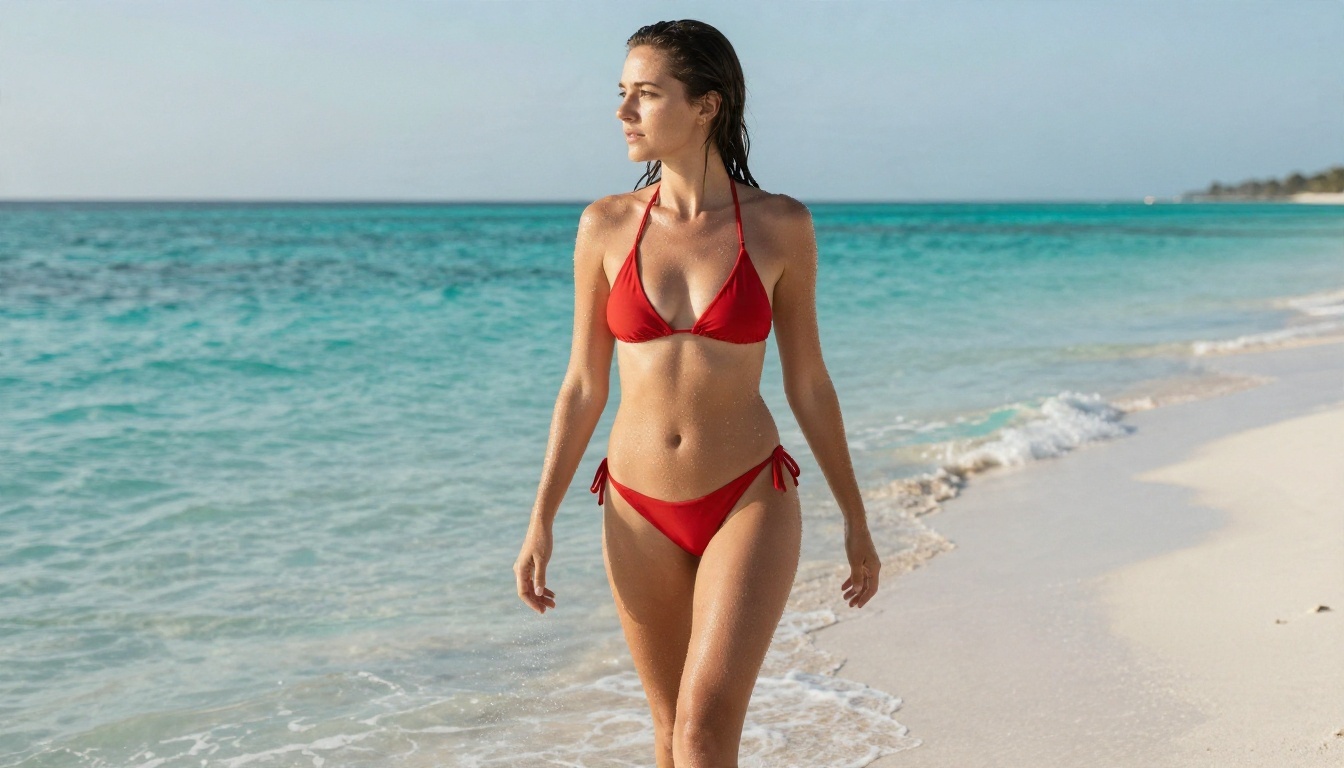
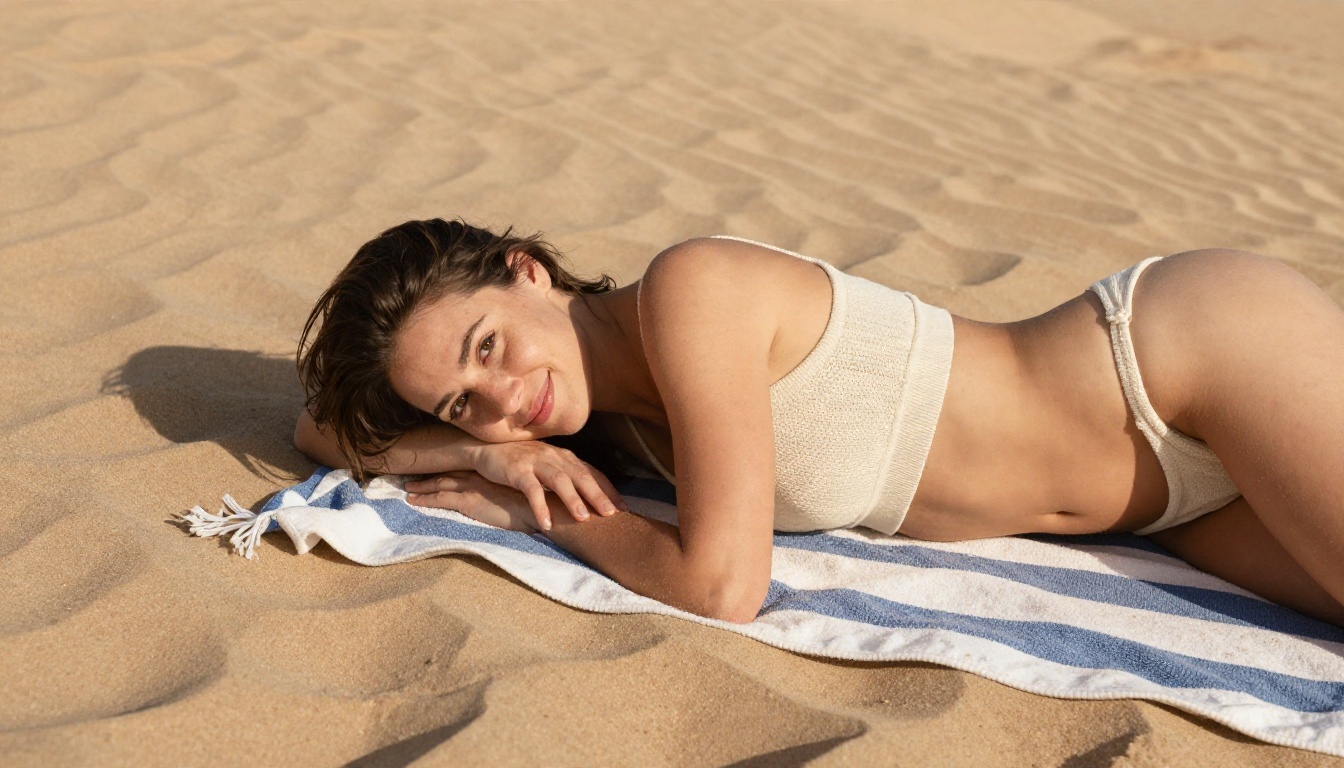
The image above came from a low-angle prompt: adult woman in a red string bikini walking out of turquoise shallow water, low-angle from the sand, water droplets on tanned skin, late afternoon sun from the right, 35mm lens, Kodak Portra 400 grain.
Notice what is in there. A camera angle, a lens, a light direction, a skin detail and a film stock. Five details, one sentence. That is the whole trick.
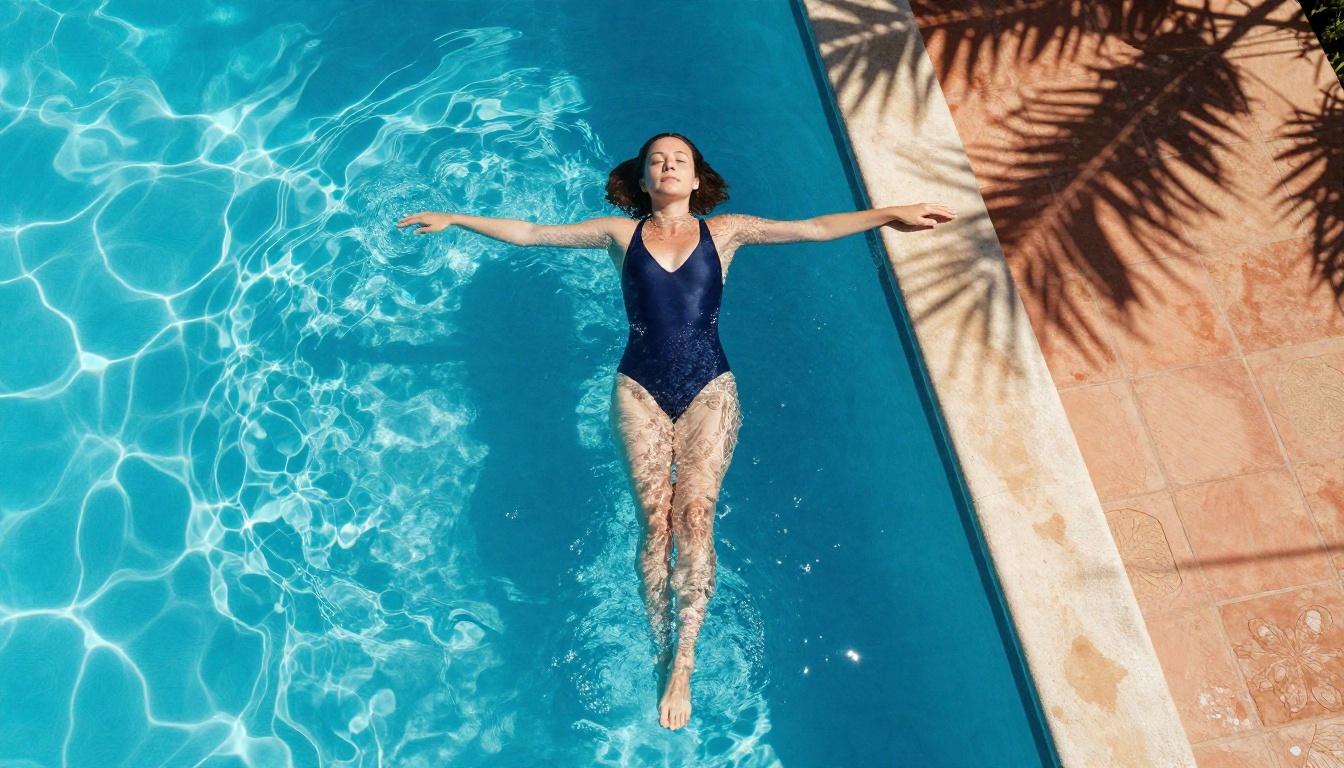
Swap the camera and you get a completely different picture. An overhead 24mm view of a pool, with midday sun and crisp shadows, reads as editorial travel photography rather than a beach snapshot. Same subject category, new composition.
Lingerie and boudoir
Boudoir is where most generators either refuse or turn out waxy skin. Realistic light is the fix.
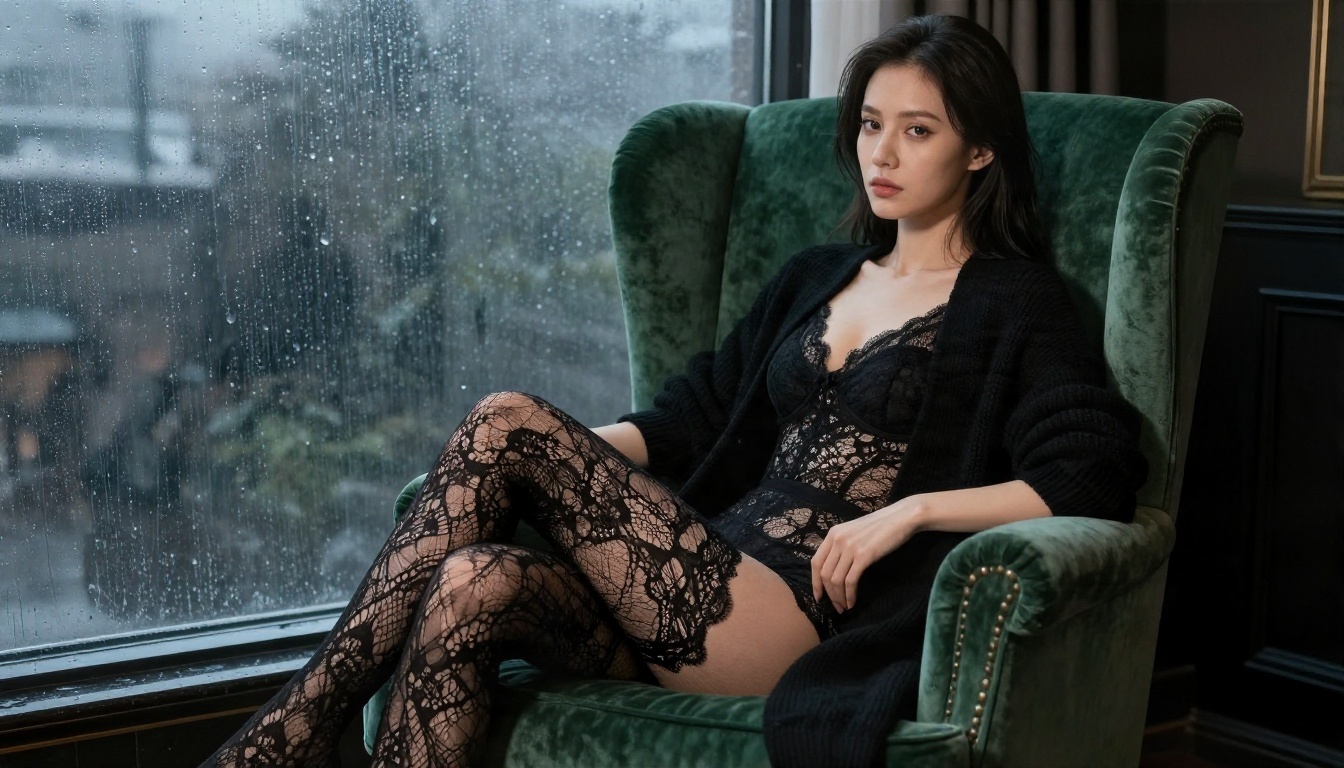
The prompt mixed cool window light with a warm lamp glow. Two colour temperatures in one scene create depth and make skin look alive. Lace and velvet add texture the model can render crisply, which is why material words like lace pattern and velvet pile are worth including.
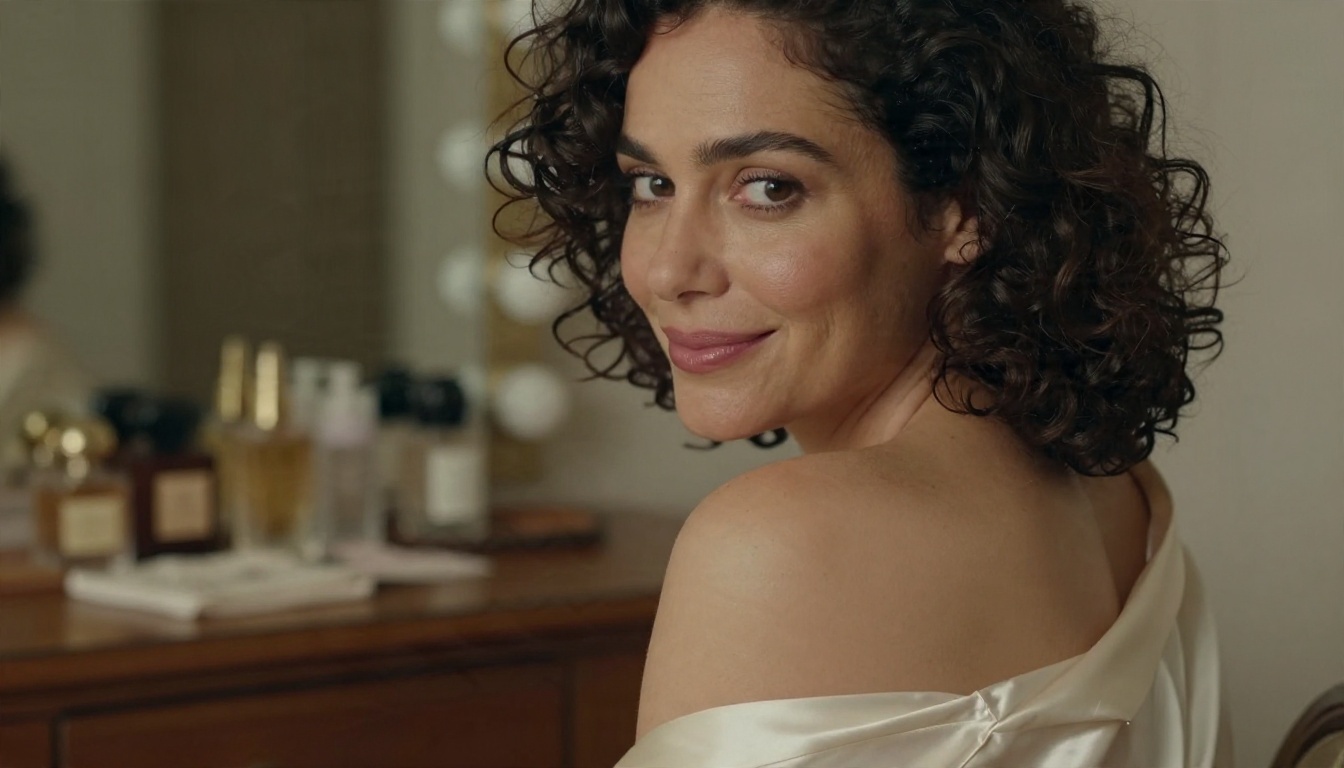
A close portrait with an 85mm lens, a silk robe and warm bulbs behind her. The look is intimate without showing anything explicit, and that restraint is exactly what makes it attractive. Suggestion sells better than exposure, in photography and in AI.
Forget long lists of buzzwords like "ultra HD masterpiece." Use a structure instead:
[Subject and pose] + [Outfit and material] + [Setting] + [Light direction] + [Camera and lens] + [Texture and film stock]
Here it is applied to a single idea:
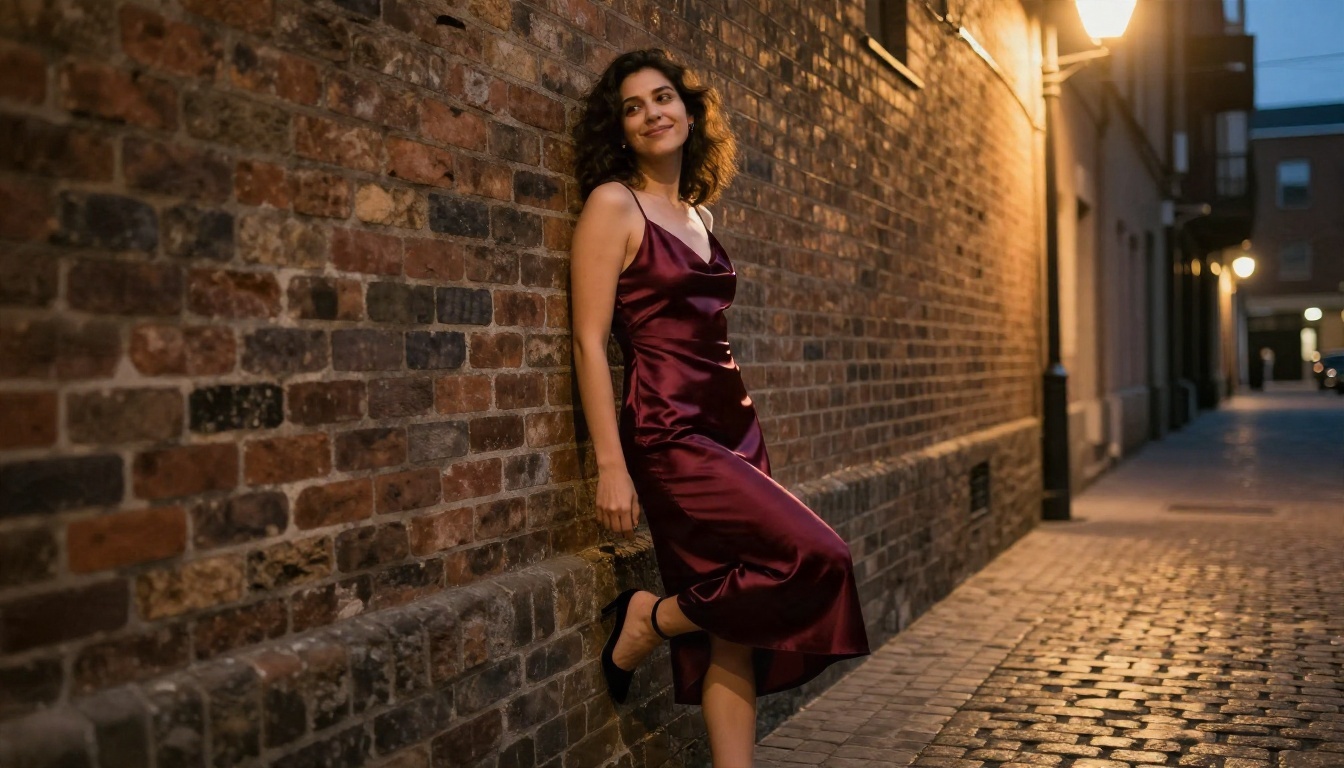
Adult woman in a burgundy satin slip dress leaning against a brick wall in a city alley at dusk, one foot against the wall, playful smirk, warm streetlamp light from above right, 35mm f/1.8 lens, full-body low-angle shot, rough brick and wet cobblestone, shiny satin folds, Kodak Portra 400 grain.
Words that help
- Light: golden hour, rim light, window light from the left, soft tungsten, overcast diffusion
- Skin: visible pores, fine freckles, baby hairs, light sheen, natural imperfections
- Camera: 35mm for environment, 50mm for natural look, 85mm for portraits, low-angle for presence
- Film: Kodak Portra 400, subtle grain, soft halation around highlights
- Fabric: satin sheen, lace pattern, linen wrinkles, knit texture, sheer cotton
Words that hurt
- "Perfect skin," "flawless," "airbrushed": they produce plastic faces
- Stacks of quality tags with no scene: they confuse long-prompt models
- Neon, glowing, cyberpunk: they break the photographic look
- Vague ages: always write adult woman and keep the subject clearly an adult
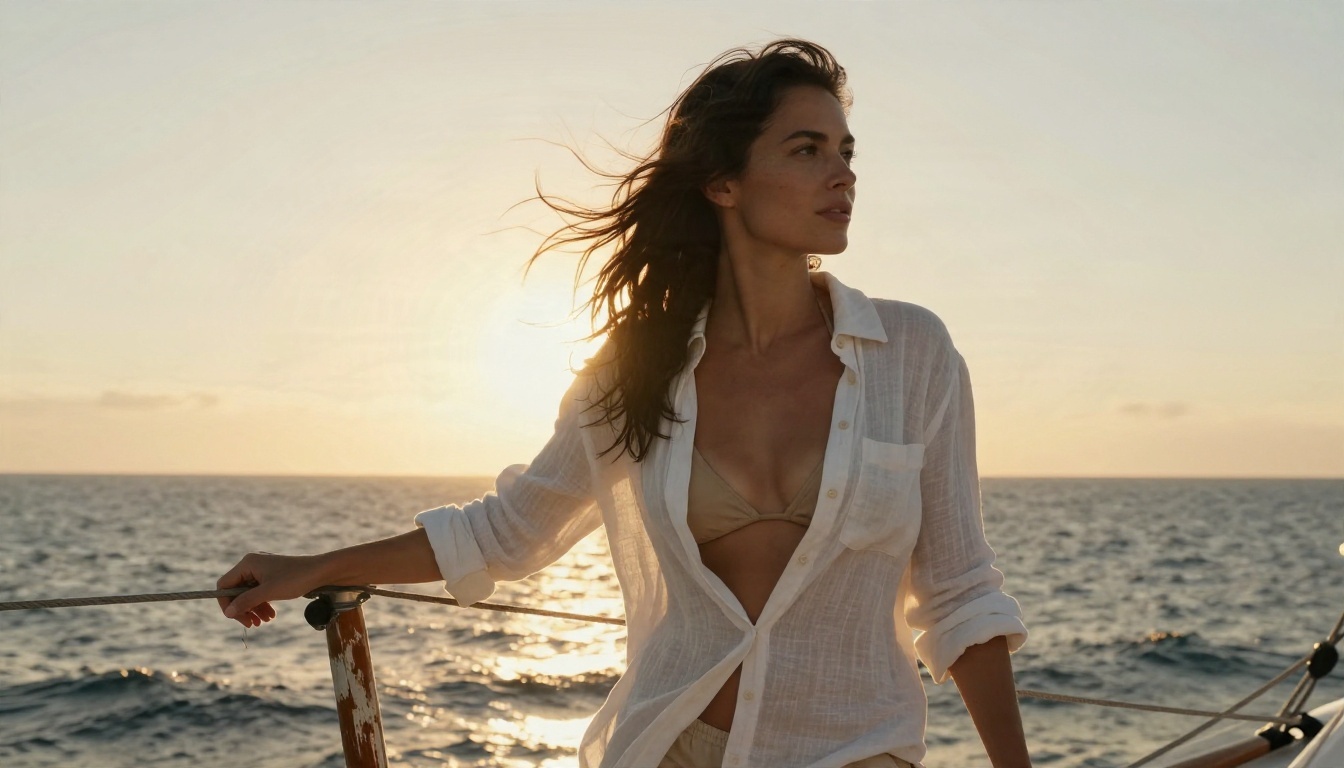
Golden hour from behind is the single most reliable lighting instruction I know. The sun makes a rim light around hair and shoulders, and it flatters almost every model on this list.
Best free ways to generate
Free is a loaded word. Here is what it means in practice for each route.
| Route | What you pay with | Good for | Watch out for |
|---|
| Image Editor Pro on PicassoIA | Nothing, generations are unlimited | Iteration and edits | Nothing major |
| Free tiers on other hosted tools | Daily caps, watermarks, queues | Trying the style | Caps hit mid session |
| Community sites with LoRA models | Time, plus variable quality | Niche looks | Inconsistent filters and privacy |
| Local open-weight setup | Hardware, hours of setup | Total control | Needs a strong graphics card |
The honest middle path
If you want a quick yes, use a hosted model with permissive rules and no cap. If you want a custom look, try the LoRA-friendly models like Flux Dev LoRA or Flux 2 Klein 9B Base LoRA. Local setups make sense only if you already own the hardware and enjoy tinkering.
Limits nobody mentions
Even the best NSFW generator has edges. Know them before you spend an evening.
Content limits
Adult glamour is fine. Explicit sexual content, anything involving minors, real people without consent, and celebrity likenesses are off the table, and they should be. Deepfakes of real people cause real harm. Only generate invented characters, or yourself with your own permission.
Technical limits
- Hands and jewellery still glitch now and then. Regenerate or fix them with an inpainting edit.
- Text in images is unreliable. Keep signs and logos out of the frame.
- Consistency across images takes work. The same face in ten scenes needs a reference image or a LoRA.
- Long prompts get partly ignored by older models. Put the most important details first.
Privacy limits
Several guides point out that many free cloud tools do not publish clear data retention or training-use policies. Do not upload photos of real people, and do not put anything in a prompt you would not want stored. If privacy is your top priority, a local setup is the only route that gives you full control, with the cost described above.
💡 Rule of thumb: treat every cloud prompt as something that might be logged, and keep real faces out of it.
Fixing weak results fast
Most bad outputs come from three mistakes.
- Too many ideas in one prompt. One subject, one setting, one light source.
- No lighting direction. Without it, the model defaults to flat front light.
- No imperfection. Add freckles, wrinkles in linen, a flyaway hair. Realism lives in small flaws.
Iterate in small steps
Change one thing per attempt. Swap the lens, then the light, then the outfit. With Z Image Turbo for quick drafts and Image Editor Pro for polish, you can run a dozen rounds in a few minutes.
From still images to motion
Once you have a still you love, you can animate it. Video models such as LTX 2.5 Fast turn a good frame into a short moving clip. Start from a strong image, since the quality of the first frame carries through the whole clip.
Quick comparison to pick yours
Make your own set today
The fastest way to settle which NSFW generator suits you is to run the same prompt through two of them. Open Seedream 4.5, paste the burgundy satin prompt from above, change the outfit and the light, and see what comes back. Then take the result into PicassoIA Image Editor Pro and keep refining without a cap on generations.
Want more options? Browse every model on picassoia.com/en/all-models and test your own ideas on PicassoIA. Your next favourite image is one prompt away.


