Most people pick an image to video model the wrong way. They watch a polished demo reel, sign up, upload a glamour photo, and get back a clip where the face melts, the fabric flickers, or the tool refuses the upload outright. The best NSFW I2V model is not the one with the loudest marketing. It is the one that keeps your subject stable, moves fabric and hair like real physics, and does not choke on suggestive, boudoir or swimwear source images.
This article sorts the field by what actually matters: source image quality, motion control, moderation behavior, speed, and cost. You will get a comparison table, the settings worth touching, five motion prompts you can paste today, and a short workflow for turning a still into a clean five second clip on PicassoIA. Everything here stays on the non-explicit side: glamour, swimwear, lingerie style boudoir, and implied sensuality. That is also where I2V models perform best, because stable anatomy and soft motion are easier than extreme action.
💡 Quick answer: Build the still with Seedream 4.5, fix details with PicassoIA Image Editor Pro, then animate with Wan 2.7 I2V. Use Seedance 2.5 Lite when you want free, unlimited drafts.
What Makes an I2V Model Good
Before comparing names, you need a scorecard. Image to video for glamour content has different failure modes than a landscape clip, because the viewer's eye goes straight to the face, skin and fabric. Any wobble shows.
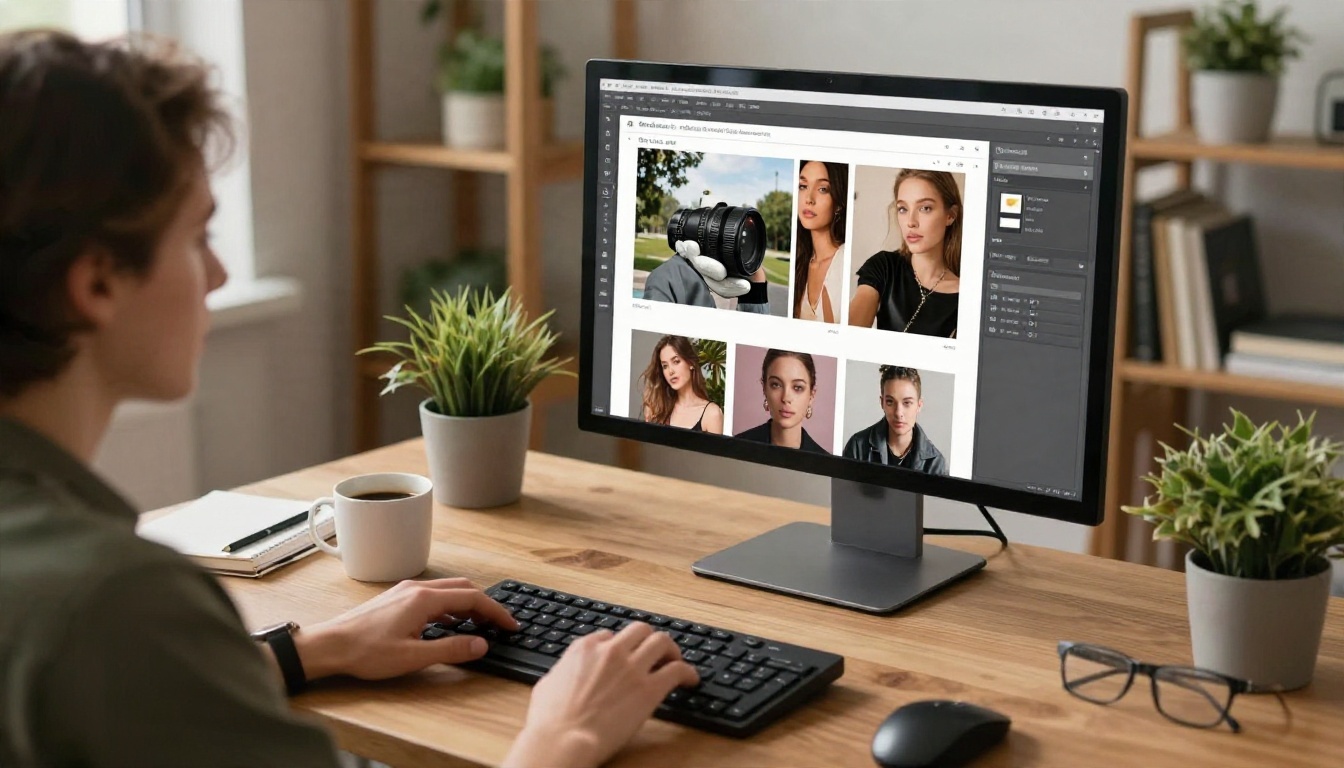
Identity Stays Locked
The first test is face drift. Run the same still three times and watch frames 1, 60 and 120. A good model keeps eye shape, jawline, freckles and hair parting consistent through the clip. A weak model slowly "averages" the face into a generic one, and the effect is worse on close-ups.
Fabric and Hair Behave
Silk, satin, lace and wet hair are hard. Look for fabric that folds and releases naturally rather than sliding like liquid plastic. Hair should move in clumps, not as individual rubber strands. If a model fails here, no prompt will save it.
Moderation Is Predictable
Every hosted model has its own filter, and the behavior differs a lot. Some refuse a plain bikini photo. Others accept suggestive content but reject anything that reads as explicit. What you want is consistency: the same type of source image should get the same result every time, so you do not waste credits on random refusals.
Speed and Cost
Glamour work is iterative. You will generate five to ten takes per keeper, so a model that takes four minutes per clip or charges heavily per second slows you down fast. Free or unlimited tiers matter more than top-end quality for the first draft stage.
Start With a Strong Still
Here is the unglamorous truth: the still decides about 70% of the final clip. I2V models animate what they see. Blurry skin, melted hands or a cluttered background carry straight into the video, and motion makes those flaws more obvious.
Why Seedream 4.5 Leads
Seedream 4.5 is the first stop for suggestive and glamour stills. It renders realistic skin texture, handles swimwear, satin and boudoir lighting without falling apart, and outputs up to 4K, which gives the video model plenty of detail to hold onto. Unlike lighter siblings that block adult themes outright, it will generate tasteful glamour content, so your pipeline does not stall at step one.
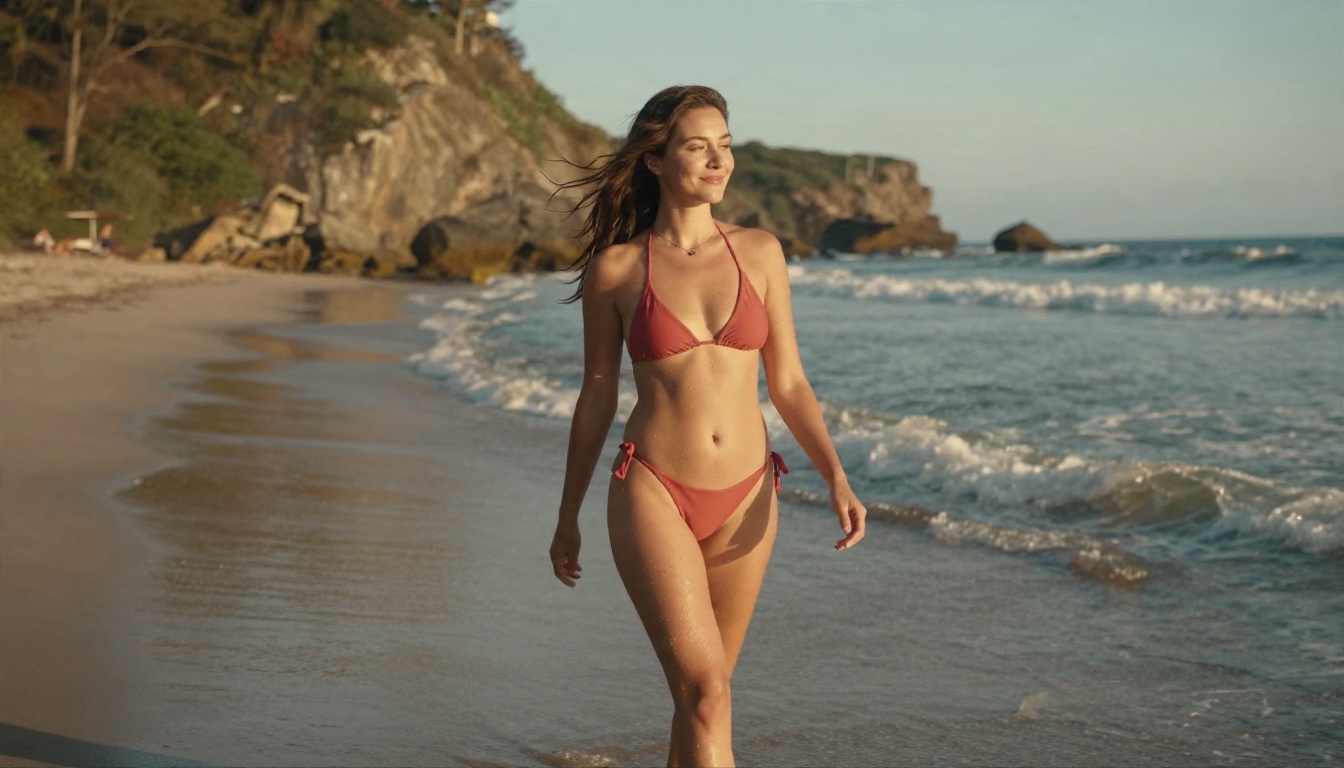
For best results, write the still like a photographer: lens, light direction, fabric, and a single clear pose. The beach frame above came from a prompt with a 50mm lens, low golden sun from the right, and explicit wind direction. That last detail gives the video model a physical hint for what should move later.
Image Editor Pro for Fixes
Even a great still sometimes has one problem: a stray strap, a warped finger, a distracting object. PicassoIA Image Editor Pro is built for exactly this, and it offers unlimited generations, so you can retouch ten times without watching a credit counter. Fix the still first. Never ask an I2V model to repair a flaw while also animating it.
💡 Rule of thumb: If you would not post the still as a photo, do not send it to a video model.
The Best Models Compared
There is no single winner for every job, so here is how the strongest I2V options on PicassoIA stack up for glamour and suggestive content.
| Model | Best for | Speed | Strength | Weakness |
|---|
| Wan 2.7 I2V | Final quality, face stability | Medium | Excellent identity hold, natural fabric motion | Slower than fast variants |
| Wan 2.2 I2V A14B | Reliable HD output | Medium | Predictable results, clean motion | Less detail than 2.7 |
| Wan 2.2 I2V Fast | Quick iteration | Fast | Cheap tests of a prompt | Softer detail |
| Wan 2.5 I2V | Balanced motion | Medium | Good camera moves | Occasional hair shimmer |
| Seedance 2.5 Lite | Free unlimited drafts | Fast | Zero cost, up to 10 seconds | Lighter on fine skin detail |
| PicassoIA Video | Free unlimited text or image clips | Fast | No credit anxiety | Less control than Wan |
| Hailuo 2.3 Fast | Fast photo animation | Fast | Smooth, cinematic motion | Stricter on some content |
| Kling v2.5 Turbo Pro | Camera work and physics | Medium | Strong physical realism | Moderation can be stricter |
Wan 2.7 I2V: The Top Pick
Wan 2.7 I2V is the model I reach for when the clip is the final deliverable. Faces stay put, skin does not shimmer, and satin or silk keeps its folds. It responds well to short, physical prompts such as "the robe slips slightly as she turns her head," rather than long poetic descriptions.
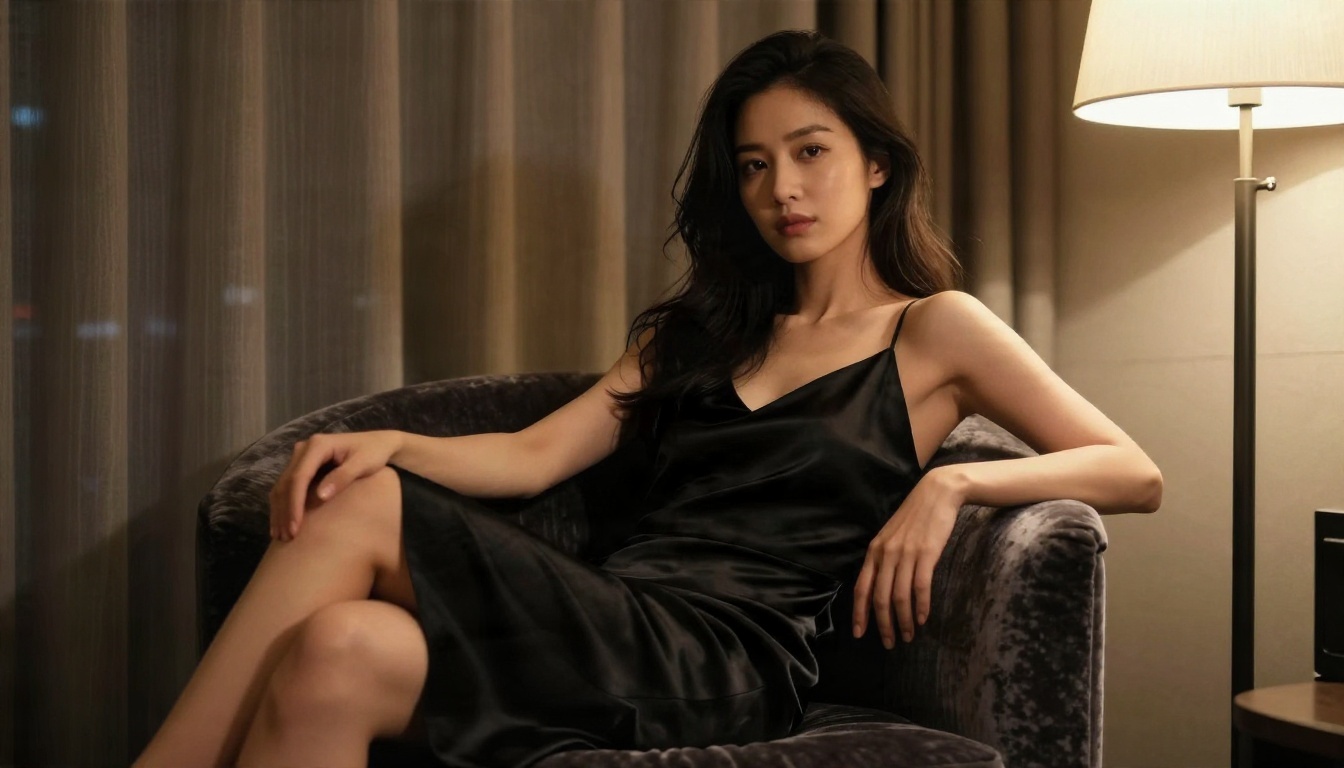
Low light scenes like the hotel suite above are where Wan 2.7 pulls ahead. Dim tungsten lighting with strong falloff usually causes other models to boost exposure mid-clip, producing a visible pulse. Wan keeps the lighting ratio steady.
Wan 2.2 and 2.5: Solid Workhorses
If you want a cheaper, still-reliable option, the older Wan family holds up well. Wan 2.2 I2V A14B gives clean HD results and rarely surprises you. Wan 2.2 I2V Fast is the prompt tester: run five variations quickly, pick the best motion, then re-run that exact idea on 2.7. Wan 2.5 I2V and Wan 2.5 I2V Fast sit in the middle, with good camera moves and slightly more hair shimmer.
Seedance and PicassoIA Video: Free Drafts
Seedance 2.5 Lite is free and unlimited, with clips up to 10 seconds. PicassoIA Video is also free and unlimited, and accepts text or an image. Neither matches Wan 2.7 for fine skin, but for testing a pose, a camera move, or a full storyboard, the zero cost is hard to beat. Draft here, finish on Wan.
Hailuo and Kling: Handle With Care
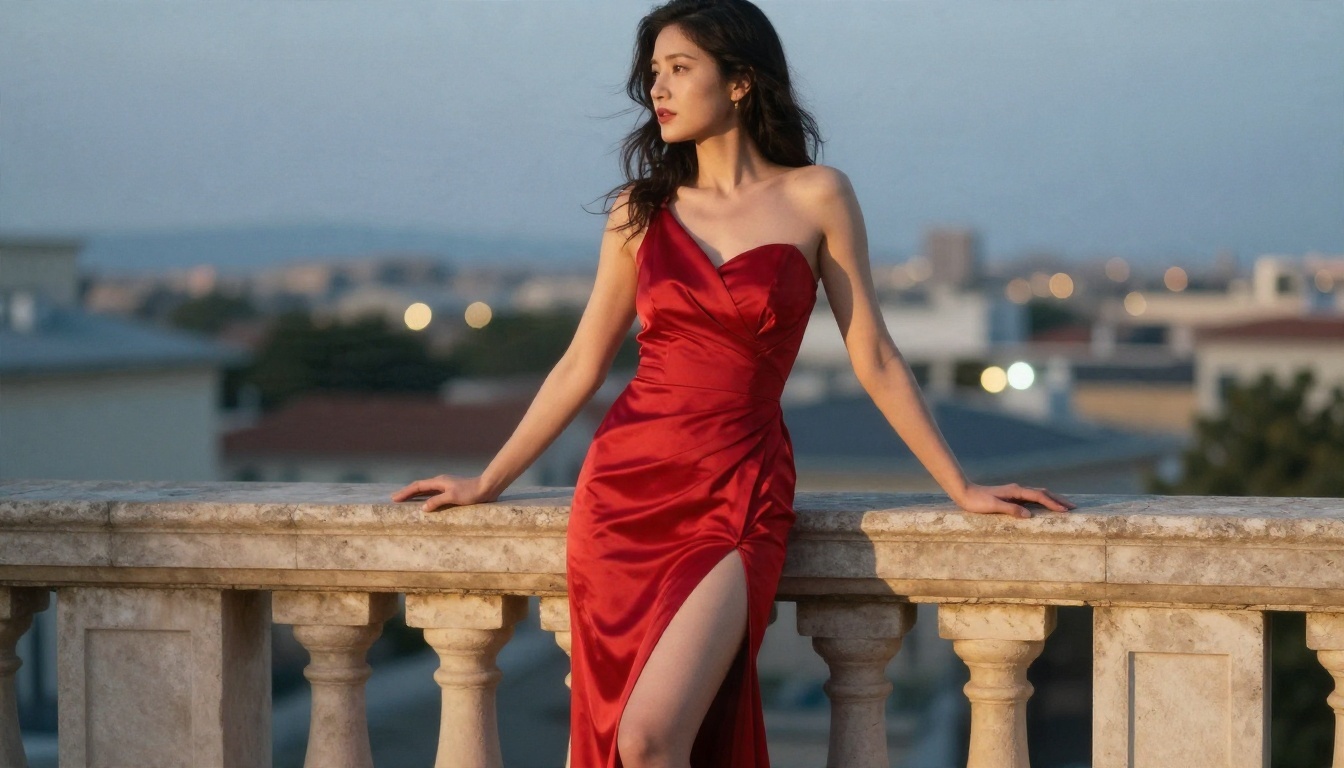
Hailuo 2.3 Fast and Kling v2.5 Turbo Pro produce beautiful motion, and Kling in particular has superb physics. The trade is moderation. Both can reject swimwear or boudoir stills more often than Wan or Seedance, and that behavior can change between versions. Treat them as alternatives for clean, fully covered glamour shots such as a red gown on a balcony, not as your main NSFW workhorse.
Settings That Actually Matter
Most I2V panels expose a handful of inputs. Only a few change the result in a visible way. Exact names differ by model, so check the input panel of the one you pick.
Resolution and Duration
Start at 720p and 5 seconds. Longer clips give the model more time to drift, and drift is the enemy of face consistency. If you need 10 seconds, build it from two 5 second clips using the last frame of the first as the start of the second. Seedance 2.5 Lite supports up to 10 seconds natively, which is handy for slow, drifting scenes.
| Setting | Recommended | Why |
|---|
| Resolution | 720p for drafts, higher for finals | Faster tests, fewer artifacts to chase |
| Duration | 5 seconds | Less time for identity drift |
| Aspect ratio | Match the source image | Avoids cropping the face or stretching the body |
| Seed | Fixed once you like a take | Lets you tweak the prompt without losing motion |
| Prompt length | 20 to 45 words | Short motion prompts beat long scene descriptions |
Seeds and Iteration
Run three takes with random seeds. Pick the best one, lock that seed, then edit only one thing in the prompt at a time. This is the fastest way to converge, and it stops you from chasing a lucky result you can never repeat.
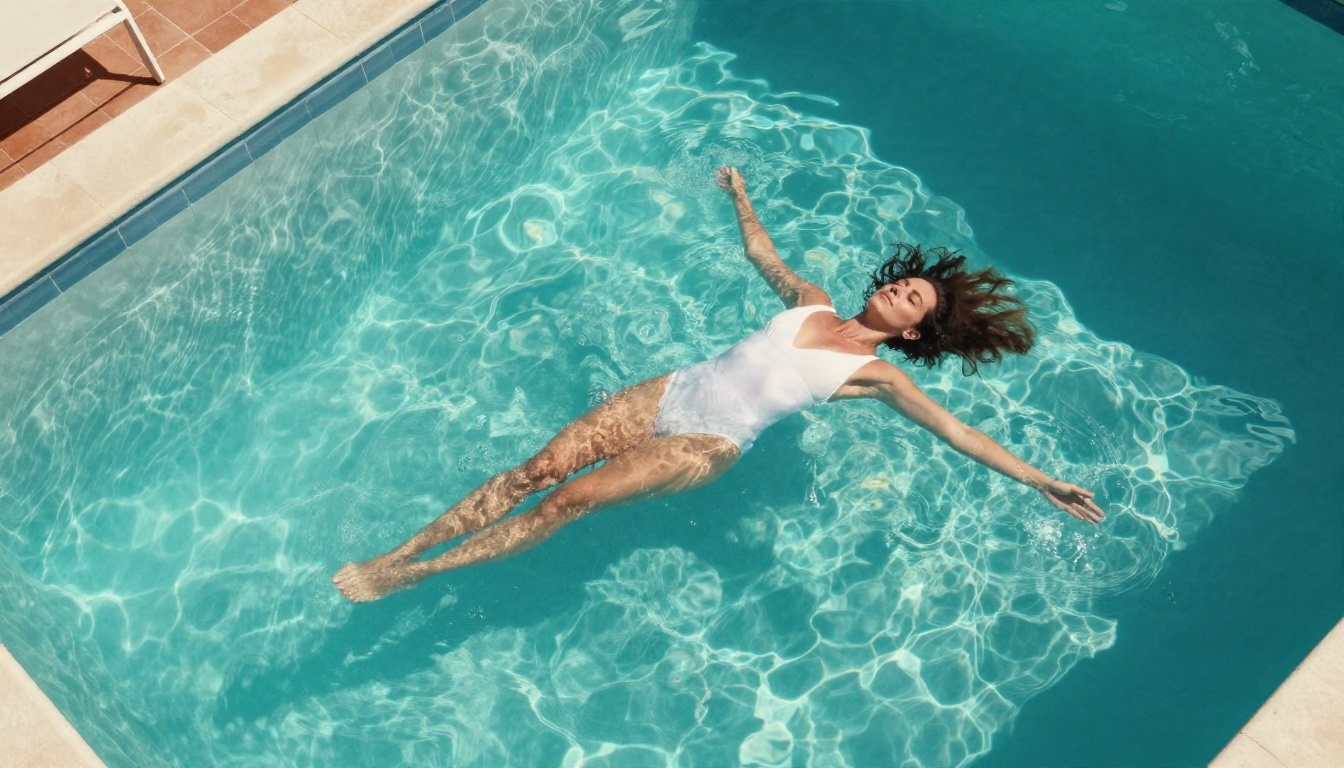
Top-down water shots like this one benefit from a locked seed. Ripple patterns can change wildly between runs, and once you have a take where the water moves naturally, you want to keep it.
Prompts You Can Copy
Motion prompts are not scene prompts. The still already tells the model who, where and what. Your job is to describe what moves, how fast, and what the camera does.
The Simple Formula
Use this order: subject action, secondary motion, camera move, light behavior. Keep it physical and slow. Words like "gently," "slowly" and "slightly" work better than "dramatic" or "intense," which push models toward warping.
💡 Avoid negative lists like "no distortion, no extra fingers." Many I2V models ignore them or even trigger the thing you named. Instead, describe the stable behavior you want.
Five Ready Prompts
Use these as starting points. Pair each with a matching source still.
| Scene | Motion prompt |
|---|
| Beach walk | She walks slowly along the shoreline, hair lifting in the sea breeze, small waves washing over her ankles, camera tracks gently alongside at eye level, warm golden sunlight flickering on the water. |
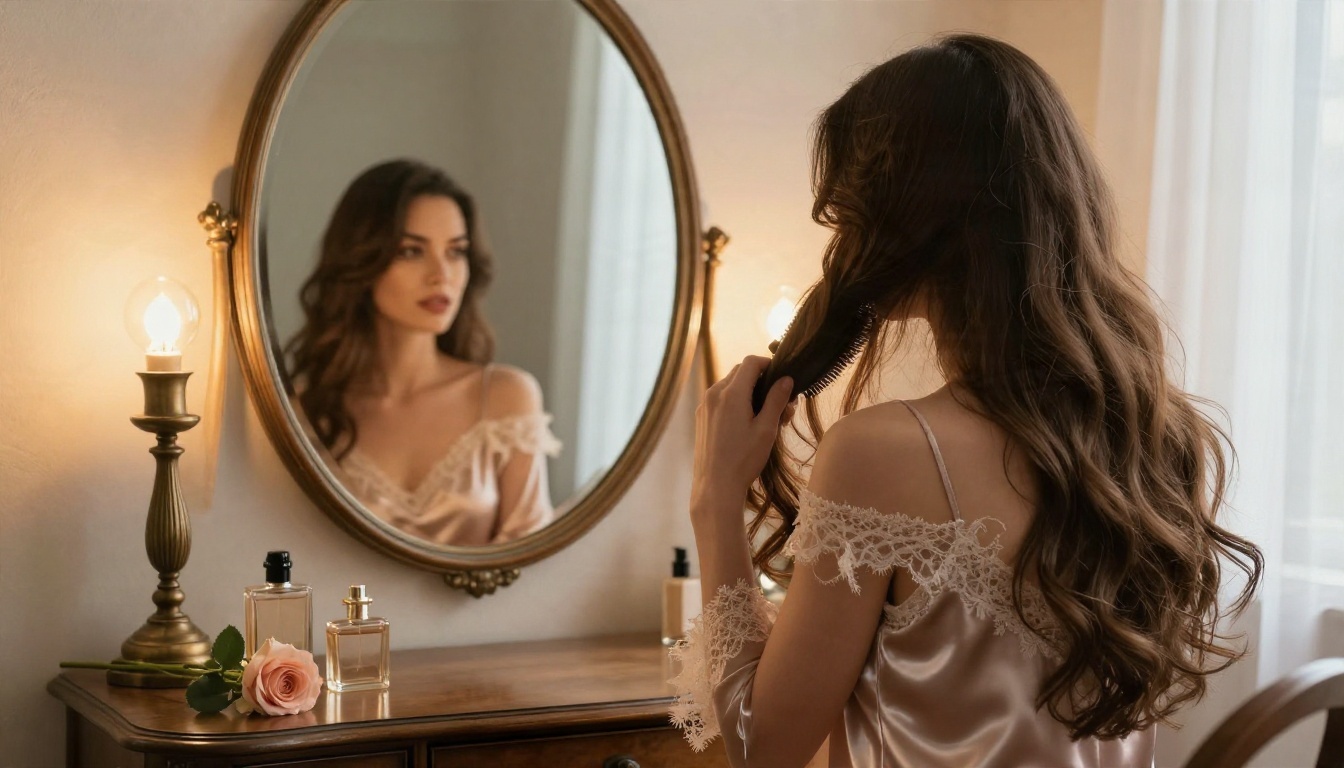
| Boudoir morning | She slowly turns her head toward the window and smiles, the silk robe shifts slightly on her shoulder, dust motes drift in the sunbeam, camera performs a very slow push in. |
| Hotel suite | She uncrosses her legs and shifts her weight in the velvet chair, satin dress catching the lamp light, camera drifts a few centimeters upward, shadows stay soft. |
| Balcony dusk | Wind lifts the hem of her gown and her hair, she tilts her chin toward the skyline, camera slowly circles a few degrees to the left, city lights twinkle softly. |
| Yacht deck | She leans on the rail and pushes her sunglasses into her hair, sea spray sparkles in the sun, the horizon rocks gently, camera holds steady with slight handheld sway. |
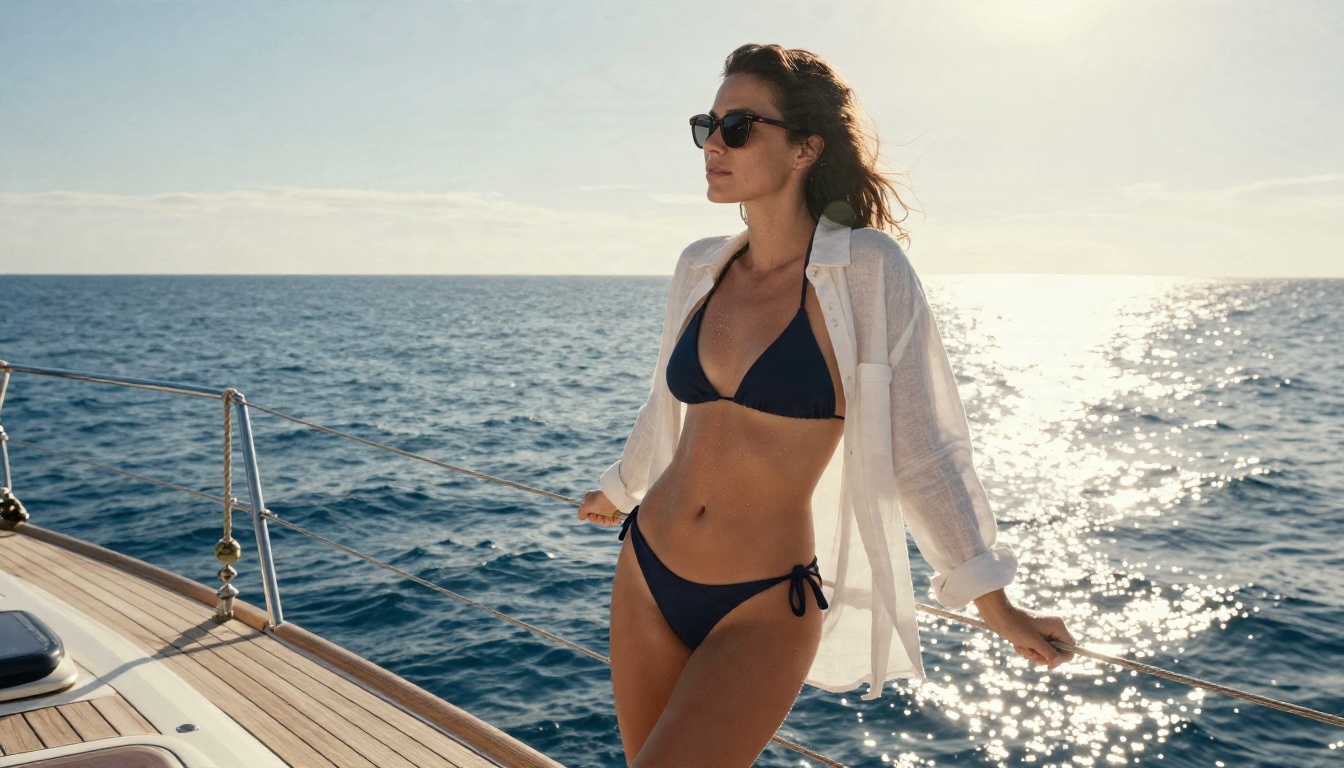
💡 The yacht deck is a good beginner scene. Ocean glare, sunglasses and wind give the model many natural motion cues to latch onto.
How to Animate on PicassoIA
This is the workflow I use for most glamour clips. It takes about ten minutes for a polished result.
Step by Step With Wan 2.7 I2V
- Create the still. Open Seedream 4.5 and write a photographer style prompt with lens, light, fabric and pose. Generate several versions and pick the sharpest.
- Retouch. Load the winner into PicassoIA Image Editor Pro. Fix hands, straps, background clutter and skin blemishes you do not want animated. Since generations are unlimited, retouch until it is clean.
- Open the video model. Go to Wan 2.7 I2V and upload the retouched still as the first frame.
- Write a short motion prompt. Use the formula above, 20 to 45 words, with one main action and one camera move.
- Set the basics. Pick 5 seconds, 720p for the first test, and keep the aspect ratio matched to your image.
- Run three takes. Compare face stability at the start, middle and end. Lock the seed of the best take.
- Refine one variable. Change only the camera move or only the action, then regenerate.
- Draft cheaply first. If you are still experimenting with ideas, test them on Seedance 2.5 Lite or PicassoIA Video before spending time on Wan.
💡 Keep the source image and motion prompt consistent across a series. Reusing the same subject description in the still prompt keeps a character recognizable from clip to clip.
Parameter Tips
- Camera motion: one move per clip. "Slow push in" or "gentle orbit," never both.
- Subject motion: pick one primary action. Two simultaneous actions double the chance of warping.
- Hair and fabric: mention the wind or breeze. It gives the model a cause for secondary motion.
- Lighting: say "light stays steady" in low light scenes to reduce exposure pulsing.
Common Mistakes to Avoid
Most failed clips come from the same handful of errors.
Overloading the Prompt
A 120 word prompt describing the room, the mood, the backstory and five different actions confuses the model. Shorter is better. The image already carries the scene.
Starting From a Weak Image
Low resolution, soft focus and messy hands produce messy clips. Upscale or retouch first.
Chasing One Model
If a model refuses or warps a particular still, switch models before rewriting the image ten times. The same still might work perfectly on another Wan version or on Seedance.
Ignoring Close-Ups
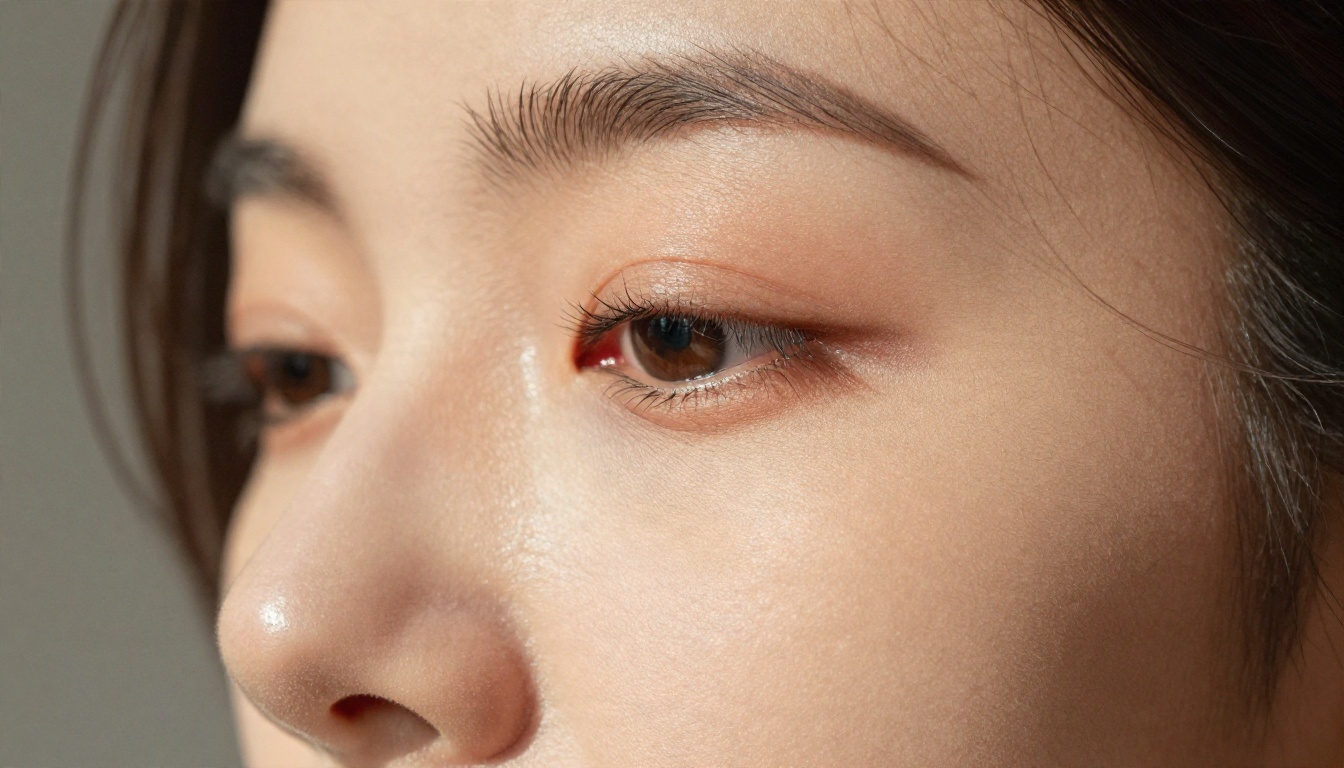
Extreme close-ups are the hardest test for any I2V model, because every pore and eyelash is on display. Use a closer crop only after you have a stable medium shot, and keep motion minimal: a slow blink, a tiny head tilt, a breath.
Forgetting the Boundaries
Stay within suggestive, tasteful content. Beyond ethics and platform rules, explicit material is also where models fail most visibly, with broken anatomy and inconsistent skin. Glamour content with implied sensuality is both easier to animate and easier to publish.
Alternatives Worth Trying
If your first choice is not giving you the look you want, these are the next models to test, in the order I would try them:
- Seedream 4.5 for the source still, always first.
- PicassoIA Image Editor Pro for unlimited retouching.
- Wan 2.7 I2V for the final animation.
- Wan 2.2 I2V A14B as a dependable fallback.
- Seedance 2.5 Lite for free, unlimited experiments.
- Hailuo 2.3 Fast and Kling v2.5 Turbo Pro for fully covered, cinematic glamour.
Make Your Own Clips Today
You now have the stack: a still generator that does not flinch at glamour, an unlimited editor for cleanup, and a set of I2V models ranging from free drafts to polished finals. The fastest way to find your favorite combination is to run one still through three video models and compare the faces at the end of each clip.
Pick one of the beach, boudoir or yacht prompts above, generate a still in Seedream 4.5, and animate it with Wan 2.7 I2V. Then browse every available image and video model at picassoia.com/en/all-models and build your own pipeline. Start with five second clips, keep the motion simple, and iterate. Your first keeper is usually three takes away.


