Most "NSFW" image generators promise everything and deliver a blurry, over-filtered mess. Either the model refuses a perfectly normal swimsuit prompt, or it hands you plastic skin and extra fingers. This list fixes that. Below you will find the best NSFW image models for 2027, which ones are free, which ones run online with no install, and the exact prompts that produce suggestive, magazine-grade glamour photos without crossing into explicit territory.
Every example image in this article was generated from a plain-text prompt, and every prompt is written for adult subjects only. Think bikinis, silk, boudoir light, resort editorials and fashion studio shots. That is where the models are strongest, and it is also where most people actually want results.
What Makes a Model NSFW-Friendly
An "NSFW image model" is not a special category with a clean definition. It is simply a text-to-image model that does not panic when your prompt contains swimwear, lingerie, bare shoulders or sensual lighting. Some models refuse anything remotely suggestive. Others accept it but produce flat, lifeless skin. The good ones do both jobs: they allow adult glamour and they render it with realism.
Filters, Not Magic
Every hosted model has a moderation layer. Some are strict, some are relaxed, and some depend on the wording of your prompt more than the subject itself. I ran into this while building this article: one prompt about a lace set in a hotel room was blocked by a content filter, while a nearly identical scene in satin pajamas passed instantly. The lesson is that wording and outfit choice matter as much as the model.
That is why a model with a permissive policy plus strong prompt adherence beats a "raw" model with weak output quality every time.
Free Versus Unlimited
"Free" usually means a handful of daily credits, a watermark, or a queue. "Unlimited" means you can keep iterating until the shot is right. For glamour work you will almost never nail the pose and lighting on the first try, so unlimited generation is worth more than a pretty free-tier banner.
💡 Quick rule: If a tool limits you to 3 free images a day, you are paying in time instead of money. Look for models where you can run dozens of variations in one sitting.
The Best NSFW Image Models Ranked
Recent comparisons published by AI vendors point in the same direction: the FLUX family dominates cloud-based generation, and ByteDance's Seedream line performs extremely well in head-to-head tests on adult-oriented prompts. Take vendor rankings with a grain of salt, since most are written by companies selling their own access. What follows comes from testing, not marketing copy.
1. Seedream 4.5
Seedream 4.5 is my first pick. It handles skin better than almost anything else in this price range: pores, freckles, sun-kissed shoulders, wet hair and fabric sheen all come out with believable detail. It also follows long, structured prompts without drifting, which matters when you specify lens, light direction and pose in one paragraph.
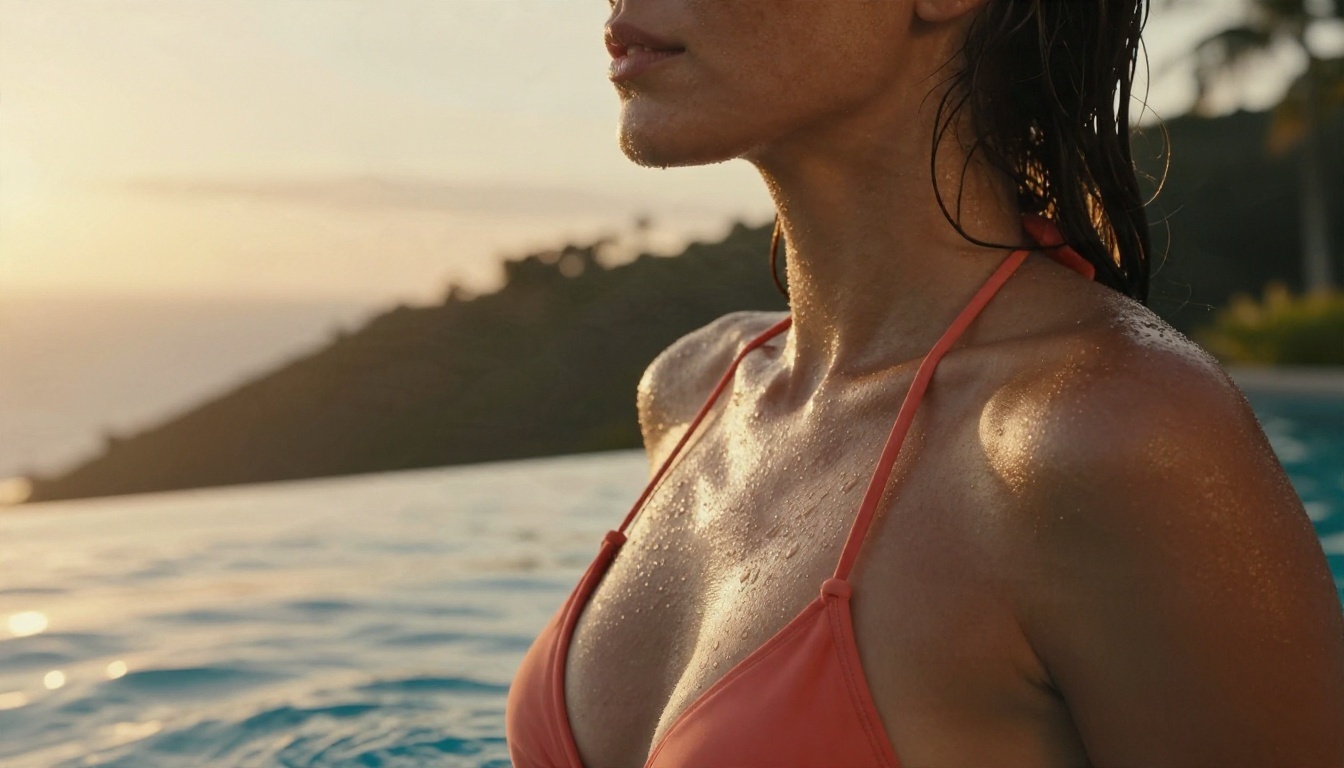
Strengths: realistic skin, strong prompt adherence, sharp 4K-class output, handles swimwear and evening glamour with ease.
Weak spot: very tight, small details such as jewelry chains can still need a second pass.
2. PicassoIA Image Editor Pro
PicassoIA Image Editor Pro is the one to open when you want to keep generating without counting credits. It offers unlimited generations, and it works as an editor as well as a generator, so you can start from a photo, change the outfit, shift the lighting or fix a hand without rewriting your whole prompt.
For anyone building a series of consistent glamour shots, this is the workflow that saves the most time. Generate a base with Seedream 4.5, then refine it here.
3. Z Image Turbo
Z Image Turbo is the speed option. Images arrive in seconds, which makes it ideal for prompt testing: you can try ten variations of a pose or location in the time another model renders two. Quality is sharp and clean, and it handles natural light scenes well.
4. Flux Dev and Flux 2 Klein LoRA
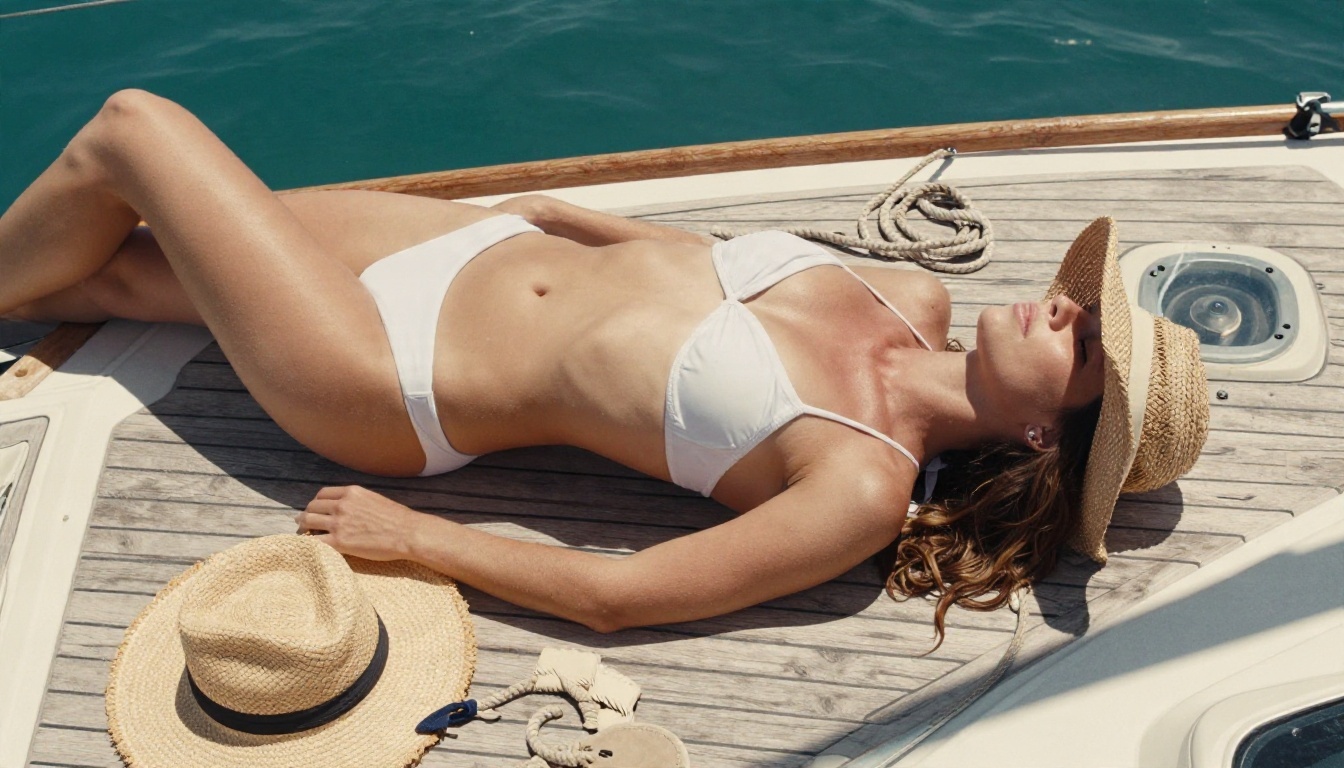
Flux Dev remains a reliable photorealistic engine, especially for portraits with shallow depth of field. If you want a specific look, Flux Dev LoRA lets you load a style, and Flux 2 Klein 9B Base LoRA plus Flux 2 Klein 4B Base LoRA give you lighter, faster options with the same LoRA flexibility.
Best for: consistent character looks, film-style grading, editorial portraits.
5. Qwen Image 3 and Realistic Vision
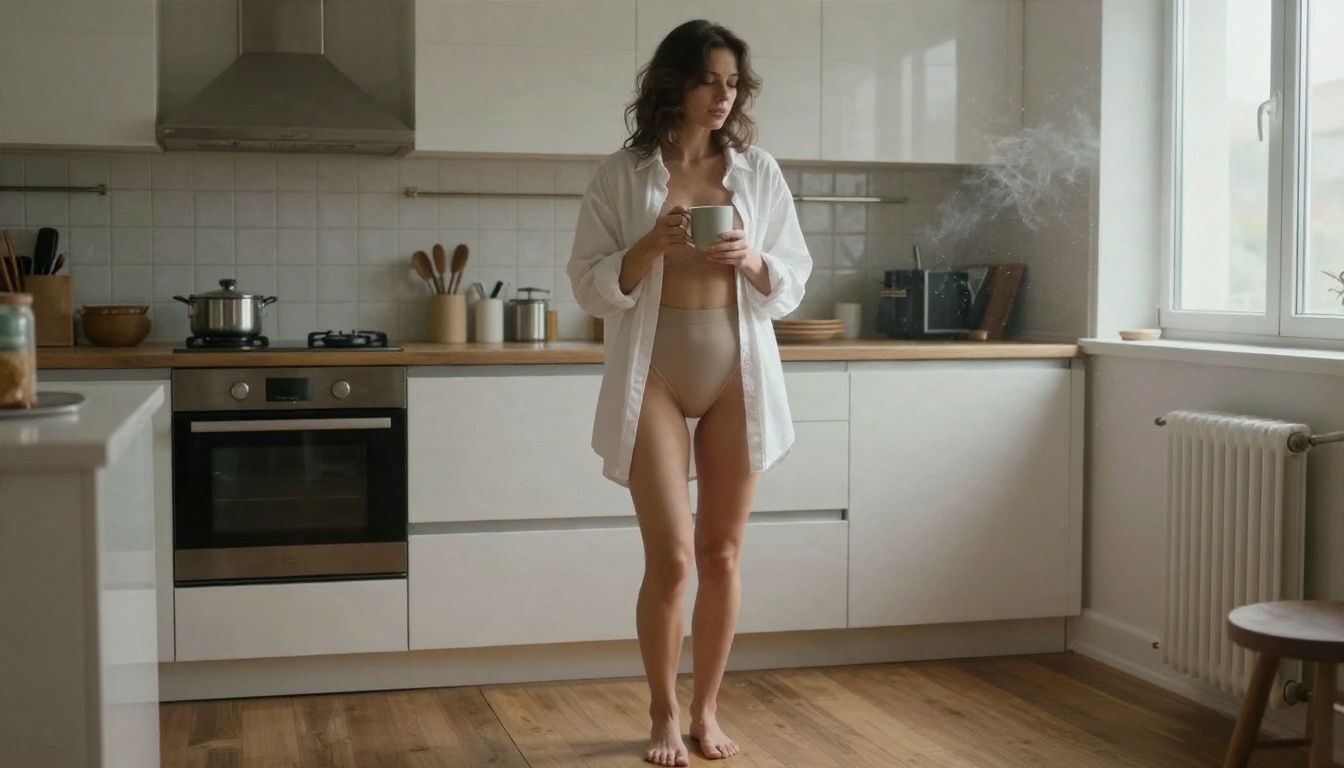
Qwen Image 3 is excellent when your prompt describes a full scene with many objects, because it keeps the background coherent. Realistic Vision v5.1 is an older favorite for lifelike portraits and still holds up when you want a softer, classic photographic feel. For quick, cheap drafts, SDXL Lightning 4Step does the job in a few steps.
Side-by-Side Comparison
| Model | Best For | Speed | Skin Realism | Free / Unlimited |
|---|
| Seedream 4.5 | Glamour, swimwear, 4K detail | Fast | Excellent | Free to try online |
| Image Editor Pro | Editing and iterating | Fast | Excellent | Unlimited generations |
| Z Image Turbo | Rapid prompt testing | Very fast | Very good | Free to try online |
| Flux Dev | Portraits, depth of field | Medium | Very good | Free to try online |
| Qwen Image 3 | Complex scenes | Medium | Good | Free to try online |
| Realistic Vision v5.1 | Classic soft portraits | Fast | Good | Free to try online |
💡 Models to skip for this niche: Google's Nano Banana family is superb for editing and general photos, but its filters are tighter, so it will refuse many swimwear and boudoir prompts. Use it for clean, safe edits, not for glamour work.
How to Use Seedream 4.5 on PicassoIA
This is the fastest path from blank page to a finished glamour image.
- Open the model page. Go to Seedream 4.5 on PicassoIA. No install, it runs in the browser.
- Write a structured prompt. Use this order: subject and pose, location, lighting direction, lens, texture details, film look.
- Set the aspect ratio. Use 16:9 for editorial wide shots and 3:4 or 2:3 for portrait-style fashion frames.
- Pick a high resolution. For skin detail, choose the highest output size available. You can always downscale later.
- Generate a batch. Run 4 to 6 variations. Change only one thing between runs (the lens, the light or the outfit) so you can see what causes the difference.
- Refine in the editor. Send your favorite to PicassoIA Image Editor Pro to adjust clothing, fix a hand or tweak the background.
Parameter tips
- Keep prompts between 50 and 100 words. Shorter prompts leave the model guessing, longer ones start contradicting themselves.
- Name a film stock such as Kodak Portra 400. It nudges color toward warm, natural skin tones.
- Mention skin texture explicitly: "visible pores, natural freckles, soft sheen". This is the single biggest realism upgrade.
- Avoid stacking more than one lighting source in the same sentence.
Prompts That Actually Work
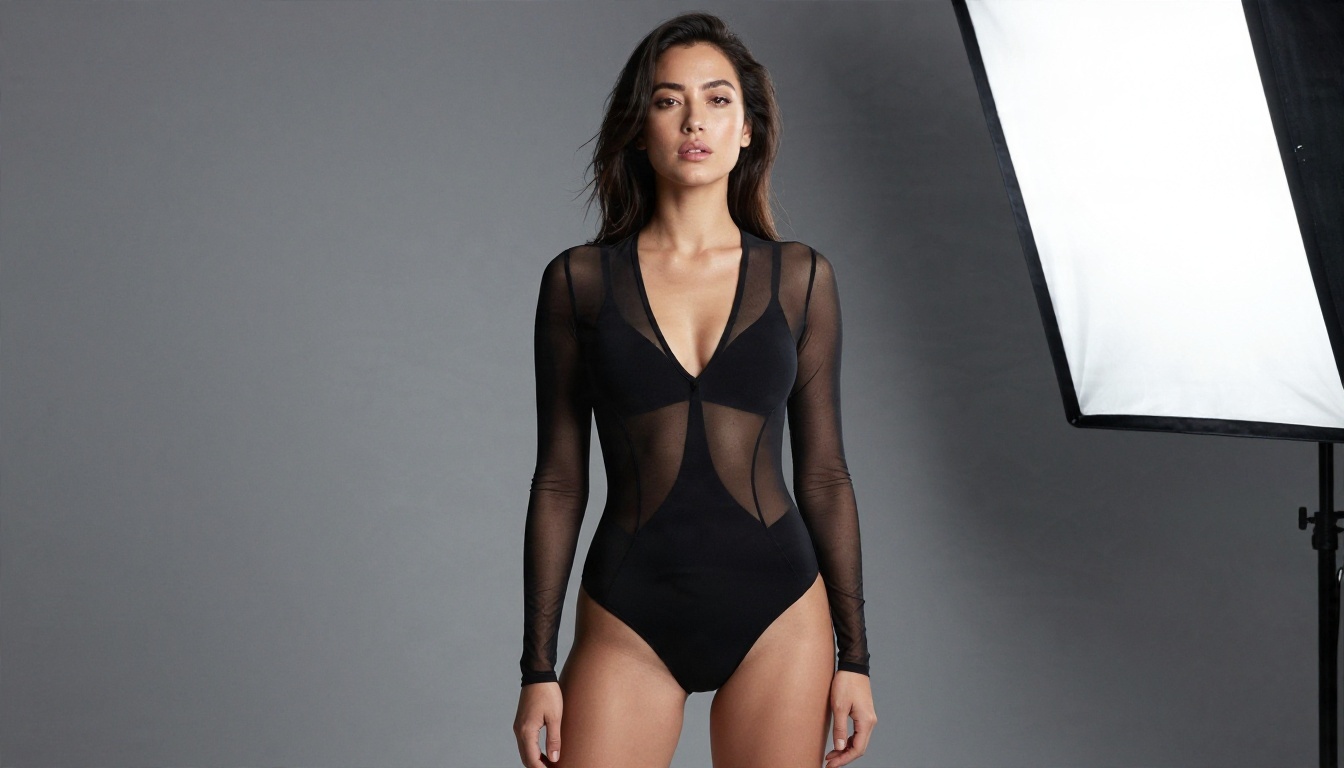
Here are prompts you can paste straight in. Each one produces a suggestive, non-explicit image, and each follows the same formula: subject, setting, light, lens, texture, film look.
Swimwear and Resort
Infinity pool at sunset
Close-up portrait of an adult woman with dewy skin and wet hair after a swim, wearing a coral bikini top, leaning on the edge of an infinity pool at sunset, droplets on her shoulders, warm backlight from the right creating rim light, tropical hillside blurred behind, 105mm f/2 lens, visible skin texture and freckles, Kodak Portra 400 film grain, RAW 8K photograph.
Hammock in the tropics
Adult woman in a black bikini and open linen shirt lounging in a hammock between palm trees at a tropical resort, dappled sunlight through leaves on her skin, a coconut drink on the sand, side-angle medium shot, 85mm f/2, warm palette, woven rope texture, Kodak Portra 400 grain.
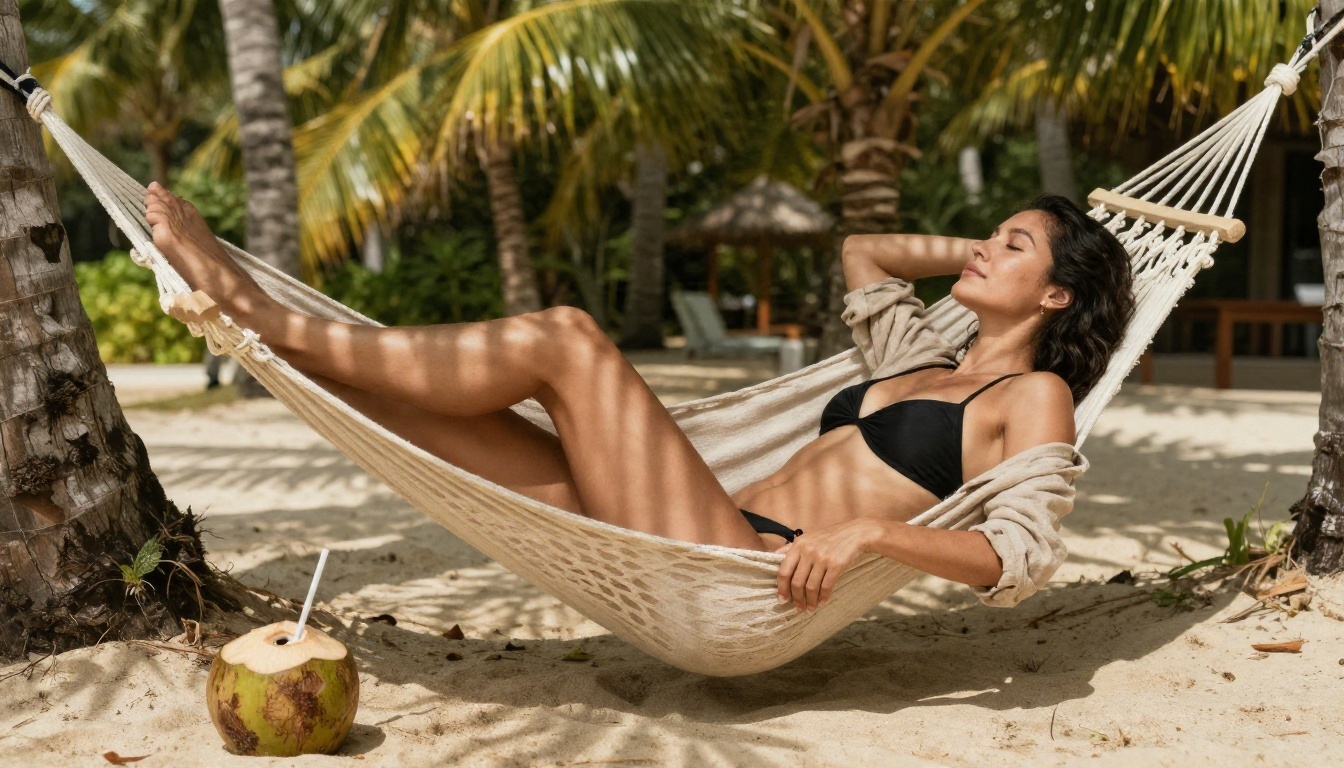
Why these work: swimwear is the most reliable entry point for any NSFW-friendly model. The setting does the storytelling, so the subject can stay simple.
Boudoir and Evening Glamour
Cocktail bar in red satin
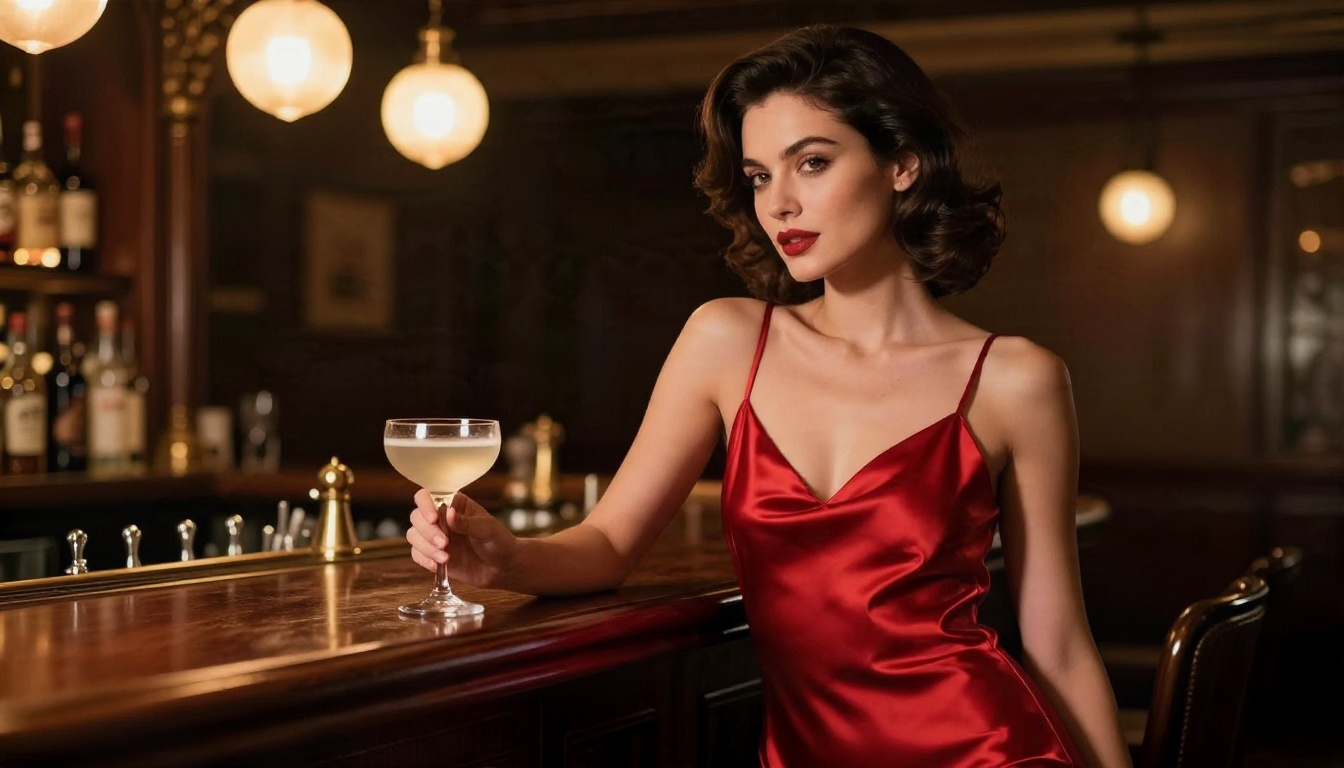
Adult woman in a red satin slip dress with a plunging neckline standing in a dim vintage cocktail bar, leaning against a polished mahogany counter, holding a coupe glass, warm tungsten pendant lamps lighting her from the front left, bottles and brass details softly blurred behind, 85mm f/1.4, rich skin texture and satin sheen, Kodak Portra 400 grain.
Vanity mirror backstage
Adult woman in a navy silk robe sitting at a vintage vanity mirror applying lipstick, reflection visible in the mirror, warm bulb lights around the mirror, perfume bottles and jewelry on the table, over-the-shoulder composition, 50mm f/1.8, detailed skin and silk texture, Kodak Portra 400 grain.
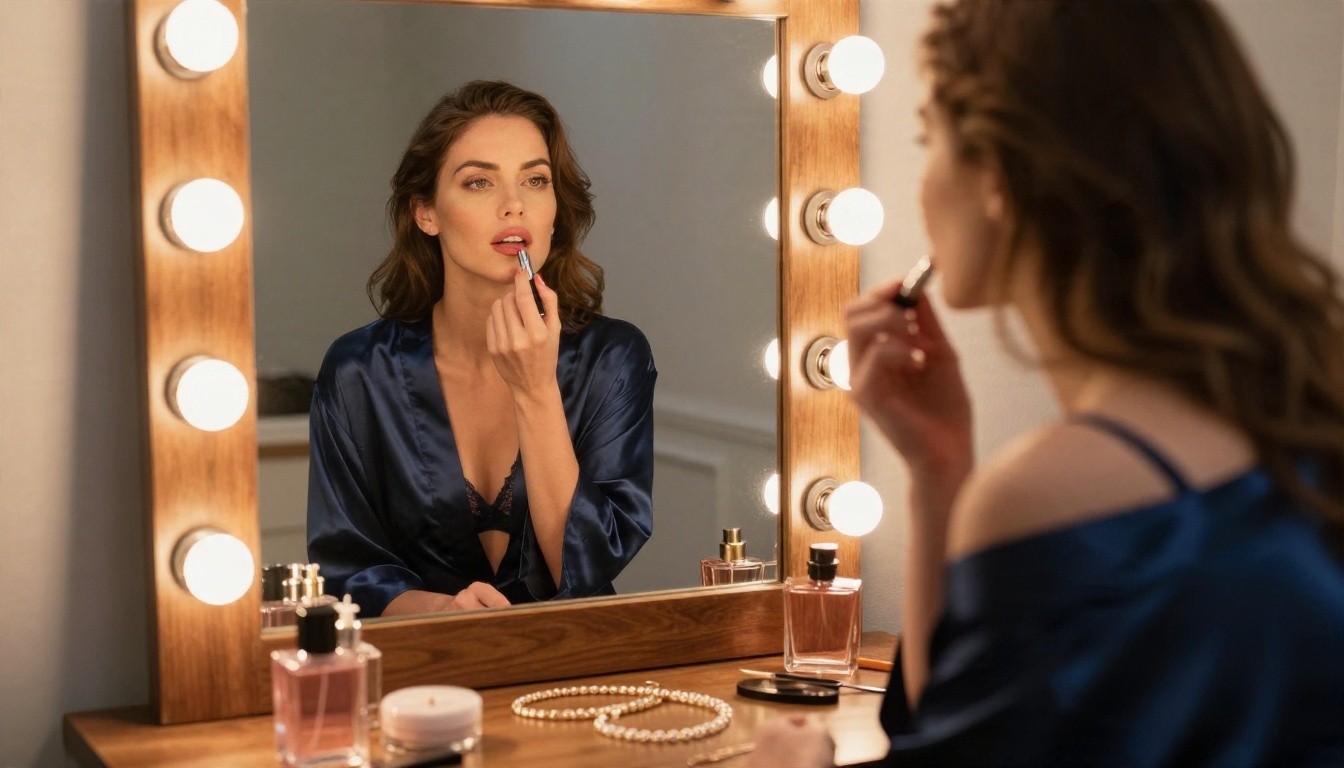
Why these work: warm tungsten light and fabric sheen read as sensual without needing anything explicit. Silk, satin and mirrors are visual shortcuts to a boudoir mood.
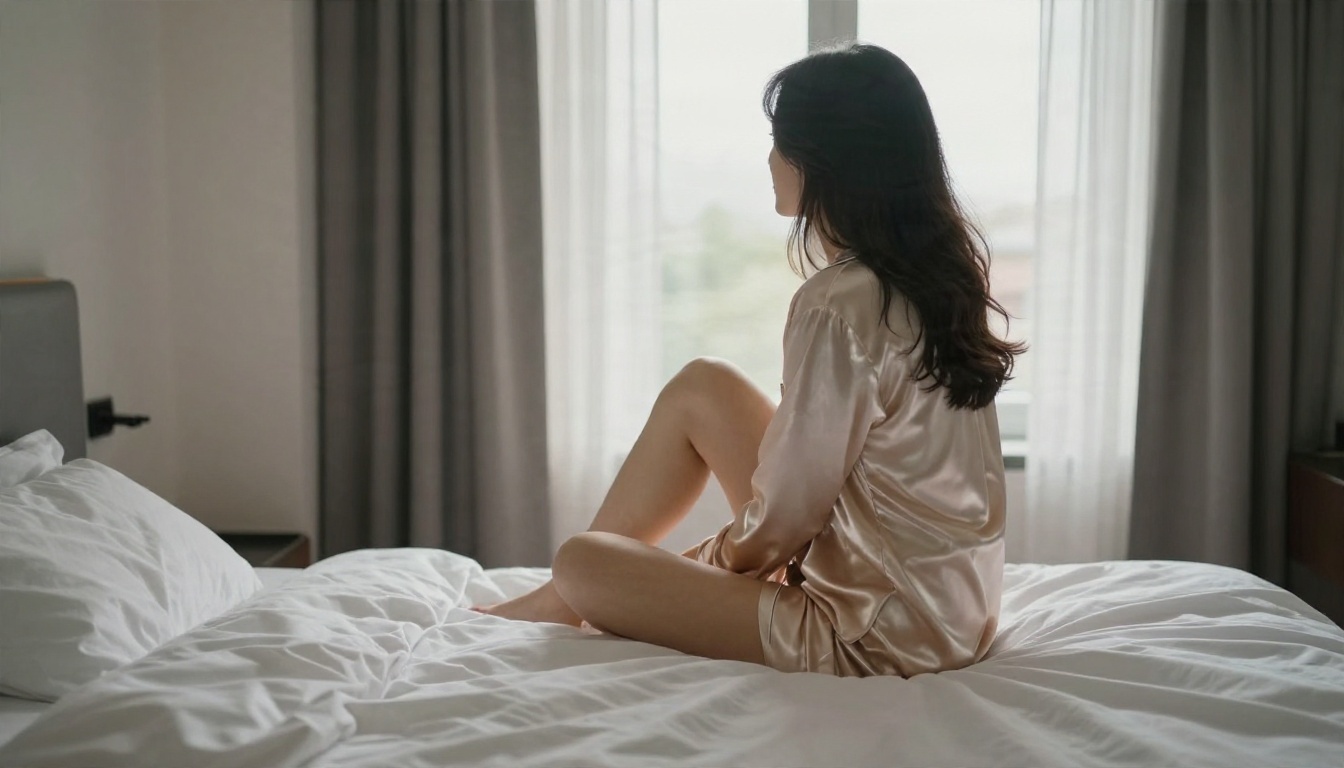
💡 If a prompt gets blocked: do not argue with the filter. Change the outfit to satin pajamas, a robe or a slip, and lean on mood (soft morning light, rumpled linen, a quiet window). It usually passes and often looks better.
Lifestyle and Morning Light
Hotel window, satin pajamas
Adult woman in a champagne satin pajama set sitting on the edge of an unmade hotel bed, looking out of a tall window, rumpled white sheets, soft morning light from the left through sheer curtains, low-angle three-quarter view, 50mm f/1.8, visible skin texture, Kodak Portra 400 film grain.
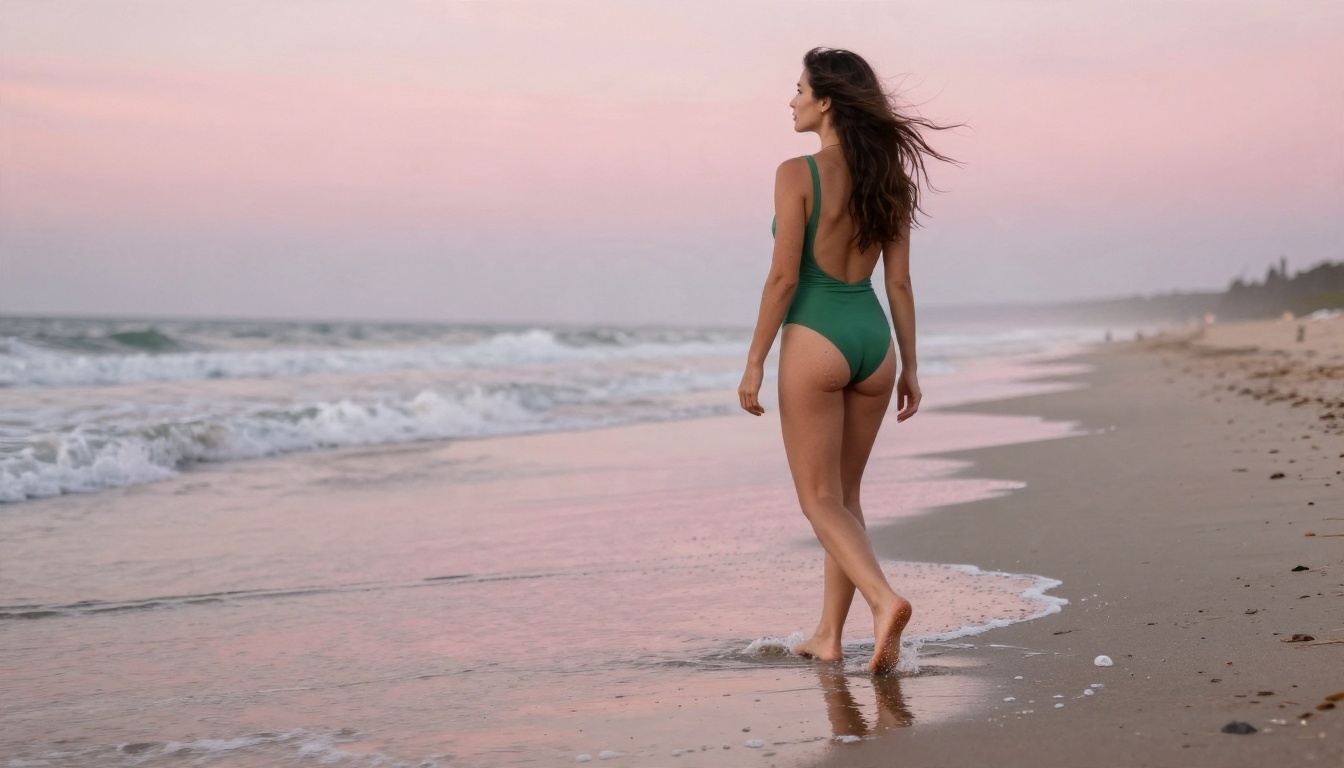
Dawn beach walk
Adult woman in a green one-piece swimsuit walking along a quiet beach at dawn, wet sand reflecting a pink sky, foam around her ankles, hair blown by wind, wide shot from behind at low angle, soft diffused light from the horizon, 24mm f/2.8, natural skin tone, Kodak Portra 400 grain.
Free and Online: What to Expect
You do not need a gaming PC to get great results. Everything above runs in the browser, which is the biggest advantage of online generation over local setups.
What "Free" Really Includes
Most platforms give you limited free credits, then ask for a subscription. Some add watermarks to free output. Others slow your queue after a few images. Before committing, check three things: whether the free tier lets you use the full-resolution model, whether outputs are watermarked, and whether your prompts are stored.
Online Versus Local
Running a model locally gives you total control, but it demands a strong GPU, storage for checkpoints, and patience with setup. Online, you skip all of that. For most people making glamour and fashion images, the online route is faster, cheaper and produces better results because the hosted models are larger than what a typical home GPU can run.
Speed Matters More Than You Think
A model that takes 90 seconds per image discourages experimentation. A model that returns an image in under 10 seconds invites you to try ten ideas in a minute. That is why Z Image Turbo is worth keeping in your rotation even if Seedream 4.5 is your final-quality pick.
Mistakes That Ruin NSFW Results
After generating dozens of these images, the same errors keep showing up.
- Vague prompts. "Sexy woman on beach" produces generic stock-photo output. Specify pose, light, lens and texture.
- No skin texture words. Without them, models smooth everything into plastic. Add "visible pores, fine freckles, natural sheen".
- Too many outfits at once. Describing a bikini, a robe and a hat in one sentence confuses placement. Pick one hero garment.
- Contradictory lighting. "Golden hour backlight and harsh noon sun" cancels itself out. Choose one direction.
- Ignoring hands. Hands are the most common failure. Keep them simple: holding a glass, resting on a hip, tucked behind the head.
- Overusing "8K masterpiece" filler. Piles of buzzwords add nothing. A named lens and a film stock do far more.
💡 Fast fix: If an image is almost perfect but one detail is wrong, do not regenerate from scratch. Send it to PicassoIA Image Editor Pro and describe the single change.
Rules Worth Following
Adult content tools carry real responsibility, and a few simple rules keep your work clean and safe.
- Adults only. Every subject must be clearly an adult. No exceptions, ever.
- No real people. Do not generate images of real individuals, celebrities or someone you know. Invent your subjects.
- Keep it non-explicit. The sweet spot for quality and platform policies is suggestive and artistic, not pornographic. It also tends to look better.
- Check your local laws. Rules around adult AI imagery differ by country and change quickly.
- Label AI images. If you publish them, say they are AI-generated.
Make Your Own Images Today
You now have the models, the formula and the prompts. The quickest way to see the difference is to run one scene through two models and compare. Start with Seedream 4.5 for your best-quality shot, then open PicassoIA Image Editor Pro for unlimited retakes and edits. Paste in the pool, hammock or cocktail bar prompt above, swap one detail, and see what changes.
When you want more options, browse the full catalog at picassoia.com/en/all-models, where you will find upscalers, editors and more image models to mix into your workflow. Pick a prompt, press generate, and make your first photo in the next two minutes.


