Most people pick an NSFW image to video app the wrong way. They sort by the loudest ad, pay for a month, and discover that the clip looks like a melting wax figure. The real difference between tools in 2027 is not the marketing. It is how well a model keeps a face stable, how naturally fabric and hair move, how often a filter rejects a harmless glamour photo, and how much each attempt costs you. This ranking is built around those four things, with a focus on non-explicit, adult, suggestive content: swimwear, lingerie style glamour, boudoir portraits and editorial photography.
Here is the short version. The strongest results come from a two step pipeline: create a flawless still first, then animate it with a dedicated image to video model. Apps that try to do both steps in one tap usually do each step badly.
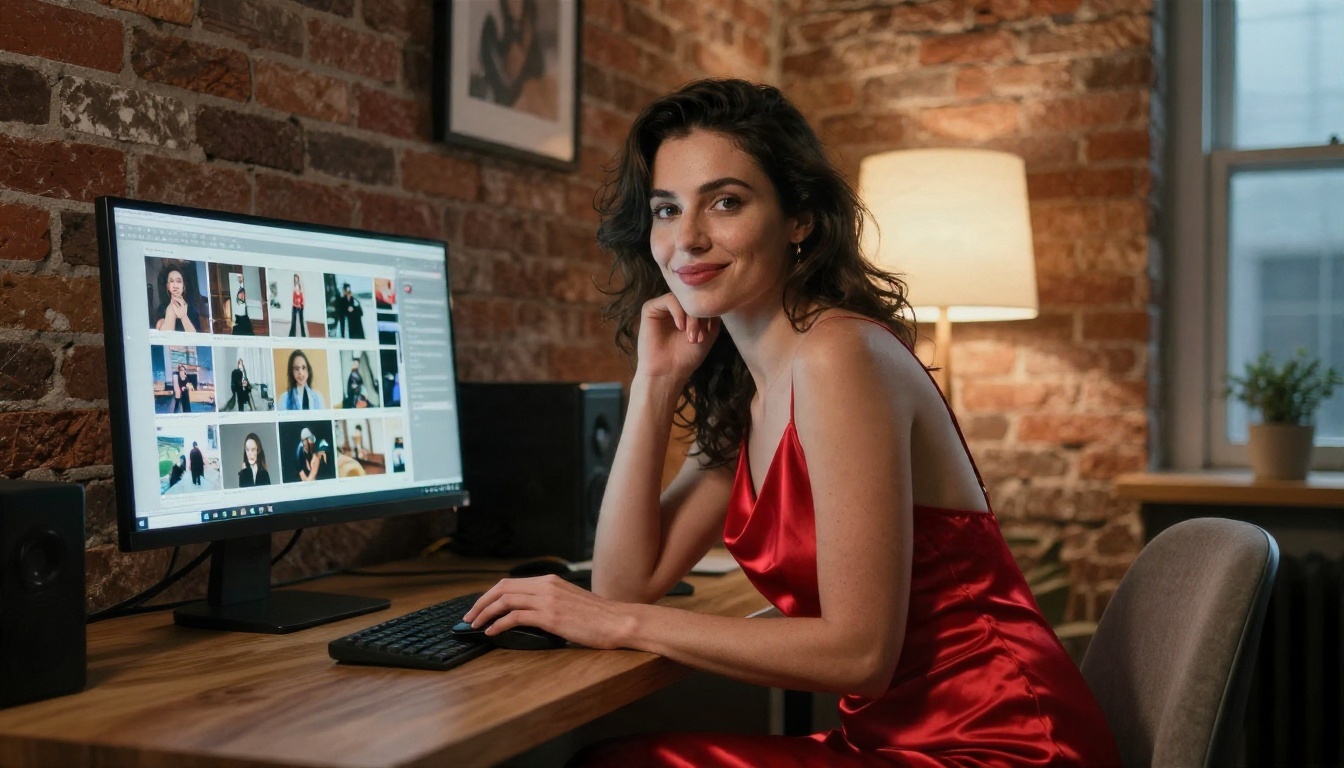
How the Ranking Works
Every tool below was judged on the same four tests. If a tool failed two of them, it did not make the list, no matter how popular it is.
The Four Tests
| Test | What it measures | Why it matters |
|---|
| Identity hold | Does the face and body stay consistent for the whole clip? | Drifting faces ruin an otherwise good photo |
| Motion realism | Do hair, fabric, water and skin move like the real thing? | Stiff or rubbery motion is the first sign of weak AI |
| Filter behavior | Are tasteful swimwear and glamour stills accepted? | Constant refusals waste credits and time |
| Cost per usable clip | Price divided by the clips you actually keep | A cheap tool that needs ten retries is expensive |
💡 Tip: Always test a new generator with one simple, tasteful image first. A model that mangles a basic beach portrait will not handle anything more ambitious.
What Got Left Out
Plenty of standalone NSFW apps lean on aggressive subscription traps, vague data policies and watermarks that appear after you pay. Several roundups published this year rank those apps highly, but most of them are affiliate pages that disagree with each other, so treat any single list with suspicion, including this one. Check the policy and the output yourself before you commit money.
Well known general video models such as Kling, Seedance, Veo and Hailuo are also part of the conversation. Their filters differ by version and change over time, which is why the ranking below favors tools you can test freely and quickly.
The 2027 Ranking at a Glance
The Top Picks, Ranked
1. Seedream 4.5 for Source Stills
An image to video clip can never look better than the photo it starts from. That is why the first spot goes to an image model and not a video one. Seedream 4.5 produces sharp, photoreal portraits with believable skin texture, correct hands and lighting that behaves the way a real lens would capture it. It handles swimwear, lingerie style glamour and boudoir scenes without turning every request into a refusal, and it is quick enough that you can generate several candidates in a few minutes.
Why this matters for animation: video models extrapolate from your still. If the fingers are wrong or the lace pattern is smeared, the motion will amplify every flaw. A clean, well lit first frame is the single biggest quality lever you have.
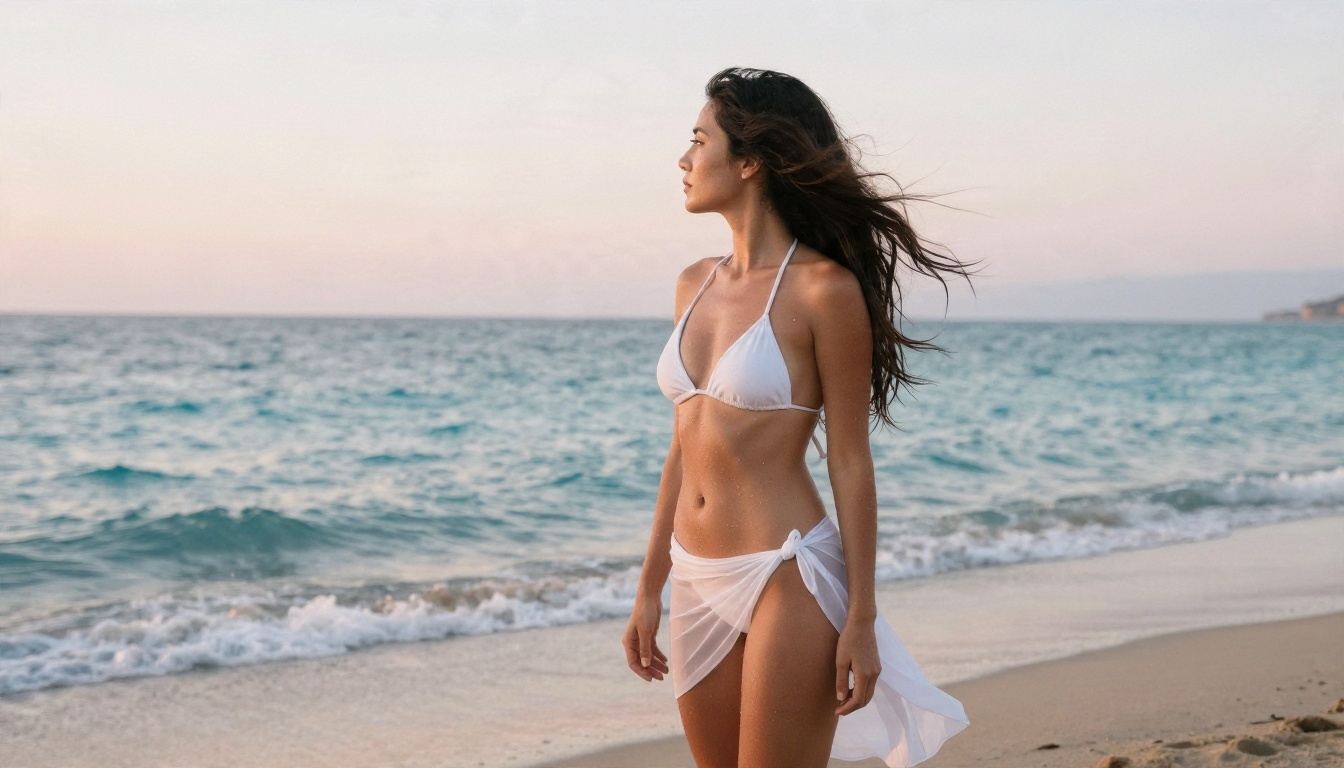
Strengths
- Photoreal skin, fabric and light
- Strong prompt following for outfits and poses
- Fast enough for batch testing
Limits
- It makes the still only, so you still need a video model
2. PicassoIA Image Editor Pro
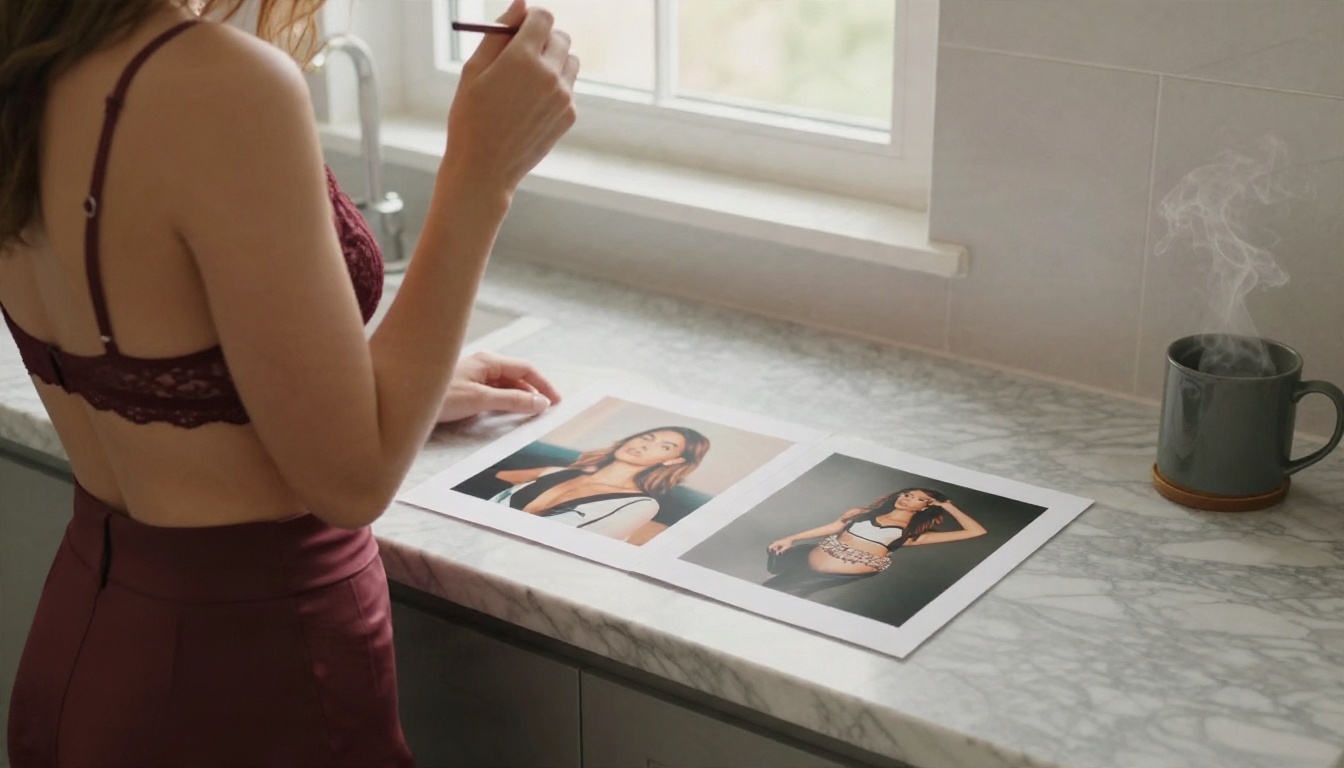
Before any still gets animated, it usually needs a small fix: a stray strap, a background object, a slightly off expression. PicassoIA Image Editor Pro is built for exactly that, and it offers unlimited generations, which changes how you work. When every edit is free, you stop rationing attempts and start iterating until the frame is right.
It is also the best place to prepare multiple versions of one scene: a wider crop, a different outfit color, a cleaner background. Each version becomes a separate clip later without touching the original.
💡 Tip: Fix the image at full size before animating. Correcting a flaw after the video is rendered means paying for a new render.
3. Grok Imagine Video 1.5
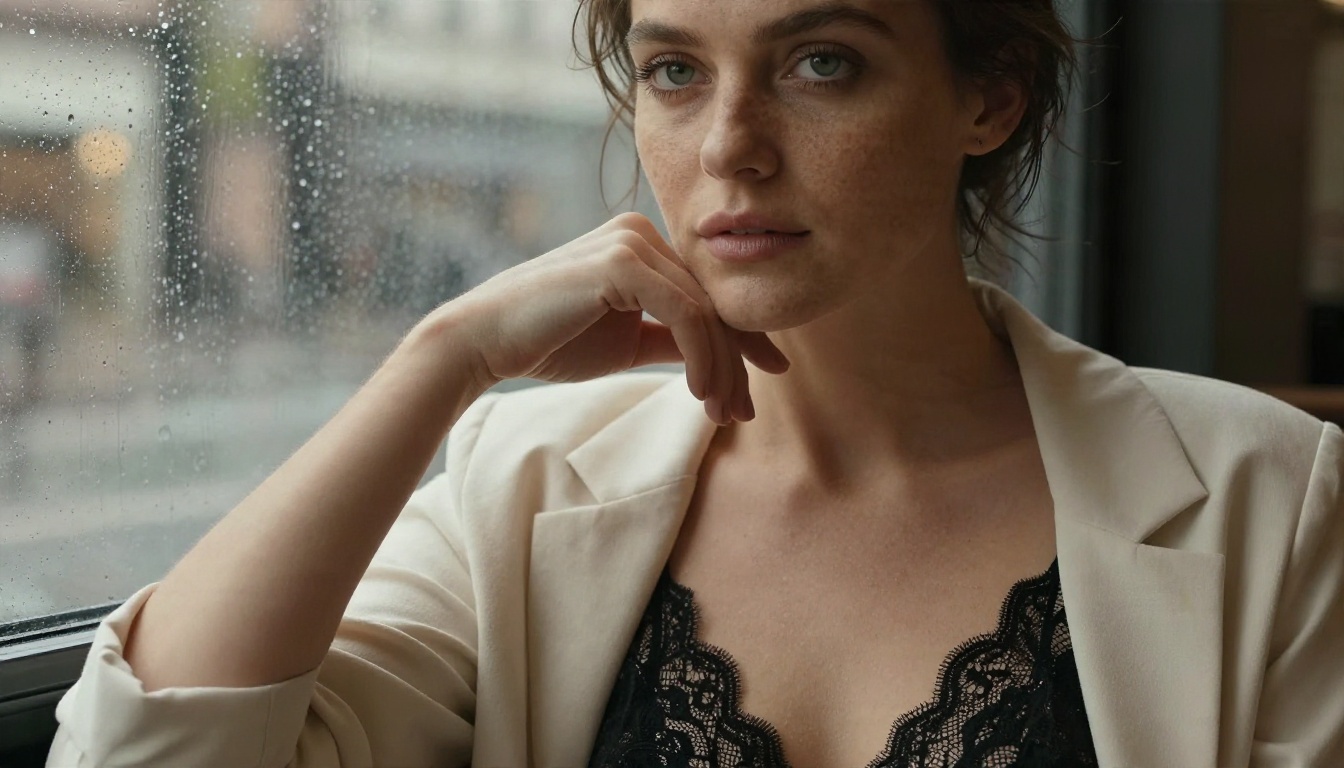
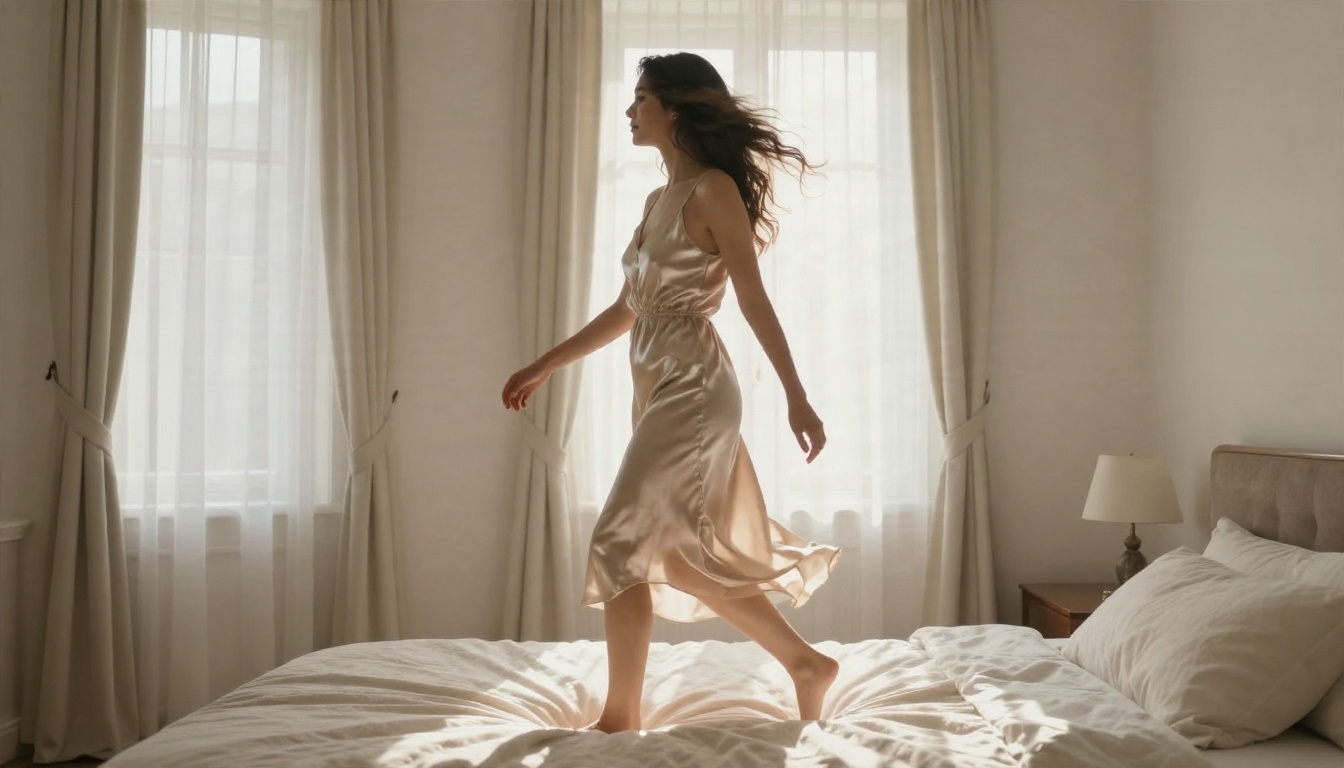
Grok Imagine Video 1.5 turns a still into a short clip with synchronized audio, which is a big deal for atmosphere. A beach photo arrives with the sound of waves. A bedroom scene arrives with soft room tone and fabric rustle. That small touch makes a five second clip feel like footage rather than an animated picture.
Motion is natural and restrained. Hair lifts in a breeze, a shoulder shifts, a smile develops. It does not overact, which is exactly what you want for glamour content.
Best for: portraits, beach scenes and slow, sensual movement.
4. Wan 2.7 I2V
Wan 2.7 I2V is the dependable workhorse. It holds the subject's face steady across the clip, keeps proportions consistent and handles camera moves such as slow push ins and gentle pans without warping the background. If your priority is a stable identity, this is the model to test first.
Its older sibling, Wan 2.5 I2V, still deserves a spot in the toolbox. When the newest model overcooks a scene, the earlier version often gives a calmer result.
5. Seedance 2.5 Lite
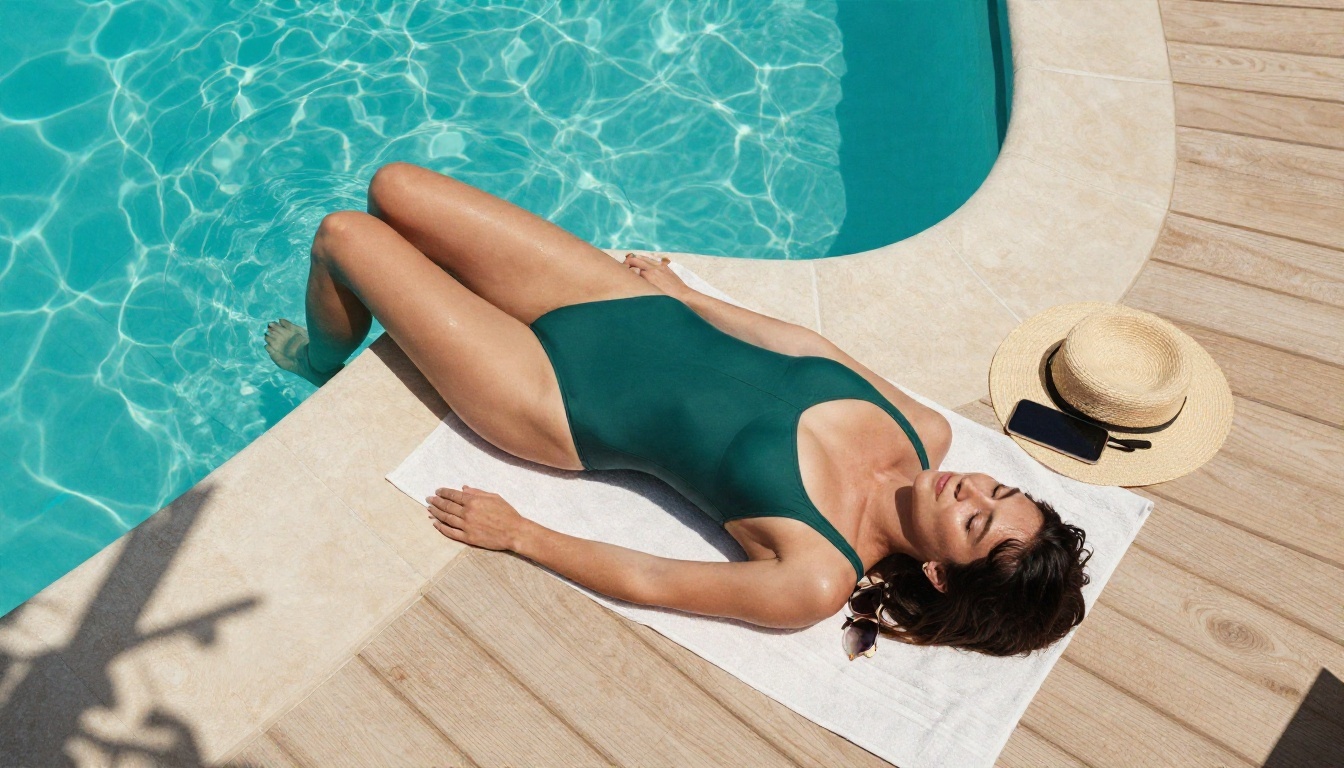
Seedance 2.5 Lite is a free and unlimited video generator that handles clips up to ten seconds. The extra length gives a scene room to breathe: a walk across a room, a turn toward the window, a slow reveal of a smile. Because it costs nothing per attempt, it is the best option for experimenting with prompts before you spend effort on a polished final.
For heavier projects there is also the full Seedance 2.5, which targets much longer clips.
6. PicassoIA Video
PicassoIA Video takes either text or an image and produces a clip with no usage cap. It is the fastest way to answer the question "will this photo animate well?" Run the same image through it, compare against Wan or Grok, and pick the version you like best.
7. Hailuo 2.3 Fast
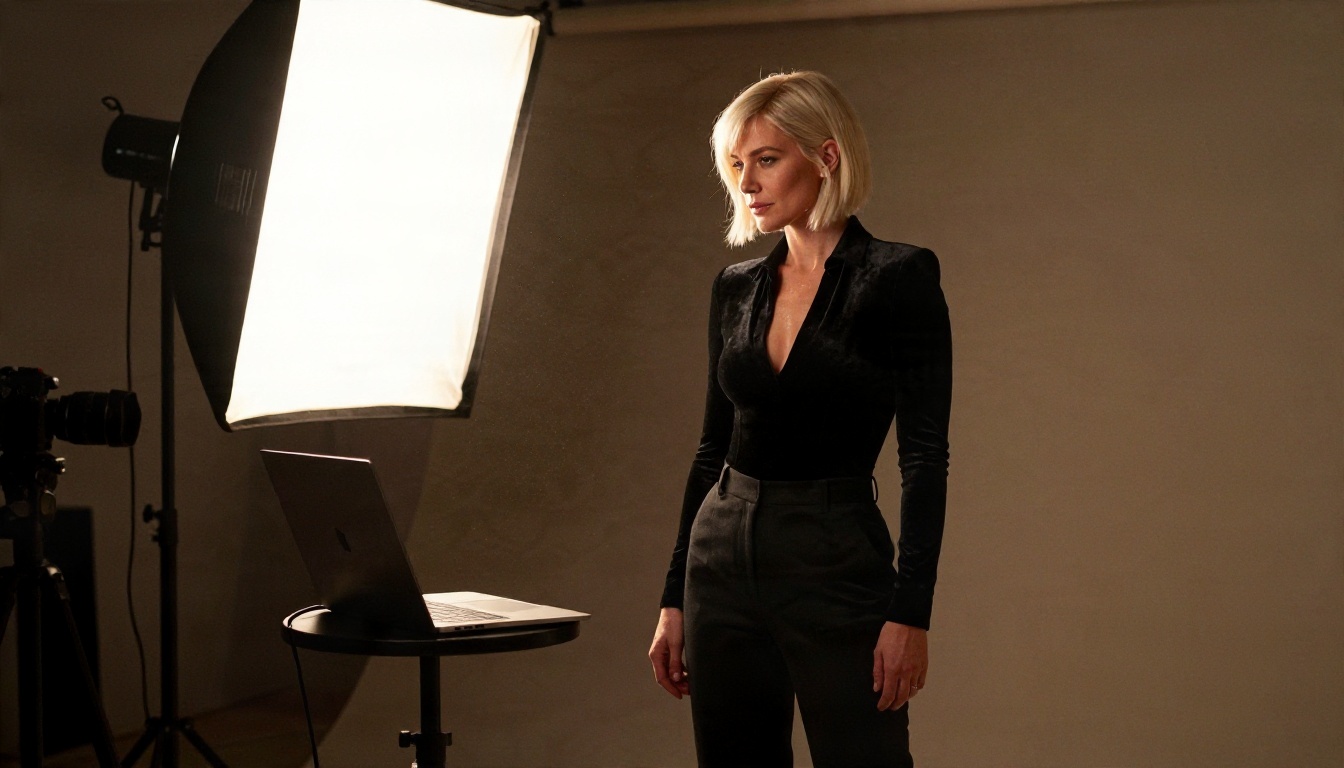
Hailuo 2.3 Fast is built for speed. It animates photos quickly, which makes it ideal for rough drafts. Many creators use it as a preview step: generate a fast version, confirm the motion idea works, then run the final in a heavier model. If you need more resolution afterward, the standard Hailuo 02 outputs 1080p.
How to Animate a Photo on PicassoIA
The pipeline is simple. Here is the exact order that gives the most consistent results.
Step by Step
- Create the still. Open Seedream 4.5 and write a prompt with subject, outfit, setting, light direction and lens. Generate three or four options.
- Fix the winner. Bring the best frame into PicassoIA Image Editor Pro and clean up straps, background objects or small anatomy issues. Edits are unlimited, so iterate freely.
- Pick a video model. Start with Wan 2.7 I2V for stable motion, or Grok Imagine Video 1.5 when you want sound.
- Upload the image as the first frame and write a short motion prompt.
- Render two or three variations with small wording changes and keep the best one.
- Upscale if needed with a super resolution model before posting.
Parameter Tips
| Setting | Recommended | Reason |
|---|
| Resolution | 720p for drafts, higher for finals | Saves time during testing |
| Duration | 5 seconds first | Short clips drift less |
| Aspect ratio | Match the source image | Prevents awkward cropping |
| Seed | Fix it when a result is close | Lets you tweak the prompt without losing the look |
| Motion strength | Low to medium | High values bend faces and fabric |
Prompts That Move Well
The Motion Prompt Formula
A good motion prompt describes what moves, how the camera moves, and what the light does, in chronological order. Think like a director writing a five second shot.
Formula: subject starting pose, then the action over time, then the camera movement, then lighting and atmosphere.
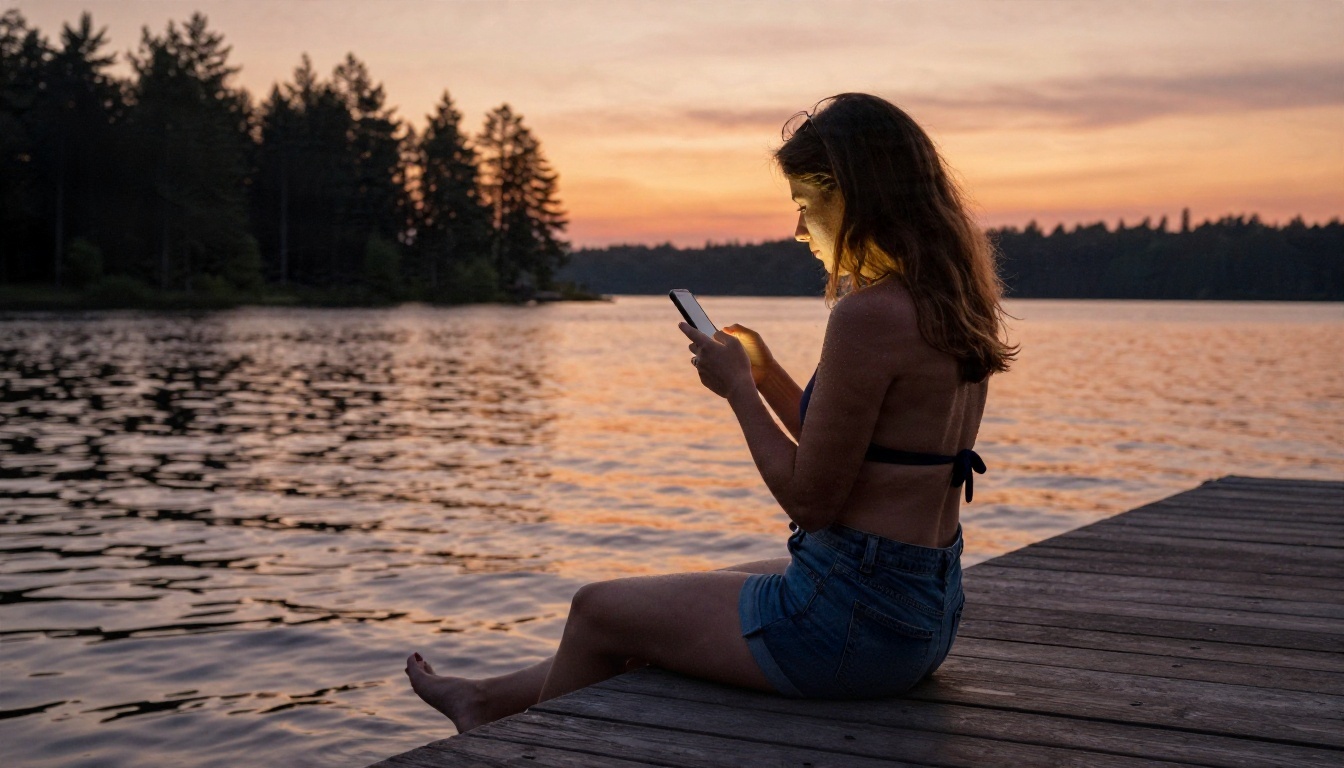
Example: "The woman sits on the dock holding her phone, slowly lifts her gaze toward the sunset and smiles, the camera drifts in a gentle dolly forward, warm backlight glints on the water, soft ripples spread across the lake."
Notice what the example avoids. There is no sudden action, no fast camera and no vague words like "epic." Subtle direction beats dramatic direction almost every time.
Three Mistakes That Waste Credits
- Asking for too much motion. A five second clip can hold one idea. Two or three actions create jitter.
- Starting from a flawed image. The model cannot repair what the photo already gets wrong.
- Ignoring the lighting. If the first frame has hard midday sun, a prompt about candlelight confuses the render. Match the prompt to the photo.
💡 Tip: Write the prompt around things that move naturally in real life: hair, curtains, water, steam, fabric, breathing. These animate convincingly. Fingers and detailed hand gestures are where most models still slip.
Apps vs Generators: The Real Cost
The word "app" hides a lot of pricing games. Here is how the two options compare in practice.
| Factor | Standalone NSFW app | Model platform with several tools |
|---|
| Pricing | Weekly or monthly subscription, often with auto renew | Pay for what you use, with free unlimited options |
| Quality control | One model, take it or leave it | Switch models when one struggles |
| Filter flexibility | Fixed and often strict | Varies by model, so you can pick the right one |
| Watermarks | Common on cheaper tiers | Depends on the tool |
| Data practices | Often unclear | Easier to compare |
The biggest hidden cost is retries. A weak model that needs eight attempts per usable clip costs more than a strong one that needs two. That is why unlimited tools such as Image Editor Pro, Seedance 2.5 Lite and PicassoIA Video are so valuable for drafting: they remove the fear of burning credits.
Speed Versus Quality
If you want a quick preview, use a fast model like Hailuo 2.3 Fast. If you want the best final render, move to Wan 2.7 I2V or Grok Imagine Video 1.5. Mixing both gives you speed during the draft and polish at the end.
Privacy and Consent Basics
Animating adult content comes with responsibilities that most listicles skip.
- Use only adult subjects. Every person depicted must be clearly an adult.
- Never use a real person's photo without permission. Animating someone's likeness without consent is harmful and may be illegal where you live.
- Read the data policy. Uploads may be stored or used for training. Prefer tools that publish clear retention terms.
- Check local laws. Rules around adult AI content vary by country and change quickly.
- Keep it non-explicit. Suggestive glamour is far more likely to pass filters and stay on the right side of platform rules.
A practical habit: generate your own original characters from scratch. You avoid likeness issues entirely and get consistent, controllable results.
Make Your First Clip Today
You do not need a subscription stack or five different apps. You need one great still and one reliable video model.
- Build a photoreal glamour image in Seedream 4.5.
- Polish it with PicassoIA Image Editor Pro, where generations are unlimited.
- Animate it with Grok Imagine Video 1.5 or Wan 2.7 I2V.
- Repeat with small prompt changes until the motion feels natural.
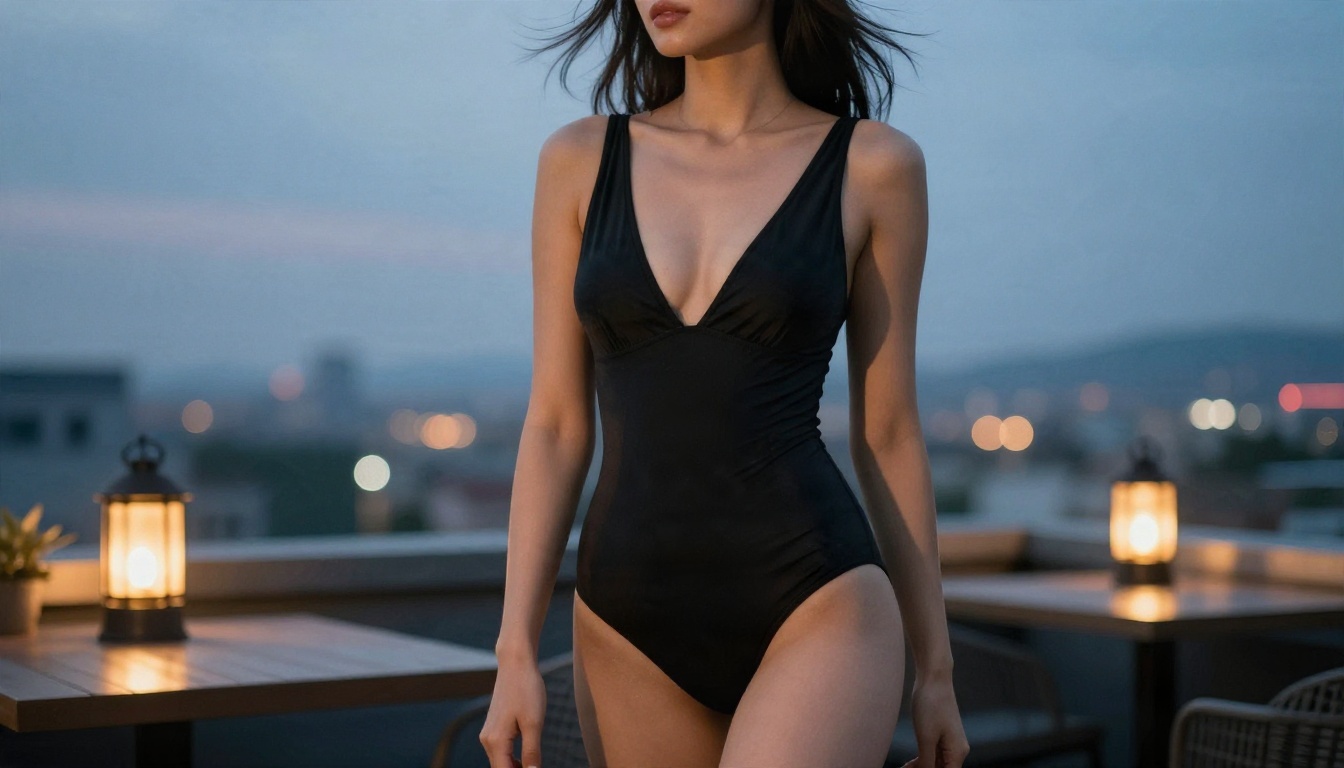
Picasso IA puts all of these tools in one place, so you can move from still to clip without exporting files between apps. Pick a photo, write a short motion prompt and see how far one idea can go. When you want more options, browse the full catalog at picassoia.com/en/all-models and test a few models side by side. Your best clip is probably two or three renders away.


