You typed a prompt, hit generate, and got a plastic face, a mangled hand and lighting that looks like a parking garage. The model was not the problem. The prompt was. A good NSFW prompt generator fixes that by turning a vague idea into a dense, structured description that an image model can actually follow: who is in the frame, what they wear, where they are, how the light falls and which lens shot it.
This article looks at the free options, the prompt maker tools worth your time and the online alternatives that need no install. It also gives you a formula you can reuse, a block of instructions you can paste into any chat model, and a short list of image models that handle glamour, bikini and boudoir styles without fuss. Everything here stays suggestive and non-explicit: the focus is aesthetics, lighting and photographic craft.
What an NSFW Prompt Generator Does
The Short Definition
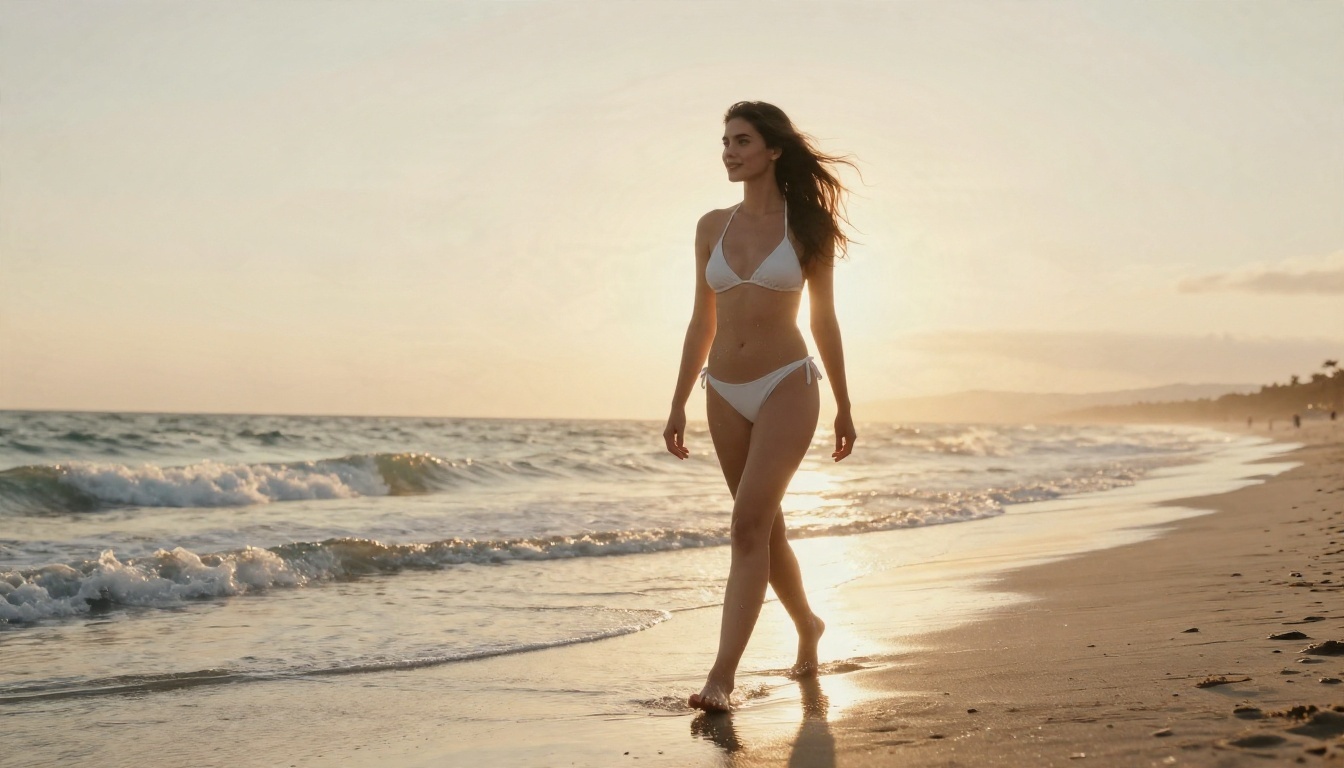
A prompt generator takes a rough idea, like "woman on a beach at sunset in a bikini", and expands it into a prompt of 60 to 150 words. It adds the details you would never type by hand: skin texture, wind in the hair, the direction of the sun, the focal length, the film grain. Some tools do this with a template. Others use a large language model that rewrites your idea on the fly.
The "NSFW" part simply means the subject matter is adult: swimwear, lingerie, boudoir, glamour, artistic and implied nudity. A good generator for this niche knows the vocabulary of fashion and beauty photography, not just generic scene description.
Why Prompts Fail Without One
Most beginners write prompts like search queries. Short, flat, and missing the three things image models need most: light, lens and material. Without those, models fall back on their average training image, which tends to look glossy, symmetrical and fake.
Here is what usually goes wrong:
- No light direction. The model picks flat frontal lighting, which erases skin texture.
- No camera language. You get a generic wide shot with a smoothed-out face.
- Adjective stacking. "Beautiful, stunning, gorgeous, perfect" adds nothing a model can draw.
- No setting. Backgrounds become blurry, empty gradients.
💡 A prompt that names a lens, a light source and a fabric will beat a prompt three times longer that only piles up compliments.
Free Options That Actually Work
You do not need to pay for a prompt generator. Three free approaches cover almost every case.
General Chat Models as Prompt Makers
A chat model is the most flexible prompt maker available. You give it a short idea plus a set of instructions, and it returns a finished prompt. On PicassoIA you can run GPT 5.6 Luna for quick rewrites, Gemini 3.5 Flash for fast iteration, or Claude Sonnet 5 when you want longer, more literary descriptions.
Chat models are strongest at photographic framing: wardrobe, pose, setting, light and lens. They are less dependable when asked for anything explicit, and many will decline or water the request down. That is fine. Tasteful prompts that describe a silk robe, a bikini or a boudoir window scene produce better images anyway, because the model has more room to get anatomy and lighting right.
Template Builders and Prompt Libraries
Template builders give you dropdowns: pick a subject, an outfit, a location, a time of day. The tool stitches them into a sentence. They are fast and consistent, and they are good if you generate a lot of similar images, such as a set of poolside portraits.
The weakness is repetition. Every output shares the same skeleton, so your images start to look alike. Use a template as a first draft, then rewrite one or two phrases by hand.
Built-In Prompt Upsamplers
Some image generators include a prompt upsampler that quietly expands your text before generating. It is the lowest-effort option, since you never see the extra text. The downside is control. You cannot tell which details were added, so it is hard to repeat a result you liked.
💡 If you find a prompt that works, save the expanded version, not your original short idea.
Here is how the main types of prompt makers stack up on the things that matter day to day.
| Tool type | Cost | Control | Output quality | Best for |
|---|
| Chat model with instructions | Free tier or low cost | Very high | Rich, varied | Custom scenes and series |
| Template builder | Usually free | Medium | Consistent, repetitive | Fast batches |
| Prompt library | Free | Low | Depends on the author | Inspiration |
| Image model upsampler | Included | Low | Good but hidden | Quick one-offs |
| Image to text captioning | Free tier | Medium | Great for matching a look | Recreating a reference |
What to Check Before You Pick
Before you commit to a tool, run through this short list:
- Does it show you the final prompt? If you cannot copy it, you cannot refine it.
- Does it use photography terms? Lens, aperture, light direction and film stock are your friends.
- Does it respect your boundaries? A tool that pushes toward explicit wording will often hurt image quality and may trigger blocks.
- Is it fast enough to iterate? You will run ten versions of a prompt, not one.
- Does it work with the image model you plan to use? A prompt tuned for one model can underperform on another.
Whatever tool you pick, strong glamour prompts share the same skeleton. If you write one by hand, or check what a generator gives you, make sure each of these slots is filled.
Subject, Wardrobe, Setting
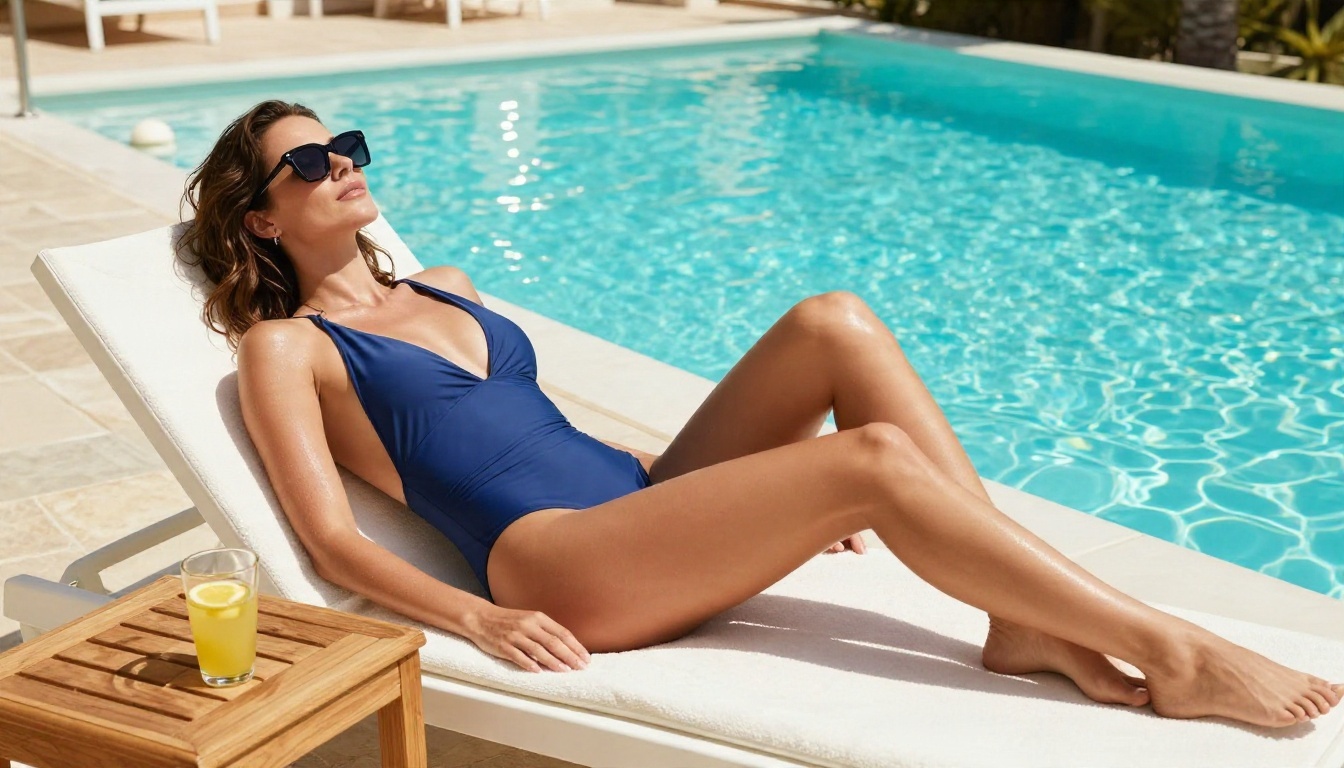
Start with a specific adult subject and what they are doing. "An adult woman in a navy one-piece swimsuit reclining on a white lounger" works far better than "sexy girl at a pool". Name the fabric: satin, lace trim, linen, ribbed cotton. Then give the setting real objects: a teak side table, a glass of lemonade, palm trees.
The word adult is worth including in every prompt. It keeps results appropriate and consistent, and it is a good habit.
Light and Lens
This is where most of the realism comes from. Describe the direction and quality of light: "soft morning sunlight from the left", "warm tungsten lamp light on the right blended with window daylight", "golden hour backlight creating a rim on the skin".
Then add the lens: 85mm f/1.8 for portraits with soft backgrounds, 35mm f/2 for environmental wide shots, 100mm macro for close beauty details. Models respond strongly to these, and they steer composition and depth of field.
Film Stock and Texture
To avoid the plastic look, finish the prompt with texture cues: "visible skin pores", "fine freckles", "flyaway hairs catching backlight", "Kodak Portra 400 film grain". Film stock names push the color toward warm, natural skin tones and away from oversaturated digital color.
💡 A reliable closing line: "raw 8K photography, natural lighting, Kodak Portra 400 grain, realistic skin texture, no text".
A Worked Example
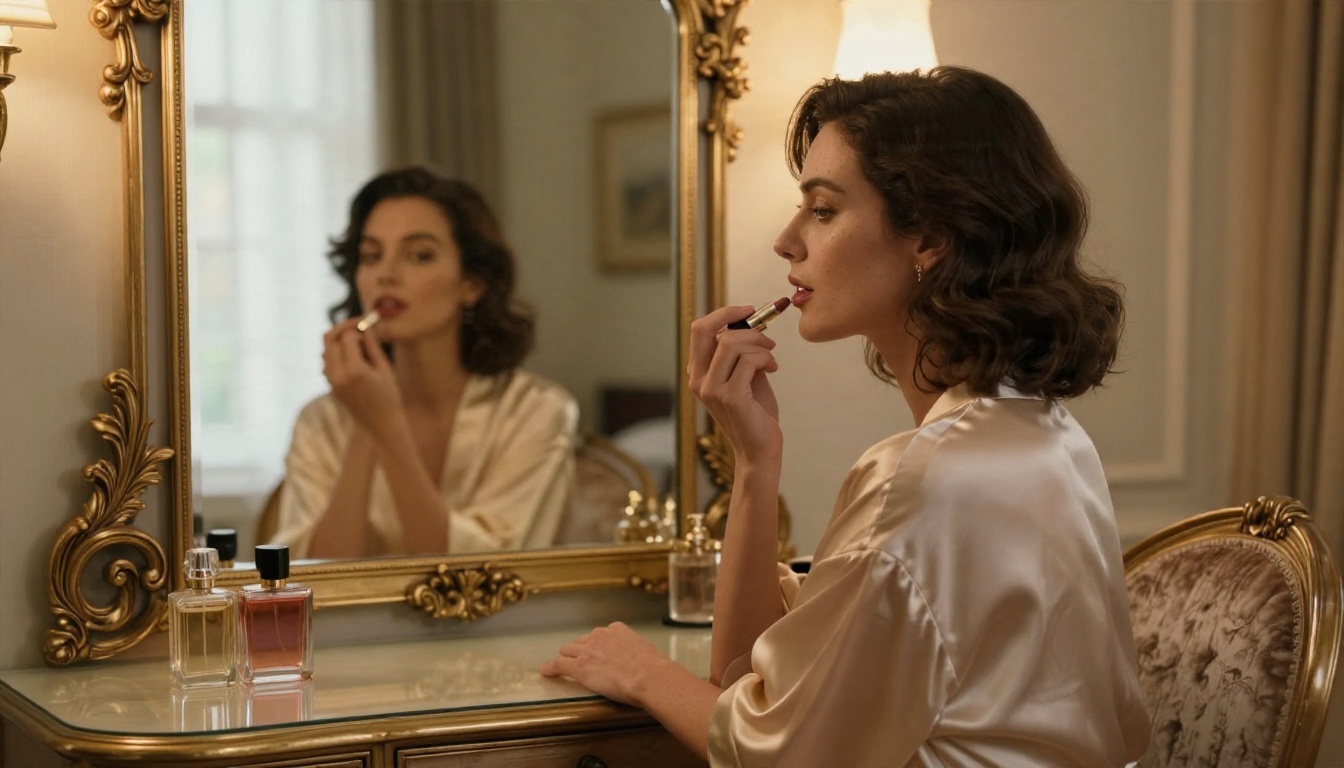
Rough idea: woman in a robe at a hotel mirror.
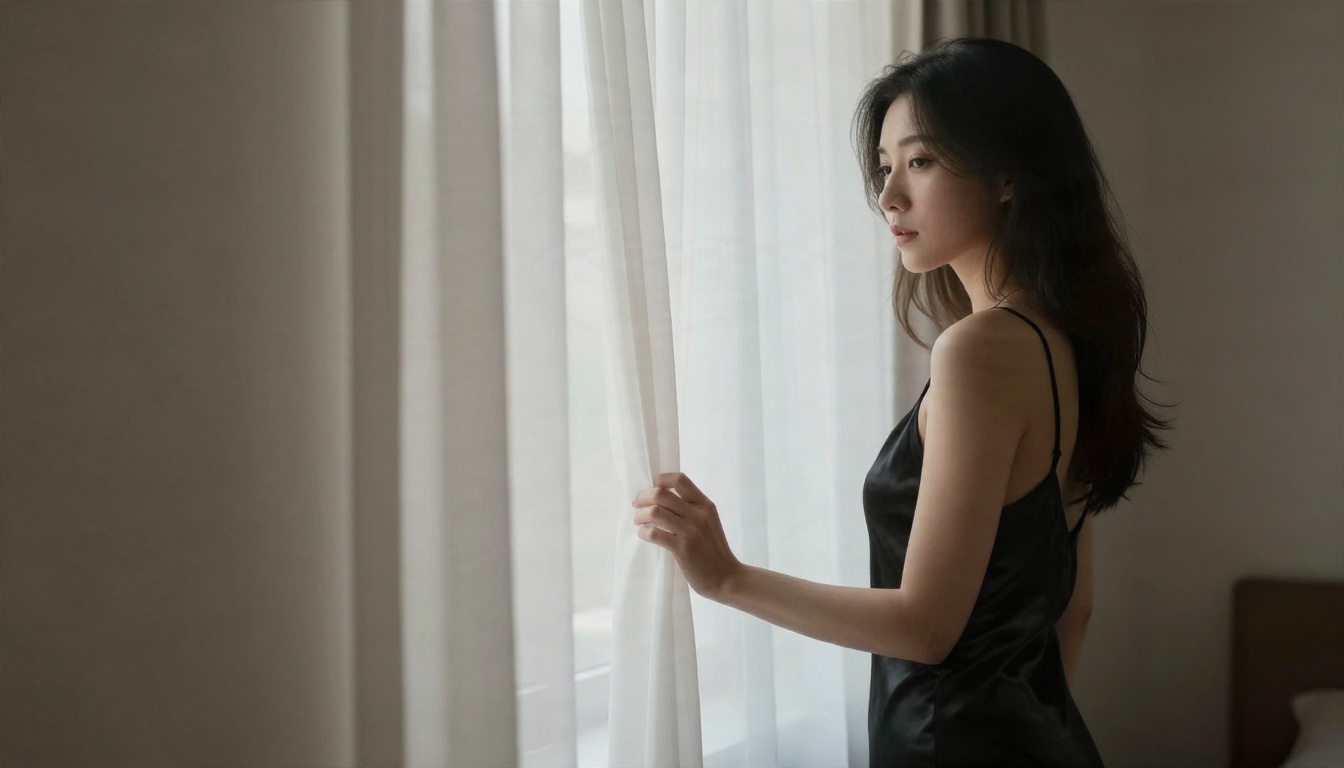
Generated prompt: Adult woman in an ivory silk robe seated at a vintage vanity in a boutique hotel room, seen directly and in a gilded mirror, applying lipstick with a calm focused expression. Straight-on medium shot, 50mm f/1.8 lens, warm lamp light from the right blended with soft daylight from a window on the left, velvet chair texture, glass perfume bottles, visible skin detail, Kodak Portra 400 grain, raw 8K photography.
That is 60 words, and every phrase gives the model something to draw.
Build Your Own Prompt Maker
You can turn any chat model into a personal NSFW prompt generator in about two minutes. This is also the most reliable free route, since you control the rules.
A Reusable Instruction Block
Paste this into Gemini 3.5 Flash, GPT 5.6 Luna or Qwen3.7-Plus, then add your idea at the end:
You write prompts for photorealistic image models. Take my short idea and return one prompt of 60 to 90 words. Always include: an adult subject and their pose, wardrobe with fabric details, a specific setting with three physical objects, light direction and quality, camera angle, lens and aperture, skin and surface textures, and a film stock. Keep the tone suggestive and glamorous, never explicit. No text in the image. Return only the prompt.
Two things make this block work. The fixed ingredient list forces the model to fill every slot. The "return only the prompt" line removes the chatter, so you can copy straight into your image generator.
Refine in Three Passes
Do not accept the first draft. Run three quick passes:
- Shape pass. Ask for three variations with different camera angles: low, overhead, close-up.
- Light pass. Pick one and ask the model to rewrite the lighting only, for example from midday sun to dusk.
- Texture pass. Ask it to add micro-details to skin, fabric and background without changing anything else.
Smaller, free models such as Granite 4.1 8B or Llama 2 7B Chat can handle the shape pass well, while a larger model gives better results on the texture pass.
Image to Text for Matching a Look
If you already have a reference image whose mood you like, a vision-capable chat model can describe it back to you as a prompt. Upload the reference, ask for a prompt in the same format as above, and you have a starting point that already carries the lighting and framing you want. Edit the subject, keep the light.
Turn Prompts Into Images
A great prompt still needs a capable image model. Not every model handles adult glamour content, and some block it outright. These are the ones to start with.
Seedream 4.5 First
Seedream 4.5 is the model to try first. It handles long, detailed prompts well, renders convincing skin, hair and fabric, and produces crisp high-resolution output. It follows lighting and lens language closely, which is exactly what the prompts above are built on. For swimwear, lingerie-style editorials and boudoir portraits, it is the strongest starting point.
Settings that help:
- Use a 16:9 ratio for environmental shots and a taller ratio for full-body portraits.
- Keep prompts between 60 and 120 words.
- Put the subject and wardrobe first, the light and lens in the middle, the texture cues at the end.
Image Editor Pro for Unlimited Runs
PicassoIA Image Editor Pro is where you iterate. It offers unlimited generations and works fast, so you can test ten versions of a prompt without watching a credit counter. Because it also edits, you can take a result you almost like and adjust the outfit, the background or the lighting instead of starting from zero. For anyone building a series of images, that freedom is the main appeal.
Other Models Worth Trying
A smart workflow is to test a prompt on Z Image Turbo for speed, then run the version you like on Seedream 4.5 for the final render.
Common Mistakes to Avoid
Even with a good generator, a few habits will pull results down.
Prompting for Perfection
Words like "flawless" and "perfect skin" produce the airbrushed, waxy look that screams AI. Ask for real texture instead: pores, freckles, small creases in fabric, hair that is not perfectly placed.
Ignoring the Background
A sharp subject on an empty blur feels cut out. Give the scene three real objects and a believable place, such as a marble table with a coffee cup, or a stone balcony with a skyline behind.
Mixing Too Many Moods
A prompt that asks for "dark moody noir, bright sunny beach, soft romantic, harsh flash" confuses the model. Pick one lighting scenario per image.
Rewriting Everything Each Time
When a result is close, change one variable. If you rewrite the whole prompt, you lose what was working. Keep a note of which phrase changed which effect.
Forgetting the Close-Up
Wide shots show mood, but close-ups sell realism. Alternate between full-body, medium and macro framing in a set.
Keep a Personal Prompt Library
The real payoff of any prompt maker comes after a week of use. Save every prompt that produced a result you liked, and sort them by type: beach, poolside, boudoir, balcony, studio. When you want a new image, start from your best-performing prompt and change one slot.
A simple folder structure helps:
- Subjects and wardrobe, with fabric phrases that worked
- Lighting recipes, such as "golden hour backlight" or "soft window light from the left"
- Lens and framing lines
- Closing lines for texture and film grain
This turns prompt writing from guesswork into an assembly job. You will find that your best prompts share a pattern, and once you spot it, a chat model can follow it for you on demand.
Make Your First Prompt Today
You now have everything you need: a formula, an instruction block, a three-pass refinement routine and a shortlist of image models. The fastest way to see the difference is to pick one idea, run it through a chat model with the block above, and generate it.
Start with Seedream 4.5 for a detailed hero image, then move to PicassoIA Image Editor Pro to iterate without limits. Change the light, swap the outfit, try a low angle, and compare. When you want to try other options, browse everything on picassoia.com/en/all-models and build your own favorite workflow.
One idea, one prompt, three variations. That is all it takes to see how much a well-built prompt changes the picture.


