Typing a prompt into a stock Stable Diffusion install and getting a blurry, half-censored mess is the moment most people start hunting for a better checkpoint. The base models were never built for adult content, so the community built its own. Today there are hundreds of free fine-tunes, and most of them are either outdated, badly tuned or locked behind settings nobody explains. This article sorts the best NSFW Stable Diffusion model options by what you actually want to make, gives you the sampler, steps and CFG numbers that tend to work, and shows the online alternatives for when your GPU, your patience or your disk space runs out.
💡 Quick answer: For anime and stylized work, an Illustrious or NoobAI-XL checkpoint is the usual pick. For photoreal glamour, an SDXL realism checkpoint such as RealVisXL is the safer bet. If you want strong results without installing anything, Seedream 4.5 runs in the browser.
A note on scope: everything here is about adult subjects and suggestive, non-explicit imagery. Never generate images of real people without their consent, and never create anything involving minors.
What Makes a Checkpoint NSFW
Base models versus fine-tunes
The official Stable Diffusion releases were trained on filtered data. They handle portraits, landscapes and product shots well, but anatomy, skin and lingerie fabric often come out wrong. A checkpoint is a full set of model weights, and an NSFW checkpoint is simply a base model that someone kept training on a large set of adult-oriented images with detailed tags.
That extra training does three things. It teaches the model body proportions, it teaches it how clothing sits on skin, and it teaches it a tag vocabulary so short prompts give predictable results.
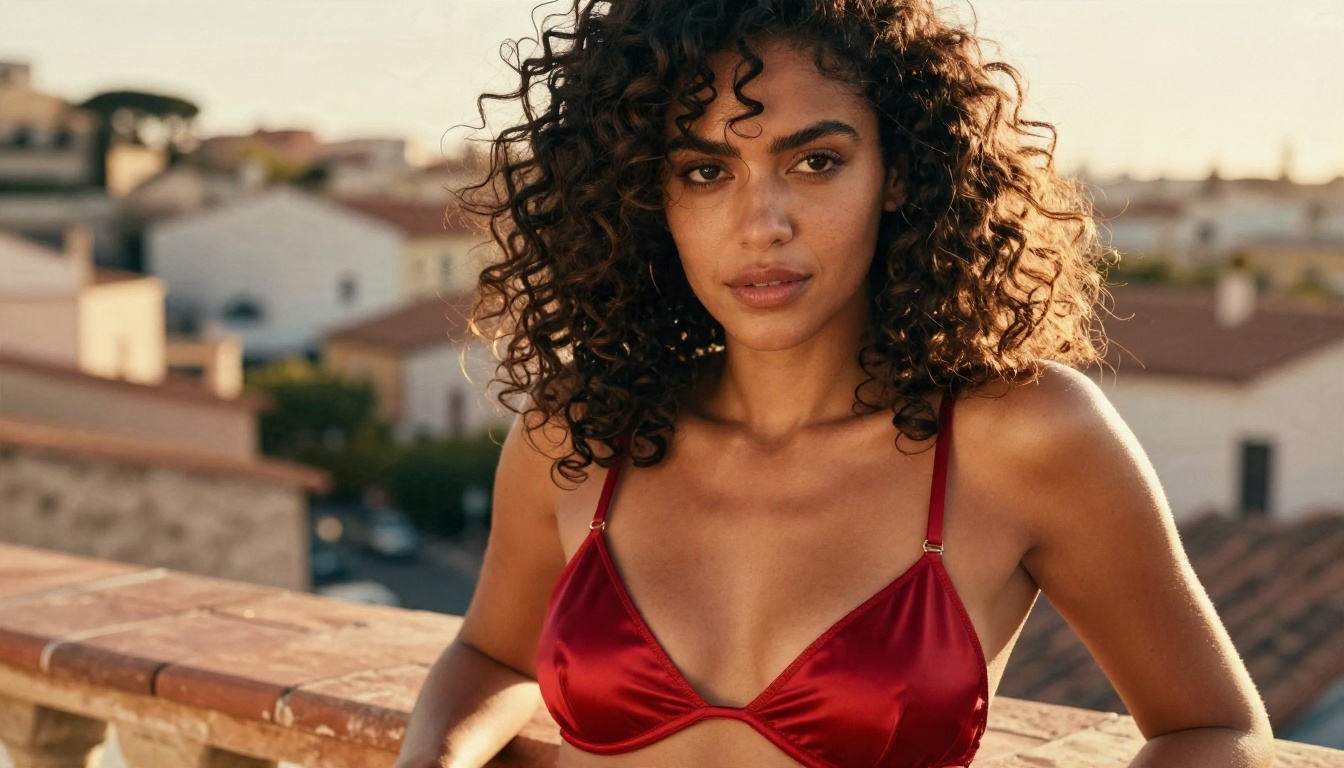
SD 1.5, SDXL and what came after
Three generations of checkpoints are still in circulation:
- SD 1.5: the oldest, light on VRAM (4 GB can work), and a huge library of LoRAs. Faces and hands are weaker.
- SDXL and its offspring: the current workhorse. Native 1024 by 1024 output, better anatomy, and the base for Pony Diffusion, Illustrious and NoobAI.
- Newer architectures: Flux-style and DiT models give better prompt following, but the adult fine-tune scene around them is smaller and heavier on hardware.
If you have a mid-range card with 8 to 12 GB of VRAM, SDXL-based checkpoints are the sweet spot.
The Best Free Checkpoints Right Now
The names below come from community recommendations, and the scene moves fast. Treat the ranking as a starting shortlist, then check each model page for the creator's own settings. These community checkpoints are downloaded from their creators' pages and are not hosted on PicassoIA.
Pony Diffusion V6 XL
Pony is an SDXL fine-tune trained on millions of images across anime, cartoon, furry and pony content. It follows score tags such as "score_9, score_8_up" at the start of a prompt, which pushes quality up. It is the strongest pick for anthropomorphic and cartoon-leaning NSFW work, and it has the biggest pool of compatible LoRAs.
Weakness: realism. Pony faces often look stylized, and the tag syntax feels odd if you are used to natural language.
Illustrious and NoobAI-XL
Illustrious is the newer anime-focused SDXL base, and NoobAI-XL builds on it. Both lean on Danbooru-style tags, and both recognize far more named characters than Pony V6 because the tagging is deeper. Popular fine-tunes such as WAI-Illustrious ship in censored and uncensored flavors, so read the file name before downloading.
Settings differ here. NoobAI v-prediction versions behave differently from standard ones, and some creators warn against Karras schedulers, so follow the model card.
RealVisXL for photoreal glamour
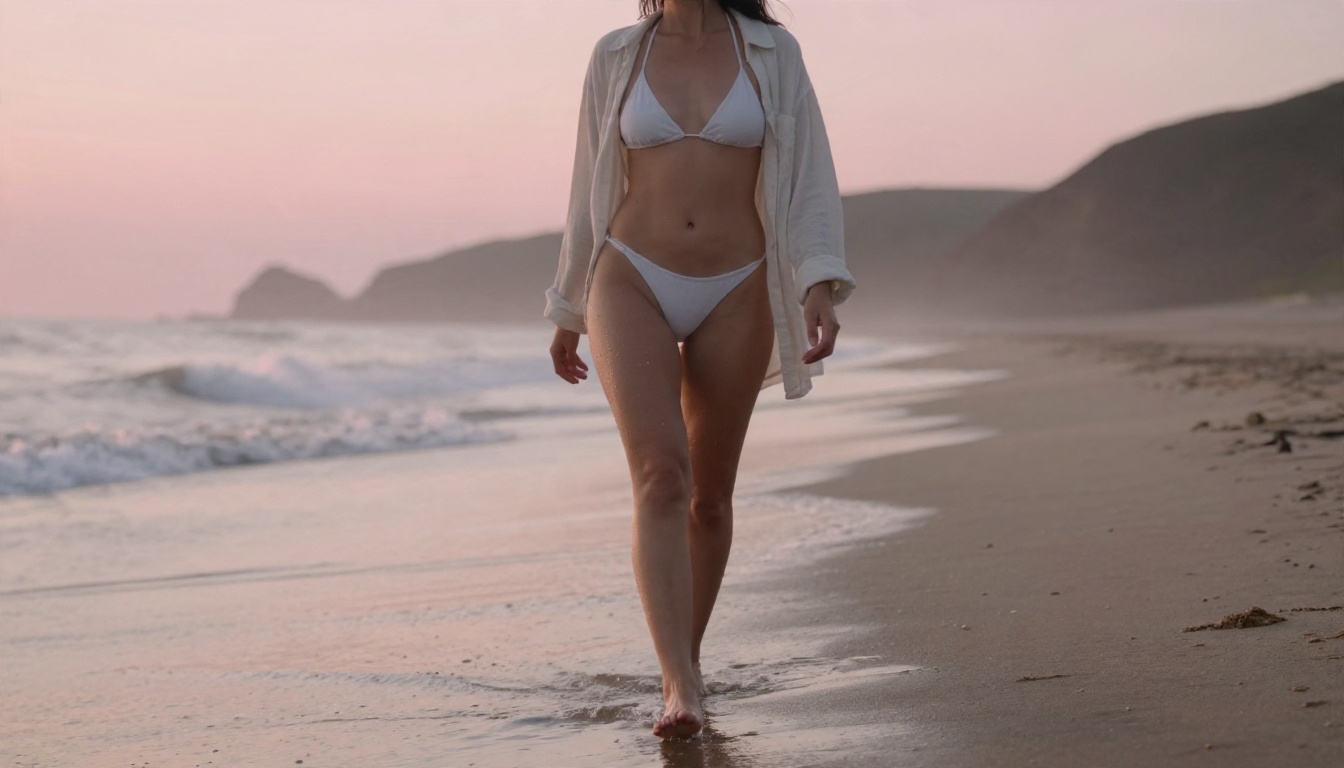
When the goal is a believable photograph rather than an illustration, an SDXL realism checkpoint is the answer. RealVisXL is the most commonly named, and it is sensitive to settings: a CFG around 1 to 3 on some builds, and noticeably higher values turn skin plastic or burn contrast. Light lingerie, swimwear and boudoir portraits work well. Fully explicit realism is harder, and the checkpoints that attempt it are often less stable.
SD 1.5 realism for low-end hardware
If your GPU is old, an SD 1.5 realism model still works. Realistic Vision v5.1 is the best-known example of that family, and it is available to run online as well, with no GPU at all.
Checkpoint Comparison at a Glance
| Checkpoint family | Best for | Prompt style | VRAM (typical) | Realism |
|---|
| Pony Diffusion V6 XL | Furry, cartoon, wide LoRA support | Score tags plus tags | 8 GB+ | Low |
| Illustrious / NoobAI-XL | Anime, named characters | Danbooru tags | 8 GB+ | Low to medium |
| RealVisXL | Photoreal portraits, swimwear | Natural language | 8 to 12 GB | High |
| SD 1.5 realism models | Older GPUs, big LoRA library | Short phrases | 4 GB+ | Medium |
| Online model (Seedream 4.5) | No setup, fast, photoreal | Natural language | None | High |
💡 Tip: Keep two checkpoints, not twenty. One anime model and one realism model will cover almost every request, and your drive will thank you.
Settings That Actually Work
Wrong settings ruin more good checkpoints than bad prompts do. These are the starting values that repeat across community guides, so adjust one value at a time.
Sampler and steps
Euler a is the most common recommendation for Pony and NoobAI. DPM++ 2M Karras and DPM++ SDE Karras are popular for SDXL realism. Most users settle between 25 and 30 steps, and going past 40 rarely adds anything but render time.
CFG scale
CFG controls how strictly the model follows your prompt. Pony and many Illustrious builds sit comfortably around 5 to 7, while some Illustrious variants prefer 4 or lower. Realism models may want even less. If the image looks burnt, oversaturated or crunchy, drop CFG by one point before touching anything else.
Resolution and VAE
SDXL checkpoints expect around one megapixel. Stick to 1024 by 1024, 832 by 1216 and similar buckets. Most checkpoints include a baked-in VAE, and only if colors look washed out should you try an external one. For SD 1.5, start at 512 by 768 and upscale after.
Quick settings table
| Setting | Anime (Illustrious / Pony) | Photoreal (SDXL realism) | Lightning or DMD2 variants |
|---|
| Sampler | Euler a | DPM++ 2M or SDE Karras | LCM or model default |
| Steps | 25 to 30 | 25 to 35 | 4 to 8 |
| CFG | 4 to 7 | 1 to 5 | 1 to 2 |
| Resolution | 832x1216 | 1024x1024 or 896x1152 | 1024x1024 |
💡 Speed shortcut: Lightning-style models trade a little detail for huge speed. SDXL Lightning 4Step is a handy way to test a prompt in seconds before committing to a slow render.
Prompts and Negative Prompts
A structure that holds up
For anime checkpoints, write tags in this order: quality tags, subject count, character or style tags, clothing, pose, setting, lighting. For realism checkpoints, write a plain description: who, what they wear, where, the light, the lens.
A photoreal example: "adult woman, black silk camisole, window light from the left, 85mm lens, shallow depth of field, natural skin texture, film grain."
Negative prompts worth keeping
Keep the negative prompt short. A few useful entries are "lowres, bad anatomy, extra fingers, blurry, watermark, text, jpeg artifacts". Long walls of negative tags often cancel each other out and flatten the image. Pony and Illustrious builds usually need less than SD 1.5 did.
Fixing Common Problems
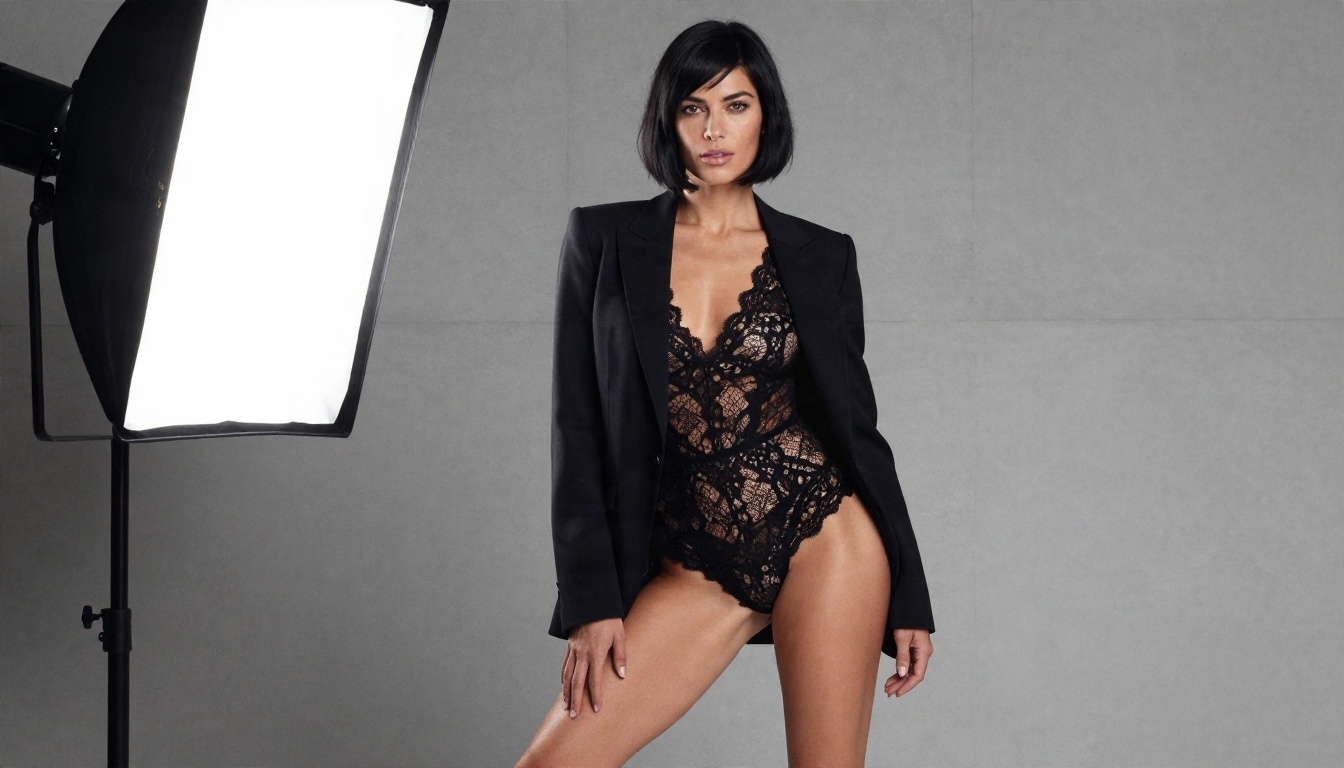
Hands, faces and plastic skin
The three most common complaints and their usual fixes:
- Bad hands: use inpainting on the hand region only, at low denoise strength (0.35 to 0.5), rather than re-rolling the whole image.
- Soft or distorted faces: run a face detailer pass, or generate at a higher resolution and downscale.
- Plastic skin: lower CFG, add "natural skin texture, pores" to the prompt, and avoid beauty-retouch tags.
Online, SDXL Multi Controlnet LoRA gives you pose and structure control when a prompt alone keeps missing the pose you want.
LoRAs that fight each other
Stacking four or five LoRAs at full strength is the fastest way to a deep-fried image. Keep each LoRA between 0.5 and 0.8, and add them one at a time so you know which one causes trouble.
What running locally really costs
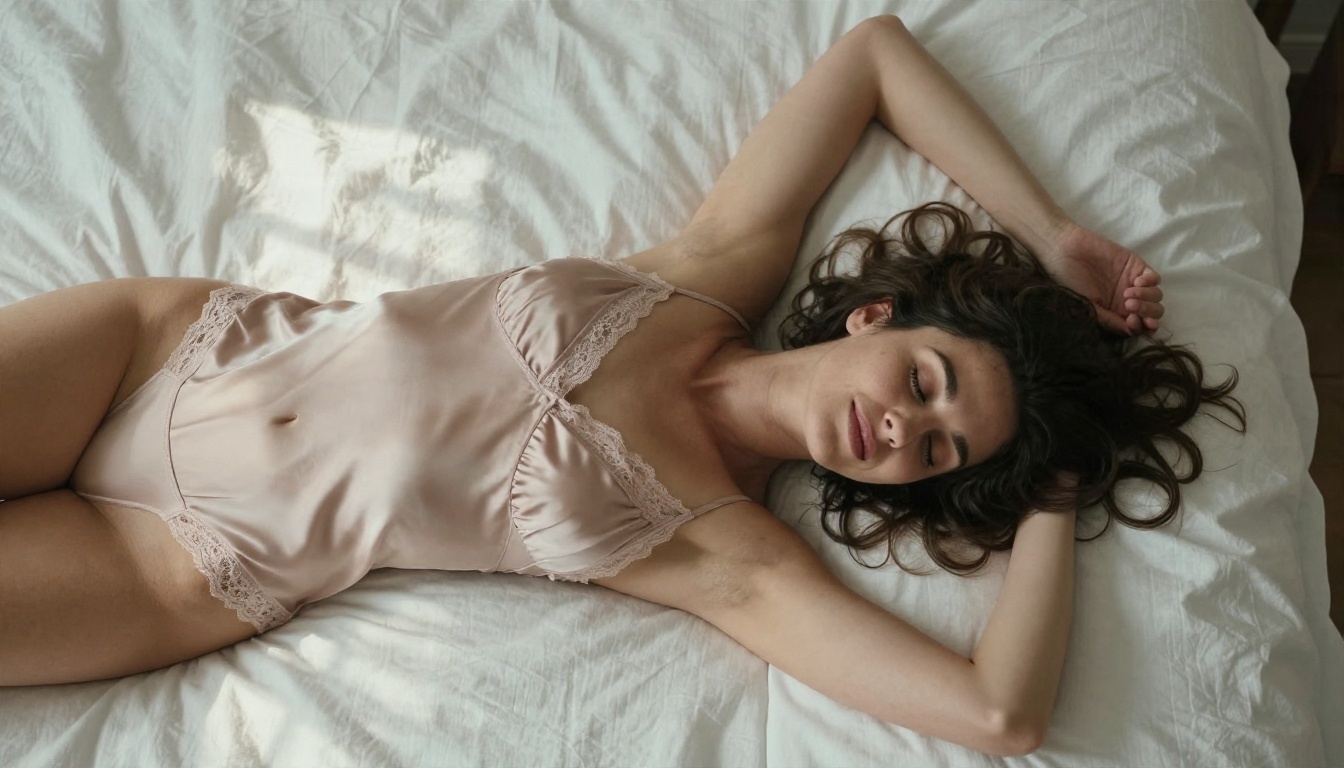
Running Stable Diffusion at home is free in licence terms, but not free in practice. You need a decent GPU, tens of gigabytes of disk space for checkpoints and LoRAs, and time to deal with Python versions, UI updates and broken extensions. A single SDXL checkpoint is about 6 GB. A tidy library of ten checkpoints and thirty LoRAs can pass 100 GB.
Safety and licences
Download only from the creator's own page, and prefer safetensors files over old pickle-format files, which can carry malicious code. Check the licence too, because some checkpoints forbid commercial use or hosting. Finally, avoid any checkpoint or LoRA built to copy a real person's face.
| Factor | Local Stable Diffusion | Online generator |
|---|
| Upfront cost | GPU, storage, time | None |
| Setup | Hours | Seconds |
| Model choice | Unlimited | Curated |
| Speed on weak hardware | Slow | Fast |
| Privacy | Fully local | Account based |
Online Alternatives Without the Install
If you want the output of a good checkpoint without the setup, a hosted model is the shortest route. These are the ones worth trying, in the order I would try them.
Seedream 4.5 for photoreal results
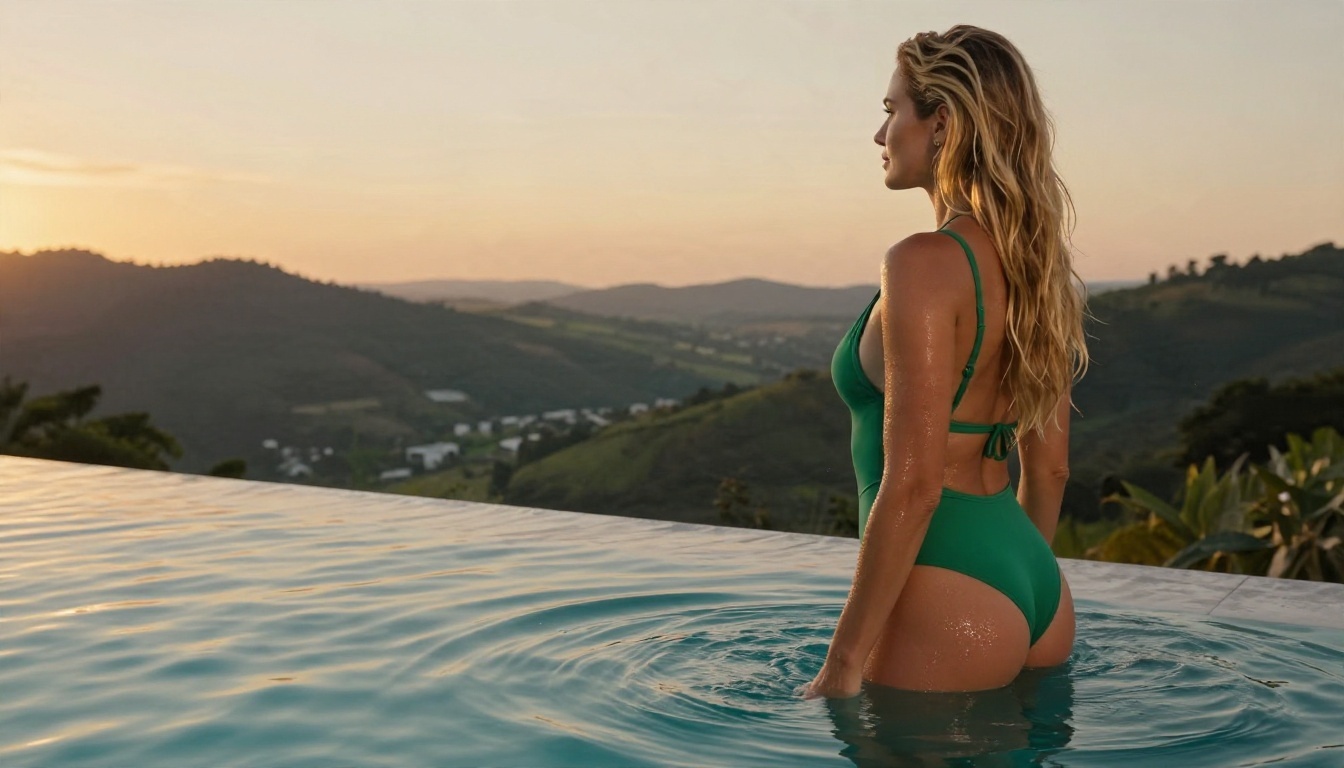
Seedream 4.5 is the first stop. It follows natural-language prompts closely, renders skin, fabric and light convincingly, and handles swimwear, lingerie and glamour portraits without the tag gymnastics that Pony needs. Output reaches 4K, and generation takes seconds on any laptop.
PicassoIA Image Editor Pro for edits
PicassoIA Image Editor Pro offers unlimited generations, which matters when you iterate. Use it to change outfits, fix details, adjust backgrounds and refine a result you almost like. It is the online counterpart of inpainting and img2img.
More models to round out the set
How to Get Similar Results Online
Here is a repeatable workflow for glamour and swimwear images using Seedream 4.5 as the main engine.
Step 1: Write a photographic prompt
Describe the subject, outfit, setting, light and lens in plain English. For example: "adult woman in a white bikini walking along a shoreline at sunrise, low-angle shot, soft backlight, 35mm lens, natural skin texture, film grain." Skip score tags and Danbooru tags, because they do nothing here.
Step 2: Choose ratio and size
Pick 16:9 for banners and scenes, 3:4 or 2:3 for portraits. Start at a standard size, and only go to 4K for the images you plan to keep.
Step 3: Generate a small batch
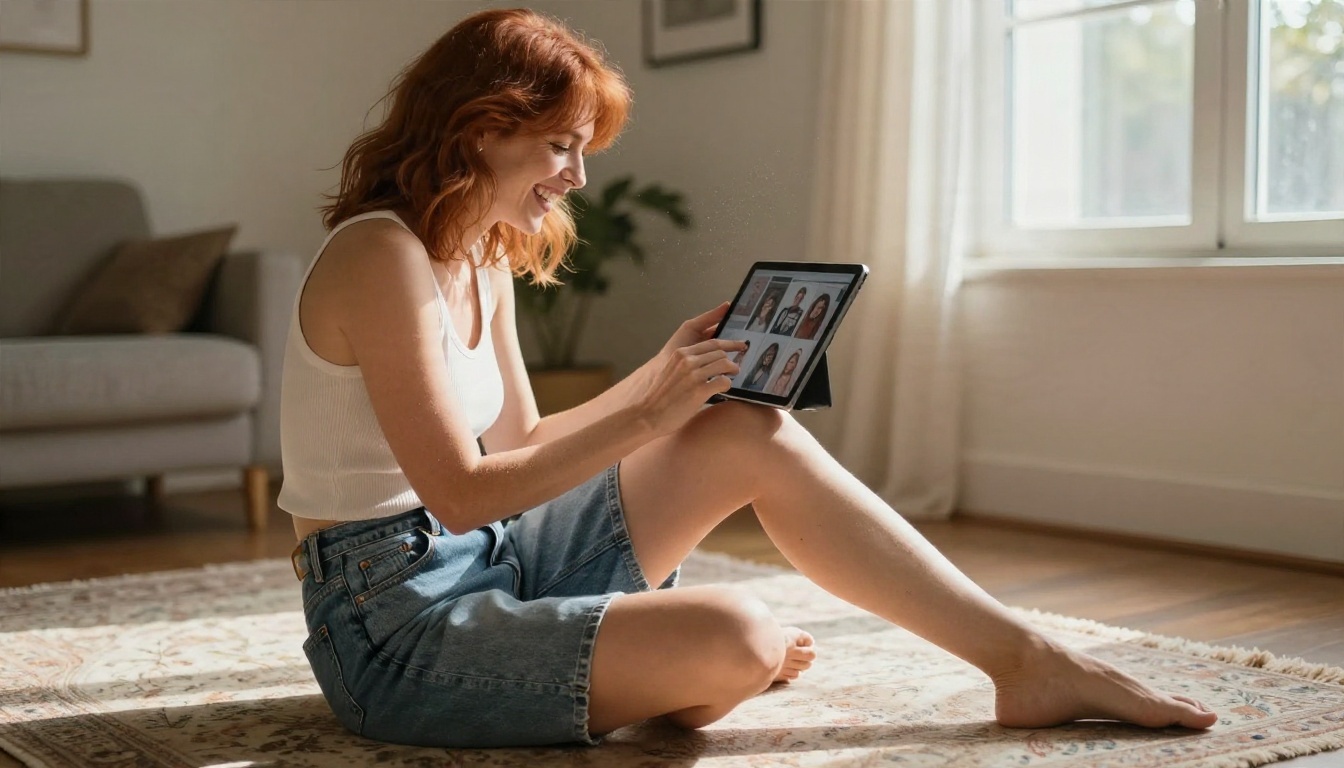
Make three or four variations rather than one. Compare lighting, skin and pose, then keep the winner. Changing one phrase at a time shows you which words matter.
Step 4: Refine in Image Editor Pro
Open the best result in PicassoIA Image Editor Pro and make targeted changes: a different outfit color, a cleaner background, a softer light. Because generations are unlimited, you can keep going until it is right.
💡 Parameter tip: Add concrete camera words (85mm, f/1.8, Kodak Portra 400) and specific light directions ("window light from the left"). Those phrases do for hosted models what CFG and sampler tuning do locally.
Which One Should You Pick?
| Your situation | Best choice |
|---|
| Anime, named characters, big LoRA library | Illustrious or NoobAI-XL locally |
| Furry or cartoon NSFW | Pony Diffusion V6 XL locally |
| Photoreal glamour on a good GPU | RealVisXL locally |
| Photoreal glamour on any device | Seedream 4.5 online |
| Lots of iterations and edits | Image Editor Pro online |
| Old GPU, 4 GB VRAM | Realistic Vision v5.1 online |
Try Your Own Images Today
The best checkpoint is the one that fits your hardware, your style and your patience. If you enjoy tuning samplers and stacking LoRAs, a local SDXL setup rewards that effort. If you would rather type a prompt and see a polished photograph in seconds, skip the downloads altogether.
Open Seedream 4.5 on PicassoIA, write a short photographic prompt, then refine the best result in PicassoIA Image Editor Pro with unlimited generations. You can browse every available model at picassoia.com/en/all-models and see which one gives you the look you want.


