Most people searching for an NSFW video model run into the same four walls: the free tier ends after two clips, the clips stop at five seconds, the pricing page hides the real cost per video, and the API either filters everything or does not exist. This article takes those four problems one at a time, with actual numbers and a short list of models worth your time. Everything here is aimed at tasteful, non-explicit glamour content: swimwear, lingerie-style fashion, boudoir lighting and cinematic motion, the kind of material that platforms and clients can actually accept.
💡 Quick answer: For a free start, try Seedance 2.5 Lite. For longer clips, look at Seedance 2.5. For image-to-video control, Wan 2.2 I2V A14B is hard to beat.
What Counts as an NSFW Video Model
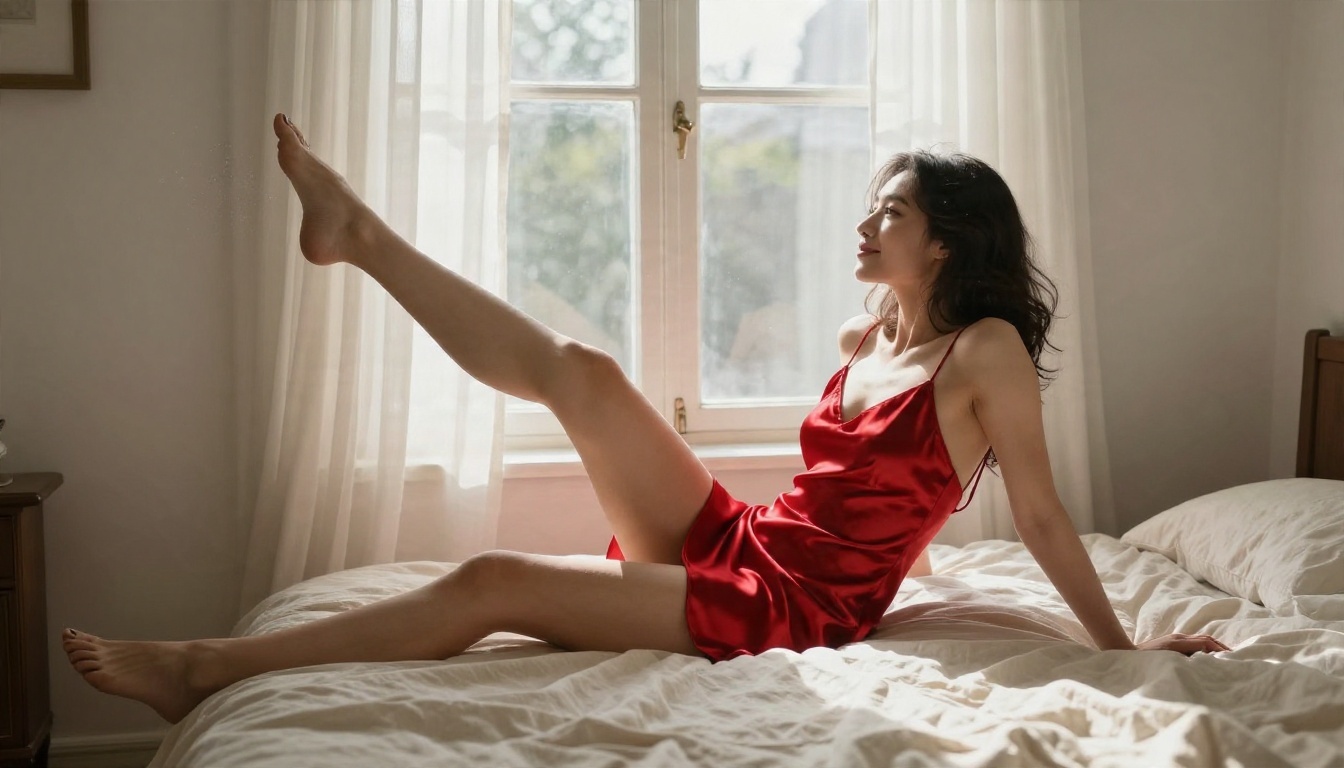
There is no official "NSFW" label on a video model. What people mean by the term is a model that does not panic when the prompt contains a bikini, a silk slip dress, wet hair or a bedroom scene. Two things decide that: the model itself, and the service wrapped around it.
Hosted Models and Their Filters
Big-lab models such as Sora 2 and Veo 3.1 Fast are built for broad, brand-safe use. Their moderation layers tend to be strict, and a swimwear prompt can be refused or quietly softened. They are superb for cinematic realism, but they are not where most glamour creators end up first.
Open Weights and Self-Hosting
Open-weight models such as Wan 2.2 are released under a permissive Apache 2.0 license, which means anyone can run them on their own hardware without a service-level filter sitting in the middle. The trade-off is hardware, setup time and your own responsibility for what you generate. The smaller 5B variant is designed to fit on a 24 GB consumer GPU, while the larger 27B mixture-of-experts version (14B active parameters) wants much more.
Why Start Frames Matter
Whatever model you pick, image-to-video gives you more control than text-to-video. You design the exact outfit, pose and lighting in a still, then animate it. That is why the best workflow starts with a strong image model such as Seedream 4.5 or PicassoIA Image Editor Pro, which offers unlimited generations so you can iterate on the first frame without watching a credit counter.
Free Options That Actually Work
"Free" in AI video usually means one of three things: a trial that expires, a watermark, or a daily cap that resets. True unlimited free generation is rare, which is why it is worth knowing where it exists.
Seedance 2.5 Lite
Seedance 2.5 Lite is listed as a free and unlimited video generator with clips up to 10 seconds. That combination, no per-clip fee and double the usual clip length, makes it the most practical place to test prompts, motion styles and start frames before spending anything on a heavier model. If you are new to video generation, start here and keep your prompts simple.
Wan 2.2 at Home
Running Wan 2.2 yourself costs nothing per clip once the hardware is set up. You pay in electricity, time and troubleshooting. For people who already own a strong GPU and enjoy tinkering, this is the cheapest long-term route. For everyone else, a hosted version is faster. PicassoIA lists Wan 2.2 5B Fast for quick 720p text-to-video and Wan 2.2 I2V A14B for animating photos into HD clips.
Free Tier Traps to Avoid
- Watermarks that make the clip unusable for client work.
- Credit systems that charge extra for retries, even when the first result had a warped hand.
- Queue priority that sends free users to the back of the line during peak hours.
- Silent downgrades where free output is capped at 480p while the marketing shows 1080p.
Video Length Limits Compared
Clip length is the limit people feel most. A five-second loop is fine for a social teaser, but it is far too short for a scene with a beginning, middle and end.
Why Five Seconds Is the Default
Most open and hosted models were trained on short clips. Wan 2.2 in particular is typically billed and delivered in 5-second units at up to 720p. Longer outputs cost far more compute, and quality tends to drift: faces shift, fabric changes pattern, backgrounds slide. Five seconds is the length where models stay stable.
Stretching Clips Past 10 Seconds
There are two honest ways to go longer. The first is a model built for it: Seedance 2.5 is positioned around 30-second videos, and Seedance 2.5 Lite reaches 10 seconds. The second is chaining: generate clip one, take its last frame, and use that frame as the start image for clip two. This works with any image-to-video model and gives you total control over the scene, though you must watch for slight color shifts at each join.
💡 Tip: Length figures change as models update. Always check the model page for the current maximum before planning a project around it.
Pricing: What a Clip Really Costs
Pricing is the most confusing part, because providers quote it in different units: per second, per clip, per credit or per megapixel.
Typical Per-Clip Ranges
Based on current public listings for Wan 2.2, a 5-second hosted clip lands somewhere between about $0.015 and $0.40, depending on the provider and resolution. Budget providers advertise roughly a cent or two for 480p, mid-range hosts charge around $0.04 to $0.08 per second at 720p, and premium tiers go higher. Treat these as rough figures: prices move often and aggregator pages disagree with one another.
| Tier | What you get | Rough cost per 5-second clip |
|---|
| Free / unlimited | Short drafts, 480p to 720p, queue limits | $0 |
| Budget hosted | 480p, basic features | About $0.02 to $0.05 |
| Mid-range hosted | 720p, better motion | About $0.20 to $0.40 |
| Premium models | 1080p or 4K, audio, long clips | Often above $1 per clip |
The Hidden Cost of Retries
The sticker price is rarely the real price. If one clip in four is usable, your effective cost per good clip is four times the listed figure. That is why a free or unlimited option for drafting, followed by a paid model for the final render, is the cheapest workflow in practice. Draft with Seedance 2.5 Lite, then send only the strongest start frames to a premium model.
Subscription Versus Pay Per Use
Pay-per-use suits occasional creators. If you make more than a few dozen clips a month, flat or unlimited plans win. Check three things before committing: whether unused credits expire, whether retries cost extra, and whether the resolution you need is included at the quoted price.
API Access for Developers
If you are building a tool, a bot or a content pipeline, the API question matters more than the web interface.
What to Check Before You Build
- Content policy of the endpoint. Hosted APIs usually apply their own filters on top of the model. An open-weight model on a third-party API is not automatically unfiltered.
- Rate limits and queue time. Five-second clips can take from seconds to several minutes depending on load.
- Input options. Image-to-video endpoints should accept a start image and, ideally, an end image or a seed for repeatability.
- Output format. MP4 with a stable URL is easiest to automate.
- Pricing transparency. Per-second billing with a 5-second minimum is common.
A Simple Image-to-Video Pipeline
A reliable automated workflow has three steps: generate a still with an image model, send that still plus a motion prompt to a video model, then store the returned MP4. Because stills are cheap and clips are not, you can run dozens of image variations, pick the best, and only pay for video on the winners. Models like Wan 2.5 I2V Fast and Hailuo 2.3 Fast are built for this fast-turnaround pattern.
💡 Rule of thumb: If an API call returns an empty or null result, retry that single request instead of rerunning your whole batch.
Best Models Ranked for Glamour Video
Here is the shortlist, ordered by how useful each model is for tasteful, non-explicit swimwear and boudoir-style motion.
1. Seedance 2.5 Lite for Free Drafts
Seedance 2.5 Lite is the easiest entry point: free, unlimited and capable of clips up to 10 seconds. It is perfect for testing whether a prompt and start frame work together.
2. Seedance 2.5 for Longer Scenes
Seedance 2.5 is the choice when you need a scene that breathes: a walk along a jetty, a slow turn at a window, a camera move that lasts more than a few seconds.
3. Wan 2.2 I2V A14B for Control
Wan 2.2 I2V A14B turns a photo into a short HD clip with convincing fabric and hair motion. It is also the open-weight lineage, so skills you build here carry over if you ever self-host.
4. Wan 2.5 and Hailuo for Speed
Wan 2.5 T2V Fast and Hailuo 02 Fast trade a little detail for quick turnaround, which suits high-volume testing.
5. LTX Models for Resolution
LTX 2 Pro and LTX 2.5 Fast push toward 4K output, handy when a client wants large, crisp deliverables.
Make Your First Clip on PicassoIA
This workflow uses the free model for drafts and keeps everything non-explicit.
Step 1: Build the Start Frame
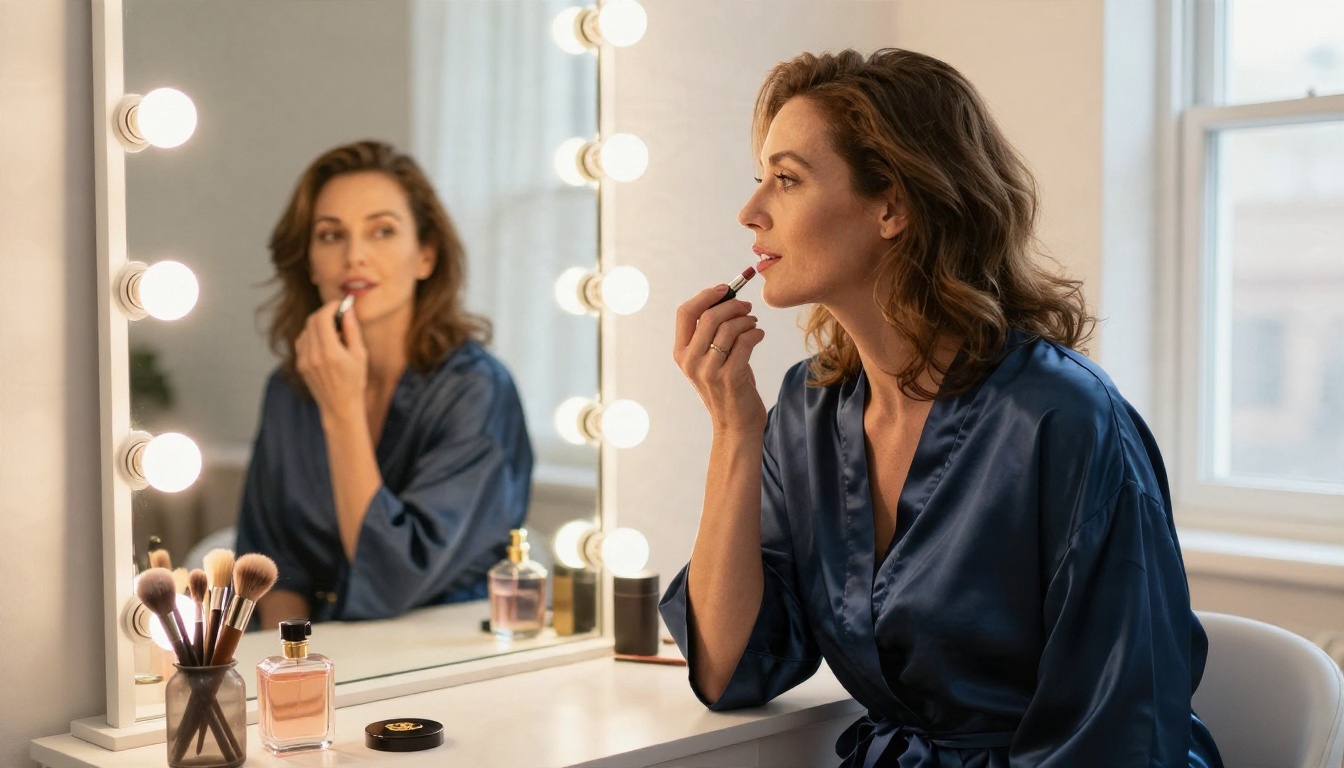
Open Seedream 4.5 and describe one clear scene: subject, outfit, setting, light direction and lens. Example: "adult woman in a navy silk robe at a vanity mirror, warm bulb lights, soft window light from the right, 85mm lens, film grain." If you want to adjust details such as outfit color or background without regenerating everything, use PicassoIA Image Editor Pro, which has unlimited generations.
Step 2: Write a Motion Prompt
Describe motion in order: what moves first, how the camera behaves, what the light does. For example: "She lifts the lipstick and turns her head slightly toward the window, the camera pushes in slowly, warm light flickers across the mirror." Keep it to one subject action and one camera move.
Step 3: Animate with Seedance 2.5 Lite
Upload the start frame to Seedance 2.5 Lite, paste the motion prompt, and generate. Run three or four variations. Because it is free, you can afford to discard most of them.
Step 4: Upgrade the Best Draft
When one draft has the right motion, rerun the same frame and prompt on Seedance 2.5 or Wan 2.2 I2V A14B for the final version.
Prompt Tips That Save Credits
- Use one subject per clip. Two people double the chance of artifacts.
- Mention fabric and light (silk, linen, wet skin, rim light). Models respond well to them.
- Avoid fast spins and complex hand actions, which are the most common failure points.
- Keep camera moves slow: dolly-in, gentle pan or slight handheld drift.

Quick Comparison and Final Picks
The short version: draft free, polish paid, and never trust a price until you have counted the retries.
Try It Yourself Today
You now have the numbers: free options exist, 5 seconds is the common limit with 10 and 30 seconds possible on specific models, hosted pricing ranges from pennies to a few dollars per clip, and API access depends as much on the host's content policy as on the model. The fastest way to see what works for your style is to make something. Create a start frame with Seedream 4.5, animate it with Seedance 2.5 Lite, and compare the result against a heavier model. Browse every available option at picassoia.com/en/all-models and start experimenting with your own clips on PicassoIA.


