You open OpenArt, type a prompt, and watch the credit counter drop. Four images later, you are staring at an upgrade screen. If that sounds familiar, you are exactly who this comparison is for. The search for OpenArt alternatives usually starts with one of three frustrations: the free tier runs dry too fast, the content filter rejects perfectly tasteful requests, or the monthly price no longer matches how often you actually generate.
I looked at what people actually need from an AI image generator in 2027: a free tier that lasts, honest pricing, clear NSFW rules, and limits you can predict before you hit them. Below you will find a plain-language breakdown, a comparison table, and a short list of options that make sense depending on your situation.
💡 Quick answer: If you want the fewest restrictions and the most generations for the money, start with Seedream 4.5 and PicassoIA Image Editor Pro on PicassoIA. Details and reasoning follow.
Why People Leave OpenArt
OpenArt is a capable all-in-one platform. It bundles many models, training tools and a social gallery. That breadth is also why the pricing model is built around credits, and credits are where most complaints begin.
The Credit Drain Problem
Pricing pages from third-party trackers describe a small trial allotment on signup, roughly 40 credits in the figures I found, and paid plans starting around $14 per month with about 4,000 credits. Higher tiers climb to roughly $34, $56 and well beyond for team use. Naming and numbers vary between sources, so always confirm on the official pricing page before you pay.
The catch is how credits are spent. A quick image on a lightweight model costs little. A high-resolution render on a premium model, an image-to-video clip or an upscale can cost many times more. Monthly credits reset with each billing cycle and generally do not roll over, so a slow month is money lost.
The Filter Frustration
Creators working on fashion, swimwear, boudoir or glamour portraits often report that moderation feels inconsistent on mainstream platforms. One prompt passes, the next nearly identical prompt is blocked. That unpredictability costs time, and time is a hidden price.
The Limit Surprise
Daily caps, queue priority, resolution ceilings and commercial licence terms differ by plan. Many users only discover these when a deadline is already close.
What to Check Before You Switch
Before moving to any new tool, compare the same five things. Skipping this step is how people end up paying for a second subscription they regret.
Free Tier Reality
Ask three questions. Is the free allowance one-time or recurring? Does it reset daily, weekly or monthly? Are outputs watermarked or locked to low resolution? A "free" tool that gives you ten images once is a trial, not a free tier.
Real Cost Per Image
Divide the monthly price by the number of images you realistically make. A $14 plan that you use for 40 images costs far more per image than a pay-as-you-go option that charges only when you generate.
NSFW Tolerance
Rules fall into three buckets:
- Strict: adult-leaning content, including swimwear and boudoir styling, is often filtered.
- Moderate: suggestive but non-explicit content passes, with occasional false blocks.
- Open: tasteful glamour and artistic content generates reliably, while explicit material remains off limits or is the user's responsibility.
💡 Reminder: Non-explicit does not mean careless. Generate only adults, never real people without consent, and follow each platform's terms and local law.
Model Variety
OpenArt's strength is variety. A good alternative should give you at least a photorealistic model, a fast draft model and an editing tool, so you do not need three subscriptions.
Commercial Rights
If you sell prints, post to client accounts or run ads, check the licence. Free tiers sometimes limit commercial use.
Free Options Compared Side by Side
The table below summarises how the main routes compare. Platform names other than PicassoIA are mentioned for context only, and plans change often, so treat every figure as a snapshot to verify.
| Option | Free tier style | Typical paid entry | NSFW tolerance | Best for |
|---|
| OpenArt | Small one-time trial credits | About $14/month | Strict, inconsistent | Model variety, training tools |
| Leonardo AI | Recurring daily allowance | Low monthly tiers | Moderate | Game art, concept work |
| Midjourney | No lasting free tier | About $10/month and up | Strict | Stylised artistic looks |
| Adobe Firefly | Limited monthly credits | Bundled with Adobe plans | Strict | Commercial-safe design |
| Local open models | Unlimited on your own GPU | Hardware cost | You decide | Technical users |
| PicassoIA | Free generations plus unlimited editing | Pay for what you use | Open for non-explicit glamour | Photorealism, volume, NSFW-friendly work |
Where Each One Wins
Leonardo AI suits people who want a recurring free allowance and game-style assets. Midjourney produces a distinctive painterly look but has no lasting free option. Adobe Firefly is the safest pick for corporate licensing, though it is conservative with adult themes. Local open models give total freedom, but you need a capable graphics card, patience with setup and the discipline to manage licences yourself.
Where They Lose
Each of these locks you into one pricing logic. Credits, tiers, queues. If you generate in bursts, the structure works against you.
The Real Cost of Staying
Let us put numbers on a typical scenario. Say you generate 300 images a month, mostly portraits and product shots, plus a few upscales.
On a credit plan around $14, a heavy model might burn through 4,000 credits in a few hundred premium renders. Add upscales and you either upgrade or wait for the reset. Over a year that is well over $160 for a limited pool, and the pool shrinks every time you try a costlier model.
Subscription vs Pay-As-You-Go
A subscription rewards steady use. If you generate daily, it can work out cheaper. If you generate in sprints, say a product launch and then nothing for three weeks, you pay for idle credits. Pay-as-you-go flips that. You spend nothing when you do nothing.
The Hidden Upgrade Triggers
Watch for these moments that push people up a tier:
- You need higher resolution for print.
- You want faster queues during a deadline.
- You need commercial rights.
- You want to try a premium model that costs several times the default.
💡 Tip: Keep a simple tally for one month. Note every generation, the model and the credits spent. After 30 days you will know which plan actually fits.
NSFW Without the Headaches
This is the section many readers jump to, so let us be direct. If your work involves swimwear, lingerie campaigns, boudoir photography or glamour portraits, you need a generator that handles suggestive but non-explicit content without constantly second-guessing your prompt.
What "Non-Explicit" Means in Practice
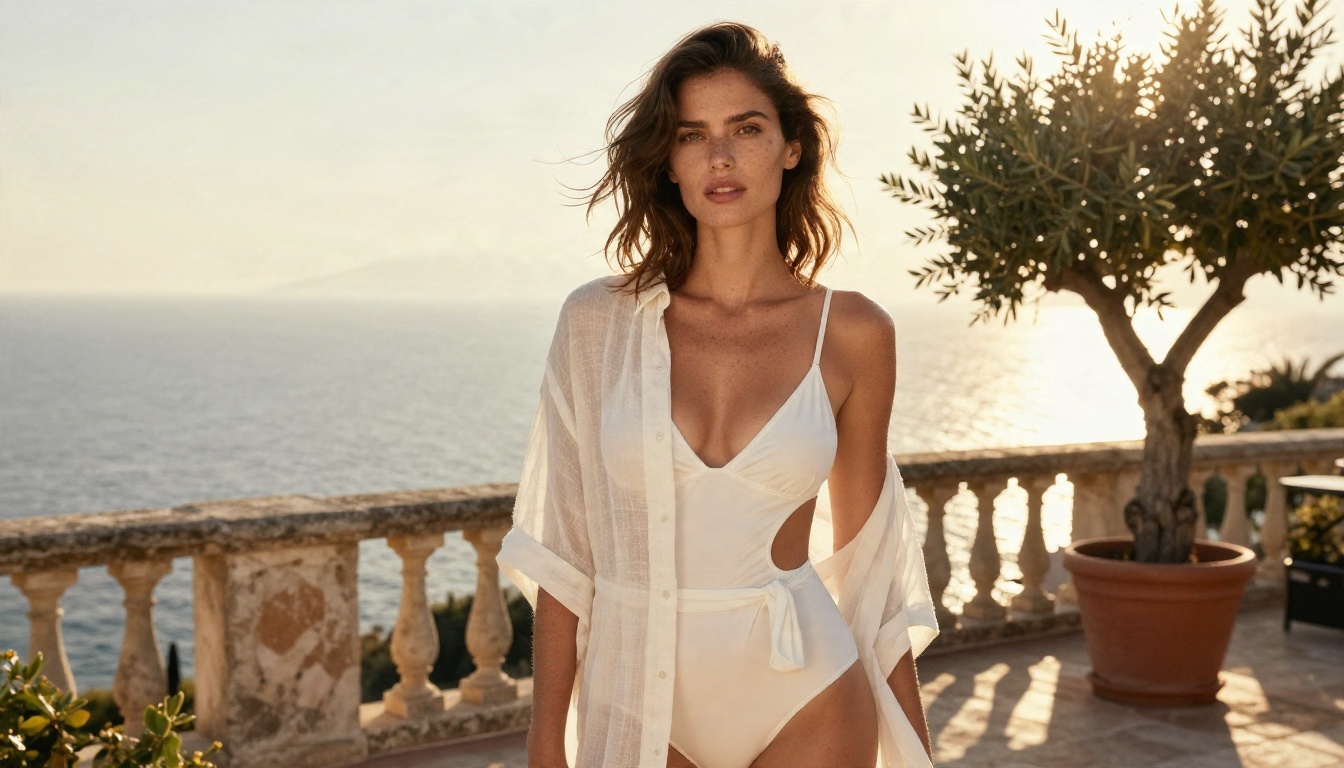
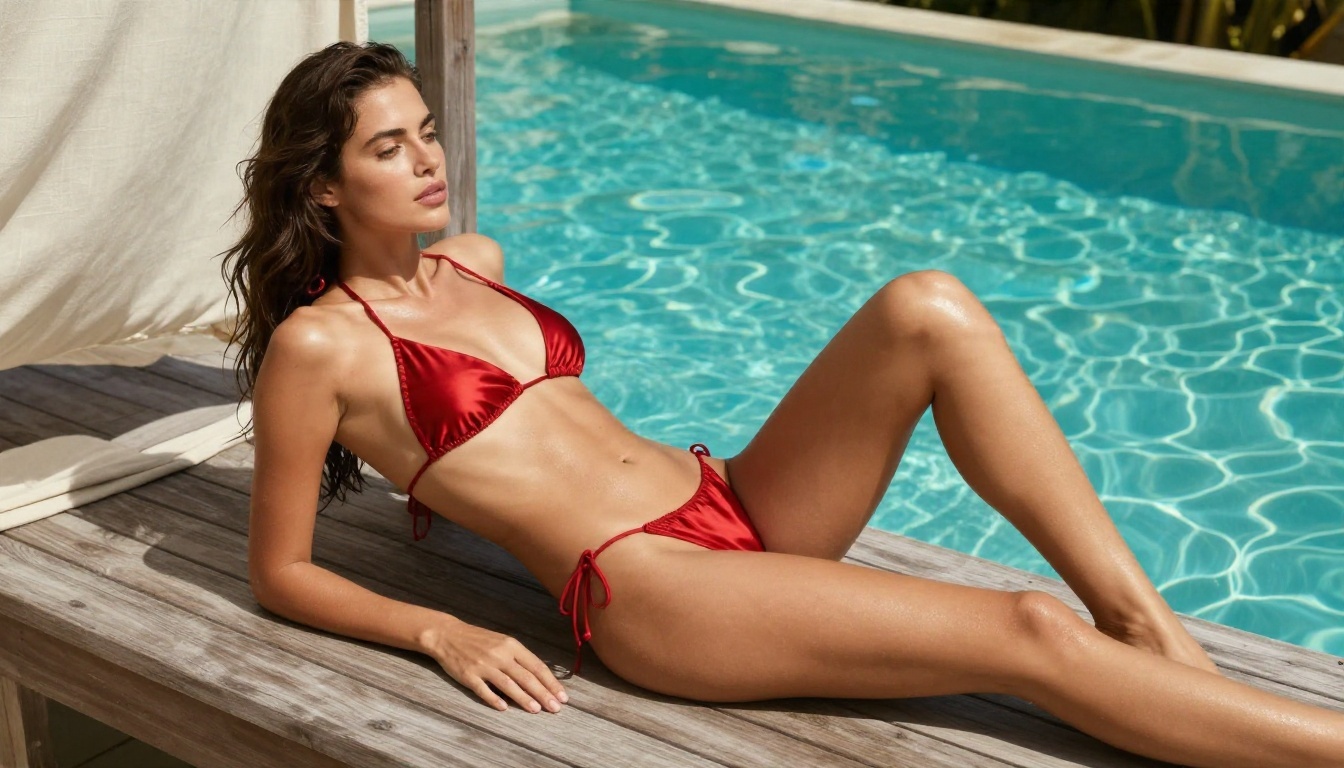
Think magazine editorial, not adult site. A woman in a white swimsuit on a villa terrace at golden hour. A satin robe and soft window light in a hotel room. A red bikini beside a resort pool. These are staples of fashion, travel and creator marketing, and they should generate without friction.
Seedream 4.5 First
For this kind of work, Seedream 4.5 is the model to try first on PicassoIA. It handles skin texture, fabric sheen and natural light well, and it produces up to 4K output, which matters when a client wants a print-ready image. It also follows long, detailed prompts closely, which means fewer wasted attempts.
A prompt that works well follows this structure: subject and pose, environment, lighting direction, lens, texture details. For example: woman in a white swimsuit with a sheer linen wrap on a stone terrace, golden hour backlight from the right, 85mm f/1.8, visible skin texture, Kodak Portra 400 grain.
PicassoIA Image Editor Pro Second
PicassoIA Image Editor Pro is where you refine. Change an outfit colour, fix a background, adjust lighting or edit an existing photo. The big advantage is that generations are unlimited, so you can iterate ten, twenty or fifty times without watching a counter. For anyone who has burned through OpenArt credits tweaking a single image, that is the difference that matters most.

Other Models Worth Testing
When Seedream 4.5 and the Editor Pro are not the right fit, these are good next steps:
💡 Note: Model behaviour can change with updates. Run a short test batch with your own prompts before committing to a workflow.
A Word on Safety
Keep your content to adults, avoid depicting real individuals without their permission and stay within the law of where you live. Tasteful beats shocking, and it also converts better on most social and ad platforms.
Limits That Actually Matter
Marketing pages highlight image counts. Real work is shaped by quieter limits.
Resolution Ceilings
Many platforms cap free outputs at 1024 pixels on the long side. That is fine for social posts and useless for print. Seedream 4.5 reaches 4K, and Nano Banana Pro also targets 4K output. Check this limit first if you sell large prints.
Queue Speed
Free users on busy platforms wait. A turbo model like Z Image Turbo returns images in seconds, which changes how you work. You test more, you waste less.
Text and Layout Accuracy
If your images include a word or a short headline, pick a model with strong text handling. Ideogram v4 Quality is built for that, and Imagen 4 is a solid photorealistic all-rounder from Google.
Editing Allowance
A generator without editing forces you to re-roll. A tool with unlimited editing lets you fix one detail at a time. This is the quiet reason many people say they spend fewer credits after switching.
Picking the Right Alternative
There is no universal winner, only a best fit for your situation. Use these profiles as a shortcut.
If You Are on a Tight Budget
Choose a platform with free generations and a pay-for-what-you-use model. Start with Z Image Turbo for drafts, then finish with Seedream 4.5 only on the images you plan to keep. That two-step habit alone can cut costs sharply.
If You Make Glamour or Swimwear Content
Lead with Seedream 4.5, refine with PicassoIA Image Editor Pro and keep your prompts specific about lighting and lens. You will see far fewer false blocks than on platforms with stricter filters.
If You Need Brand-Safe Commercial Work
Adobe Firefly remains the conservative choice for corporate licensing. For commercial product photography with more freedom, Nano Banana Pro and Imagen 4 on PicassoIA are strong options, but always read the terms for your use case.
If You Want Full Technical Control
Run open models locally. You need a good GPU and time to configure things, but you pay no per-image fee. For most readers, a hosted platform is faster to set up and easier to maintain.
If You Train Custom Styles
OpenArt's training tools are a real strength. On PicassoIA, the Flux 2 Klein LoRA models and the Qwen Image LoRA trainer can fill that role for styled or consistent-character work.
A Five Minute Test Run
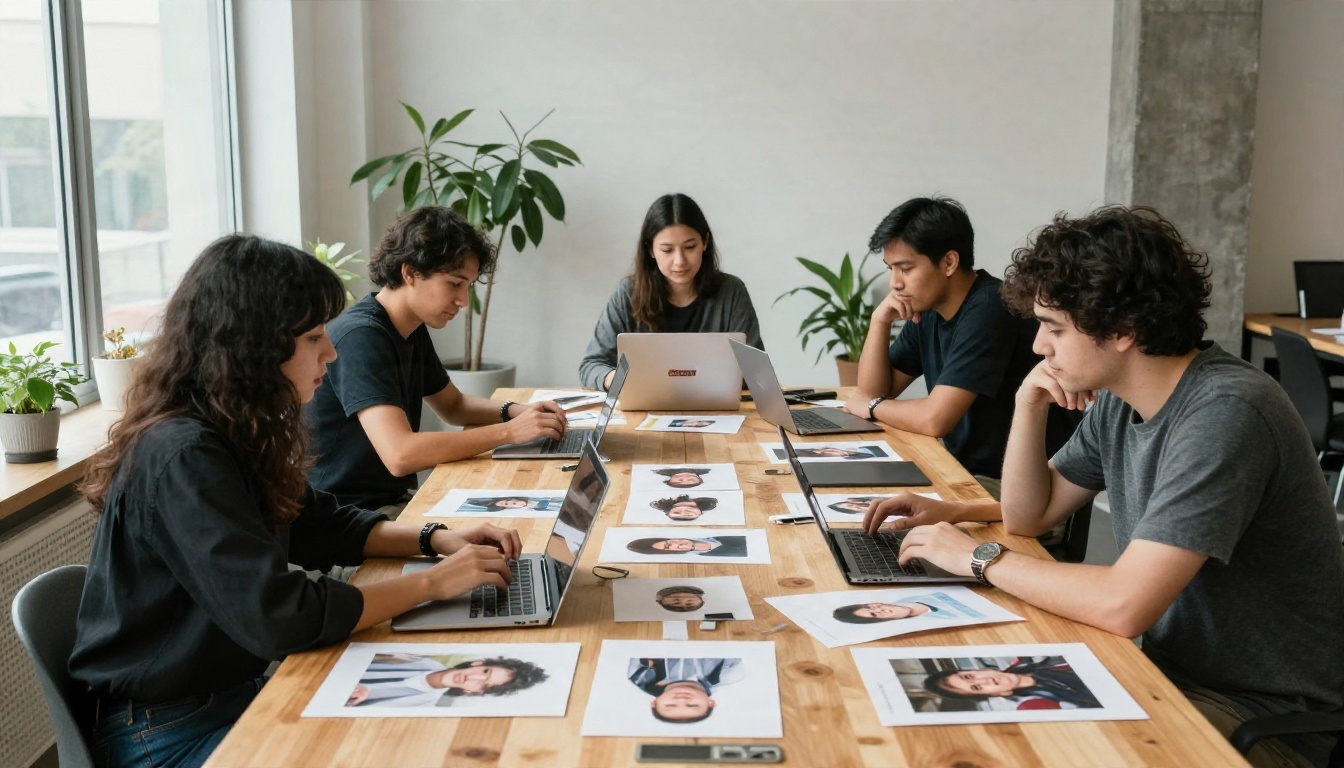
The best way to compare any alternative is to run the same test on each. Here is the quick routine I use.
Step by Step
- Pick three prompts from your real work: one portrait, one product or lifestyle scene, one glamour or fashion shot.
- Write each prompt in the same structure: subject, setting, lighting direction, lens, texture, film stock.
- Generate on Z Image Turbo first to check composition quickly.
- Re-run the best one on Seedream 4.5 for final quality.
- Open the result in PicassoIA Image Editor Pro and fix one thing at a time: background, outfit, lighting.
- Note the time and cost for each step.
Parameter Tips
- Keep prompts between 50 and 80 words for the best balance of control and flexibility.
- Name the light source and its direction, such as "soft window light from the left".
- Add a lens, such as "85mm f/1.8", to get realistic depth of field.
- Mention texture words such as "fine pores", "linen weave" or "wood grain" to avoid plastic-looking skin.
- Use a film stock reference like "Kodak Portra 400" for natural colour.
What to Look For in Results
Check hands, fabric edges, teeth and background text. Compare how many attempts each tool needed before you got a usable image. The one that needs the fewest retries is usually the cheapest, whatever its price tag says.
Your Move
OpenArt remains a decent platform if its credit system suits the way you work. But if your free credits disappear in an afternoon, if filters block tasteful content, or if you are tired of watching a counter, switching costs you almost nothing. Run the five minute test, compare the results and keep whichever tool needs the fewest retries.
For photorealism, glamour work and high-volume editing, PicassoIA is built around exactly those needs. Open Seedream 4.5, paste one of the prompt structures from this article, then take the result into PicassoIA Image Editor Pro and refine it as many times as you like. When you want to see what else is available, browse the full catalogue at picassoia.com/en/all-models.

Generate your first image today and see how many credits you do not have to count.


