Paying for an AI image generator feels simple until the invoice arrives. One plan gives you fast renders but strict credit caps. Another is cheap but slows to a crawl at peak hours. A third bundles images with a chatbot you may never open. If you are trying to pick the best paid AI for image generation, the sticker price is the least useful number on the page.
This article puts the money first. You will see what typical plans cost as of November 2026, what the output looks like in real use cases, where the hidden limits sit, and which free alternatives are strong enough that you might not need a subscription at all.
💡 Quick answer: If you generate a few dozen images a month, a free or pay-as-you-go route usually wins. If you generate hundreds, a flat subscription with fast priority and clear commercial rights starts to make sense.
What "Paid" Actually Buys You
A paid plan is rarely about a better model alone. Most of the time you are buying capacity, speed and rights. Before comparing brands, it helps to know which of those three you truly need.
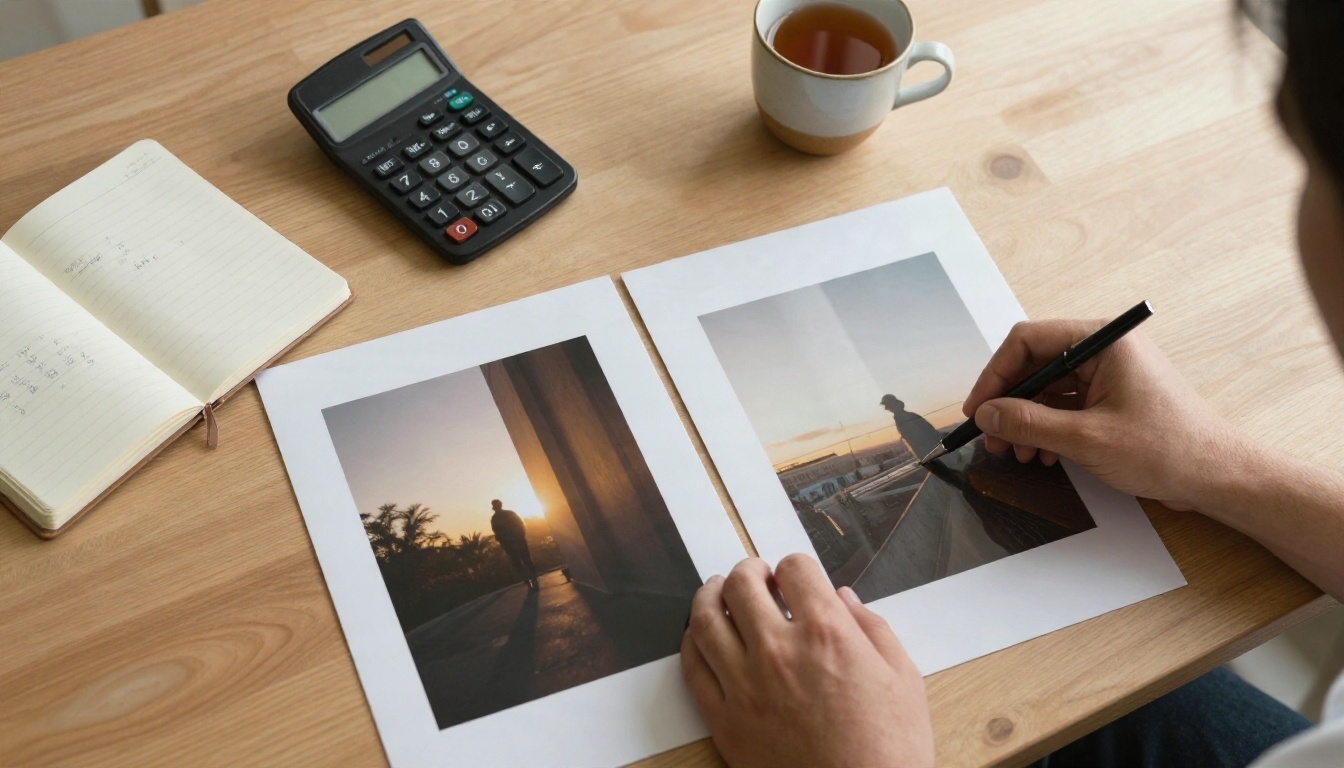
Speed and Queue Priority
Free tiers on most platforms put you in a shared queue. At quiet hours you will not notice. On a Monday morning, a single image can take minutes. Paid plans usually move you to a faster lane, and higher tiers often let you run several jobs at once. If you work to client deadlines, this is the part you are really paying for.
Resolution and Commercial Rights
Higher resolution output, private generation and clear commercial terms are often locked behind a plan. Some tools allow commercial use on every tier, others only on paid ones. Always read the license text before you put generated images on a product page, an ad or a book cover design.
Editing Tools Bundled In
Inpainting, outpainting, upscaling and background removal are frequently bundled with subscriptions. If you edit as much as you generate, a bundle can be worth more than raw image count. If you only need a clean first draft, you are paying for tools you will not touch.
Pricing Snapshot for November 2026
Prices move often, and the sources I checked disagree on a few details, so treat the figures below as ranges rather than quotes. Always confirm on the vendor's own pricing page before you pay.
| Tool | Typical entry price | Top tier range | Best for |
|---|
| Midjourney | About $10 per month | Up to roughly $120 per month | Stylized, high-polish visuals |
| ChatGPT image generation | About $20 per month with Plus | About $200 per month with Pro | Prompt-following and text in images |
| Adobe Firefly | From about $5 per month | Around $55 per month | Commercially cautious teams |
| Gemini and Nano Banana tools | Bundled with Google plans | Varies by plan | Fast edits and photoreal scenes |
| Open-weight models on your own PC | Free software | Hardware cost only | Tinkerers with a strong GPU |
Two things stand out. First, most individual plans land between $10 and $20 per month. Second, the jump to top tiers is steep, and it is usually driven by fast-generation hours or team seats, not by image quality.

Subscription vs Pay Per Image
A subscription is a bet that you will use the capacity. Pay-per-image or credit-based access is the opposite bet. Here is a rough rule of thumb:
- Under 100 images per month: pay-as-you-go or free access almost always costs less.
- 100 to 500 images per month: a mid-tier plan can break even, if the queue speed matters to you.
- 500 or more images per month: a flat plan with priority generation usually wins on cost per image.
The Cost Nobody Counts
Your time is part of the price. A cheaper tool that needs eight tries to get a usable hand or readable sign costs more than a pricier tool that nails it in two. Count retries, not just the monthly fee.
Real Examples Worth Judging
Marketing pages show cherry-picked results. A fairer approach is to test the same four briefs across any tool you consider: a product shot, a portrait, an interior and a food photo. These four expose almost every common weakness, from warped glass to plastic skin.
Product Shots
Reflective surfaces, glass and liquid are brutal tests. Look at highlight edges, the way stone texture meets the bottle base, and whether shadows match the light direction. Strong models handle these with minimal prompting. Weak ones melt the bottle neck or add random text to the label.

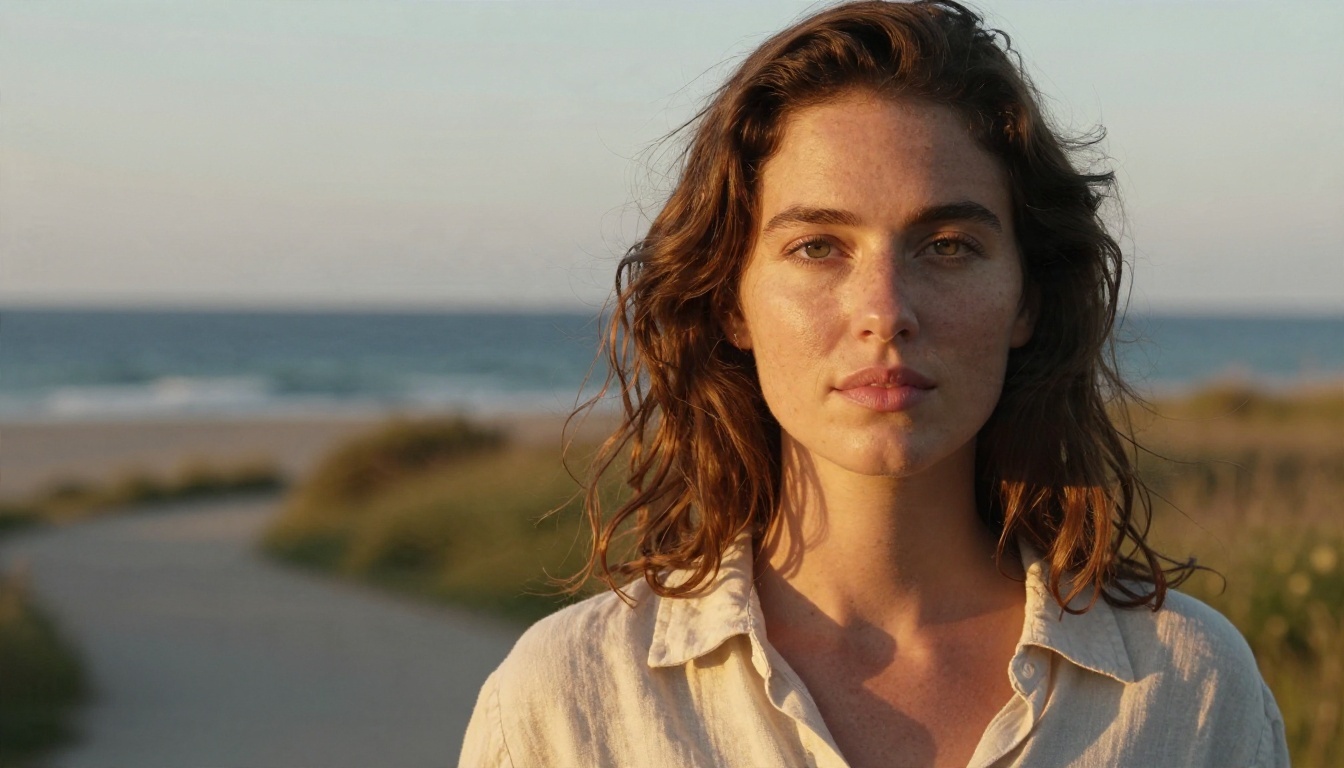
Portraits
Skin is where cheap output gives itself away. Check for pores, fine hair strands and uneven catchlights. If the face looks airbrushed to a plastic sheen, the model is over-smoothing. A good portrait keeps freckles, small asymmetries and natural fabric wrinkles.
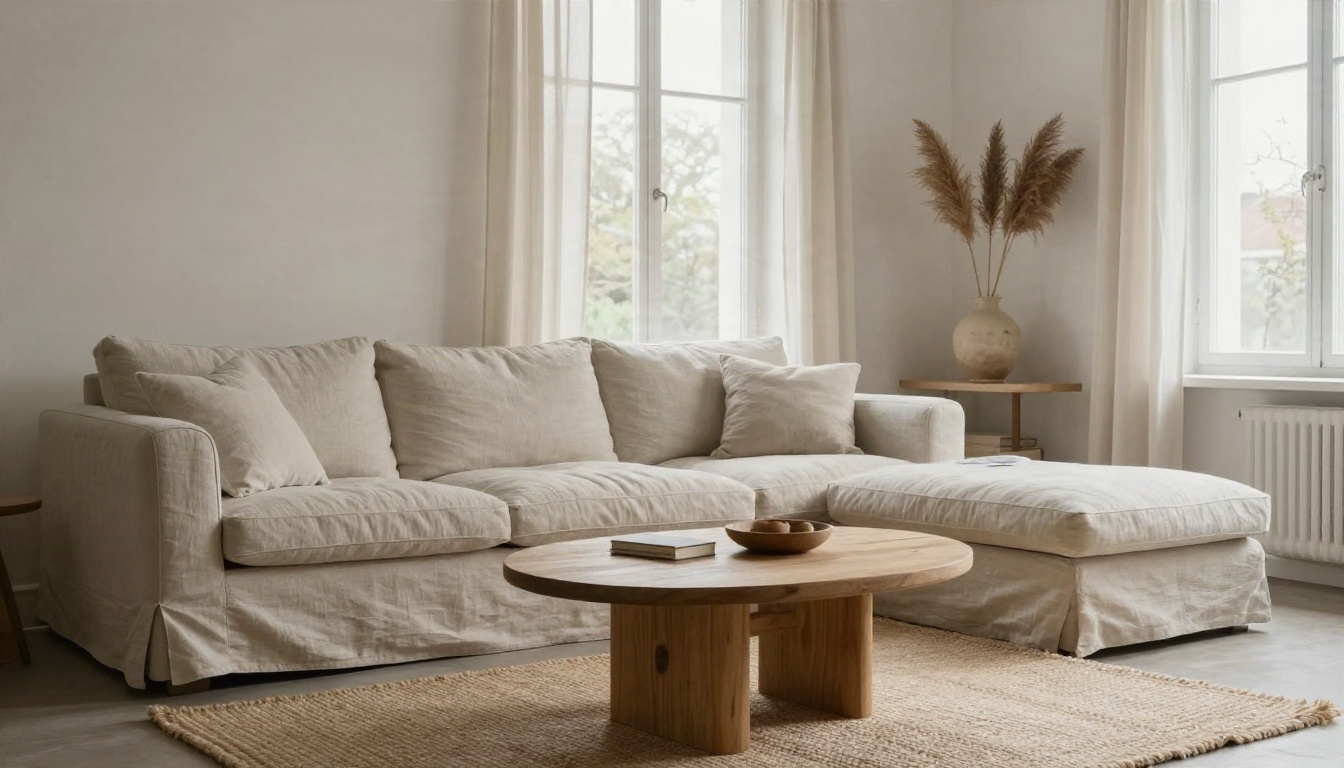
Interiors
Straight lines are a quiet stress test. Window frames, shelf edges and sofa legs should stay parallel and believable. Interiors also reveal whether a model understands scale: a vase should look vase-sized next to a sofa, not tabletop-sized next to a window.
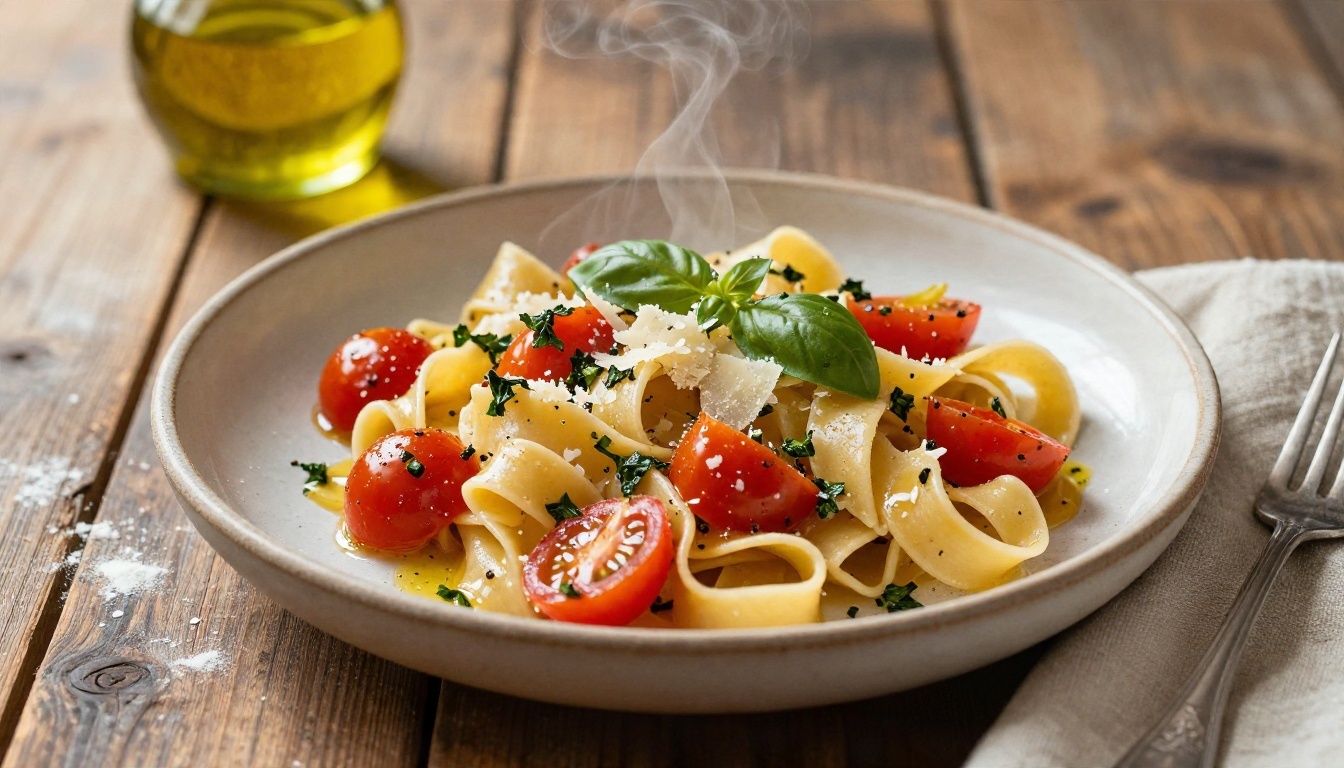
Food
Food photography checks texture and appetite appeal at once. Sauce should glisten without looking like gel. Herbs should have veins. Steam, crumbs and uneven plating make the scene believable.
💡 Tip: Save your four test prompts in a note. Run them again each time a new model version appears. It takes ten minutes and tells you more than any ranking.
Limits Nobody Mentions Upfront
Plans advertise images per month. The fine print decides whether that number is useful.

Credits Burn Faster Than Expected
Many plans use credits, not flat image counts. A single high-resolution render, an edit, an upscale or a video clip can each consume different amounts. Variations and retries eat credits too. If a plan says 200 generations, assume your usable keepers are closer to a quarter of that once you count discards.
Queues and Concurrency
Lower tiers often cap how many jobs run at the same time. That sounds minor until you batch twenty product shots and wait through them one by one. Check concurrency limits before you commit, especially if you work in bursts.
Content Filters and Rules
Every major platform filters some content. Real people, brands, public figures and mature themes are common triggers. Filters differ a lot between tools, so a prompt that works in one place may be refused in another. If your work touches fashion, glamour or editorial portraits, test borderline prompts early, before you pay for a year.
Text and Hands Still Slip
Text rendering has improved a lot across the field, yet long paragraphs inside images still fail on many models. Hands, jewelry clasps and crowded scenes remain the usual weak spots. Paying more does not remove these problems, though newer models reduce them.
Rights and Ownership
Terms vary on who owns the output, whether images can train future models, and how private your generations are. If you are producing client work, ask one blunt question: does this plan let me use the image commercially without extra permission?
Free Alternatives That Hold Up
You do not need a subscription to get strong images. Several modern models are available through browser-based platforms, and some produce results that rival paid tiers for common tasks like portraits, product mockups and social visuals.

What Free Really Gets You
Free access usually means lower priority, some limits on volume or resolution, and occasionally fewer editing tools. It rarely means poor quality. For many creators the trade is fine: you wait a little longer and keep your monthly budget.
Models Worth Trying on PicassoIA
PicassoIA gives you one place to test several leading models side by side, so you can judge quality before you spend anything. Access terms vary by model, so check each page for current details. Here are strong options for photorealistic work:
💡 Note on Midjourney: Midjourney is not on PicassoIA. If you like its look, Seedream 4.5 and Nano Banana Pro are good alternatives for polished, photographic results today.
When Free Is Not Enough
Free routes struggle when you need guaranteed turnaround, large batches or a single consistent brand style across hundreds of images. At that point, a paid tier or a dedicated workflow earns its cost.
Run Your Own Fair Test
Rankings go stale in weeks. A short test you control does not. Here is a simple process that works on any platform.
- Write four prompts. One product, one portrait, one interior, one food scene. Keep them under 60 words each so wording does not favor one model.
- Use identical settings. Same aspect ratio, same resolution, no style presets.
- Generate three versions each. One image proves nothing. Three shows consistency.
- Score each result. Rate realism, detail, prompt match and flaws from 1 to 5.
- Track time and retries. Note how long each took and how many tries you needed for a keeper.
- Compare cost per keeper. Divide monthly price by your realistic usable images.
You can run this test across several models on PicassoIA, for example Seedream 4.5, Imagen 4 and GPT Image 2, then compare the outputs in one sitting.
Prompt Habits That Raise Quality
Good prompts follow a pattern: subject, setting, light, lens, texture. Name the light direction ("soft window light from the left"), the lens ("85mm, shallow depth of field") and surface details ("visible skin pores, linen weave"). This works across nearly every model and often matters more than the model choice.
Use Editing Instead of Regenerating
When an image is nearly right, edit it. Models like Nano Banana are built for edits, which saves credits compared with starting from scratch.
Which One Should You Pay For?
There is no single winner, only a better match for your workload.
If You Are a Casual Creator
Skip the subscription. Use free access, run your four-prompt test, and pick the model that feels best. Pay only when the limits start to cost you real time.
If You Are a Freelancer or Small Studio
A mid-tier plan on one main tool, plus free access to a second model for variety, is a smart pairing. You get speed for client work and a backup when one tool stumbles on a brief.
If You Run a Team
Prioritize commercial terms, concurrency and shared libraries over raw image quality. At team scale, a refused license or a stalled queue costs more than a higher plan.
A Simple Decision Table
| Your situation | Best move |
|---|
| Under 100 images per month | Free or pay-as-you-go access |
| Stylized art for personal use | One mid-tier plan |
| Client work with deadlines | Mid or high tier with priority speed |
| Mixed needs and tight budget | Multi-model platform plus occasional paid month |
| Strict brand and legal rules | Tool with clear commercial terms |
Make Your First Image Today
The fastest way to decide is to generate something. Open PicassoIA, pick a model such as Nano Banana Pro, Seedream 4.5 or Imagen 4, and run one of your four test prompts. Change the light, swap the lens, try a second model, and compare.
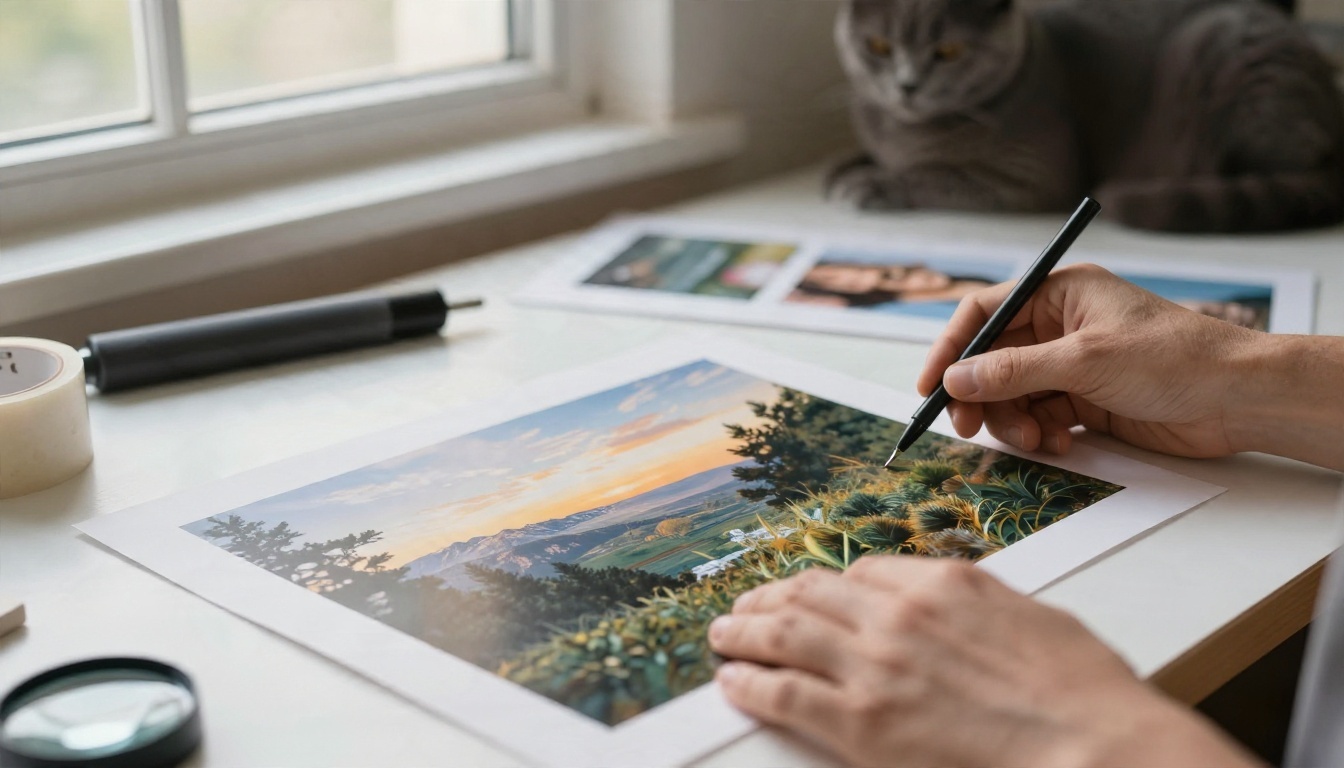
Ten minutes of side-by-side testing will tell you more than any pricing page. Create a few images with Picasso IA, see which results you would actually publish, and only then decide whether a subscription deserves a spot in your budget. You can browse every available model at picassoia.com/en/all-models.


