Type "porn video generator" into a search bar and you get a wall of sketchy sites, fake "free" buttons and pricing pages that change every month. This article cuts through that. You will see what these tools actually do, which free options are worth your time, which models give realistic motion, and what you will pay once the trial credits run out.
One note before we start: every example here is suggestive and non-explicit, built around adult glamour, swimwear and boudoir style photography. The workflow is the same one creators use for any realistic AI video: build a strong still image, then bring it to life with motion.

What Counts as a Porn Video Generator
The phrase covers three different kinds of tools, and mixing them up is the main reason people waste money.
- Text to video engines that turn a written prompt into a short clip.
- Image to video engines that animate a still photo you already made.
- All in one "AI companion" apps that bundle chat, images and short clips behind a subscription.
For adult style content, the second type gives you the most control. You pick the face, the outfit, the lighting and the mood in a still image, then add motion. Text to video alone often changes the character from clip to clip.
Text to Video vs Image to Video
Text to video is fast for one off ideas. Type a scene, wait, get a clip. The weakness is consistency: the woman in clip one rarely looks like the woman in clip two.
Image to video fixes that. You lock the look first, then animate. That is why almost every strong workflow in 2027 starts with a still.
Why Start With a Still Image
A still gives you a first frame you can judge before spending video credits. If the hands look wrong or the lighting is flat, you fix it in seconds. A bad first frame becomes a bad video every single time.
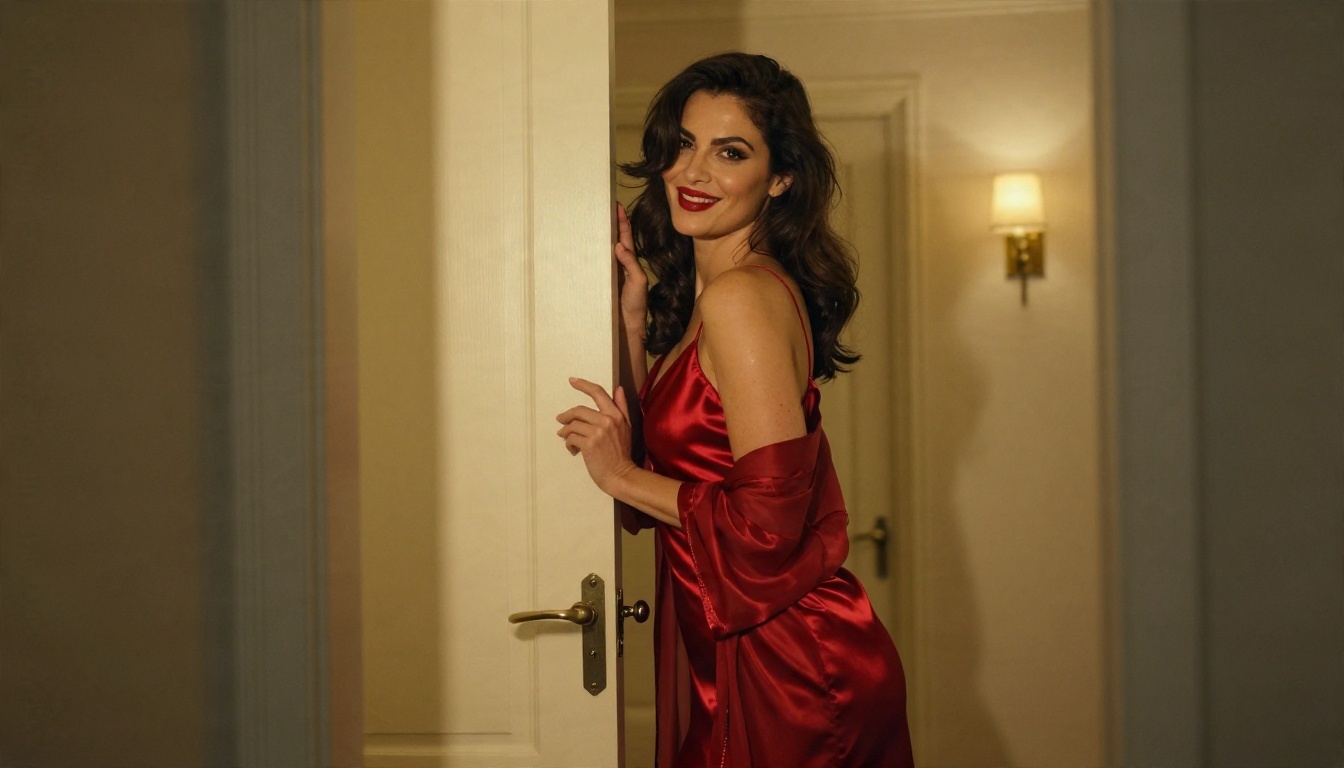
💡 Quick rule: spend 80 percent of your effort on the still image and 20 percent on the motion prompt. The video can only be as good as its first frame.
Free Options That Actually Work
"Free" is the most abused word in this niche. Here is how it breaks down in practice.
What Free Really Means
Most free plans fall into one of three buckets:
- Credit based trials: a small monthly allowance, often somewhere between 20 and 100 credits, with lower resolution and a watermark.
- Daily caps: a few generations per day, then a wait.
- Truly unlimited tiers: rare, and usually limited by clip length or queue speed instead of count.
Reviews of the current market describe a handful of tools with real free tiers and a larger group that only offer a short trial before asking for a card. Treat any pricing you read in a review as a lead, then check the vendor's own page, because quotas and model access change often.
On PicassoIA, Seedance 2.5 Lite is positioned as a free and unlimited video generator with clips up to 10 seconds, which makes it the easiest place to test an idea without watching a credit counter.
Red Flags on "Free" Sites
Some of the worst offenders are the "no account needed, instant, unlimited" pages. Be careful with them:
- They may collect your uploads and keep them.
- They sometimes push downloads that carry malware.
- They often have no real moderation, which creates legal exposure for you.
- They rarely tell you who runs the service.
If a site will not tell you who owns it, do not upload a photo to it.
App Picks and Model Rankings
There is no single winner, because "best" depends on whether you want the sharpest still image, the smoothest motion, or the cheapest per clip. Below is the order I would test them in, starting with the image stage.
Seedream 4.5 for the First Frame
Seedream 4.5 is where I start. It produces sharp, photorealistic skin, believable fabric and clean hands, and it handles glamour, swimwear and boudoir prompts without the plastic look older models had. It is quick, flexible and the best base for anything you plan to animate.
Image Editor Pro for Fixes
PicassoIA Image Editor Pro is the second stop. It offers unlimited generations, so you can retouch an outfit, change the background, fix a stray finger or adjust the lighting as many times as you like before committing to video. For a niche where you iterate constantly, unlimited editing is a bigger saving than any discount.
More Image Models Worth Testing
If you want a second opinion on the still image stage, try these:
Video Engines to Animate It
Once the still is ready, pick a motion engine:
💡 Every video model applies its own content filter. A tasteful glamour or swimwear clip is the safe baseline. If one engine refuses a prompt, try another from the table instead of rewording endlessly.
What About Mobile Apps?
Dedicated apps are convenient, but most of them are thin wrappers around the same engines you can use in a browser, with a weekly subscription on top. A browser workflow gives you:
- A larger choice of models in one place.
- Higher resolution exports.
- No auto renewing weekly fee hiding in the app store.
If you want to work from a phone, a mobile browser works fine for the same tools. You only lose the offline convenience of an app.
The Real Cost of Generating Video
Pricing in this category is confusing on purpose. Here is how to compare it without a spreadsheet.
Credits vs Unlimited
| Plan type | Typical cost model | Who it suits |
|---|
| Free trial | Small credit pool, watermark | Testing one idea |
| Credit packs | Pay per clip, resolution changes the price | Occasional use |
| Monthly subscription | Fixed credits plus perks | Weekly creators |
| Unlimited tier | Flat access, speed or length limits | Heavy iteration |
A short clip at 720p usually costs far fewer credits than a 1080p clip with audio. Draft in the cheap setting, then render the final take once.
Hidden Costs to Watch
- Failed generations that still charge credits.
- Watermark removal as a paid add on.
- Auto renewing subscriptions that start after a one dollar trial.
- Resolution upsells, where the free output is too soft to use.
A quick habit that saves money: generate the still image with an unlimited tool, and spend video credits only on the one frame you are certain about.
Examples of Strong Results
Examples help more than adjectives. These show the kind of frame that animates well, and why.
Glamour and Swimwear Looks
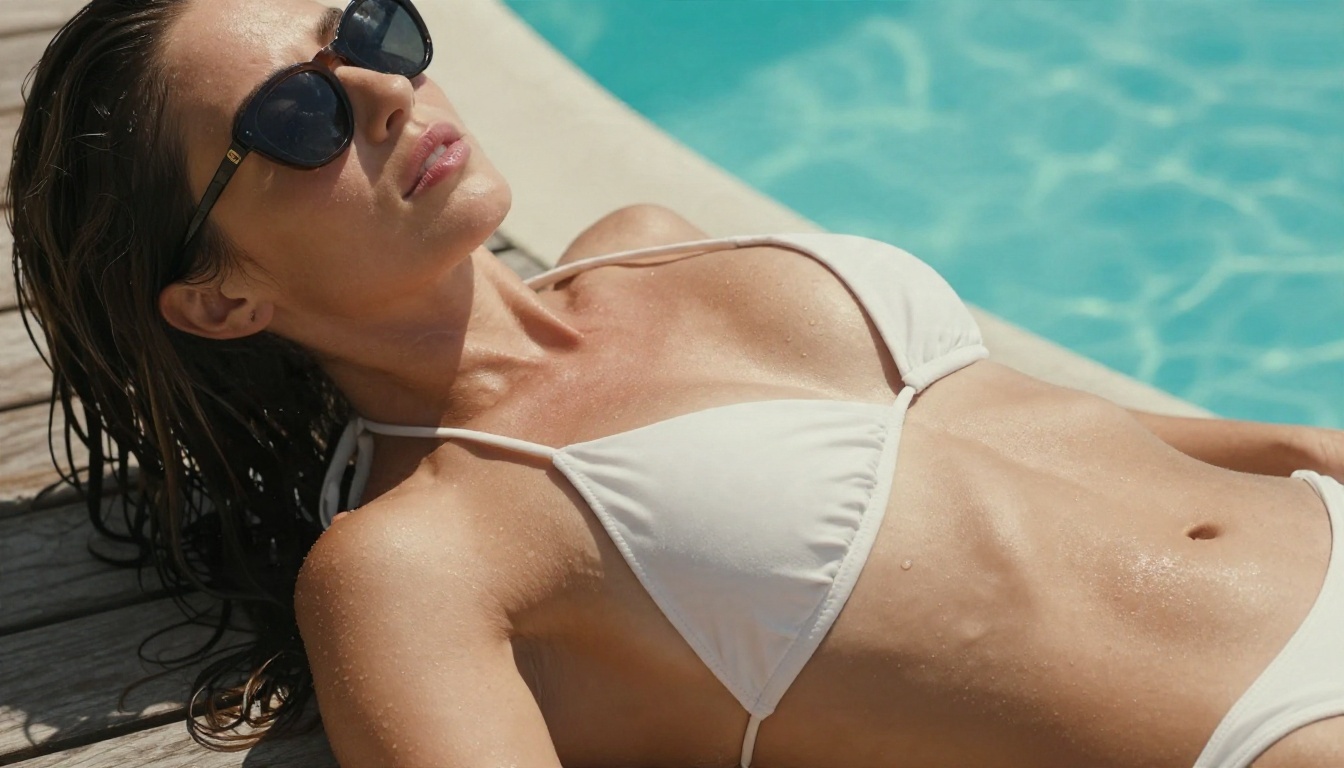
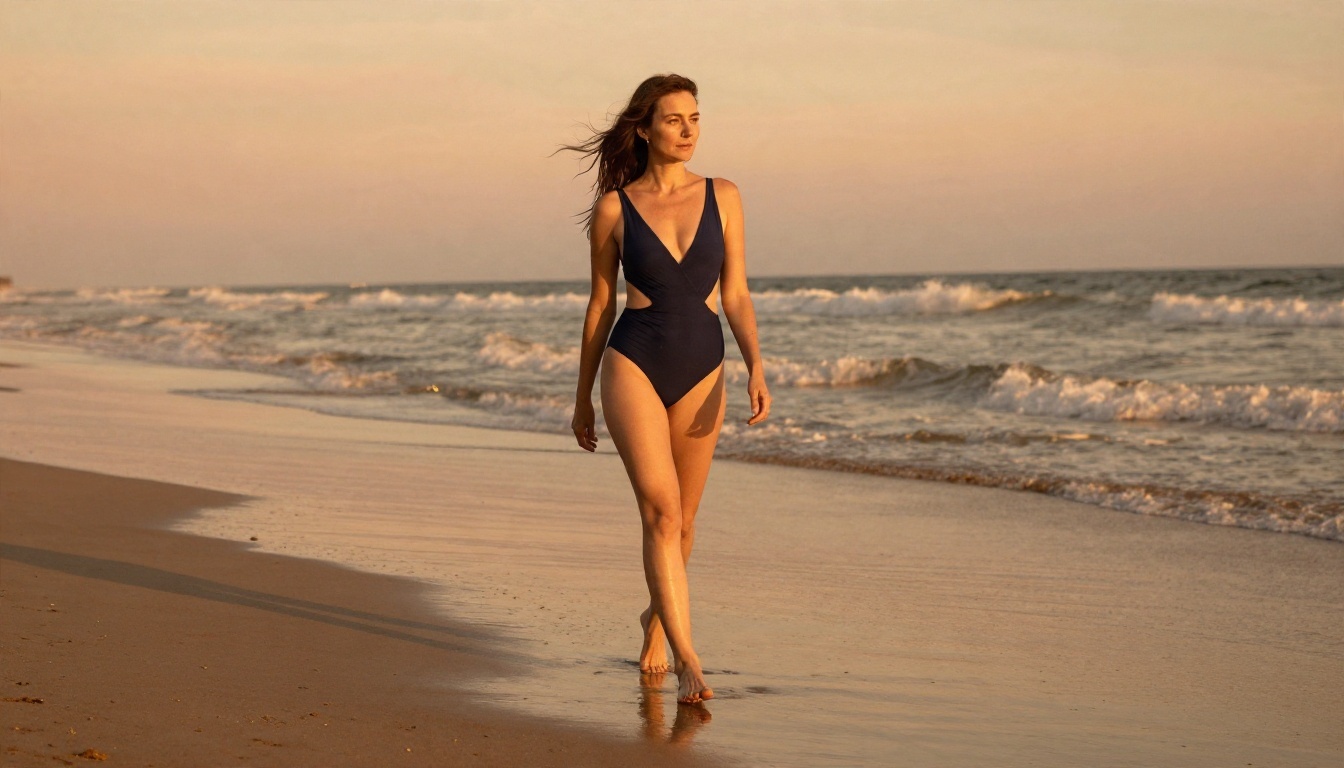
Swimwear and resort scenes animate beautifully because the motion is built in: wind in hair, moving water, drifting fabric. A beach at golden hour gives the video model natural cues for movement without you describing every detail.
What to put in the prompt:
- Light direction: "golden backlight from the left."
- Lens: "85mm f/1.8, shallow depth of field."
- Texture: "visible skin pores, natural film grain."
- Motion cue: "hair moves gently in a light breeze."
Boudoir Editorial Style
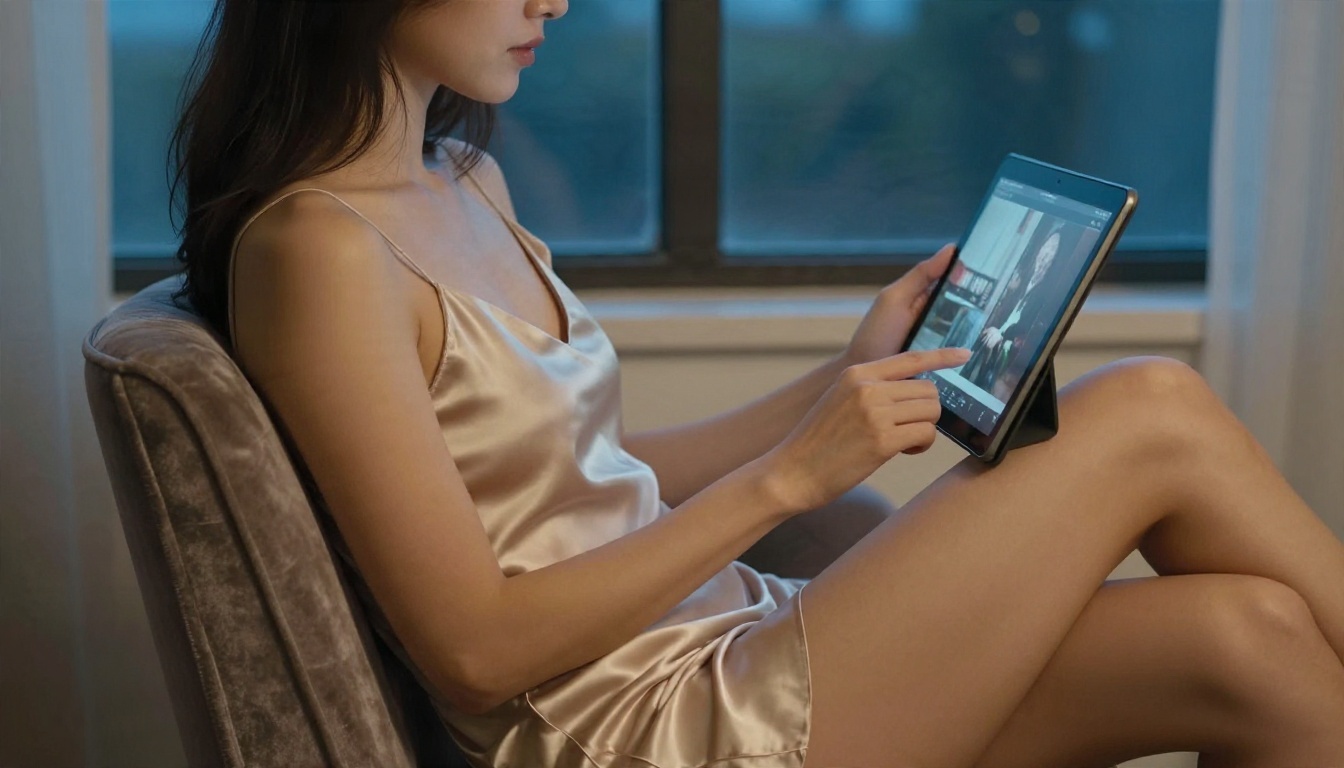
Soft window light, satin and silk, and a calm pose work well for slow, intimate camera moves like a gentle push in or a slight pan. These frames feel premium because they borrow from magazine photography instead of the harsh flash look that gives AI content away.
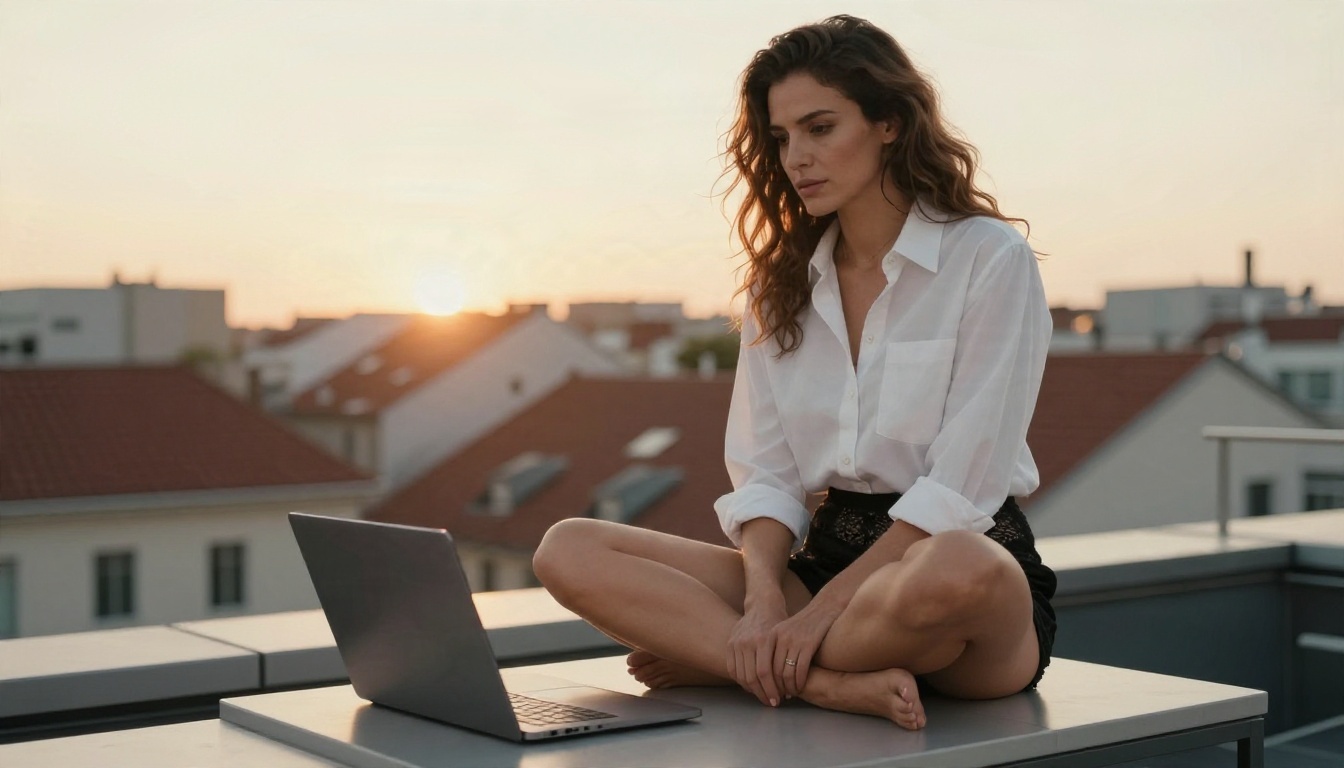
What Bad Results Look Like
Learn to spot these quickly, before you pay for a clip:
- Extra fingers or hands that melt into fabric.
- Skin that looks airbrushed to a plastic sheen.
- Faces that drift to a different person halfway through.
- Background objects that bend or vanish.
Most of these are fixed in the still image stage, not the video stage.
Your First Clip in Five Steps
Here is the simple loop that works with the models above.
Step 1: Write the Still Prompt
Describe subject, outfit, setting, light and lens in one paragraph. Mention "photorealistic, natural skin texture, film grain" and avoid neon or glossy digital looks.
Step 2: Generate With Seedream 4.5
Open Seedream 4.5, paste the prompt, pick a 16:9 ratio and generate a few variations. Choose the one with the cleanest hands and the most natural light.
Step 3: Fix It in Image Editor Pro
Open the image in PicassoIA Image Editor Pro and retouch anything that bothers you: an outfit detail, a background object, the color temperature. Since generations are unlimited, keep adjusting until the frame is right.
Step 4: Animate With an Image to Video Model
Send the final still to Wan 2.6 I2V, Seedance 2.5 Lite or Kling v3 Video. Write the motion in chronological order: what moves first, how the camera travels, what the light does.
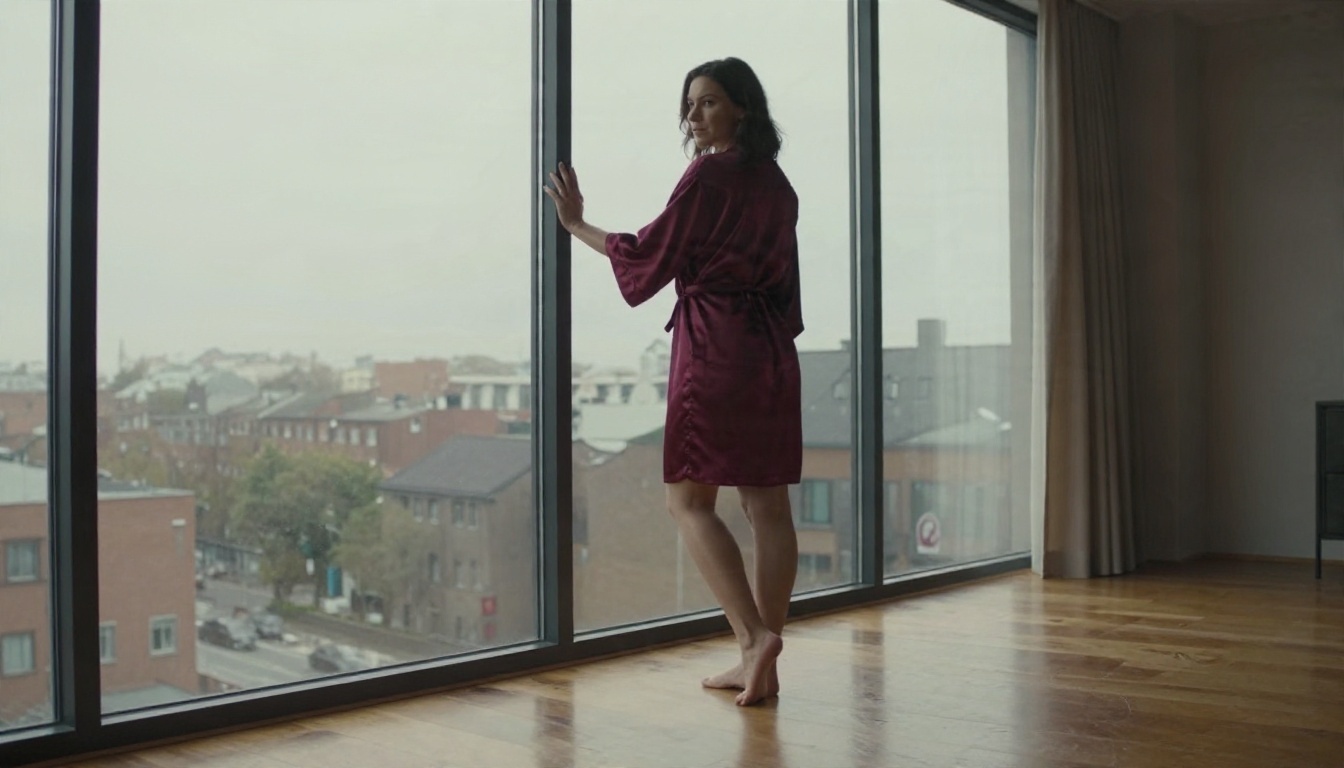
A good motion prompt reads like this: "She turns her head toward the window and smiles slightly, the sheer curtain drifts in the breeze, slow dolly in, warm morning light."
Step 5: Review and Re render Once
Watch the clip twice. If the face holds and the motion is smooth, keep it. If not, adjust the still, not the motion prompt, and run again.
Rules That Keep You Safe
This part matters more than any model choice.
Adults and Original Characters Only
Only create characters who are clearly adults, and keep them fictional. If an image reads as age ambiguous, do not generate it, period.
Never Use a Real Person's Likeness
Do not upload photos of real people to make adult style content without their clear consent. Using a real face without permission is harmful, and in many countries it is illegal. Build original characters from scratch instead.
Protect Your Own Data
- Use services that state who runs them.
- Skip any site that pushes a download before letting you generate.
- Do not reuse a password you use anywhere else.
- Check how long uploads are stored.
💡 "Uncensored" and "free" are marketing words. They are not a legal shield. You stay responsible for what you create and share.
Make Your Own Clips Today
The best porn video generator is not one site. It is a short pipeline: a sharp still from Seedream 4.5, unlimited retouching in PicassoIA Image Editor Pro, and a motion engine chosen for your budget. Start with the free Seedance 2.5 Lite to test your idea, then step up to Wan 2.6 or Kling v3 when you want a finish that looks like it came from a real shoot.
Pick one scene, write one detailed prompt and generate three variations tonight. You will learn more from three real attempts than from ten comparison tables. When you want to see every option side by side, browse the full catalog at picassoia.com/en/all-models and build your own set.


