Search for "sexy AI" and you get a wall of near identical sites, each promising the perfect virtual partner, the most realistic photos and a "free" plan that stops working after three messages. This article sorts the noise. You will see which kinds of tools exist, which ones are worth your time for chat, images and video, what free access really looks like, and what you should expect to pay in 2026. Everything here stays suggestive and tasteful: think glamour, swimwear and boudoir style photography, never explicit material. Adults only, always.
What Sexy AI Actually Means
"Sexy AI" is a loose label. People use it for three very different things, and mixing them up is the fastest way to waste money.
Chat, Image, Video: Three Lanes
| Lane | What you get | Typical use | Cost pattern |
|---|
| Chat | Flirty text conversation with a persona that remembers you | Companionship, roleplay, story writing | Free tier with message caps, then monthly plan |
| Images | Photorealistic glamour portraits from a text prompt | Creative projects, character design, mood boards | Credits, daily limits or unlimited plans |
| Video | Short moving clips made from a still image or a prompt | Social posts, animated portraits, concept reels | Highest cost per output, usually credits |
Chat is cheap to run, so it is the easiest lane to get for free. Images sit in the middle. Video is the most expensive for providers, which is why free video is rare and often watermarked or tiny.
Who This Is For
If you want a conversation partner, start with a language model and a good persona prompt. If you want pictures, a strong image model matters far more than any app wrapper. If you want clips, you need an image model and a video model working together. Most "all in one" companion apps do a decent job at one of those and a mediocre job at the others.
💡 The best results rarely come from the app with the loudest ads. They come from the best underlying model, a clear prompt and a few minutes of patience.
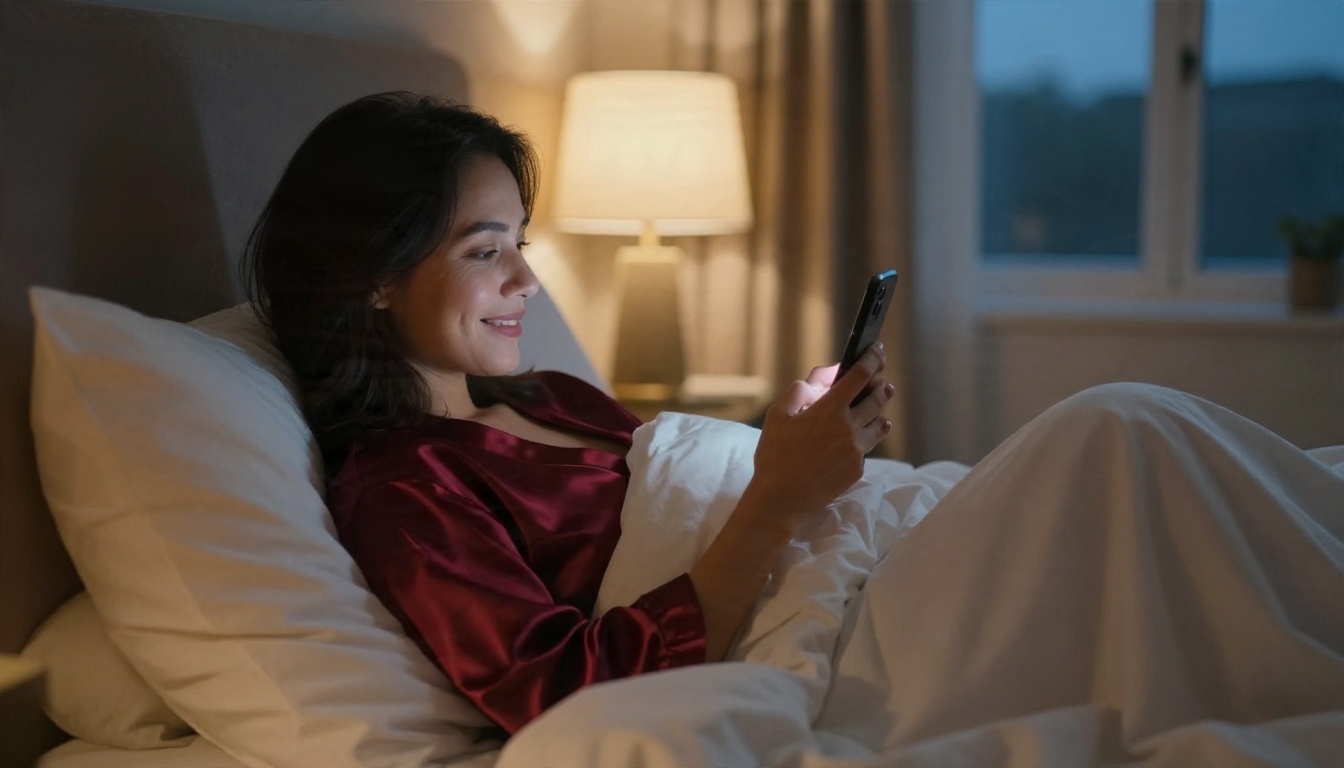
Best Sexy AI Chat Options
Chat is where most people begin, and it is also where the marketing is the most misleading. A companion app is usually a thin layer on top of a language model, with a persona, a memory feature and a paywall.
What Good AI Chat Feels Like
Three things separate a good flirty chat from a dull one:
- Memory. It remembers your name, your running jokes and the story so far.
- Voice. The persona keeps a consistent tone instead of drifting into generic assistant language.
- Pacing. Replies feel like banter, not like an essay.
Dedicated companion apps such as Candy AI, OurDream AI and MyLovely.ai pitch exactly this bundle of persistent characters, images and sometimes voice. They are fine for casual use, but their free tiers are usually capped by message count, and the most flirty features tend to sit behind a subscription.
Language Models Worth Trying
You can also build your own companion with a general language model and a persona prompt. That gives you control over tone, setting and pacing, and you are not locked into one app's character list. On PicassoIA you can test several models side by side:
- Deepseek V3.1 for natural, flowing dialogue and creative writing.
- Deepseek V3 as a fast, free-to-try option for long back and forth chats.
- Llama 2 13B for lightweight persona roleplay and story drafts.
- Gemini 3.5 Flash when you want very quick replies and image aware chat.
Give the model a short character sheet: name, age (adult), job, hobbies, speaking style and boundaries. Then keep the tone playful and suggestive rather than graphic. Mainstream models will steer away from explicit content, which is a feature if you want a witty, charming partner instead of a script.
Best Sexy AI Image Generators
This is where the quality gap between tools is the biggest, and where choosing the right model pays off immediately.
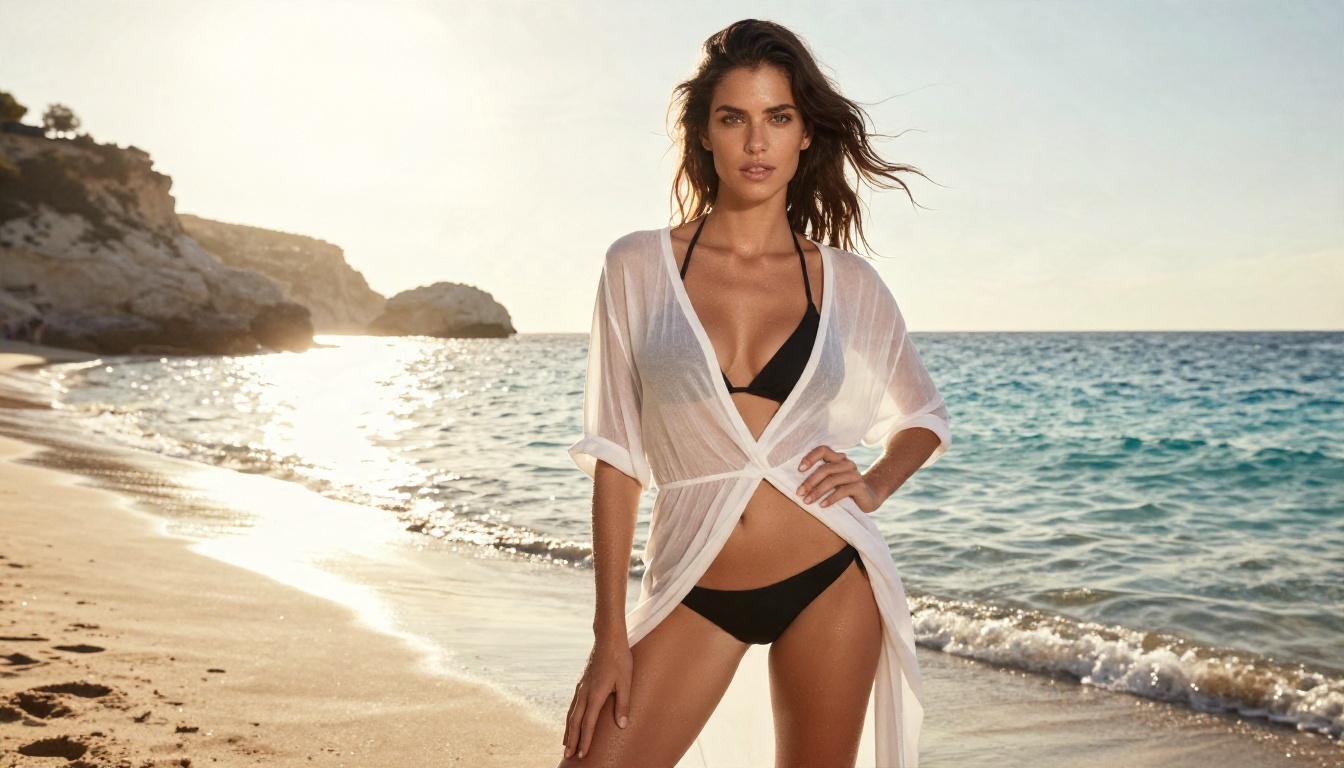
Why Seedream 4.5 Leads
Seedream 4.5 is the model to try first for glamour work. It produces sharp, high resolution portraits with believable skin texture, natural fabric folds and accurate lighting. Swimwear shots, boudoir style lighting, evening dresses and beach editorials come out with the kind of detail that older models smudged. It also follows long prompts closely, so a detailed scene description actually shows up in the picture.
It is fast, too. Generations finish in seconds, which matters when you are iterating on a look.
PicassoIA Image Editor Pro
PicassoIA Image Editor Pro is the one to use when you want freedom to iterate. It supports unlimited generations, so you can try thirty variations of a pose, outfit or location without watching a credit counter drop. It also edits: swap a background, change an outfit color, fix a hand or adjust the lighting on a picture you already like.
Other Strong Image Models
| Model | Best for | Link |
|---|
| Seedream 4.5 | Detailed photorealistic glamour portraits | Open |
| PicassoIA Image Editor Pro | Unlimited generation and editing | Open |
| Grok Imagine Image 2 | Bold 2K images with a relaxed approach to style | Open |
| Flux 2 Klein 9B Base LoRA | Styled looks and custom character consistency | Open |
| Qwen Image 3 Pro | Clean, natural looking portraits | Open |
You can browse every available option on the PicassoIA model list.
Best Sexy AI Video Generators
Video is the newest lane and the most impressive one. A still portrait becomes a five second clip: hair moves in the wind, a smile appears, the camera drifts closer.
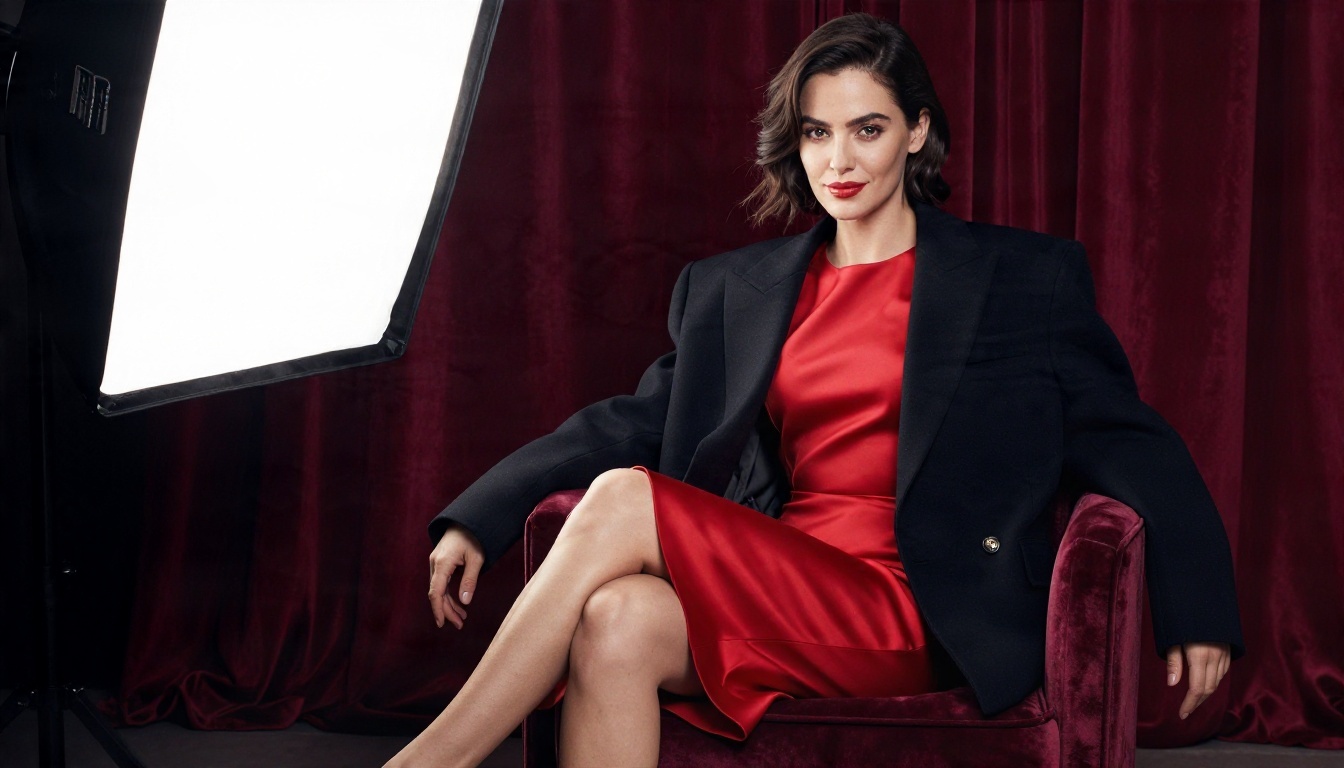
From Still to Moving Clip
The most reliable workflow has two steps:
- Create a polished still image with a strong image model such as Seedream 4.5.
- Feed that image into an image to video model with a short motion prompt.
Starting from an image gives you control over the face, outfit and setting before any motion is added, so characters stay consistent from clip to clip.
💡 Describe motion in plain language and in order: "She tilts her head, tucks hair behind her ear, slow push in, warm window light." One camera move per clip works best.
Video Models Worth Trying
Free Options Worth Using
"Free" means different things depending on the tool, so read the fine print before you commit time to any of them.

What Free Plans Really Give
Based on what review sites report in 2026, the pattern is consistent:
- Chat: a limited number of daily or total messages. Some apps allow chat but lock images and video.
- Images: a small daily allowance, often with lower resolution or a queue.
- Video: the rarest free feature. A few services advertise free video with no card, but quality and length are limited.
- Trials: several apps ask for a card up front, then charge after a short trial.
Names that come up most often for free access include OurDream AI, which is described as having a permanent free tier, Promptchan AI with daily generations that lean toward anime styles, and MyLovely.ai, which lists a free start with chat, memory, images and video in one place. Treat these descriptions as a snapshot, since limits change often and many review pages earn affiliate commissions.
Free on PicassoIA
On PicassoIA, several image and language models can be tried at no cost, and PicassoIA Image Editor Pro is built around unlimited generations. For photorealistic glamour, that is a better deal than a free tier that gives you five low resolution pictures a day. Language models such as Deepseek V3 let you test flirty chat with no subscription for a companion app.
Real Pricing in 2026
Prices vary widely, but most paid sexy AI platforms land in a narrow band.
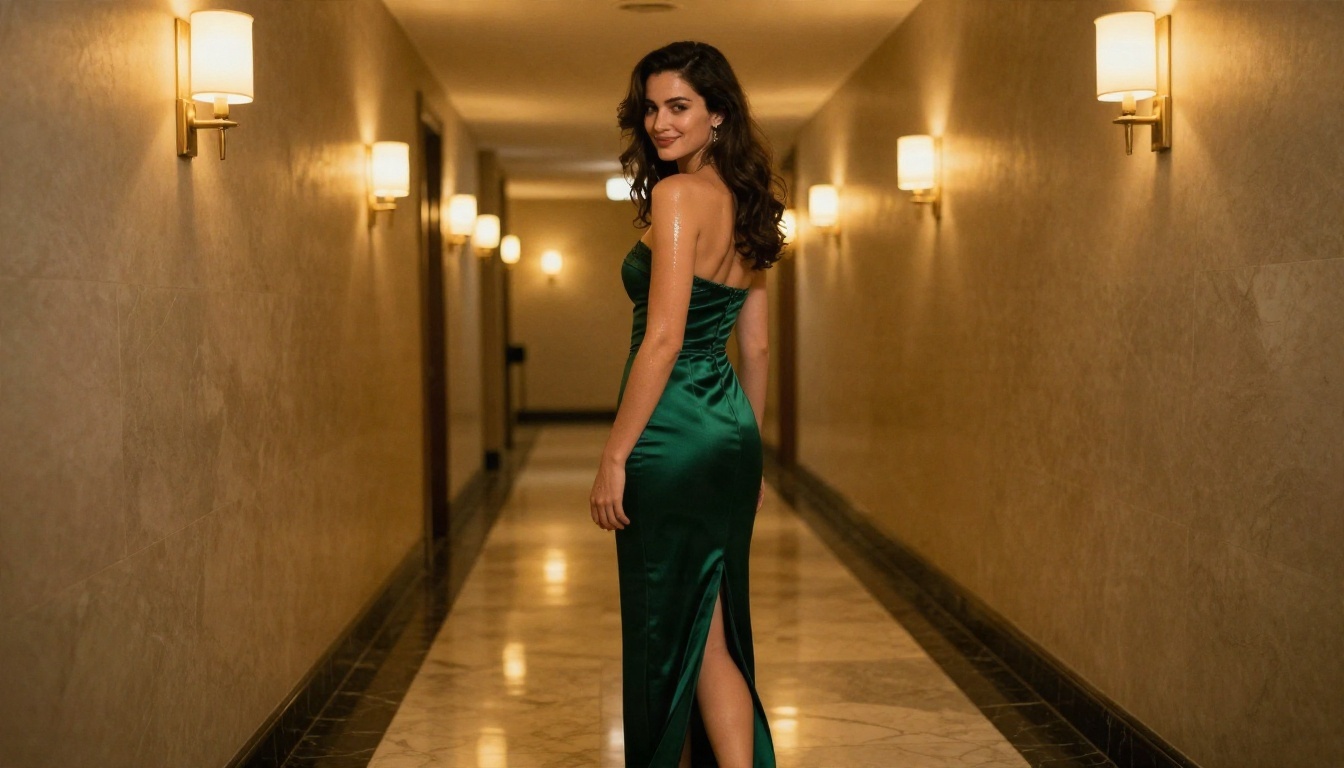
Typical Monthly Prices
| Tool type | Typical monthly price | What to expect |
|---|
| Companion chat app | About $10 to $20 | Unlimited messages, memory, some images |
| Image generator app | About $10 to $15 | More daily generations, higher resolution |
| Video add-on | Often extra credits | Short clips priced per generation |
| Annual plans | Often 40 to 67 percent cheaper per month | Best value if you already know you will stay |
Examples reported this year include Candy AI at roughly $12.99 a month, Secrets AI at around $14.99 and aiAllure at about $9.99. Since these numbers come from third party roundups, check each vendor's own pricing page before paying.
Hidden Costs to Watch
- Credit packs. The monthly price covers chat, but images and video draw from a separate credit balance.
- Auto renewal. Trials roll into paid plans quietly.
- Resolution locks. The free picture is small, the sharp one costs extra.
- Model lock in. Your characters live inside one app and cannot move with you.
Using models directly avoids most of this. You choose the image model, pick the video model and keep every file you make.
How to Use Seedream 4.5 on PicassoIA
Seedream 4.5 is the best place to start for photorealistic glamour pictures. Here is the full process.
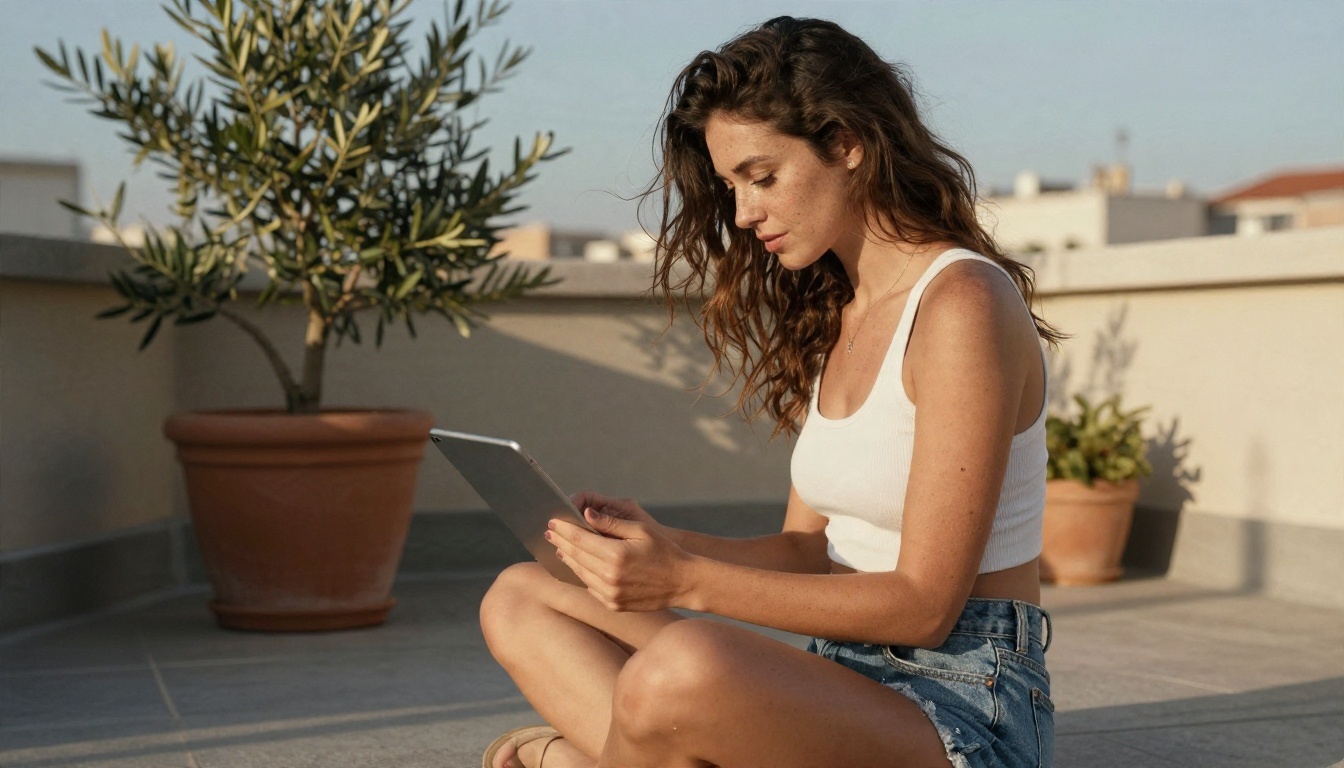
Step by Step
- Open the Seedream 4.5 page on PicassoIA.
- Paste your prompt into the text box.
- Choose a 16:9 ratio for landscape scenes or a portrait ratio for full length fashion shots.
- Pick the highest resolution offered.
- Generate, review, then adjust one detail at a time and generate again.
- Move your favorite result into PicassoIA Image Editor Pro to fix small issues, or into a video model such as Wan 3 to animate it.
Prompt Formula That Works
Use this order: subject and pose, outfit, location, lighting, camera and lens, texture details. For example:
A confident woman in a black bikini and sheer cover-up on a quiet Mediterranean beach at golden hour, wind in her hair, warm backlight, 35mm lens at low angle, natural skin texture, fine film grain.
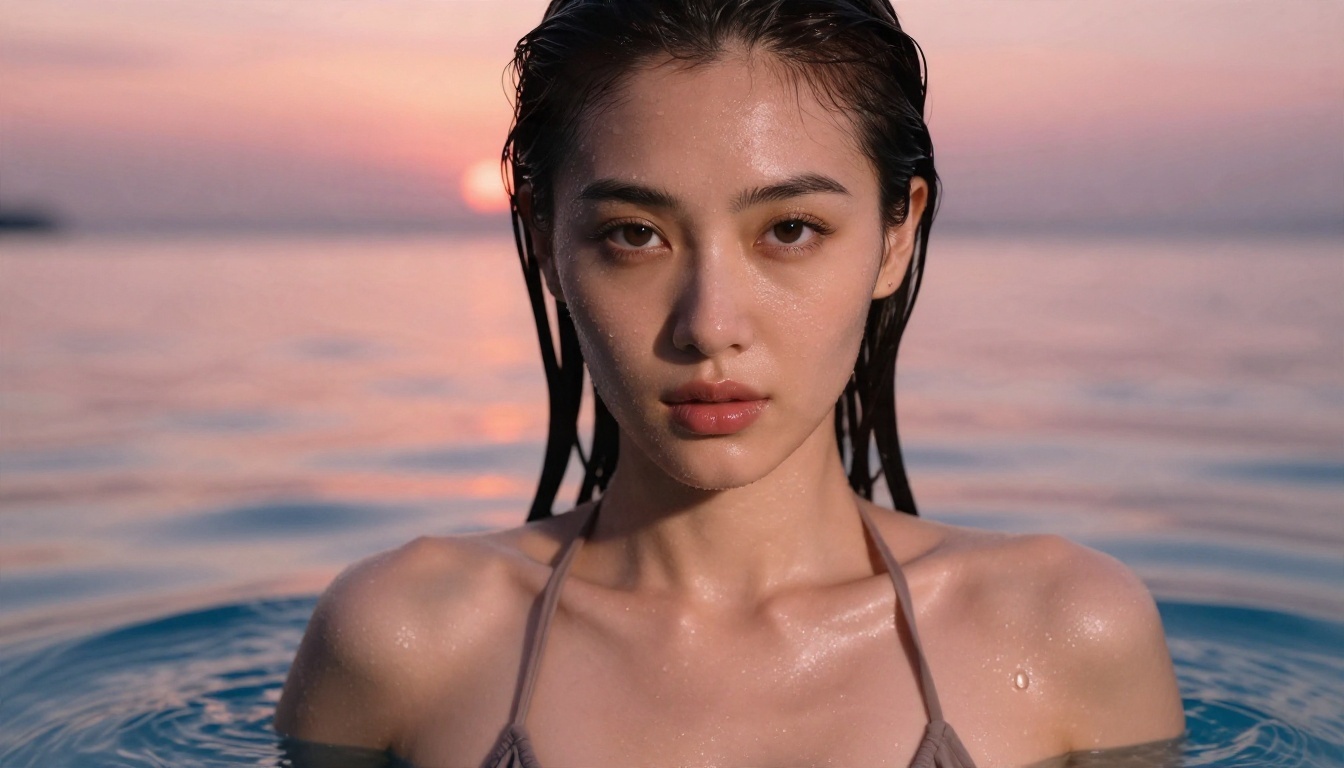
Realism comes from specifics. Name the light source and its direction, mention the lens, and describe surfaces: silk, linen, wet sand, skin with faint freckles. Vague prompts such as "hot girl, beautiful" produce the same plastic face everyone else gets.
Here is a quick troubleshooting list:
- Plastic skin: add "natural skin texture, visible pores, soft film grain".
- Odd hands: keep hands simple, holding a phone or a mug.
- Same face every time: vary age, hair color, freckles and features explicitly.
- Flat lighting: specify "soft window light from the left" or "golden hour backlight".
Safety and Consent Rules
A few lines you should never cross, regardless of the tool:
- Adults only. Every character must be clearly an adult.
- No real people. Do not generate suggestive images of real individuals, celebrities or someone you know, without their consent.
- No deception. Do not present generated pictures as real photos of a real person.
- Keep it private or label it. Respect platform rules wherever you post.
💡 If a service asks you to upload someone else's photo for a "swap" or "undress" feature, walk away. That is a consent problem and often illegal.
Make Your Own Sexy AI Images Today
The best sexy AI setup is not one app. It is a small toolkit: a language model for flirty chat, Seedream 4.5 for polished stills, PicassoIA Image Editor Pro for unlimited retries and edits, and a video model such as Wan 3 or Grok Imagine Video 1.5 to bring a favorite frame to life.
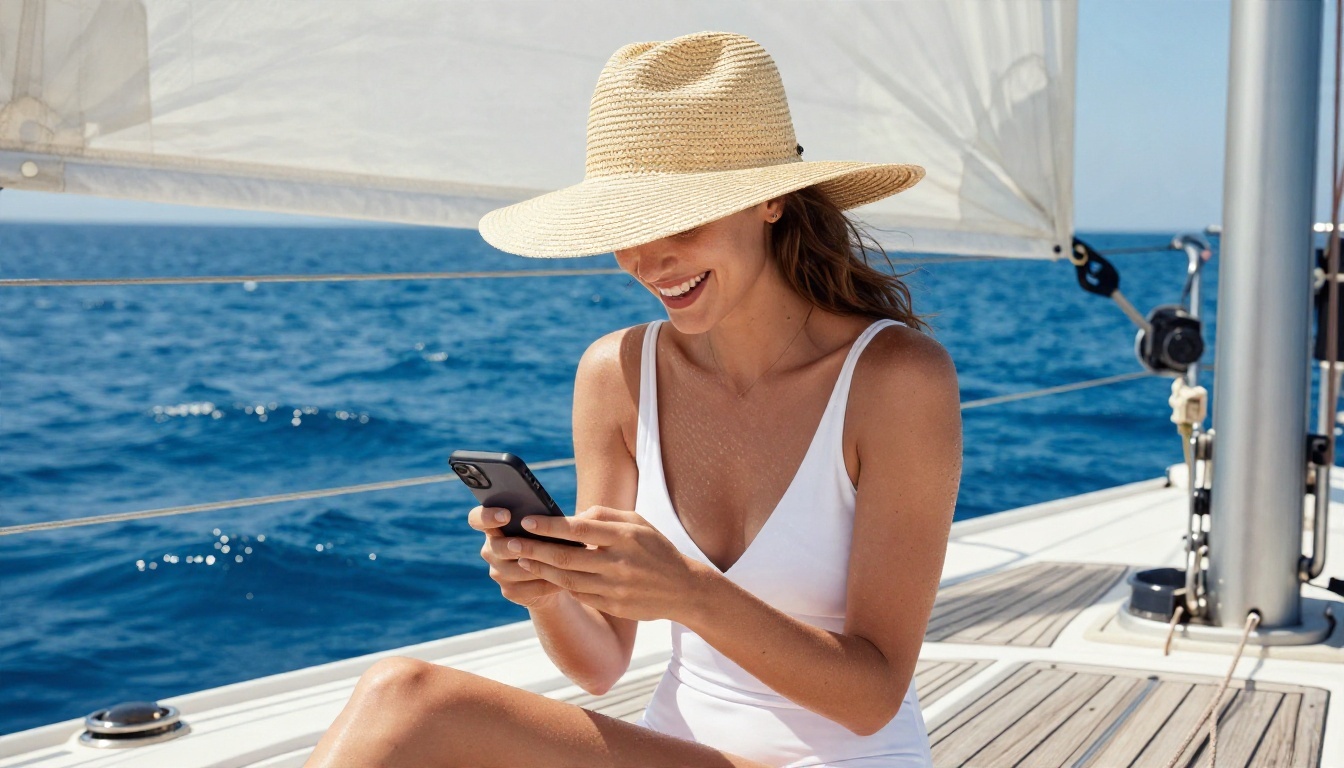
Here is a simple plan for your first session:
- Write a three line character sheet and test it in Deepseek V3.1.
- Turn that character into a detailed photo prompt and generate five variations in Seedream 4.5.
- Pick your favorite and refine it in Image Editor Pro.
- Animate it for five seconds and compare the motion in two video models.
You will have a full character, picture and clip in under an hour, with no subscription and no hidden credit packs. Open the PicassoIA model list, pick a model and start creating your own images today.


