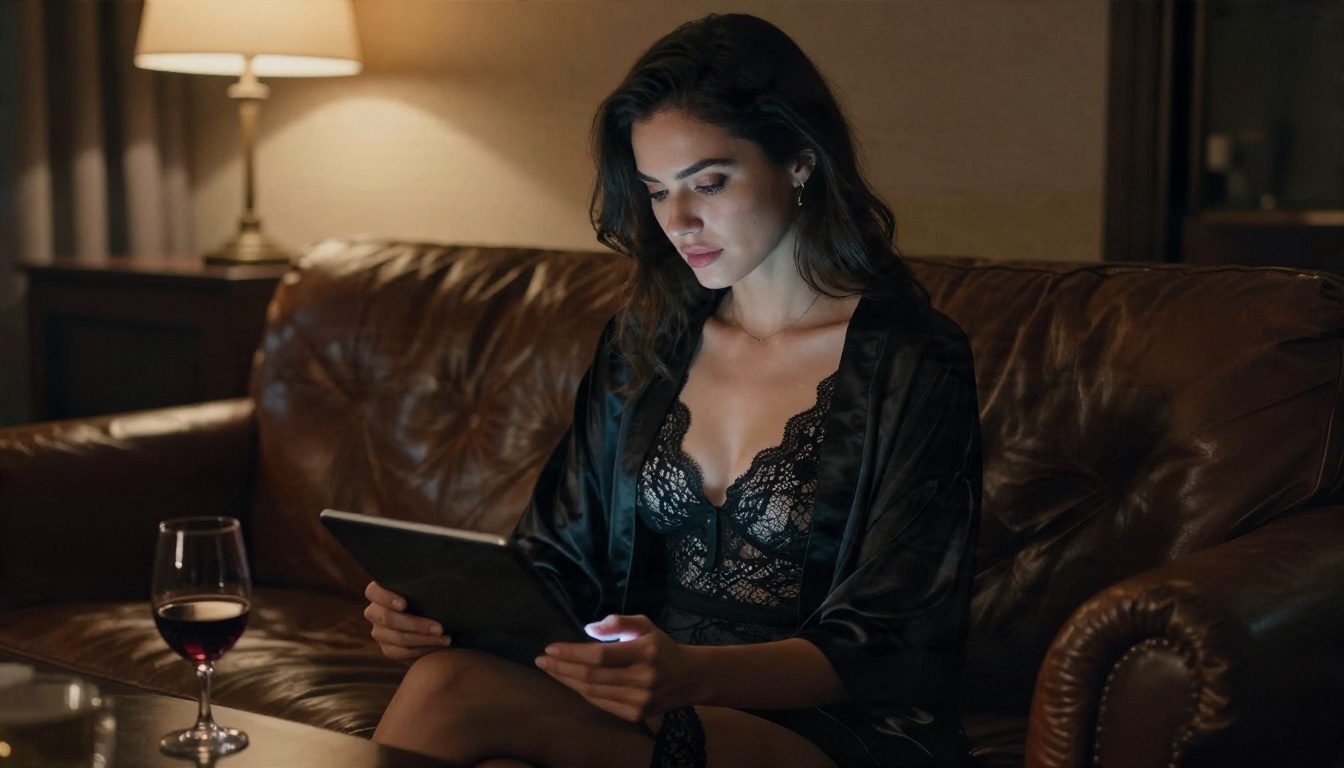
Most "free" spicy AI apps are free for about ten minutes. You sign up, generate three images, and then a credit counter or a blurred preview asks for your card. If you have been burned by that loop, this breakdown is for you. Below you will find the best spicy AI apps for 2027, what each free tier really includes, what the paid plans cost, and where the limits bite.
One honest note before we start. Prices and caps in this category change quietly, often with no announcement. The figures below come from recent reviews and public listings, and several of them contradict each other, so treat any number as a ballpark and check the app's own pricing page before you pay. What stays stable is the pattern: how credits work, which limits matter, and which tools give you room to experiment.
What "Spicy" Actually Means in 2027
Suggestive vs. explicit
"Spicy" is a loose label. For most people searching it, it means glamour, swimwear, lingerie-style portraits, flirty companions and romantic scenes. It does not necessarily mean fully explicit material. That difference matters because it decides which tools you can use. Mainstream generators block almost anything with skin. Specialist apps allow more, but usually behind a paywall or an age gate.
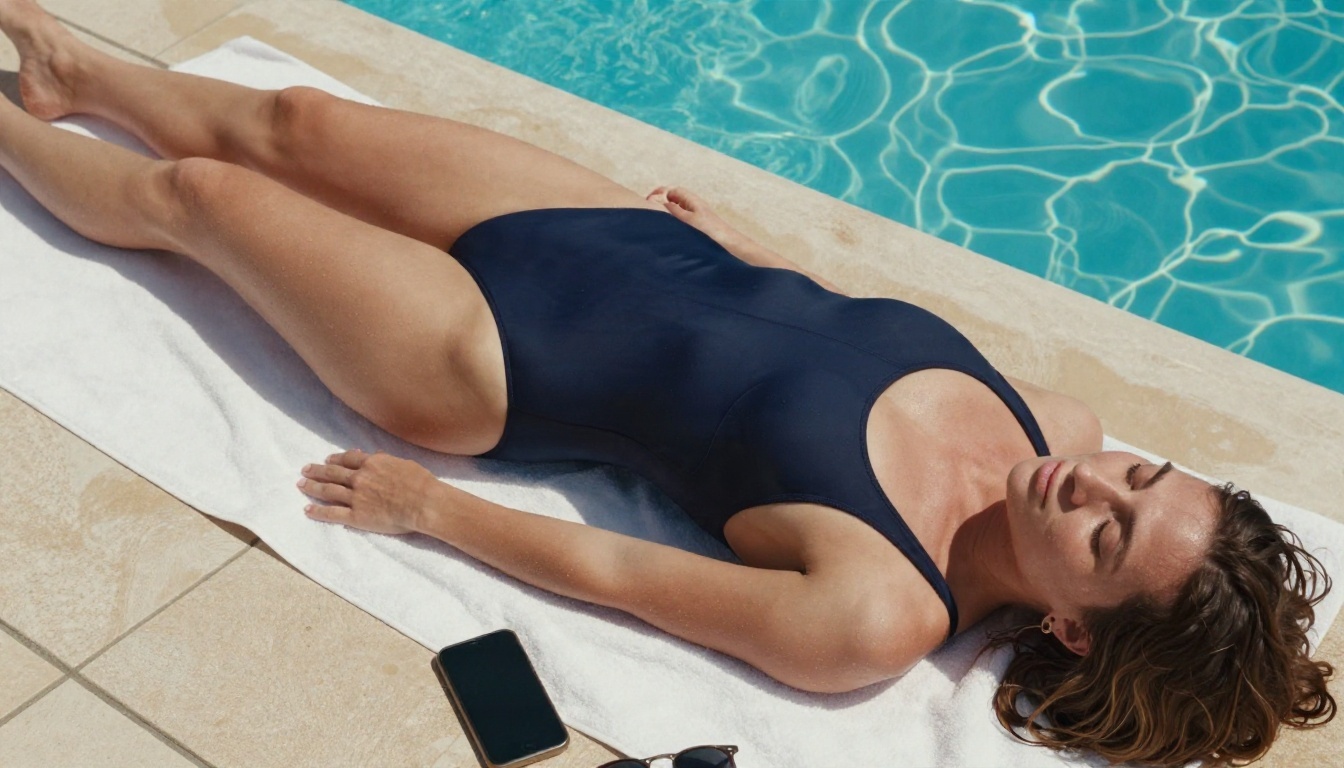
This article focuses on the suggestive, attractive end of the spectrum: the kind of imagery you would see in a fashion editorial or a beach campaign. It is also the kind of content that every tool below can handle without legal or platform headaches.
Why free tiers feel tight
Running image and video models costs real money in GPU time. So free plans are built around three levers:
- Daily or monthly credits that reset on a timer
- Queue priority, where free users wait behind paying ones
- Output limits, such as lower resolution, watermarks or locked styles
Reviews of the category describe true free tiers as giving roughly 3 to 10 credits per day, often with safe-for-work filters switched on. A few platforms advertise more generous allowances, but the mature options tend to sit behind a Pro plan.

💡 Quick test: before you commit to any app, generate the same prompt three times. If the third result is blurred, watermarked or blocked, you have found the real free limit.
The Best Spicy AI Apps, Ranked
Here is how the main options stack up for someone who wants attractive, non-explicit results without a surprise bill.
PicassoIA: unlimited editing, strong models
PicassoIA earns the top spot for one practical reason: it gives you several strong image models in one place, and one of them has no generation cap. Seedream 4.5 is the lead model for glamour work. It produces sharp, photographic skin, believable fabric and clean lighting, and it renders fast enough that you can iterate ten or twenty times on one idea.
Right behind it sits PicassoIA Image Editor Pro, which offers unlimited generations. That is the feature most apps hide behind a premium tier. You can edit outfits, swap backgrounds, adjust lighting and refine a face as many times as you like without watching a credit meter drain.
The platform also keeps things in one workflow. You can generate a still, edit it, upscale it and then animate it with a video model, all without exporting to another site.
Mage.space
Mage.space comes up in nearly every review. Reports say the free tier allows a lot of generation, but mature outputs require a paid plan. Pro pricing is reported inconsistently, somewhere between a few dollars and around fifteen per month depending on the tier and the source. Filters on the free side are described as aggressive.
Best for: people who want a wide library of community styles.
Watch out for: unclear pricing and heavy filtering on free accounts.
SeaArt
SeaArt is web-based, with daily free credits and a Pro plan listed at about $9.99 per month in one popular review. It has a large community gallery and lots of fine-tuned styles, which helps when you want a specific look quickly.
Best for: style variety and community presets.
Watch out for: daily credits run out quickly if you iterate a lot.
OurDream AI and CrushOn
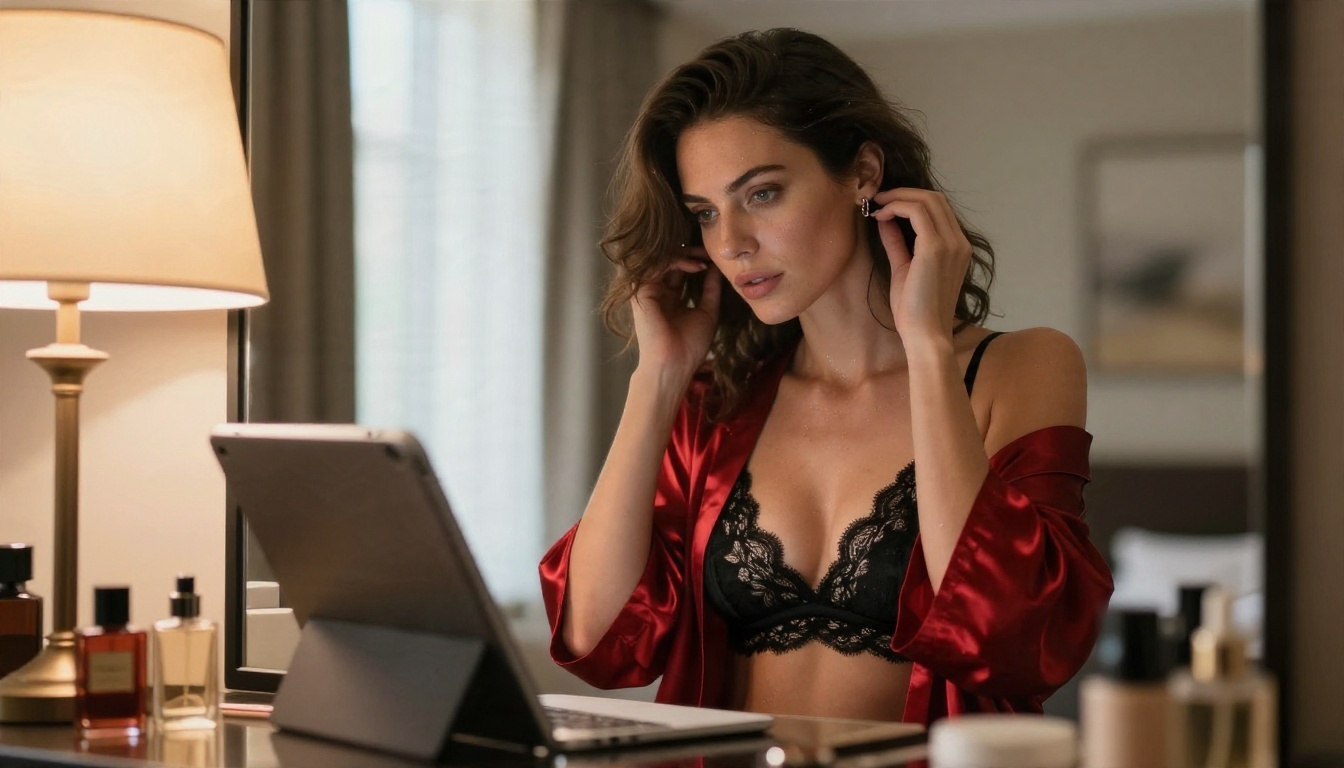
These two lean toward AI companions and character chat, with images as part of the experience. OurDream is described as keeping a permanent free level with daily limits. CrushOn publishes image quotas that vary by plan, and the cost per image can climb once you go past the included amount. The sources are mostly promotional, so verify before relying on them.
Best for: roleplay-style chat with generated pictures.
Watch out for: per-image costs that add up on higher usage.
Perchance
Perchance is repeatedly described as unlimited and free with no sign-up. It is a simple tool, so quality and control are modest compared with the model-based platforms above. It works as a quick sketchpad rather than a final-output machine.
Best for: zero-friction experiments.
Watch out for: limited control over lighting, anatomy and style.
Free Picks and Daily Limits
What free credits really buy
A credit is not a standard unit. One app counts a single image as one credit. Another charges three credits for a high-resolution render and five for an edit. Before you compare plans, convert everything to cost per usable image.
Here is a simple way to compare the free tiers described in recent reviews:
| App | Free access | Typical daily cap | Mature content on free? |
|---|
| PicassoIA (Image Editor Pro) | Yes | No generation cap | Suggestive glamour, non-explicit |
| Mage.space | Yes | Reported as generous | Reported as limited or Pro only |
| SeaArt | Yes | Daily credits | Varies by model and filter |
| OurDream AI | Yes | Daily limit | Reported as partial |
| CrushOn | Yes | Plan based quota | Plan dependent |
| Perchance | Yes | No stated cap | Not clearly documented |
Watermarks, queues and resolution caps
Credits are only the first limit. Three others catch people out:
- Watermarks. Many free outputs carry a logo in a corner. Fine for testing, useless for sharing.
- Queues. Free jobs can wait minutes while paid jobs jump ahead.
- Resolution. Free renders are often capped near 1024 pixels on the long side, which looks soft when you zoom in.
💡 If a tool does not tell you its resolution cap on the pricing page, assume it is low. Generate once and check the pixel size before you invest time.
Pricing Compared
Typical monthly costs
Reported prices for entry-level paid plans cluster in a narrow band. Use this table as a rough map, not a quote:
| Tier | Typical monthly price | What you usually get |
|---|
| Free | $0 | 3 to 15 images per day, low priority |
| Entry paid | $5 to $10 | More credits, no watermark, faster queue |
| Pro | $15 to $20 | Mature options, high resolution, bulk generation |
| Premium companions | $18 and up | Chat memory, voice, image packs |
One review cited a free tier of about 15 image prompts per day with a Pro plan near $18 per month for mature content options. Another listed $9.99 for a mid-level plan. The spread is wide, which is exactly why you should test the free tier first.
When paid plans make sense
Pay only if one of these is true:
- You generate more than 20 images a day on a regular basis
- You need clean, unwatermarked exports for a project
- You want a persistent character or companion with memory
If none of that applies, an unlimited editor plus a couple of free tools will cover most hobby use.
How to Use Seedream 4.5 on PicassoIA
Since Seedream 4.5 is the strongest lead model for glamour portraits, here is the exact workflow.
Step by step
- Open the Seedream 4.5 page on PicassoIA.
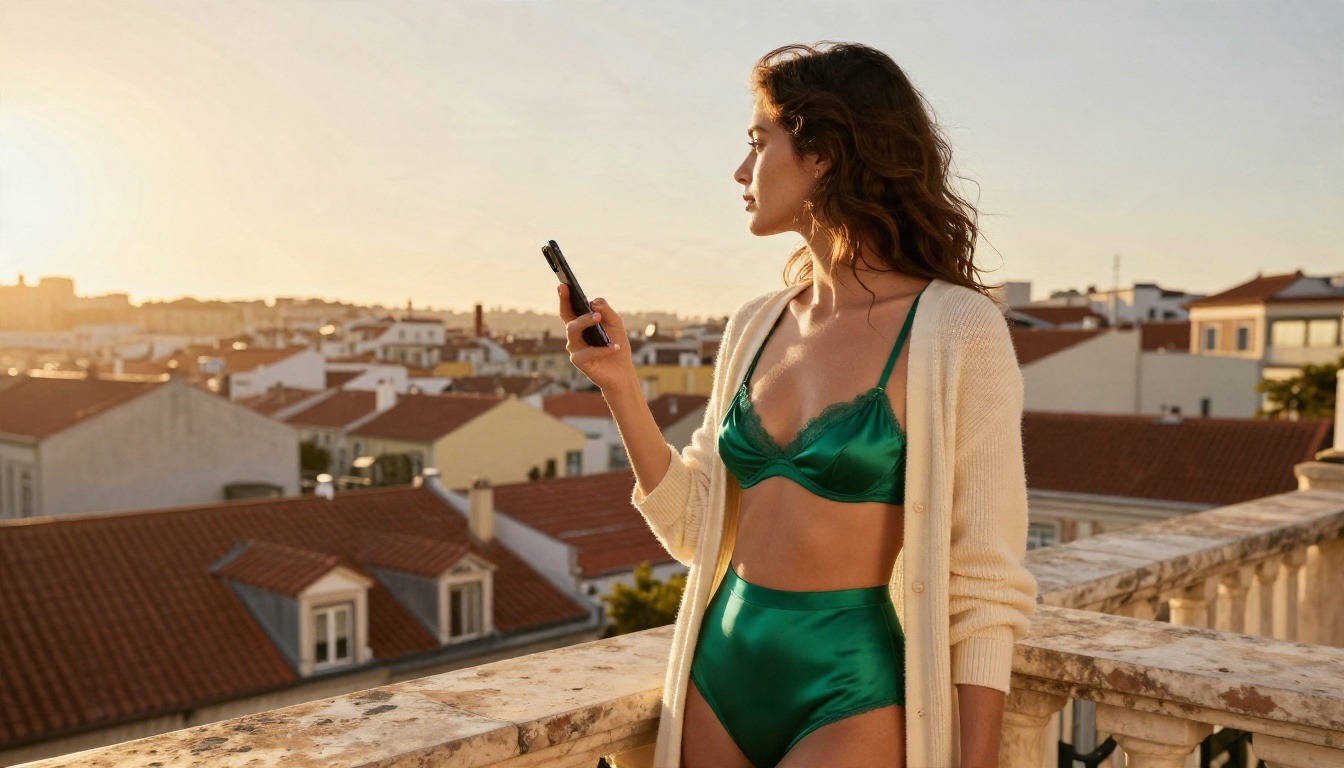
- Write a prompt that names the subject, outfit, setting, light and lens. For example: "young woman in a satin slip dress on a sunlit balcony, golden hour, 85mm lens, soft film grain."
- Set the aspect ratio. Use 16:9 for banners and wide scenes, 3:4 or 2:3 for portraits.
- Generate and review. Pick the best frame, then refine the wording instead of starting over.
- Send the result to PicassoIA Image Editor Pro to adjust clothing, background or lighting with unlimited edits.
Parameter tips
- Be specific about light. "Warm window light from the left" beats "nice lighting" every time.
- Name the lens. Phrases like "85mm f/1.8" push the model toward natural depth of field.
- Describe texture. Mention skin pores, fabric sheen, linen weave. It reduces the plastic look.
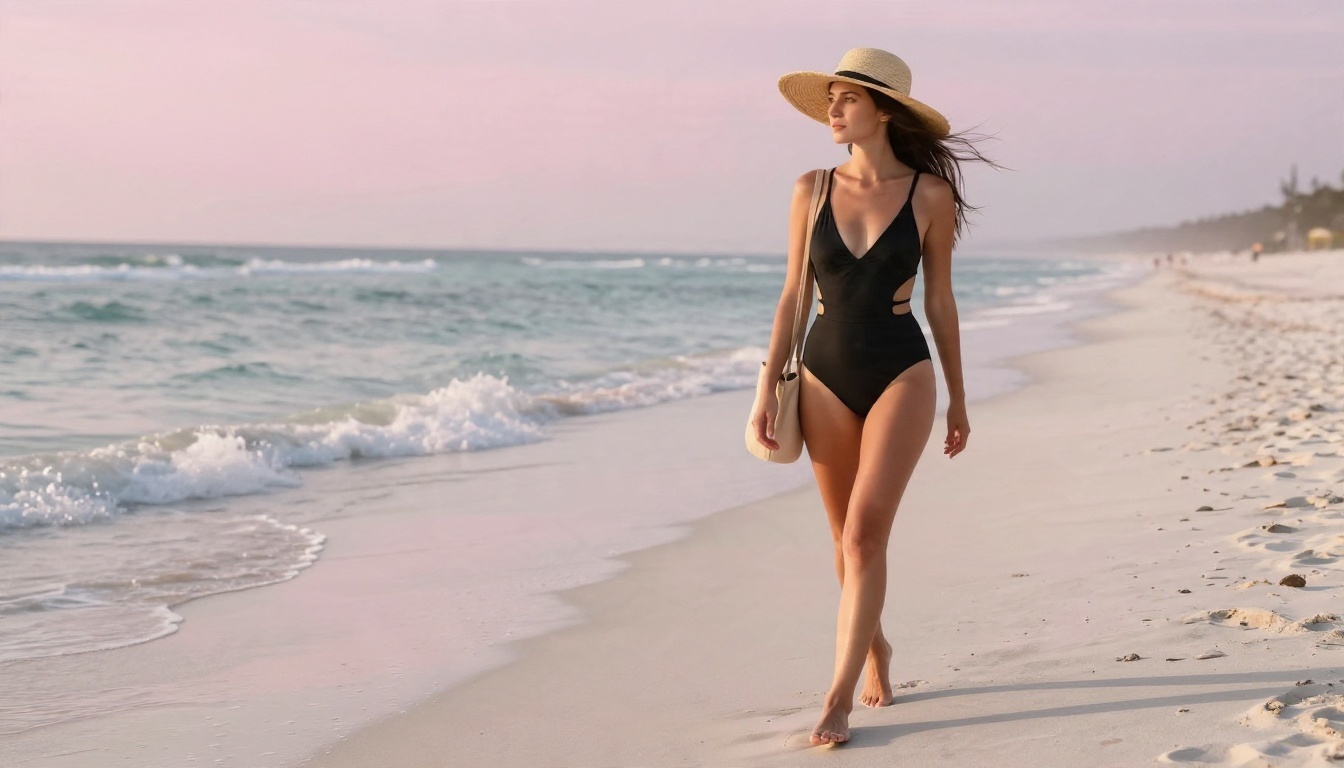
- Keep it suggestive. Swimwear, lingerie-style sets, robes and silk read as glamour and avoid the muddy results that come from over-stuffed prompts.
- Iterate in small steps. Change one element per run so you know what worked.
💡 Hands and jewelry are the usual weak points. If a first render has an odd finger, regenerate once or fix it in the editor instead of rewriting the whole prompt.
Models Worth Your Time
Image models in order
If you are building a toolkit on PicassoIA, this is the order I would try things in:
- Seedream 4.5 for polished glamour portraits and fast iteration.
- PicassoIA Image Editor Pro for unlimited edits and generations.
- Nano Banana Pro for 4K detail and careful prompt following.
- Qwen Image 3 Pro for photorealistic faces and natural skin.
- Z Image Turbo when you want speed and quick drafts.
- Flux 2 Klein 9B Base LoRA for styled looks and consistent aesthetics.
💡 Some mainstream models apply stricter filters to adult themes. If a prompt is blocked on one, switch to the next model on the list instead of rewording endlessly.
Animating your stills
A good still can become a short clip. Image-to-video models add motion: hair moving in a breeze, a slow camera push, waves at the ankles. Three worth trying:
Keep clips short, start from a clean, well-lit source image, and describe the motion in plain chronological terms: "she turns her head slowly, hair lifts in the wind, camera pushes in."
Safety, Privacy and Rules
Consent and real people
This is the line that matters most. Never generate suggestive images of real people without their consent. That includes celebrities, coworkers and anyone you know. Face-swapping a real person into adult-styled content is harmful and, in a growing number of places, illegal. Use fictional characters or your own original creations.
Data and payments
Companion apps often store chats and generated images. Before you subscribe, check four things:
- Can you delete your history and account?
- Does the app say how long it keeps prompts and outputs?
- Is billing descriptor discreet and the cancel button easy to find?
- Does it require an age check and enforce it?
If an app hides any of these, skip it. Free promotions with vague terms are the usual source of unexpected charges.
Spotting Hidden Costs
A few patterns repeat across the category, and they are easy to spot once you know them:
- Blurred previews. The image renders, but you only see a soft version until you pay.
- Credit inflation. The price of a render quietly rises from one credit to two or three.
- Locked styles. The best presets sit behind the Pro badge.
- Auto-renewal. Trials roll into annual plans unless you cancel early.
This is where an unlimited editor changes the math. When generations do not cost credits, you stop rationing prompts and start testing ideas. That alone improves results, because the best images usually come from the twelfth variation, not the second.
How to Pick Your Setup
Match the tool to the job
| Your goal | Best fit |
|---|
| Glamour portraits and fashion looks | Seedream 4.5 plus Image Editor Pro |
| Quick style experiments | SeaArt or Mage.space free tier |
| Chat with a character and images | OurDream AI or CrushOn |
| Zero sign-up sketching | Perchance |
| Short animated clips | Wan 2.5 I2V Fast or Kling v3 Video on PicassoIA |
A simple workflow that works
- Draft with a fast model such as Z Image Turbo.
- Re-render the best idea with Seedream 4.5 for polish.
- Fix details in Image Editor Pro with unlimited edits.
- Animate your favorite frame with an image-to-video model.
💡 Save your best prompts in a note. A tight prompt with named light, lens and texture is worth more than any subscription.
Try It Yourself on Picasso IA
The best spicy AI app is the one that lets you keep experimenting without a meter running. Start with Seedream 4.5, send your favorite result to PicassoIA Image Editor Pro for unlimited edits, then bring a still to life with Kling v3 Video or Wan 2.5 I2V Fast.
Fast generation, no daily caps on editing, and a full library of models in one place means you spend your time on ideas instead of credit math. Browse every option at picassoia.com/en/all-models, pick a model, and write your first prompt today. Your next favorite image is probably one or two variations away.