Type "uncensored AI" into a search bar and you get a wall of tools that all promise the same thing: no refusals, no filters, no limits. Most of them break at least one of those promises within ten minutes. The chat model refuses a harmless creative prompt, the image tool blurs a swimsuit shot, or the "free" plan runs dry after twelve generations. This article sorts the real options from the marketing, across chat, images and video.
You will get a short, opinionated list of picks, a plain account of what free actually buys you, and a step by step walkthrough for the image model I would start with. Every PicassoIA model mentioned links to its page so you can test it yourself.
💡 Quick answer: For images, start with Seedream 4.5 and PicassoIA Image Editor Pro. For video, try Wan 3. For chat, open-weight families such as Llama, DeepSeek and Mistral refuse less often than closed assistants.
What "Uncensored" Actually Means
"Uncensored" is not a switch. It is a spectrum, and every tool sits somewhere on it. Before comparing models, it helps to separate three different things people mean by the word.
Fewer refusals. The model answers more of what you ask, including mature themes, dark fiction, blunt medical or legal questions, and adult-leaning creative writing. This is what most readers want.
No hidden rewriting. Some hosted tools quietly rewrite your prompt or swap your result for a tamer one. A tool can refuse rarely and still change your output behind the scenes.
No rules at all. This does not exist on any serious hosted platform. Payment processors, app stores and local laws all push platforms toward at least some limits. Anything illegal, and anything involving real people without consent, stays off the table everywhere that matters.
In this article, "uncensored" means the first meaning: mature, suggestive and creative freedom that stays on the right side of the law. That is also how I judge the picks below. The content here is about glamour, swimwear, boudoir style portraiture and adult fiction, not explicit material.
Why Chat, Images and Video Differ
The three modalities behave very differently.
| Modality | Where refusals come from | How easy to avoid |
|---|
| Chat | Safety tuning inside the model weights | Medium: open-weight fine-tunes help a lot |
| Images | Prompt filters and output classifiers on the host | Easy to hard, depends on the platform |
| Video | Same filters, plus stricter review on motion | Hardest, and the slowest to iterate |
Chat models refuse because they were trained to. Image and video models mostly refuse because the platform wrapped them in a filter. That is why the same image model can behave differently from one site to the next.
Best Uncensored Picks for Chat
Chat is where the word "uncensored" gets abused the most. Many sites simply put a persona prompt on top of a normal assistant and call it unfiltered. A few honest options exist, and they fall into three groups.
Open-Weight Models You Run Yourself
If you have a graphics card with 8 GB of memory or more, community fine-tunes are the most reliable route. Names that come up again and again in 2026 roundups are Llama 3.1 8B "abliterated" builds (these have the refusal behavior removed from the weights) and Mistral Nemo 12B. They run through Ollama or similar local runners, they cost nothing per message, and nobody reads your chats.
The tradeoff is hardware and effort. You download the weights, pick a quantization, and accept that a small model writes worse prose than a frontier one.
Hosted Chat Sites With Free Tiers
Sites such as Venice, FreedomGPT and Uncensored.chat advertise free tiers. They are convenient, but read the fine print. Free plans usually cap daily messages, shorten the memory of the conversation, and push the best models behind a subscription. Treat any "unlimited" claim as unproven until you hit the wall yourself.
Open Families on PicassoIA
PicassoIA hosts several open-weight families you can chat with in the browser, with no install. They are not marketed as unfiltered, and each deployment follows its own platform rules, so test with your own prompts before you rely on them. These are the ones worth trying first:
- Llama 4 Maverick Instruct is a strong all rounder for long creative writing and role play.
- Deepseek V3 writes fluent fiction and follows long instructions well.
- Deepseek R1 reasons step by step, which helps with plotting and world building.
- Mistral 7B v0.1 is small, fast and tends to follow the prompt without lectures.
- Kimi K2.6 handles long context if you are drafting a full story.
💡 Tip: If a chat model refuses, rewrite the request as fiction with a clear setting, characters and tone. Models refuse vague requests far more than well framed creative ones.
Best Picks for Image Generation
Images are where uncensored tools are most useful and where the difference between platforms is largest. A model that refuses a bikini photo is not very helpful to a fashion creator. For non-explicit glamour work (swimwear, lingerie style editorial, boudoir portraits, artistic poses), these are my picks, in order.
Seedream 4.5 Leads the List
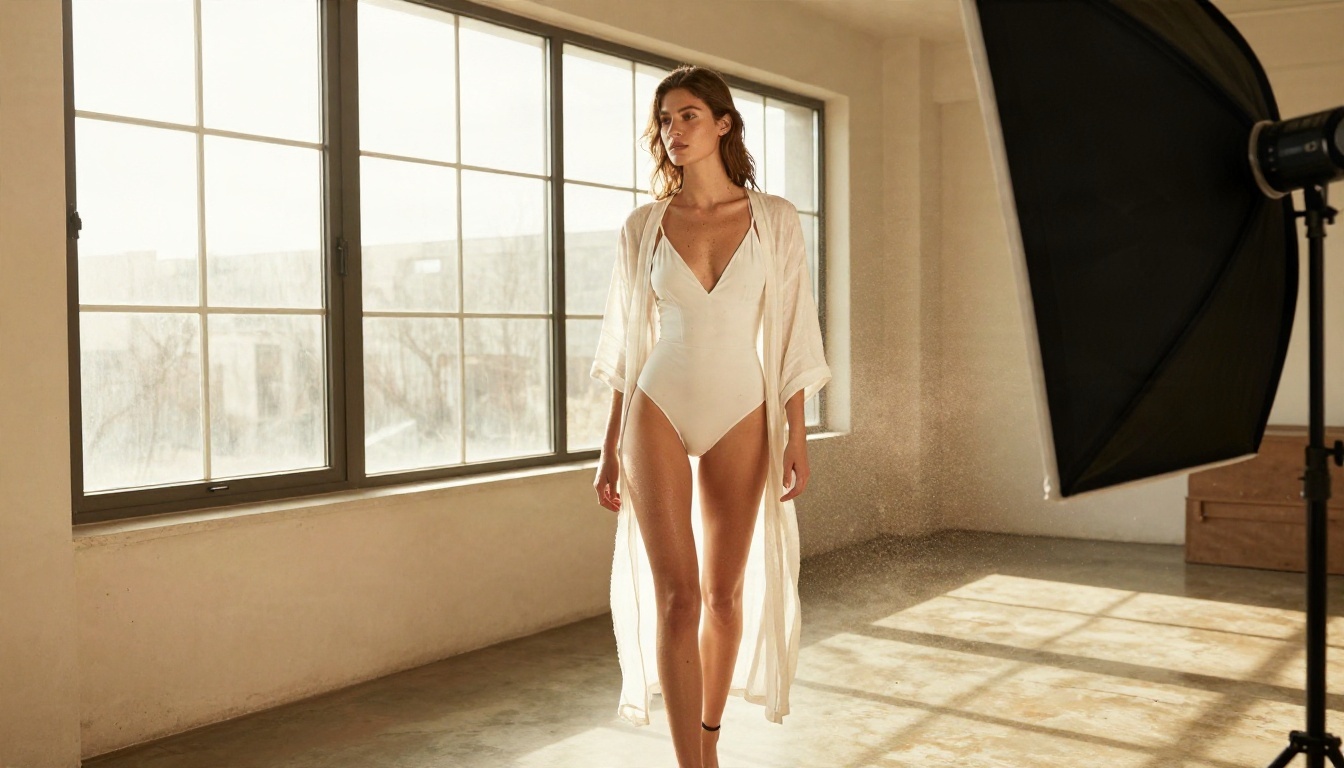
Seedream 4.5 is my first choice. It produces sharp 4K output, handles skin texture and fabric convincingly, and follows long prompts closely. Hands, hair and light behave the way they do in a real photo shoot. It is also forgiving: a plain description of a scene and a camera setup gets you something usable on the first try.
| Strength | What you get |
|---|
| Resolution | Up to 4K output |
| Skin and fabric | Natural pores, believable silk and linen |
| Prompt control | Follows lighting and lens instructions |
| Best for | Glamour, swimwear, editorial portraits |
Image Editor Pro for Unlimited Runs
The biggest hidden cost in any image workflow is iteration. You rarely land the perfect frame on attempt one. PicassoIA Image Editor Pro offers unlimited generations, so you can keep adjusting pose, outfit, lighting and background without watching a credit counter. It also edits existing photos, which makes it the fastest way to fix one detail without starting over.
Unlimited matters more than it sounds. On a capped plan, people stop experimenting after the third bad result. Without a cap, you keep refining until the frame is right, and that is how good images actually get made.
Qwen Image 3 Pro as a Backup
When Seedream 4.5 misreads a prompt, Qwen Image 3 Pro is a solid second opinion. It leans toward clean photorealism and does well with portraits and lifestyle scenes. Running the same prompt through two models is a cheap way to see which one understands your idea better.
💡 Note on Seedream 5: Newer releases are not always better for adult-leaning work. Some lighter variants of the Seedream line block mature prompts outright. For this kind of content, Seedream 4.5 is the dependable choice.
Best Picks for Video
Video is the hardest category. Models are heavier, runs take longer, and platforms review motion more strictly than stills. Most "uncensored video" claims fall apart here, and the honest advice is to keep expectations at tasteful, cinematic and non-explicit.
Wan 3 and Wan 3 Prime
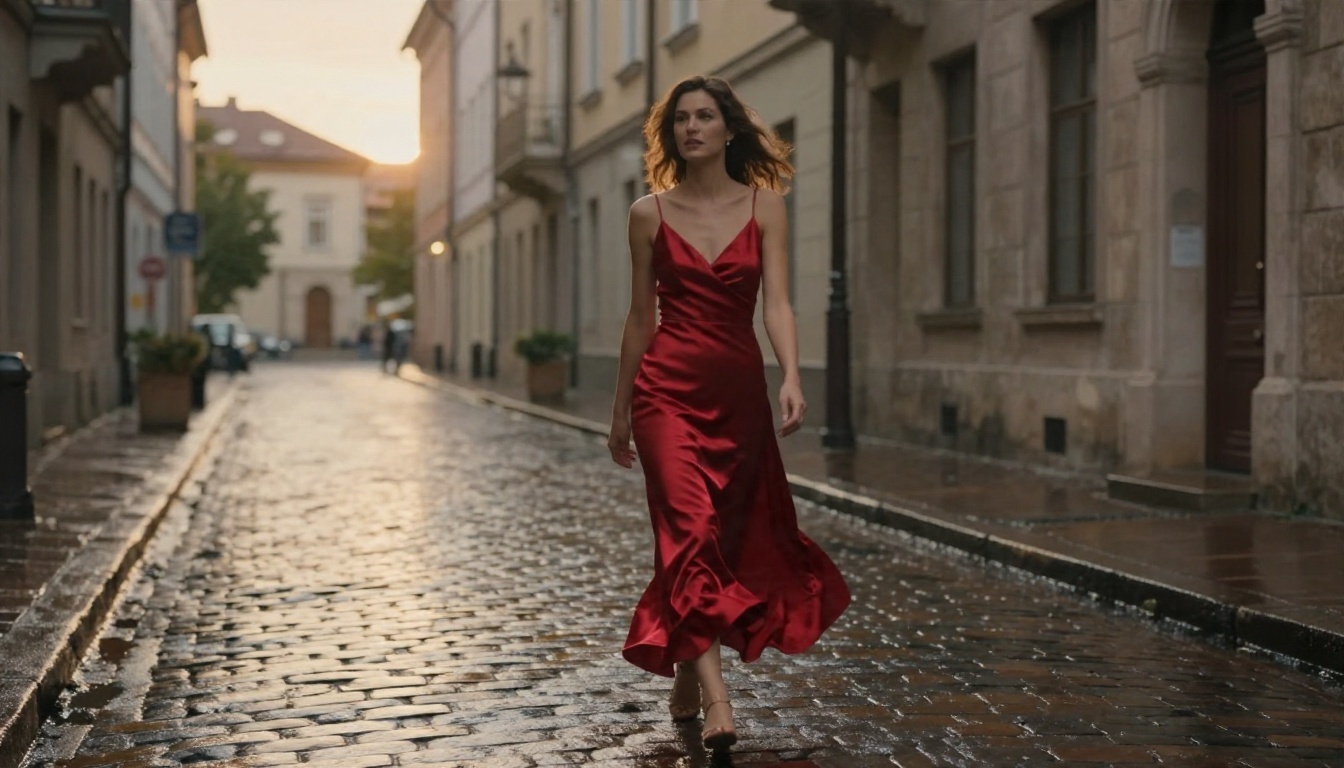
Wan 3 produces cinematic motion with natural camera moves, and it is the video model I reach for first. If you want more resolution, Wan 3 Prime renders 1080p clips from text. Earlier Wan versions are popular for local runs because the weights are open, but they need a serious graphics card. Running them in the browser skips that problem.
A workflow that works well: build the first frame with Seedream 4.5, then animate it. Starting from a strong still gives the video model a clear subject, lighting and mood to preserve.
LTX 2.5 Fast for Speed
LTX 2.5 Fast is built for quick iteration. When you are testing ideas, speed beats polish: generate five rough clips in the time it takes one heavier model to finish, then pick the best idea and rerun it on Wan 3.
💡 Tip: Older Kling releases such as Kling v1.5 Pro are also on PicassoIA, but Kling is known for strict content review. Use it for fashion and travel style clips, not mature themes.
Free Tiers and Their Real Limits
Free is the second half of the search, and it is where most disappointment lives. Roundups of uncensored tools agree on one point: the numbers change often, and vendor blogs tend to flatter their own products. Treat every figure below as a pattern, not a promise.
Chat Limits
Free chat plans usually cap messages per day and trim conversation memory. Some hosted sites limit you to a small model unless you pay. Running a local model has no cap at all, but you pay in hardware and setup time.
Image Limits
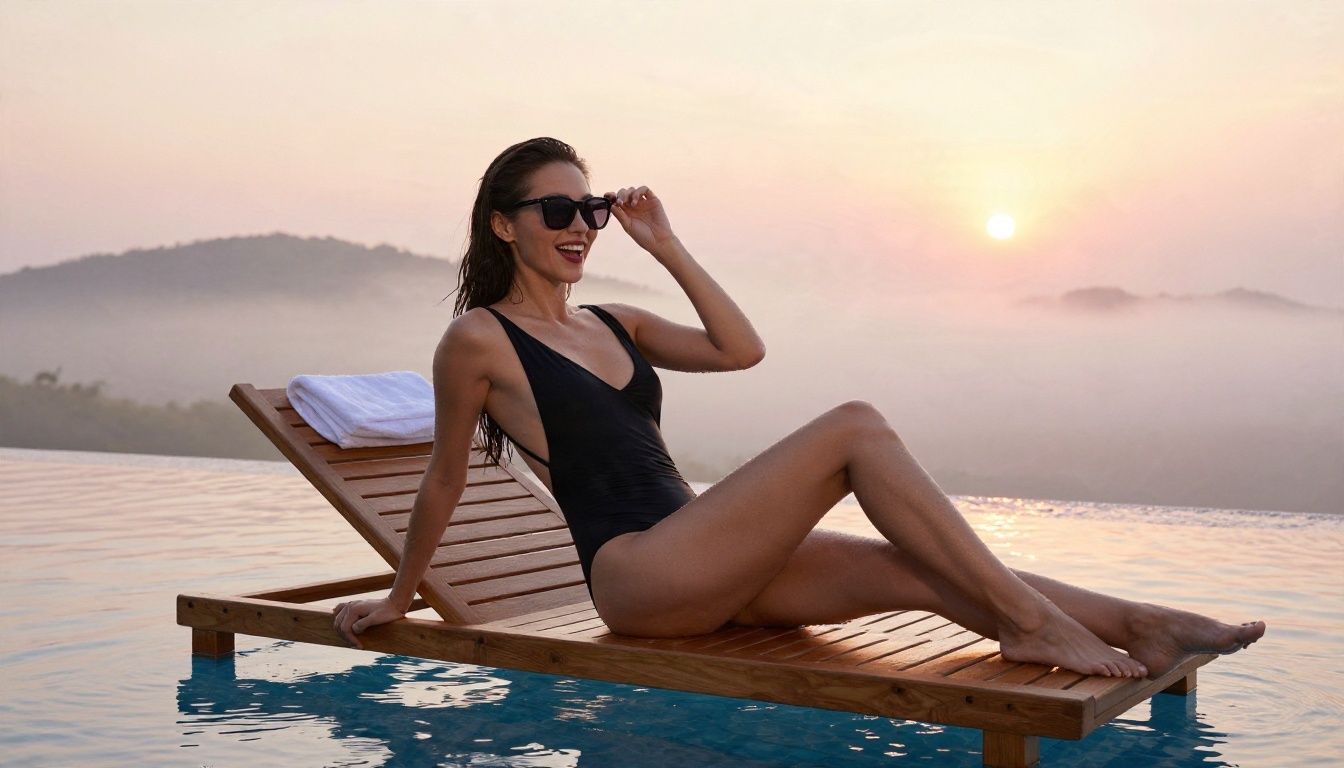
Image tiers are tighter than chat. One source cited roughly 15 prompts per day on a free plan for a well known tool, and that is typical. Watch out too for licenses: some popular open image models allow only non-commercial use, which matters if you plan to sell prints or run a creator page.
Video Limits
Video free tiers exist but are small. Daily credit packs, such as the 66 daily credits one source attributed to Kling, buy only a few short clips. Another source in the same roundup claimed that tool does not support mature content at all, which fits what I said above about review.
| Type | Typical free limit | Hidden catch |
|---|
| Chat | Daily message cap | Smaller model, short memory |
| Images | Roughly 10 to 20 prompts a day | Watermarks, non-commercial license |
| Video | A few short clips a day | Queue waits, strict review |
The pattern is simple: the more compute a result needs, the tighter the free cap. That is why unlimited image generation is such a strong feature, because images are the cheapest modality to run in volume.
How to Use Seedream 4.5 on PicassoIA
Here is the workflow I use for non-explicit glamour images. It takes about five minutes the first time.
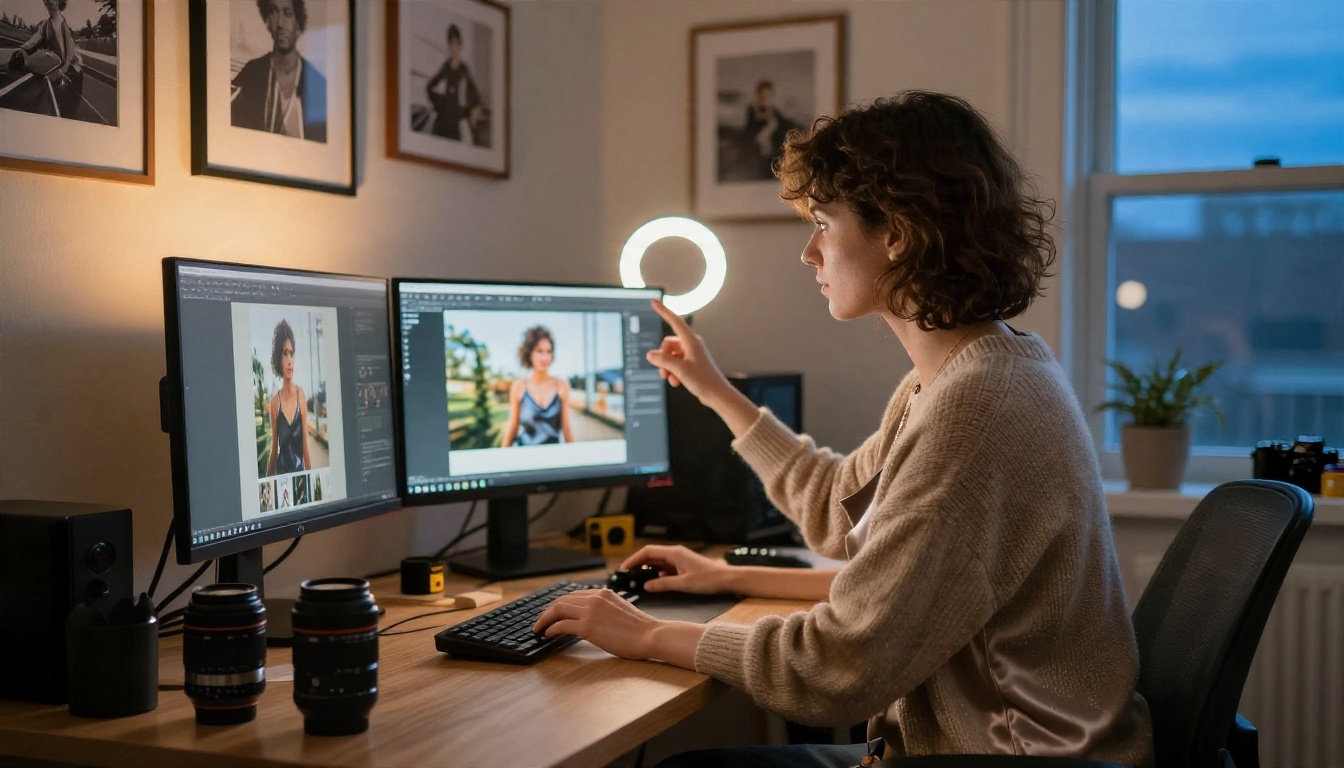
Step by Step
- Open the Seedream 4.5 page on PicassoIA.
- Write the subject first: who is in the frame, what they wear, what they are doing.
- Add the setting: room, location, time of day.
- Add the light: direction, color and softness, such as "warm window light from the left at golden hour".
- Add the camera: lens and aperture, such as "85mm f/1.8, shallow depth of field".
- Set a 16:9 or portrait ratio depending on where the image will be used.
- Generate, review, then change one thing at a time and run again.
Parameter Tips
- Describe light, not mood. "Soft side light with warm skin tones" beats "sexy lighting" every time.
- Name textures. Silk sheen, linen weave and skin pores push the model toward realism.
- Keep prompts between 40 and 80 words. Shorter prompts leave too much to chance, longer ones start to contradict themselves.
- Fix, don't restart. Once you like a frame, send it to Image Editor Pro to adjust one detail with unlimited runs.
- Animate last. Take your best still to Wan 3 once the composition is locked.
Mistakes to Avoid
Most failed sessions come from the same few habits.
Trusting the Label
A site that says "no filters" may still use them. Test with three prompts that match your real use before you pay for anything. If two fail, move on.
Mixing Up Mature and Explicit
Tasteful glamour, swimwear and artistic portraiture are widely supported. Explicit content is a different matter: it triggers filters on mainstream platforms and carries legal and consent risks, particularly with real people. Never generate images of real individuals without their consent, and never generate anything involving minors. That line is absolute.
Skipping the Test Round
Run the same prompt on two or three models before committing. Two friends comparing outputs across a table will notice differences in minutes that a spec sheet never shows.
Ignoring the License
If the work is for sale, check commercial terms. Free and "uncensored" often come with non-commercial strings attached.
Your Turn to Experiment
Picking the best uncensored AI model comes down to what you make. For chat, try an open family such as Llama 4 Maverick Instruct or Deepseek V3 and see how it handles your own prompts. For images, start with Seedream 4.5, then refine with PicassoIA Image Editor Pro and its unlimited generations. For video, animate your best still with Wan 3 or speed through drafts with LTX 2.5 Fast.
The fastest way to find out what works is to run your own prompts. Open a model, write a scene, change one detail, and run it again. See every option in one place at picassoia.com/en/all-models, and start making your own images with Picasso IA today.


