You upload a perfectly good swimwear portrait, press generate, and the tool answers with a polite refusal. Or it accepts the photo, then hands back a 4 second clip with a watermark across the middle. That is the daily reality of image to video in 2027, and it is why so many people search for the best uncensored image to video tools instead of just picking the most famous name.
This article sorts the noise. You will see what "uncensored" really means in practice, which free options hold up, what the pricing looks like once credits run out, whether an API is worth it, and how long your clips can actually be. Everything here stays on the right side of the line: suggestive, attractive, glamour-style content, not explicit material.
What "Uncensored" Really Means
The word gets thrown around loosely. Most of the big cloud video generators run content filters that check your prompt, your uploaded image, and often the finished clip. Some are strict about anything involving skin. Others only block the truly extreme. Marketing pages rarely tell you which camp they sit in.
Filters, in plain terms
There are usually three layers. A prompt filter reads your text for flagged words. An image filter scans the source photo you upload. An output filter checks the final video before you can download it. A tool is only as permissive as its strictest layer, which is why a prompt that works on one platform fails on another with the exact same photo.
Permissive is not the same as explicit
Here is a point worth being honest about. Plenty of creators who search for uncensored tools do not want anything pornographic. They want a bikini photo to be treated like a bikini photo, a lingerie campaign still to be treated like fashion work, a boudoir portrait to be treated like art. That is the realistic target: a tool that does not panic at swimwear, silk, bare shoulders and sensual mood.
💡 Reports from community forums in 2026 say that even the best known models, including Kling 3.0, Seedance 2.0 and Runway Gen-4.5, are heavily moderated cloud services. Platforms that advertise themselves as fully unfiltered are often weaker on motion quality. Plan for a tradeoff, not a miracle.
Why the source image matters more than the prompt
Image to video leans on the first frame. If the still already has the pose, the outfit and the lighting you want, the model only has to add motion. That means a strong source photo does more work than any clever prompt. It is also why the strongest workflow starts with an image generator that is relaxed about glamour content, then moves to a video model.
Free Picks That Actually Work

Free is where most people start, and where most people get frustrated. Free tiers usually come with one of three catches: a one time credit pool, a daily cap, or a watermark and resolution ceiling.
What the big names give you for free
Based on figures reported in 2026 and subject to change, the picture looks like this:
| Tool | Free allowance (reported) | Typical catch |
|---|
| Runway | About 125 one time credits | Non renewable, roughly 5 to 10 seconds of footage total, 720p, watermark |
| Kling | Around 66 daily credits | Clips of about 5 to 8 seconds, queue times at peak hours |
| PixVerse | 90 signup credits plus 60 daily | Credits burn fast on longer clips |
| Local Wan weights in ComfyUI | Unlimited | Needs a strong GPU and setup time |
The last row deserves attention. Several roundups point out that running open weight Wan models yourself in ComfyUI is the only truly free route with no per generation cost and no moderation layer you do not control. The price is hardware, patience and troubleshooting.
Free options on PicassoIA
If you would rather skip the setup, there are free and generous options built into one place. Seedance 2.5 Lite is positioned as a free and unlimited video generator with clips up to 10 seconds. PicassoIA Video takes text or an image and is also built around free, unlimited use. For quick iteration without counting credits, those two are the practical starting points.
💡 Unlimited changes how you work. When every attempt is free, you stop treating each generation as precious and start running five variations of the same still. That is how you get one clip that really moves well.
Free tool red flags
Watch for watermarks that cover the subject, "free" plans that expire after one clip, and sites that demand a card before you see any output. If a free tool will not show a preview of its own output quality, skip it.
Building the Source Frame
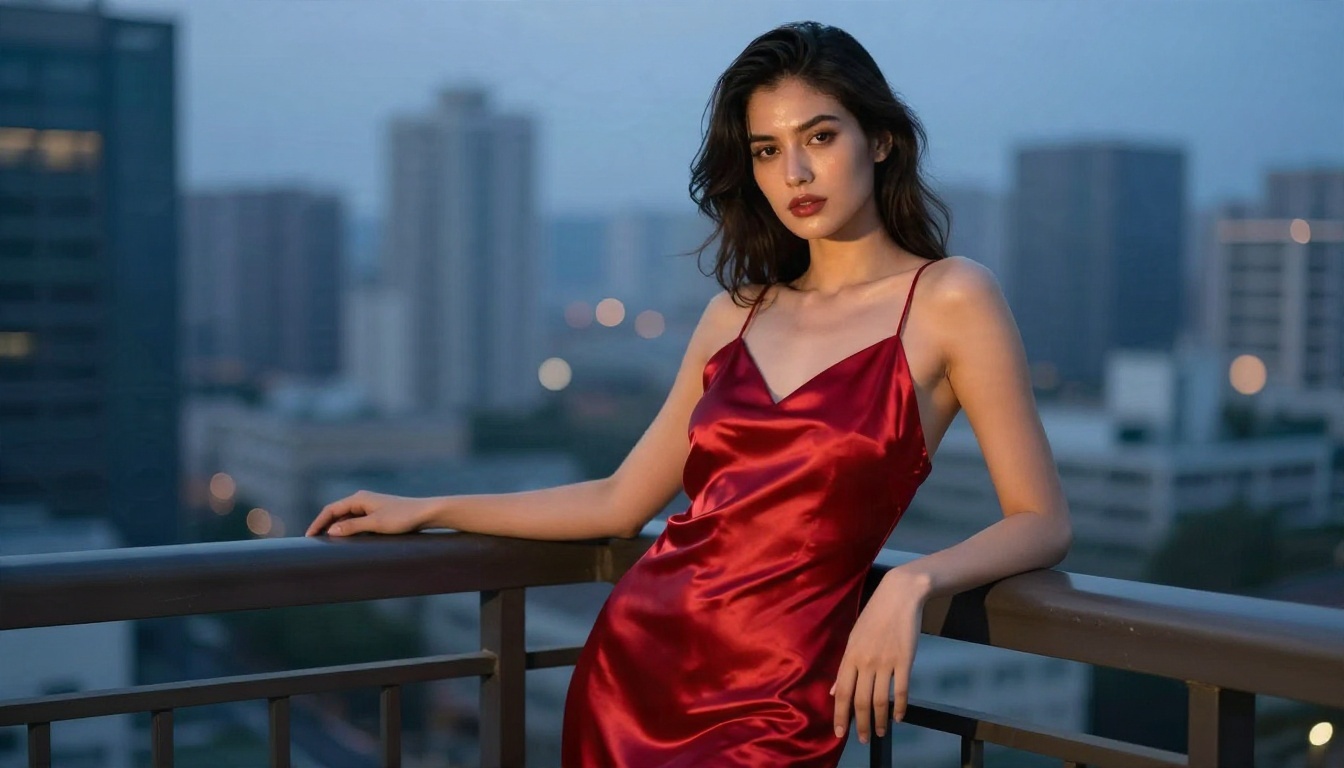
Since the first frame decides so much, the image generator is half the battle. This is where a permissive, high quality still model pays off.
Start with Seedream 4.5
For glamour and swimwear stills, lead with Seedream 4.5. It produces sharp, photorealistic portraits with convincing skin texture, fabric sheen and lighting, which are exactly the details a video model needs to keep stable across five or ten seconds. It is the model to try first when you want a tasteful, suggestive look.
Edit without limits
Next comes PicassoIA Image Editor Pro, which offers unlimited generations. Use it to fix a hand, change an outfit colour, adjust the background or tweak the pose until the still is exactly right. Cleaning the first frame before animating saves a lot of failed video attempts.
A few more stills models worth testing
If you want a different look, Qwen Image 3 Pro and Wan 2.7 Image Pro both handle photoreal portraits well. For the full list, browse all PicassoIA models.
💡 Prompt the still the way a photographer would: lens, light direction, fabric, skin texture. A prompt like "85mm, soft window light from the left, satin dress, visible skin pores" gives the video model far more to hold on to than "sexy woman".
The Real Cost of Pricing

Once free credits are gone, pricing gets confusing fast. Every platform measures differently: credits, seconds, runs, or monthly tiers.
Credits versus per second billing
Subscription tools sell credit bundles. A 5 second clip at 720p might cost a handful of credits, while the same clip at 1080p with audio can cost several times more. API and pay as you go services usually bill per run or per second of output. Reported vendor rates in 2026 range from about $0.02 per short run on lightweight Wan variants to roughly $0.05 per run for models producing 4 to 12 seconds at 24 fps. Per second pricing on some platforms starts around $0.025. These figures come from vendors with a stake in the result, so treat them as rough anchors and check before you commit.
A quick cost comparison
| Model type | Typical cost pattern | Best for |
|---|
| Free unlimited tiers | No per clip cost | Testing, iteration, drafts |
| Lightweight cloud models | Cents per run | Social clips, volume |
| Premium cinematic models | Higher credits per second | Final hero clips |
| Self hosted open weights | Hardware and electricity | Maximum control |
Where money disappears
The silent cost is failed generations. If one in four attempts is unusable, your effective price per good clip is a third higher than the sticker price. Unlimited tiers erase that problem. Per run billing amplifies it.
💡 Draft on a free or fast model, then spend premium credits only on the one version you plan to publish.
API Access Without the Headaches
If you generate more than a few clips a week, an API starts to make sense. It lets you queue batches, plug video into an app, or automate the move from still to motion.
When you really need an API
You probably need one if you are producing dozens of clips, building a creator tool, or running a content pipeline overnight. For a handful of clips a week, the web interface is simpler and cheaper.
What to check before committing
Ask four questions: Is the moderation the same on the API as on the web app? (Sometimes it is looser, sometimes stricter.) What are the rate limits? Is billing per run or per second? What is the maximum duration per request? Third party roundups rarely document these cleanly, so check each provider's own pricing and policy pages before building on them.
The self hosted route
Open weight Wan models can be wrapped in your own API with ComfyUI or similar tools. You control the content policy and the cost, but you also own the uptime, the GPU bills and every bug.
Video Length Limits Decoded

Length is the spec people check last and regret first. Most image to video models produce short clips, and quality tends to drift the longer they run.
Typical limits in 2026
| Class | Common clip length | Notes |
|---|
| Fast, lightweight models | 3 to 5 seconds | Quick, cheap, great for loops |
| Mainstream cinematic models | 5 to 10 seconds | Best balance of cost and consistency |
| Long form models | Up to about 30 seconds | Higher cost, more drift risk |
On PicassoIA, the range is wide. Seedance 2.5 Lite runs up to 10 seconds, while Seedance 2.5 is positioned for clips up to 30 seconds. Wan 2.7 I2V and Wan 2.5 I2V sit in the mainstream range and are dependable for animating a still.
Why longer is not always better
Face and outfit consistency tend to slip beyond roughly 8 to 10 seconds. If you need a longer sequence, it is often smarter to generate several short clips from different stills and edit them together. You get better quality and more control over pacing.
Audio and resolution trade offs
Some models add native audio. Veo 3.1 Fast and Grok Imagine Video 1.5 are worth testing if sound matters. Higher resolution and audio usually shorten the allowed length or raise the cost.
Picking the Right Model
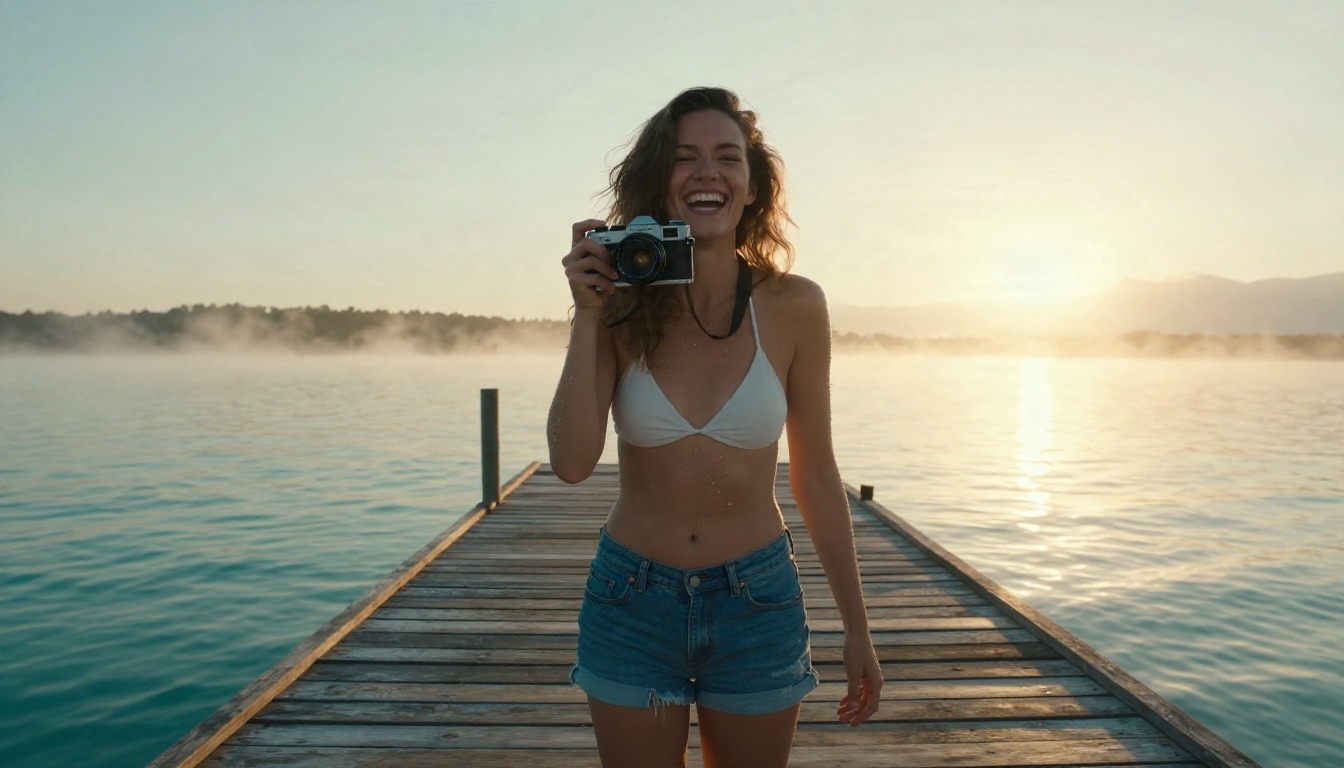
No single model wins every category. Match the model to the job.
For natural body and fabric motion
Hair in wind, water drops, a shoulder turn, a fabric ripple: these subtle movements are where models differ. Wan 2.7 I2V and Hailuo 2.3 Fast handle gentle, realistic motion well. Wan 2.5 I2V Fast is a speedy choice for drafts.
For speed and volume
LTX 2.5 Fast is built for quick turnarounds. If you are testing ten prompts to find one winner, speed beats polish.
For polish and cinematic feel
Seedance 2.5 and Veo 3.1 Fast are better suited to final clips where lighting, camera movement and sound all matter. Older models such as Kling v1.5 Standard still do a decent job for 720p image animation at a modest cost.
Quick pick table
| Goal | Try first |
|---|
| Free iteration | Seedance 2.5 Lite, PicassoIA Video |
| Realistic motion | Wan 2.7 I2V |
| Speed | LTX 2.5 Fast, Wan 2.5 I2V Fast |
| Long clips | Seedance 2.5 |
| Clips with audio | Veo 3.1 Fast, Grok Imagine Video 1.5 |
A Simple Workflow on PicassoIA
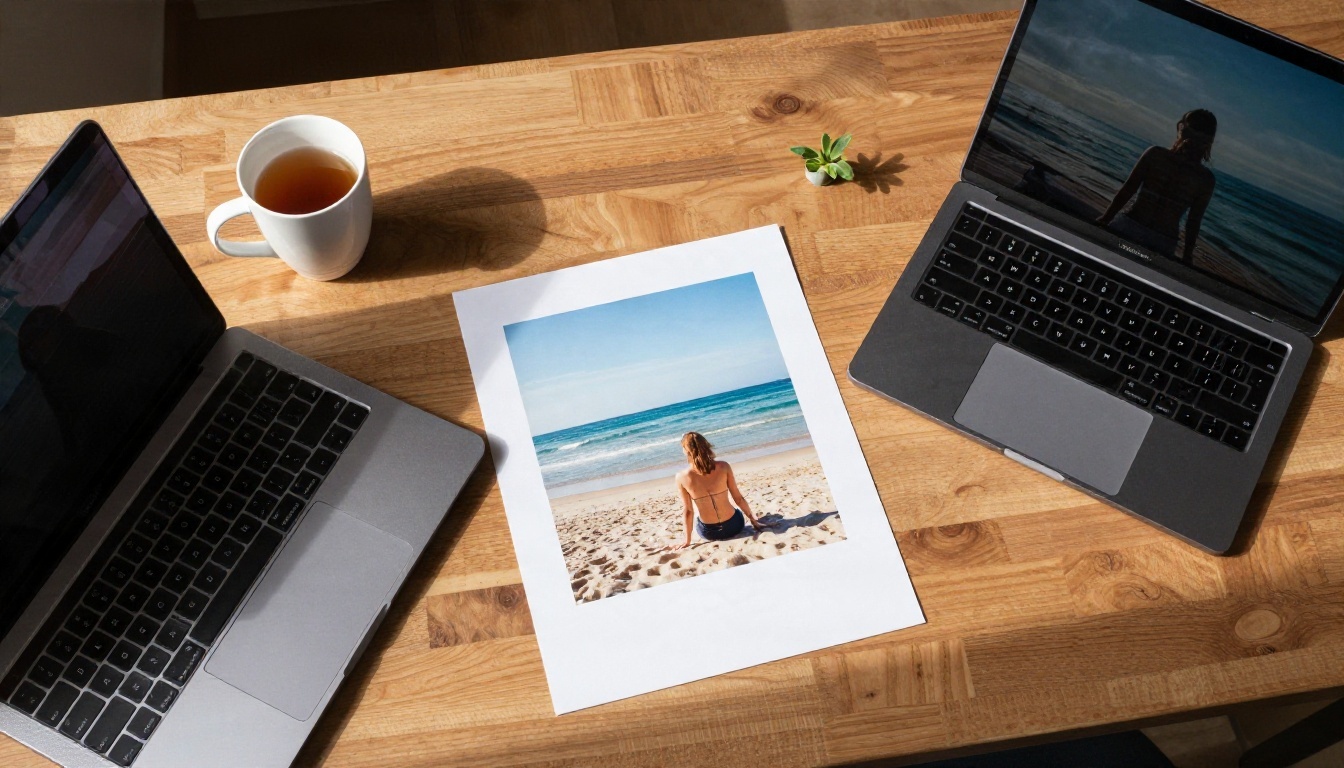
This is the sequence that wastes the least time and the fewest credits.
Step 1: Generate the still
Open Seedream 4.5 and write a photographer style prompt. Name the lens, the light direction, the outfit and the skin texture. Generate four or five versions and pick the sharpest.
Step 2: Polish the frame
Send the winner to PicassoIA Image Editor Pro. Fix hands, tidy the background, adjust the outfit. Because generations are unlimited, you can keep adjusting until the frame is clean.
Step 3: Animate it
Upload the finished still to Seedance 2.5 Lite for a free first pass. Keep the motion prompt short and physical, for example "slow dolly in, hair moves in a light breeze, subtle smile, soft golden light". One or two motions per clip is plenty.
Step 4: Upgrade only the winner
When one draft looks right, rerun the same still and prompt on Wan 2.7 I2V or Seedance 2.5 for the final version.
Settings worth remembering
- Duration: 5 seconds first, extend only if the motion holds.
- Camera movement: slow and single. Fast whip pans break faces.
- Prompt length: short motion verbs beat long descriptions.
- Seeds: save a seed that works so you can reproduce it.
💡 If a clip warps the face, shorten the duration or reduce motion intensity before you change the source image.
Mistakes That Waste Credits
Overloading the motion prompt
Asking for a dance, a camera orbit, a costume change and a lighting shift in five seconds guarantees artifacts. Pick one action.
Using a low quality still
Compression artifacts, odd hands and blurred faces in the source get amplified in motion. Fix them first.
Ignoring the length ceiling
Requesting 15 seconds from a 5 second model either fails or gets silently trimmed. Check the limit before you write the prompt.
Paying for premium too early
Draft on free or fast models. Pay for premium only after the motion and framing are proven.
Start Animating Your Own Stills
The best uncensored image to video tool is the one that lets you iterate freely, treats glamour content like the fashion and portrait work it is, and gives you clip lengths that fit your project. For most creators that means a flexible stills workflow followed by a fast, free video pass, with premium models reserved for the final cut.
Build your first first frame with Seedream 4.5, refine it in PicassoIA Image Editor Pro, and bring it to life with Seedance 2.5 Lite. Then browse all PicassoIA models and try the same still on two or three different video models. A few free experiments will tell you more than any comparison table, and your next clip is one upload away.


