Typing a sentence and getting a finished video back, with footsteps, wind and a voice already in place, was a party trick two years ago. Now it is an ordinary Tuesday. The hard part is no longer making a clip. The hard part is choosing among dozens of tools that all claim to be the best video generator, all promise a free plan, and all hide the catch somewhere in the fine print.
This article cuts through that. You will see which free options hold up, which models produce sound that actually matches the picture, whether a phone app beats a browser tab, and how honest the phrase "no sign up" really is in 2027.
💡 Quick take: If you want one place to test many engines without juggling accounts, start with the models on PicassoIA listed below. If you only want a single free pick today, Seedance 2.5 Lite is the one to open first.
The Short Answer
Most readers want a pick before they want a lecture, so here it is. The right tool depends on what you care about most.
Best overall for quality
For raw visual quality and believable motion, the current top tier is Kling v3 Video, Veo 3.1 Fast and Sora 2. All three handle camera moves, human faces and physics far better than the models from 2025. Which one wins on a given day depends on your subject, so test the same prompt on two of them before you commit.
Best free pick
Seedance 2.5 Lite is listed as a free and unlimited generator for clips up to 10 seconds. That combination is rare. Most free plans give you a small daily allowance, a watermark, or both.
Best for built in sound
Veo 3.1 Lite, Veo 3 Fast, Sora 2 and Seedance 2.0 Mini all generate audio together with the picture, so dialogue, ambience and effects arrive in a single file.

Free Options That Actually Work
"Free" is the most abused word in this category. Searching it turns up a wall of vendor blogs, each ranking its own product first, so a healthy dose of skepticism is part of the job.
What "free" really means
Across the market, free usually lands in one of four buckets:
| Free type | What you get | The catch |
|---|
| Daily credits | A small refill each day, often enough for a handful of short clips | Queues are long and credits vanish fast on higher quality settings |
| Watermarked output | Full clips with a logo burned in | Unusable for client work or clean social posts |
| Silent clips only | Good picture, no audio | You need a second tool for sound |
| Unlimited lite model | A lighter engine with no hard cap | Lower ceiling on resolution or length, but no meter ticking |
Reports on popular tools suggest free tiers frequently hold back native audio for paid plans, and one widely used engine is described as giving roughly 66 credits per day with a small watermark. Treat any figure like that as a moving target. Plans change monthly.
Why unlimited beats daily credits
A daily allowance trains you to ration. You write one careful prompt, wait in a queue, and hope. An unlimited plan lets you do what actually produces good video: run six variations, keep the best one, and throw away the rest. That is why Seedance 2.5 Lite stands out for casual creators. Iteration is where quality comes from, and iteration needs room to fail cheaply.

💡 Tip: Draft on a lighter model, then rerun only your winning prompt on a premium engine such as Kling v3 Omni Video for the final 1080p version. You spend premium resources only once.
Sound Changes Everything
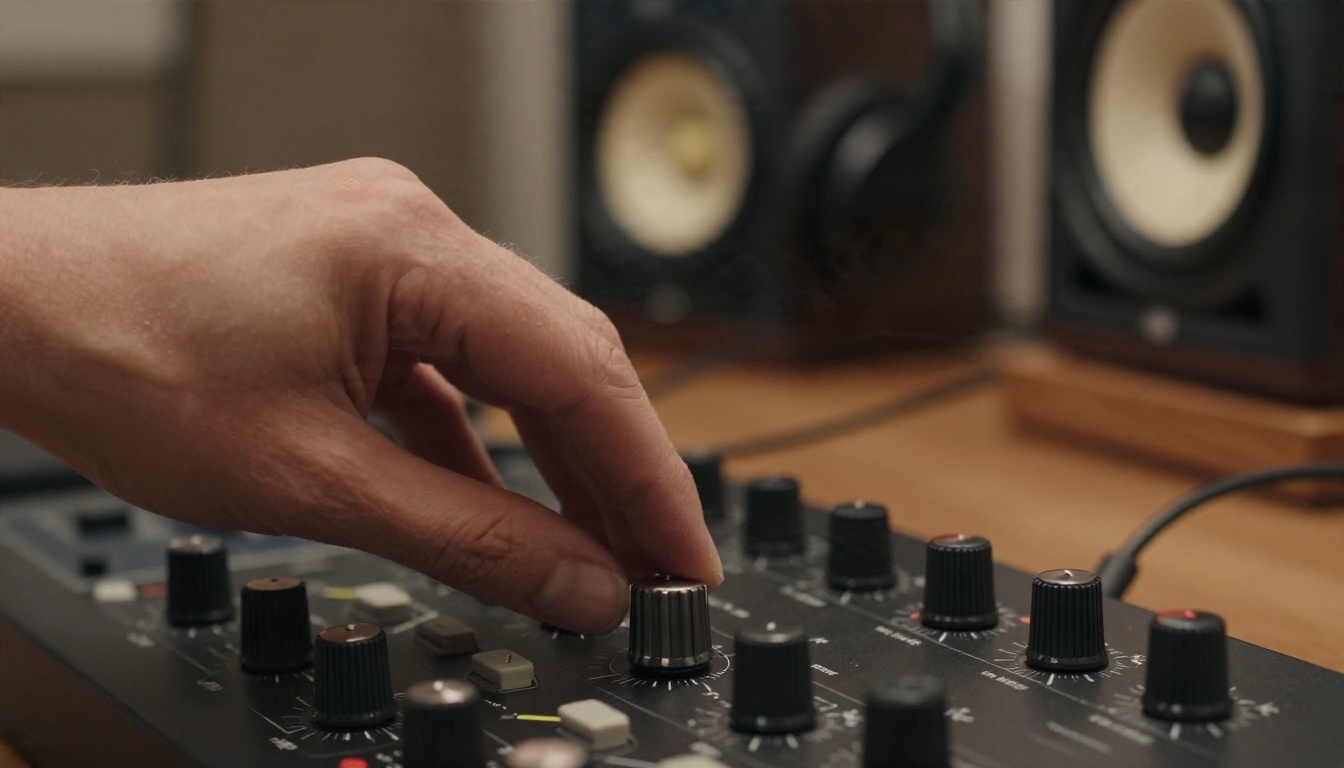
A silent clip feels like a screensaver. Add a footstep that lands on the right frame and the same clip feels like a scene from a film. In 2027, sound is no longer a bonus feature. It is half of what you are judging.
Native audio versus added later
There are two ways a generator can give you sound:
- Native audio: The model creates picture and sound in one pass. Lip movement, footsteps and background noise are tied to the action because they come from the same understanding of the scene.
- Audio added afterward: You generate a silent clip, then layer music, voice or effects with a separate tool. This gives you more control but costs more time, and syncing is on you.
Native audio wins for dialogue and quick social clips. Separate audio wins when you need a specific voice, a licensed song or a precise mix.
Which models make sound
Here is a practical shortlist of engines that produce audio along with video:
- Veo 3.1 Lite for affordable clips with native audio.
- Veo 3 Fast when you want sound and a quick turnaround.
- Sora 2 for synced audio and strong scene logic. Its sibling Sora 2 Pro targets HD output.
- Seedance 2.0 Mini for text to video with native audio at a light price.
If your clip needs a narrator instead, generate the picture first, then add a voice track with a text to speech model and line it up in an editor.
💡 Prompt trick: Describe sound in the prompt itself. Write "rain tapping on a tin roof, distant thunder, a woman whispering" and the audio follows. Leave sound out of the prompt and the model guesses, usually with generic ambience.
Video Generator Apps on Your Phone
Apps are tempting because you always have your phone, and a video idea rarely arrives while you are sitting at a desk.
App or browser?
Several large tools ship native iPhone and Android apps, and plenty of smaller ones pop up in the stores every month. The honest comparison looks like this:
| Native app | Browser |
|---|
| Setup | Download, permissions, account | Open a tab |
| Model choice | Usually one engine | Often many engines in one place |
| Free limits | Frequently tighter | Varies, often more generous |
| Notifications when done | Yes | Usually no |
| Storage | Eats phone space | Cloud based |
A good mobile browser experience gives you most of the app benefits without the download. Many "app" listings are thin wrappers around a single model with an aggressive subscription prompt on the second screen.

What to check before installing
Before you trust any app with your card, run through this list:
- Does the free plan include audio, or only silent clips?
- Is there a watermark, and can you remove it without paying?
- Does it show the price clearly before the trial starts?
- Can you export at 720p or 1080p, or is it capped lower?
- Does it let you pick between engines, or lock you into one?
If two or more answers are bad, close the tab and move on.
No Sign Up: What Is Realistic
The phrase "no sign up required" is everywhere in search results, and it is mostly marketing. Tests published by several review sites found that many tools advertising it quietly ask for an email or a login before the first export. A few real exceptions exist, usually small tools running open models with no audio.
The honest trade off
Video generation is expensive to run. Every clip burns GPU time, and providers need some way to prevent abuse. An account is how they do it. So the real choice is not "sign up or not". It is a trade between three things:
- Zero friction, low ceiling: anonymous tools, limited length, no sound, watermarks.
- One account, wide access: a single login that opens many engines and a generous free tier.
- Many accounts, many limits: juggling separate logins for each model, each with its own meter.
The middle option is where most people end up happier. One account, many models, one place for your history.

Privacy points worth a minute
Anonymous does not mean private. Before uploading a face, a product shot or a client asset to any generator, check whether outputs are public by default and how long files are kept. If a tool does not say, assume the worst and use stock or invented subjects instead.
Side by Side Comparison
Here is how the main engines on PicassoIA stack up for the things this article cares about. Details come from each model page, so check the page for current limits before you build a workflow around one.
| Model | Best for | Sound | Notable strength |
|---|
| Seedance 2.5 Lite | Free daily practice | Check model page | Free and unlimited, up to 10 seconds |
| Seedance 2.5 | Longer stories | Check model page | Clips up to 30 seconds |
| Seedance 2.0 Mini | Light, quick clips | Native audio | Low cost, text to video |
| Veo 3.1 Fast | Polished 1080p | See model page | Strong realism and speed |
| Veo 3.1 Lite | Budget with sound | Native audio | Affordable audio clips |
| Sora 2 | Scene logic | Synced audio | Believable physics |
| Kling v3 Video | Cinematic motion | See model page | Smooth camera work |
| Kling v3 Omni Video | Final 1080p renders | See model page | Text to 1080p |
| Hailuo 02 | Stylish 1080p | See model page | Expressive movement |
| LTX 2.5 Fast | Speed and 4K | See model page | Fast high resolution |
| Wan 2.5 T2V | Flexible text to video | See model page | Solid all rounder |

How to pick in 30 seconds
Make Your First Clip in Five Steps
This workflow works on any engine, and it takes about five minutes the first time. Open the PicassoIA page for the model you picked, and follow along.

Step 1: Choose the engine
For a first try, open Seedance 2.5 Lite. It costs nothing to experiment, so a bad first result stings less. If you plan to publish, pick Veo 3.1 Fast instead.
Step 2: Write one clear scene
Describe a single moment, not a whole story. A reliable formula:
Subject + action + setting + light + camera move + sound
Example: "A fisherman pulls a rope hand over hand on a wooden boat at dawn, soft pink light, slow push in, creaking wood and gentle waves."
Step 3: Set length and shape
Keep your first clip short. Five seconds is plenty to judge motion and audio. Longer clips multiply the chance of a visual glitch late in the shot. Choose the aspect ratio for where it will live: wide for a site, vertical for phone feeds.
Step 4: Generate, then compare
Run the prompt two or three times. The same text gives different results each run, and the best take is often the second or third one. Keep a note of which phrases helped.
Step 5: Upgrade the winner
When you have a prompt you like, rerun it on a higher tier such as Kling v3 Omni Video, or animate your best still frame with Wan 2.5 I2V Fast.

💡 Pro habit: Write prompts in a notebook or a notes app before you paste them in. Once a phrase works, you can reuse it across every future project.
Mistakes That Waste Credits
After watching a lot of people burn through free plans, the same errors show up again and again.
Stuffing too many ideas in one prompt
Three locations, two characters and a camera spin in five seconds is a recipe for mush. One idea per clip. Cut between clips in an editor if you need a story.
Judging by the first frame
A strong opening frame means little. Watch the whole clip, especially hands, faces and any text in the scene. Models still struggle with readable signs and fast finger movement.
Ignoring sound until the end
If audio matters, say so in the prompt and choose a model with native audio from the start. Fixing silence later means a second tool and a lot of nudging in an editor.
Chasing one perfect model
No single engine wins at everything. People who get consistent results keep two or three favorites and match the engine to the shot: realism, stylized motion, speed, or length.
Skipping a quality check
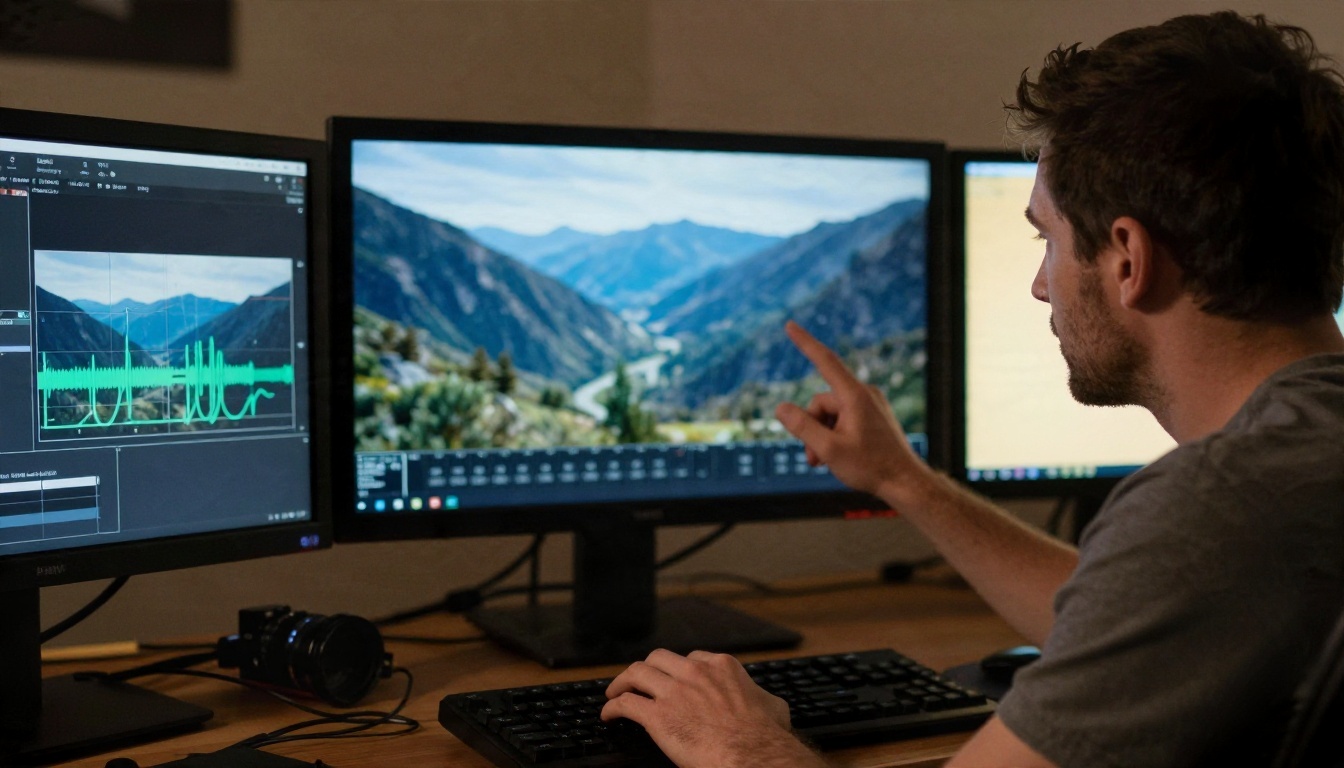
Before posting, scrub through the clip frame by frame for flicker, warped objects and audio pops. If the clip is soft, a super resolution or video enhancement model can sharpen it, and a video editing model can fix one bad section without regenerating the whole thing.
| Problem | Quick fix |
|---|
| Soft or blurry picture | Rerun on a 1080p capable model |
| Wrong mood in audio | Rewrite the sound line of the prompt |
| One broken second | Trim in an editor or use a video editing model |
| Face looks off | Use a closer shot and simpler background |
| Motion too jittery | Shorten the prompt, lower the action level |
Try It Yourself
The best video generator is the one you actually open and use, so pick a model from the list above and make something in the next ten minutes. Start with Seedance 2.5 Lite for free practice, then move your best prompt to Veo 3.1 Fast, Kling v3 Video or Sora 2 when you want polish and sound.
You can also build a full pipeline in one place: generate stills, animate them, add voice with text to speech, and clean up with video editing and upscaling tools. Browse everything at picassoia.com/en/all-models, run the same prompt across three engines, and see which one gives you the clip you had in your head. Your first good result is usually one rewrite away.


