Picking a visual AI tool in 2027 feels a bit like walking into a camera shop where every box promises "studio quality." Some tools give you a handful of free images a day. Others lock everything behind a monthly plan. A few can turn a still photo into a five second clip with sound. This article sorts the noise into a short list you can act on today: what each tool is good at, what you can use for free, which prompts work, and what you will really pay.
Prices and free allowances change often, and the roundups I checked disagreed with each other on several numbers. Treat every figure below as a snapshot, and confirm it on the vendor's own pricing page before you subscribe.
The label covers three different jobs, and mixing them up is the fastest way to overpay.
Image generators
These turn a text prompt into a picture. Midjourney, Adobe Firefly, Leonardo AI, ChatGPT image creation and Gemini's Nano Banana all sit here. Quality now ranges from "fine for a blog thumbnail" to "hard to tell from a photograph."
Video generators
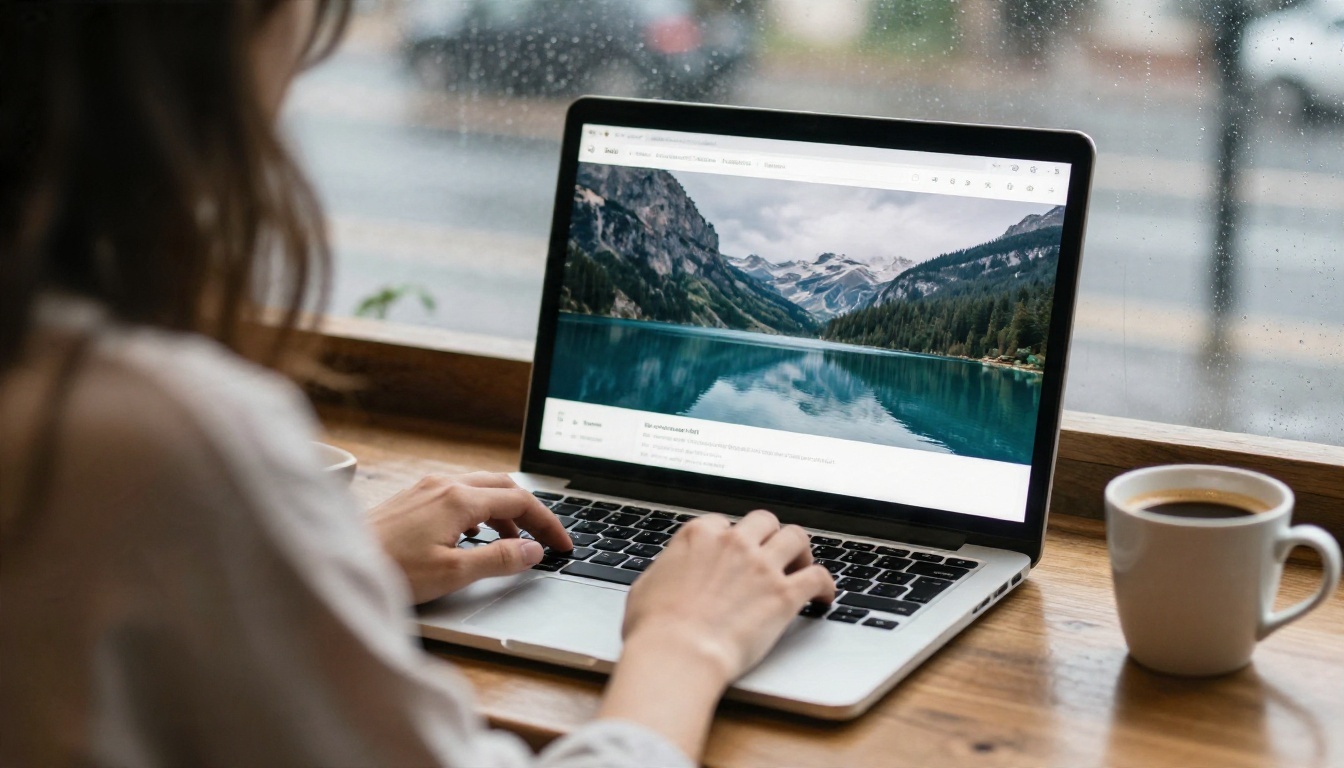
These animate a prompt or a still image into a short clip. Google's Veo family, Kling and Runway lead the conversation. The newest models add synchronized audio, so a clip of rain on a window arrives with the sound of rain.
Editors and upscalers
This group fixes what you already have: removing backgrounds, extending a canvas, repairing old photos, sharpening low resolution files. They rarely get headlines, but they save more hours than any generator.
💡 Tip: Decide which of the three jobs you need most before you compare prices. A tool that is great at video can be mediocre at stills, and the reverse is just as common.
I grouped tools by the result you want, because "best" depends on the job.
Best for photorealism
Seedream 4.5 and Imagen 4 produce skin, fabric and light that hold up when you zoom in. Nano Banana Pro is a strong pick when you also want to edit an existing photo with plain language. Midjourney keeps its reputation for a polished, painterly look, though it has no free tier according to the roundups I read.
Best for text inside images
Posters, packaging and social graphics need readable lettering. Ideogram v4 Quality and Ideogram v4 Balanced handle short phrases far better than older generators did.
Best for fast drafts
When you need twenty rough ideas before lunch, speed matters more than polish. Z Image Turbo and Imagen 4 Fast return results in seconds, which makes iteration cheap.
Best for video
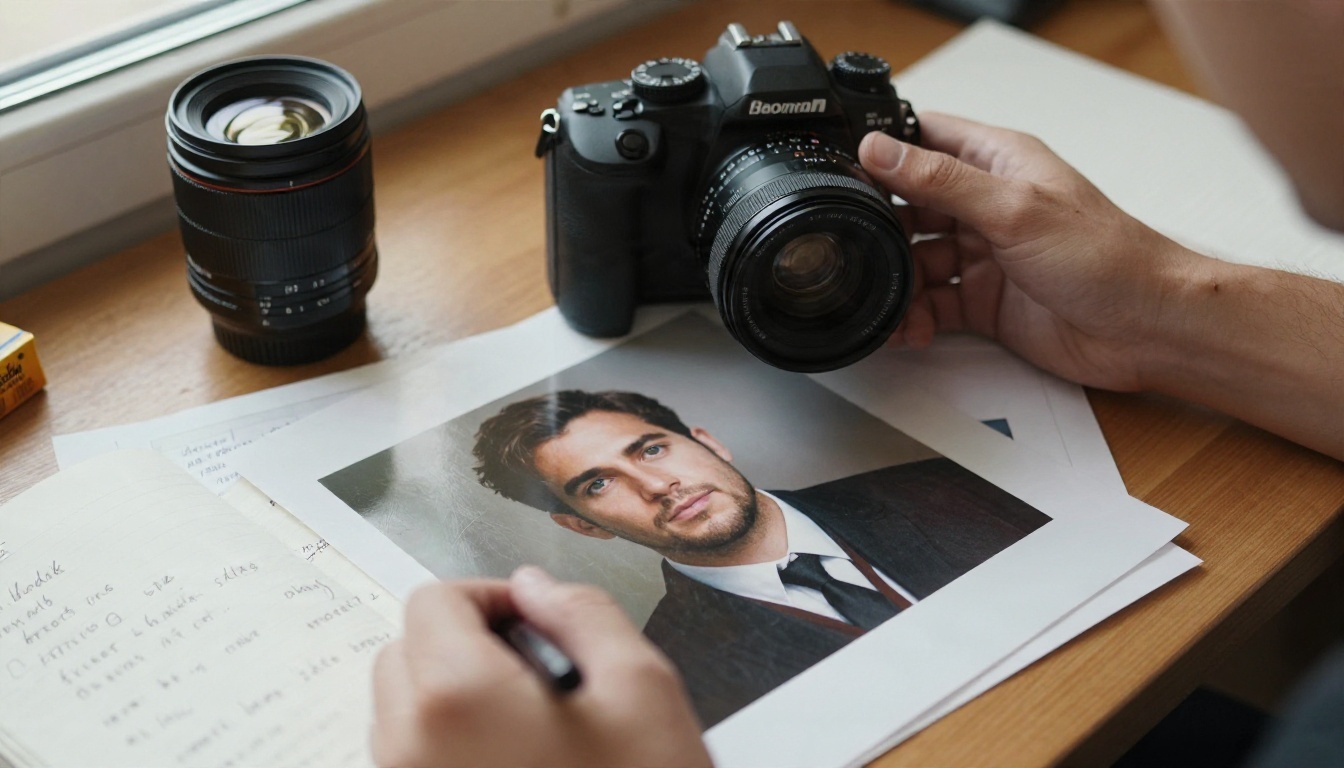
For cinematic motion, Kling v3 Video and Veo 3.1 Fast are the two names that come up in nearly every ranking. If you want to animate a still you already like, Wan 2.5 I2V Fast does exactly that, and LTX 2.5 Fast is built for speed.
| Job | Strong picks | Why |
|---|
| Photorealistic stills | Seedream 4.5, Imagen 4, Nano Banana Pro | Natural skin, light and texture |
| Text in images | Ideogram v4 Quality | Readable lettering |
| Quick drafts | Z Image Turbo, Imagen 4 Fast | Results in seconds |
| Cinematic video | Kling v3 Video, Veo 3.1 Fast | Smooth motion, audio on some |
| Animate a still | Wan 2.5 I2V Fast | Starts from your own image |
Free Options That Actually Work
Free is real, but it comes with strings. Here is what the 2026 and 2027 roundups agree on.
Free image tools
Several sources describe Gemini with Nano Banana as the strongest free starting point for stills. Adobe Firefly offers a limited monthly pool of generative credits. Leonardo AI hands out a daily token allowance. Ideogram gives eligible free accounts a weekly allowance, though sources disagree on the exact number. ChatGPT includes a limited number of images on its free plan. Bing Image Creator and NightCafe also have free plans.
If you want to skip the daily caps, open models are another route. Flux 2 Klein 4B Base and its LoRA version are built on openly available weights, which is why they show up in so many free workflows.

Free video tools
Video is where free plans shrink. Kling is repeatedly named as the most generous, with a small daily credit allowance. Runway's free credits are limited, and the roundups call it a better fit for editing control than for cheap experimenting. Reports are split on whether Veo has a standalone free tier, so check before assuming it. Sora was reported discontinued during 2026, so I would not build a workflow around it.
Watermark traps
Free outputs are often watermarked, capped at a lower resolution, or barred from commercial use. If the image is going on a client site or a product page, read the license line first. A free picture you cannot legally publish costs more than a paid one.
⚠️ Watch out: "Unlimited" on a pricing page sometimes means "unlimited slow queue." Test a real prompt at peak hours before you trust the word.
Prompts That Get Results
A tool is only as good as the sentence you give it. Vague prompts get generic pictures. Specific prompts get specific ones.
The photo prompt formula
Use this order: subject and action, setting, light, camera, texture. For example: a baker dusting flour over a wooden counter, small village bakery, soft window light from the left, 50mm lens at f/2, visible flour grain and linen apron weave. Every part removes a guess the model would otherwise make for you.

Three prompts to copy
- Product shot: A matte ceramic mug on a pale oak table, morning window light from the right, 85mm lens at f/2.8, soft shadow, visible glaze texture, Kodak Portra 400 film grain.
- Portrait: Close-up of an elderly fisherman mending a net on a harbor wall, overcast sky, 85mm lens at f/1.8, weathered skin, wool sweater fibers, natural color.
- Interior: A quiet reading corner with a linen armchair and a floor lamp, late afternoon light through sheer curtains, 35mm lens at f/4, soft dust in the air.
Notice what is missing: no "ultra realistic masterpiece 8K trending." Those stacked adjectives rarely help. Concrete camera and light words do.
Video motion prompts
For video, describe what moves and how the camera behaves, in order. A woman stands at a window holding a cup, steam rises, the camera pushes in slowly, curtains shift in a light breeze, warm late light. Keep it to one idea per clip. Five seconds is not much room for a plot.
💡 Tip: Generate the still first, approve it, then animate it. You spend images on the cheap experiments and video credits only on the winner.
Real Examples by Use Case
Product photos without a studio
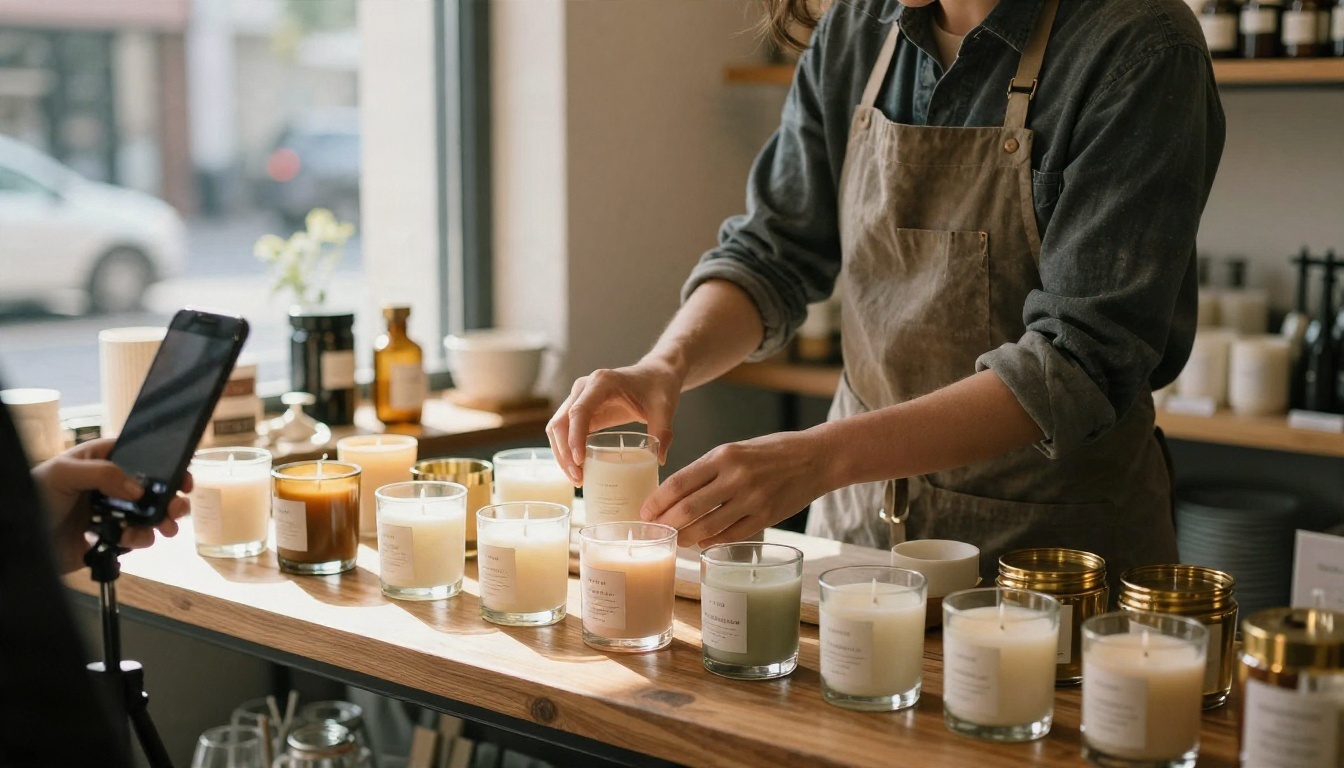
Small shops use image models to mock up lifestyle scenes before booking a photographer, or to replace a cluttered background. A candle maker can show the same candle on a shelf, a bathroom ledge and a gift table in an afternoon.
Social content on a schedule
A weekly posting routine is easier when the pictures are not the bottleneck. Many creators generate a batch of ten stills on Monday, pick four, and upscale or retouch those. A fast model like Z Image Turbo suits that rhythm.
Short video ads and teasers
A still plus a motion prompt gives you a five second clip for a story or a landing page header. Kling v3 Video and Veo 3.1 Fast both suit this, and some of their output arrives with sound, which saves a separate audio step.
Retouching and rescue jobs
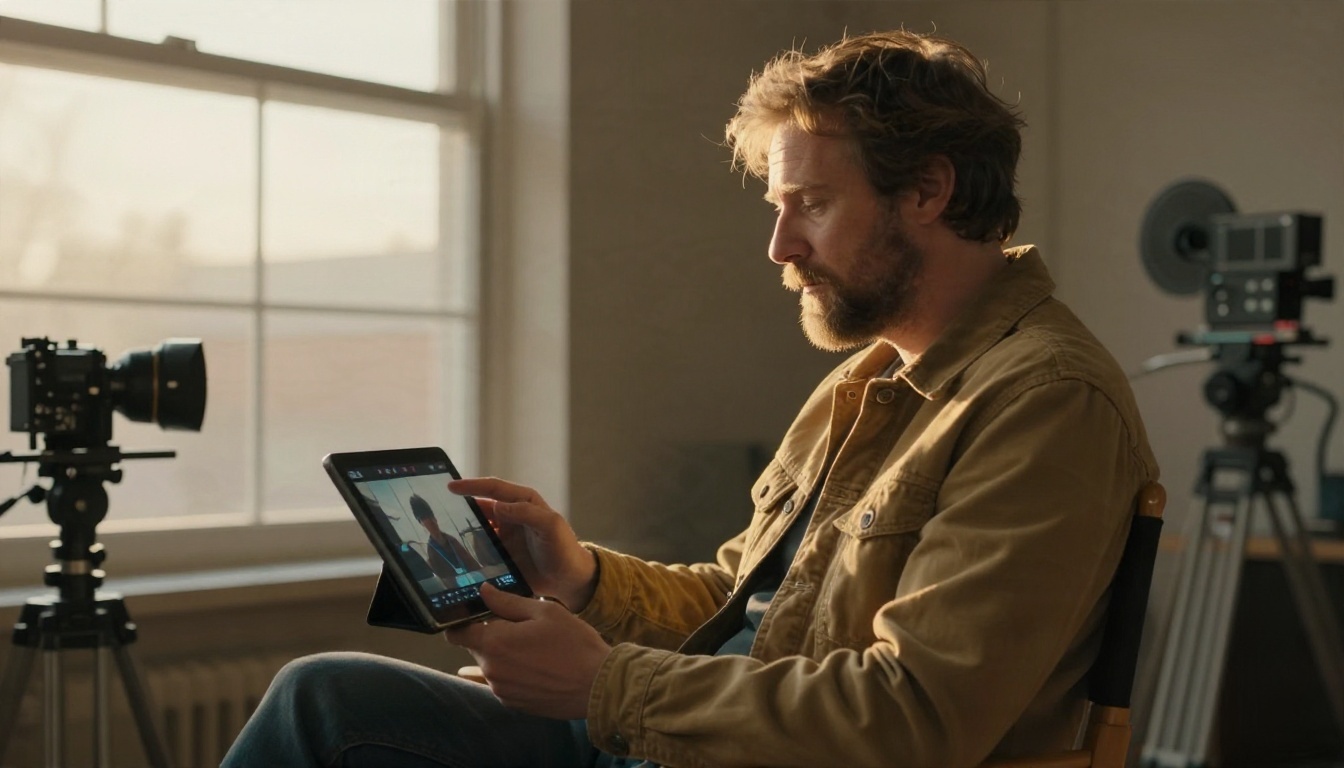
Not every project starts from a blank prompt. Editors can remove a background, extend a cropped photo, restore a faded print or sharpen a low resolution file. These tools often matter more to a working designer than any generator.
Pricing in 2027
Numbers below come from several roundups that conflict, so read them as ranges.
| Tool | Free plan | Paid plans (reported) |
|---|
| Midjourney | No | Roughly $10 to $120 a month |
| Adobe Firefly | Limited monthly credits | About $9.99 and $19.99 a month |
| Leonardo AI | Daily tokens | From about $12 a month |
| Ideogram | Weekly allowance | Reported from $7 to $20 a month |
| ChatGPT images | Limited | Roughly $8 to $20 a month |
| Kling | Small daily credits | About $7 to $8 Standard, about $28 Pro |
| Runway | Limited credits | About $12 a month Standard |
| Google AI plans (Veo) | Disputed | About $19.99 Pro, $249.99 Ultra |

Subscription versus credits
A subscription suits people who generate every week. Credits suit people who need a burst of work for one project and then nothing for a month. Do the arithmetic: if you create fewer than thirty images a month, a free plan plus occasional credits is usually cheaper than a $20 plan you forget about.
Hidden costs
Video credits drain far faster than image credits, since each clip can cost many times what a still does. Higher resolutions, longer clips and extra variations also cost more. Commercial licenses are sometimes limited to higher plans. Add those to your estimate before you commit.
💡 Tip: Run a three-prompt test on two or three tools using the same prompts. Compare the results side by side, then pick the winner on quality per dollar rather than on the brand.
Start with the deliverable. Blog thumbnails and social posts need speed and decent realism, so a fast model on a free plan is enough. Product pages need clean texture and accurate color, so spend on a photorealistic model. Posters need lettering, so choose a text-strong model like Ideogram v4. Anything moving needs a video model, and you should budget more than you expect.
Then check three practical points. First, the license: can you use the output commercially? Second, the export: is the resolution high enough for your use? Third, the speed: will you wait ten seconds or ten minutes on a Friday afternoon? A tool that is slightly less pretty but ten times faster often wins in real work.
If you do not want to juggle five subscriptions, a single platform that gathers many models in one place is easier to manage. Picasso IA lists image, video, editing and upscaling models together, so you can try Seedream 4.5 on a portrait, Ideogram v4 on a poster and Kling v3 Video on a clip without opening a new account each time.
Make Your First Image Today
You do not need a big budget or a long tutorial. Pick one real task from this week: a blog header, a product mock-up, a social post. Write one prompt using the formula above, run it on two models, and keep the better result. Then animate your favorite with a video model and see how it feels.
Picasso IA puts all of the models mentioned here in one place, from Seedream 4.5 and Nano Banana Pro to Kling v3 Video and Veo 3.1 Fast. Browse the full list at picassoia.com/en/all-models, start with a free generation, and see which tool fits the way you work.


