You downloaded a waifu app, picked a character, sent maybe thirty messages, and then the wall appeared: a daily cap, a blurred image, a weekly plan that costs more than a streaming subscription. If that sounds familiar, you are not looking for another app. You are looking for a better waifu AI, meaning one that remembers your character, keeps talking when you want to talk, and produces images you actually like. This article breaks down what free plans really give you, where each type of tool falls short, and how to build a setup that does not run out at the worst moment.
What "Waifu AI" Really Means Now
The phrase covers two very different products that people bundle together. The first is a chat companion: a character with a name, a personality and a memory, who answers you in text or voice. The second is an image generator tuned for anime style portraits, character sheets and wallpapers. Most apps try to sell both in one subscription, and that is exactly where the pricing trouble starts.

Chat companions
A companion app is a language model wrapped in a persona prompt and a memory layer. The quality you feel comes from three things: the underlying model, how much past conversation it can hold, and how strict the filters are. Apps rarely tell you which model runs underneath, so two apps with similar marketing can feel completely different after a week.
Image generators
Image tools run a diffusion or transformer based model, often with a style preset for anime. Quality depends on prompt adherence, hand and face accuracy, and how many generations you can afford. A tool that gives you five free images a day is a demo, not a workflow.
Why people switch
From the threads and reviews I went through while researching this, the same complaints repeat:
- Message caps that arrive mid conversation
- Image generation locked behind a paid tier
- Characters that forget details after a few days
- Ads or queues during busy hours
- Plans that renew weekly instead of monthly
💡 Quick rule: if a free plan limits both messages and images, the app is built to make you pay within a week. Treat it as a trial.
Where Free Plans Actually Break
Free tiers change often, and many roundups are written by sites that earn affiliate commissions, so treat any single ranking with caution. Still, the patterns in recent testing reports are consistent enough to be useful.
The message wall
Reports on popular companion apps describe a wide spread. Some tools advertise no chat limit at all and no credit card, while others cap free users at roughly thirty text messages a day. One reviewer described Character.AI as having peak hour queues, ads in the middle of a chat and limits on regenerating replies. Chai was reported to shift its daily limits every few weeks, which makes planning around it hard.
The image wall
Candy AI was described as giving very few free messages and no free image generation. Hi Waifu was listed with a free tier for core chat and a premium plan around thirteen dollars a month. WaifuChat was reported with a paid weekly plan near fifteen dollars that adds unlimited messages and images. These numbers move, so check the current price in each app before you commit.
The memory wall
Even when messages are unlimited, memory is often capped by plan. A free character may remember the last few dozen turns, while paid tiers hold longer histories. If your character forgets your name every Monday, the problem is context length, not your prompts.
| Limit type | What you usually see on free plans | What it feels like |
|---|
| Messages | Roughly 20 to 50 a day, or queues at peak hours | Conversation ends mid story |
| Images | None, or a handful per day | Every render feels precious |
| Memory | Short history, resets often | Character forgets who you are |
| Voice | Locked or time boxed | Text only |
| Filters | Strict and inconsistent | Replies get cut off |
Free Chat Alternatives Worth Trying
If you want a companion without a meter ticking, the strongest move is to separate the brain from the app. Instead of renting a character inside one company's walls, you use a capable language model and give it a persona yourself. On PicassoIA you can do this with several chat models, and you decide the personality, tone and boundaries.

Fast and light companions
For quick banter and long casual chats, a fast model keeps replies snappy. GPT 5.6 Luna is built for quick text replies, and Gemini 3.5 Flash handles fast chat with image input, so you can paste a picture and ask your character to react to it.
Better writing and roleplay depth
When you want a character who keeps a consistent voice across a long story, a stronger writer helps. Claude Sonnet 5 is a good fit for sustained, nuanced dialogue, and GPT 5.4 is a solid all rounder for story driven chats.
Open style models with personality
DeepSeek V3.1 and Kimi K2.6 are worth trying when you want a different flavor of phrasing. Each model has its own rhythm, and swapping models is the fastest way to find the voice you like.
💡 Try this: write one persona prompt with name, age range, speaking style, three hobbies, and two things the character never says. Paste it into three models and keep the one that sounds most like a person.
How to Build Your Own Companion
Building a persona is easier than most people expect, and it fixes the memory problem because you control what gets repeated.
Step 1: Write a character sheet
Keep it under 300 words. Include a name, a voice, a few memories you share, and a short list of rules. Specific details beat adjectives. "Orders the same iced latte, hates rainy mornings, teases you about your playlists" works better than "kind and funny."
Step 2: Add a memory block
At the top of every new chat, paste a short summary of what has happened so far. Ask the model to update that summary at the end of each session, then save it in a note. This gives you unlimited memory for free, because you carry it yourself.
Step 3: Set the tone and limits
Say how affectionate, playful or serious the character should be. Clear boundaries make replies more stable than vague prompts, and they keep conversations the way you want them.
Step 4: Keep one model per character
Switching models mid story changes the voice. Pick one, keep your memory block, and the character feels like the same person day after day.
Free image generators exist, but caps are the norm. Microsoft Copilot and Meta AI offer free generation, though guides put the fast daily allowance at roughly fifteen to twenty five images. NightCafe gives a daily free allowance plus paid credits. That is fine for a few wallpapers, not for building a full character gallery.
Start with a strong all rounder
Seedream 4.5 is the first model to try for character portraits. It produces sharp 4K results, follows detailed prompts closely and handles faces, hair and outfits very well. It is also a good choice when your subject leans glamorous or romantic, since it can render attractive, stylish portraits without a strict filter getting in the way. Keep your results tasteful and within the law, and you will get clean images fast.
Edit without limits
PicassoIA Image Editor Pro offers unlimited generations, which solves the biggest frustration of free tools. You can change an outfit, swap a background, fix a hand or adjust the lighting on a character without watching a credit counter. If you iterate a lot, this is where the savings are.
Other strong picks
💡 Tip: keep a fixed "character block" in every image prompt: hair color and length, eye color, outfit, and one signature accessory. It is the simplest way to keep a character recognizable from one render to the next.
Writing Prompts That Look Right
Weak prompts waste generations. A reliable structure is subject, outfit, setting, light, camera and mood.
A prompt formula that works
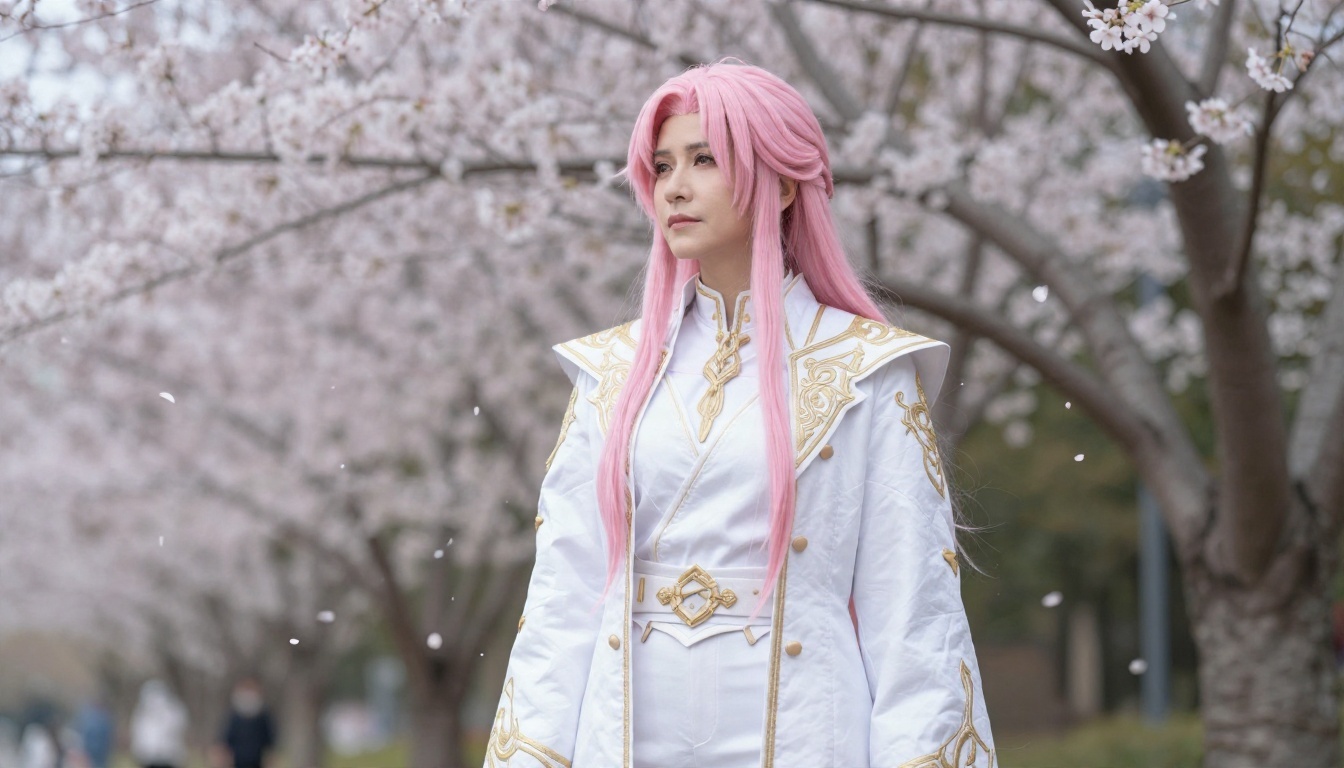
Try this order: who (age range, hair, eyes), wearing (outfit and fabric), where (location and time of day), light (soft window light, golden hour), camera (85mm portrait, shallow depth of field), mood (calm, playful). Short, concrete phrases beat long strings of buzzwords.
Photoreal or anime style?
Many people who search for a waifu image want anime art, but photoreal character portraits and cosplay style shots are growing fast, because they look more convincing on a phone lock screen. Models like Seedream 4.5 and Qwen Image 3 handle both directions, so try the same prompt with and without "anime style" and compare.
Fix details with edits
When a render is almost right, do not start over. Use an editing model to correct a hand, change a color or adjust the background. Nano Banana is good for this kind of targeted change, and the editor above handles it without a generation counter.
Pairing Chat and Images Together
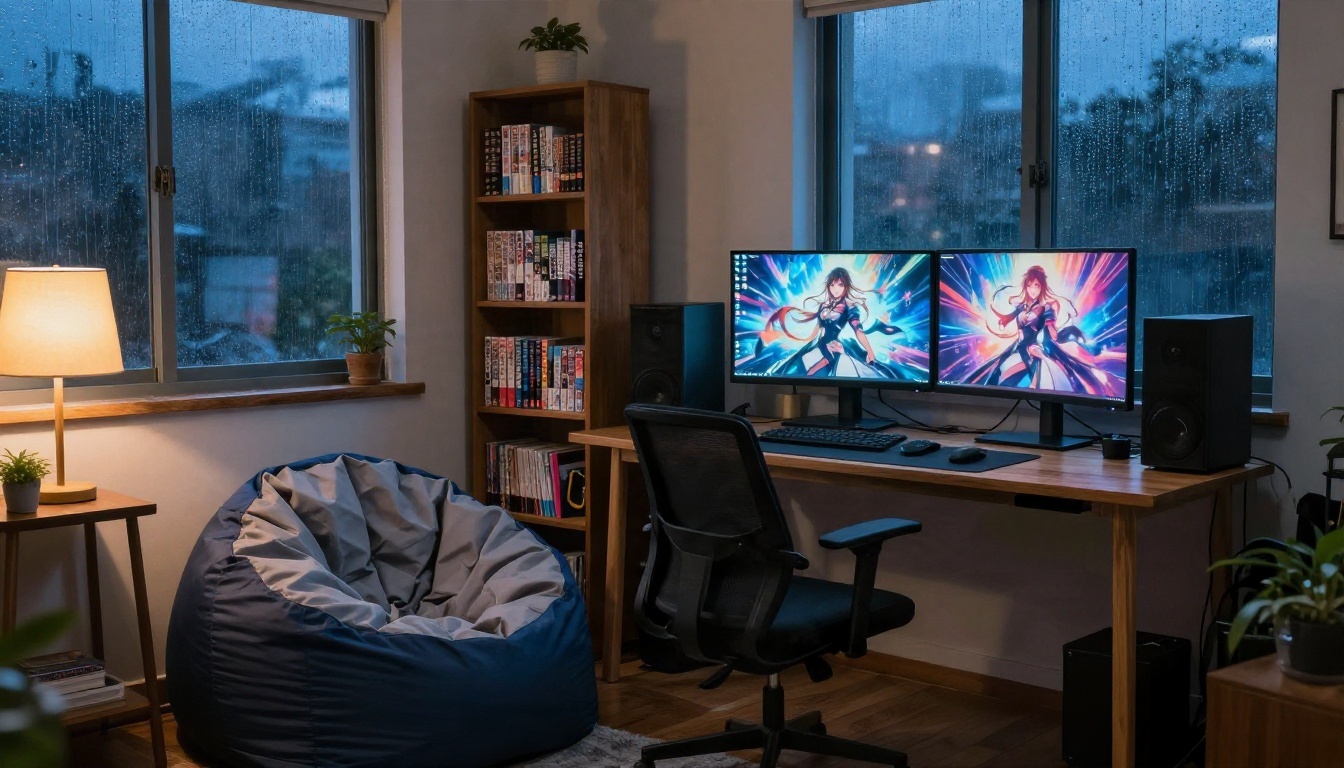
The real advantage of building your own setup is that the chat model and the image model can talk to each other through you. Ask the chat model to describe the scene the character is in, copy that description into the image prompt, and you get a picture that matches the story.
A simple loop
- Chat with your character in a language model.
- Ask it for a one paragraph description of the current scene.
- Paste that paragraph into an image model with your character block.
- Save the image next to your memory note.
After a few sessions you have a visual diary of the story, and every image comes from the same character sheet.
Use images as input
Some chat models accept pictures. Gemini 3.5 Flash can read an image and respond to it, so you can show your character a photo of your desk or a travel snap and keep the conversation grounded.
What About Collectors and Fans?
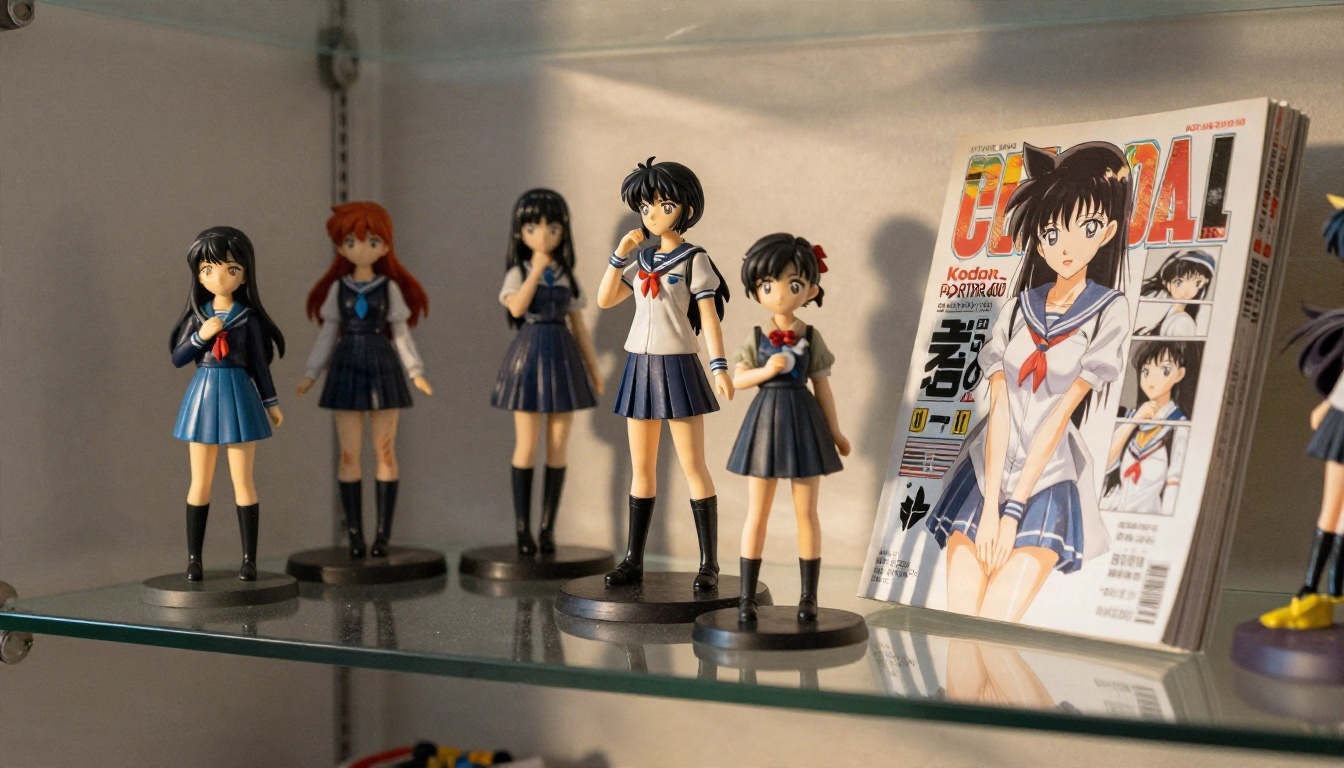
A lot of waifu fans also love the physical side of the hobby: figurines, cosplay, manga shelves. AI images work well as references and inspiration for that world.
Planning a cosplay
Generate reference images of an outfit from several angles before you buy fabric. It is cheaper to test colors and silhouettes on screen than on a sewing table.
Wallpapers and room design
A character portrait with soft lighting makes a good phone or desktop wallpaper. Ask for a vertical or wide crop in the prompt and pick a model that keeps faces clean at 4K.
Privacy, Safety and Honest Limits
Any companion setup involves personal conversation, so a few habits matter regardless of which tool you choose.

Protect your data
Do not share your full name, address, workplace or financial details with any chatbot. Read what an app says about storing chats and training on them, and delete history you do not want kept.
Know the real limits
Even a good setup has weak points. Language models can invent details, forget things outside the context window and drift in tone. Image models sometimes miss hands or text. None of this replaces human relationships, and if a companion starts to crowd out friends, sleep or work, take a break from it.
Keep content responsible
Use only fictional or adult characters, never real people without consent, and keep generated content tasteful and legal. That protects you and keeps the tools available for everyone.
💡 Checklist before paying anyone: Is the price monthly or weekly? Can you export your chats? Is the model named? Can you cancel in two clicks?
Pick Your Setup and Start Creating
If you want the fastest route to a better waifu AI, here is a setup you can have running in under an hour:
Write your character sheet tonight, run the same persona through two chat models, then generate your first set of portraits and compare. You will know within a single evening which combination feels right, and you will not hit a message wall while you test it. Open the full model list at picassoia.com/en/all-models, pick a chat model and an image model, and start building the companion you wanted from the beginning.


